
Cyberpunk 2077’s Night City seems like it would be a perfect location to hang out in using virtual reality. In-fact, the whole game looks like it would be fantastic in 3D at a realistic scale. I bet the futuristic theme would also lend itself well to the immersive nature of VR.
Luckily, there are few ways to get the PC version of the game to play using main-stream virtual reality headsets. Luke Ross’s REAL VR mod is one popular method. I’ve decided to experiment with the free option from the people that make VORP X.
VORP X is a well-known piece of software that enables many PC games to be played in VR even if they don’t natively support it. If you don’t already know about them, check out their site @:https://www.vorpx.com/. The team at VORP X has made a standalone mod for Cyberpunk 2077 and that is what I’ll be working with throughout this article.
According to everything that I’ve read on the subject, you’ll need a very powerful gaming PC to have a satisfactory play experience using this method. I’m running a 4090, Intel 12700K, 980 Pros, and 32GB of DDR4. The headset I’m using is a Meta Quest 3.
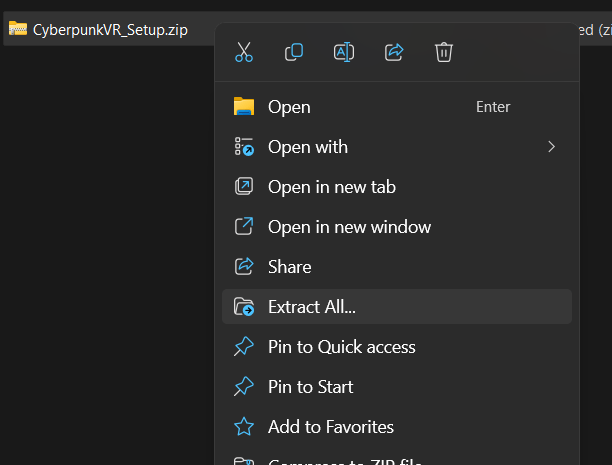
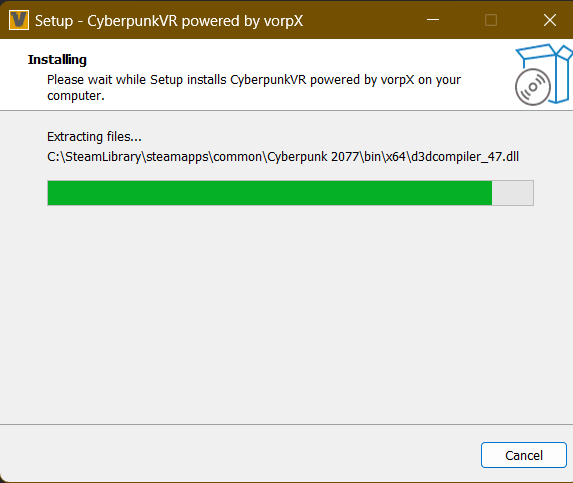
To install the VR mod, download it from the VORP X download page. Then right click on the downloaded file and choose the option to Extract All. Double click on the extracted CyberpunkVR_Setup.exe to start the installation.
You may be prompted that an unknown application is requesting to make changes to your system. This prompt is generated because the alpha code we are downloading from VORP X is not properly signed by a publicly certified certificate.
Proceed at your own risk. If you want to use the VR mod. the only choice is to click yes and/or allow. There can be more than one prompt depending on the security configuration of your gaming PC and network.
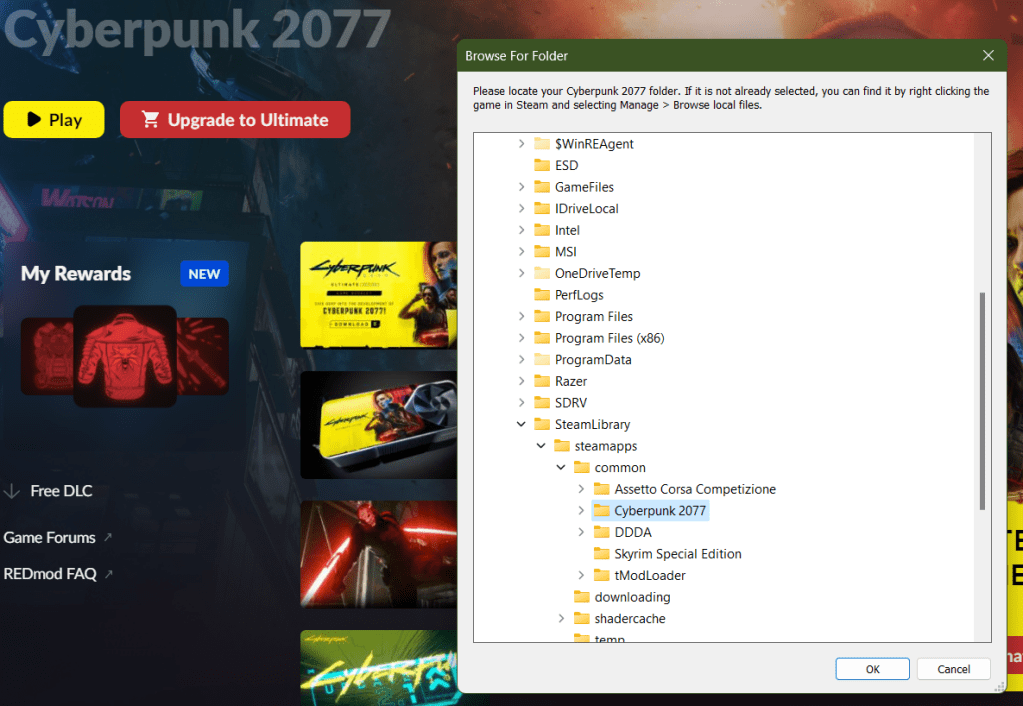
After the prompt, you will need to locate the installation files for Cyberpunk 2077. The installer attempts to find them for you and was successful in my case. If it doesn’t locate yours use the “manage files” function of the launcher to see the path.
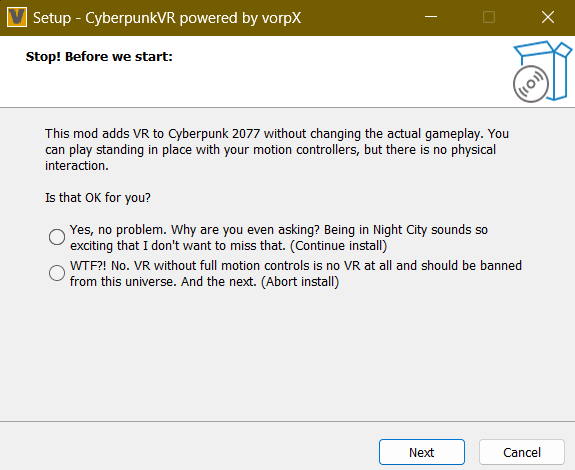
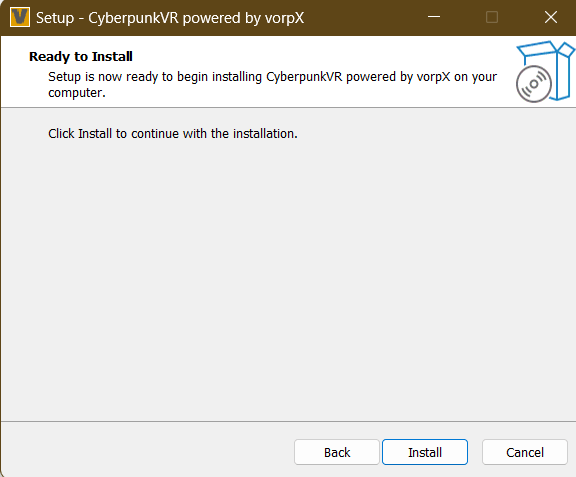
When you locate the install folder and click ok, there will be a message to tell you that the mod does not support motion controls (it does some now). Select yes, then click the next button. Accept the license agreement and then click Next. Finally click Install.
To play Cyberpunk in VR, put on your headset and enable Oculus Link (Air and Cable link both work). Once you are in the Oculus Desktop environment, show the game library (click the library button on the tool bar) and you should see Cyberpunk 2077 as an available title. Point at it and press A to start the game.
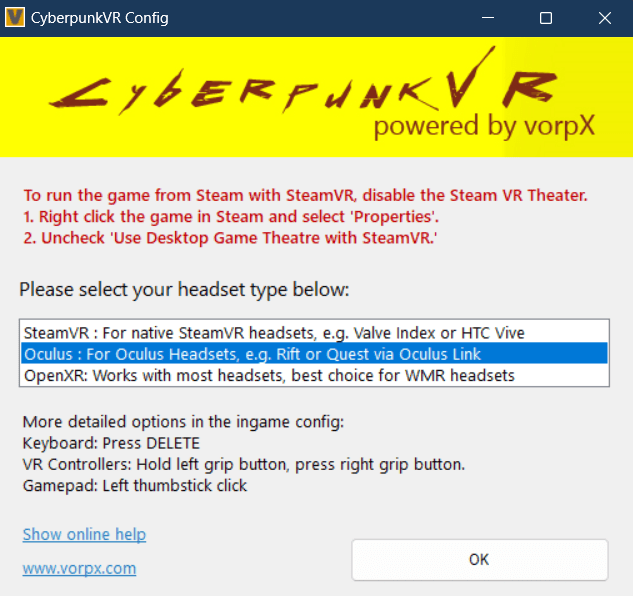
You can use the Quest controllers along with some basic gestures for aiming down site and using your sword, among others, but there really aren’t enough buttons to get the job done. I preferred using my Xbox controller paired to my PC to play. A tutorial explaining the controls is displayed every time you start the game. Press the A button on your controller to skip it.
The world is presented in 3D VR but appears almost like it is on a giant wall-sized curved monitor that you are standing really close to. If you turn your head to quickly, the tracking fails to keep up and you see the edges of the display. Don’t get me wrong the effect is functional and the game plays fine this way, it just isn’t a typical VR AAA experience. What do you expect for free?
I was able to achieve a stable frame rate with good looking graphics running on high with ray tracing disabled. I was averaging right at seventy frames per second with this config, but I expect anyone playing on a system with a less powerful GPU will need to turn down graphics options in the game’s settings menu, first thing. Or risk being made nauseous.
Overall, it was fun to see Night City at scale and in 3D. The people watching in down-town alone is worth the thirty minutes of effort and zero dollars it took to make this work. I don’t think VR will be anyone’s primary play mode just yet, but you can tell the Devs are serious about getting there.
 techbloggingfool.com