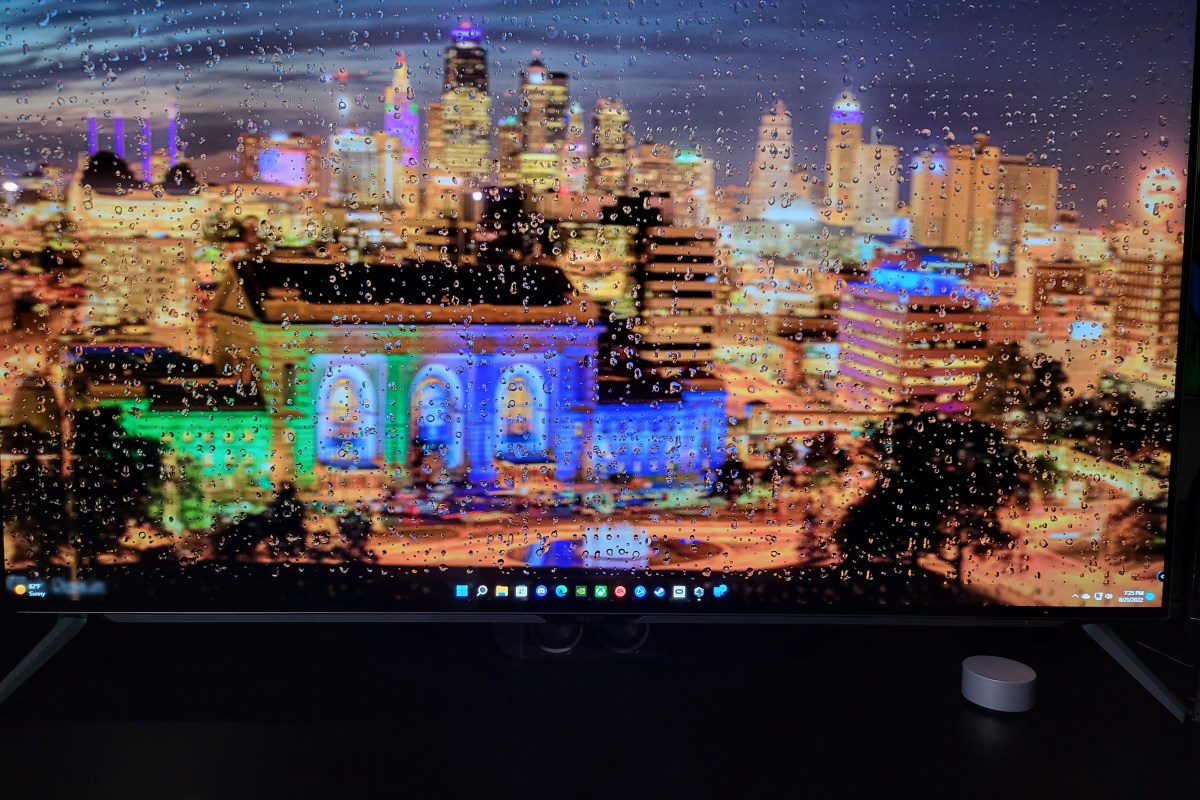
Why the Gigabyte Aorus F048U is My Favorite Screen in the House

I’m always going after an improved experience with any technology, but that espeically applys to displays. My current favorite is from Gigabyte. A company known for their PC gaming equipment.

The Aorus F048U is a 48 inch, 4K, HDR, 120 FPS, OLED computer monitor based around LG’s fantastic panel. It’s enclosed in a uber thin case with bezels so small they almost disappear. The panel is being backed up by some smart software and useful connection options. 
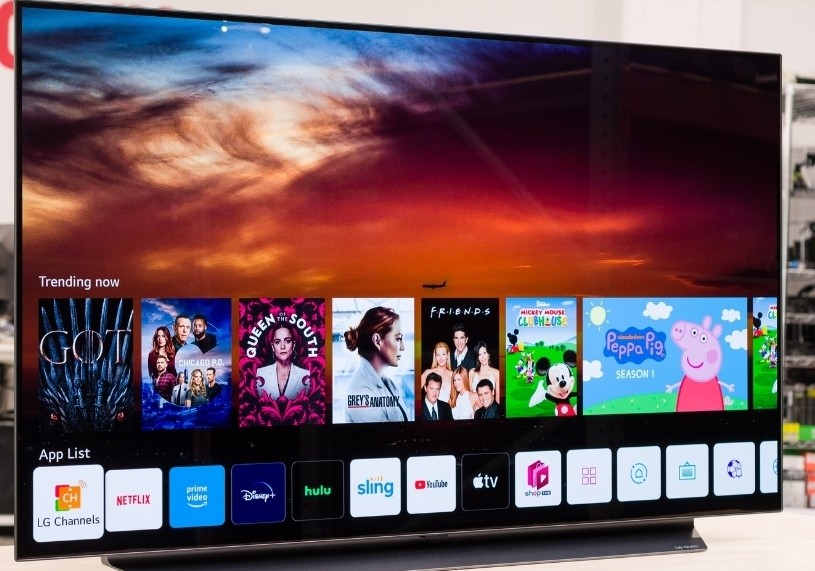
LG’s 48″ OLED TV is missing a Displayport connection.

In it’s out of the box auto mode, the screen is breath taking. Think about the best Samsung or Apple mobile phone screen, streched to fill your full field of view.The pixel density is lower, but the colors and infinite contrast remain. If you put some time into mastering Gigabyte’s software, the results are even more impressive. Download the optional Window’s agent from their website at: https://www.gigabyte.com/Monitor/AORUS-FO48U/support#support-dl.

You can use the software to create profiles for any senario. For example, I noticed that Destiny 2 sufferers FPS lag on 180 snap turns. It turns out that Destiny 2 doesn’t like the monitor’s Black Stabilizer feature.  I was easily able to configure a profile with that feature disabled.
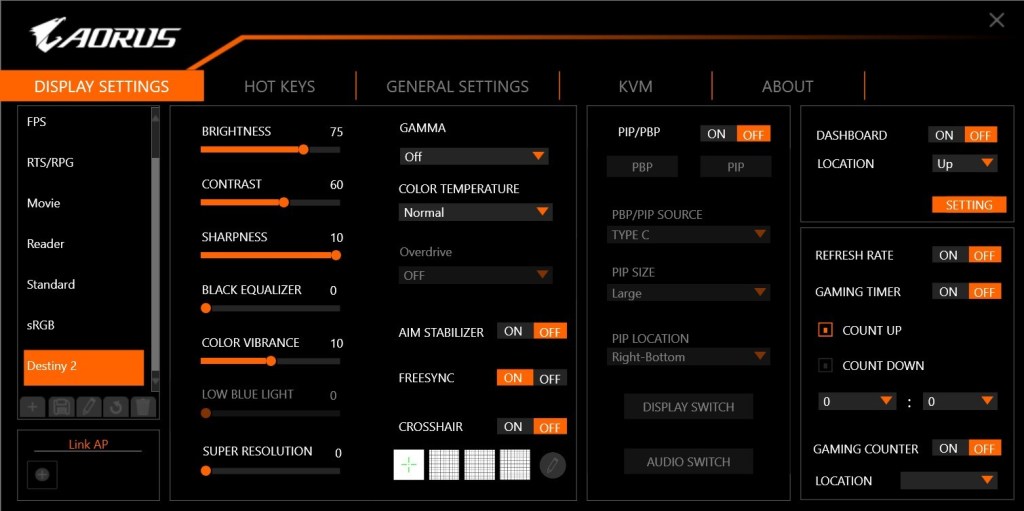
Customize dozens of settings into profiles that match your activities.

People ask why I got the monitor when a 48 inch LG OLED TV is the same display panel, but also a Smart TV? LG’s OLED TV line is awesome, I have one. It can take input via HDMI 2.1.

The monitor can display HDMI 2.1, Displayport 1.4, and USB C. What makes it’s input options unique even among monitors, is the integrated KVM. I hook my business laptop up to the USB C port, and my gaming PC up via Displayport. My keyboard and mouse are also connected to the monitor (USB) rather than either of the computers.
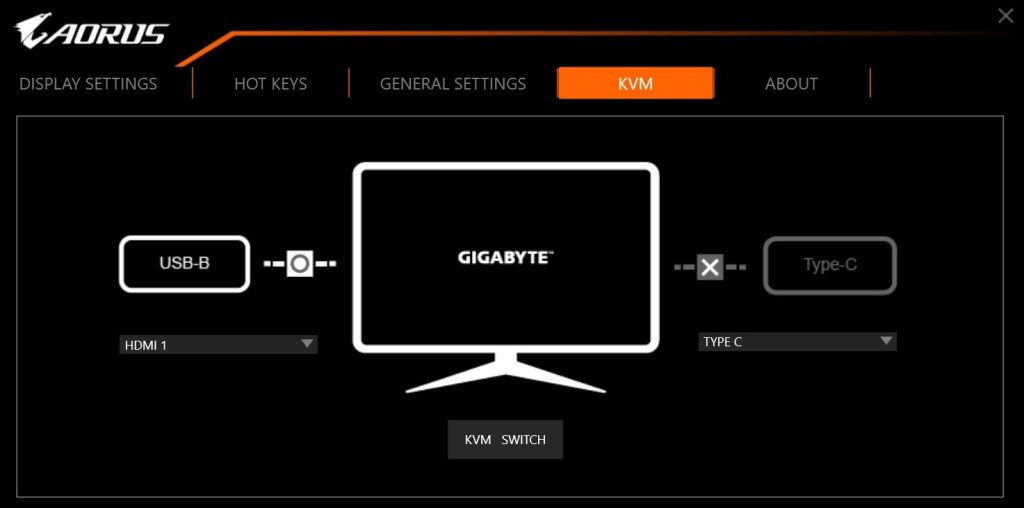
The built in KVM and USB C dock powers my laptop and connects to my accessories with a single cable.

With a button on the remote, or on the monitor itself, I switch my controls and display between the two systems. I can operate each independently in full screen mode, or split the screen and use both computers at the same time.  There’s also a picture in picture option for keeping an eye on the secondary system.
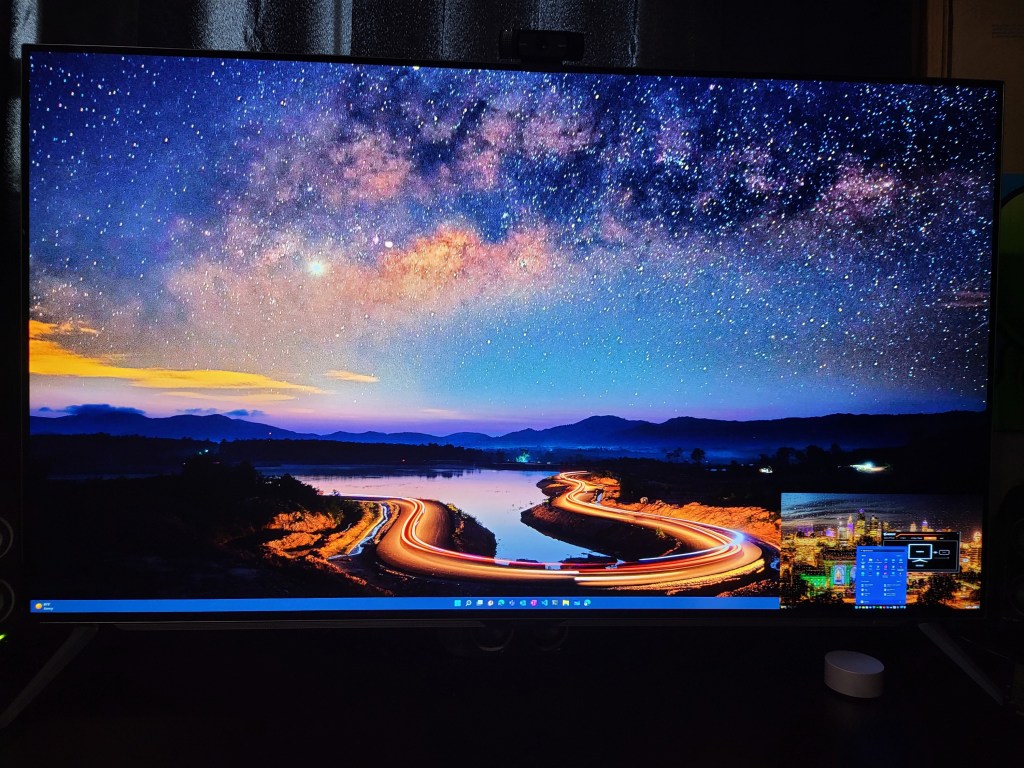
The main screen is my desktop, my laptop is in the PiP window in the lower right. The size and position can be adjusted.

If you are considering using an OLED panel of any kind as a monitor, there are some challenges to be aware of. The technology is suceptable to screen burn-in. The built-in management system adjusts attributes of the image output to automatically protect the screen. Don’t fight it, even if you don’t like the adjustments it decides on.  Don’t unplug, crank up settings, or reboot it to “fix it”. The system will shift back to full awesome when it’s safe.

I’ve been using mine as both a gaming screen and business montior for several months. I work from home frequently and sometimes follow those eight hours with gaming sessions for hours more. I let the management system do what it needs to. I also use a live (moving) wallpaper with a screen saver set for five minutes and have had zero issues with burn-in so far.

There are monitors with far faster refresh rates, higher resolutions, and more inputs. For me, Gigabyte’s Aorus F048U superb KVM function combined with LG’s OLED panel performance make it the best overall and my favorite screen in the house.
Xbox One X vs. Xbox One S vs. Xbox One

I play almost as many console games, as I do PC titles. I had been playing my original Xbox One and ruled out an upgrade. My logic being that I’d use the PC for 4K and HDR. It turns out that plan was a little short sighted.

I play console games with a lot of friends and family. To be honest, the friends and family thing is the reason I still have consoles at all (except for the Switch). I kept finding myself missing the higher end graphics during these sessions, especially after I got my new HDR screen. Lucky for me, Microsoft discounted the Xbox One X to $399.00 for the Fallout 76 bundle.

At this point, I’ve played hundreds of hours of games: Titan Fall 2, Halo 5, Apex, Battlefield 5, Gears of War 4, and more on all three models of the Xbox One. I’ve even hooked them up side by side just to eyeball the differences.

The differences are both less and more than you might think. Allow me to explain. The Xbox One has great graphics especially when running games that were created specifically for it. I could get all technical about resolutions and frames per second, but specs don’t really matter, experiences do. The Xbox One provides a much better gaming experience than its predecessor was able to.

The Xbox One S introduces HDR (high dynamic range) and slightly higher resolution and FPS. If your screen and the game you are playing supports HDR, the change is dramatic. Colors are richer, shadows deeper, and everything is generally more defined. The improved controller supports Bluetooth connectivity which makes hooking it up to your PC easier and the One S is physically smaller than the original.

The Xbox One X allows for full 4k HDR 60 FPS gaming on the titles that support it. Several games have been updated, just look for Xbox One X Enhanced in their descriptions on the store. The differences between 1080P and 2160P are realized in the texture of materials and objects more than anywhere else. Skin looks almost real, the line between leather and cloth in clothing is clearly defined, wood looks like it would give you a splinter.

The differences in game play are the greatest between HDR and NON-HDR. With HDR capabilities, spotting a sniper hiding in the distance is easier because the character is more clearly defined. Nailing the corner at eighty miles per hour feels safer because the road’s surface and transitions are more obvious.

With the addition of 4K, games are more photo-realistic than ever before. However, beyond pure ascetics, the high resolution doesn’t add anything to the game play. In-fact, you might be able to argue that it causes more mistakes. More than once I was fragged in a game of CoD or Titan Fall 2 because I was busy admiring the scenery instead of watching where I was going. Granted, I got used to the new looks after a while.

I really enjoy my Xbox One X and highly recommend it to anyone looking to get their first unit or to those who are upgrading from the original. If you already have the Xbox One S, I can’t say the upgrade to the X is entirely worth the expense. If you already have an S and aren’t dying to play 4K games right now, holding off for Project Scarlet may be a wiser financial decision. Of course games are rarely about smart money choices.