Dell G3 15, The Most Bang for Your Gaming Laptop Buck

This winter, it was time to help my son find a new laptop. He needed a well balanced system that could do most everything well. He’s a student with a focus on technology, he writes code, edits graphics, produces video and music, and spends a lot of time on-line. He’s also an avid gamer that likes to stream on Twitch.

His system would need a screen on the larger side to accommodate multiple windows, but it still needed to be portable for school. The keyboard needed a true number pad for coding, crisp clicks and a back-light for gaming were also a must. He also needed a lot of connectivity options for robots, musical devices, microphones, headsets, cameras, and the other equipment his endeavors required.

Whatever system we chose would also need an exceptional GPU. With a budget of eight-hundred dollars, I knew we would have to make concessions somewhere. Often, when shopping for laptops that include a powerful GPU, the other components are also top of the line, weather you need them to be or not. I was hoping to trade CPU and RAM for video performance to stay in budget, but wasn’t having much luck at first. If a system had an Nvidia Ti GPU it also had an I-7 CPU and 16 gigs of RAM we didn’t need. Due to this, most of the laptops that had the features we were after came in closer to the fifteen-hundred dollar price point.
I knew that Alienware was Dell’s gaming line and had looked at several of their systems. I did not know at the time, that Dell also marketed another line of gaming systems known as the G series. I ran across them in a Best Buy and was intrigued. They were less expensive than the Alienware models but still included some of the features we were looking for. I also appreciated that they looked like a normal laptop rather than something that fell off a stealth bomber. After some research, we ended up with a Dell G3 15.6″ system.

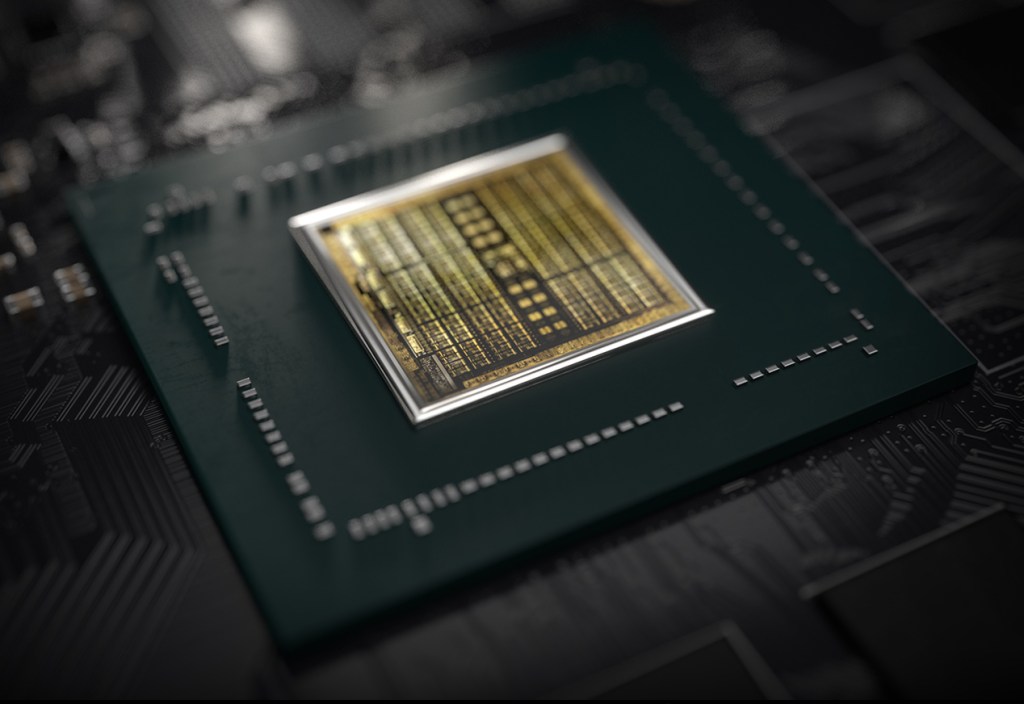
I was able to find the unit on-sale for less than our budget. It has an Nvidia 1660 Ti with 6GB of video RAM. The card can run Destiny 2 at 1440P 60FPS on high, or at 120 FPS + at 1080P. It easily handles AutoCAD, Photoshop, and Illustrator duties as well. The laptop has USB-C with direct GPU (Displayport 1.4) pass-though and an integrated HDMI port. The heat pipe based, dual fan cooling system is able to keep up even when pushing VR games on an Oculus. In short, this is an unbelievable card to find in a “budget” gaming system. It easily out-preforms the Nvida 1050 in my Surface Book 2.

The 9th Gen Intel 9300H I-5 CPU keeps up with everything my son asks the system to do. At first I was concerned that the eight gigabytes of DDR-2666 RAM might not be enough for all the multi-tasking requirements my kid has, but I needn’t have worried. Windows 10’s superb memory management combined with the page/swap file being located on a high-speed SSD means he can open as many apps as he likes without noticeable degradation.

With 2 USB 2.0, 1 USB SS 3.0, 1 USB-C, a 3.5 mm headphone/mic jack, an RJ-45 network port, HDMI Out, A/C Wi-Fi, and Bluetooth all included, there are plenty of connection options for all of his extra equipment. He frequently has his Yeti mic, an external camera, and his drawing monitor all connected and still has ports left over.

He’s had the system for a little over two months now and has really put it through its paces. I’ve been impressed with the results. Especially when you consider the price. Dell has the laptop for around $1200.00 right now, but it you shop around it can be found for much less. Pay attention to the specs, there is an older generation of the G3 system that has a much weaker GPU and slower processor that is still being sold on-line.
Nvidia’s 2080 Ti, The New Hottness

Gaming PCs have been part of my life for as long as I can remember. I like to build them myself and through the years I’ve learned that getting the best quality components is less expensive in the long run. Much like buying your kid a pair of sneakers that is one size too big, high-end equipment has a longer useable life because it is overpowered for the current generation of games and applications.

At well over a thousand dollars for the least expensive iteration, does Nvidia’s new flagship chipset provide enough bang for the buck? Will it offer enough future-proofing at this price point? I’ve read tons of benchmark results, perused many articles both for as well as against, and watched countless review videos. I’ve decided that it is time to find out first-hand. This one component will cost more than everything else in my system put together. It better be worth it!

DSCN1185

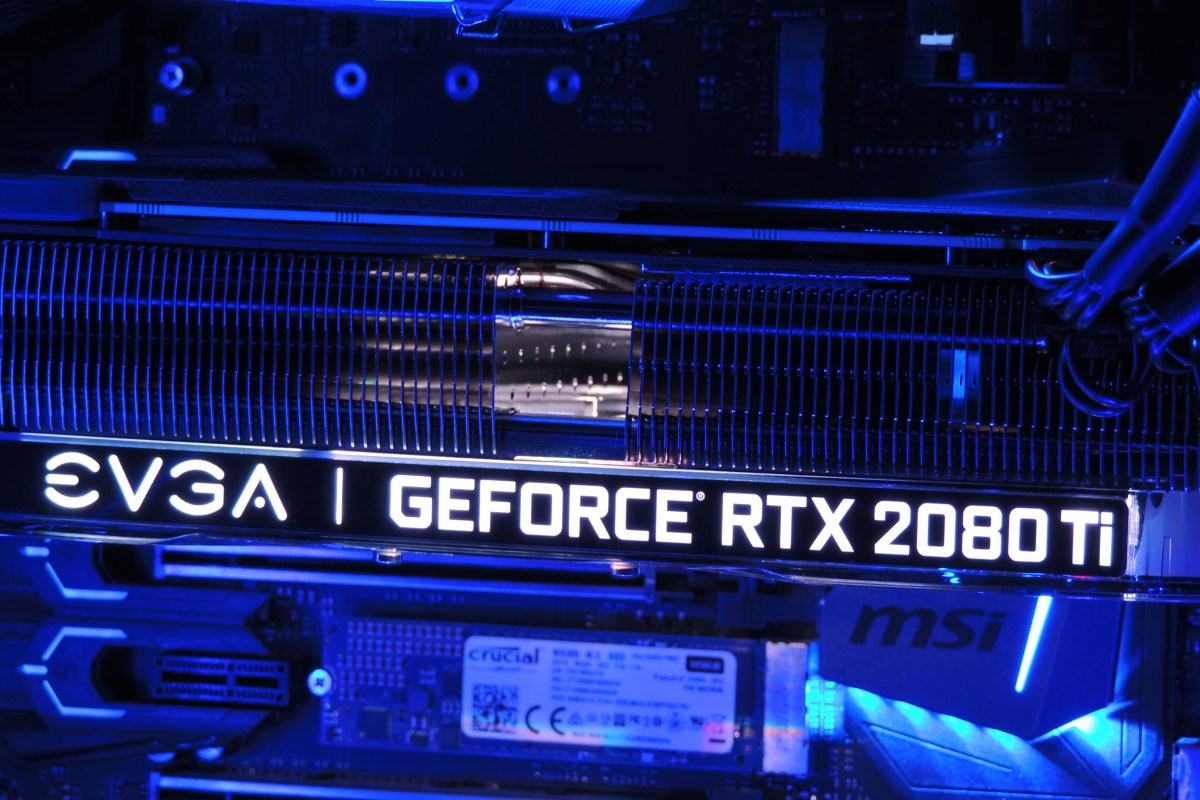
Just deciding which manufacture’s card and which of their ten or more models to get was a project unto itself. The decision was made more difficult by many options being unavailable. Some of my top contenders were back-ordered for as long as six weeks. The various cards differ from each other in a couple of ways. First is whether they have a factory overclock applied or not. Second is how many fans their chassis have attached. Generally speaking, the higher the overclock, the more fans you need to keep it cool. The current generation of these cards come in one, two, or three fan configurations. I ended up with an EVGA Gefroce RTX 2080 Ti XC Ultra Gaming card. It has a slight overclock and two high-speed fans.

Nvidia’s new monster requires dual eight pin power connectors and a minimum of six-hundred and fifty watts. The PSU in Elder-Wand that ran my previous RX-480 had the dual connectors but was rated for only six-hundred watts. I decided to try it with the 2080ti anyway, just to see what would happen. At first I thought everything was going to be ok. The system booted, the Nvidia drivers loaded, and my desktop screen looked great. My web browser and Visual Studio worked well. Everything went sideways when I tried to launch Destiny 2. The fans on the GPU went nuts and my system froze completely. Luckily this was just an experiment and I had a Corsair RM 1000x on deck.

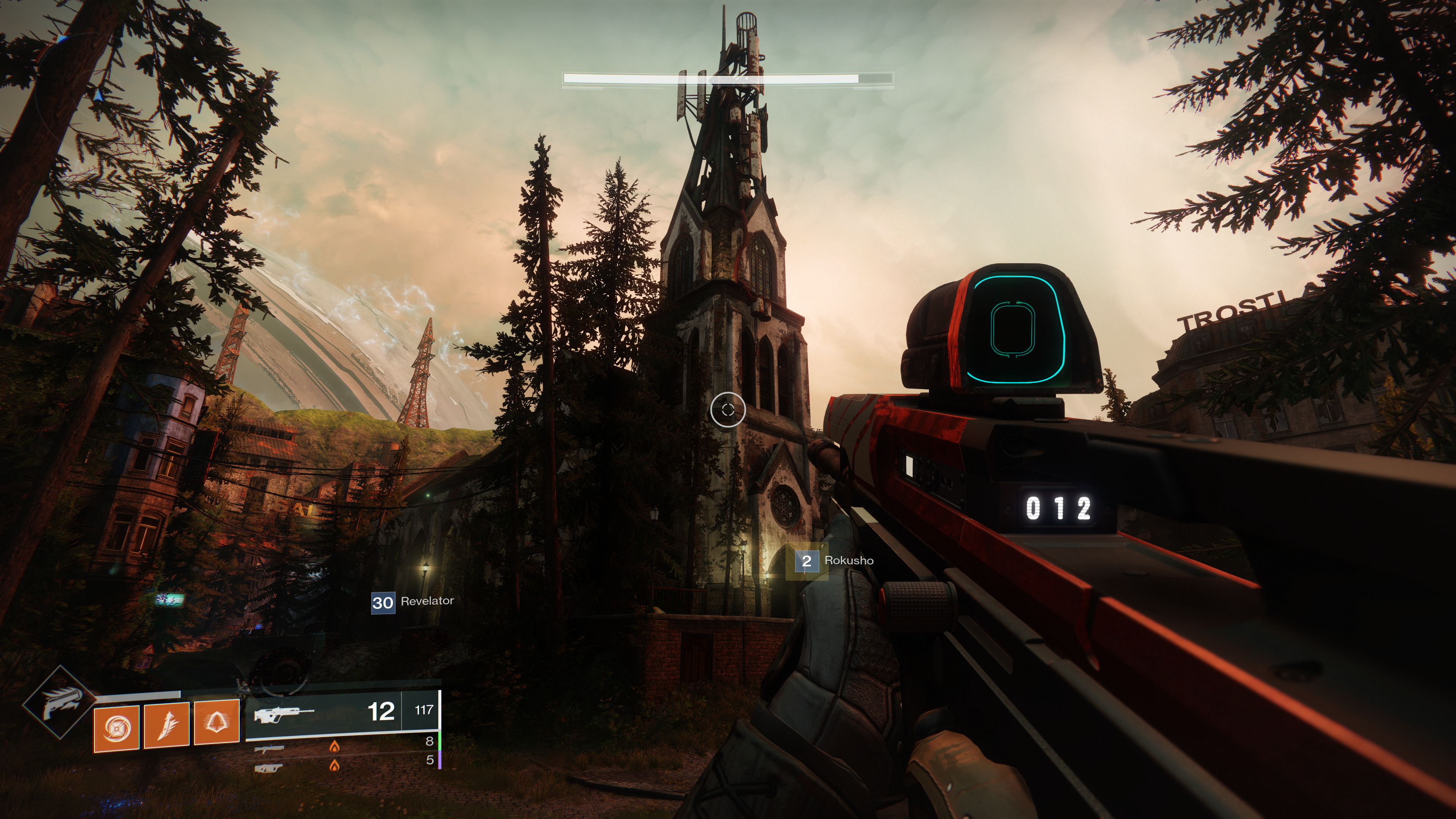
After installing the new PSU, I fired up the same game (Destiny 2) and set all the graphics options to their maximum modes. I went to Earth in the game because the Trostland (EDZ) has a variety of environments and lighting situations in a small area. I was floored. Staring at my 40 inch 4K screen was like looking through a window at an actual church. Albeit one in which odd purple aliens are running around shooting at each other.

2018-12-22 (3)

I systematically set all of the games I am currently playing to 4K ultra and they all preformed flawlessly. The card wasn’t struggling to keep up and 60 FPS (max for my screen) was a breeze. The fans were in cruising mode and it was obvious there’s a lot of head room between what current games are consuming and the power this chipset can bring to bear. I don’t think future proofing is going to be an issue, but the price per year is going to end up on the high side. If the card lasts the typical three years I’m looking at four-hundred per year which is the equivalent of buying a new top-tier console every birthday.

2018-12-23

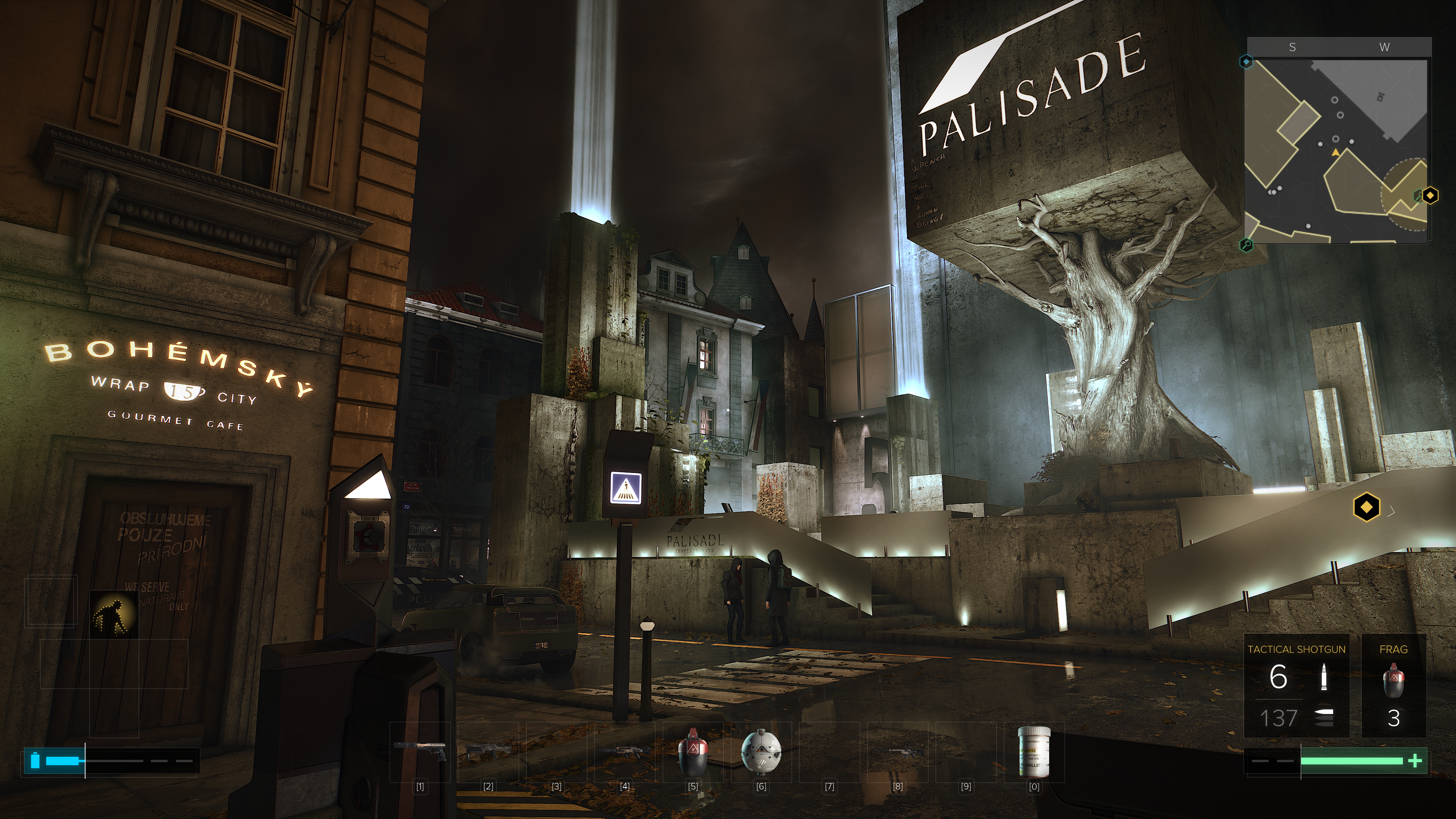
Besides being the most powerful consumer card on the market, Nvidia’s other claim to fame for the new chipset is being the first to enable real-time ray-tracing. The technique allows the GPU to simulate the path that rays of light would follow in nature, providing a realistic photo like picture. Especially where reflective surfaces like water, clouds, or ice are concerned. Until now ray-tracing required server farms to render and was only used in CG for movies and TV.

2018-12-23 (10)

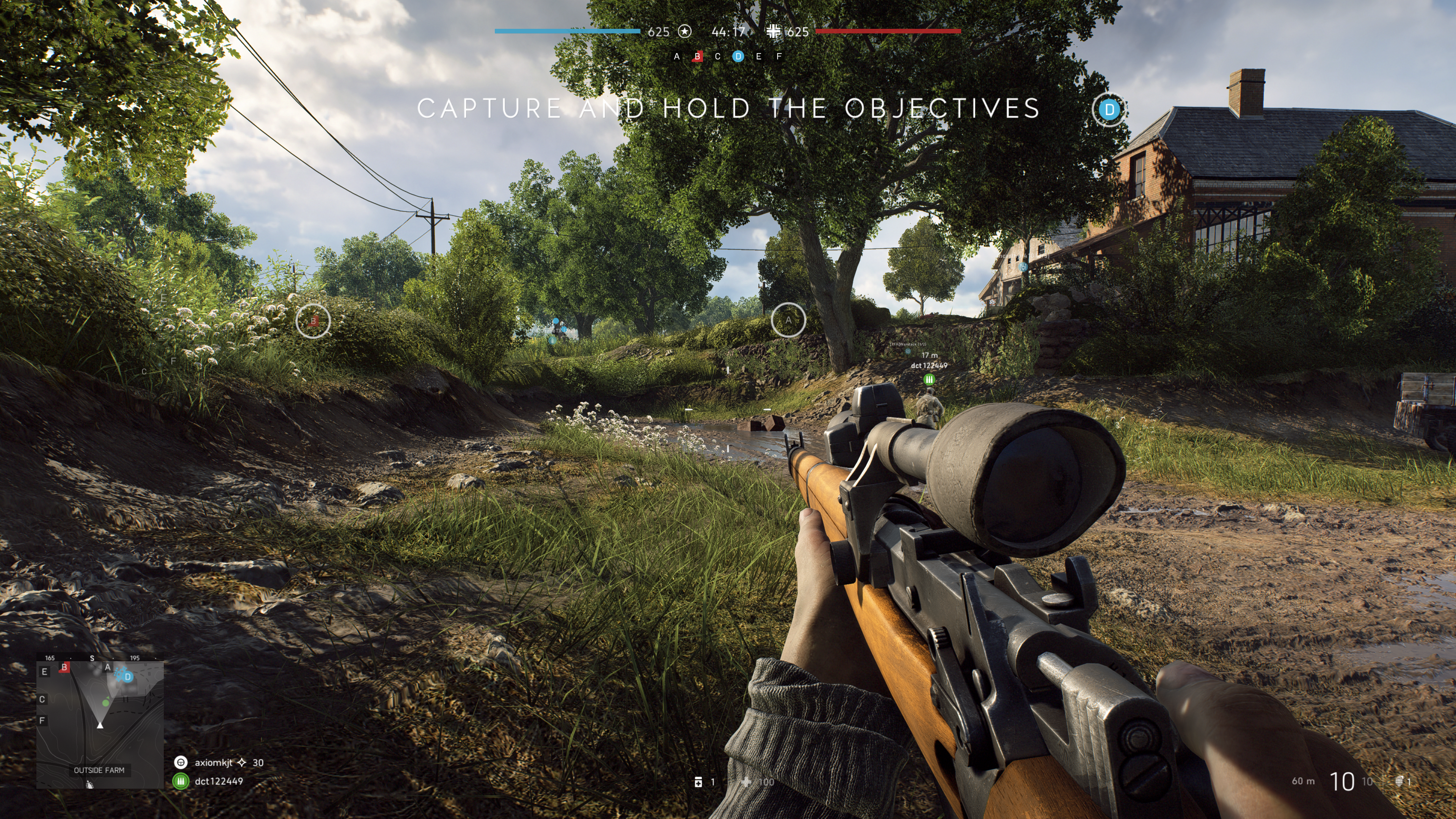
There are only a handful of games that can utilize ray-tracing right now and it remains to be seen whether the tech will catch on in the main stream. Lucky for me, my purchase came with one of the DRX enabled titles, Battelfield V.  I was impressed with results. You do take a hit to FPS when enabling the feature, but I was still able to stay close to sixty most of the time.

The net result is that surfaces look almost real. I imagine that if I removed the text and in-game overlays from the screen grabs above and below, you would be hard-pressed to identify them as a computer generated images. These were taken in the middle of an on-line multiplayer battle. Notice the superb reflections from the slight dampness in the ditch on the right and the gleam off the weapon’s surfaces and the shooter’s skin in the picture below. The water in the picture above is the best I’ve seen in a game, period.

2018-12-22 (4)

The other gaming function that the 2080ti excels at is Virtual Reality. Current VR goggles are somewhat lacking in resolution and this causes items that are “far away” to appear grainy or digitized. One technique to help minimize the degradation is to enable supersampling. Essentially supersampling tells the system to use multiple copies of every image to fill in the detail; it’s a type of anti-aliasing. This operation takes a lot of horsepower from your GPU especially when you consider that you need to run two displays at 90 frames per second while doing it. The 2080ti was easily able to support 5.0 (highest setting in SteamVR) supersampling for all of my games.

The price of this chipset puts it out of reach for a lot of gamers and that is a shame. The power to run all games at 2160P with ultra everything is intoxicating. The 2080ti lives up to the hype in my opinion. I doubt if it will last long enough to be considered a wise financial decision, but don’t most hobbies end up costing you a lot of money in the the end?

Photographs appearing in this article are courtesy of Tyler Trent.