ASUS TUF DASH F15 an Underrated Nvidia 3070 RTX Gaming Laptop

I’ve have owned so many laptops that I’ve literally lost count. Some of those systems, like my Surface Book, are capable of playing games. However, none of them are, or were, dedicated game machines. I’ve helped my friends and family pick out their portable game machines and have spent plenty of hours playing on them. Their cost versus their life span was always prohibiting from my point of view. I could get more bang for my buck from a desktop rig and portability wasn’t a concern.

Now that top of the line GPU cards cost almost as much as an entire laptop, I have reconsidered my position. I wanted something that I could treat like a gaming console and hook up to my televisions. I also plan on it traveling with us some depending on the destination. It needed to have enough power to play AAA titles on decent settings, but I didn’t want to break the bank. The closer I could stay to $1500.00 the better. I figured I would pay at least that much to get a hold of an upgraded GPU for my desktop, if I could find one at all.

I started my shopping spree by doing a bunch of research. At the time the best gaming laptops still had RTX 2070 and 2080 cards in them. I just happened to be on BestBuy’s site when they put up the ASUS TUF system with an RTX 3070 for pre-order. I was a little concerned with pre-ordering a system that featured a brand new, untested card, but you can’t always play it safe. I wasn’t in a hurry and I knew I could return it if I didn’t like it, so I pulled the trigger. Waiting more than two months for it to get here was agonizing.

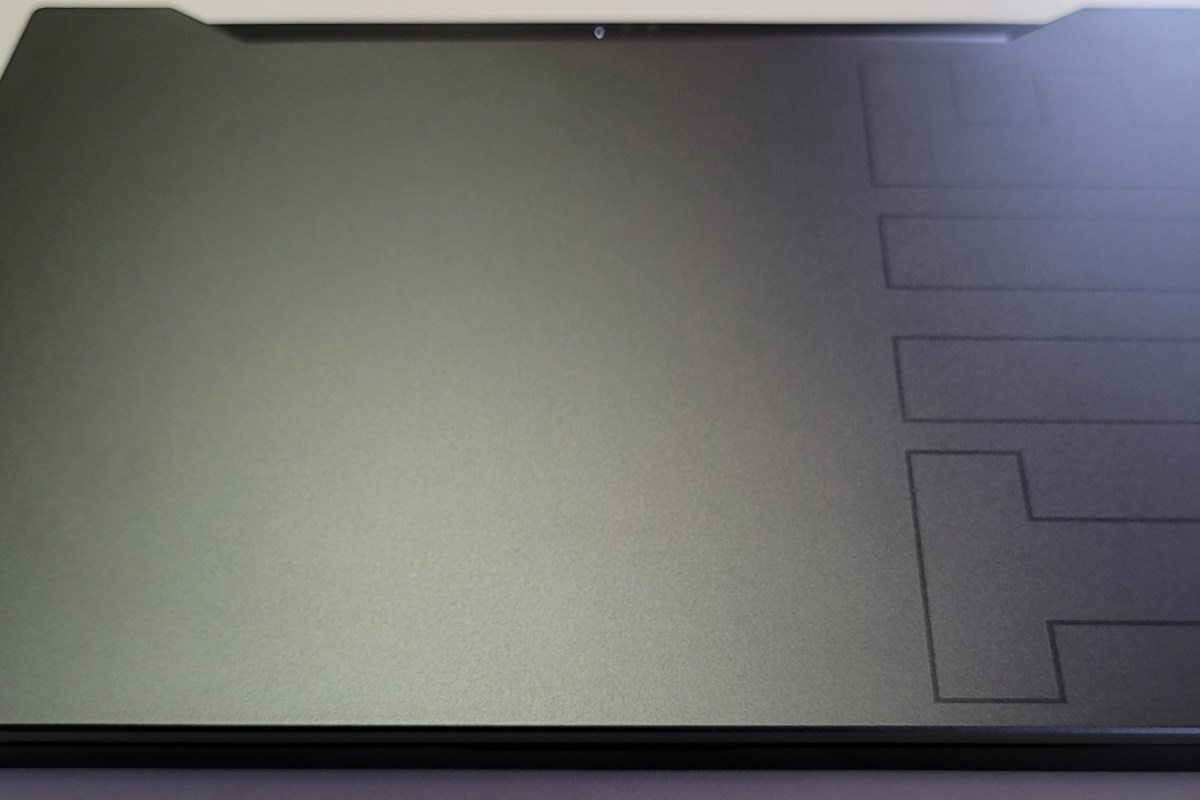
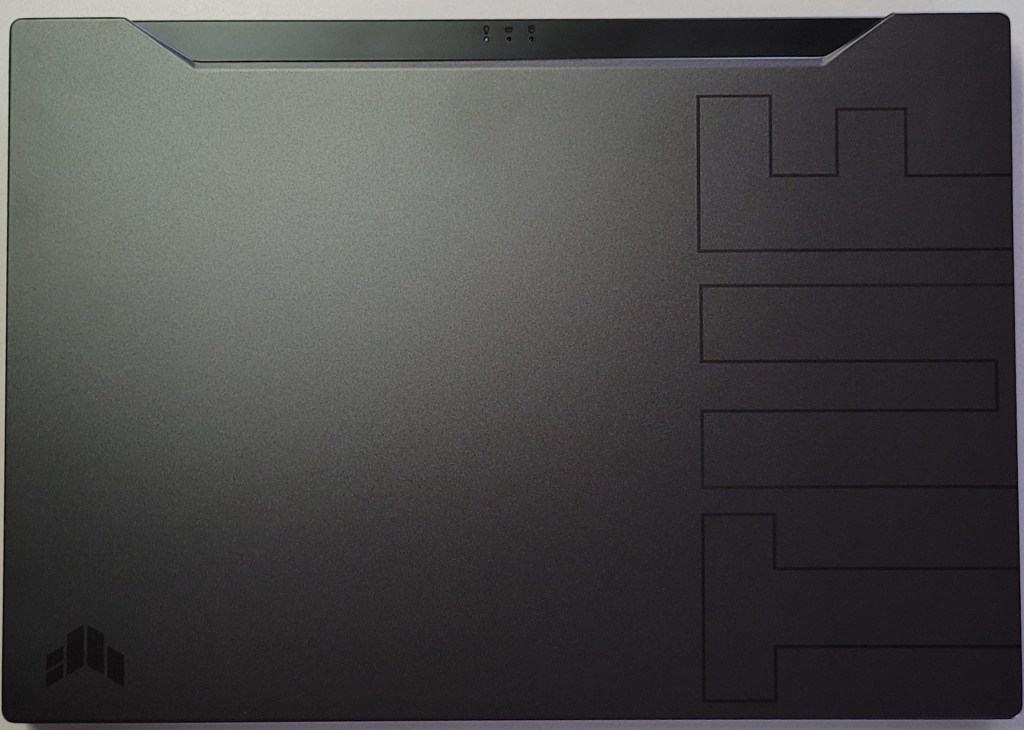
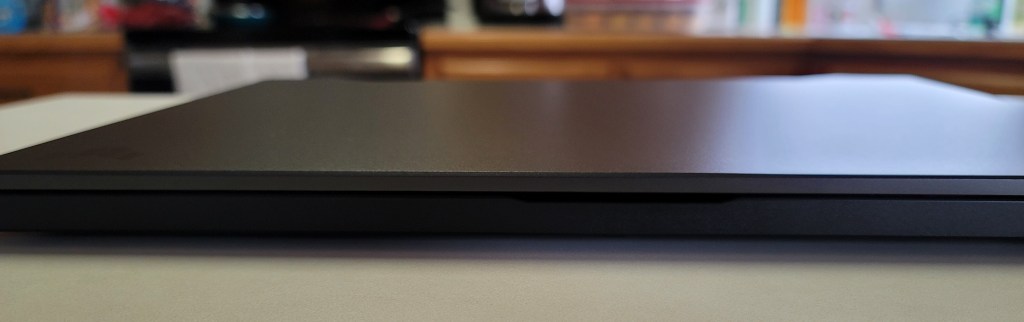
Of course it showed up in the middle of a work day so I couldn’t immediately tear into it. As soon as my shift was over, I carefully opened the box and was pleasantly surprised by the look and feel of the system. The nondescript case is metal, there are two color choices, I have the black one. Except for the lightly etched TUF and logo on the lid, it looks like any other high-end slim notebook you might see in a boardroom. It measures 14.17 x 9.92 x 0.78 inches (360 x 252 x 19.9mm) and weighs 4.41 pounds (2kg).
The 15.6 inch screen features thin bezels along the top and sides. There’s no built-in web cam and if you’re planning on this being a daily driver, that may be an issue in today’s video conference based world. The non-HDR screen is 1080P and can hit 240 frames per second witch is super smooth. You may wonder why I didn’t go for a 4k or 1440P screen. On a 15.6″ display the extra res doesn’t exactly equate to a better picture. It does however, require more of your GPU and battery to push. You’ll also spend more on the systems that have higher resolutions. I didn’t see any 3070 laptops with a 1440P+ screen for less than $2000.00.
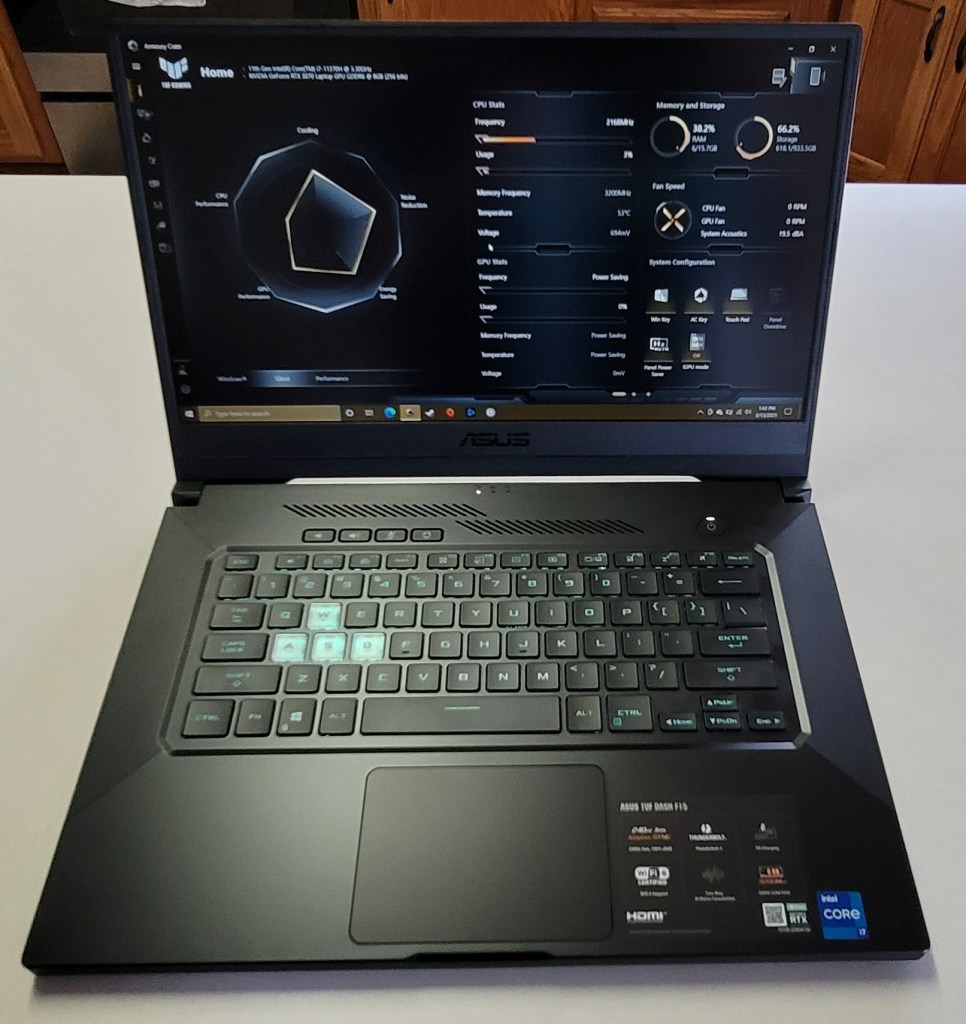
The keyboard is backlit and the WASD caps are clear. It is only a single teal color but I like it. There’s a row of dedicated volume, mic, and management keys which I find myself using more than I thought I would. The keys themselves feel great, the caps are a little concave and there’s a decent snap from the membrane that lets you know you’ve completed the stroke. The trackpad is nice. It is offset from the spacebar, but centered under your thumbs where it should be. It’s responsive, but ignores my accidental brushes while typing.
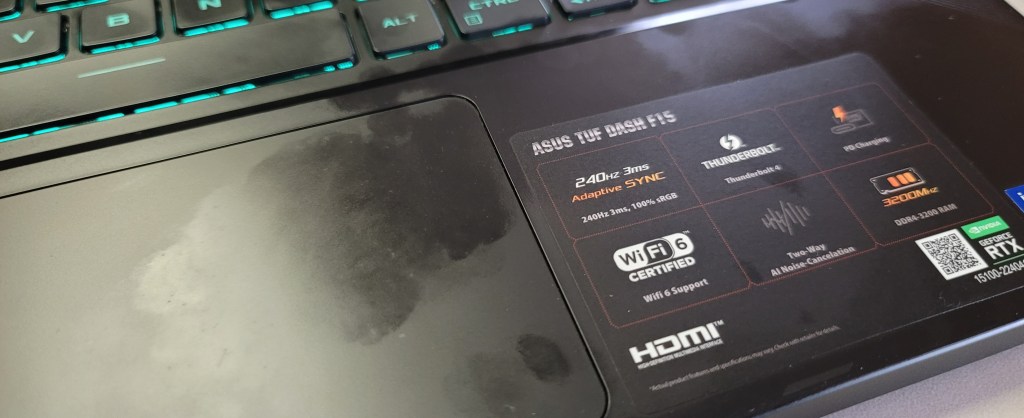
The deck and trackpad are fingerprint magnets.

The sound system is decent and has a trick that I didn’t expect to work. It has built-in noise canceling in the on-board mics. You know what? It totally works. I’ve played multiple on-line games of CoD, Apex, and Destiny without head phones and questioned my friends about how I sounded. I wanted to know if they could hear the fans, or the game echoing from the speakers and was pleasantly surprised to learn they didn’t. It’s really nice to be able to play without headphones once in a while.

You’ll find an HDMI 2.1 port to connect the system to your home theatre. I recommend that you get an HDMI 2.1 rated cable to go with it. Otherwise you will probably have issues hitting higher frame rates with HDR enabled. I did. When connected to my Q70t home theatre using an HDMI 1.4 cable, I could do 120 hertz or 60 hertz with HDR. A new $10.00 2.1 cable from Amazon solved the issue.

You will also find a Thunderbolt 1.4 port which will take care of docking stations, external GPUs, display port monitors and lots of other accessories including most USB-C devices. It also has an RJ-45 network jack, headphone/mic jack, and three USB 3.0 ports. The Intel AX201 is Wi-Fi 6 compatible and hits the 1200 MB/ps mark with ease. Bluetooth is built-in as well. I’ve connected my system to the afore mentioned home theatre with an external keyboard and mouse without needing another port.

The one terabyte SSD is fast and large enough to hold the games I am currently playing. It came with 16GB of PC-3200 RAM, I will probably be taking advantage of the fact that it is user upgradable in the future but it does the job. The 11th gen 4 core i-7 11370H CPU is more than fast enough for anything I plan on doing.
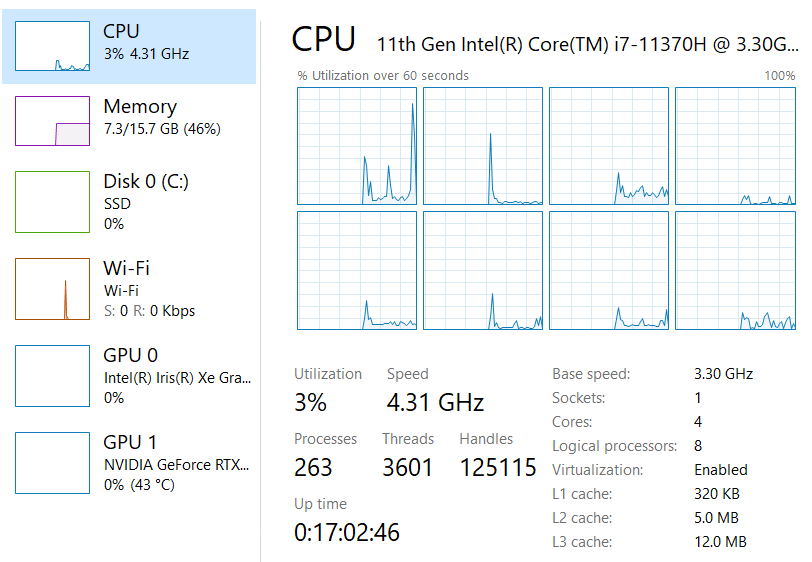
Right out of the box I was disappointed with the performance of the GPU. I spent an hour running updates, BIOS, firmware, Windows, drivers, and the management app all needed updates. It’s a good thing I bothered before packing it back up, it was like a totally different system. When playing CoD BlackOps, Destiny, Apex, Tomb Raider, and Doom Eternal on the built-in screen I was able set everything to ultra, including ray tracing, and still hit over 120 fps with the fans barely running.
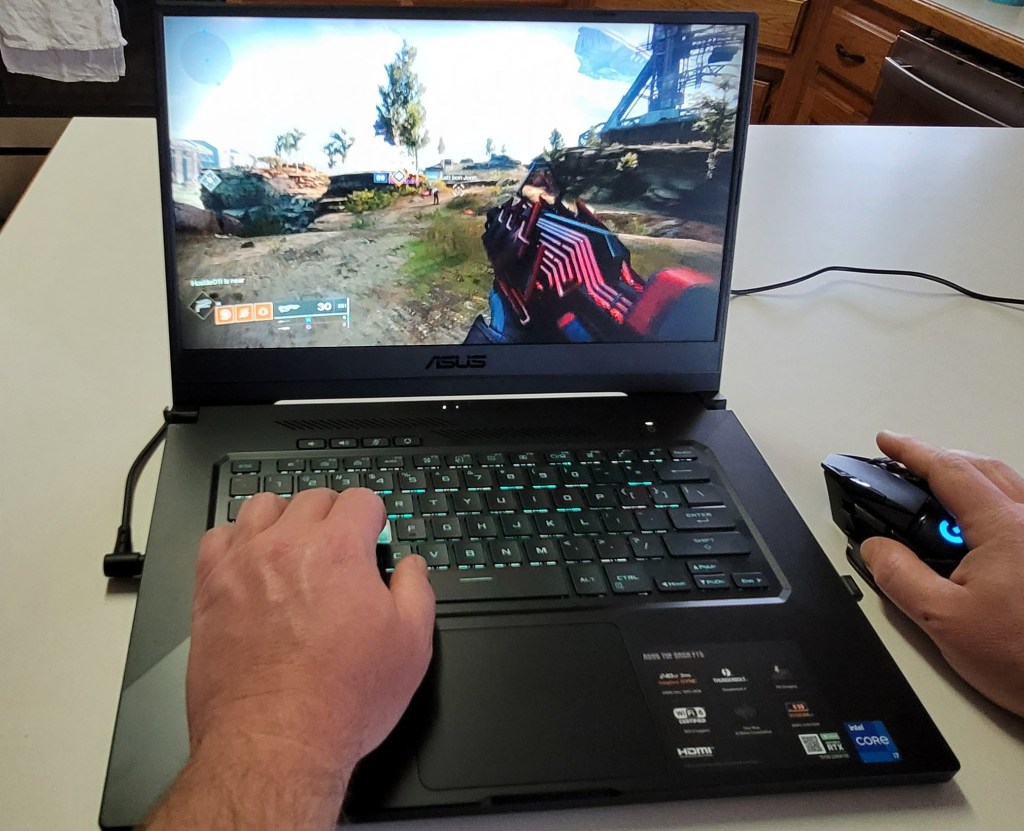
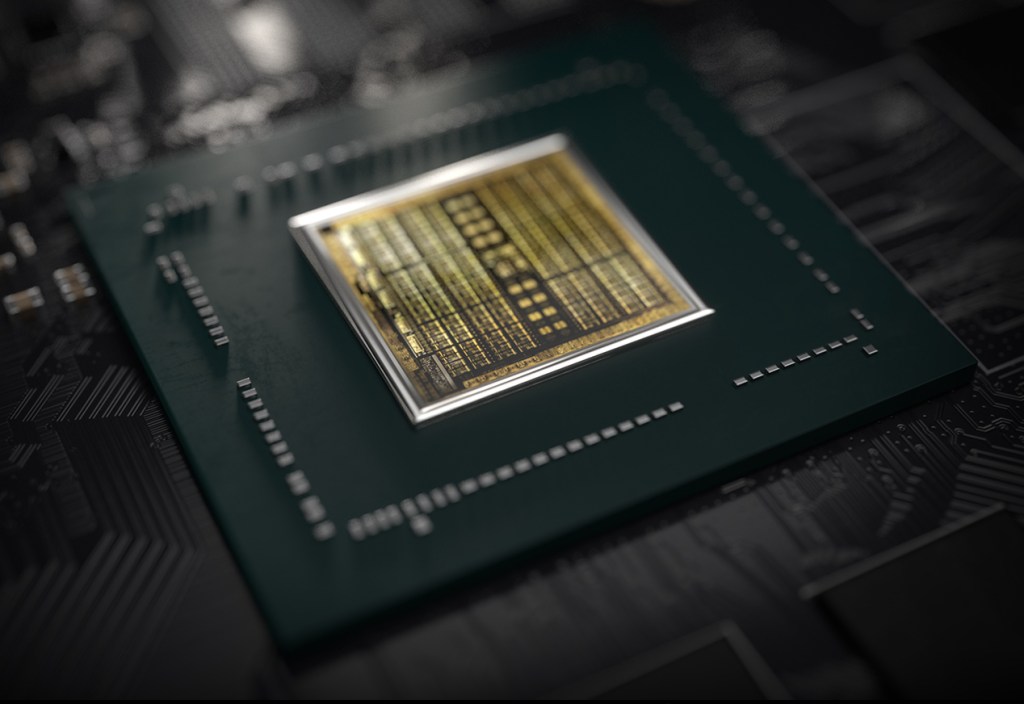
When connected to my big screen I have a choice to make. I can run the games on high, or ultra at 1440P and still hit my TV’s 120 FPS limit with HDR on. Or, I can crank down some of the settings to medium and low and run at 4K with 60 – 90 FPS. Personally I prefer the lower resolution with more post processing, but the games look and play great either way. At 4K they look and play better than the same games on my PS4 Pro, or Xbox One X at the same resolution. If you want more out of your system make sure to get one that is not a Max-Q GPU design. Basically, the thin and light gaming systems use the Max-Q versions of GPUs which limit power to prevent overheating. The thicker, heavier systems tend to have the full power chips that preform better but are, well, huge.
Overall I’m really happy with the ASUS. It is a good balance of performance and cost. There are systems with the same GPU that have features like a web cam and RGB lighting, but they’re all much closer to the $2000.00 price point. I’ve had the DASH F15 for a couple of weeks and have spent a lot of hours sitting in my easy chair with it on my lap and connected to my TV. It’s a keeper.

Dell G3 15, The Most Bang for Your Gaming Laptop Buck

This winter, it was time to help my son find a new laptop. He needed a well balanced system that could do most everything well. He’s a student with a focus on technology, he writes code, edits graphics, produces video and music, and spends a lot of time on-line. He’s also an avid gamer that likes to stream on Twitch.

His system would need a screen on the larger side to accommodate multiple windows, but it still needed to be portable for school. The keyboard needed a true number pad for coding, crisp clicks and a back-light for gaming were also a must. He also needed a lot of connectivity options for robots, musical devices, microphones, headsets, cameras, and the other equipment his endeavors required.

Whatever system we chose would also need an exceptional GPU. With a budget of eight-hundred dollars, I knew we would have to make concessions somewhere. Often, when shopping for laptops that include a powerful GPU, the other components are also top of the line, weather you need them to be or not. I was hoping to trade CPU and RAM for video performance to stay in budget, but wasn’t having much luck at first. If a system had an Nvidia Ti GPU it also had an I-7 CPU and 16 gigs of RAM we didn’t need. Due to this, most of the laptops that had the features we were after came in closer to the fifteen-hundred dollar price point.

I knew that Alienware was Dell’s gaming line and had looked at several of their systems. I did not know at the time, that Dell also marketed another line of gaming systems known as the G series. I ran across them in a Best Buy and was intrigued. They were less expensive than the Alienware models but still included some of the features we were looking for. I also appreciated that they looked like a normal laptop rather than something that fell off a stealth bomber. After some research, we ended up with a Dell G3 15.6″ system.

I was able to find the unit on-sale for less than our budget. It has an Nvidia 1660 Ti with 6GB of video RAM. The card can run Destiny 2 at 1440P 60FPS on high, or at 120 FPS + at 1080P. It easily handles AutoCAD, Photoshop, and Illustrator duties as well. The laptop has USB-C with direct GPU (Displayport 1.4) pass-though and an integrated HDMI port. The heat pipe based, dual fan cooling system is able to keep up even when pushing VR games on an Oculus. In short, this is an unbelievable card to find in a “budget” gaming system. It easily out-preforms the Nvida 1050 in my Surface Book 2.

The 9th Gen Intel 9300H I-5 CPU keeps up with everything my son asks the system to do. At first I was concerned that the eight gigabytes of DDR-2666 RAM might not be enough for all the multi-tasking requirements my kid has, but I needn’t have worried. Windows 10’s superb memory management combined with the page/swap file being located on a high-speed SSD means he can open as many apps as he likes without noticeable degradation.

With 2 USB 2.0, 1 USB SS 3.0, 1 USB-C, a 3.5 mm headphone/mic jack, an RJ-45 network port, HDMI Out, A/C Wi-Fi, and Bluetooth all included, there are plenty of connection options for all of his extra equipment. He frequently has his Yeti mic, an external camera, and his drawing monitor all connected and still has ports left over.

He’s had the system for a little over two months now and has really put it through its paces. I’ve been impressed with the results. Especially when you consider the price. Dell has the laptop for around $1200.00 right now, but it you shop around it can be found for much less. Pay attention to the specs, there is an older generation of the G3 system that has a much weaker GPU and slower processor that is still being sold on-line.

The Surface Book 2. A laptop that Adapts to You.

I’ve had a laptop in one form or another since the late nineteen-eighties. Sufficed to say, I’ve had a lot of them. Some of my favorites have been various models of the Sony VAIO, Dell XPS, MacBook Air, and the Microsoft Surface line. I’ve had huge, almost suitcase sized machines, miniscule eight point nine inch netbooks, and everything in between.

What makes a laptop a good fit for most people tends to revolve around how they use it. A road-warrior that mostly checks email and writes Word documents, it isn’t likely to rank a six-pound gaming laptop as one of the best. Likewise, a gaming enthusiast is probably not going to pine over a super-thin notebook that lacks a GPU. Therefore, people typically purchase a system designed for their primary use case. This method works but has some issues. What happens when that road warrior is bored in the hotel room and wants to play a game of Overwatch? Likewise, how does the gamer deal with dragging their system around an all-day convention?

I use my portable machines for a wide range of tasks. I travel, write, game, design graphics, write code, and crunch numbers. For me, the best laptops are the ones that can do it all. I need something that can adapt to my requirements on the fly. It doesn’t have to be the best at any one thing, it needs to do everything reasonably well.

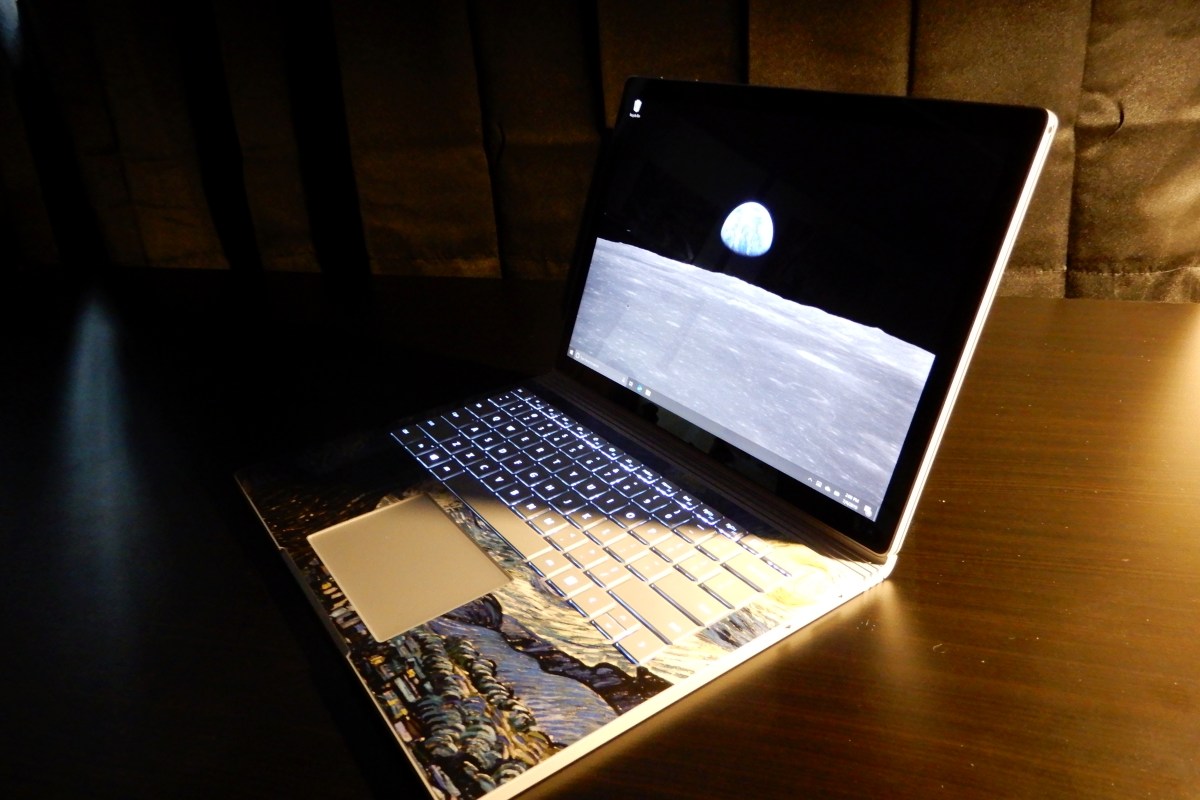
This year alone, I’ve had a Lenovo ThinkPad, an HP Elite Book, a Surface Go, a Surface Pro 6, and a Surface Book 2 as daily drivers. All of them are great systems but only the Surface Book 2 manages to do it all. It’s one of the fastest tablets you can buy. A laptop that can run all-day on one charge. It can play AAA games better than an Original Xbox One, and still fits in fourteen-inch sleeve.

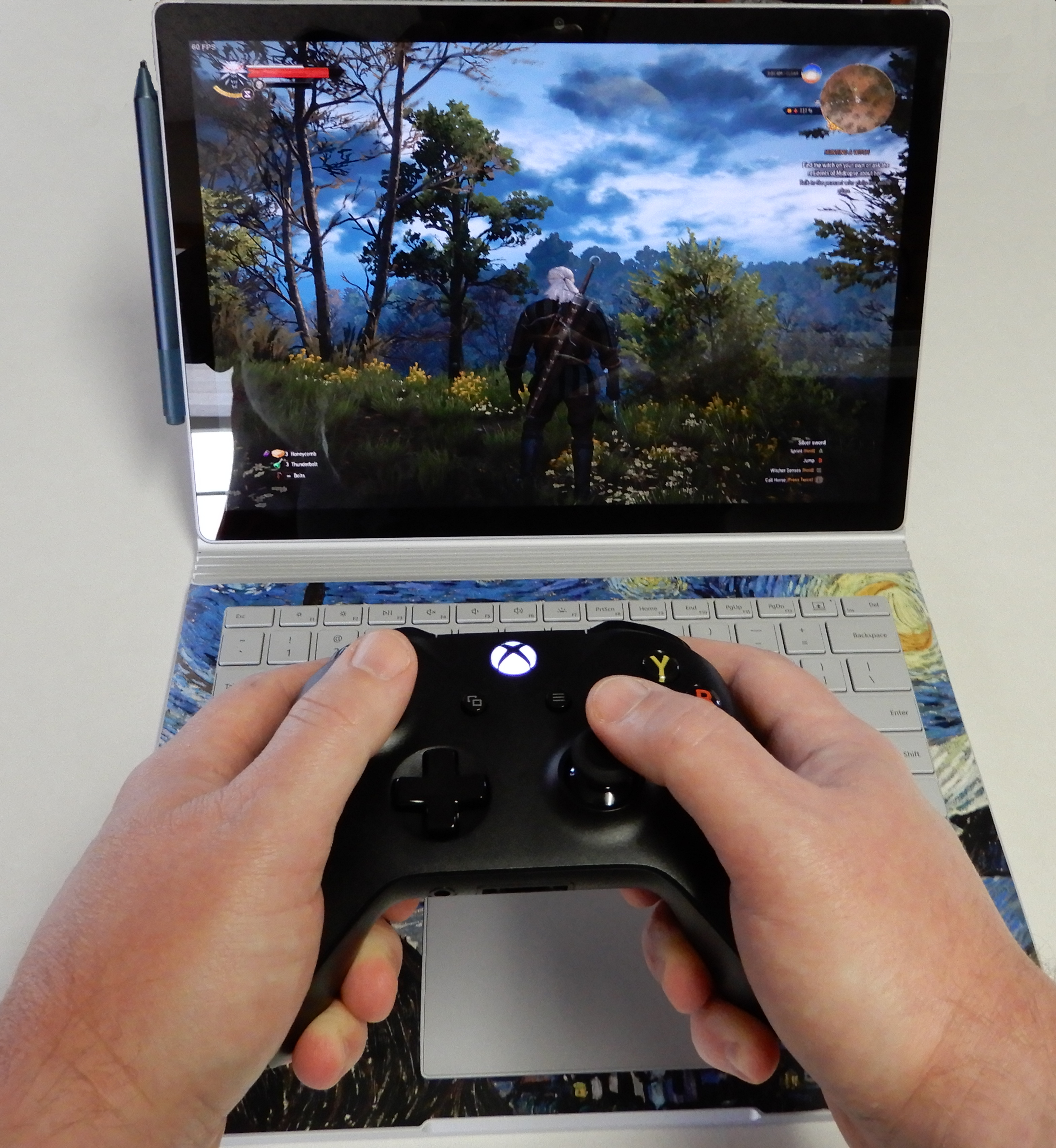
Pair an Xbox One S Controller for easy gaming

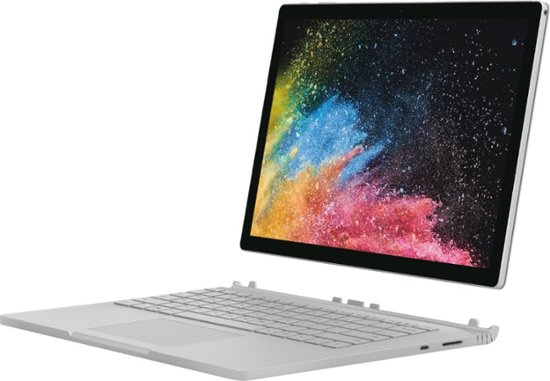
The Surface Book is Microsoft’s very own transformer. The screen is a tablet that houses a 13.5″ (or 15″) HDR touch screen, an Intel I-7 Quad Core CPU (or I-5), 16GB of RAM (or 8GB), and a 512GB SSD (or 256GB, 1 TB). The base has the keyboard, trackpad, another battery and an Nvidia 1050 GPU (or 1060).

The two halves attach and detach via an electromagnetic hinge. When the tablet is docked to the base the system is a high-end laptop capable of almost any job. Play games, edit video, get into some serious diagrams, the GPU handles it all. The system is well balanced and feels like a single unit unlike some other two-in-one devices.

A dedicated gaming laptop with a more powerful GPU will game better, but this thing runs Overwatch at 1900 x 1200 in full screen with everything on high at 60 FPS, more performance than the original Xbox One or PS4 can offer. I wish that the 13.5″ model was available with thunderbolt and/or HDMI out, but it isn’t a deal breaker for me. The 15” model is available with HDMI out and a slightly higher power Nvidia 1060 GPU.

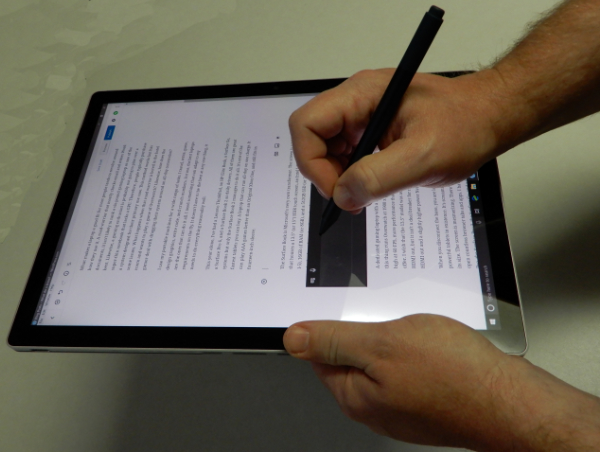
When you disconnect the base, you are left holding one of the most powerful tablets in existence. It’s screaming fast and ridiculously light for its size. The screen is mesmerizing. There’s plenty of storage and memory to open countless browser tabs and apps. I have owned the original Surface Pro, the Surface Pro 3, the Surface Go, and a Surface Pro 6; the tablet on the Surface Book is the best that Microsoft makes for writing, taking notes, drawing, and most non-keyboard tasks.

When the tablet is separated from the base it has no ports of its own. Only wirelessly connected peripherals (except headphones) are available. The battery life is shorter than most tablets and there’s no built-in kickstand. None of that matters once you start using it. The speed of the full Intel CPU and available memory means that this tablet runs Windows 10 and all your apps and full desktop software just as fast as your desktop does. The lack of the stand and re-enforcements required for it, means the tablet is lighter than a Surface Pro even though the screen is larger.

If you’re looking for a portable system that can do it all you would be hard pressed to do better than a Surface Book 2. Other 2-n-1 tablets and laptops are either good tablets and mediocre laptops or vice versa. A very select few systems are excellent at both roles.