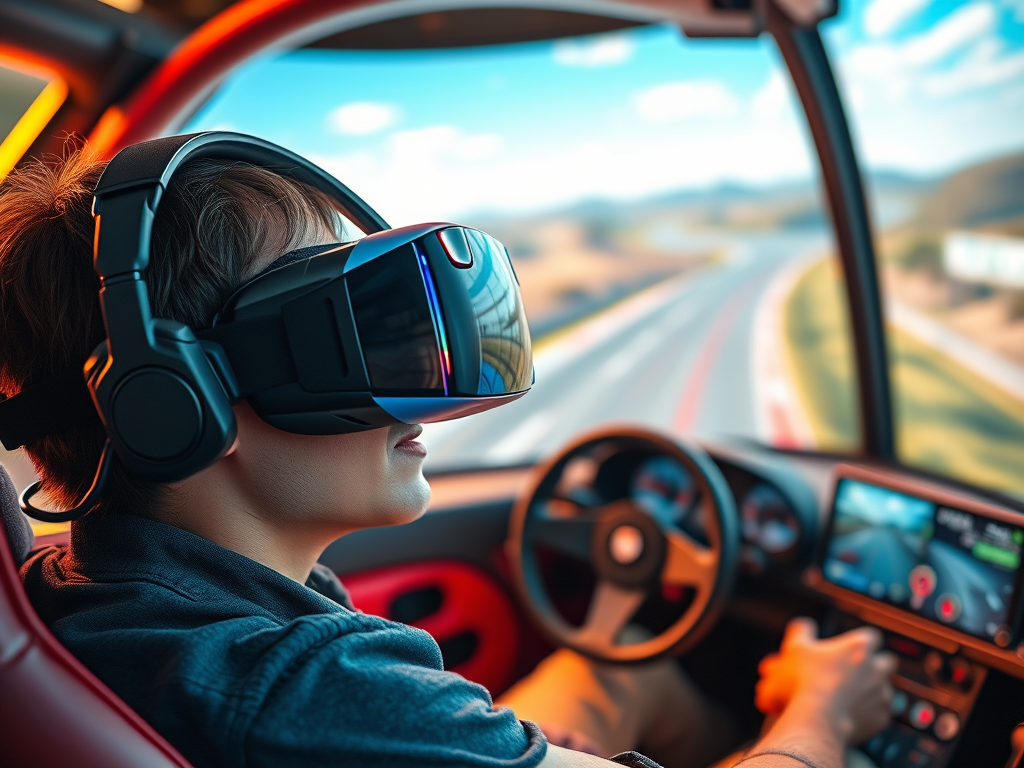
I have long been enamored by the experimentation and learning that is achieved via simulation. Simulation is used in everything from lab experiments to analysis models. The concept of simulating circumstances and environments has arguably helped jump start the modern era.
Virtual Reality (VR) is the ultimate form of simulation in the digital realm. One could argue that no single entity has pushed the technology further than Oculus ->Meta. I first noticed Oculus when they demonstrated a prototype of their glasses at E3 back in 2012. I purchased the first gen Oculus Rift on launch day and have been involved with the VR ever since.
Like a lot of folks, I’ve spent money and put countless hours into my VR hobby. I’ve replaced computers, upgraded GPUs, and installed new network gear. I’ve bought a driving simulator cockpit. I coped with the horrible performance of early systems. I pushed through the VR induced motion sickness. I have a near permanent kink in my neck from wearing the heavy face masks too much. As I sit here writing and reflecting on everything. I find myself wondering, “Has it been worth it?”
Yes. The answer is yes. Even with all of its flaws, virtual reality is still one of my favorite forms of entertainment. Nothing else immerses me in an activity like VR. The experiences invoke much stronger reactions than equivalent flat screen activities. I’ve caught myself bracing for impact in virtual racing accidents. I have mistaken my companion in Skyrim VR for a person standing behind me more than once. Fumbling a shotgun reload right before you get overwhelmed by zombies is intense in virtual reality. It causes a true panic feeling in most people, especially the first few times. Flat screens don’t trigger my flight-or-fight response like VR does.
I have improved in real world activities thanks to virtual practice. I am better at bowling, golf, and playing table tennis. My improvements in each have been confirmed in the real-world versions. I don’t have a pilot’s license, but I can absolutely fly (and land) many different types of planes. I have also improved my driving skills well past my commuter origins.
True scale, 3D vision, and 360° head tracking exceed many people’s expectations all on their own. Surround sound and various controller accessories further enhance certain activities. Simulations that feature controlling vehicles like racing and flying are shockingly realistic. Several companies manufacture full vehicle cockpits. Realistic controls and motion platforms also further enhance the realism while simulating every type of vehicle out there. Cars, fighter jets, 18-wheelers, tractors, construction equipment, and even spaceships have full setups available.
Several sports are also replicated in astonishing accuracy by modern VR. In my Quest 3 the Golf+ app, no PC needed, is the most educational golf experience I’ve ever had. The app lets you play and practice on digital copies of real courses. No green fees, cart rentals, or walking required. I learned which club to pick and how to stand. I understood how slicing affects the ball’s path. I also learned lay-up strategy and how to line up a putt. Then I had my swing analyzed and got tips from an AI golf pro. I frequently choose Golf+ when demonstrating the Quest 3 to someone that hasn’t tried VR. Check them out at https://www.golfplusvr.com/.
While trying to answer the question that started this post,”Is it worth it?”. I assessed all the costs and time involved. I decided that I still feel good about the hobby. Apparently, the folks at Meta have also been assessing their investments in virtual reality. They announced layoffs and a reduction of priority in their Reality Labs division. The group is responsible for much of the company’s efforts in virtual reality. Many VR enthusiasts and market analysts view this as a sign of doom and gloom. They see the long predicted demise of this run of VR development on the horizon.
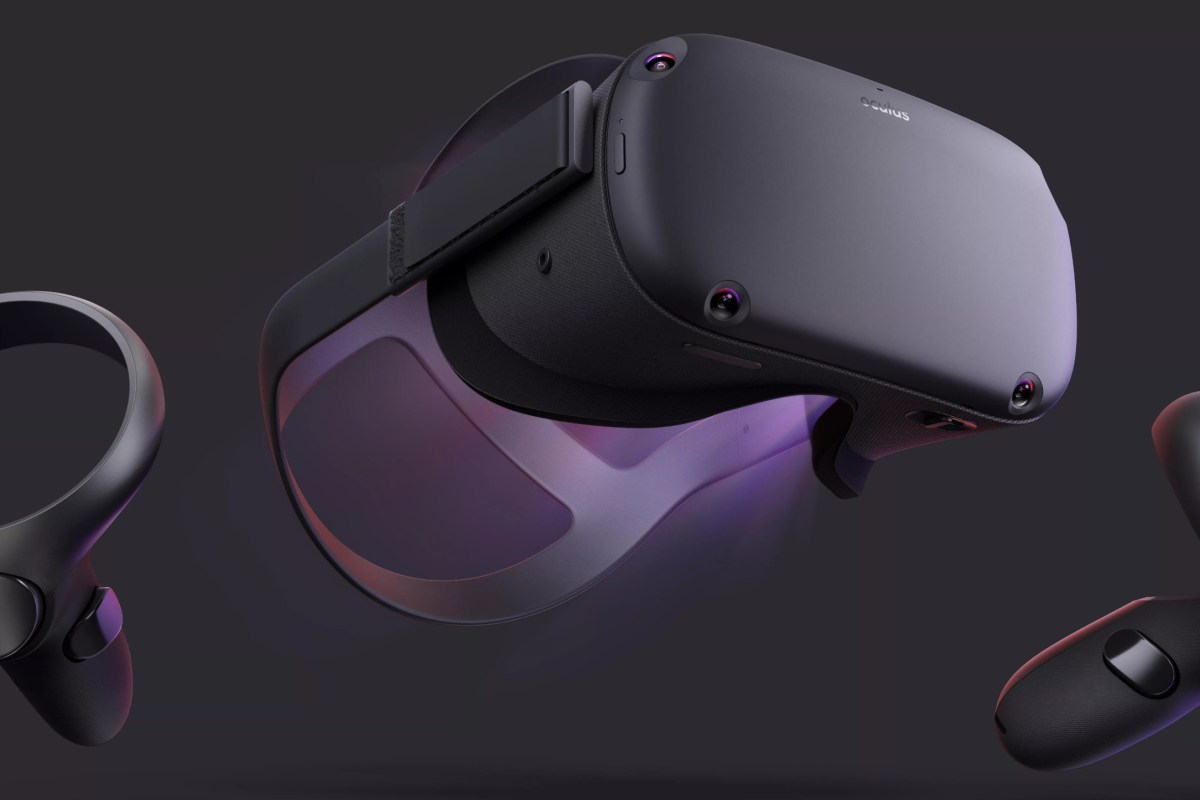
Enthusiasts and analysts have suggested various reasons for VR’s failure to reach widespread adoption. Two of the most commonly sighted are cost and complexity. Like all technology, there are levels of VR. Starting at the top-level of any hobby is usually difficult and expensive. I personally don’t think the entry level of this hobby is particularly costly though. A Quest 3S costs two hundred less than a Switch 2 in the US right now and includes everything needed.
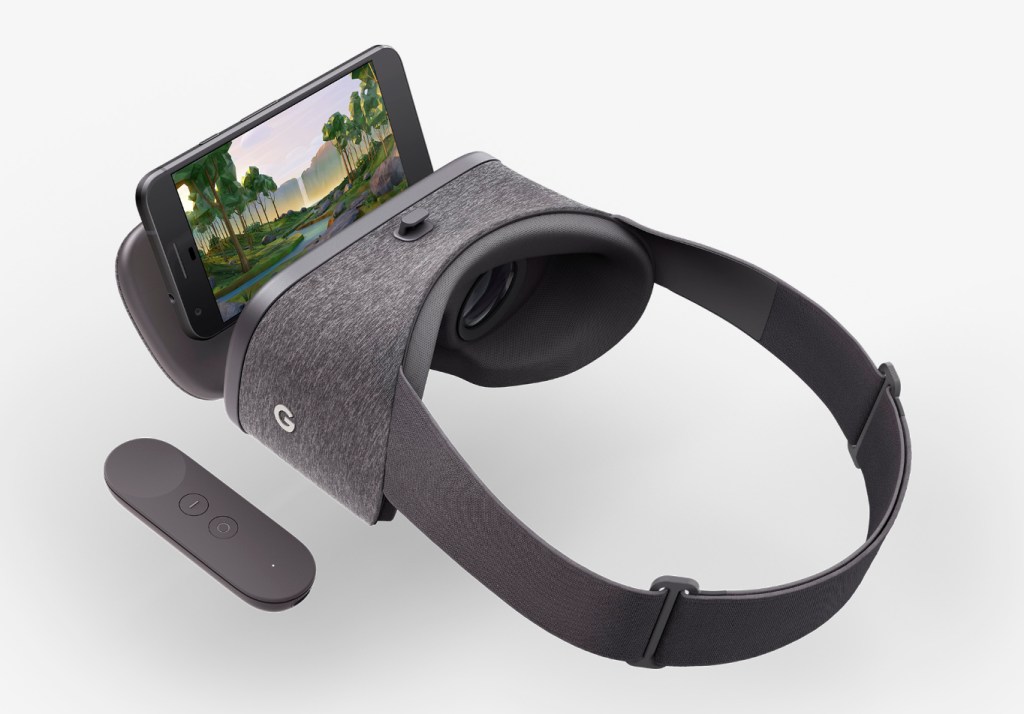
In my experience, standalone VR headsets are as easy to set up and operate as any other gaming console. Connecting to Wi-Fi, creating an account, and opening the app store seems like a well established process in the world. Strapping the headset to your face is uncomfortable, but so is my motorcycle helmet. It doesn’t stop me from riding my family’s 4-wheeler. Don’t even get me started on the amount of effort it takes to trailer that thing and take it somewhere to ride.
So, what is it then? Why isn’t a VR headset in everyone’s home? Most of the friends and family I have demonstrated VR to have been impressed with the experience. But only a few have gone on to purchase their own gear. I suspect that some folks just don’t enjoy the increased intensity of virtual reality experiences. Facing a thirty-foot-tall dragon with a short sword is a lot when that dragon is at full scale.
Whatever the reasons are, we can’t deny that VR is not taking off like other technology has. I wouldn’t go so far as to say that the entire industry is a failure. I don’t think most technologies are a good fit for huge swaths of the population very often. Aren’t smartphones used as the ultimate example of digital tech adoption because of how rare numbers like that are?
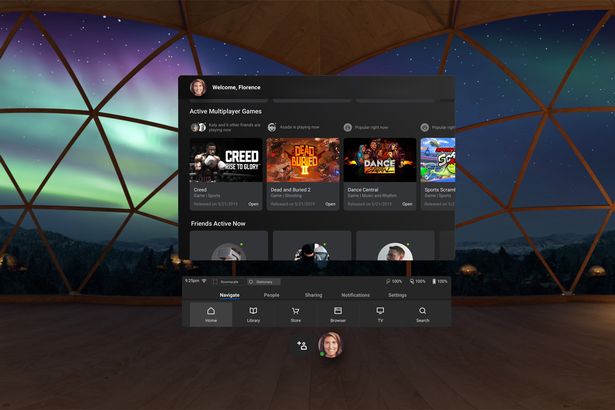
Meta sits at the head of the VR table because they purchased Oculus and funded its rapid expansion. Their other contributions to VR have largely been focused on replicating the Facebook and Instagram experiences in a 3D interactive environment. Wall Street seems to think this makes them the indicator for the entire VR industry. Maybe that is true from a financial standpoint. The money angle always feels short sighted to me though.
Meta isn’t the only big player in VR. Apple, Sony, and Steam are all still in the game and making progress. We also shouldn’t forget that much of the true innovation happening in the VR space is being driven by the smaller organizations. Companies like Pimax, Bigscreen, and DPVR are pushing the hardware forward at an impressive rate.
AI seems to be on the cusp of helping us render computer graphics that look nearly as realistic as video recorded on analogue film. If the hype is to be believed, AI should also streamline hardware and software development cycles in pretty much every industry. We should be getting those ultra-real graphics and headsets that are as lightweight as your favorite sunglasses sooner than we expected.
VR has already proven its worth to society. I don’t see it disappearing in the in the near future. Even if it loses all appeal to gamers, it will probably continue as a simulation tool. I can’t say if it will ever become as ubiquitous as the smartphone and television or not. I don’t think it needs to.









 techbloggingfool.com