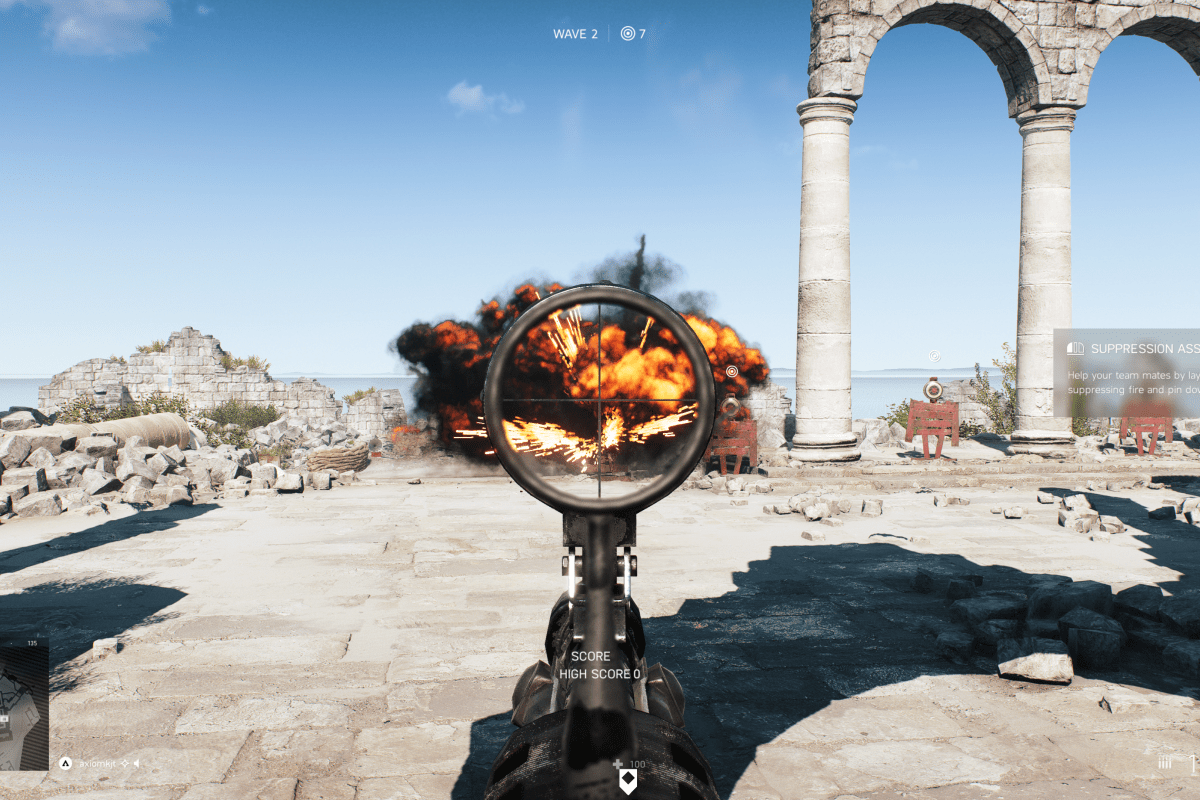
Nothing beats booting up your favorite system and jumping into a shooter to kill, kill, kill. For me and tens of millions of others, challenging yourself in a battle of speed, wits, and control is the ultimate form of competition.
Talk to any gamer that enjoys the genre and you’ll find there are some fierce loyalties to particular titles. As with any category of things, there are sub-categories of shooting games. There’s your Run -n Gun, Shoot -n Loot, Battle Royal, War Sim, RPG, and more. I play them all and can attest to their extreme differences.
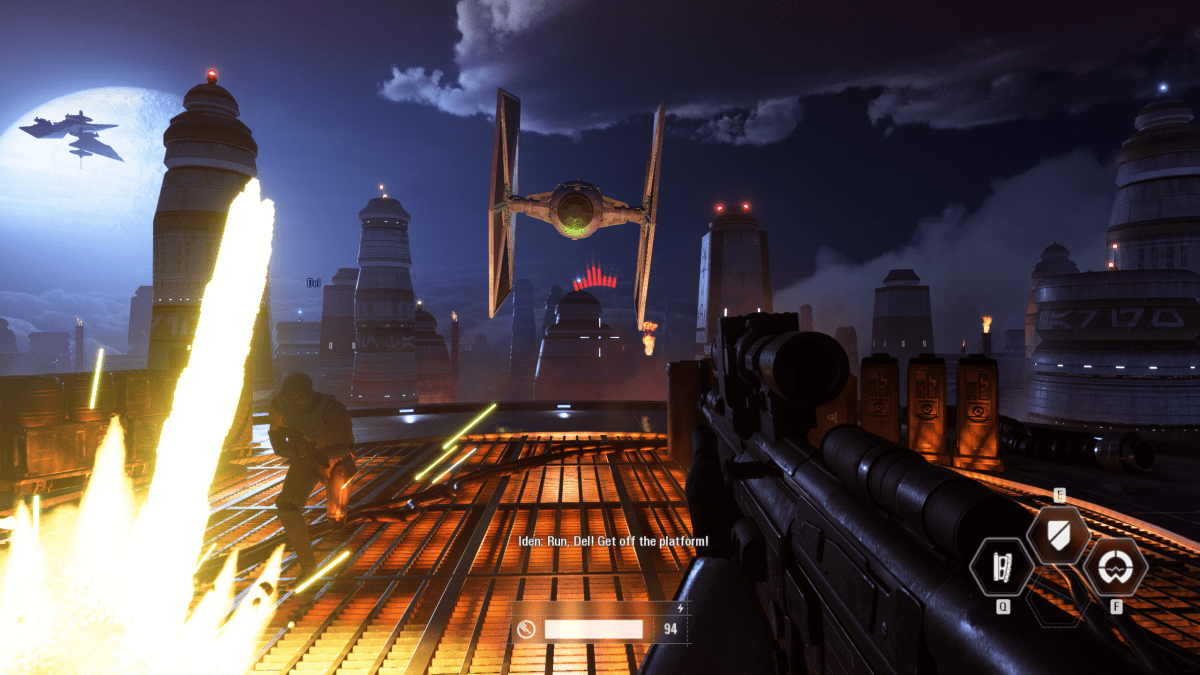
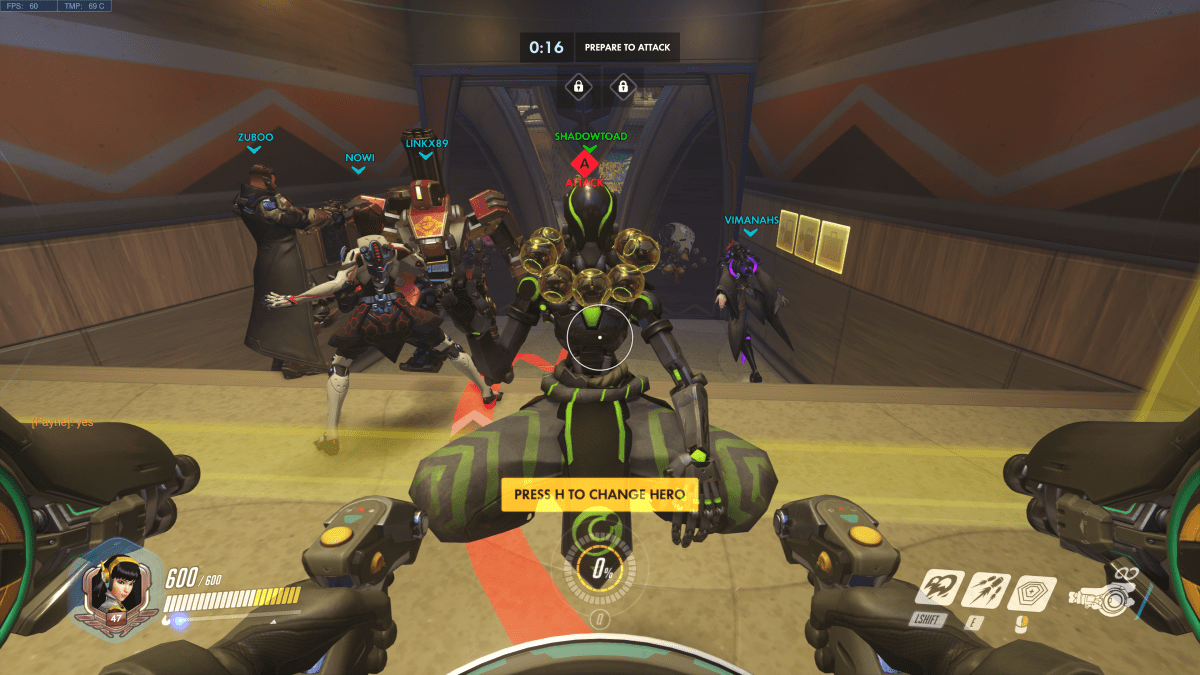
Right now, I’m actively playing Apex, Battlefield 5, COD BlackOps 4, Destiny 2, Deus Ex Mankind Divided, Doom (Switch version), Splatoon 2, Shadow of the Tomb Raider, and Overwatch. Occasionally I fire up Titan Fall 2, Gears of War 4, Halo, Borderlands 2, Battlefront, and Uncharted, just because I like playing them.
I often get asked which game is the best. The truth is that the games are so different from each other, the answer depends entirely on your personal definition of “best”. So here are my personal thoughts on the current generation of games that involve shooting at something.
Graphics
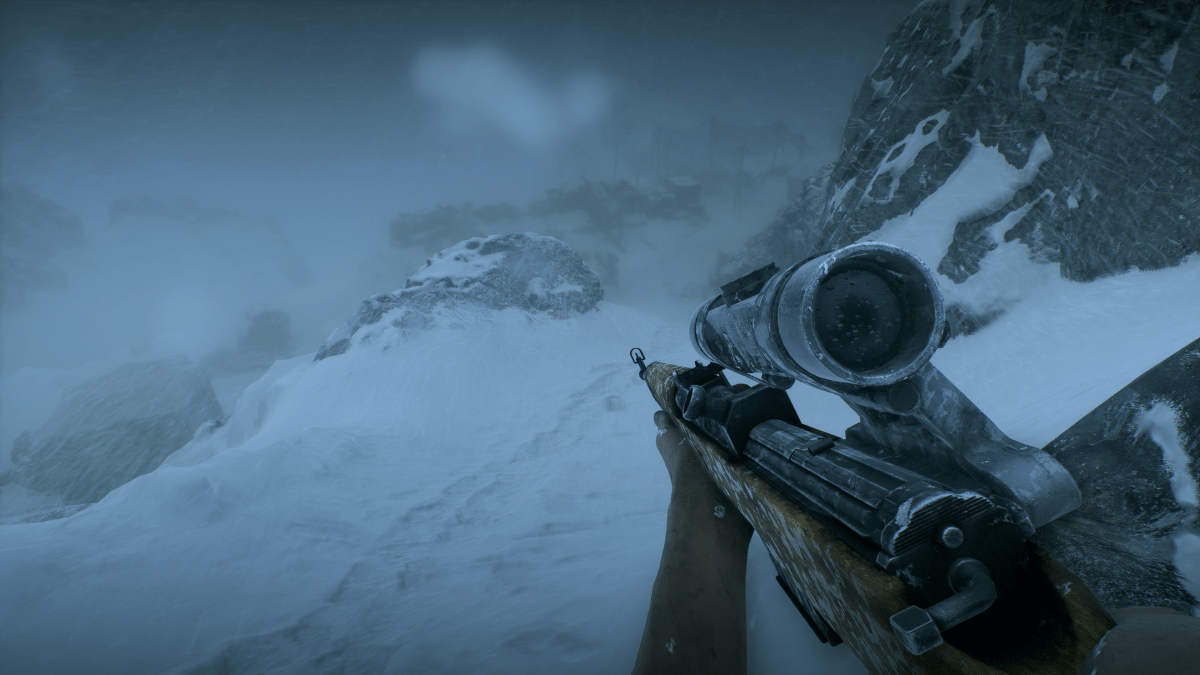
If by best you mean which game looks the most photo-realistic, the answer is Battlefield 5. Running at 4K, 60Hz+, HDR, on a 2080 Ti with ray tracing, DLSS, and everything cranked up to full, the entire game looks like a CGI generated movie. Not only is it the best looking shooter, it’s the best looking game you can play right now period.
You might be tempted to think I’m stating an opinion. Generally I agree that beauty is in the eye of the beholder, but there are no other games that support the visual fidelity achieved by Battlefield 5 on the market right now. My friends and family that experience it for the first time are taken by surprise when a cut-sence ends and the game starts. They literally cannot tell the difference. The opening sequence of the game takes advantage of this situation by purposefully slipping in and out of cut-sences in rapid succession.
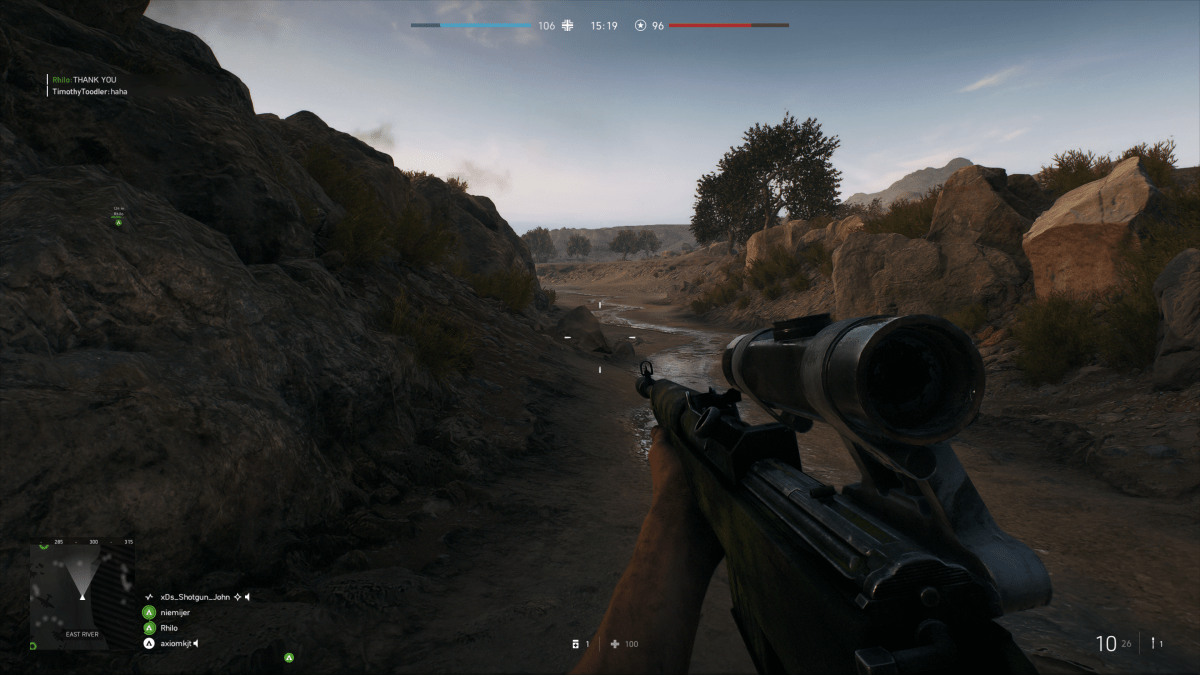
If you have the GPU, screen, and sound-system to experience Battlefield 5’s media onslaught at the peak settings, you are in for a treat. I find myself surprised at how good it looks and sounds nearly every time that I play it. It’s also just a really good game. Sixty-four player multi-squad battles with air and ground vehicles, infantry, mounted weaponry, and varying real-world environments will keep you engaged for hours.
Control
Game Feel is the term used by developers to describe how the combination of input, response, context, and aesthetics translates the virtual actions and sensations of a game to the physical world. Publishers invest an extraordinary amount of resources into getting their game feel just right.
Having played countless games over the years, I’ve learned to ignore my initial reaction to the controls of any new game. A new title is usually off-putting at first. Ever pick up what you thought was a Coke only to taste Dr. Pepper? New games cause a similar, “this isn’t right” feeling due to the control interface being the same as what you used to play the last game, but the input and response being different.
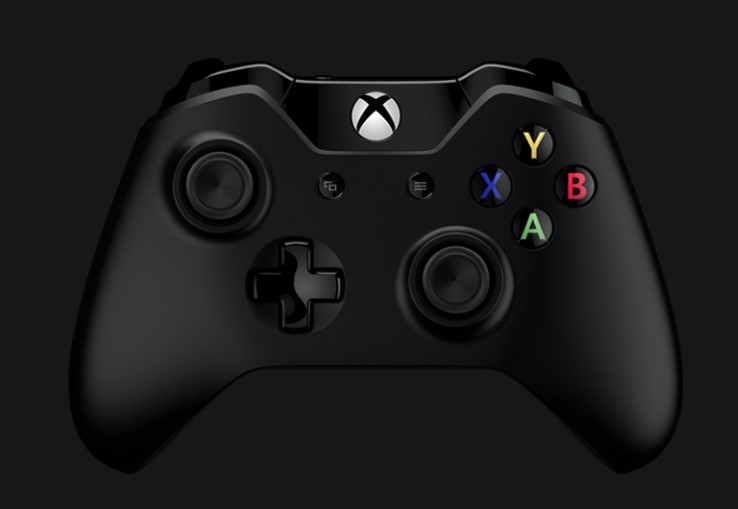
That being said, I have favorites like anybody else. The COD and Titanfall (including Apex) franchises have great game feel when played with a controller. I prefer Battlefield and BattleFront when playing with a keyboard and mouse, although I switch to a controller when operating the vehicles.
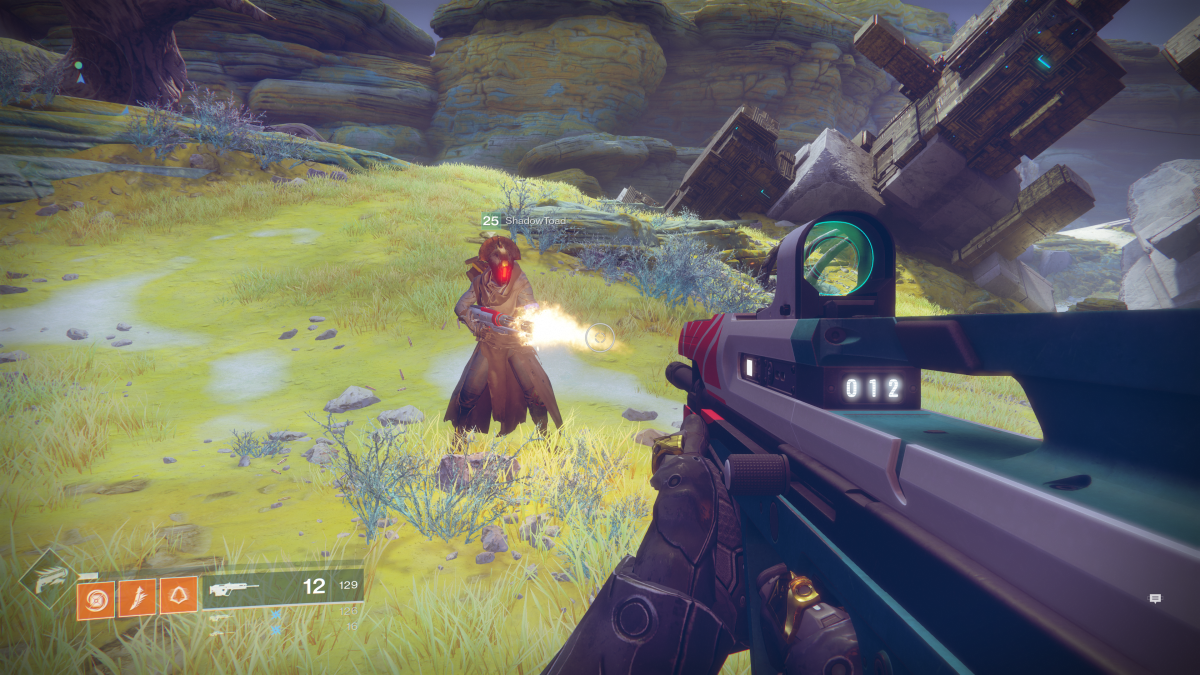
If I had to put my money on which shooter has the best controls, I would have to say the Destiny franchise has it in the bag. Whether you play with a controller or mouse and keyboard, there’s just something about Bungie’s game feel that is quintessential. Perhaps it is because I came into my own playing Halo on-line or maybe it is just the right balance of input and response timing versus speed of the game play. For whatever reason, every time I play Destiny 2, I marvel at how good the controls feel.
Story
For some, the story is the most important aspect of a game. It’s what keeps them interested in playing to the end. For others, it has little value and the campaign levels aren’t even looked at. I happen to be in the former camp. I can enjoy games that don’t have a compelling story to go along with the shooting, but I won’t be as emotionally engaged.
The Uncharted series has one of the most epic story lines in modern gaming history. It typically isn’t considered a current generation game though. The reboot of the Tomb Raider series is almost as compelling. Lara Croft and friends have never seemed as real.
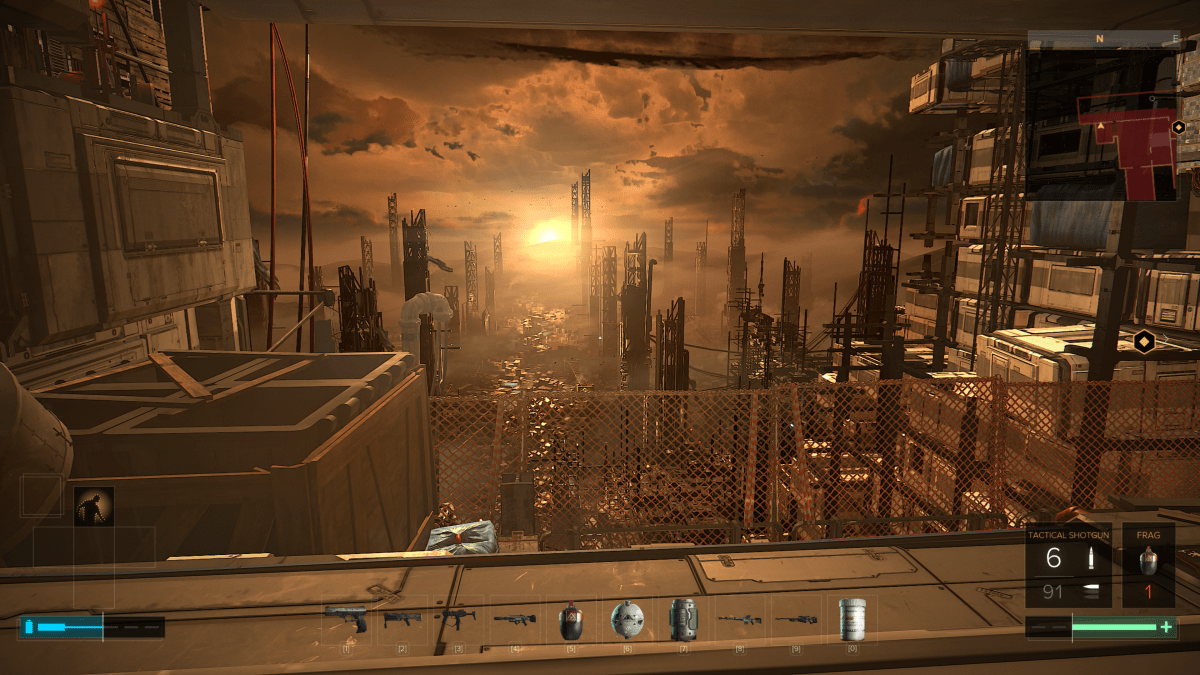
Personally, I am forever a Sci-Fi fan and the Deus Ex franchise really resonates with me. The concept isn’t unique. There have been countless games that featured an android, but the combination of its city sets and the tension between augmented and non-augmented people set Deus Ex apart. In my mind this seems like a possible future state for humanity that may be realized sooner than we expect.
Playability
For me, playability means how many hours do I stay engaged with a game before I move on to something else. In other words, how much bang for my buck am I getting? For example, I’ve been playing Deus Ex Mankind Divided for forty-six hours and I’m about two-thirds of the way through. I’ve completed every main story and side mission along with most of the points of interest. More than likely I will also play all the DLC missions. I paid $19.99 for the game and will end up spending around eighty hours in the fictitious world.
By comparison, I’ve already spent more than seventy hours playing Battlefield 5. The game has an excellent balance of modes that lend themselves to my availability. Team Death Matches last between ten and fifteen minutes, Conquests can last up to an hour, and Grand Conquests stretch across multiple days of play. This ability to fit in to my schedule makes BF5 one of my go to time wasters.
My Favorite
It’s difficult for me to say that any one game is my favorite. I like them all for different reasons and will always be the kind of gamer that switches between playing multiple titles. However, the point of this article was to name the “Fairest of Them All”. Battlefield 5 is the winner in my book.
When left to my own devices, it’s the game I play the most. In Battlefield, single shots can kill when they hit the right spot, taking cover is not optional, the building you’re hiding in can be destroyed, and there are no perks or ultimates to make up for a lack of experience. Ranking up weapons and player categories are slow and methodical until the pay-to-play packs are released. Above all else, I enjoy being challenged.
 techbloggingfool.com