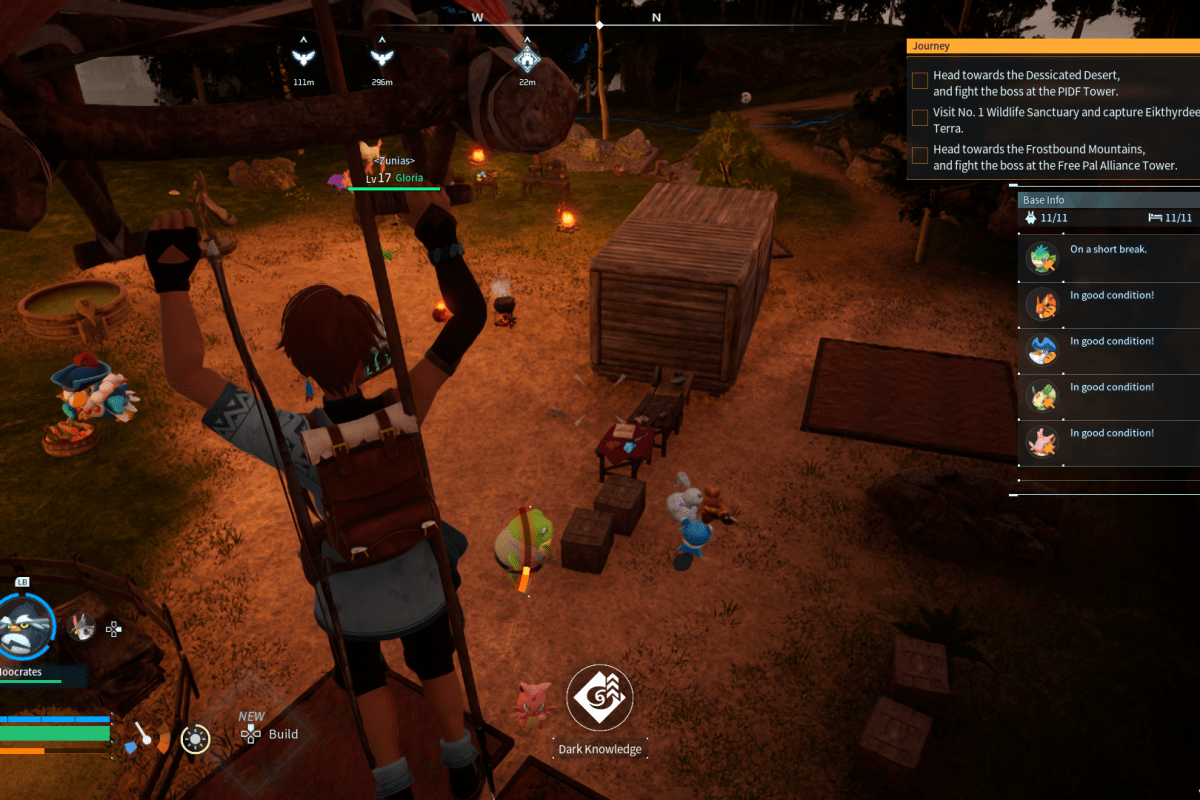
It can be difficult for couples to find a video game that both parties can really enjoy. People like different things when it comes to digital entertainment. My spouse really enjoys cozy games and titles like Zelda, Pokémon, Animal Crossing, and Star Dew Valley. I tend to prefer FPS and racing titles with some overlap on the adventure stuff.
When a co-worker mentioned that he and his wife were really enjoying Palword, my spouse and I decided to try it as well. I followed this guide provided by Pocketpair and set up a private multiplayer server using the free SteamCMD server software.
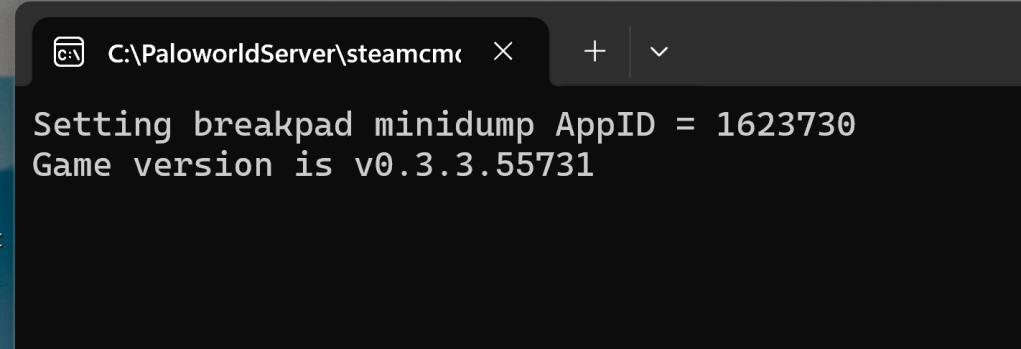
Having your own server means not needing to worry about competition. We could also make our own backups, and it meant we had full control over the game world’s settings. We find that it encourages us to play more since it is always available. As a tech, I like that server performance is guaranteed by my own network and hardware #1mspings.

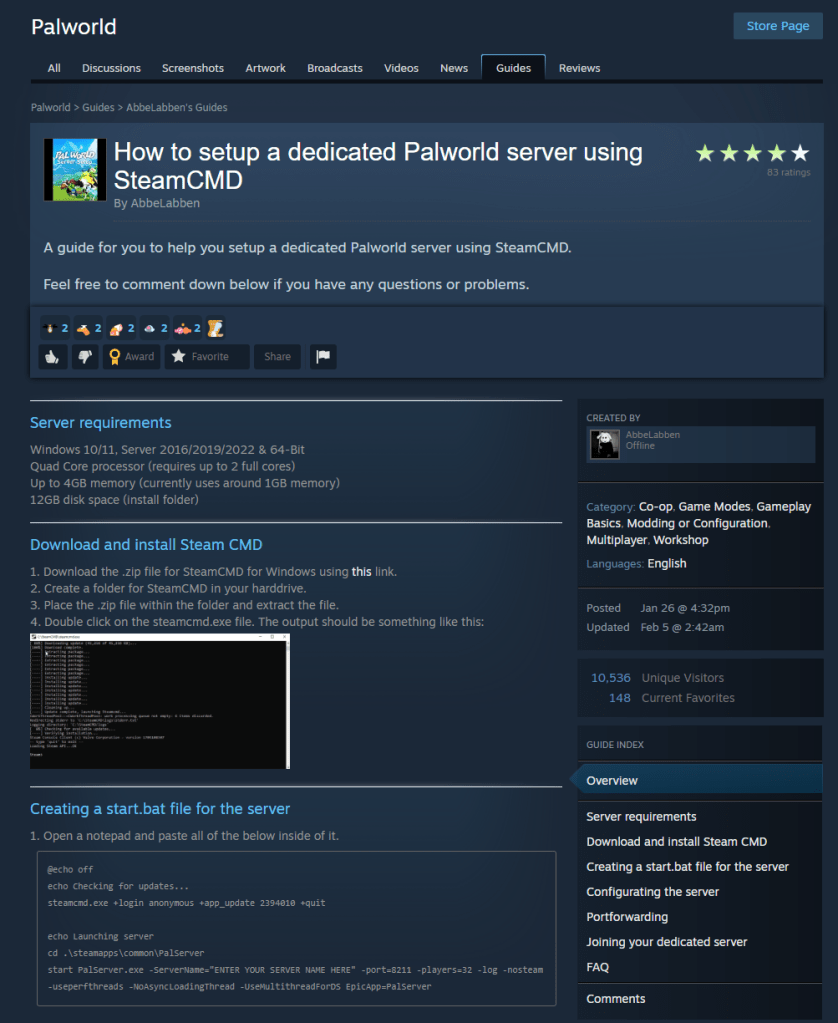
During the server setup, I followed the instructions linked to in the picture above. I also used this post in the Steam forums as a reference because it provided some more detailed information and tips regarding a shortcut to easily start and stop the server.
I opted not to fill in the public IP address in my setup. I will use a VPN if I want to play when not on my home network. I made this decision in-part because requiring a password on the server has a sort of bug, or this beta game lacks a necessary feature. Depending on how you look at it. You need a keyboard to enter the password in the server connect menu and there’s no on-screen keyboard available in-game yet.
The keyboard situation gets annoying on consoles such as the Steam Deck or ROG Ally. It is possible to enter the password on the handhelds, as they both have methods to force an on-screen keyboard to open. The process is clunky due to input window focus challenges, keep trying the overlay’s OSK it eventually works. There are apparently more places where a keyboard is required, but I have not personally encountered any yet.
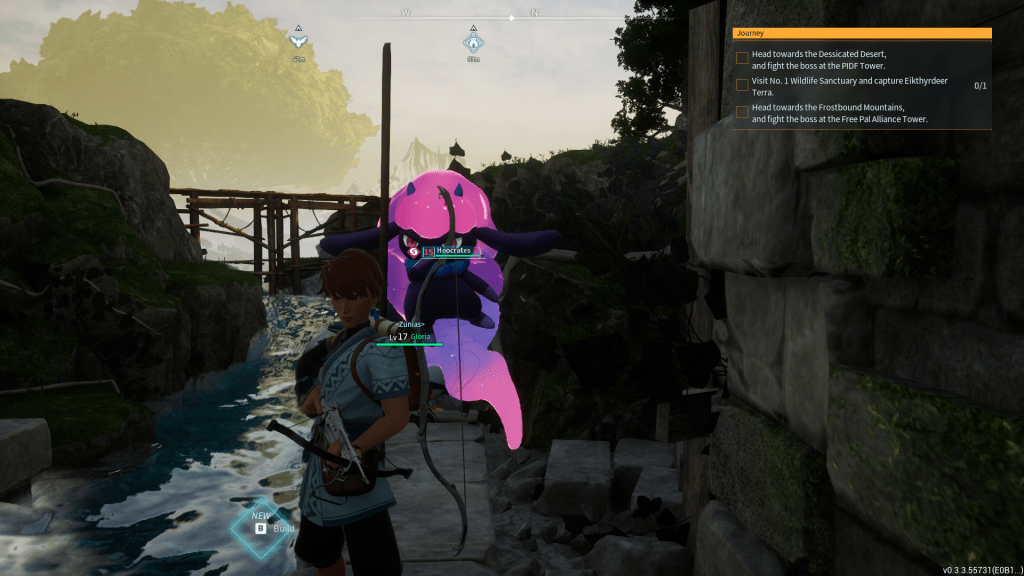
To play the game on the same system that you host it on use 127.0.0.1 as the IP address of the server to join. Speaking of clients, if you want to setup an Xbox private server using this same method you can. The change to make the server Xbox compatible is covered in both of the guides linked to above. Each server can host PC players, or Xbox players but not both together (yet). It is possible to host more than one game server on a single computer if it has enough physical resources (CPU, MEM Storage). You’ll need to change the port for each server that you run in the .ini files (instructions in linked the guides above).
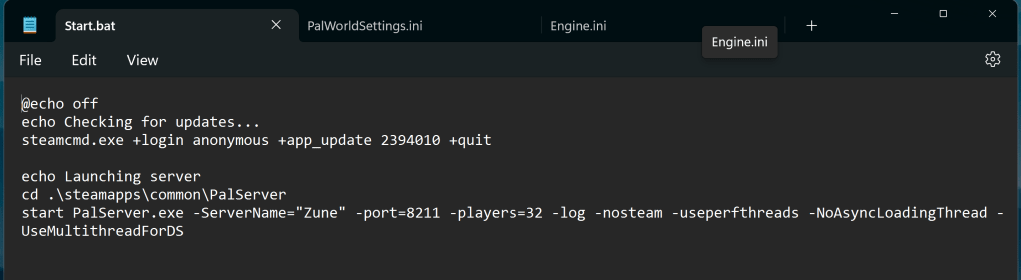
I had to increase the server’s tick-rate to 60 to help cut down on the rubber banding that seemed to occur really badly during pal fights. There’s still some of the snapback stuff happening when my spouse and I both fight lots of enemies and their pals in the same area. I may increase the tick-rate to 80 in the near future. See this GitHub readme for instructions on how to adjust the parameter. This change increases the computer resources used by the game world server.
Our gaming pc is using an AMD Ryzen 7 CPU, A 3080 TI GPU, and has 32 GB of DDR4 Ram. It’s able to simultaneously host the server and stream a copy of the game via Steam Link to the Apple TV in our living room (where my partner plays) in 4K at 40-60FPS over a professionally managed 1Gbps cabled network.
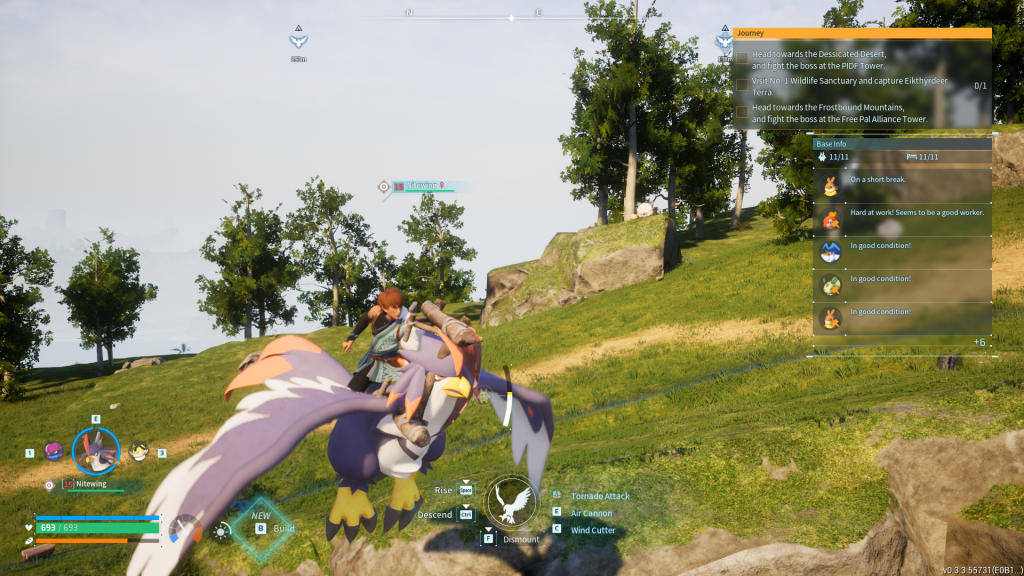
I’ve seen Palworld described as Pokémon with guns, but that isn’t a very fair description in my opinion. The game is really a mashup of all your favorite adventures. Don’t get me wrong, there are Pokémon-like creatures called pals and guns galore, eventually. I’m pretty salty about being almost 20 hours in, having ammo, but still no GUNS.
There are also towers to unlock regions, a hang glider, chests that take keys, cooking, and climbing ala Breath of the Wild and Tears of the Kingdom. The typical survival RPG hallmarks of gathering, building, upgrading, repairing, farming, potion making, and inventory management are cornerstones of the Palworld experience, too.
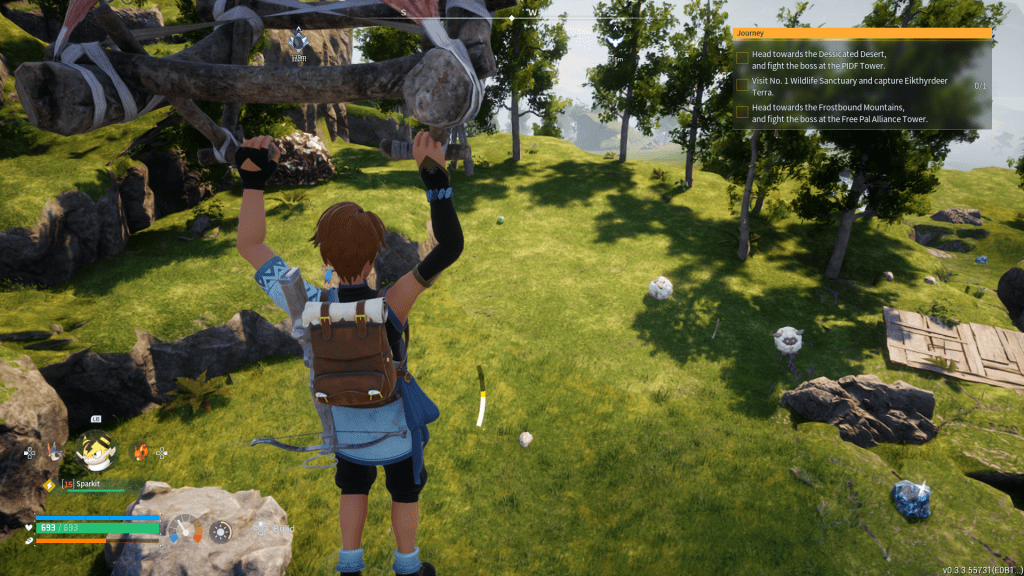
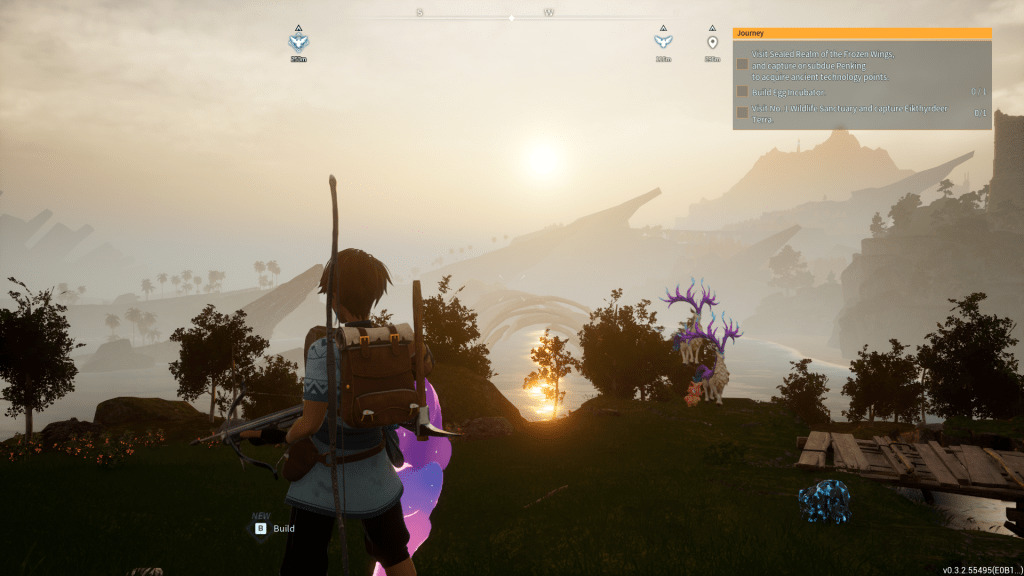
The game starts you out in a pretty lush environment. I recommend collecting wood and stone as soon as you can. Follow the yellow text prompts in the upper right corner of your screen. It’s a good idea to build a campfire and or shelter as quickly as possible. You can freeze to death on your first night without something to keep you warm.
During the beginning, focus on establishing your first base. Capturing and learning to use your Pals is normal for Pokémon players like my wife but was a new experience for me. I still struggle with which one to call for a strategic advantage over any given enemy in a dual, or fight.
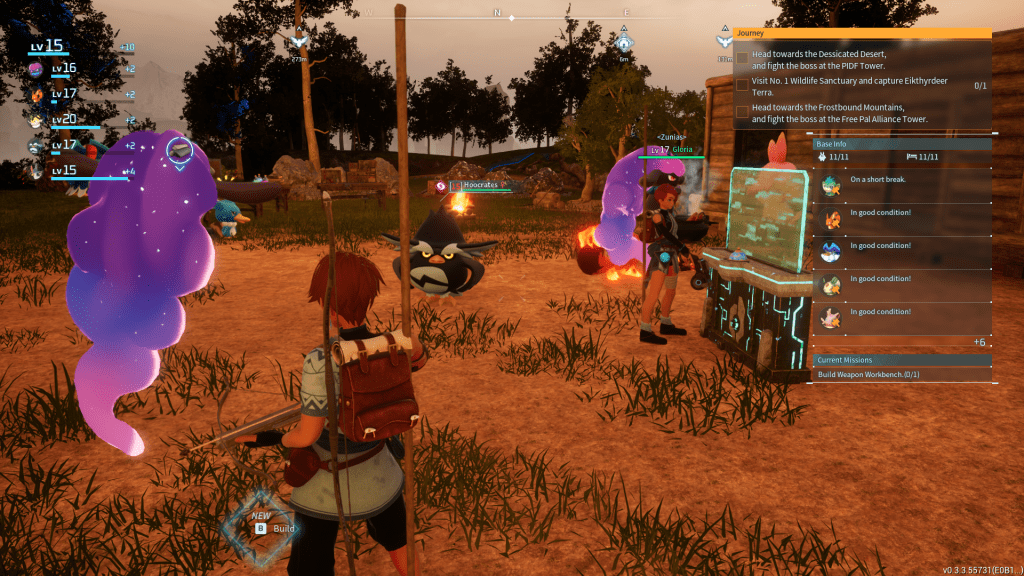
Acquiring technology points and otherwise ranking up is the goal. In classic RPG fashion you start hemmed into a particular geographical area by the strength of enemies in adjacent zones. If you want to explore, you are forced to evolve.
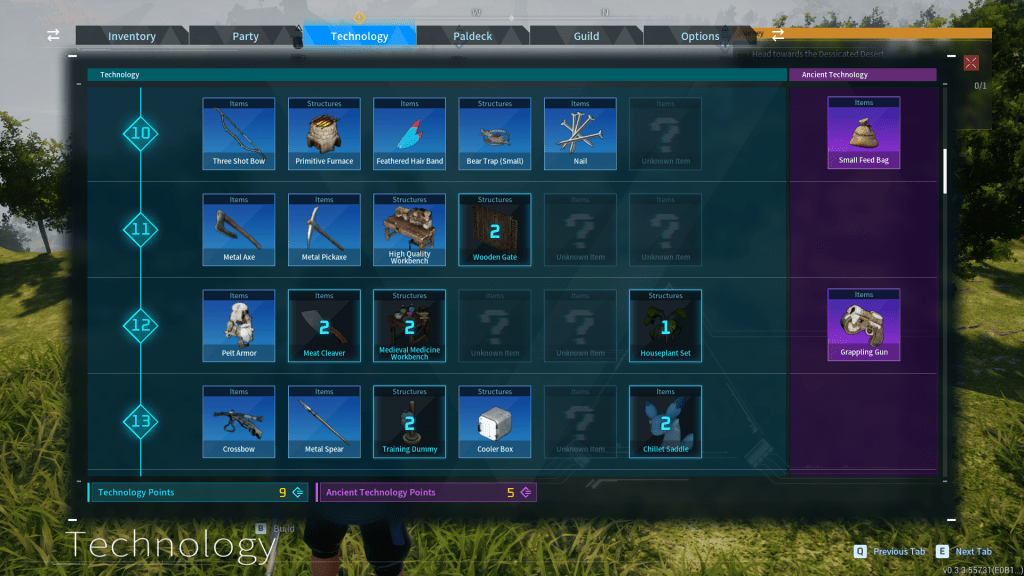
We defeated the first tower-boss on our second try at level 14 with two players. Each of us with 5 pals that could do 100 damage or above, bows, spears, and axes. We each went through more than 100 arrows each, in both attempts.
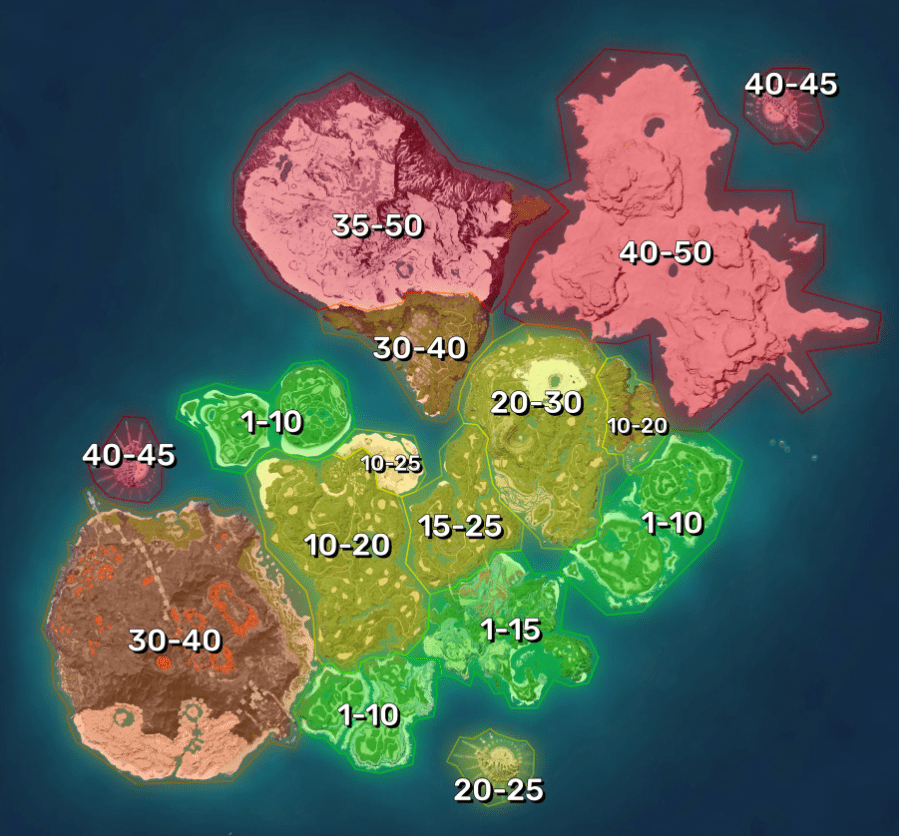
We have the difficulty set on normal and have left the “lose your stuff on death” penalty turned on. I won’t go into details past that on strategy. The information was provided to give newbies an idea of how high they should rank up before venturing out into the expansive world at large.
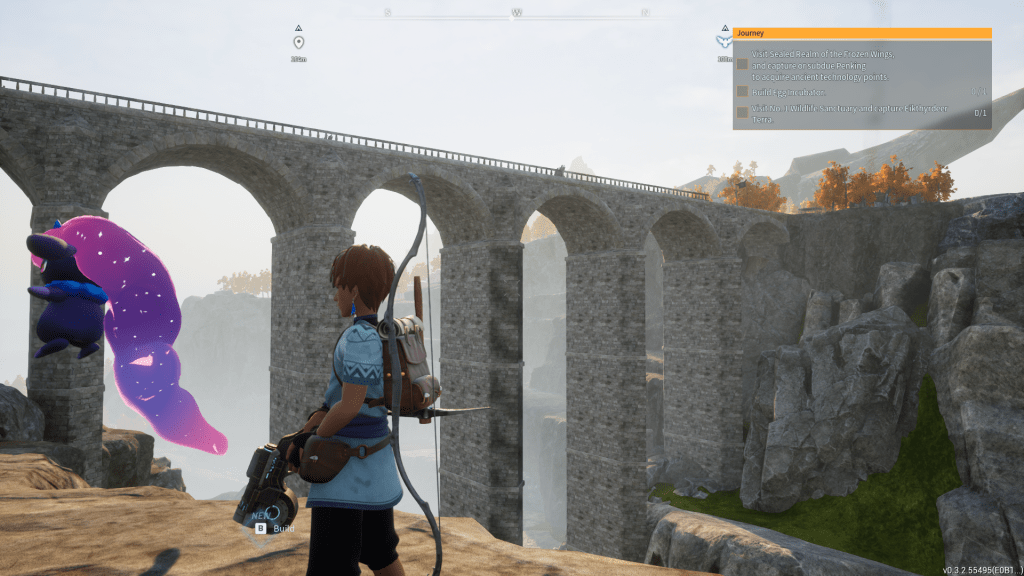
The combat is a combination of 3rd person melee and ranged weapons like bows, crossbows, spears, and axes for a very long time. I’m a level 15 player at about 19 hours in and have only encountered guns in NPC raider’s hands. Apparently, they aren’t an option for players until Level 20, after which you are able to unlock the ability to craft a weapons workbench.
The combat is smooth and interactive as far as character control is concerned. Jumping, dodging, running, sliding, and ducking are combined with throwing, shooting, swinging and stabbing in fast paced action when there are multiple combatants.
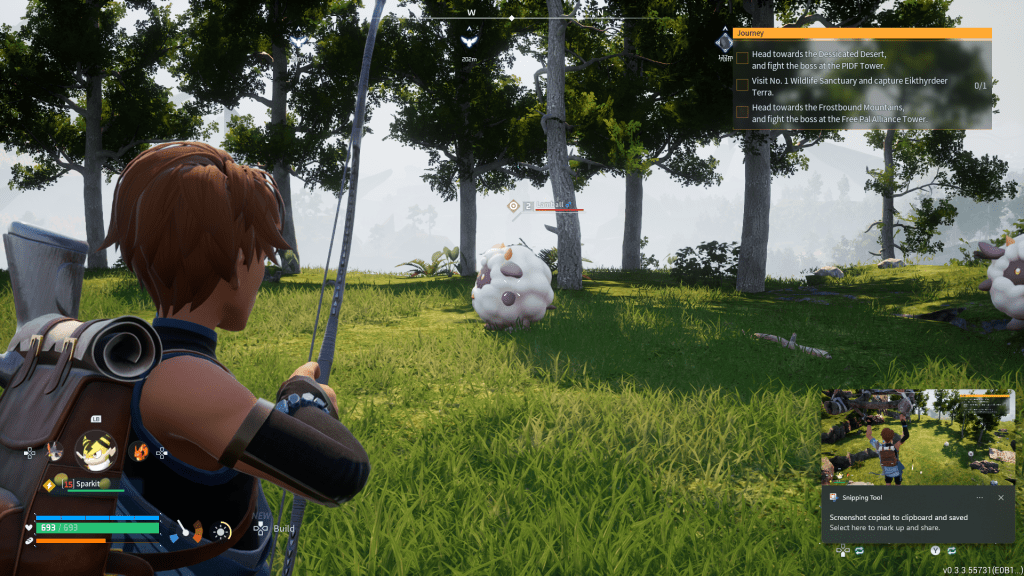
There are shields, armor, health potions, firepower, food, damage to your gear, damage to your pal team, with stamina and health for everyone to manage durring battle. Your fingers will get a workout and so will your brain. The game supports both keyboard and mouse or controllers. Though you should have a keyboard handy for the buggy spots.
Your Pals fight with and for you. Choosing your Pal team loadout is as important as choosing the weapons your character is wielding. Each category of Pal will have attributes that make it a better or worse fighter against other types of Pals. Each individual Pal on your team can be ranked up, accessorized with weapons, trained with new combat techniques, and more. Some can be ridden, or flown, and others will act as your personal bodyguard. Mastering all their abilities will take some time.
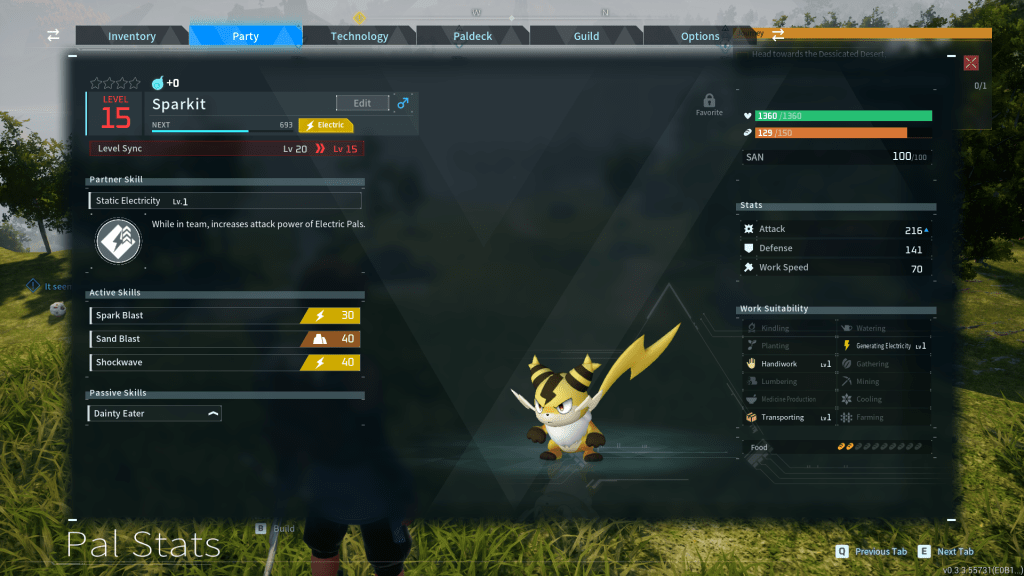
Murdering and harvesting the cute little pals for their organs, meat, and bodily fluids is required. You also end up enslaving the creatures to work on your bases building your empire. I only mention it because this type of play almost certainly bothers some people. If you have an aversion to these types of actions you should steer clear of Palworld. There’s not really anyway to progress in the game without slaughtering the Pals by the hundreds, possibly thousands.
There are areas where the game shows that it is still a pre-release title. The afore mentioned rubber banding issue, quite a few graphical glitches, and the possibility of your data getting wiped out (see the warning at the start of the game) to name but a few. There are also several spots you get trapped in which will force you to reset a ‘la Sackboy.
Another example, you can tell they don’t quite have enemy strength dialed in. The displayed rank doesn’t always match the experience. You may encounter a level 23 zone guardian that is easy to defeat then lose your next battle to a random level 11 Pal. It is by no means a game breaking issue, just something to be aware of.
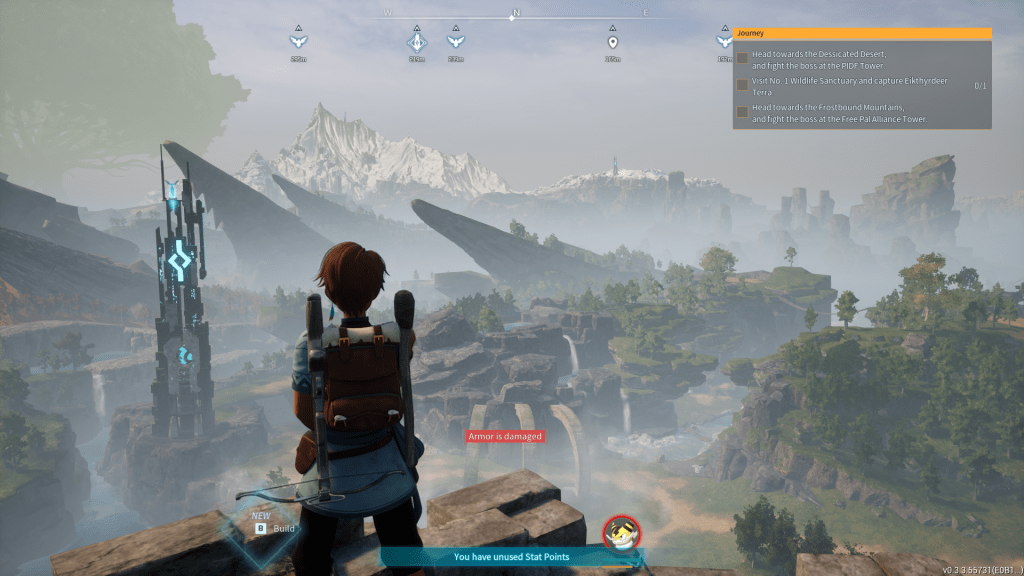
The open world is large and there are many types of environments to explore. Each new zone is unlocked by defeating the boss in that area’s tower. The tower bosses are what drives the need to rank your character and team up. In addition, your bases will l be randomly raided by the other factions of NPCs that inhabit the game.
We’ve had a great time playing this title. There’s plenty of farming, organizing, building, and the like for her. I enjoy the combat and strategizing. We both really enjoy the exploration and Pal collecting. The game has a good combination of activities that players can accomplish alone and those that require teamwork. If you’re looking for something to play with your significant other, or a group of your friends, Palworld might be a good option for you.



 techbloggingfool.com