Where to start this months long saga? Initially, my i-9 and MSI MAG z790 Tomahawk WiFi motherboard seemed to be a big upgrade. Unfortunately, it wasn’t long until some games and apps would completely crash my system to a powered off state. There was a fairly low occurrence rate when the issue started, but it happened more over time.
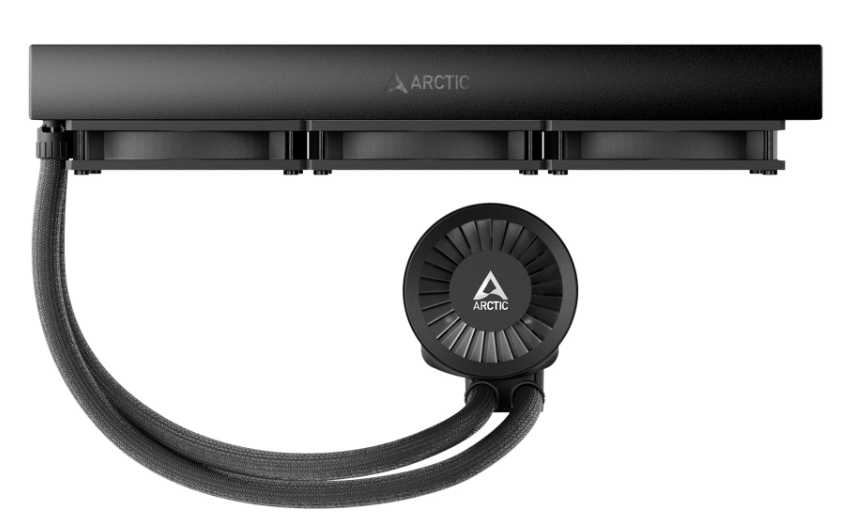
I checked everything multiple times. I disassembled and rebuilt my entire PC and completely reinstalled everything. I reset and updated my motherboard’s firmware. Nothing helped. The games still crashed. I decided that my AIO cooler’s internals must have failed. I replaced it with an Arctic Liquid Freezer III. Sadly, the crashes continued, and they were getting worse by the day.
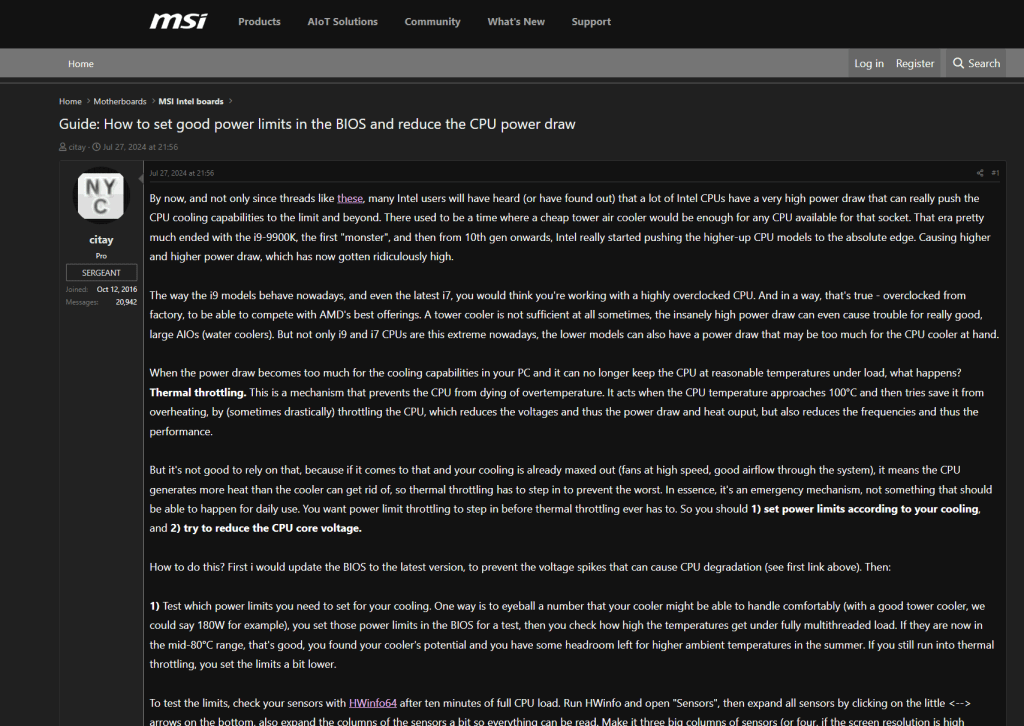
Rumors started in the MSI forums. They said that the 13th and 14th Gen i-7 and i-9 CPUs were susceptible to flaws in their original microcode. Microcode is logic software that directs traffic inside the processor. The flaw caused the processor to draw too much power during heavy loads. That overdraw causes the shutdown.
It took Intel a long time to publicly acknowledged the flaw. They also said that the situation could permanently damage the chips. By the time they had made the announcement, my system wouldn’t even boot anymore. It just flashed the CPU error light after powering up. I worked with Intel Tech support. They determined that my Raptor Lake i-9 was damaged. It needed to be replaced. So, I RMA’d it (Return to Manufacturing) for a refund.

I chose the refund option because Intel was already out of stock on replacement CPUs. The process of getting the RMA was time consuming. I had to provide a full tech support ticket on their site at: https://supporttickets.intel.com/ then I worked with the assigned tech to troubleshoot. We finished the diagnostics. I removed the CPU from my system. I then boxed it up and sent it to Intel.

I submitted my warranty request to Intel on 8/17/2024 and shipped the CPU to them via UPS the next morning. I received my refund via Western Union on 10/8/2024. They are extremely backlogged to say the least. Intel needs to examine each CPU. To issue a refund, they must find it faulty due to the microcode problem, not some other issue. That is where the time went, waiting for a diagnostics technician to examine the chip. Intel support was extremely professional and kept me updated with regular emails.
I used the refund to purchase another i-9 from Microcenter.com after Intel thought they had fixed the issue with a microcode update. I downloaded the 0x129 microcode update on my laptop. I also downloaded the newest firmware for my motherboard from MSI’s site. Then, I transferred them to a thumb drive. I used the thumb drive to flash the motherboard and install the new microcode, again.
By this time, I have lost count of how many times I’ve performed a firmware flash on my system. It has to be more than ten. The 0x129 update corrected the issue in some games but not in others. The games that most reliably caused me a crash were Battlefield 2042, Doom Eternal, and Starfield. The system also suffered frame drops and fuzz outs in Halo, CoD MWIII, and Assetto Corsa. These issues seemed to also be caused by the P-cores thermally throttling themselves.
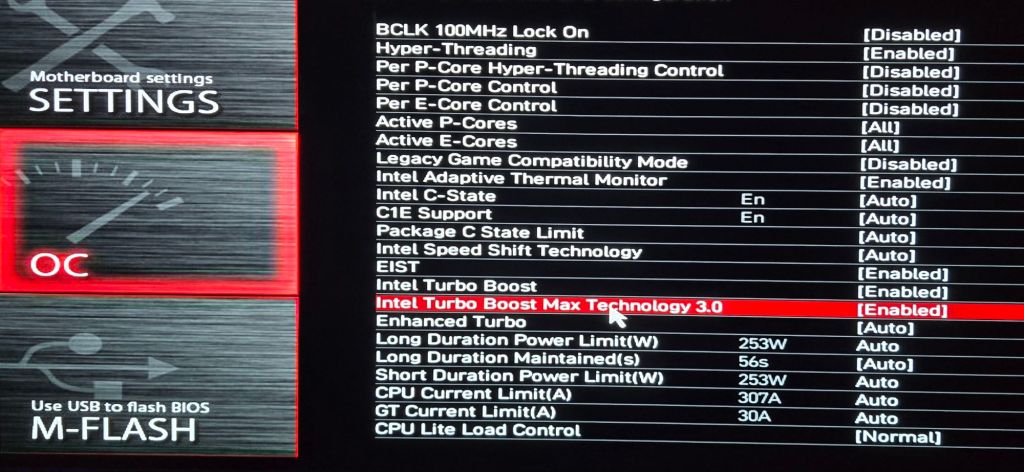
I wanted to continue playing the games that were triggering the shutdown. To protect the system from damage, I detuned the CPU via the motherboard’s overclocking options. My goal was to keep the power draw as low as possible and still maintain decent performance.
Many of the options in UEFI for an Intel processor make only a slight difference in actual game performance. The trick is knowing which ones to adjust and which to leave alone. Refer to your motherboard manufacturer’s documentation for information on the settings.
I ran an analysis with the classic tuner’s app HwInfo. I deduced that CPU temps were still spiking past the threshold in certain games. This was initiating the Emergency Shutdown function. This was a disappointing discovery, to say the least. At least the shutdown was kicking in right at 100c (Intel’s suggested limits) so it shouldn’t be damaging.
To get this type of information in HwInfo, you need to open sensor mode and start logging. When your system crashes, open the file it was writing. You will be able to see the status of all your components at the time of the shutdown.
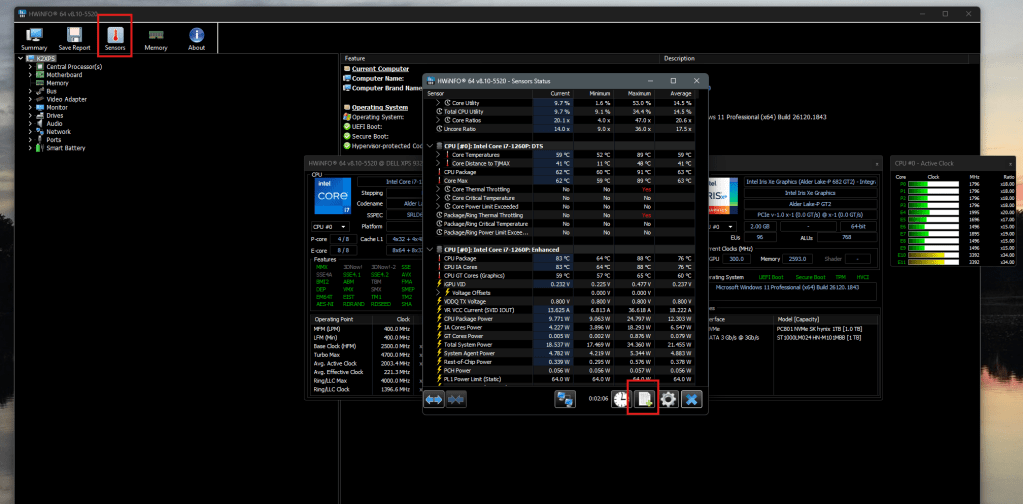
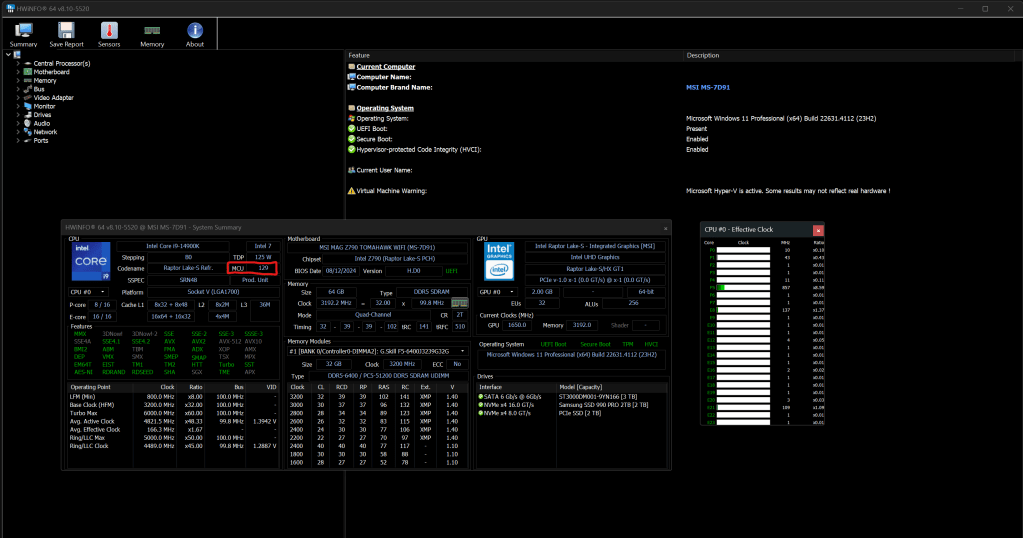
After reading various posts in the MSI and Intel forums, I decided to turn off the “Intel® Turbo Boost Max Technology 3.0” function. I also manually set my P-Core ratios to 56 to slow the physical cores down to 5.6 gigahertz. These two changed fixed the remaining problems, but I wasn’t getting the performance I had paid for this running way. I tested each game for about an hour while running full monitoring, which itself causes a CPU load. The cores stayed well under the 100c threshold.
Two weeks later, Intel announced another microcode issue in the Raptor Lake processor. This new issue was causing a Vmin Shift Instability in certain situations. Later that same day, Intel and MSI released microcode update 0x12B. Which was supposed to be the final fix.
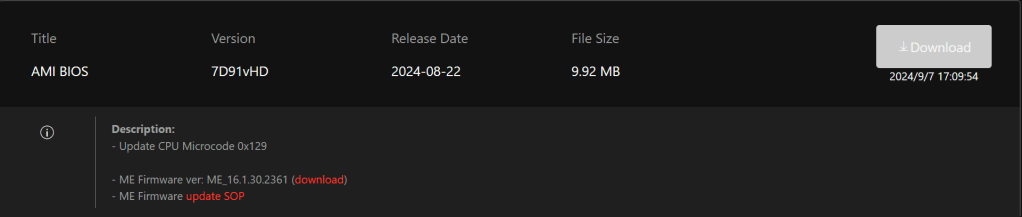
Once again, I ran through the flash process. I noticed that the Motherboard’s UEFI BIOS now prompts me with options on its boot screen. I can choose either Intel Defaults, MSI Safe, or MSI Performance profiles. I chose Intel defaults and verified that it undid the P-core and Turbo customizations that I had made earlier.
Thankfully 0x12B seems to have done the trick. I’m able to run my system at its maximum performance for up to two hours. I’m sure it can go indefinitely; the temperatures never get much above 85c now. I don’t’ really notice any performance degradation in the games I play after the update. The system performs better than it did while it was detuned, that’s for sure. It’s been quite the PC gamer adventure dealing with this mess. I’m glad it worked out in the end.
 techbloggingfool.com
Nice article, thanks for sharing your experience!
I’ve tried to reiterate to some users on Reddit how important the firmware updates are to make these CPUs stable, but the most vocal seem to only be aware of the potential damage and claim that any crashes mean the CPU is already dead.
It is frustrating to deal with unreliable hardware, especially expensive high end parts. My usual annoyance is RAM.
LikeLike
I am considering the purchase of a 14900kf. Today’s date is 07/04/25. So the microcode is available, your shared experience is invaluable. I may go ahead with the purchase.
LikeLike
I am still running that same i-9 without issue. The updates worked from my point of view.
LikeLike