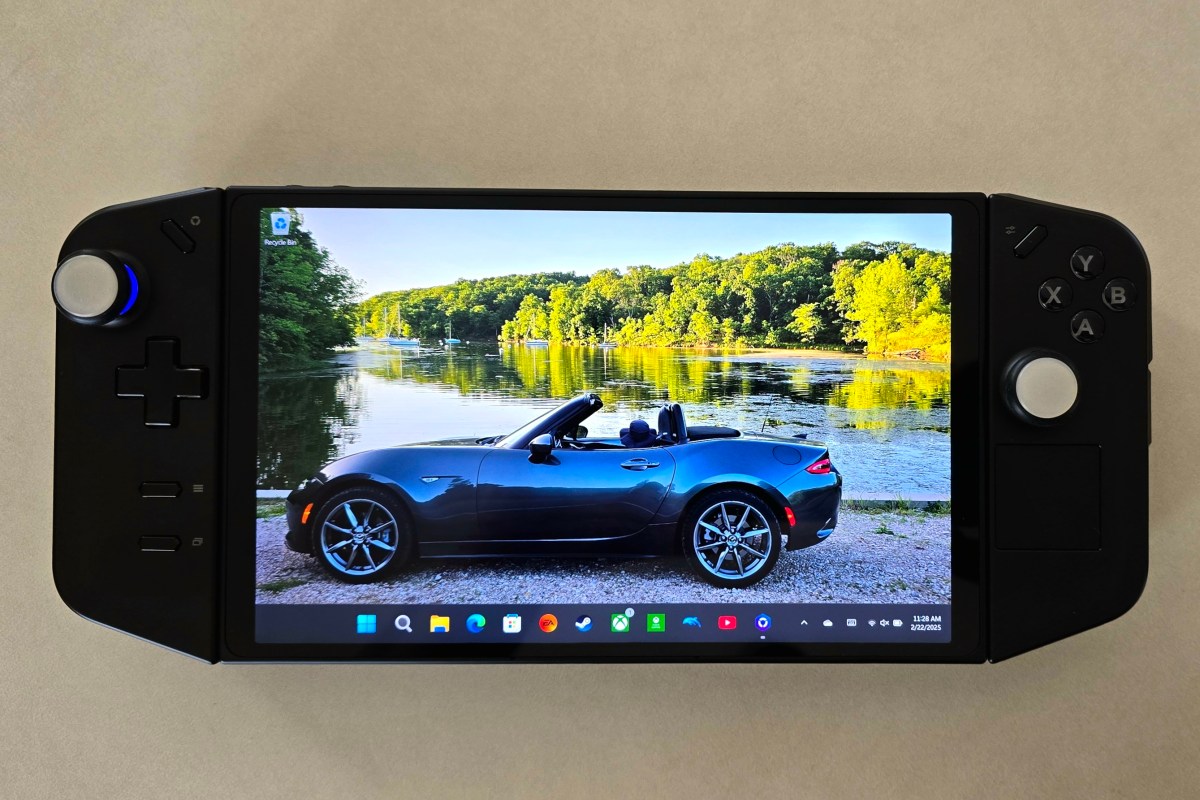
When the Legion Go launched, I was really interested in it. On paper, it fixed the minor annoyances I had with my ASUS ROG Ally. It wasn’t quite enough of an upgrade to justify purchasing one.
Lucky me, my partner got me one for Christmas, and I’ve been playing it ever since. I’ve played Call of Duty Black Ops 6, Halo Infinite, and Project Cars 2&3. I’ve also played Microsoft Flight Simulator, SIMS 4, Marvel Rivals, and various emulators on the handheld.
I can’t say enough about the AMD Ryzen Z1 Extreme APU. The powerhouse chip runs games from this generation at 1900×1200 and nearly 100 FPS. You’ll need to enable AMD FSR on the device and configure your game to use it to get that performance.
An AMD APU shares RAM between the GPU and CPU. You can adjust the amount of DDR memory that each function is assigned from the available pool. Most games will work on 4GB of Video RAM and 4GB of System RAM as other similar handhelds have proven time and again.
The Go has 16GB, so you can assign 8GB to the CPU and 8GB to GPU. This lets you run more graphical processes. This means higher textures, more shadows, and better post processing without losing frame speed.
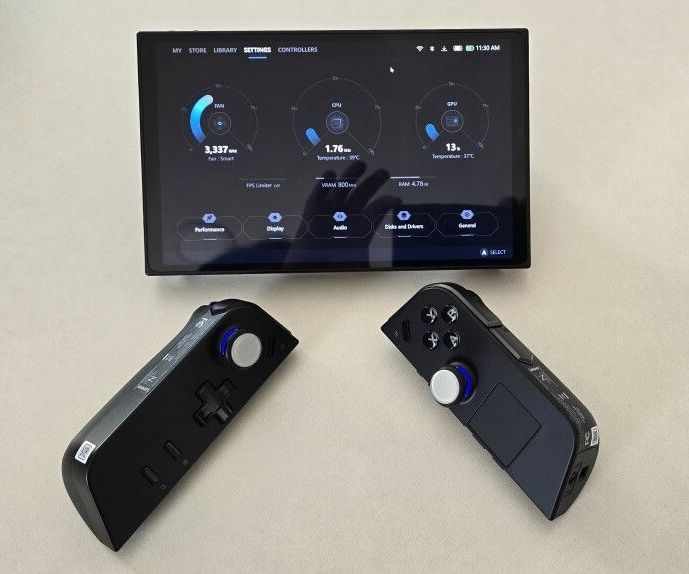
In addition to the memory advantage it has over similar systems, the Go has a small built-in touch-pad. It’s located on the lower portion of the right controller. The little pad is not unlike those found on Valve’s Steam Deck, but it lacks the advanced pressure sensing.
I use the mouse function constantly when navigating game menus. It’s a bar setting kind of feature. I think manufacturers should include one on all handheld game systems released in the future.
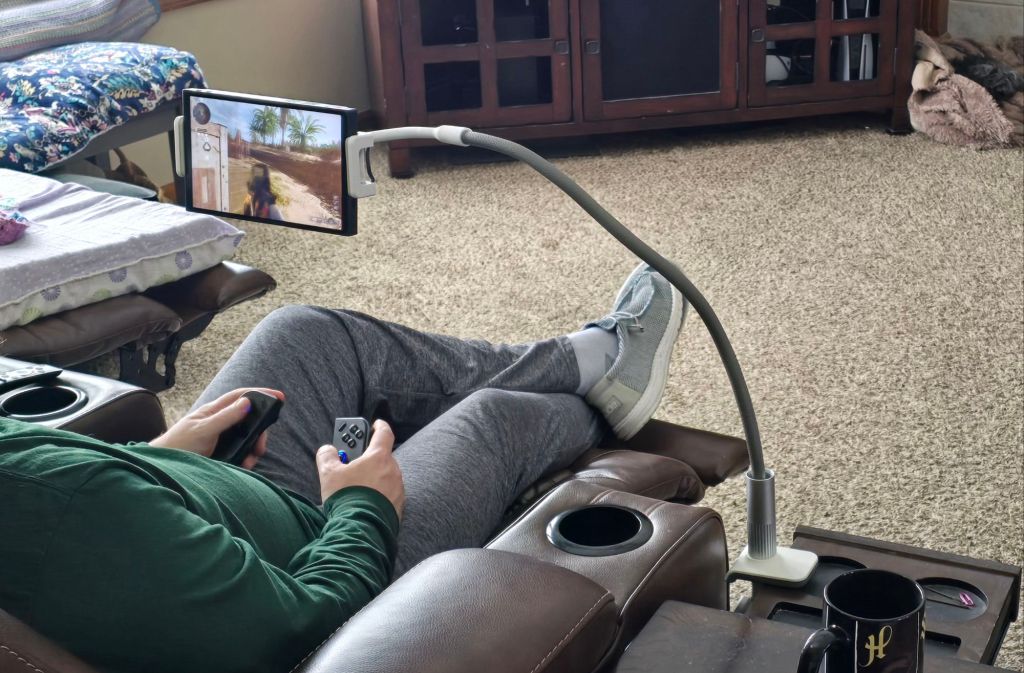
Speaking of controllers, the Go’s are removable a la’ the Nintendo Switch. I can not overstate how much of an advantage in ergonomics this design is. I have a “gooseneck mount” that I put the display in. It holds my screen in the perfect position, even in bed. Then, I remove the controllers and am able to keep my arms and hands in natural positions instead of crossing my body.
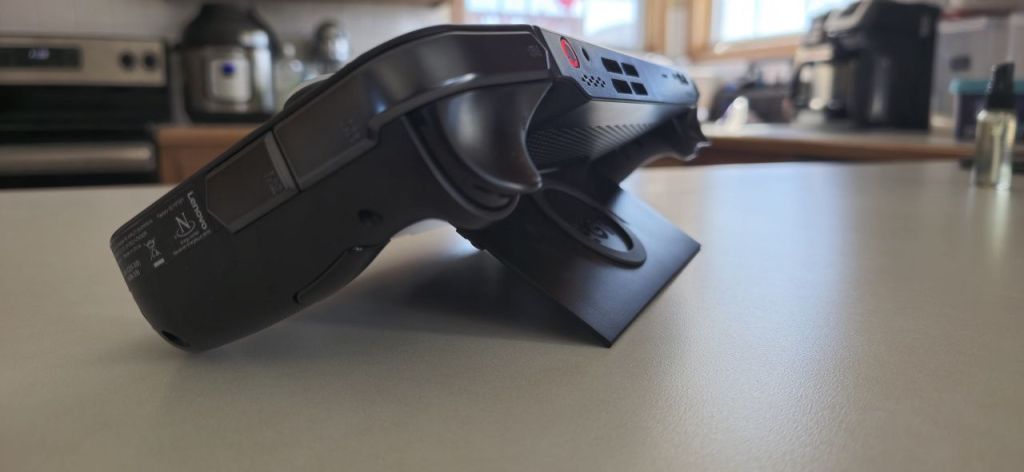
You might think that I’ve run out of upgraded features to describe, but the Lenovo engineers were working overtime on this thing. Pop the right controller off and flip the FPS switch on the bottom. Set it in the included slider stand, and it becomes a pistol grip mouse. This function takes some getting used to, but is quite effective once you master it.
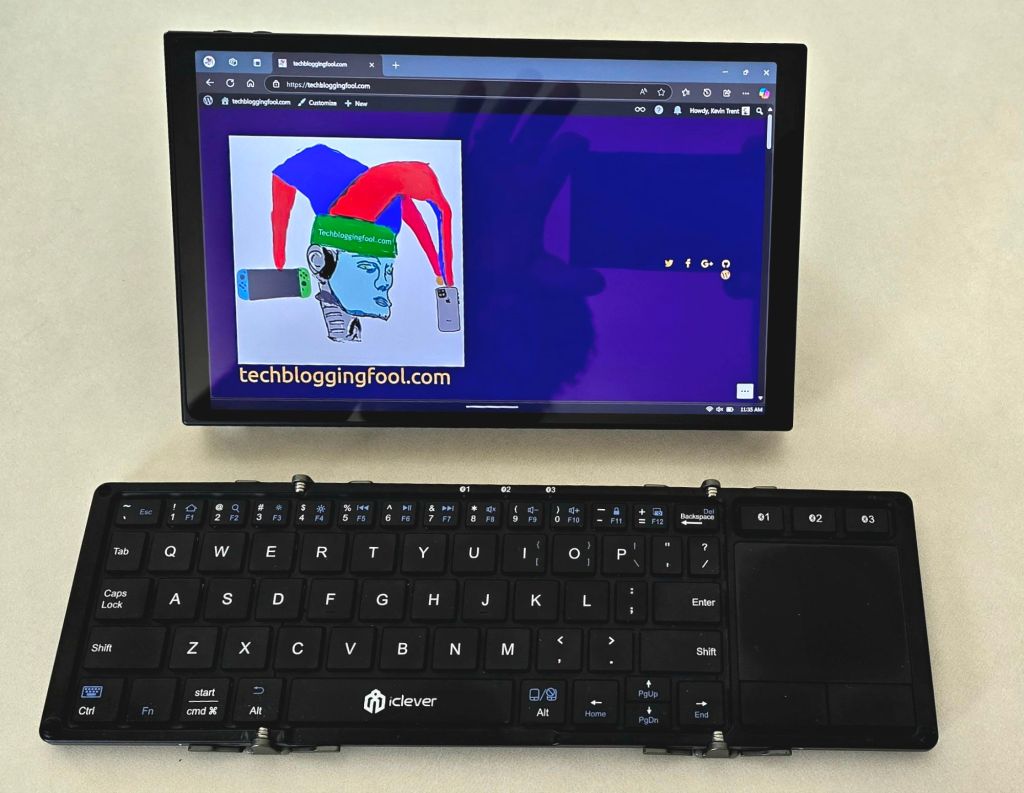
In addition to the gaming prowess, the Legion Go is a surprisingly capable laptop replacement. Remove the controllers, open the built-in stand, and pair a Bluetooth mouse and keyboard. The experience is similar to other 2-N-1 tablets. All beit on a slightly smaller screen than most. I’ve written docs, worked on spreadsheets, and remoted into all kinds of systems this way.
The Legion Go can play most modern AAA titles like Starfield, Black Ops 6, Halo Infinite, and Forza Horizons 5 in 1900×1200 at around on one hundred frames per second. After you tune the game for the device. I frequently win online matches on my lunch break at work using it.
Beyond the normal future device wishes of better battery, lighter, and more powerful, there’s nothing to complain about. My Legion Go is the perfect form factor for this type of device, given the available technology. I’ve been extremely happy with it. Does anybody want to buy a used Ally Z1 Extreme?
 techbloggingfool.com
One thought on “An Owner’s Review of the Lenovo Legion Go Handheld Gaming PC”