The Microsoft Teams mobile client has been notorious for driving people mad with false unread notification badges. Android or Apple, it doesn’t matter. The problem has affected both over the years. Sometimes, it will clear up after an update or re-install, but the issue always seems to come back.
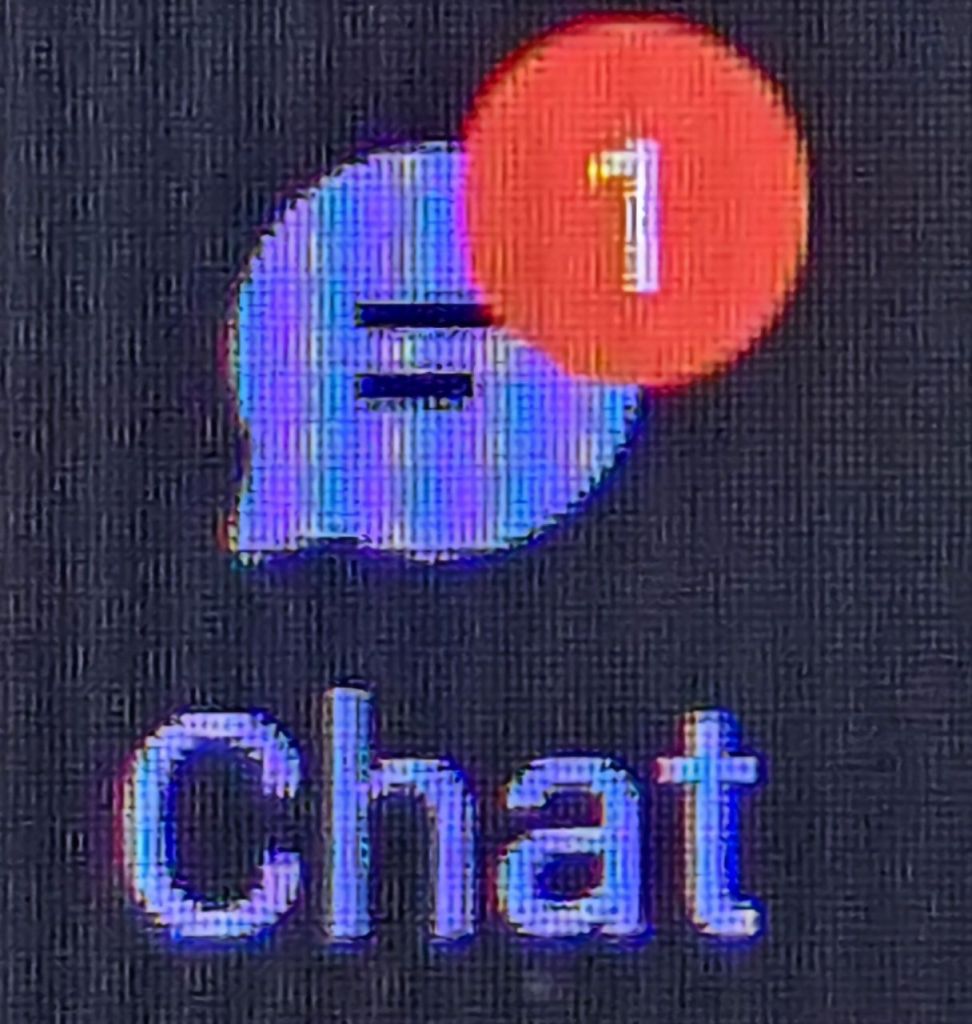
Recently, I found myself cursed with the red one taunting me from the edge of the chat icon. I searched through every message, rebooted, checked for updates, and cleared the app’s cache. No dice. My inability to make it go away was slowly driving me insane.
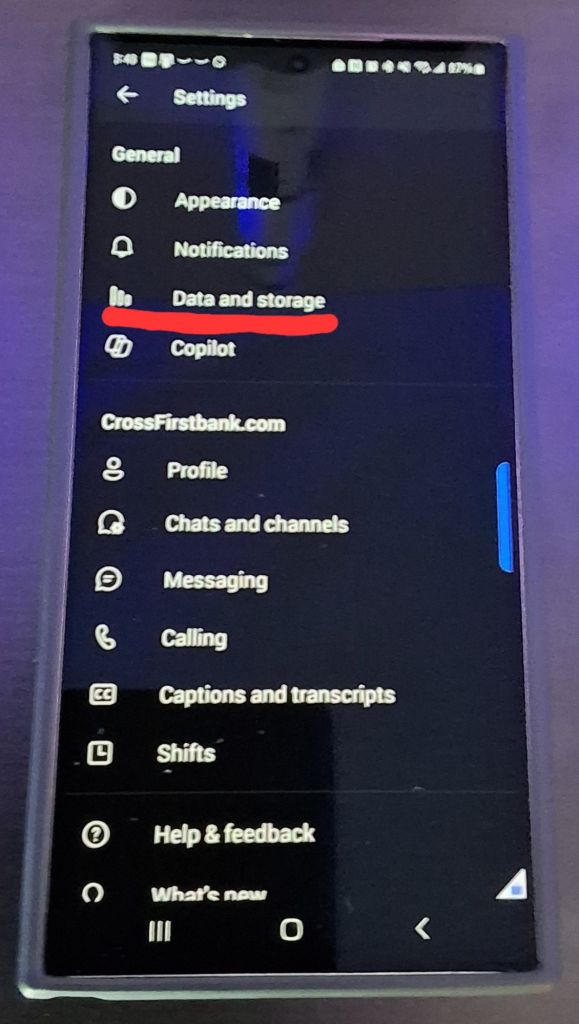
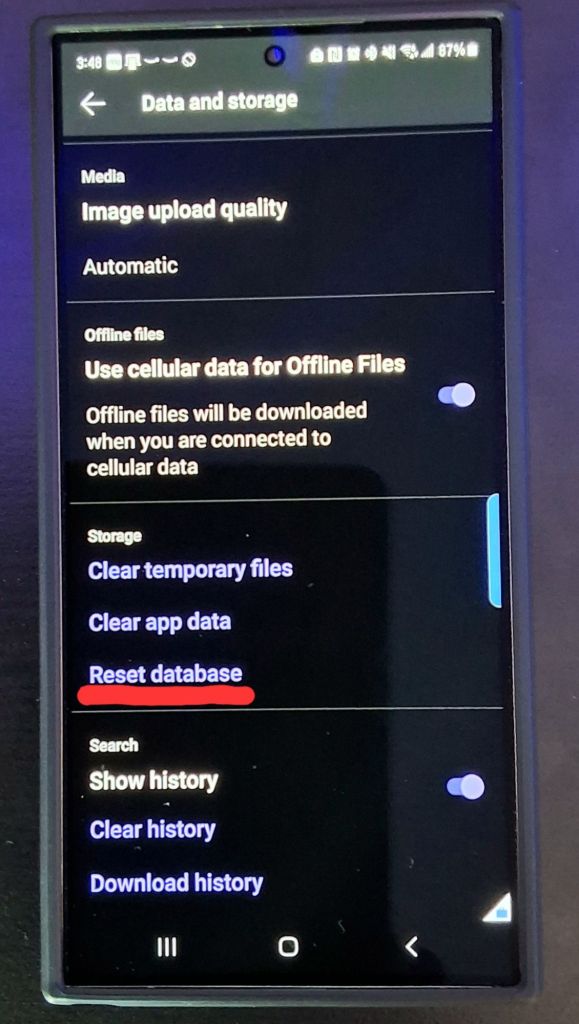
While poking around in the software’s menus, I came across Data and Storage section. I wasn’t aware that Team’s had built-in solutions for dealing with this situation. There are multiple options for dealing with issues in this menu. The first two options are clear app data and clear temp files. They are the same as Android’s app menu functions. Unfortunately, they didn’t help me.
I hadn’t looked in the Data and Storage Menu recently.
The third choice, reset database, is unique to the data and storage menu. Resetting the database has worked every time I have used it. In fact, it’s become the first thing I try when faced with a ghost notification.
Reset Database seems to correct most mobile client issues.
There doesn’t seem to be any downside to using the reset database option. I’ve done it several times now. The only noticeable side effect has been a short delay the next time you open Teams. It takes a minute or two to download the data it needs from your cloud account. The next time your phone suffers from a Teams ghost notification badge, try resetting the database.
My spouse and I had stopped wearing our jewelry during the COVID lock downs and subsequent work from home years. Now I’m back in the office. I was in for a surprise when I tried to put my wedding band back on.
My ring was extremely tight the last time I had worn it. Now, it won’t go back on my ring finger at all. Well, that isn’t quite true. I got the ring to slide into place using soap. I noticed my finger swelling just a few seconds after I got it on. I wrenched it off and ordered a bag of cheap silicone bands from Amazon while I considered my options.
Since purchasing a new ring was on the table, my spouse suggested that I consider smart rings. I liked the idea, but everything I read said they needed to be on your index finger. It wasn’t clear if there was a specific feature that didn’t work on other fingers.
I had to up size my ring after not wearing it for almost two years.
Samsung shows the ring being worn on other fingers in some of their advertising. That was all the encouragement I needed. I know there are other smart rings on the market. Some of them have more robust feature sets. I already have a Samsung smart watch and phone. We all know that sticking to your preferred manufacturer’s ecosystem gets you added functionality.
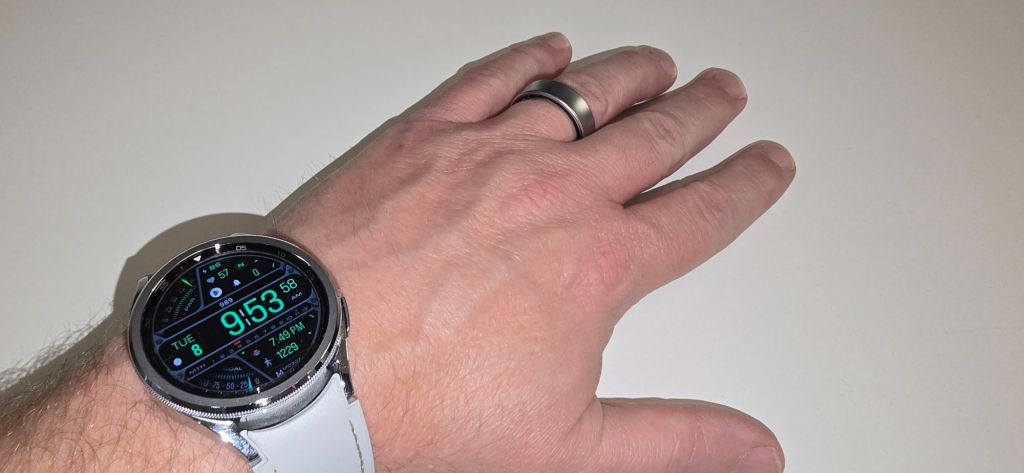
The Galaxy ring continues with the brand boosting trend. Samsung’s ring and watches work together to conserve power. The ring will turn off certain sensors when it detects a compatible Samsung smart watch being worn. The ring’s battery can last up to thirty percent longer because of the co-op feature.
The Galaxy watch and ring work together.
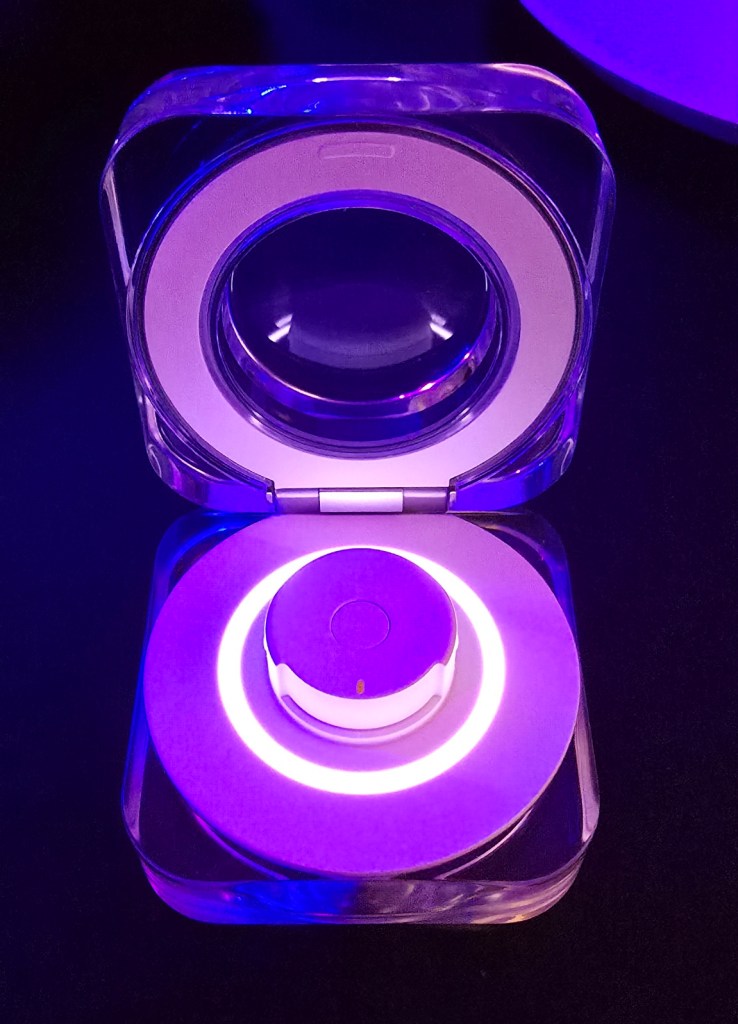
The ring charges in the attractive case, included in the box. The charging case has its own built-in battery that can juice up the ring one and half times. I haven’t needed to change it more than the advertised once a week. Except for charging sessions, I’ve worn the smart ring twenty-four hours a day over the last two months.
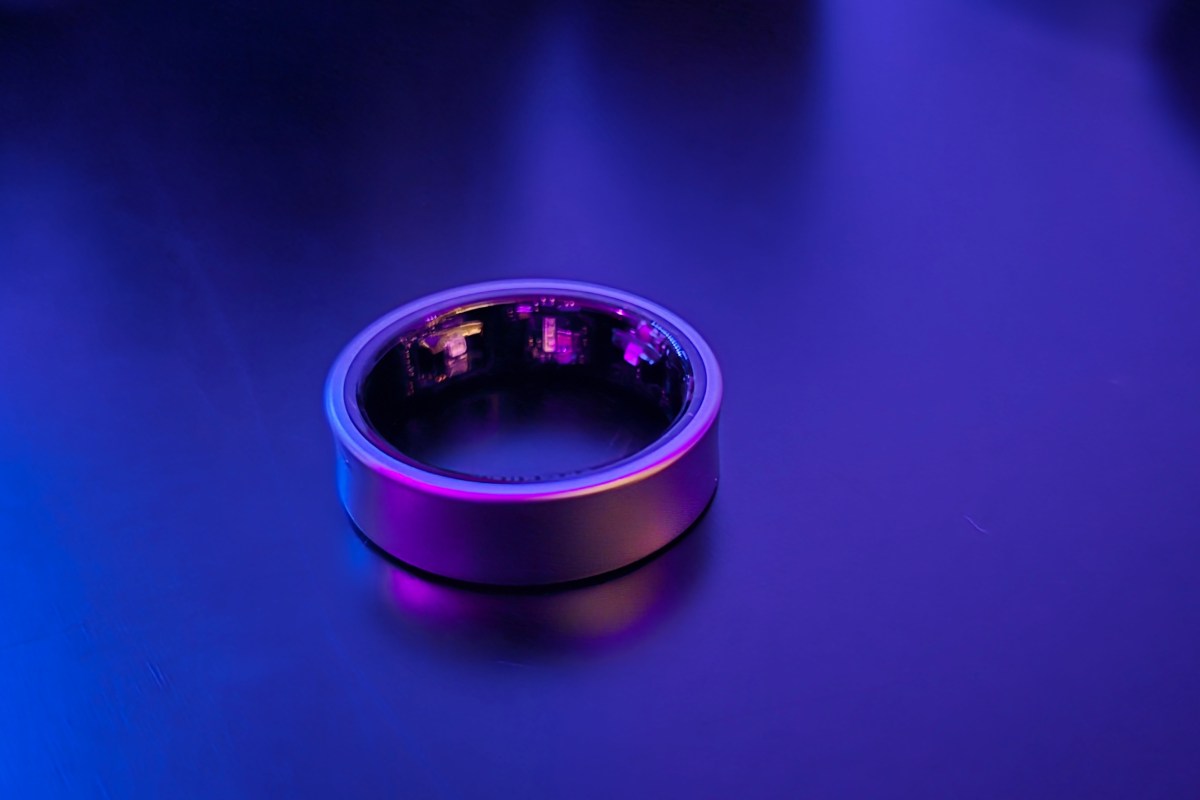
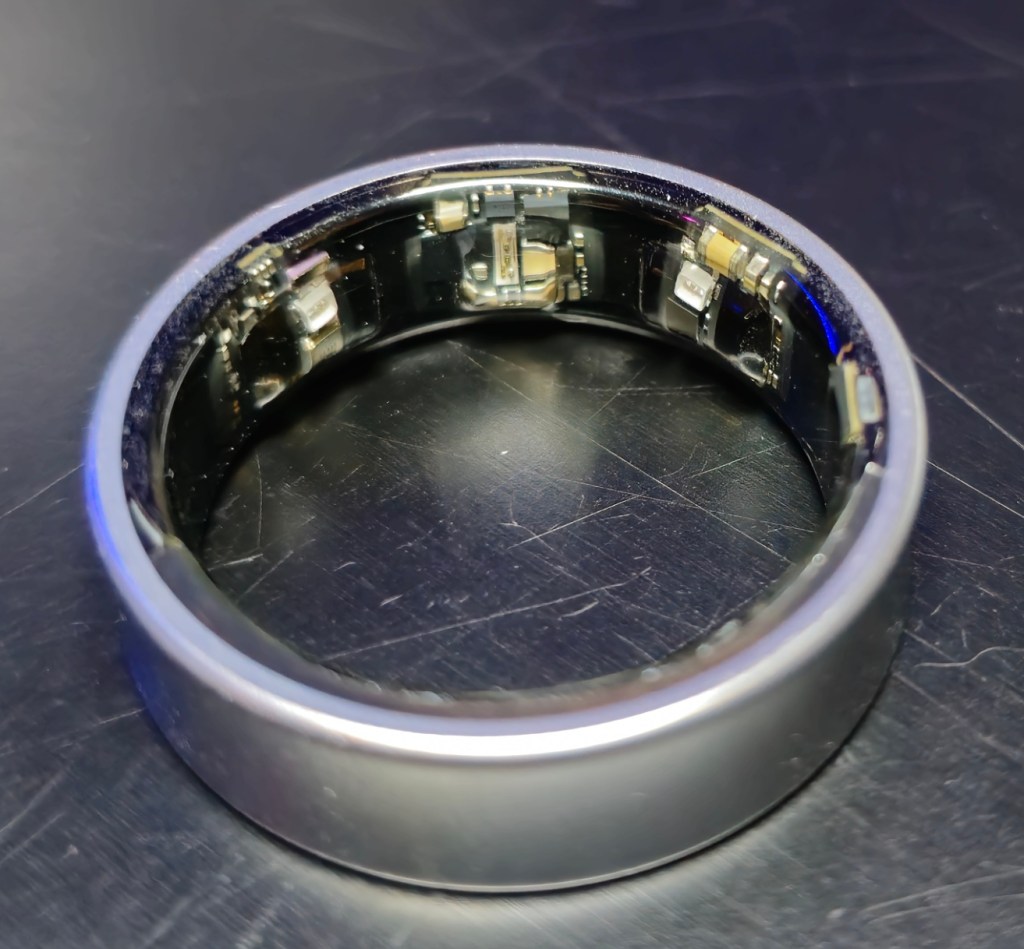
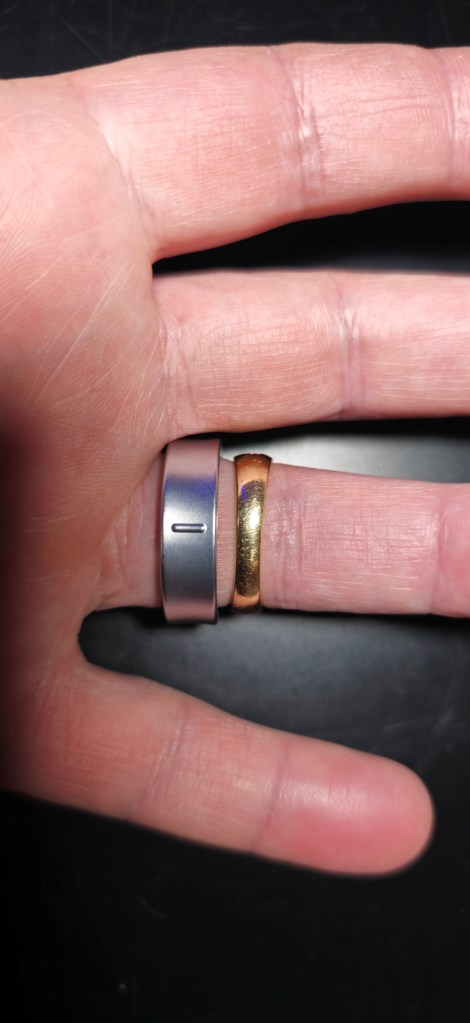
The interior surface of the Samsung smart ring is not entirely smooth. There are some small bumps where the LEDs used to peer through your skin are housed. The band itself is a couple millimeters wider than my wedding ring. It’s also a little thicker than a metal ring would normally be. The added height makes it stand prouder on your finger. Wearing a smart ring takes some getting used to for sure.
Samsung will send you a set of replica rings to find your size. They also suggest that you wear the replica for at least 24 hours, preferably even longer. They are aware that some people won’t tolerate the differences between it and a perfectly smooth metal cylinder. After a few days of acclimation, the fit isn’t any more uncomfortable than any other ring is to me. I notice it on my finger if I pay attention. Otherwise, it fades into the background.
The three LED housings are almost smooth, but not quite. Don’t skip wearing the replica for a full day and night to be sure the textures don’t bother you.
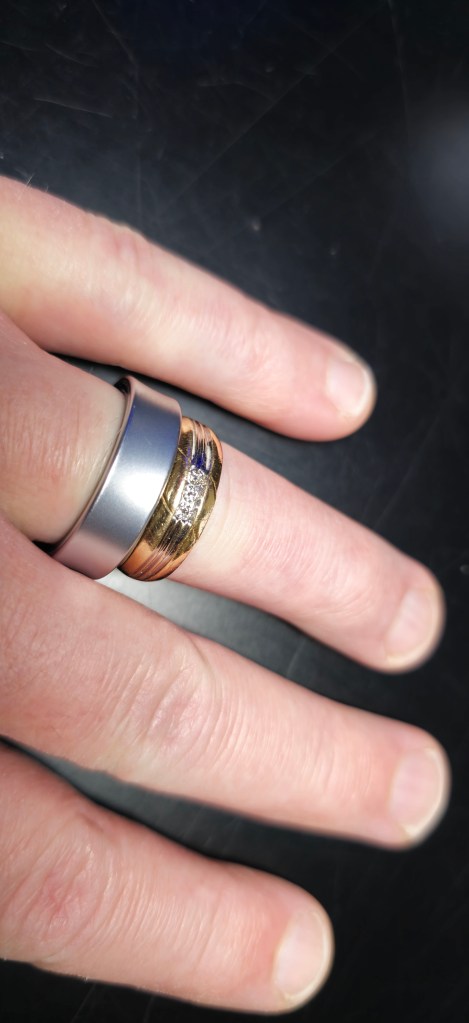
My titanium smart ring is fifty percent lighter than my traditional gold wedding band. I intentionally ordered a size eleven even though the ten would also slip on and off my finger. An eleven was the largest size that would stay on my finger while I vigorously shook my open hand about. I’m still happy with that decision. I’m convinced that the LED bump-outs would be more uncomfortable on the smaller sized ring.
When I wear new jewelry, the contact between metal and skin causes a sensitivity. It feels like a sunburn. If the metal is hypoallergenic, like gold or stainless steel, the spots dissipate quickly. Otherwise, they turn into an allergic rash.
Even with that metal sensitivity, I can tolerate Samsung’s ring. My skin was slightly irritated where the laser housings made contact. There was also a tiny spot on the top of my finger. The titanium edge touches it when my hand is closed. All were gone within a week.
The bottom of the smart ring is not tapered like a gold band typically is. I was concerned this would make it push into my adjacent fingers uncomfortably. I don’t really notice it though.
I’m an average office worker and suburban family man. The Galaxy ring has been durable enough to keep up with my daily life. Washing hands, sleeping, showering, and exercising, have not phased it. I’ve worn it while working in the yard, working on my car, and while squeezing my hands inside computer cases. It has been banged against plenty of hard surfaces and shows no signs of wear so far.
Nobody casually notices that it isn’t a traditional wedding band. Or at least nobody mentions it when we are chatting. If I point it out during conversations, people seem surprised to not have noticed. Then they are usually interested in its features and functions and the reasons why I would wear one.
There are several reasons. The first is that I’ve always been a technologist. I live to mess with this stuff. The second is that I want to monitor my sleeping habits and correlate that data with how I feel overall. I find that my smartwatch is not comfortable enough to wear overnight. The ring is easy to sleep in.
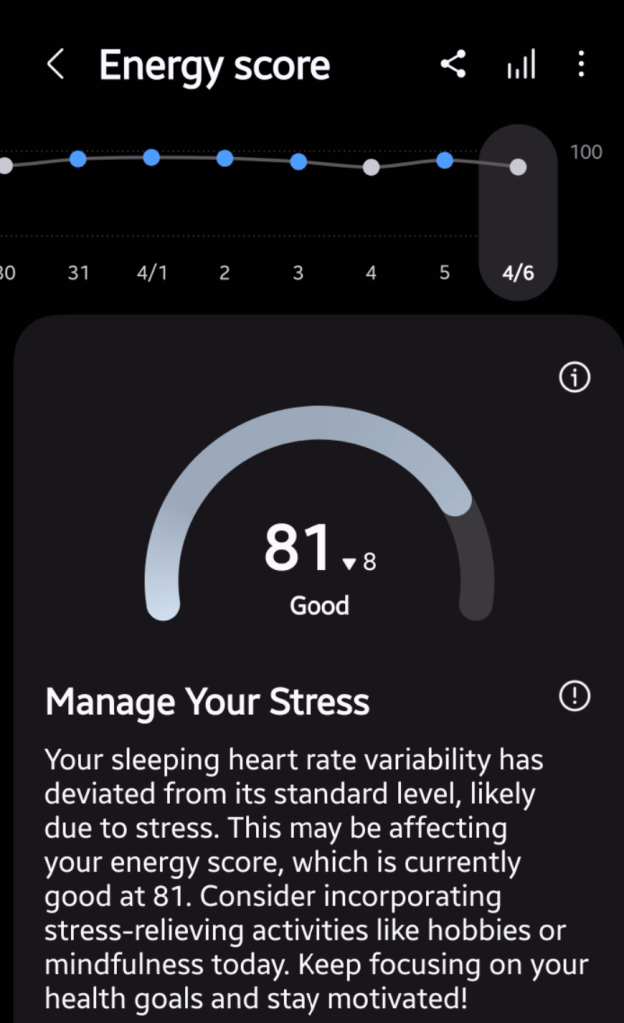
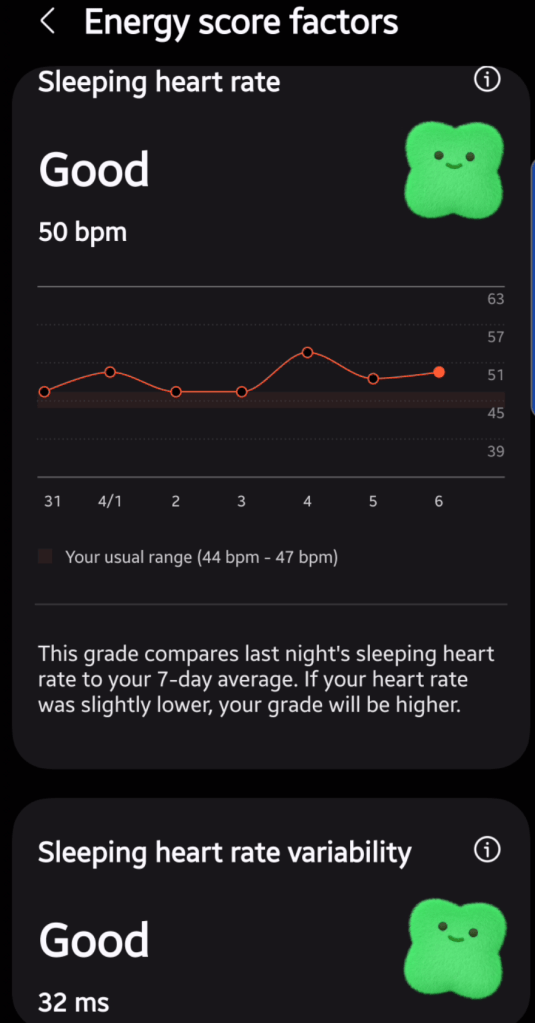
The data the ring tracks is revealing. I wear it for more hours than my smartwatch, so it collects much more data. I can see the impact of the decisions made about physical activity. For example, if I skip my exercise routine, my energy score drops, and I don’t sleep as well. Something I knew already, but it is interesting to see it spelled out on a dashboard.
I appreciate the heads up from the app when I haven’t gotten the right sleep. Occasionally I wake up feeling fine, but it warns me that I could have a challenging day ahead. It’s usually correct when that happens. It’s like GPS for my mood. Knowing about it ahead of time helps me re-route some of the negativity caused from being tired.
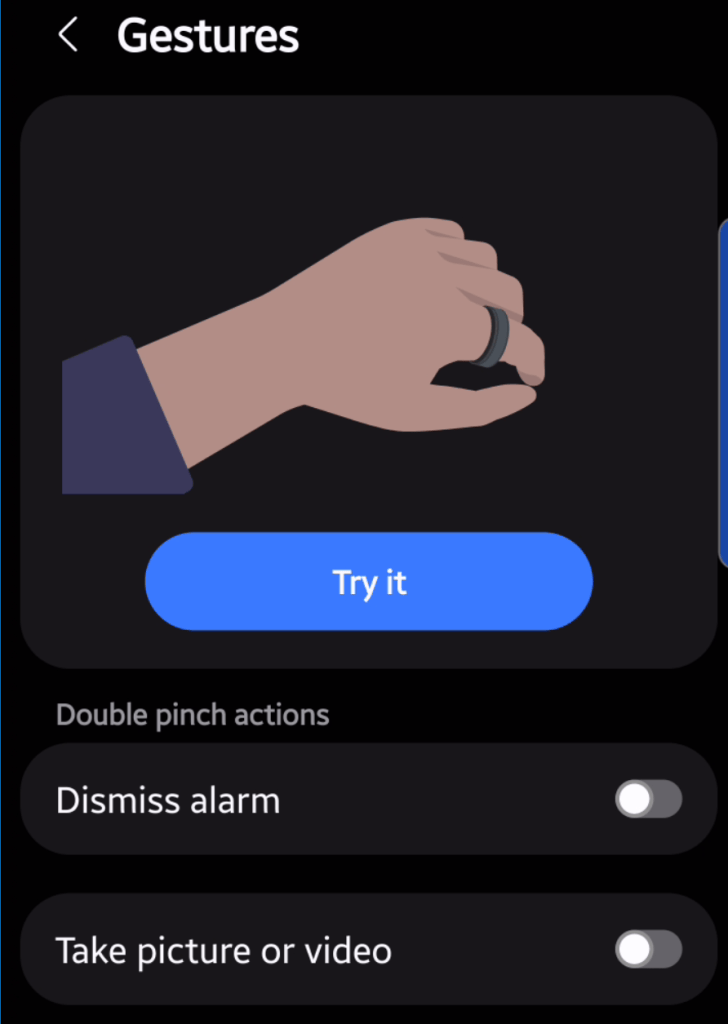
The Galaxy ring senses your heart rate, blood oxygen, and skin temperature. It also includes an accelerometer to track steps. There are a couple of gestures you can turn on. One snaps a phone pic and the other turns off your phone’s alarm. They activate when the ring detects your fingers making a pinching motion.
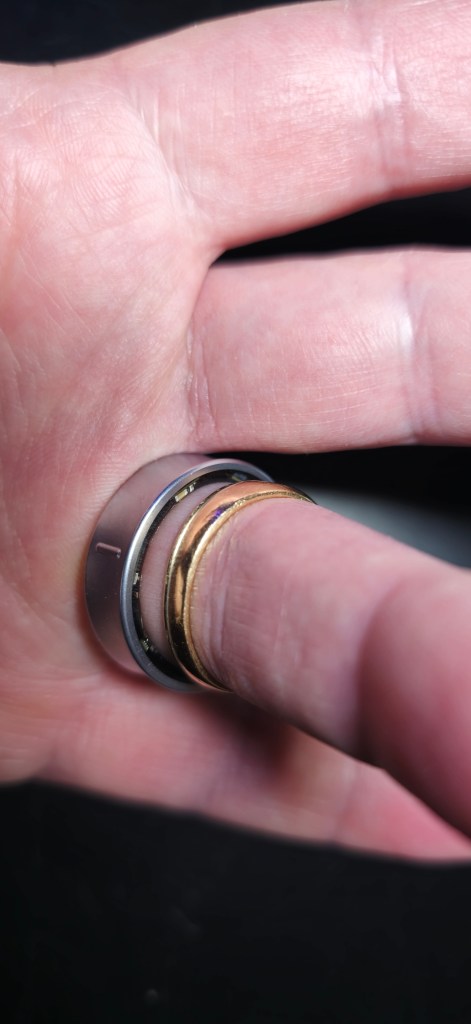
The pinch motion’s detection is probably one reason for Samsung recommending your index finger over others. I am able to engage the gesture with my ring finger and thumb. It is a lot more difficult than activating it with my index finger. I can see how some people might struggle with it.
Making the gesture with my ring finger and thumb is challenging but workable.
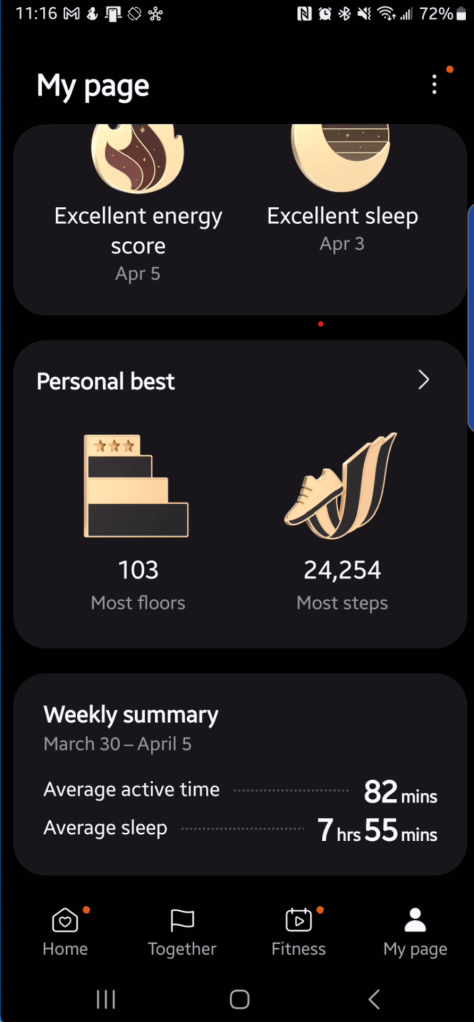
Samsung’s Health application is impressive all on its own. It acts as a dashboard for your body and is capable of tracking a mind-boggling number of attributes. Their gear detects and feeds the app health metrics. The data is used to create impressive charts and graphs showing the impact of your health choices over time.
Samsung’s Health app is a dashboard for your body. The more data you feed it, the better the gauges are.
Seeing how my choices influence daily life is my favorite motivating factor of Samsung Health. The downsides of using it are the ubiquitous plagues of modern life. Chiefly, data collection and leaking concerns. You have to trust Samsung’s Galaxy AI with a lot of personal information to get the best reports and insight.
If you can tolerate sharing your health data with Galaxy AI and its masters, the insight is useful. I’m not sure it is necessary, but it is useful. I seem to notice and correct poor health choices faster when I check the app and its notifications. Predictions about my overall mood and energy are helpful in preparing for my day ahead, much like checking the weather.
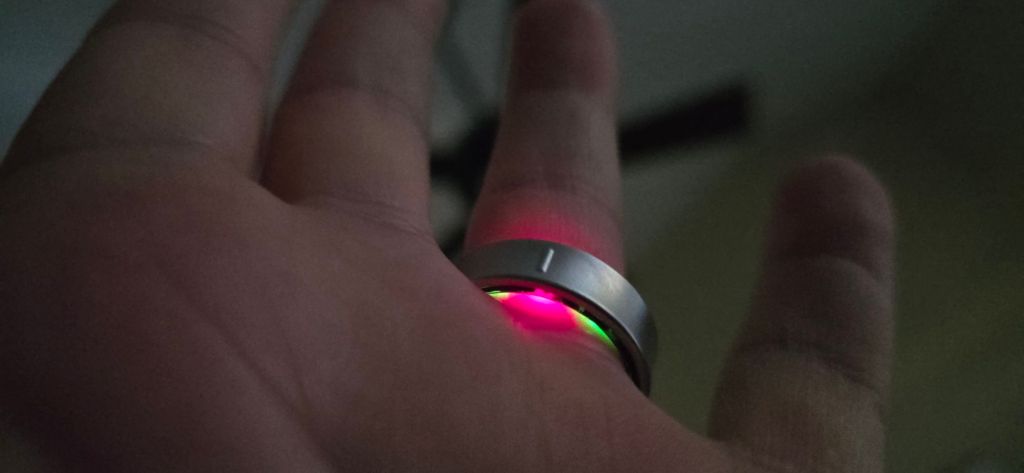
There’s a peace of mind that comes from wearing sensors that track your body’s hidden functions. Occasionally, I wake up and catch the LEDs in full scan mode under the edge of the ring. For some reason that I can’t articulate, I find it comforting.
The LEDs light up the underside of your finger while they are measuring.
Are smart rings revolutionary tech that will change the world? Probably not. You can absolutely gain insight into your body’s workings from wearing one, though. It you wear rings anyway, swapping an analog one out to get the data could be worth it. So far, it has been for me.

 techbloggingfool.com