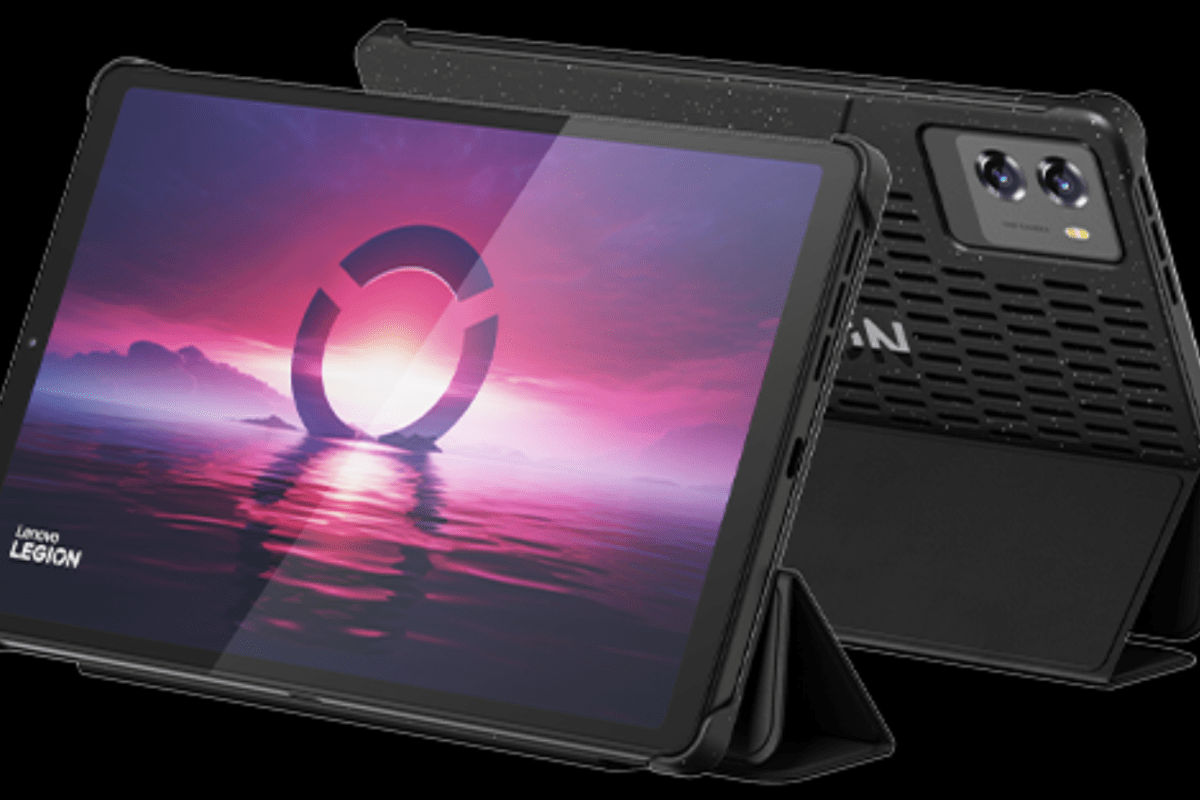
The Lenovo Legion Tab 8.8 Gen 3

I’ve been looking for a small lightweight Android based tablet with good HCR (Handwritten Character Recognition) for a while now. I like to write while kicking back in my recliner and watching TV. A phone is too small for me to comfortably write on for very long.

I’ve always thought that the iPad mini was about the perfect size and weight. I have tried one several times, but I struggle to write with Scribble (Apple’s HCR). My Galaxy Fold 3 was a perfect fit for using in relaxed writing positions. The Fold 7 didn’t support an S-Pen, so I skipped it and went with an Ultra phone. Hence my desire for a mini tablet.

I borrowed my spouse’s 6th gen iPad mini to give Scribble another chance recently. I wanted it to work, I really like the form factor and screen.. Scribble has improved. It works great for forms and jotting a few lines. It still feels clunky for my style of handwriting. I have to correct more than I would like.
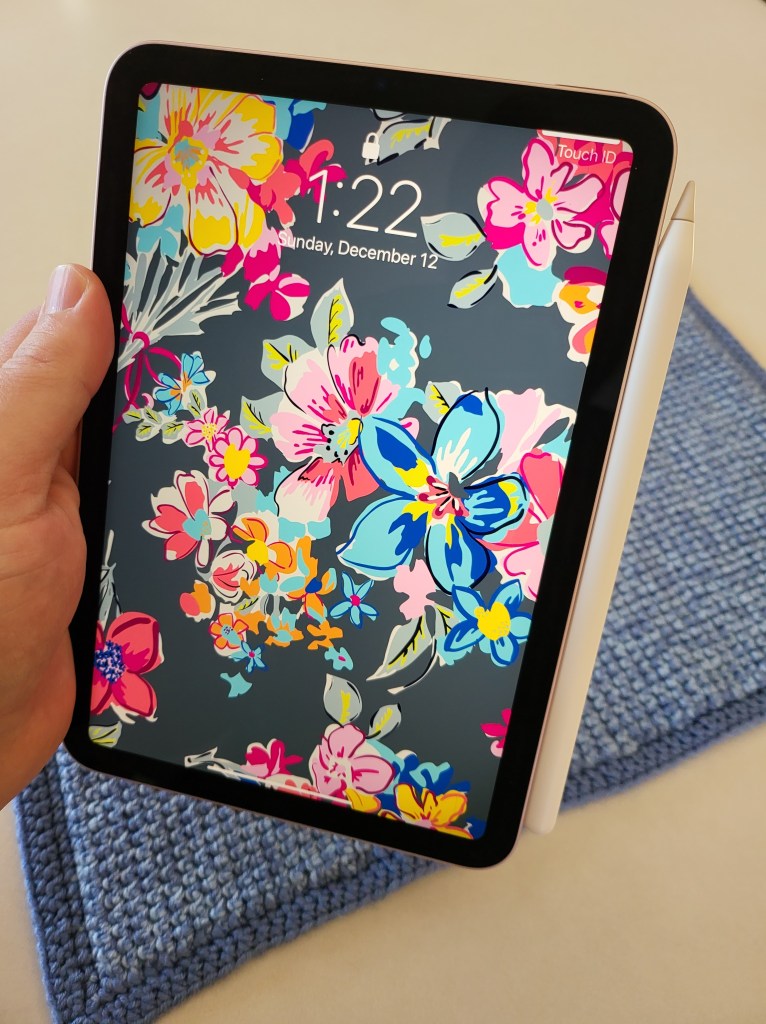
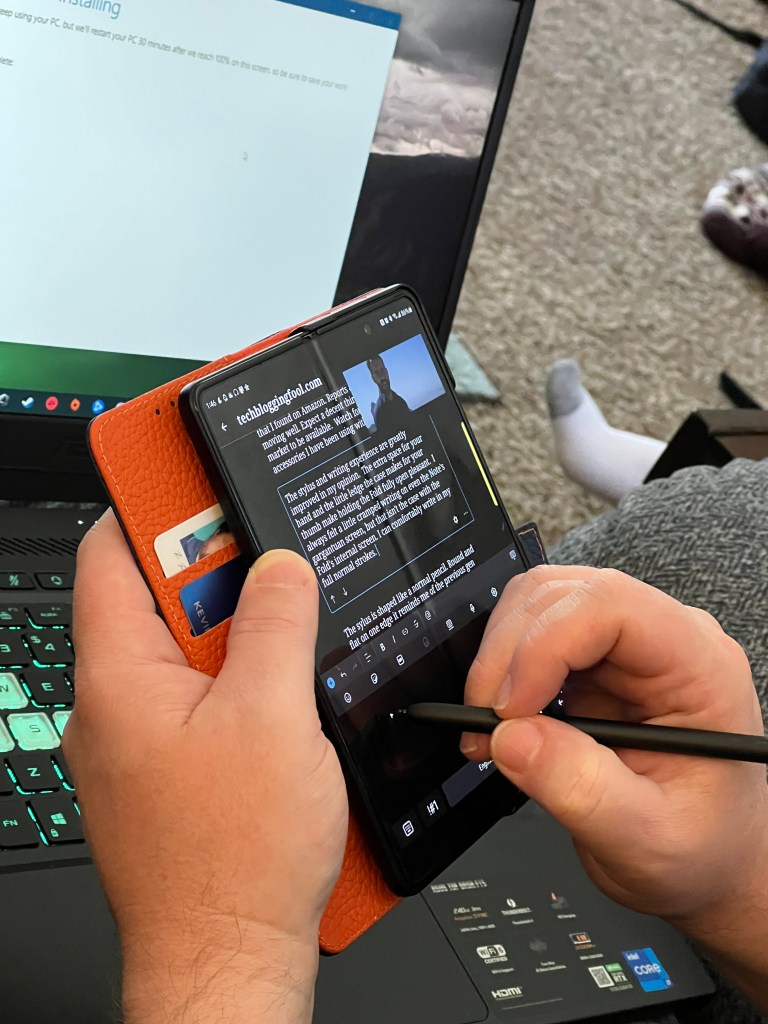
There are more Android based tablets than I expected in the 8-to-9-inch range. I appreciated having choices, but many candidates were under powered and easily ruled out.  Lots of the mini tablets seem to favor a generic octa-core CPU with 4 gigabytes of RAM. I passed on them because HCR takes a lot of computer resources all on its own. Slow recognition makes handwriting a miserable input option for me.
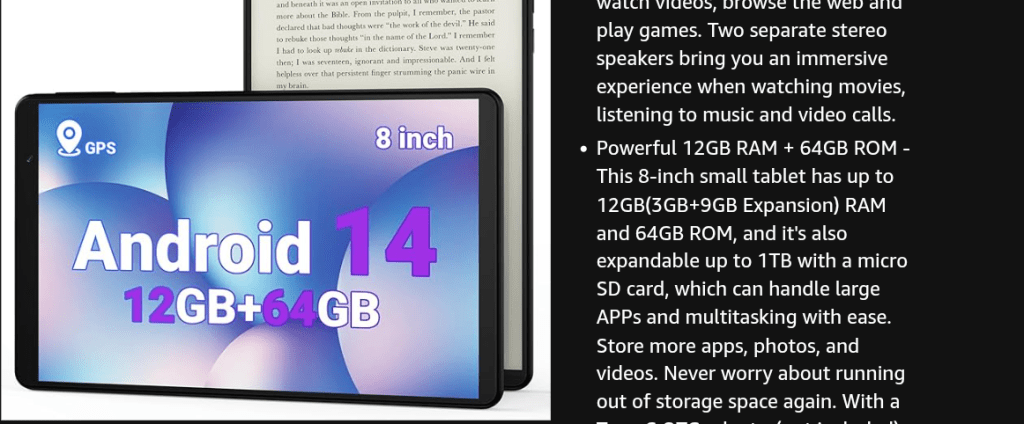
Read the fine print, this generic tablet has 3GB of RAM and a 9GB swap file.

I ordered the Legion Tab from Lenovo’s site. It was on sale for $420.00 with free expedited shipping if you’re a member of their rewards program. Even with the sale, it is on the more expensive side of the mini-tablet market. You get a lot for the price though. It has a late model Snapdragon chip, 12 GB of RAM, a 165 FPS HDR screen, and 256GB of storage capacity. It ships with a 65 watt power brick, a fitted folio case, and high-end screen protector. The active stylus is a $40.00 accessory.
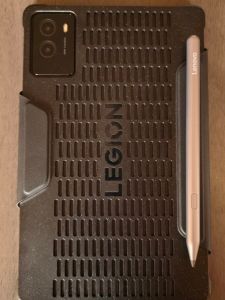
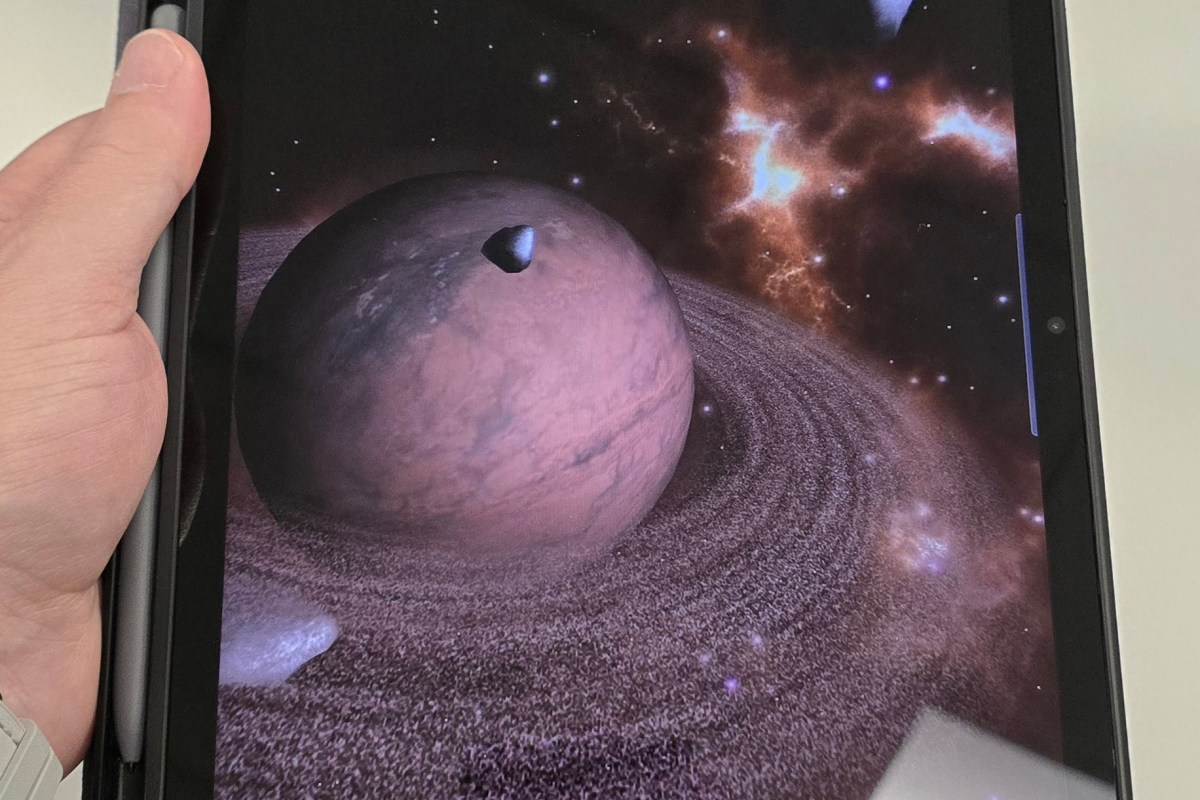
I haven’t used a Lenovo Android device before this. I wasn’t sure what to expect. Lenovo’s fit and finish is top-shelf. The cameras are good enough and include an LED flash. The speakers are the best sounding, loudest speakers, I have heard on any tablet or phone to date. There are two USB-C ports. The bezels are thin and straight. The chip is intentionally positioned far away from where your hands touch the back. The case hovers just above  the tablet’s back surface to further dissipate heat away from your hands.

An unedited photo captured with the Tab’s 13 MP rear camera. All settings are automatic.

Lenovo’s One Vision launcher provides similar functionality as Samsung’s One UI. Most of the features I am used to are present, but some don’t go as deep. For example, One Vision supports themes. The Lenovo app store isn’t available in the United States, so I can’t acquire more.

I didn’t realize that Lenovo had a PC Mode on their tablets. If you have ever seen Samsung’s DEX, the idea is similar. In PC Mode everything runs in a floating window. There’s a start button and taskbar, all the hallmarks of a PC operating system are there.
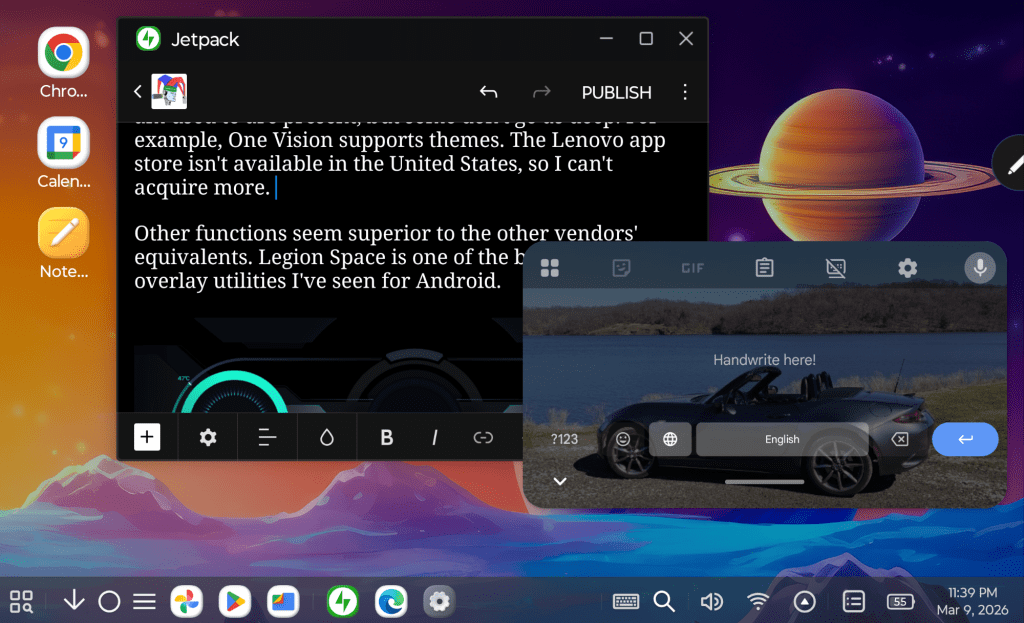
PC Mode is exactly that. Activate it from the quick settings menu.

Some of the UI functions seem superior to the other tablet manufacturers’ equivalents. Legion Space is one of the best gaming overlay utilities I’ve seen for Android.
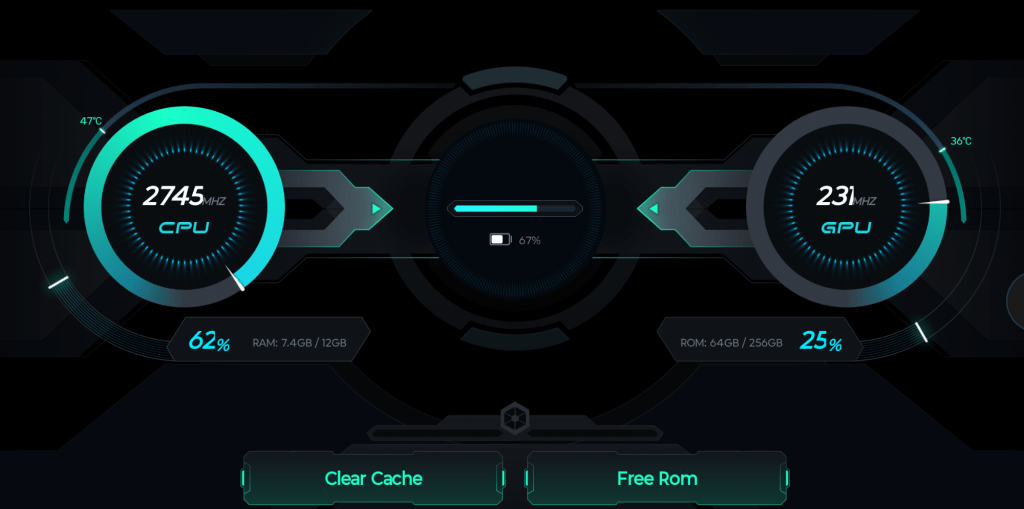
Legion Space is a fantastic game monitor and system utility.

Lenovo opts for GBoard instead of a homegrown keyboard like Samsung does. GBoard is excellent and has the functions I rely on. You can float or split the keys and swiping is available too. The handwriting recognition mode offered by default is in-line and similar to Scribble. I’m adjusting to its quirks and getting better at it every day.

At first, I didn’t realize that I needed to install the English handwriting language option. Without it you can’t access the full writing input panel experience. I’m getting closer to writing at top speed. I’m confident I’ll get there with a little more practice.
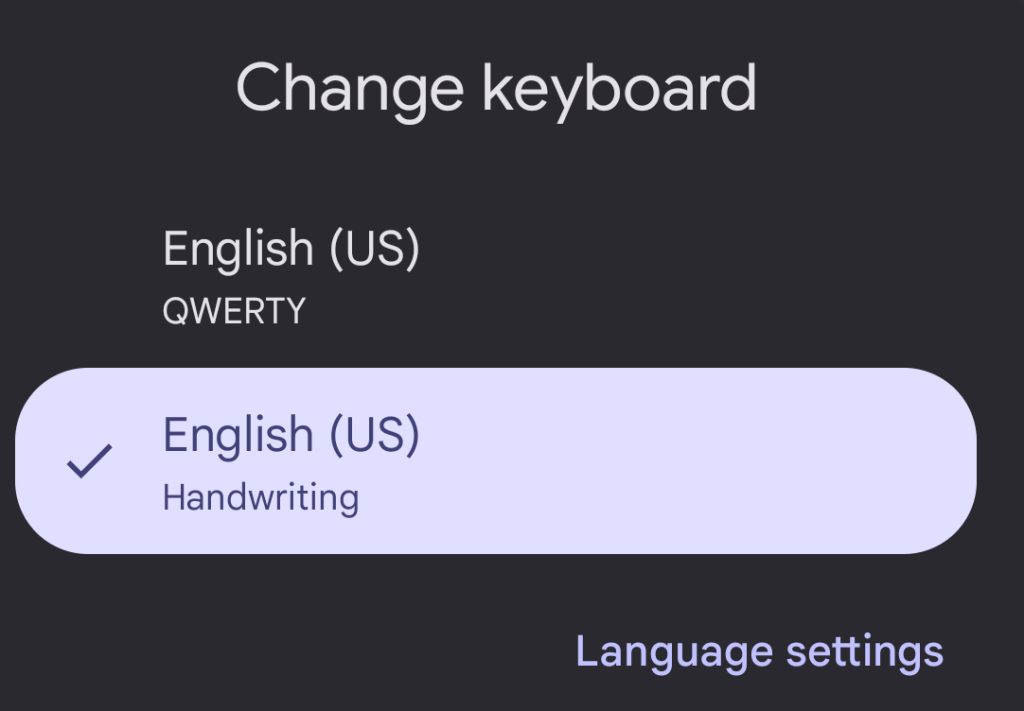
By default, the handwriting is in-line only. Install this keyboard from settings to access a full input panel.

The stylus links to the tablet via Bluetooth. It’s USB-C rechargeable. The shape is round, except for the flat edge that it magnetically sticks to the back of the tablet with. The tips are stiffer than an S-Pen’s. The writing instrument glides across the screen smooth and fast like the Apple pencil on an iPad does. It’s well balanced in the hand and features a single button. I’ve written this entire post with it and have enjoyed the experience.
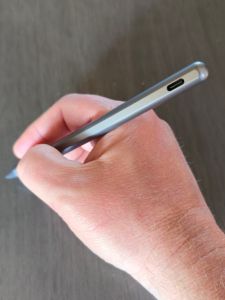
The pen feels great and works well.

Of course, bearing the Legion moniker in its name means this thing is built for gaming. Let me tell you it doesn’t disappoint. In fact, it is the best experience I’ve had playing on any Android device. Rush Rally 3 runs at 130 FPS in 1440 P ultra. Destiny Rising plays perfectly on Ultra settings too.
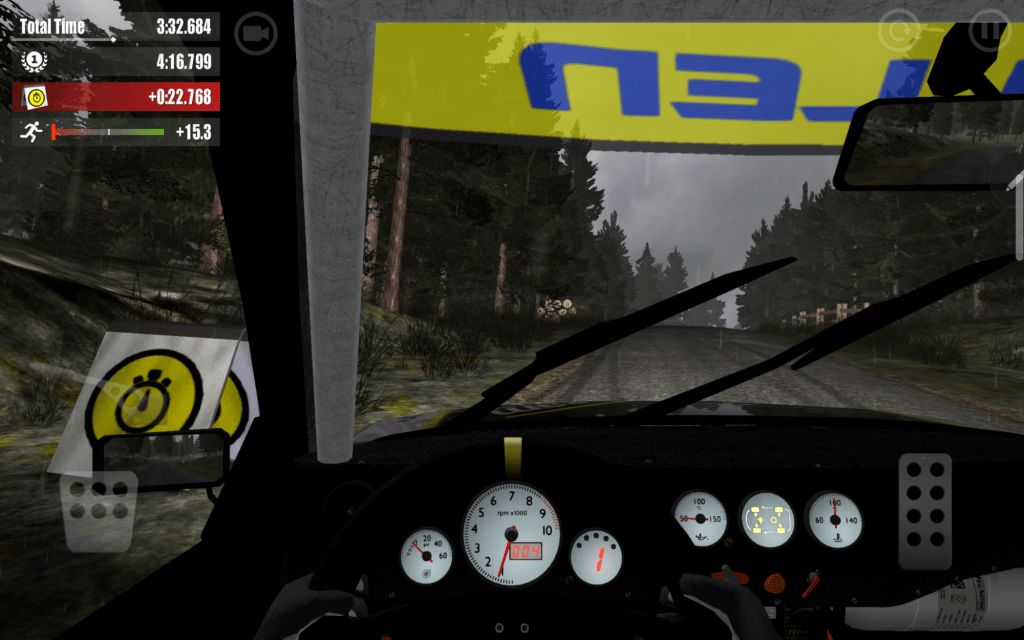
Captured in game playing Rush Rally 3

It’s small and light enough to hold while using the on-screen controls. It’s also large and loud enough to use as a tabletop console when paired with a controller. The power, screen refresh rate, and screen size are astonishing compared to a phone, any phone. Legion Space lets you monitor and tweak your settings to squeeze the most out of each game while you are playing.
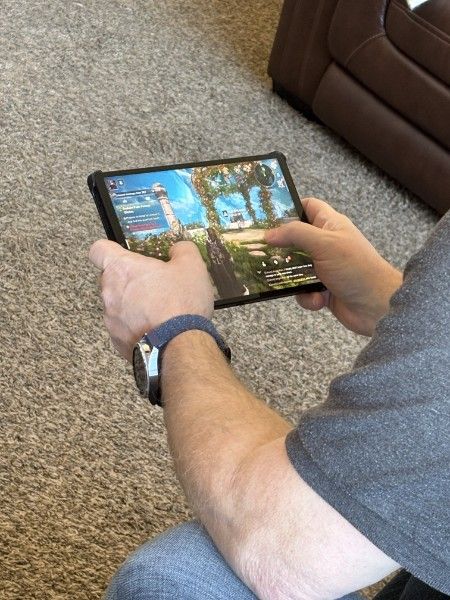
The Android gaming experience is second to none.

The learning curve going from Samsung to Lenovo has been easier than I expected. Android is Android, but I have had issues when changing device brands in the past. Once I ended up with a tablet that couldn’t access the Google Play store without me resorting to trickery. There’s been none of that this time around. All of my apps, games, and cloud connections work well with the device.

If you have wished somebody would make an Android based iPad mini competitor, Lenovo has granted it. Even improved on it I dare say. The Legion Tab 8.8 Gen 3 has quickly become my favorite device for home use. Now I can sit in my recliner and write for as long as I please without sacrificing comfort or functionality.
An Owner’s Review of the Samsung S9FE

I’ve had my eye on a new tablet for quite a while. I’ve been using my wife’s old 5th generation iPad mini and a Surface Go 2, but both of those devices are getting a little old, and their batteries are shot. So, when I learned that Best Buy was having tablet sale to compete with Prime Day, I headed over to see what they had.

I didn’t want to spend more than five hundred dollars, needed something that worked with a stylus, and it had to have at least a ten inch screen. These parameters still left a lot of choices on the table. The options were further narrowed by my work. The device would need to support multiple profiles so I could use it in the office and at home while keeping the data and apps for each separate. This last requirement effectively removed all of the iPads from consideration.

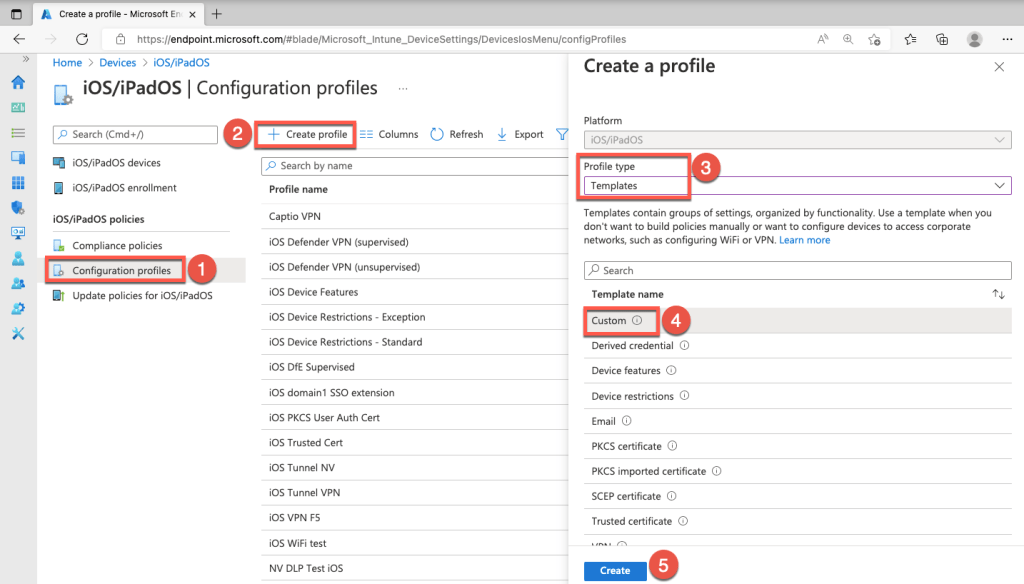
Microsoft Intune is a common MDM solution.

For those who aren’t aware, businesses tend to use what is commonly known as mobile device management software. MDM apps monitor and control your tablets and phones if you use them to get access to your employer’s network services. These MDM apps make you agree to give your IT team full control over your gear, and that can be a recipe for disaster. Samsung and some other Android devices sandbox your work and private data and apps. It means you don’t need to carry two separate sets of mobiles.

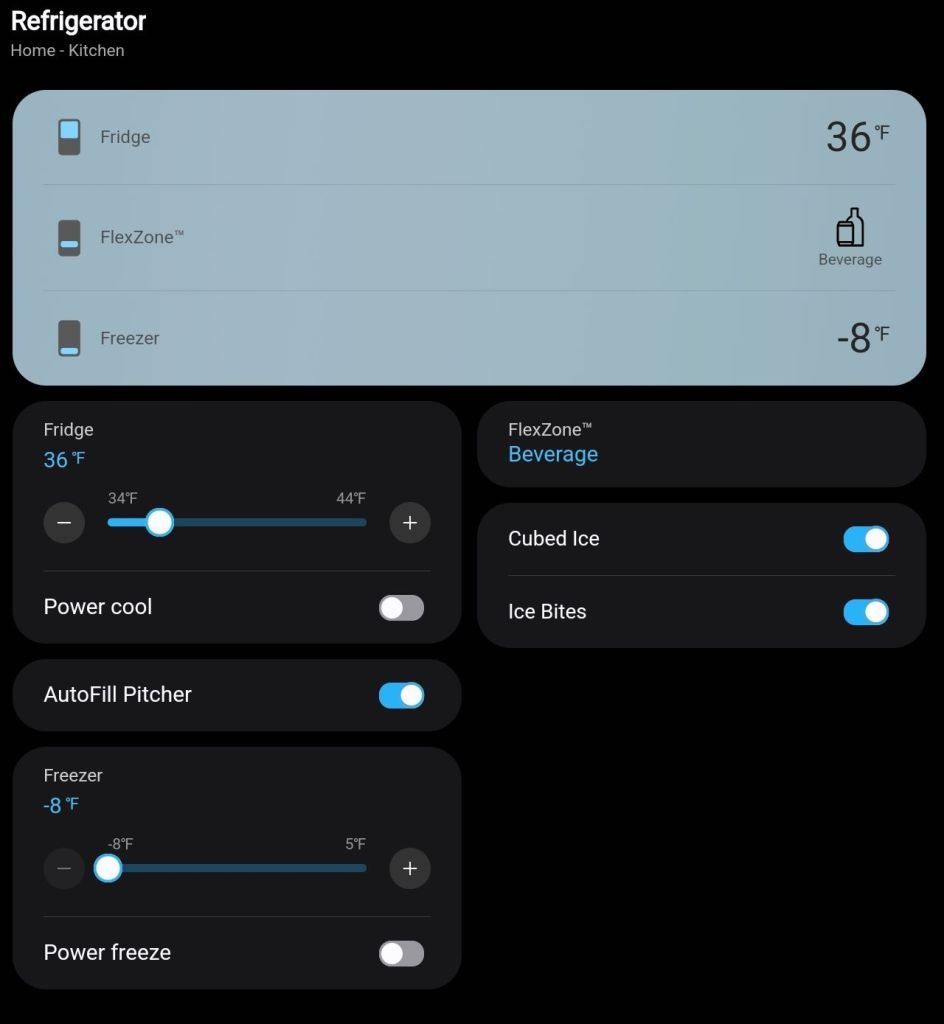
I have a lot of Samsung branded equipment in my home. I was always likely to end up with a tablet made by them because SmartThings means it would seamlessly work with everything else. Even my appliances can talk to a Samsung tablet to tell me when the laundry is done or that I left my refrigerator door open. I seriously considered models made by LG that had similar specs, met my requirements, and had the same price point. In the end, the ecosystem’s pull won out.

Samsung’s SmartThings is embedded in almost everything they make.

The S9FE model is a member of Samsung’s flagship S9 series of tablets. It has a little less RAM, slightly slower processor, and a little less capable screen than a full–power S9 Tab Ultra. However, it still out performs the last gen S8 Tab. The S9FE was just shy of half the cost of a full S9 unit with about 75% of the power and features. Samsung’s FE (Fan Edition) versions of devices usually come out about halfway through the generation’s lifespan. They fill the sweet spot of new and powerful, but not the most expensive. They often have some confusing options. This year, the FE comes with either six or eight gigabytes of ram for some reason. If you are considering this tablet for yourself, look for one with eight.

I’ve had the S9FE for several months now. It’s been fantastic. I tend to use my tablet in place of a laptop. Writing blog posts, email, surfing socials, editing media, note-taking, Teams and Zoom meetings, and remoting into the servers that I support are all things I prefer to be on a tablet for. Laptops are still too heavy and too hot to be comfortable on your lap for long. Phone screens are too small for complicated or extended tasks. That’s where tablets live in my world. The in-between.

The tablet version of the S-Pen is larger than the phone’s and made of a soft plastic that is more comfortable to hold.

The tablet version of the S-Pen is one of the best screenwriting utensils available. The cameras work great for meetings and quick snaps or posts. The speakers and screen are epic. While on vacation, a hotel we stayed at had a horrible TV. I just put my tablet on the dresser, and we watched Netflix. I was shocked that the volume was easily loud enough to fill the room.

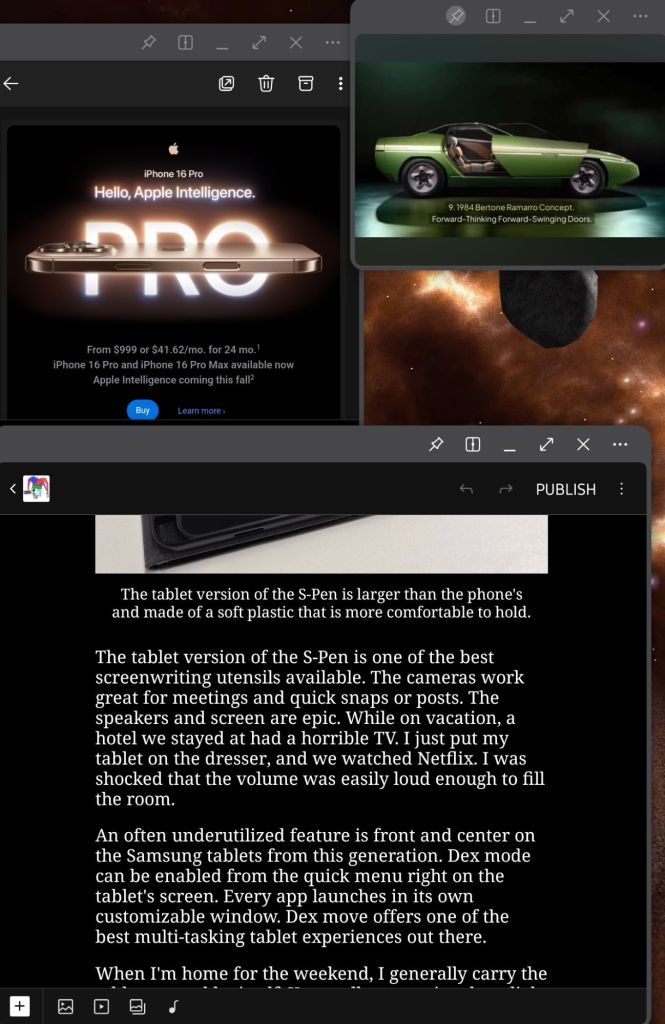
An often underutilized feature is front and center on the Samsung tablets from this generation. Dex mode can be enabled from the quick menu right on the tablet’s screen. Every app launches in its own customizable window. Dex move offers one of the best multi-tasking tablet experiences out there.

Dex Mode runs apps in windows that can be tiled, stacked, pinned, and made transparent. Samsung tablets rival a laptop’s productivity because of it.

When I’m home for the weekend, I generally carry the tablet around by itself. I appreciate how light it is when it’s naked and it is tough enough to survive the house. I’ve dropped it on the carpet without damaging it. The screen has just enough of a bezel to hang onto while you browse or write. Samsung offers a fill replacement warranty for a reasonable cost, so I’m not too nervous about it.

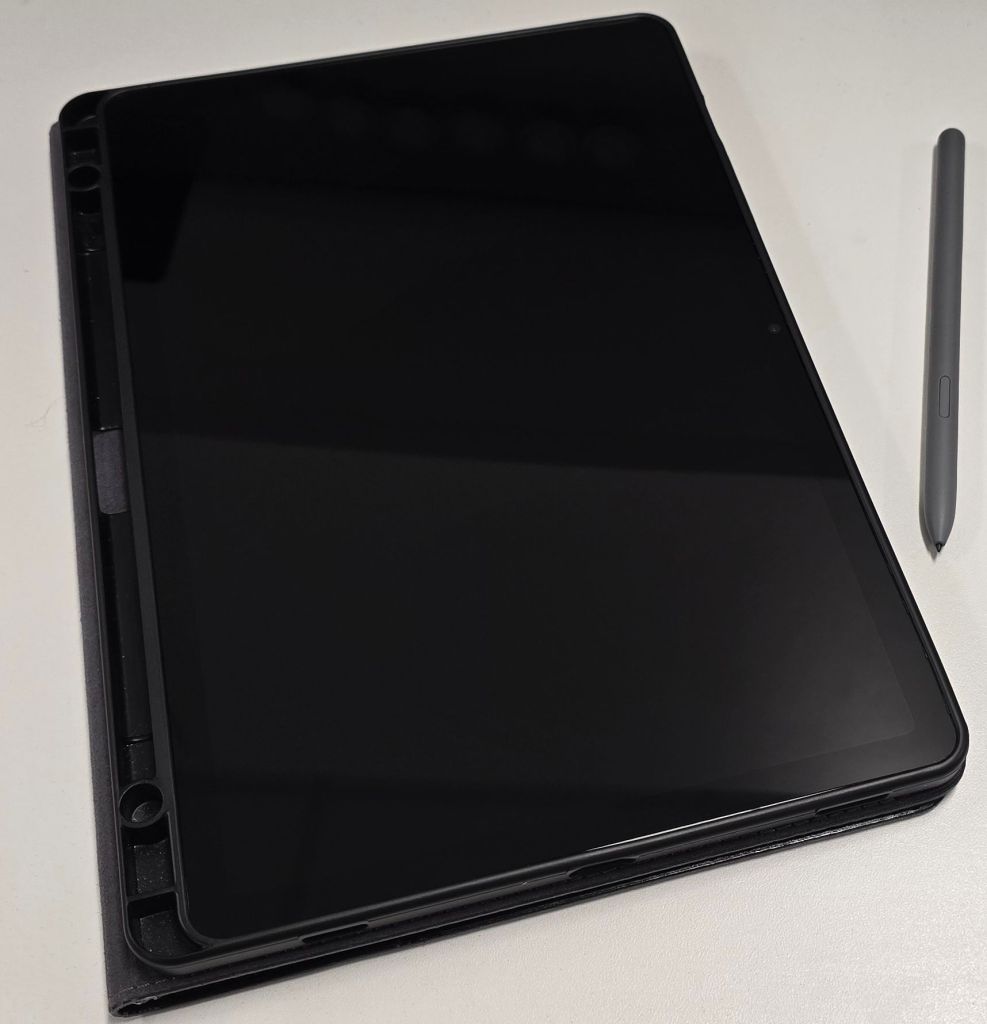
During the week, when I’m dragging it back and forth to work, I put the S9FE in a case. I get the tablet in and out of my bag, toss it on my desk, and use it as a TV at the office. I found a leather folio case that doubles as a stand. Check it out here: Nanruil Samsung S9FE Leather Case.

Usually, I try to point out the negative attributes of the hardware that I write reviews of, but in this case, there just aren’t any. Sure, there are always future state wishes like lighter, faster, and cheaper. You can also argue the intracasies of operating systems  and overlays until the end of time. However, when compared to its contemporaries, the S9FE is exactly what it should be. A light, fast, capable system with a battery that lasts all day that I didn’t have to max out my card to buy.