The Galaxy Note 20 Ultra vs. The Galaxy Note 10 Plus

If you flip through the pages of my blog it won’t take long for you to conclude that I am rather fond of pen computing. I’ve written thousands of pages and produced countless works of digital art on nearly every type of pen enabled device made in the last twenty years. In my experience working with these machines, I have developed a strong affinity for two series. The Microsoft Surface and Galaxy Note lines of products are my favorites by far.

I love my Galaxy Note 10 Plus. I had planned on keeping it for several years. So when AT&T offered me a killer deal to trade it in, my initial reaction was, “no thanks”. My wife overheard the conversation and pointed out that I was in- fact, out of my mind. So with some concern that the new one wouldn’t be as good, I called them back and ordered the 20.

It arrived here a few days before the retail launch. I used Samsung’s Smart Switch feature to get moved in quickly and have been living on it for the last three days. I’m writing this post on what is already my new favorite phone. The Note series has always been Samsung’s “kitchen sink”, the device they throw everything into. I’m happy to report that the new one has not strayed from the path.

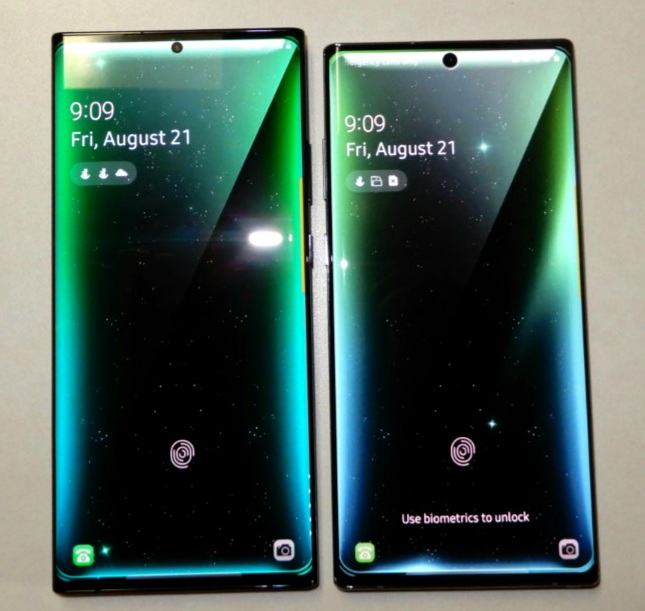
In terms of physical differences, the 20 is marginally bigger than the 10 Plus. Somehow it feels both larger and the same size. There is noticeably more screen real estate, but it doesn’t take much more room in your hand or pocket.
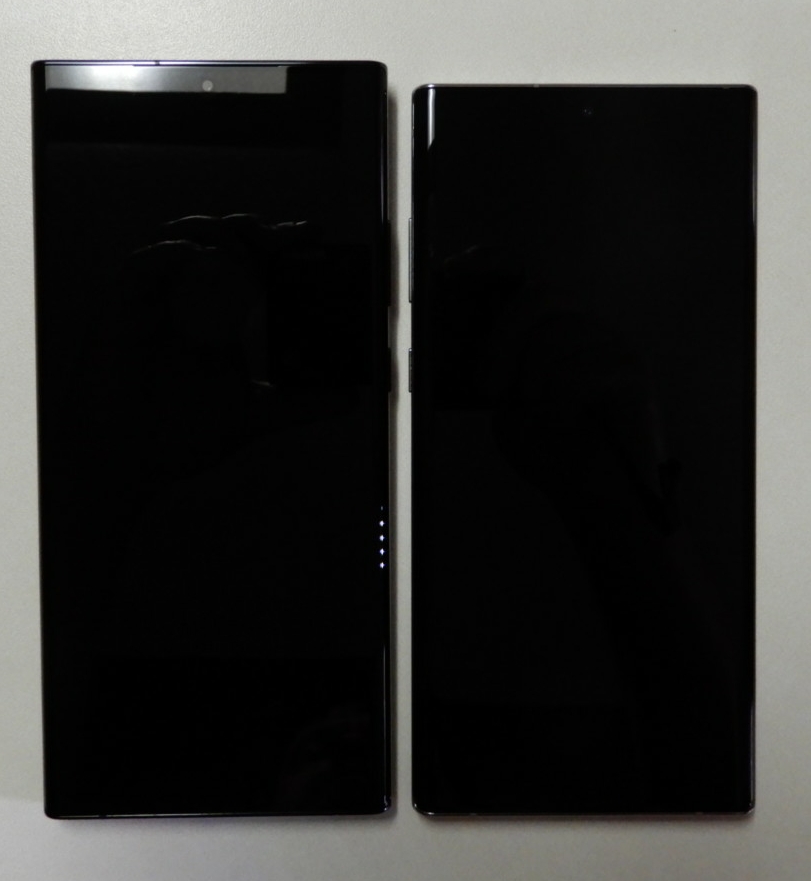
The 20 Ultra is a little larger.

They’ve relocated the buttons to the right edge and the stylus to the bottom left. These changes have messed with my muscle memory a few times, but I’ll get used to them soon enough. Everything else is more or less in the same spot.

I was happy to see that the same LED Wallet Cover is available for the 20. It is an excellent addition to the Note line. I’ve been using them since the Note 8. They hold a couple of cards and show basic notifications on the cover. Between Samsung Pay, a backup debit card, and my driver’s license it’s the only thing I need to carry.
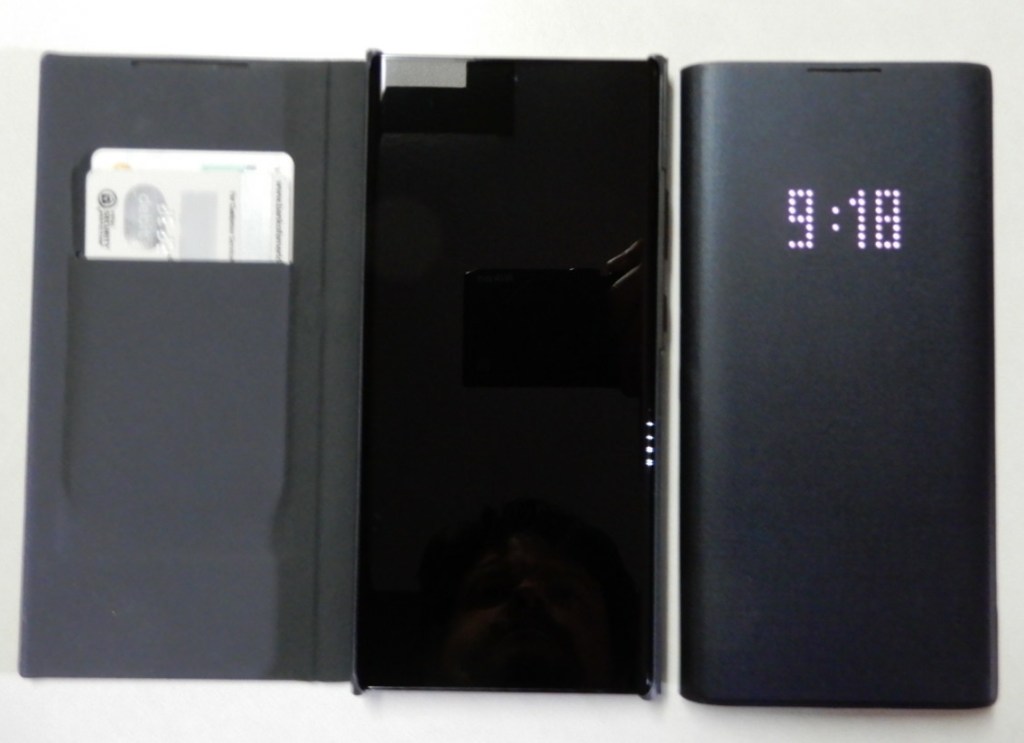
The LED Wallet Cover is my favorite.

In terms of performance, the Note 20 Ultra is noticably faster at everyday tasks. Both systems are more powerful than they actually need to be. The Note 20 outpaces most of the laptops I have used recently. Where I really notice the speed boost is while using the S Pen in handwriting recognition mode. The delay before it decodes my chicken scratch is much shorter.

Samsung has reduced the lag on stylus input in the new model. I don’t notice the difference all that much while writing or pointing. Shading in my favorite drawing app is another story.  There are also some new gestures. If you are a OneNote fan turn on it’s specific app gestures in the S-Pen settings menu. The S-Pens themselves are physically identical and feel the same to hold and write with.

The screen is phenomenal and a major improvement over the Note 10 Plus. One of the first things I did with the new one was to fire up Call of Duty Mobile and crank the graphics to their max. The 120 FPS is immediately evident. Whoever thought that we would see variable refresh rate technology in a phone? Just a short while ago only the most expensive gaming monitors could adjust to match the content. It isn’t just games that are able to benefit from the advancement. Scrolling though Instagram, Facebook, or other feeds is much smoother too.

I didn’t have the 5G edition of the Note 10 so I can’t compare it. I can say that 5G is awesome. Having mobile data that runs as fast as my home service is fantastic. With my mobile hotspot, I’ll never need to worry about crappy hotel Wi-Fi again.

Battery life seems better than the 10. I’ve been using the Note 20 all day, writing this post, taken several pics, played some TDM, listening to Spotify, and I’ve got 59% left. I haven’t run any official tests yet. I assume the ability of the screen to drop down to 10 FPS is having a positive effect. The Note 10 ran at 60 FPS regardless of what you were using it for.

That brings us to the camera. The Note 10 Plus has a great camera system. The three lense options and excellent software made it one of my favorite portable cameras of all time. The Note 20 Ultra’s camera package blows the 10’s out of the water. 5x optical zoom is an important milestone in mainstreame mobile devices. The 50x digital zoom should probably have been cutoff at 30 but that is the only fault I’ve noticed so far. The wide angle shots are jaw dropping when you show them on a 4k big-screen. Speaking of 4k, 60 FPS video is a great upgrade.

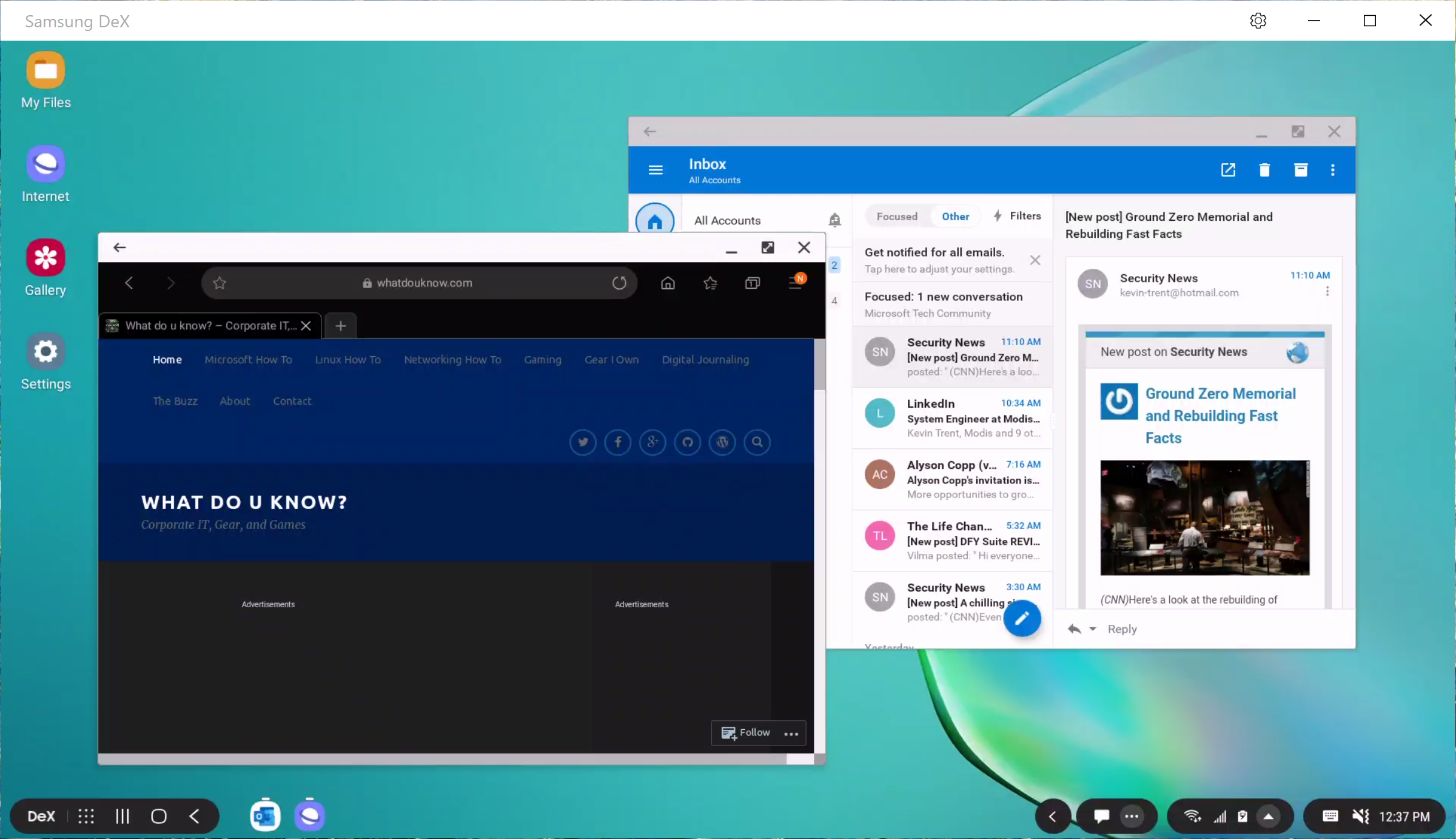
The Note 10 has Dex mode and I used it quite a bit. If you haven’t had the pleasure, Dex lets your phone become a computer. Your apps run in Windows on a full monitor with keyboard and mouse support. It’s one of the most underrated features on Samsung devices. The Note 20 takes Dex to the next level. Instead of having to plug-in to a screen with a compatible cable or dock, the Note 20 can run Dex on any wireless screen in range. This is huge. It could mean the end of carrying a laptop for me.
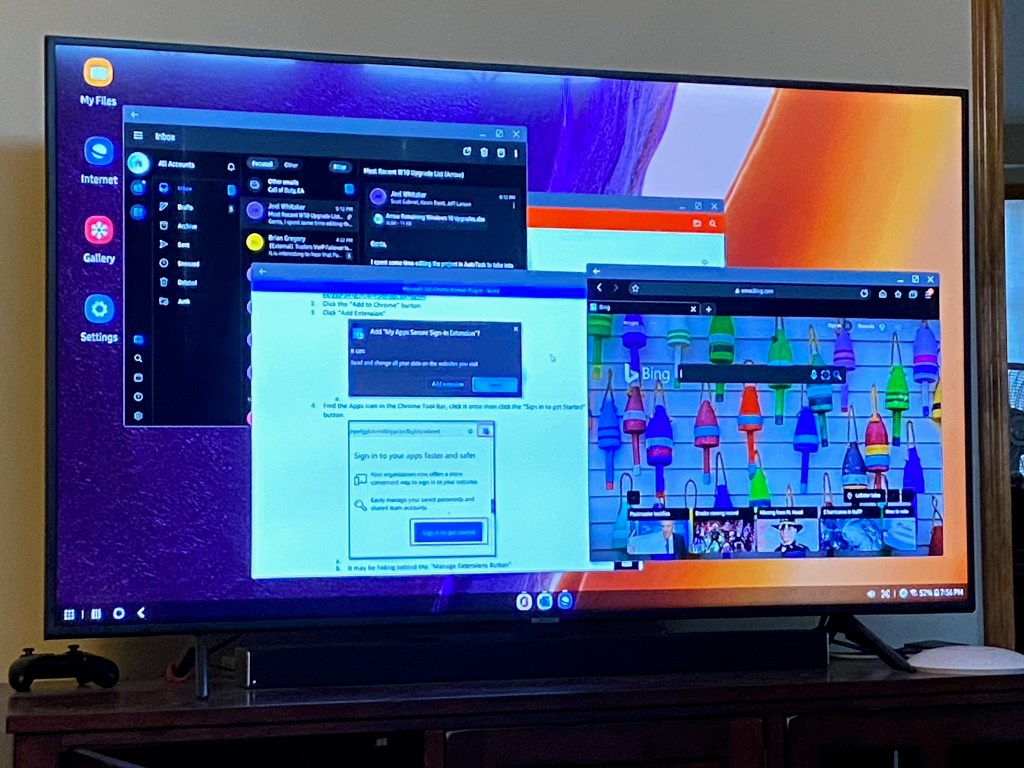
Wireless DeX Mode is fantastic.

Look for a more detailed review of my Note Ultra 20 after I’ve had it for at least a month. So far it has proven to be a great addition to the Note line and a worthy upgrade.

Galaxy Note 10 Road Challenge, A Tech Blogger Goes to the Art Museum

Kansas City is fortunate enough to have a world renown art museum. I’ve always enjoyed my trips to the Nelson-Atkins Museum of Art, but haven’t been in quite some time. My family and I were on stay-cation and decided to visit some of our favorite pieces and see what was new.

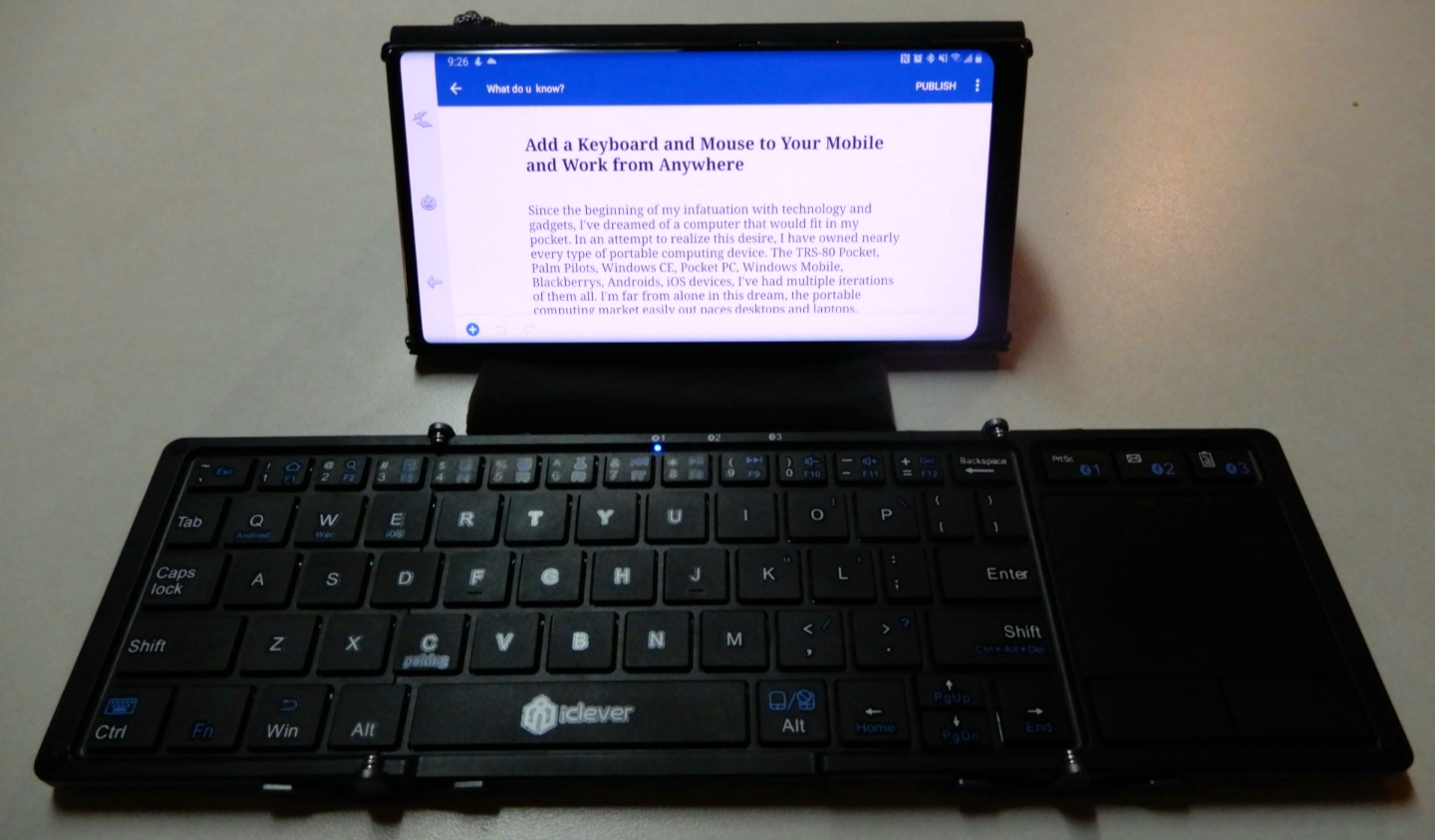
This article is being written in its entirety on my Galaxy Note 10 Plus. I’ve written pieces on the super-phablet before, but this is the first time I will be doing so in real-time and without using a PC for post-editing. All pictures, videos, and text are products of the phone itself. I am using a combiniation of the S-Pen and my iClever keyboard for input.

In addition to writing a post about the art muesum, I will be keeping up with my employer’s emails and texts, will probably play a few games, and I’m sure somebody will call me at some point. I will not be using an extra battery or charging the Galaxy, if the battery dies the post will just end at that spot.

The Nelson-Atkins is in the Plaza area surrounded by many of the water fountains that our beautiful city is famous for. The large white building is itself a work of art. It sits in the middle of an expansive green park and is framed as the net of the world’s largest badmitton game. The giant shuttlecock that sits in the green field has become famous in it’s own right and adorns countless articles and videos about Kansas City.

Jeff Sonhouse, Return to Sender

The multiple colors, shades, and textures in this contemporary piece give the auto-focus a workout. The characters hair is made from matchsticks. In the photo below, the wide-angle lense captures an entire room in the contemporary section.

Several works by Andy Warhol hang in this room

This ultra- realistic statue of a security guard has been catching people by surprise for as long as I can remember. He stands in a dimly lit corner and there is no flash allowed, but the camera still captures great detail.

Don’t Touch the Art!

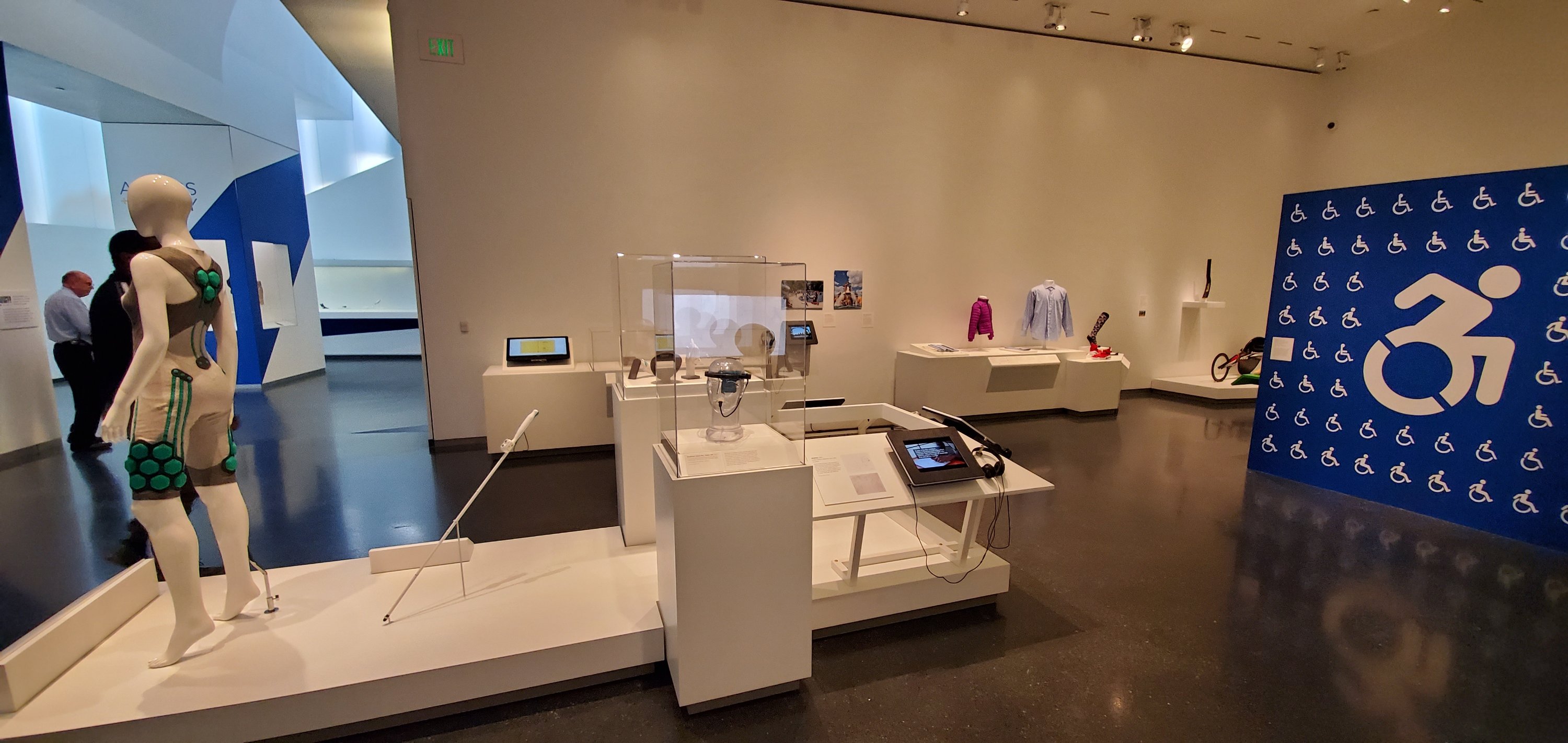
There’s an entire room dedicated to the technology that helps make the world more accessible to those of us who are differentley abled. 3D printed prosthetic limbs, cameras that turn vision into vibration, and watches that output in brail, are just some of the amazing devices on display. This exhibit is one of my favorites.

The Access + Ability Display

I’ve been fascinated by these suits of armour since I was a child. I cannot imagine wearing a metal outfit, nevermind trying to fight for your life in one. The room these items are in is actually quite dark. The camera’s automatic mode does an excellent job of adjusting to the different lighting situations presented by the museum.

Skyrim forever

Impressionism is my personal favorite of the classical styles. Lucky for me, the Nelson-Atkins has an extensive collection. The masters are well represented some of the most famous works by: Monet, Van-Gogh, Cezan, and Renior hang here.

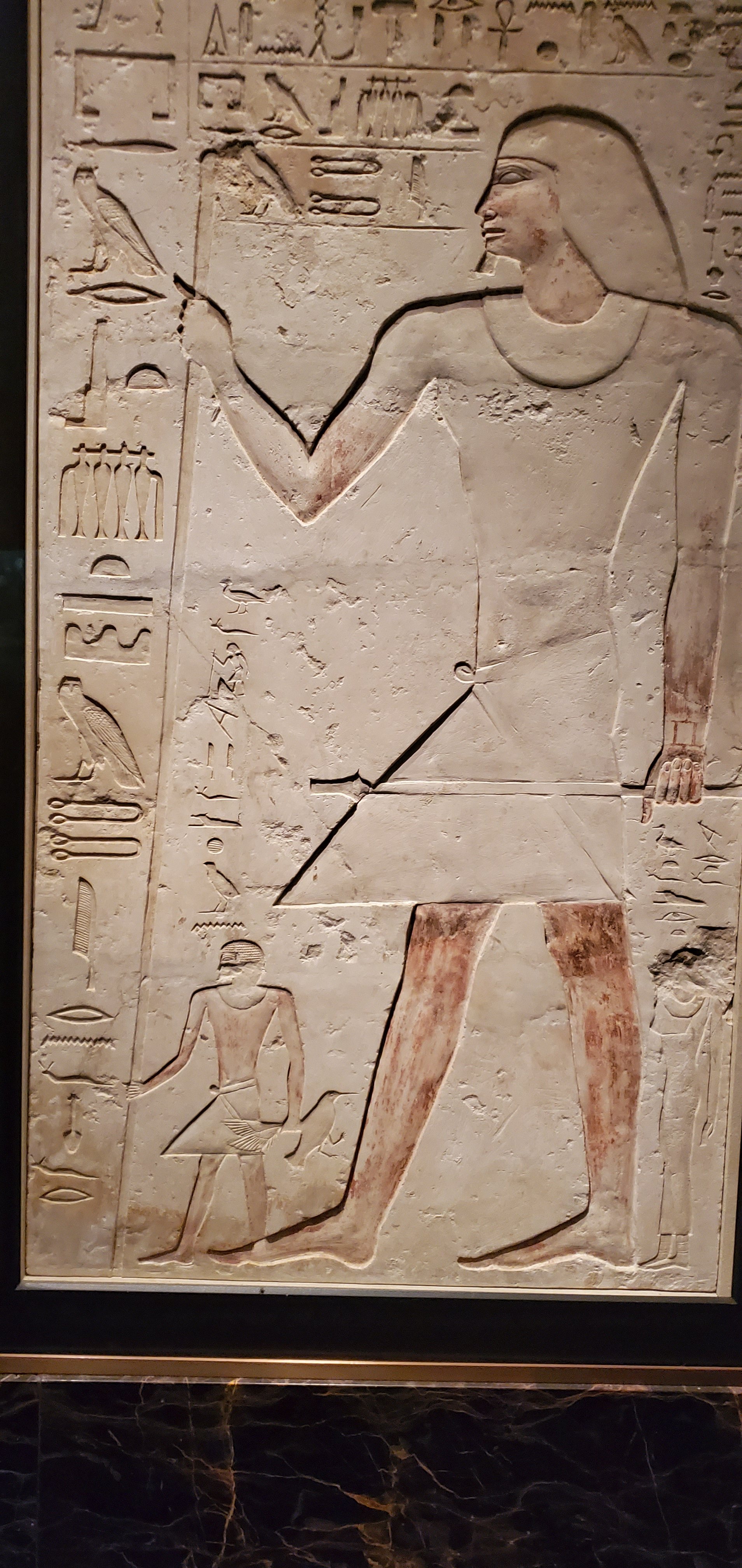
There’s an impressive collection of Egyptian art. Sculptures, stone tablets, even mummies, are displayed. Some items are behind glass, but many are out in the open. Security gaurds keep those who may be too tempted to touch something in check.

We had a great day at the Nelson-Atkins. If you’ve never been, or haven’t been for a while, I highly reccomend that you take the time to visit. Entry is free, parking is not. I used my GPS for an hour and a half, took twenty two pictures, answered two emails, sent three texts, had one short phone call, and composed this article. My battery still has 66% of its power left and that is almost as impressive as the works of art were.

One Week in with the Galaxy Note 10

I got my Galaxy Note 10+ on launch day. I am coming from my beloved Galaxy Note 8, aka my favorite portable device ever. The 8 had no issues and still did everything I asked of it well. To be honest, before I saw the 10 in person, I had already decided to skip it.

I happened to be in Best Buy on launch-day and fell in love with the massive screen on the 10+. I gave in and picked one up. In a word, this thing is awesome. Every time that I pull it out of my pocket, I feel like pulling a He-Man and shouting “I have the power,” at the top of my lungs while pointing the S-Pen to the sky. Samsung should make that the default sound for removing the pen from its slot.

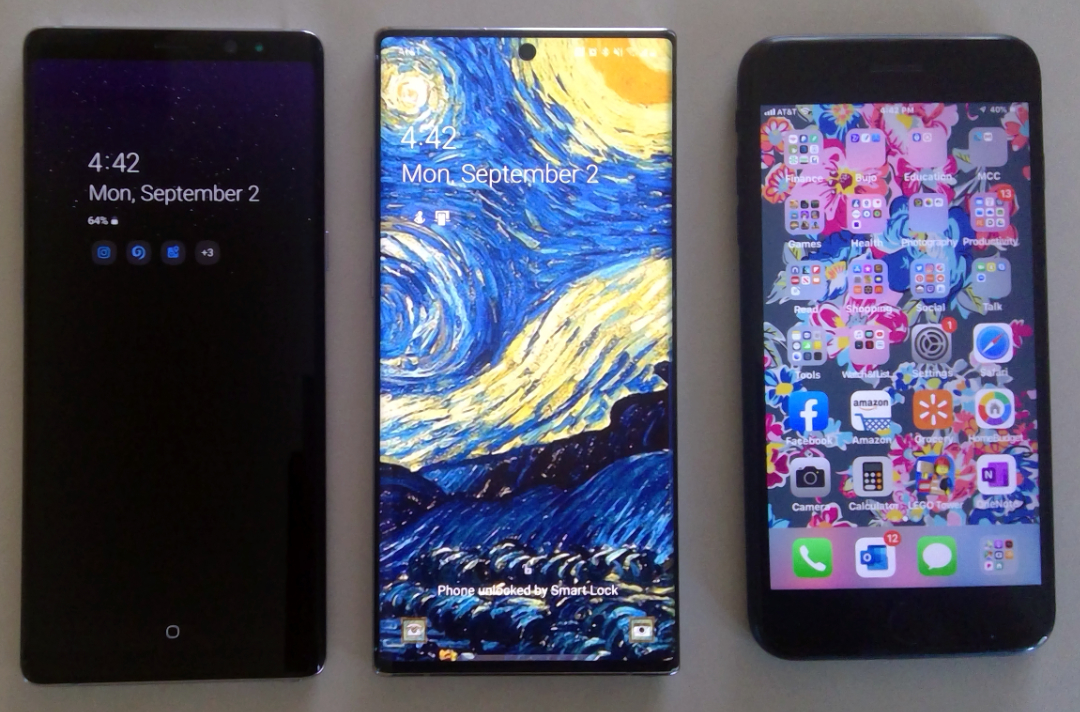
The screen is noticeably larger than the previous Note, or my wife’s iPhone+, but the footprint of the chassis is barley larger than either and it isn’t noticeably heavier. The display stretches from edge to edge and thanks to the punch-hole camera, from top to bottom. Various reviews either praise or hate the punch hole personally, I like it. It gets rid of the notch and is less likely to break than a pop-up.


Note8_Note10_iPhone7Plus

The in-display fingerprint reader has been another point of contention amongst reviewers. Again, I personally love this change. I’ve had zero issues with it scanning my fingers so far but, maybe my fingerprints are somehow easier to detect than other peoples’? In any case, not having to reach around to the back of the device is a huge improvement from my point of view.

Speaking of the back of the device. Samsung chose to remove the heart-rate and blood-oxygen sensors. I will miss them, but not enough to switch back to my old phone. To be honest, my smart-watch does this job and I rarely used the phone’s sensors anyway. I’m guessing Samsung assumed this was the case for most of us by now.  

On the subject of removals, the headphone jack has also met it’s demise. I think the media in general, is alwasy looking for an emotional reaction and has settled on the headphone jack as their issue de’jour. I switched to bluetooth headphones long ago and hadn’t used my 3.5mm jack in years. If you still need wired headphones, the adapters are everywhere, get one and be happy. 

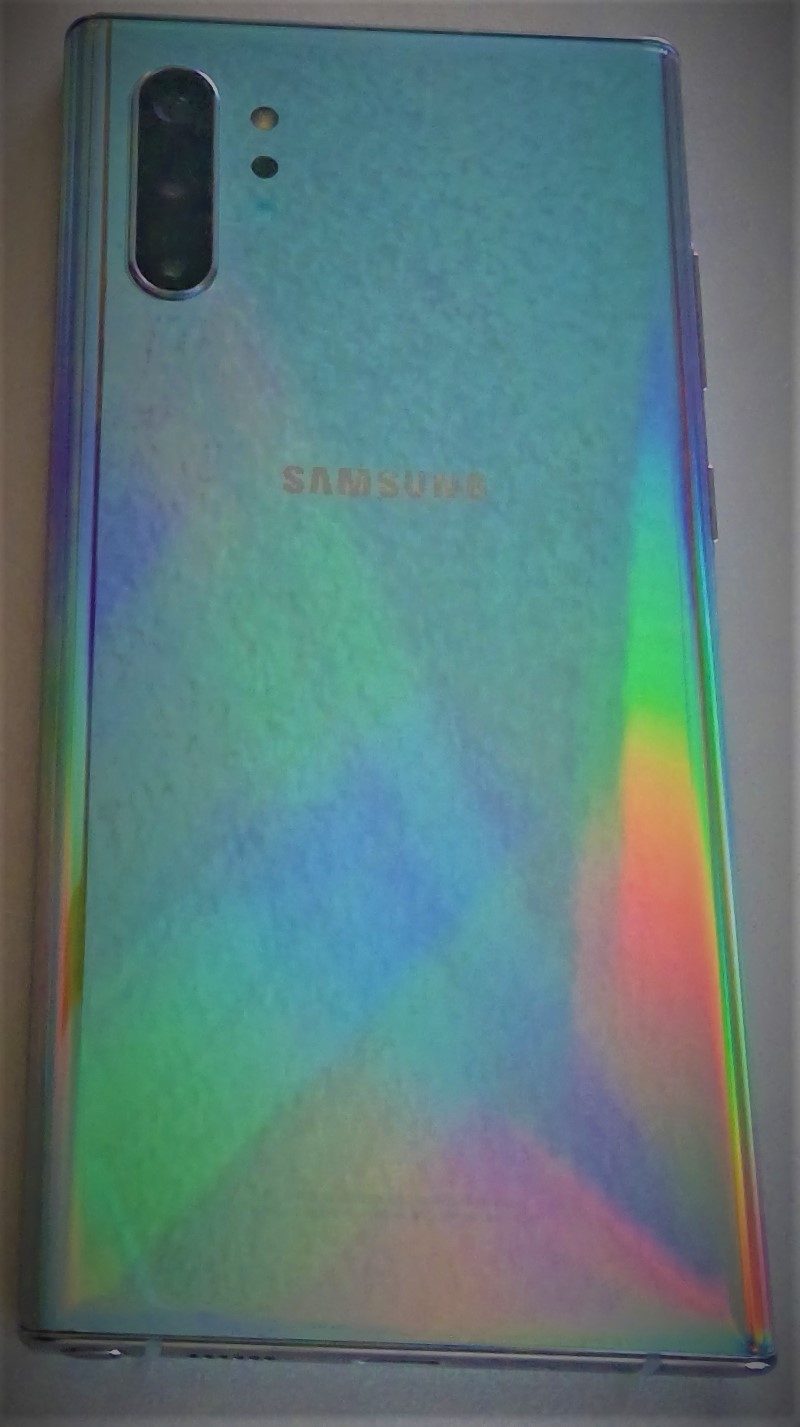
Note10_Back

The cameras (there are five) are fantastic. I know that the big publications have requirements to find the flaws in everything, but they’re reaching on the negative points of this camera system. The pictures are just awesome. The ability to edit them in real-time with precision is ridiculously futuristic. I especially appreciate the Pro mode, it gives you DSLR-ish controls like ISO, manual focus, and adjustable exposure times. 

The wide angle can capture an entire room. Two true telephoto lenses are something I never thought that we would see in a phone with a flat back. I’ve had all the gimmick camera phones like the Lumia 1020, trying to get a camera that could replace my point and shoot. They worked but putting up with the big bump on the back was a high price to pay. The multi-camera setups are a much better solution. I’ve taken quite a few pics but haven’t put the cameras through the ringer yet so check back for more on this subject.

Wide_Angle

In my day job, as a consultant, I am constantly using my Galaxy Note. Whether it be to jot down meeting notes or reply to emails when I’m out in the field; I need a battery that can last through a full day of use. The Note 8 could struggle in this regard. I always kept a battery pack in my bag and had to resort to it on several occasions.

Just a few days ago I used my Note 10+ to document (notes, diagrams, video, and pictures) an entire multi-building network and computer infrastructure. When I got in my vehicle to head back to the office, I was shocked to see my battery still had 54% left. I had been at it for more than 4 hours, the 8 would have been in dire need of a recharge.

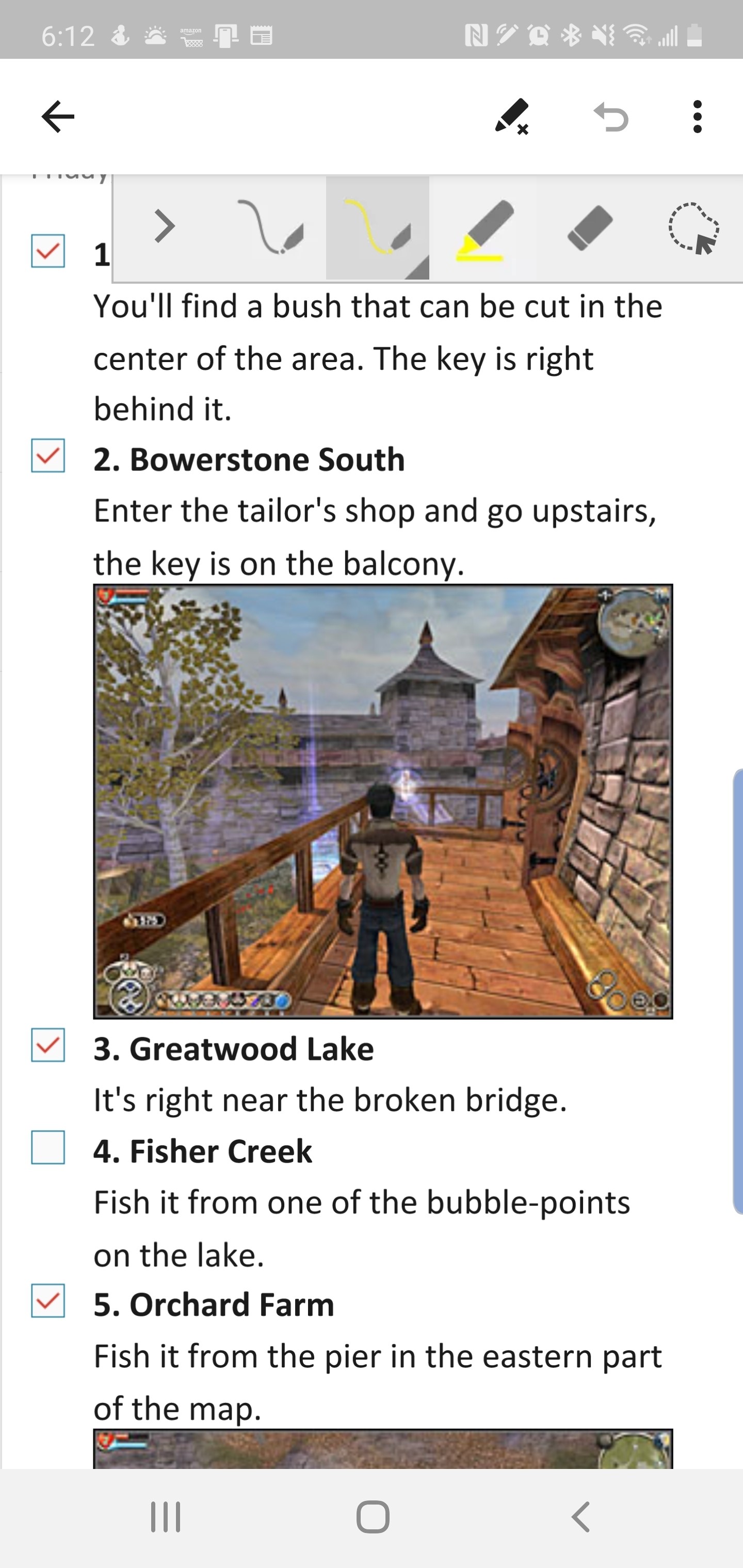
OneNote_ScreenShot

I’ve always been a fan of Dex mode on the Samsung devices. It has enabled me to travel without lugging a laptop on the plane many times. It also allows my phone to act as an extra computer when my main system is engaged in other tasks. For example, if my main computer is processing video, I check my email, update documents, and chat with my co-workers from Dex mode. You just need a Dex compatible dock, keyboard, mouse, and monitor.

Dex_Mode

The Note 10 has a new Dex mode trick. You can link your phone to your Windows or Mac computer via a USB-C cable (one in box) and use Dex mode with your PC or Laptop’s screen and input devices. This still works in the example I gave above. You are only remotley controlling Dex, so your main computer’s resrouces (CPU, Memory, etc.) are free for other tasks.

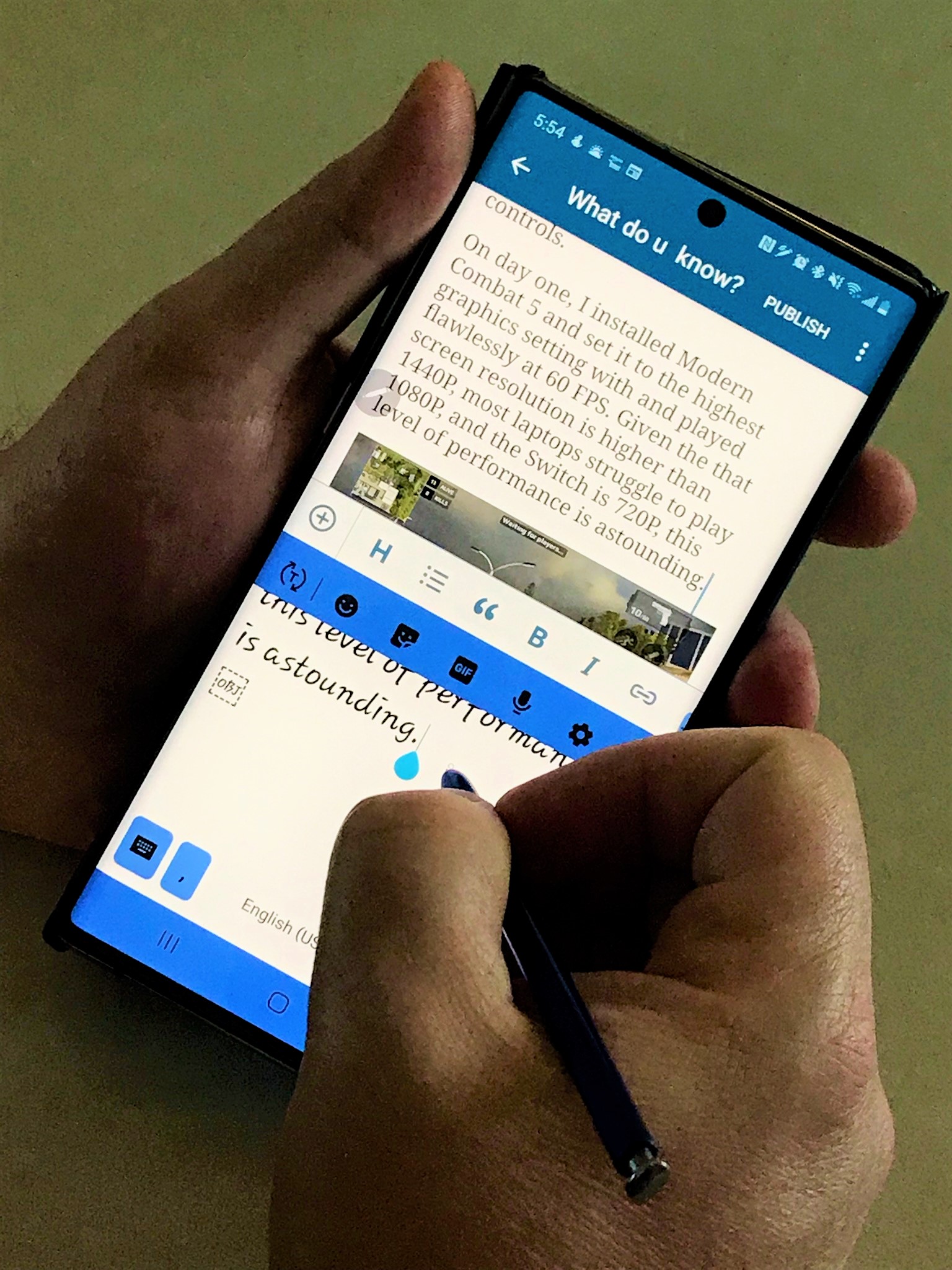
Finally we can talk about my favorite part of the phone. The S-Pen is stellar, as usual. I’ve written pages and pages of text with it already, including this post. I’ve edited photos and videos, and used it as a mouse when remote controlling systems. The new gesture features turn the S-Pen into a Wii-Mote and aren’t overly impressive to me yet, but I can see developers taking advantage of the option in games. 

Writing

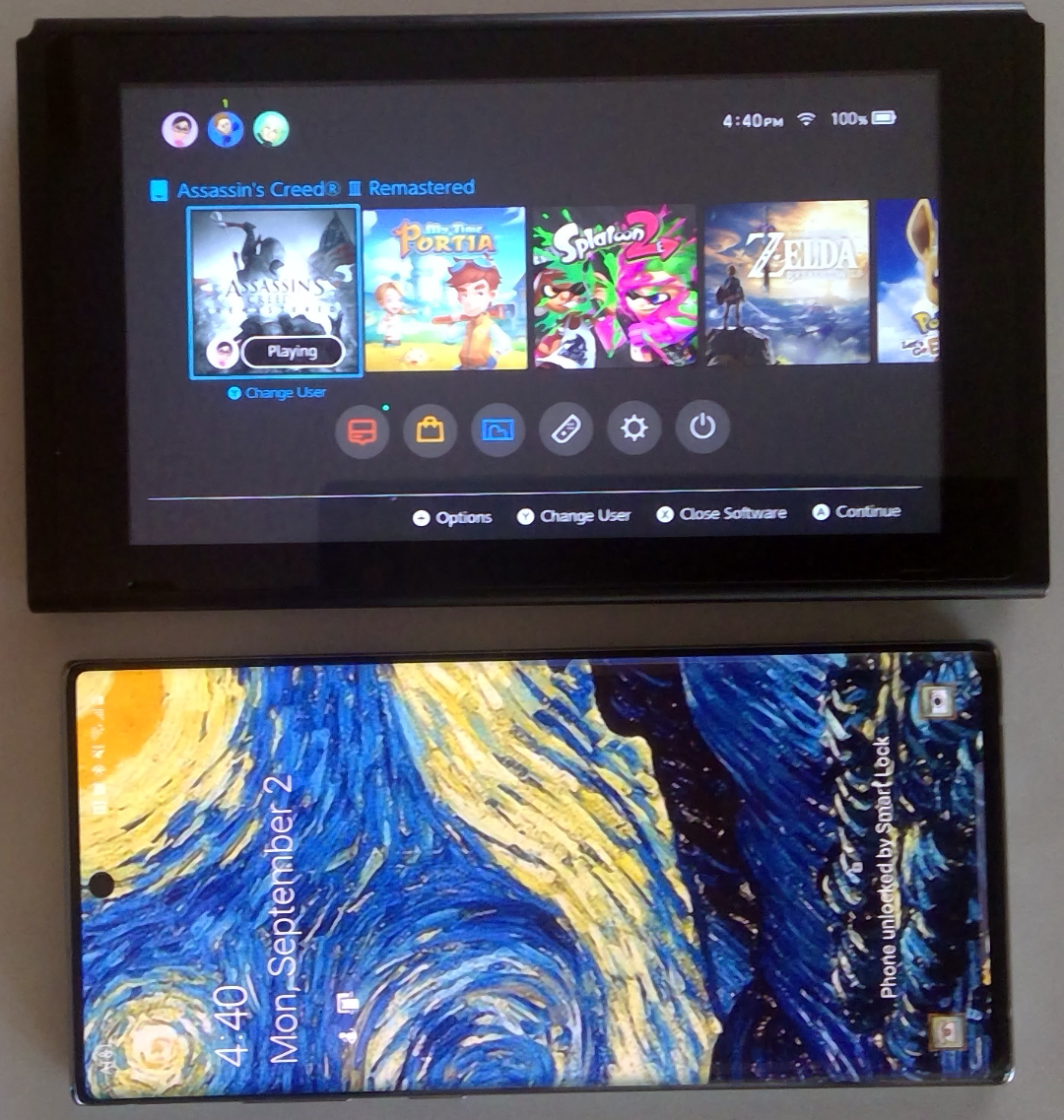
Phones can’t be all work and no play. The Note 10+ is a gaming monster. With twelve gigabytes of RAM and a vapor-chamber cooled processor it has power to spare. The phone’s screen size rivals the one on the Nintendo Switch which really helps with immersion and makes it more comfortable to hold for dual thumb controls. 

Note_VS_Switch

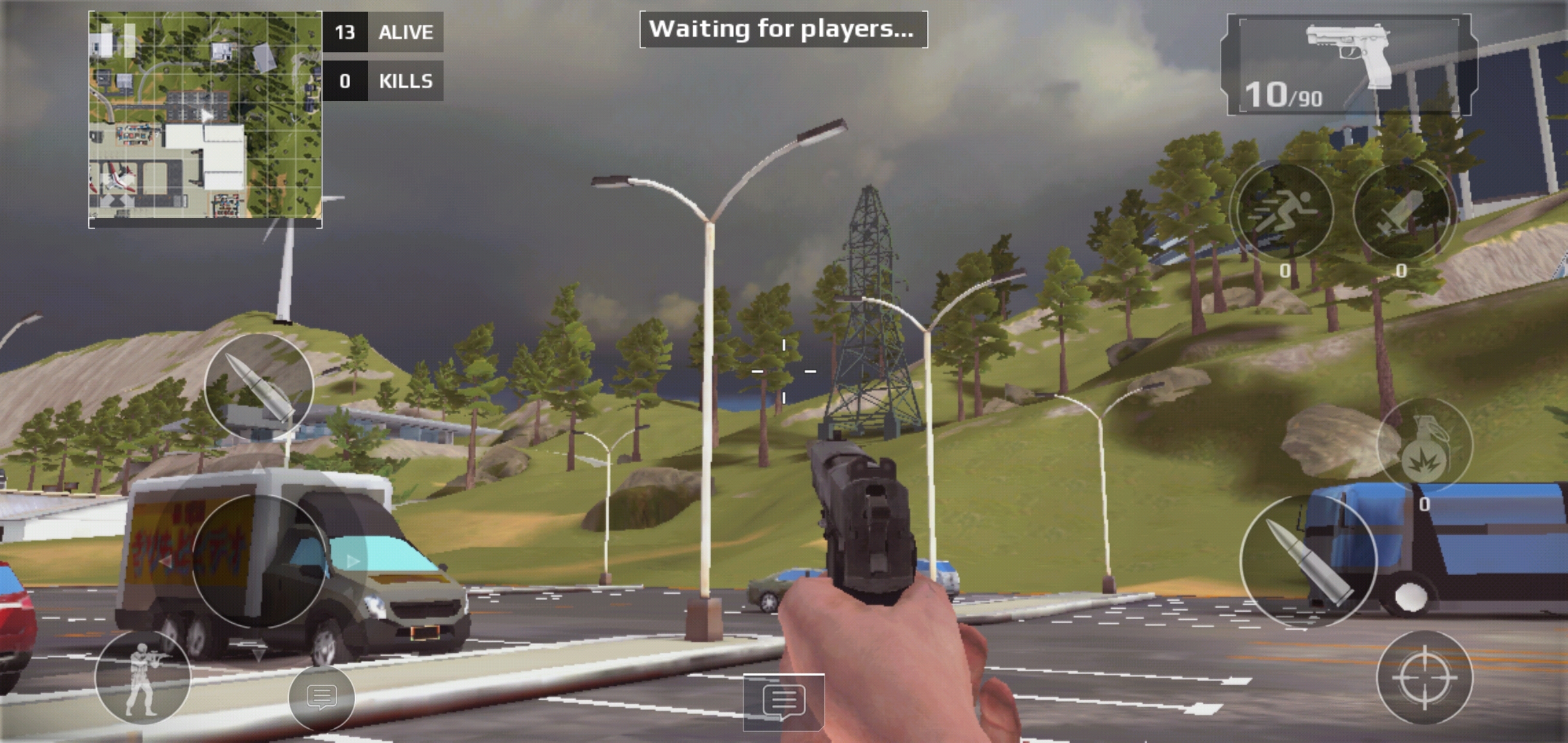
On day one, I installed Modern Combat 5 and set it to the highest graphics setting with and played flawlessly at 60 FPS. Given the that screen resolution is higher than 1440P, most laptops struggle to play 1080P, and the Switch is 720P, this level of performance is astounding.  

MC5_ScreenShot

I look forward to spending the next couple of years with this phone in my pocket. I’m sure it will serve me well.