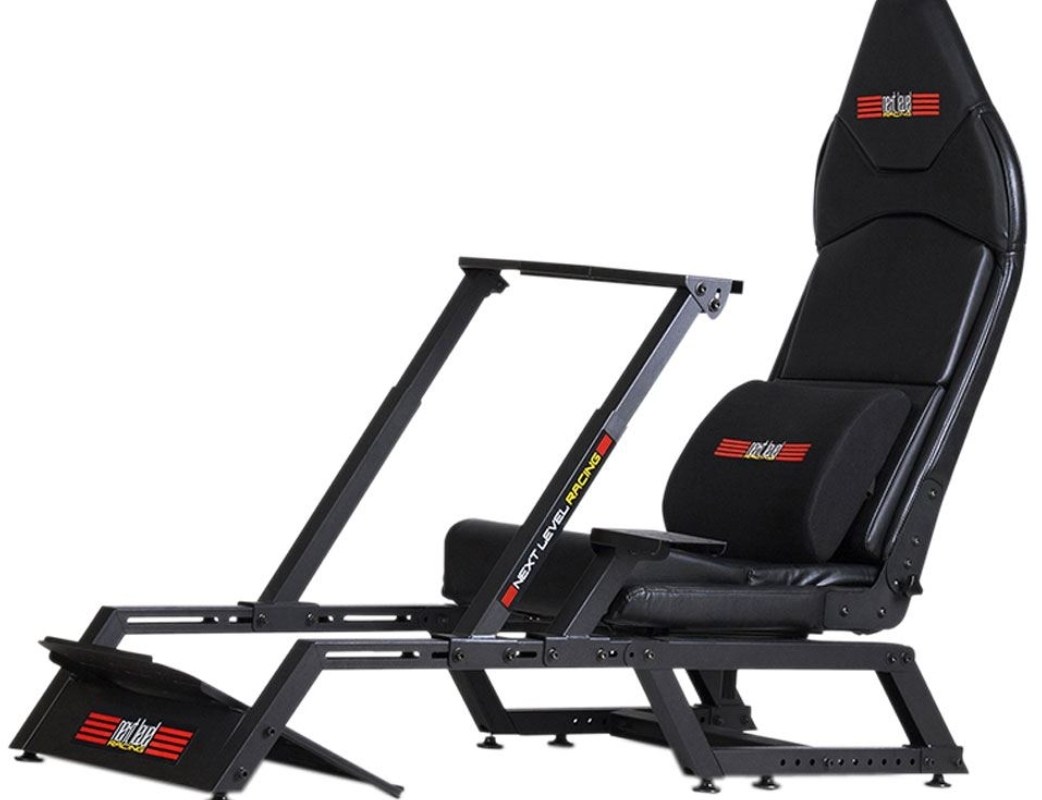
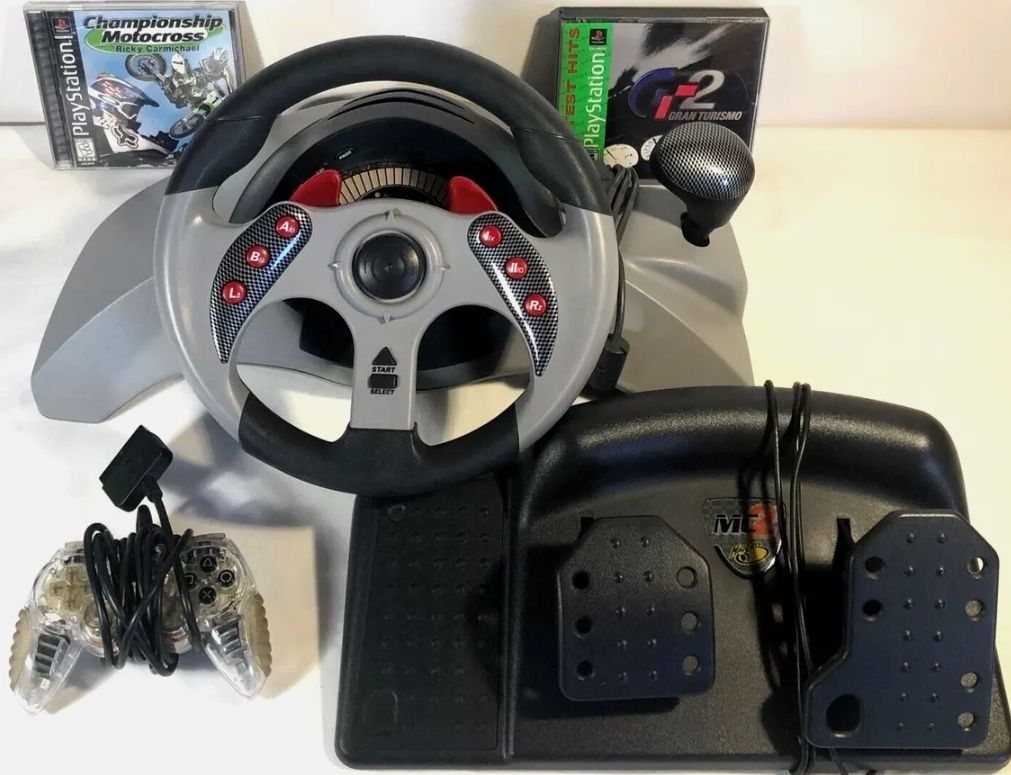
I have steadily upgraded my driving simulation cockpit over the years. I started out by mounting my wheel to a table. Then I upgraded to a folding wheel stand. Eventually I combined several parts into a makeshift simulator. I used this last set up for almost two years. It had a decent seat on one metal frame and the controls mounted on another. I parked it in front of a wall-mounted screen and called it good enough.
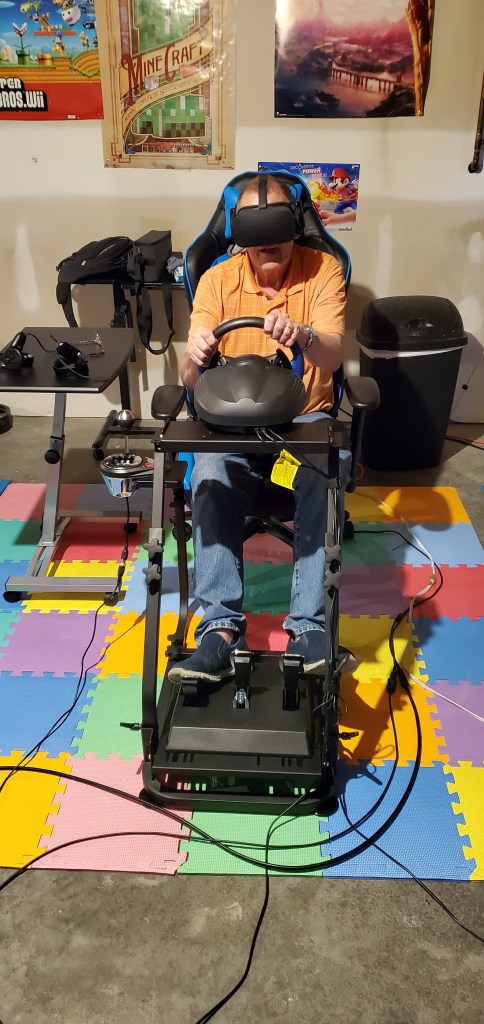
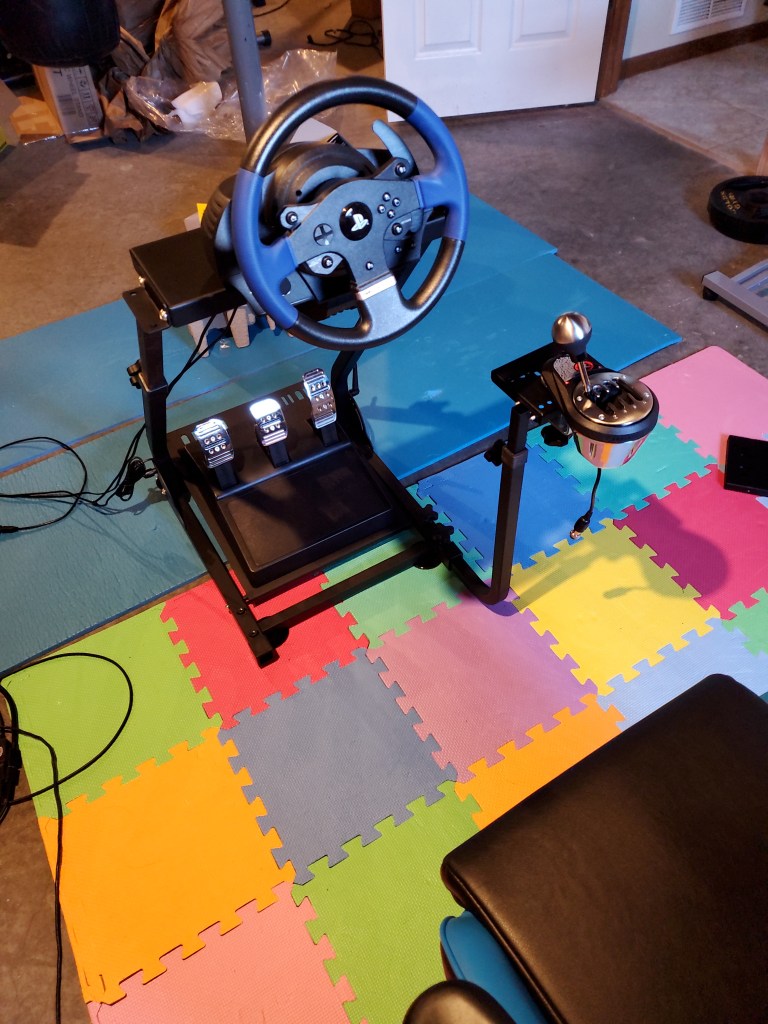
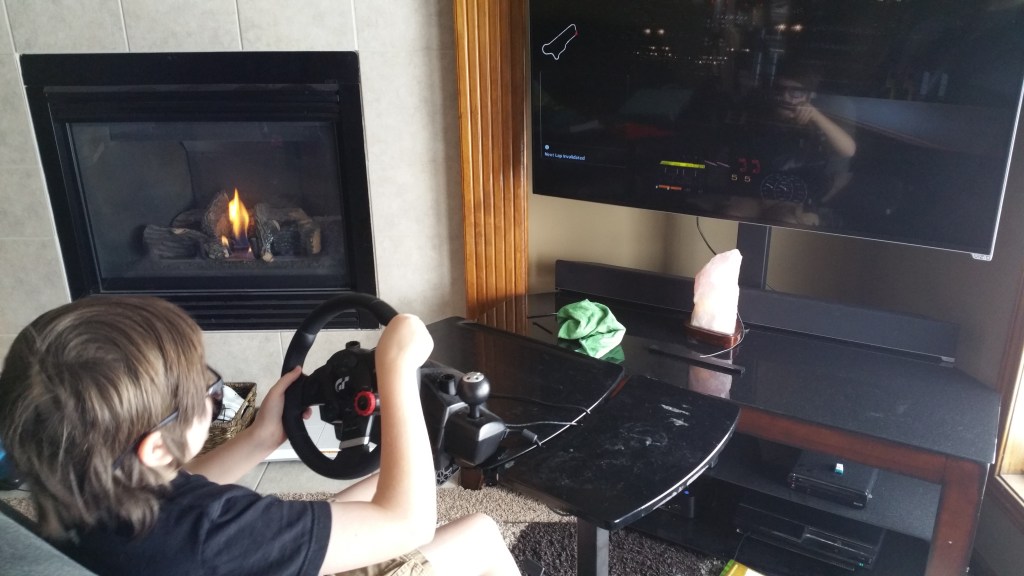
The DIY simulator worked. I used it for more than a year. But… there were problems. It wasn’t very comfortable for one. The chair and wheel being on separate frames meant they didn’t line up perfectly. They weren’t quite the correct height for each other either. The wall mounted screen made achieving the ideal distance between it and the wheel a problem.
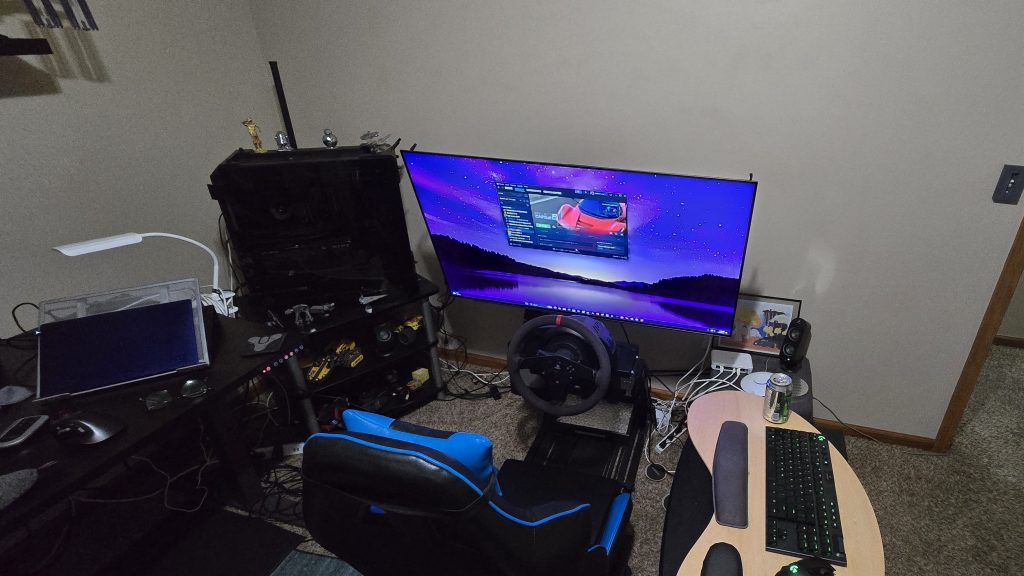
Being too aggressive on the pedals caused the two units to slide away from each other mid race. That was always fun. Oh, and there wasn’t anywhere to mount the gear shift. I was stuck using just the paddles. I had plans to fix the problems. While listing out the stuff I would need, I reconsidered. It was going to take a lot of time and effort to fix all of the issues. Not to mention materials.
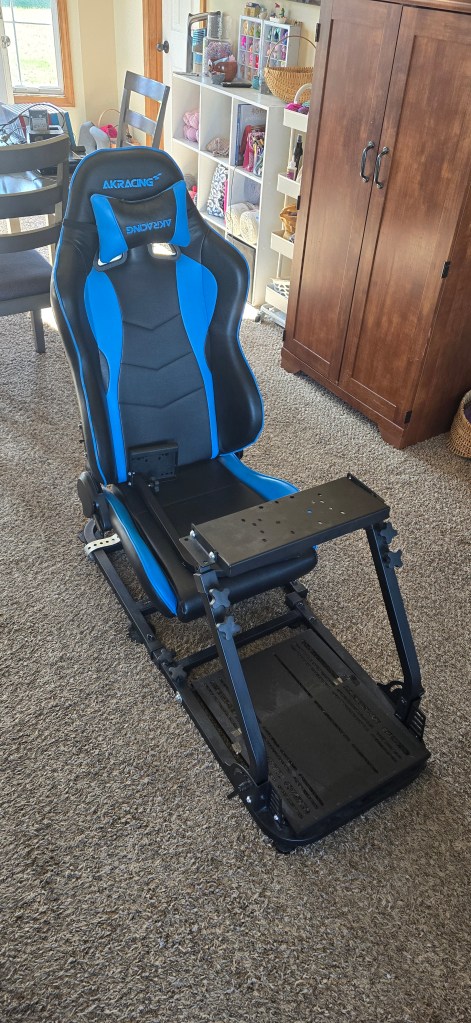
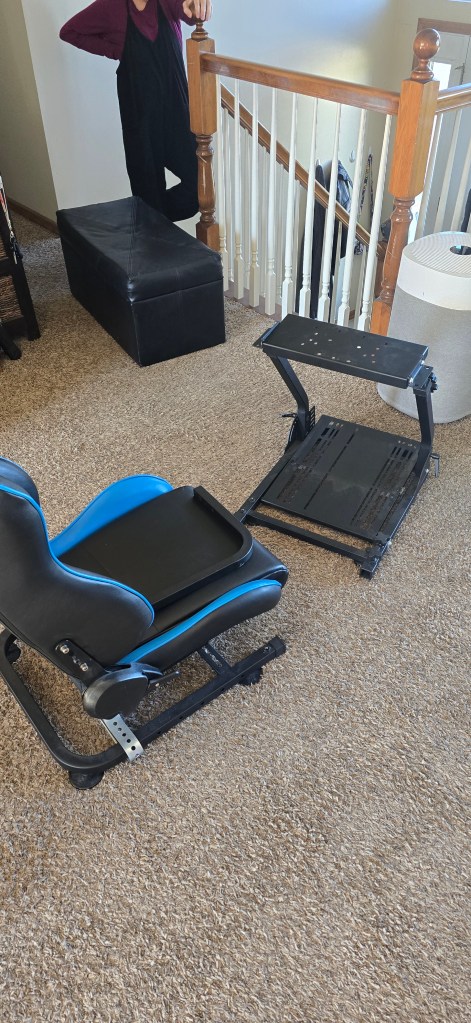
I eventually convinced myself that I was spending enough time with the hobby to justify investing in a better setup. I had some specific requirements in mind. I wanted something that was stiff enough to not flex, move, or shake. It needed to be as small as possible since it had to fit in the spare bedroom, aka my office. Comfort and good ergonomics were high on the list too.
The solution I ended up with would also need to be very adjustable. Besides driving, I am also a MechWarrior player and space combat fan. I plan to take up fighter-jet combat and Microsoft Flight Simulator games when I have mastered my current genres. Who knows? Maybe I’ll want to give World of Tanks a shot sometime too.
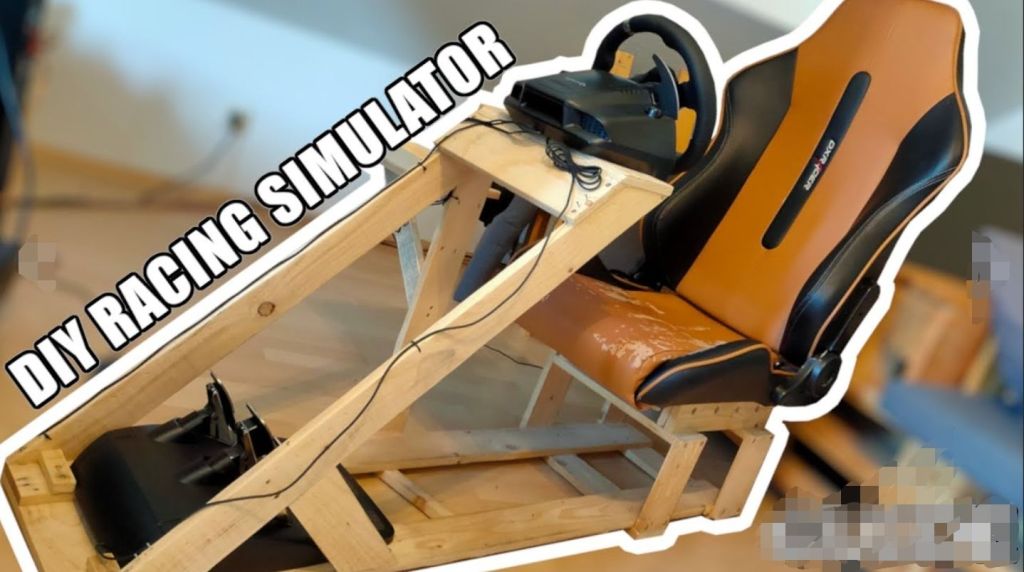
I started researching options. There are so many choices! There are plans to build your own from PVC, wood, and even metal. Extreme builds use the shells and interiors of real vehicles. There are also vendors like NLR, Sim Lab, PX1, and others that manufacture ready to race products.
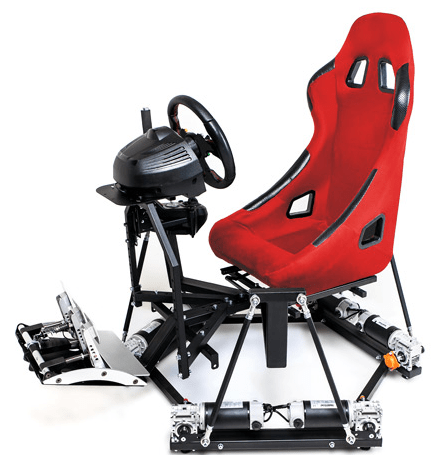
In the end, I went with Next Level Racing’s NLR-S010 model. I chose it because it is a medium weight, super adaptable, multi-role frame. It can adjust between the upright seating position of GT/sports cars and the zero-G position of a formula driver. It takes up less floor space than many other cockpits. NLR also sells a bolt-on kit that transforms the unit into a fighter jet / mech cockpit.
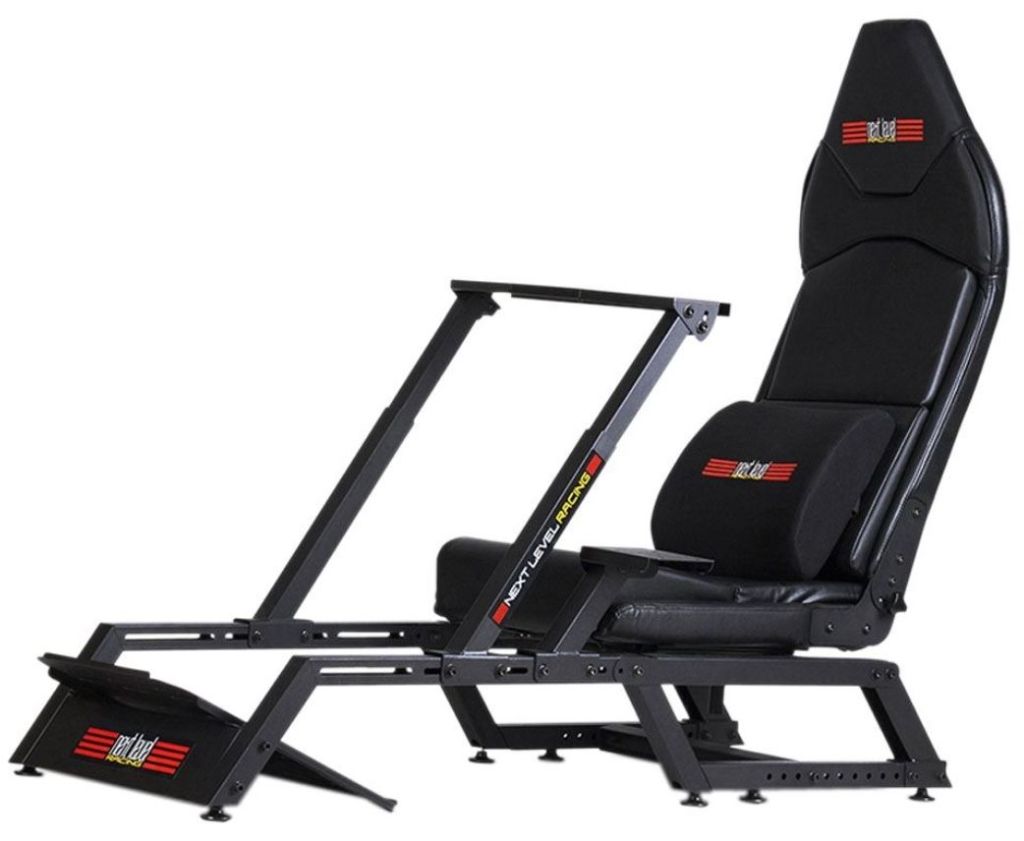
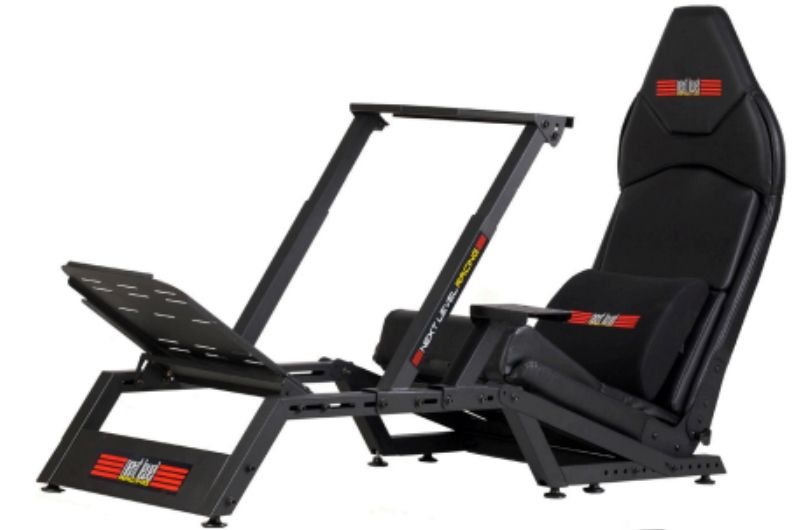
I bought the F-GT, the HOTAS mounting kit, and the optional monitor stand. The unit includes a built-in seat. I already had the PC, monitor, wheel, pedals, and speakers.
The frame is built from all metal parts. You are responsible for all of the assembling. I highly recommend securing some assistance. You are also going to be ahead of the game if you acquire a drill with both screw driver and allen key bits. I also suggest a good wrench set.
The instructions are pretty straightforward. We didn’t have any issues putting the frame together. We didn’t screw anything down past finger tight until we had a chance to position everything to fit me.
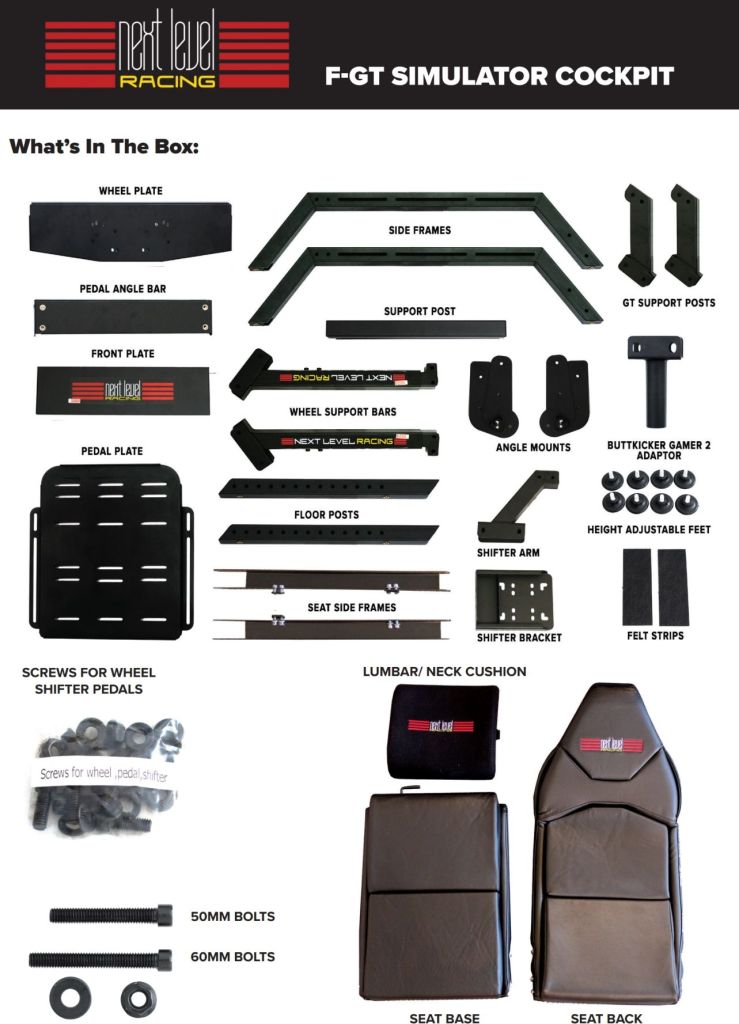
I went through with the power tools and cranked everything as tight as it would go to lock the setup in. It took two of us ( experienced build team ) about four hours to assemble the frame and get my electronics bolted on. Everything was ready for the first run in five hours. You can speed assembly up if each person has a drill with the oposing bit. For example, one with a socket wrench and the other with the allen key.
On that first run, I was astonished by how much my sense of immersion was improved. It was obvious right off the bat. Almost every driving setup I have used to date moved in some unwanted way. The NLR-S010 didn’t. No twisting, sliding, or shaking was detected.
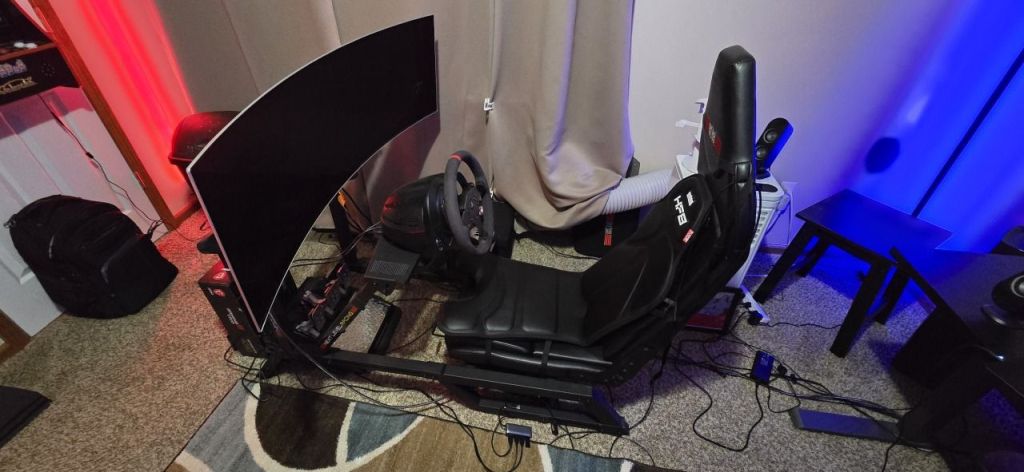
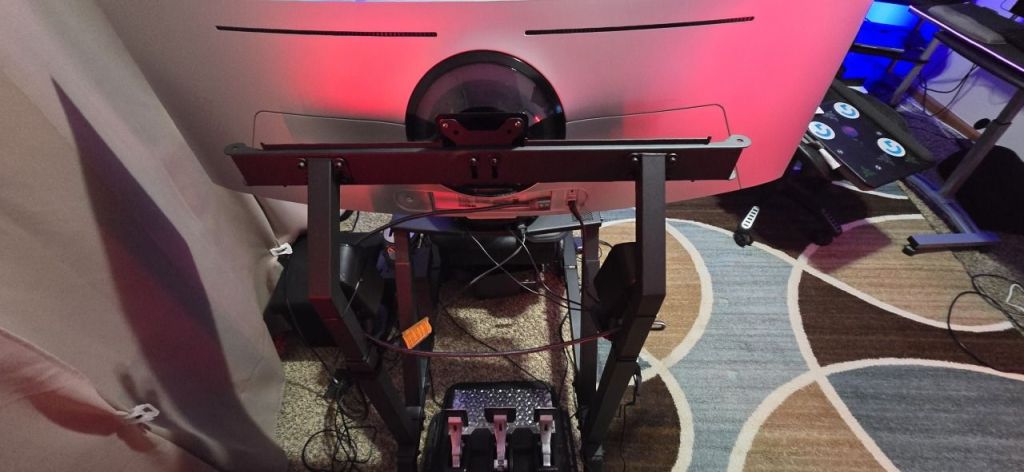
Comfort was also exponentially improved over any of my previous setups. The seat and wheel were realistically positioned relative to each other. The angles and locations of the controls and screen were as they would be in many real-world vehicles.
The seat is not as bolstered or as cushioned as I would like, but it does the job. It is rail mounted and can move forward or back.
The unit fits me well. I am five feet and nine inches tall. If I were much taller, this cockpit would be too tight. This is especially true if you purchase the integrated monitor stand like I did. The stand takes up space on the frame that would otherwise be used to increase the distance between the wheel and driver.
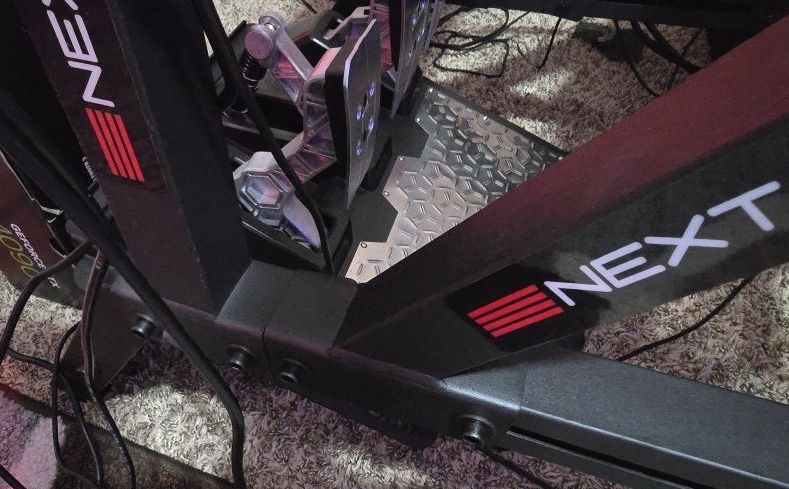
The F-GT is smaller than other full cockpits, but it is still a big piece of furniture. You need a dedicated space about the size of a couch for this thing to live in. I went with a 49″ ultrawide monitor instead of a three-screen setup to save even more space. It’s still huge.
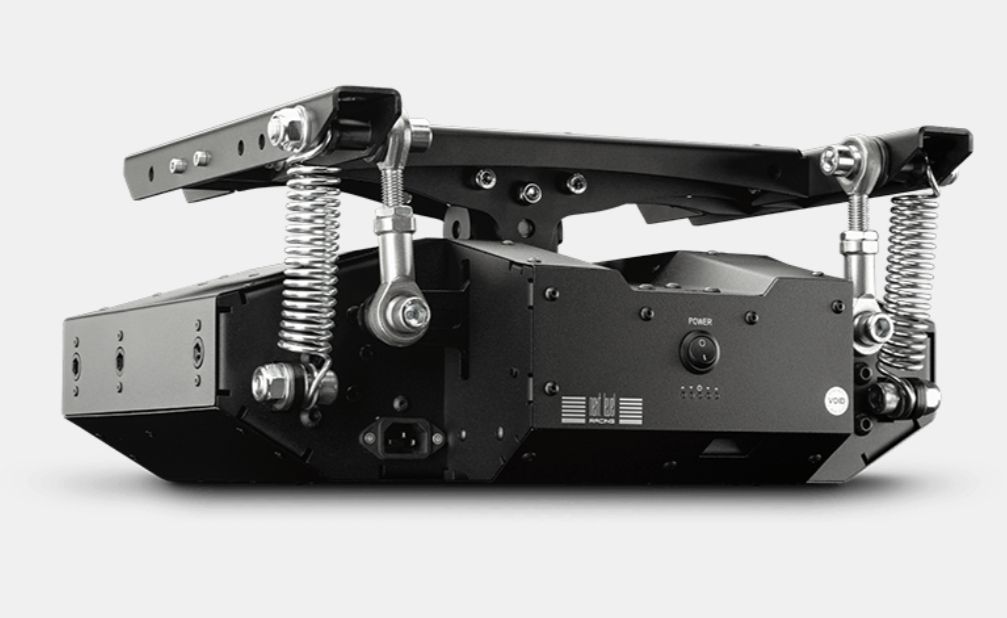
Supposedly, this thing is compatible with Next Level Racing’s motion modules. I don’t know if I’ll ever take it that far. I did pick up one of their H8A haptic chair add-ons. It uses a bunch of vibrating pads sown into a chair cushion to further simulate a car. There will be a full review of it published soon.
I’ve had the F-GT set up for several months and have spent a lot of hours in the seat. I practiced for and raced in the Logitech racing series in Forza Motorsport. I had a lot of fun learning to drive that McLaren to the edge of my abilities. I’m happy with my purchase. I expect to be using this thing for the next several years.
Links:
NLR-S010: https://nextlevelracing.com/products/next-level-racing-f1gt-formula-1-and-gt-simulator-cockpit/
Flight Pack: https://www.microcenter.com/product/683816/Combat_Flight_Pack_for_GT_Track
F-GT Monitor mount: https://nextlevelracing.com/products/f1gt-monitor-stand/



 techbloggingfool.com