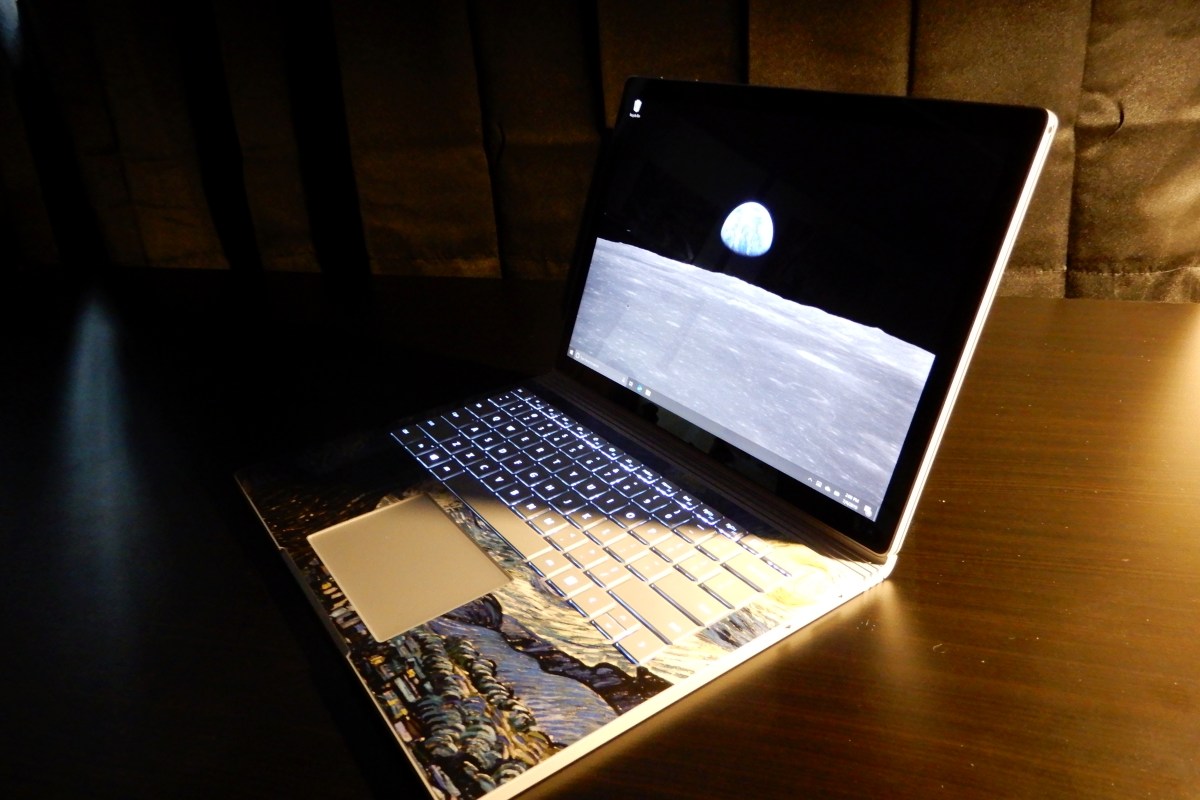
The Surface Book 2. A laptop that Adapts to You.

I’ve had a laptop in one form or another since the late nineteen-eighties. Sufficed to say, I’ve had a lot of them. Some of my favorites have been various models of the Sony VAIO, Dell XPS, MacBook Air, and the Microsoft Surface line. I’ve had huge, almost suitcase sized machines, miniscule eight point nine inch netbooks, and everything in between.

What makes a laptop a good fit for most people tends to revolve around how they use it. A road-warrior that mostly checks email and writes Word documents, it isn’t likely to rank a six-pound gaming laptop as one of the best. Likewise, a gaming enthusiast is probably not going to pine over a super-thin notebook that lacks a GPU. Therefore, people typically purchase a system designed for their primary use case. This method works but has some issues. What happens when that road warrior is bored in the hotel room and wants to play a game of Overwatch? Likewise, how does the gamer deal with dragging their system around an all-day convention?
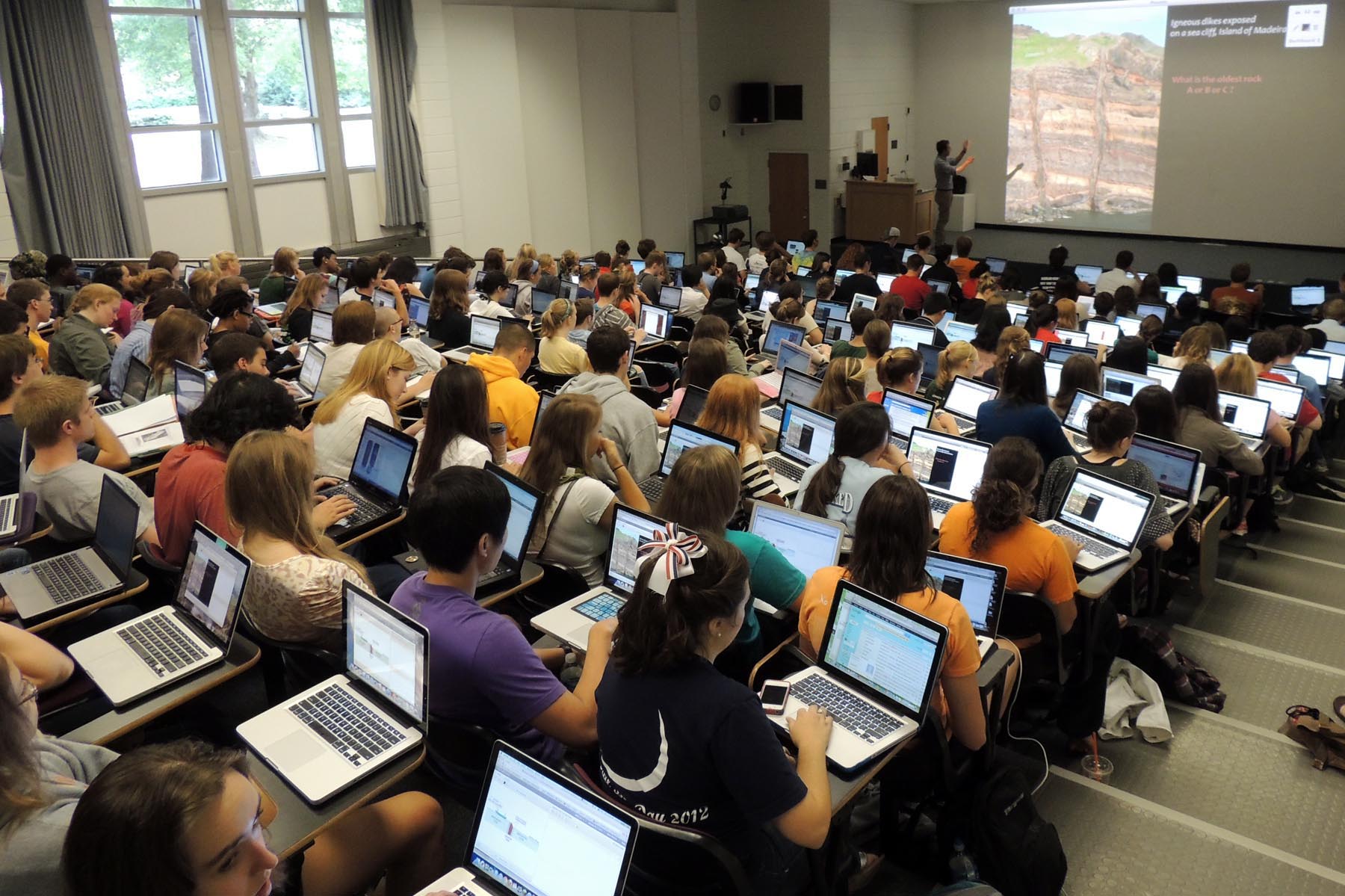
I use my portable machines for a wide range of tasks. I travel, write, game, design graphics, write code, and crunch numbers. For me, the best laptops are the ones that can do it all. I need something that can adapt to my requirements on the fly. It doesn’t have to be the best at any one thing, it needs to do everything reasonably well.

This year alone, I’ve had a Lenovo ThinkPad, an HP Elite Book, a Surface Go, a Surface Pro 6, and a Surface Book 2 as daily drivers. All of them are great systems but only the Surface Book 2 manages to do it all. It’s one of the fastest tablets you can buy. A laptop that can run all-day on one charge. It can play AAA games better than an Original Xbox One, and still fits in fourteen-inch sleeve.
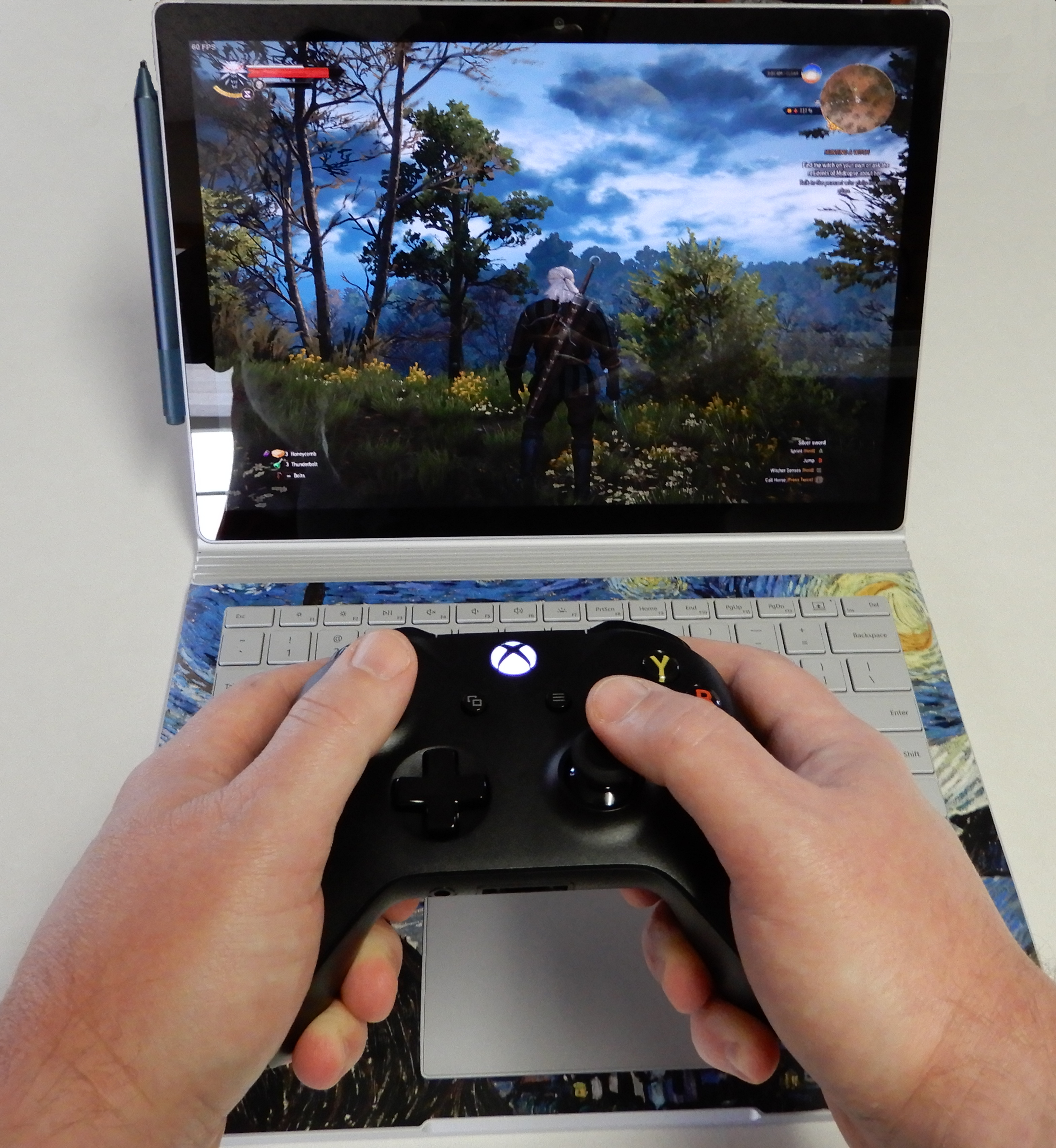
Pair an Xbox One S Controller for easy gaming

The Surface Book is Microsoft’s very own transformer. The screen is a tablet that houses a 13.5″ (or 15″) HDR touch screen, an Intel I-7 Quad Core CPU (or I-5), 16GB of RAM (or 8GB), and a 512GB SSD (or 256GB, 1 TB). The base has the keyboard, trackpad, another battery and an Nvidia 1050 GPU (or 1060).

The two halves attach and detach via an electromagnetic hinge. When the tablet is docked to the base the system is a high-end laptop capable of almost any job. Play games, edit video, get into some serious diagrams, the GPU handles it all. The system is well balanced and feels like a single unit unlike some other two-in-one devices.
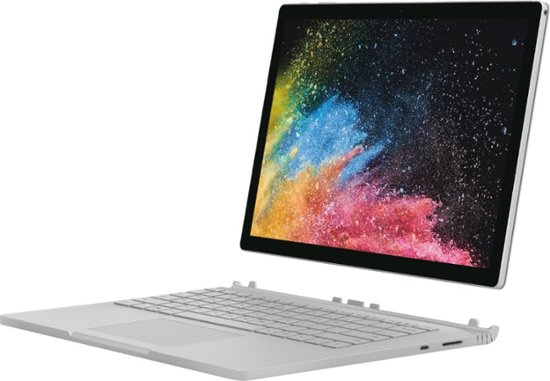
A dedicated gaming laptop with a more powerful GPU will game better, but this thing runs Overwatch at 1900 x 1200 in full screen with everything on high at 60 FPS, more performance than the original Xbox One or PS4 can offer. I wish that the 13.5″ model was available with thunderbolt and/or HDMI out, but it isn’t a deal breaker for me. The 15” model is available with HDMI out and a slightly higher power Nvidia 1060 GPU.

When you disconnect the base, you are left holding one of the most powerful tablets in existence. It’s screaming fast and ridiculously light for its size. The screen is mesmerizing. There’s plenty of storage and memory to open countless browser tabs and apps. I have owned the original Surface Pro, the Surface Pro 3, the Surface Go, and a Surface Pro 6; the tablet on the Surface Book is the best that Microsoft makes for writing, taking notes, drawing, and most non-keyboard tasks.
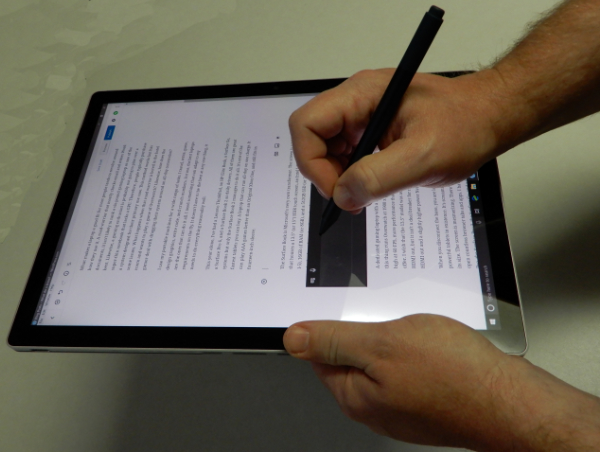
When the tablet is separated from the base it has no ports of its own. Only wirelessly connected peripherals (except headphones) are available. The battery life is shorter than most tablets and there’s no built-in kickstand. None of that matters once you start using it. The speed of the full Intel CPU and available memory means that this tablet runs Windows 10 and all your apps and full desktop software just as fast as your desktop does. The lack of the stand and re-enforcements required for it, means the tablet is lighter than a Surface Pro even though the screen is larger.

If you’re looking for a portable system that can do it all you would be hard pressed to do better than a Surface Book 2. Other 2-n-1 tablets and laptops are either good tablets and mediocre laptops or vice versa. A very select few systems are excellent at both roles.

Things to do with your Surface Go’

So you’re the proud owner of a shiny new Surface Go, now what? Besides checking your email and surfing the web, what else can you do with the little powerhouse? Of course, you can install the ubiquitous PC applications, MS Office, Photoshop, and what have you. This article is more about doing things you may not know about or considered.

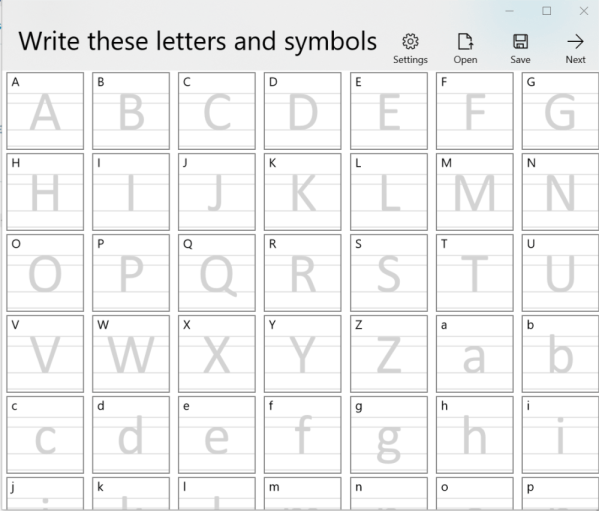
Have you ever wished there was a font that matched your handwriting? Mine is atrocious, I’m always surprised that a computer can read it. My spouse’s on the other hand, is quite elegant. If you write nicely like she does, Microsoft has just the app for you. Download the Microsoft Font maker from the Microsoft store and with a few simple steps your handwritings will be digitized and turned into a font that you can use anywhere.

Fontmaker

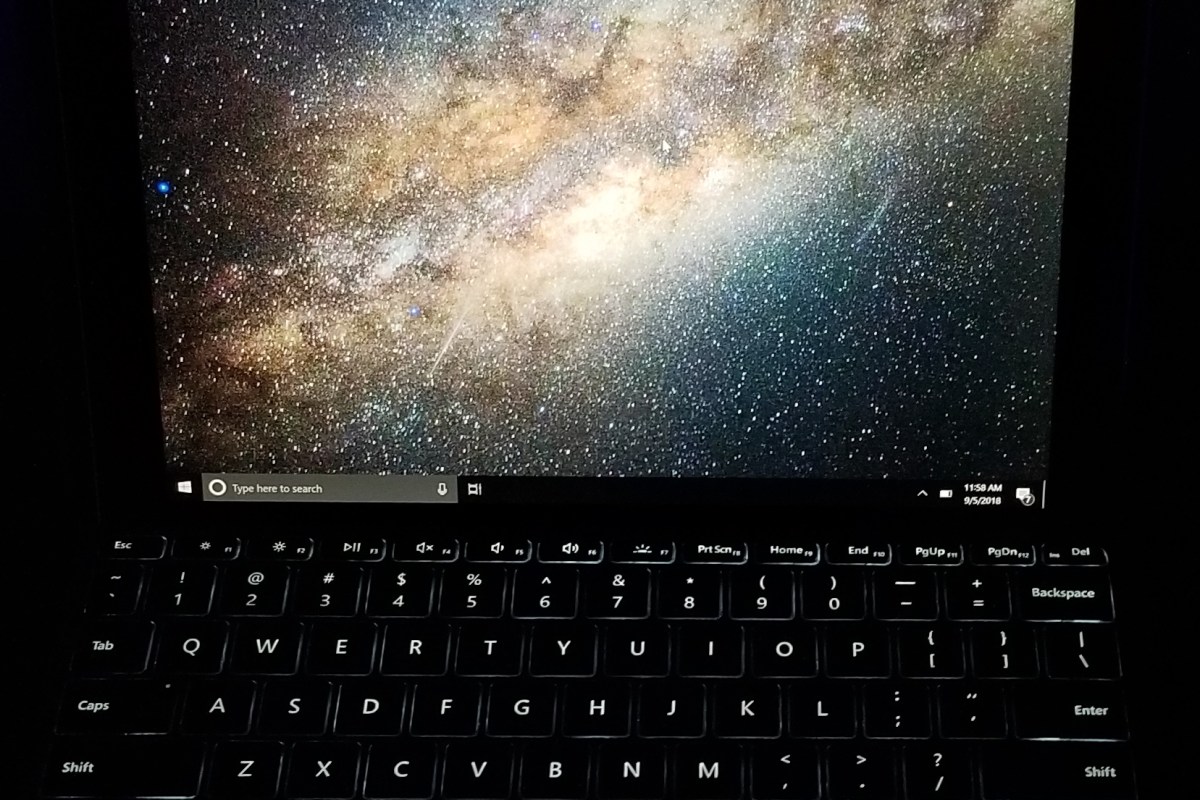
It’s time to unleash your inner artist. The Surface pen is one of the most sophisticated digital marking instruments you can purchase. It works incredibly well on this tablet. I have several digital art systems, but the Surface Go is my current favorite. It’s light weight, responsiveness, and accuracy are ideal for drawing and painting anywhere. There are a plethora of different artistic apps in the store. If you’re just starting out I recommend Sketchbook. It’s a good balance of power and ease of use.

langrylink

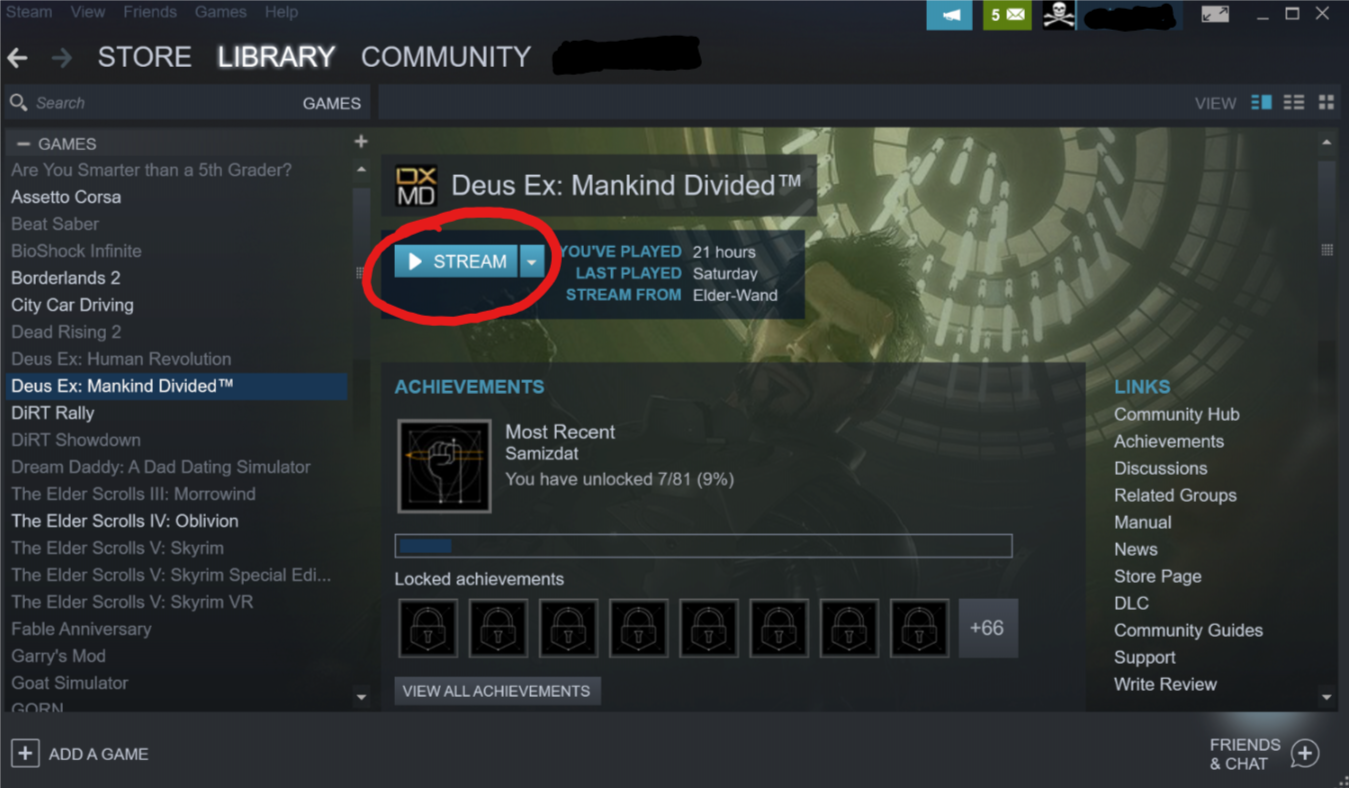
It seems like every time that I sit down to get my game on, one of my family members wants to watch a movie or something on the home entertainment system. You can use your Surface to play your Steam, Xbox, or Playstation games through their respective streaming services. For Playstation or Xbox games you’ll need to pair a Bluetooth controller. The Xbox app is pre-installed, open it and click the icon on the right hand menu that looks like an Xbox. Follow the prompts to get the service running. If you have a Playstation, download the Remote Play app and follow the on-screen instructions. To stream Steam games from your gaming rig, just install the Steam client app on your Surface and login with the same account. Select a game in your library and pick stream.

Steam_Stream

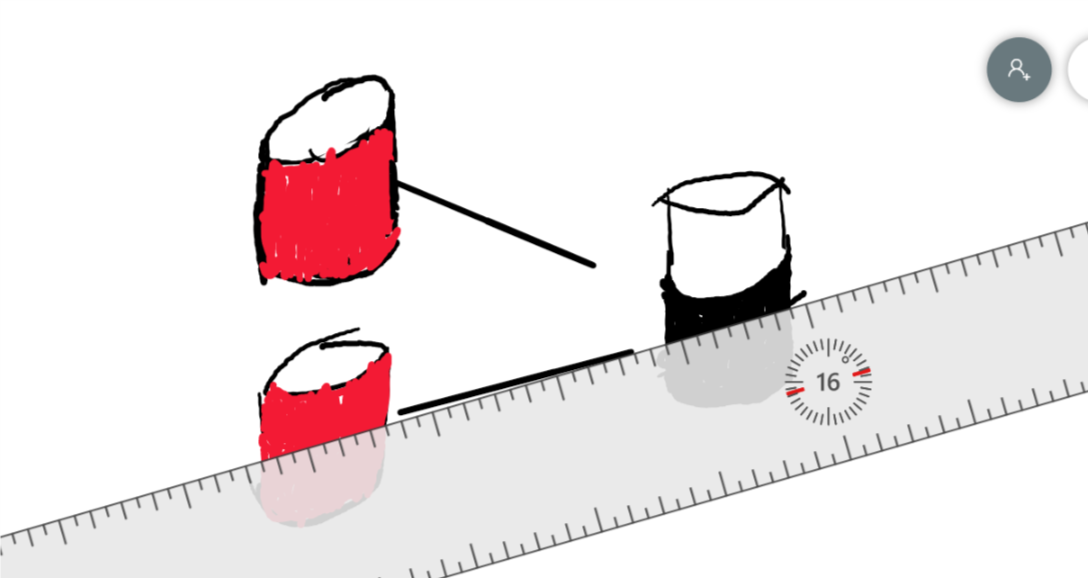
Most of the whiteboards in my office are old crusty things with the shadows of meetings past bleeding through. Skip the dying markers and eraser arm, use Microsoft’s Whiteboard app instead. Download it from the store and you’ll be collaborating in no time. Features like ink to shapes and ink to tables, help ensure that your art skills don’t derail your ideas. The “invite people” option works when you’re all in the same room or in different countries.

Whiteboard

Hopefully I’ve given you some ideas to think about. The device’s diminutive size and power make it an excellent tool for data consumption and productivity. The Microsoft Store is full of applications that are useful, but don’t forget that if you convert from S mode, all windows software becomes available.

The 2018 Microsoft Surface Go

As most of my readers know, I am a fan of tablet computers. Especially those that have a pen input option. I first became interested in them after seeing Bill Gates show off a Windows XP tablet edition device on Good Morning America. I like technology and I also enjoy writing, but some part of my brain does the latter better with a pen or pencil in hand. A system that combined the two was just the thing for me.

I spent countless hours mastering the specialized Graffiti input on my Palm Pilot PDA but it just wasn’t the same as scribbling something on paper. What Mr. Gates demonstrated on that show was true handwriting recognition. I convinced my boss at the time to get me one of the first devices and I haven’t looked back since. I have owned and used nearly every pen enabled computer since then.

This weekend, I picked up the Surface Go. I’m writing this article with it. The last Surface system I bought was one of my favorite computers of all time. Why get a Go if I already own a Pro? In-short, size and weight are a pen writers biggest enemies with this type of tech. Until recently it has been difficult to find devices that are small enough to comfortably hold in a single hand but powerful enough to run real-time handwriting recognition. Most of the tablet devices are large enough to require a table or knee to lean on. The Galaxy Note phones were some of the first devices to allow handheld writing and I still love mine. The Galaxy Book 10.6 was among the first tablets light enough to hold and write but powerful enough to be useful. It’s a great device but the Surface Go has some district advantages that drew me to it.

Foremost in my mind is the integrated kickstand. There’s just nothing else that competes with it, even with HP and Asus trying to copy it. The other manufacturer’s versions don’t stand-up. The Surface Go keyboard has the same fold and attach ability that its big brother does which makes the keyboard more rigid on your lap. It’s one of the few 2-in-1 designs that works well on your lap, on a table, and on the arm of your chair.

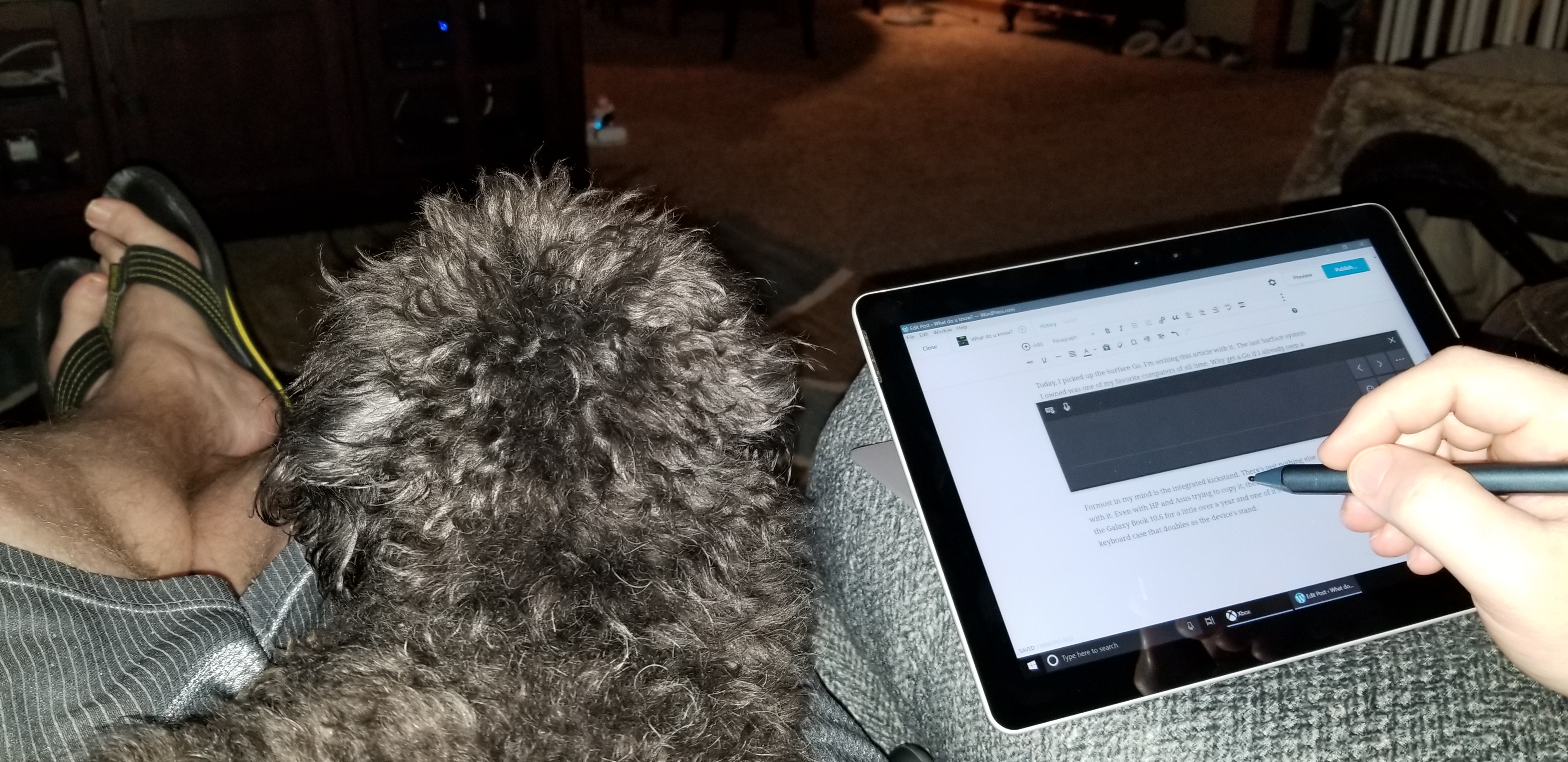
20180901_200524
Midna chillin’ on my lap while I write this article.

Next on are the size and weight. The Surface Go weighs 1.15 pounds and feels the same as holding a 9.7″ iPad. It’s light and has a small foot print. The Go is just the right size to slip in your day pack or a purse but still big enough to be worth carrying the extra device. Even as a long time Galaxy Note fan, I find myself tossing this thing in my bag for the extra screen space. It’s comfortable to hold in one hand and write with the other. Every ounce less that a tablet weighs, improves its usability in this regard. The Go is light enough that I find myself reading books on it which is not something I have normally used a tablet for.

Some of the reviews that I had read before purchasing the Go indicated that the processor was weak. I’m not a huge fan of benchmark testing, I find that it is largely irrelevant in the real world. In my very un-scientific testing the Surface Go opens some popular everyday apps like the browser, Facebook, Instagram, and Twitter, a fraction of a second slower than it takes the current iPad to launch the same software. However, Apple has spent considerable time and capital optimizing the iPad for those specific tasks. If we switch our testing to apps like Word, Excel, Onenote, and WordPress, the Surface Go is much faster at launching these programs in some cases several seconds faster. The Surface Go was faster at launching every “Productivity” app that we tested: Sketchbook, Photoshop, Evernote, and Homebudget, all opened faster on it. Full disclosure, my testing method consisted of my wife grabbing her iPad and us launching the same app after a 3-2-1 countdown. In my opinion, this is the only kind of speed test that matters for these types of devices.

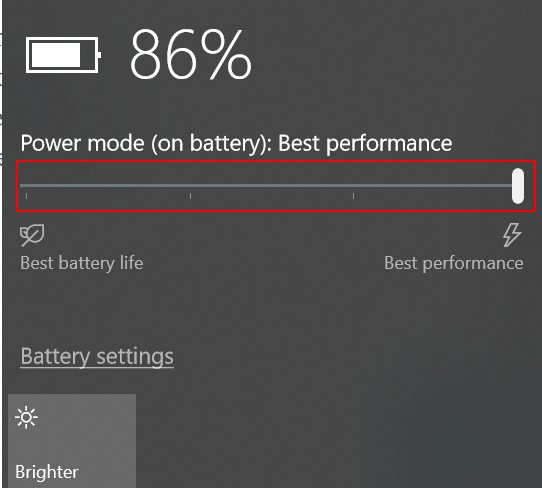
Power_Slider
To get the best performance, tell Windows to favor it over battery life by tapping the battery icon.

For me, one of the true tests of a system’s power is to load up a game and see how it plays. The system easily handles “App Store” games like Candy Crush, Modern Combat, and Fruit Ninja so I decided to throw something harder at it. I installed Steam and downloaded Borderlands 2. I let the game auto-dected the resolution and graphics settings (1152 X 854) and was floored by how well it played. It looked good, and was fully playable. I actually enjoyed playing on it and was also able to play Sims 4 (on high at 1080P) along with Stardew Valley. Don’t get me wrong, it’s not a gaming system. It couldn’t play Destiny 2 at all and you won’t be hooking up a VR headset to it, but for a college person or to play on your lunch break at work, it’s surprisingly good.


Microsoft says that the battery can last up to nine hours. I’ve been using it all day for the last three days doing everything from writing and surfing to playing and drawing and I haven’t needed to plug-in except for its nightly charge. I also have the 2018 iPad and the battery life seems comparable in real-world use.  I am enabling battery saver mode when reading or doing other low demand tasks.

Overall I’m very happy with this system. It would be nice if it were a little less expensive, but it’s an incredibly good small computer and you’re always going to pay a premium for that. The 128 GB iPad comes in at $429.00 and the 128GB Go is $549.00, for the extra $120 you get a full Windows operating system that can run the full versions of software like Office in a similarly sized package. I’ve already installed Visual Studio, written a PowerShell script, loaded PhotoShop and edited a picture, written countless emails and a few Word documents.

The keyboard is fantastic but I disagree with a lot of the tech blogs that say it is required. If you plan to use this system for “tablet” tasks, it’s on-screen keyboard is leagues above Apple’s. It has multiple sizes and modes that allow it to fit almost any situation. The predictive text is spectacular. If you want to type 100 WPM then you’re going to need a keyboard. If you want to take that keyboard with you, I recommend the one that Microsoft made but you can use any with bluetooth or a USB C adapter. The purpose made keyaboard is nearly perfect as far as small keyboards go. I’ve never used one that was better.

I already owned the new Surface Pen and have written an article about it. It works really well on this tablet. If I had to choose between the keyboard and the Pen I would have picked the Pen! I still think the Norris pencil for the Samsung Galaxy Note is the best stylus I’ve ever used, but this one is a close second and it’s more functional.

I’m very happy with the Surface Go and think that if you mostly use a high-end desktop or big-laptop and need something more portable, this tablet is a great fit. If you’re a college student, home user that doesn’t edit video/play AAA games, or 95% of office workers, you could likley use this as your only computer system with a dock. Microsoft will be releasing a business edition and an LTE equipped version in the near future. I expect this device will be quite popular over its lifetime.