One Week In with the Nintendo Switch Lite; A Great Second System

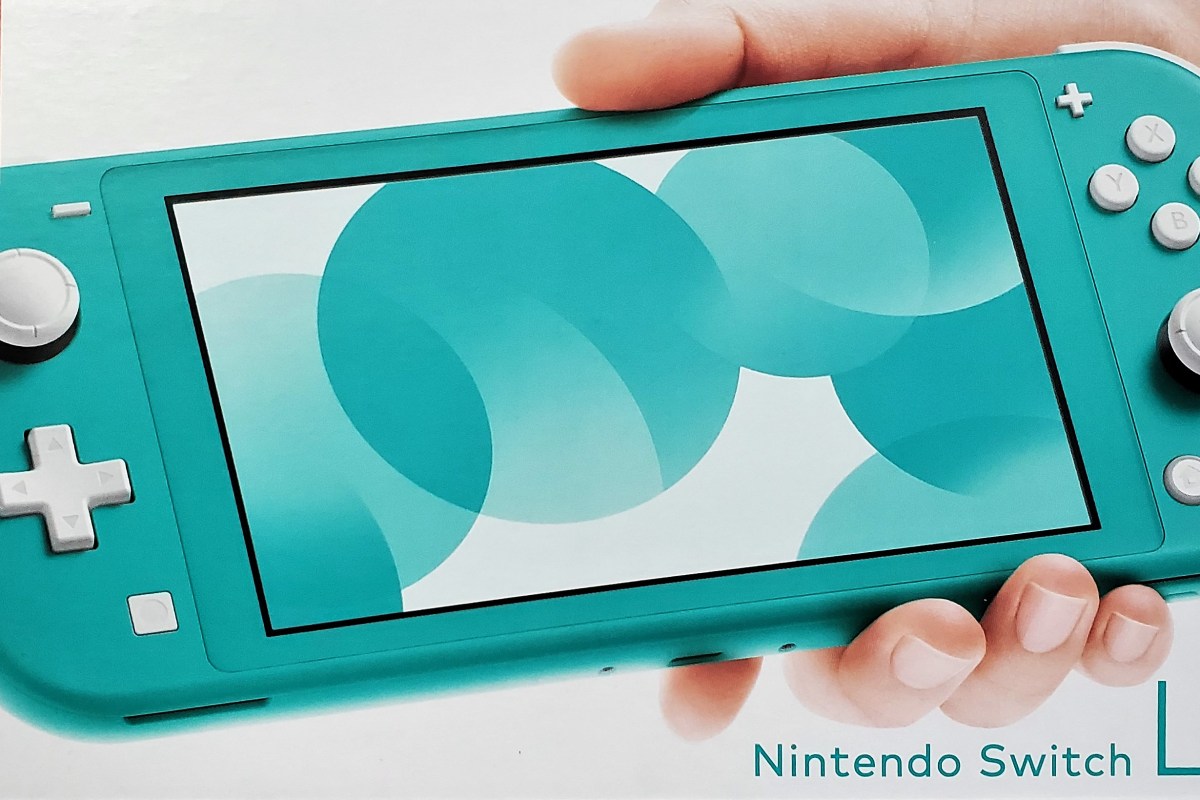
Somebody please tell me why they didn’t call it the Lite Switch. It seems like such a lost opportunity. I’ve had my Switch Lite since launch day. It is smaller, lighter, and tougher than the original. It’s controllers do not detach and it cannot hook up to an external display in any way.
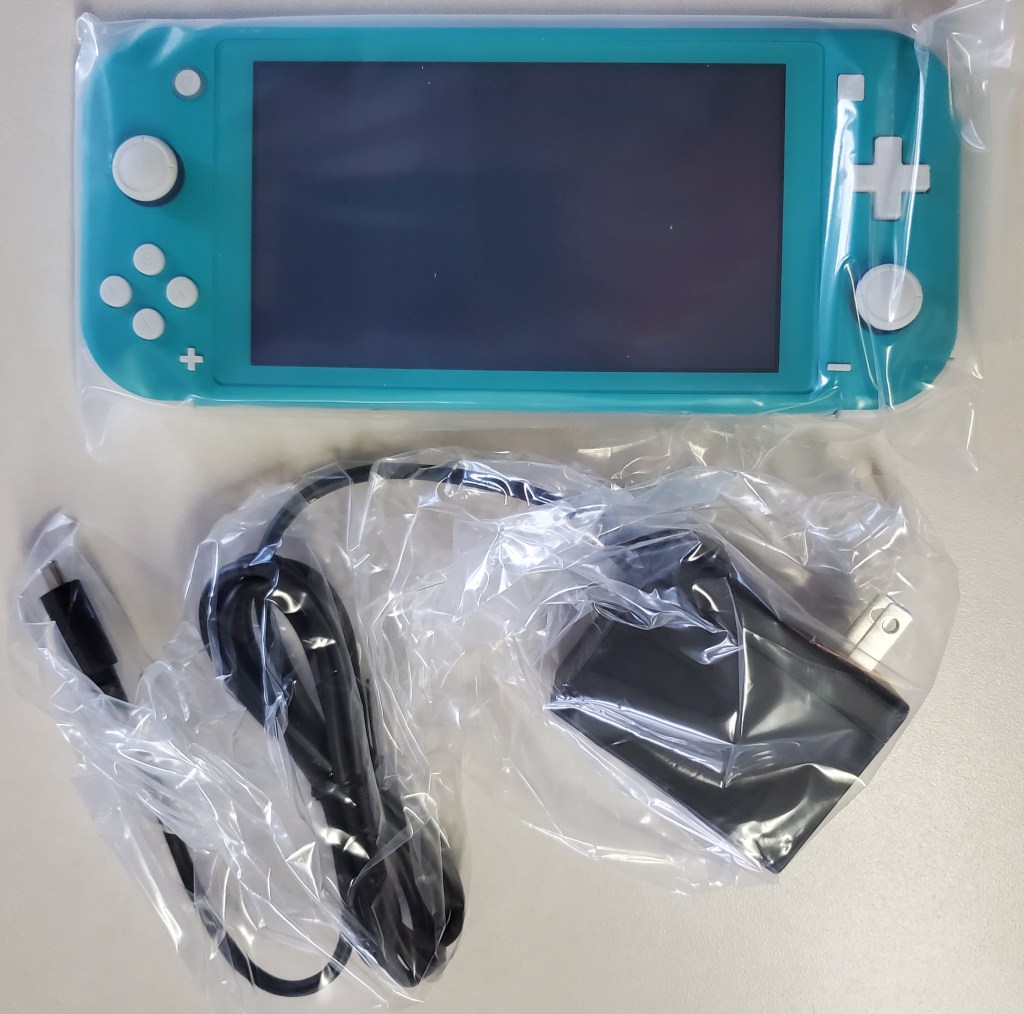
Why would I get one when I already own a Switch? I carry my console everyday. My bag is pretty full of gear these days, so saving space and weight is a big plus for me. If you don’t need your original, you can almost break even by trading it for a Lite at Vintage Stock or Gamestop. My spouse took this route, she only plays in handheld mode.

Personally, I purchased the Lite with the intent of keeping it in my bag and leaving the original system at home. If you plan to do the same, review Nintendo’s documentation on linking multiple systems to a single account. There are specific requirements and limitations that may change your mind. You will need a Nintendo On-line subscription.
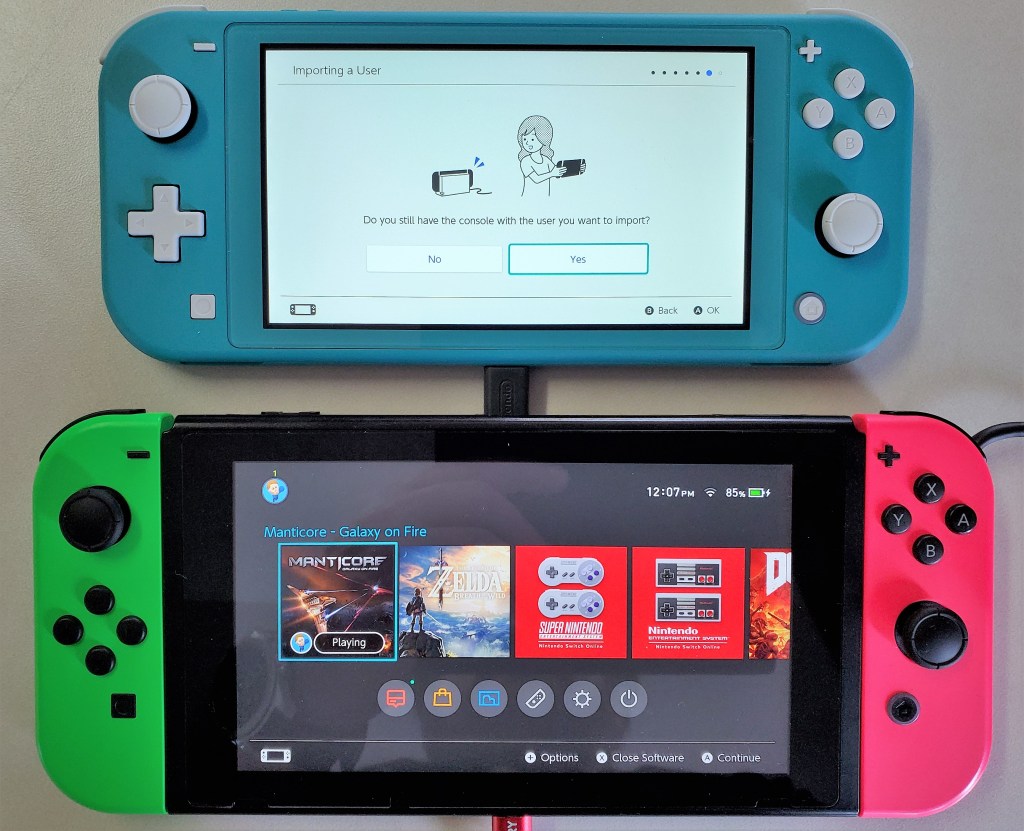
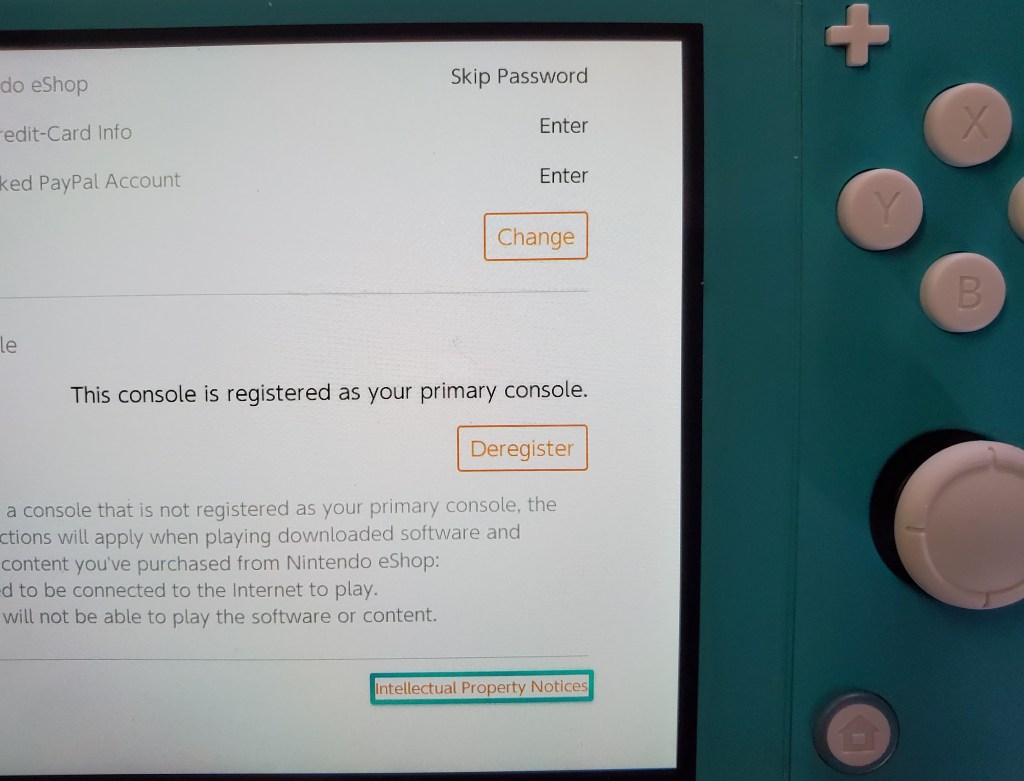
Essentially, you will want to make the Switch-Lite your primary device to ensure that it will work anywhere. Your original switch will be a secondary device linked to your account and will only allow downloaded content to play when there is an Internet connection available.

I’ve played games on my Switch Lite while out and about and then resumed playing on my original, hooked up to the TV, without issue. The only catch is that you need to exit the game on the Lite so that its saved games will upload to the cloud. There’s a slight delay before the cloud saves download to your secondary device but you can speed it up by going into the Data Management menu.

If you’re going on vacation or need your original unit to travel with you for some reason, chaining which unit is primary is easy. Open the eShop app, click on your avatar in the upper right hand corner and scroll down, you’ll see a deregister device button. Click it, then which ever device you sign in with first will be registered as the primary.
The Switch Lite is more comfortable to play on than the original is in handheld mode. The reduction in weight and the location of the thumb sticks reduces fatigue on my wrists and fingers. The case’s texture makes the device less likely to slip. With the controls being part of the chassis, the Lite feels sturdier than having the Joycons attached to the original did.

Overall I am very happy with the Switch Lite. It is an improvement in portability without compromising the performance of the games. Deciding between the two will be a tough choice for new players.
Family Fun with Super Mario Party on the Nintendo Switch

My family has been playing Mario Party together since our children were big enough to hold a controller. I firmly believe that families who play together, stay together; some of our favorite memories are centered around this title. We’ve been playing the newest edition all weekend, (yeah for cold rain) read-on to find out how it holds up now that the kids are in their teens and accomplished gamers in their own right.

Choose_your_game

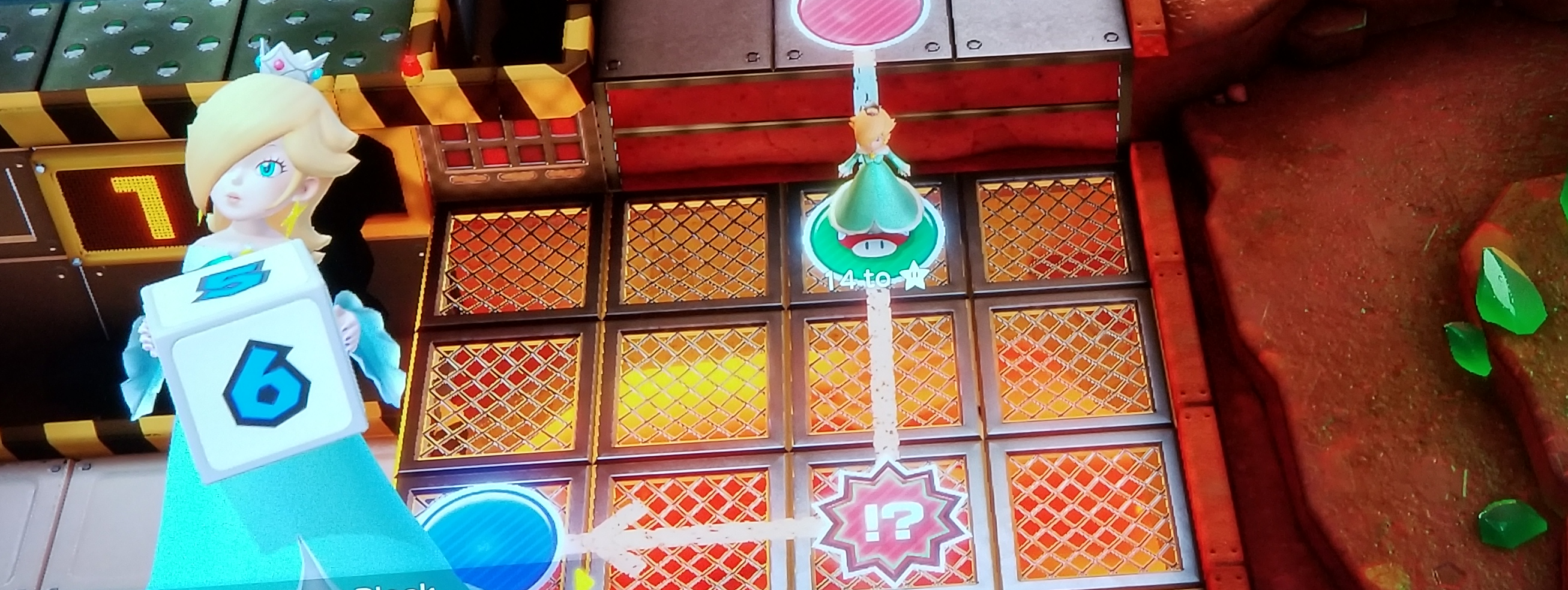
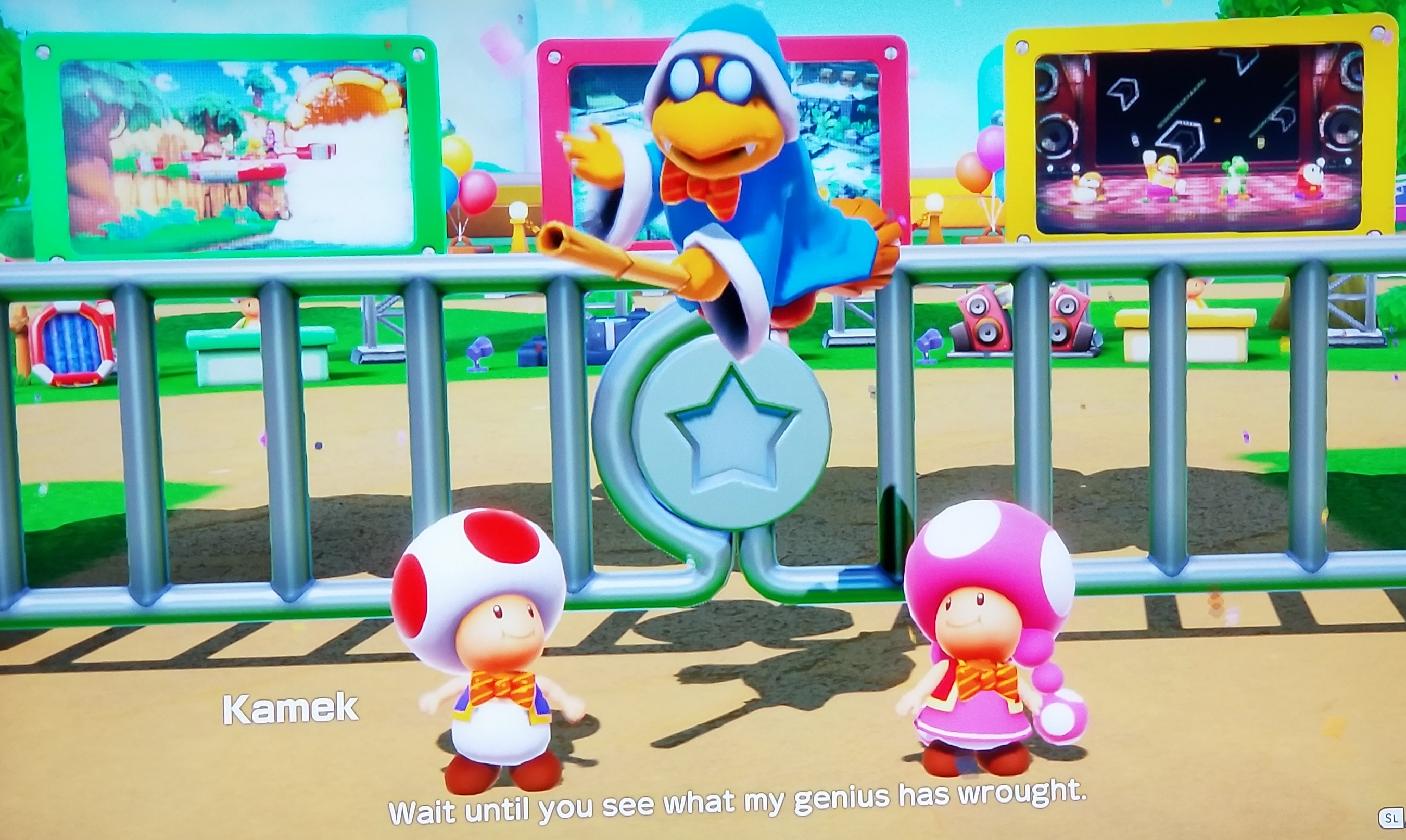
If you’ve never played a Mario Party game before you should watch a round on YouTube or Twitch they can be very entertaining. The game is a melding of traditional “roll the dice and pick your space” board games combined with multi-player mini-games as events that are triggered when you land on certain spots. You make your way around the game board to collect coins and stars, the player with the most wins. There is of course far more to it than that, but a fuller description would be boring to read.

Many a gamer disliked the car in Mario Party 10 on the Wii U. It forced the players to move together and removed the strategic element that most board games thrive on. Neither the mini-games nor the board game is strong enough on their own. Thankfully Nintendo has realized that and added path choice on a multi-directional board back to the title. In this version your decisions regarding the route your character takes are more important than ever.

GarmePlay

You’ll need a Joy-Con for each player, your Switch came with two, but if you want to play with four players, you’ll need an extra set. At sixty to eighty dollars for a pair, this can be expensive. Especially if you have no other reason to own an extra pair. The controllers work really well as long as you stay in bluetooth range. Keep in mind the signal runs on the same 2.5 Ghz wave length that Wi-Fi does, so the range can be shorter than the listed 33 feet due to interference. Look in your router’s settings for an option to get along better with bluetooth, some wireless systems have the setting and some don’t.

The mini games are easy in practice or when playing on your own against the AI, but challenging when playing against human opponents. They can make for some spirited play if you are with a competitive group like ours. The bad luck and good luck spaces on the board along with special abilities and random rewards keep the board play fun as well. I expect our family will get lots of entertainment hours out of the game this winter. I liked playing with the kids when they were younger better, I could win that way. Now they are able to beat me seemingly at will, I’m not sure how those tables turned. Apparently this makes the game even more fun for them. Shouts of “Yes, I destroyed dad” were ringing through my living room only moments ago.

If you liked previous Mario Party titles but didn’t care too much for 10 or, if you’re from a board game generation and looking to do something with your video game playing children/grand-children, I think you’ll enjoy Super Mario Party. Happy gaming and remember it’s not the motion controls, it’s just you!

Mario_Gang