We all knew that à la carte streaming was going to end up as a hot mess. After Disney proved people would pay another fee for specific content, it was game-on for everyone. Cord-cutters would need multiple subscriptions to watch their favorite shows.
I searched online for a universal streaming guide and discovered a new service called Justwatch. Justwatch is a free service / app if you don’t mind banner ads. It is $2.49 per month for the “Pro” version without them.
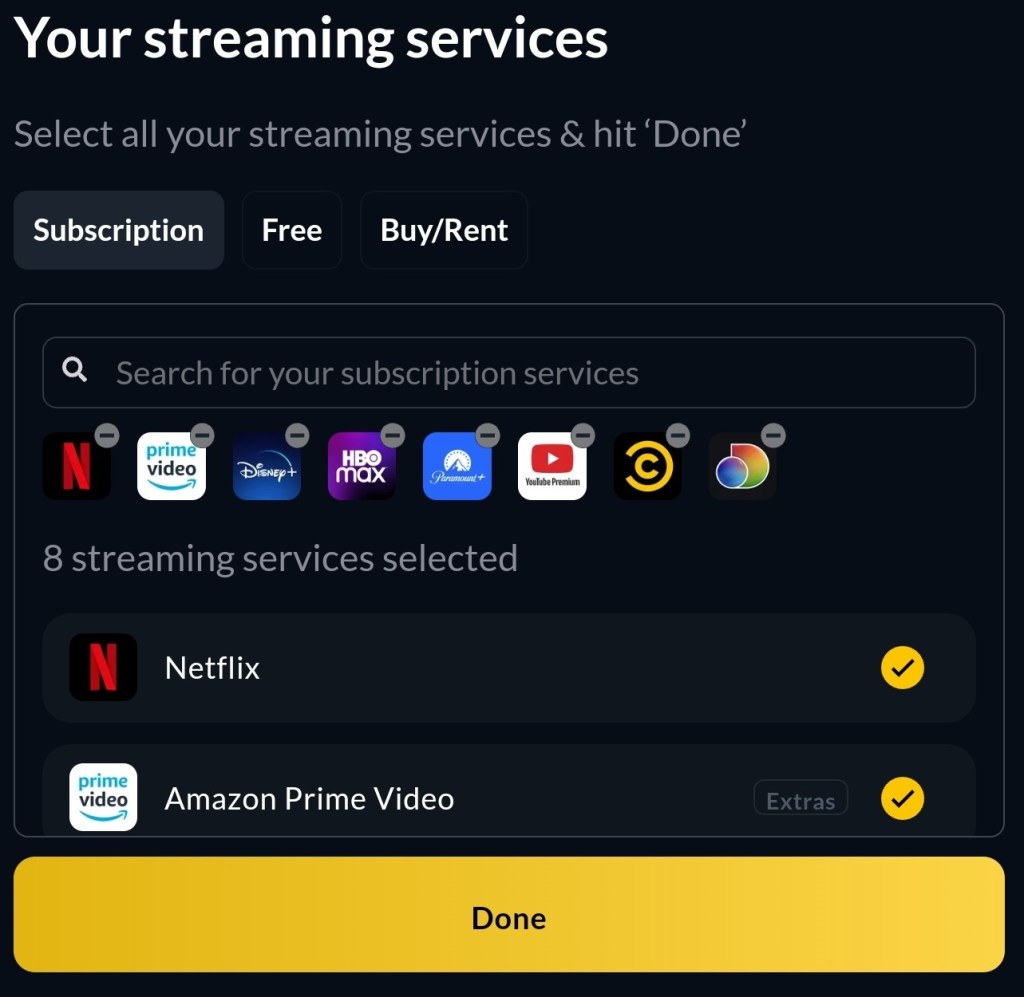
You install their app on all of your screens. Samsung, Apple, Android, Google, LG, Amazon/FireTV, Windows, they all have it in their app store. Sign in with your Justwatch account and add the streaming services you subscribe to, by picking them from the list.
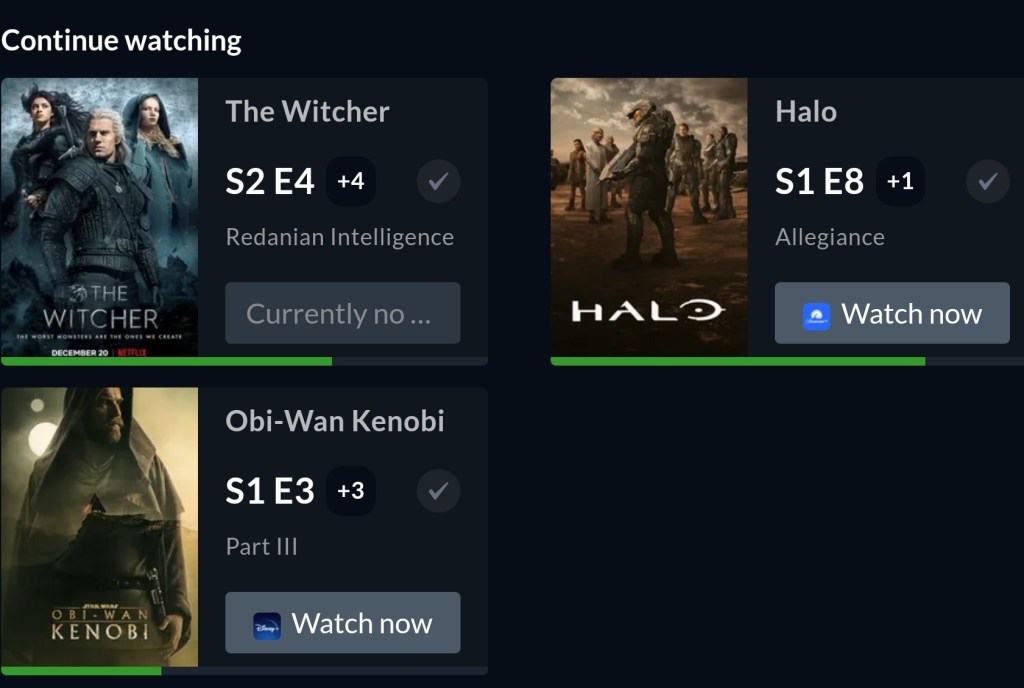
Search for the shows you watch and add them to your watchlist. Tell the app which episode you are on. That’s it. Open the app on whatever device and go to your Watchlist, click the show you feel like watching and Justwatch will magic it open in the correct streaming app.
The Watchlist tracks and opens all of your content across your subscriptions
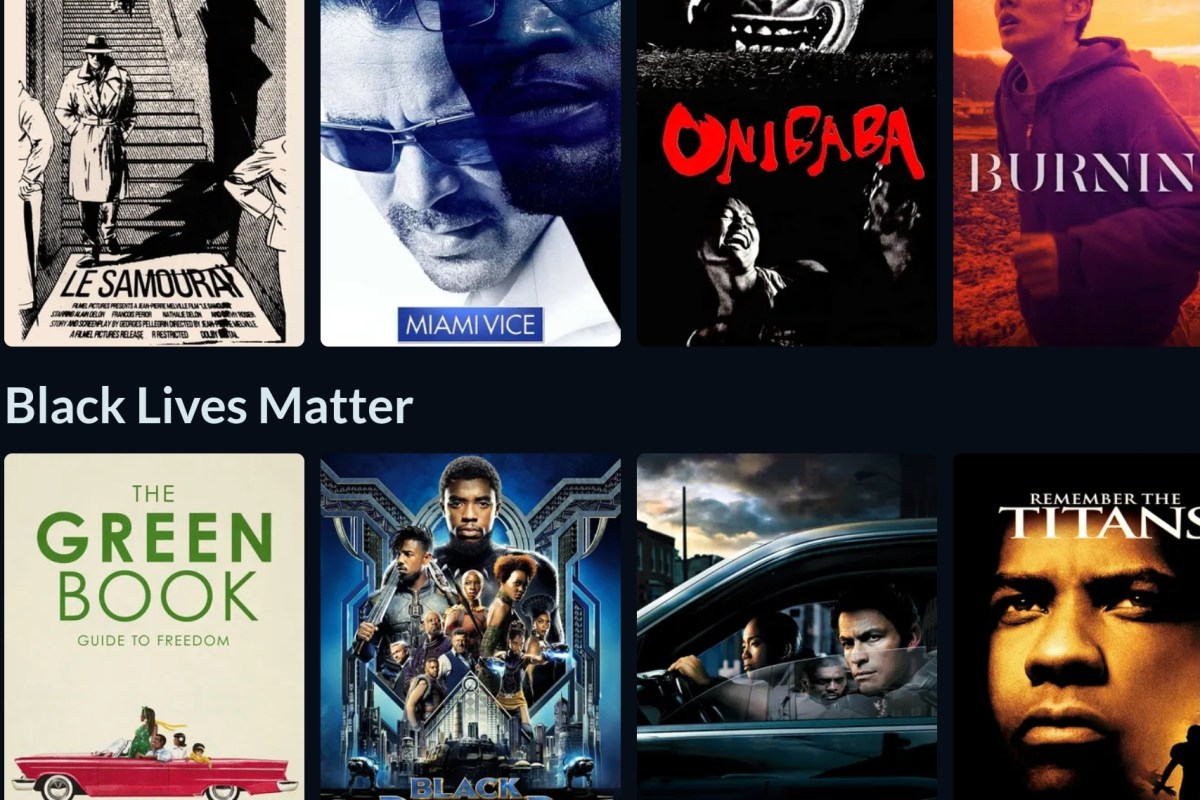
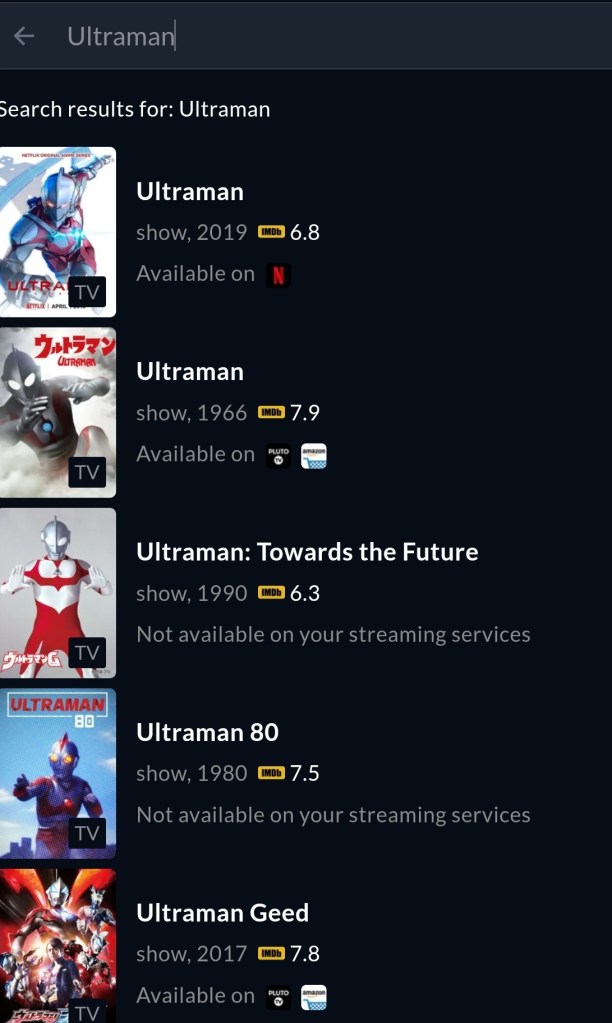
Search for any show or movie and see which of your services it is available on, or see the best price to get access. The software also makes reccomendactions, shows new and popular content, and includes ratings info.
Finding specific content is a simple search
We’ve been using Justwatch for about a week. So far, it has been very useful. The interface is simple. Linking up all your TVs, Tablets, PCs, Phones, and Consoles to use the same content guide is a cord-cutting game changer.
Like a lot of people, I picked up APEX Legends after playing the Titanfall games. Besides the super shooting mechanics that I was already attuned to, the game had an innovative revive and respawn mechanism that lowered the bar of entry into the Battle Royal genre.
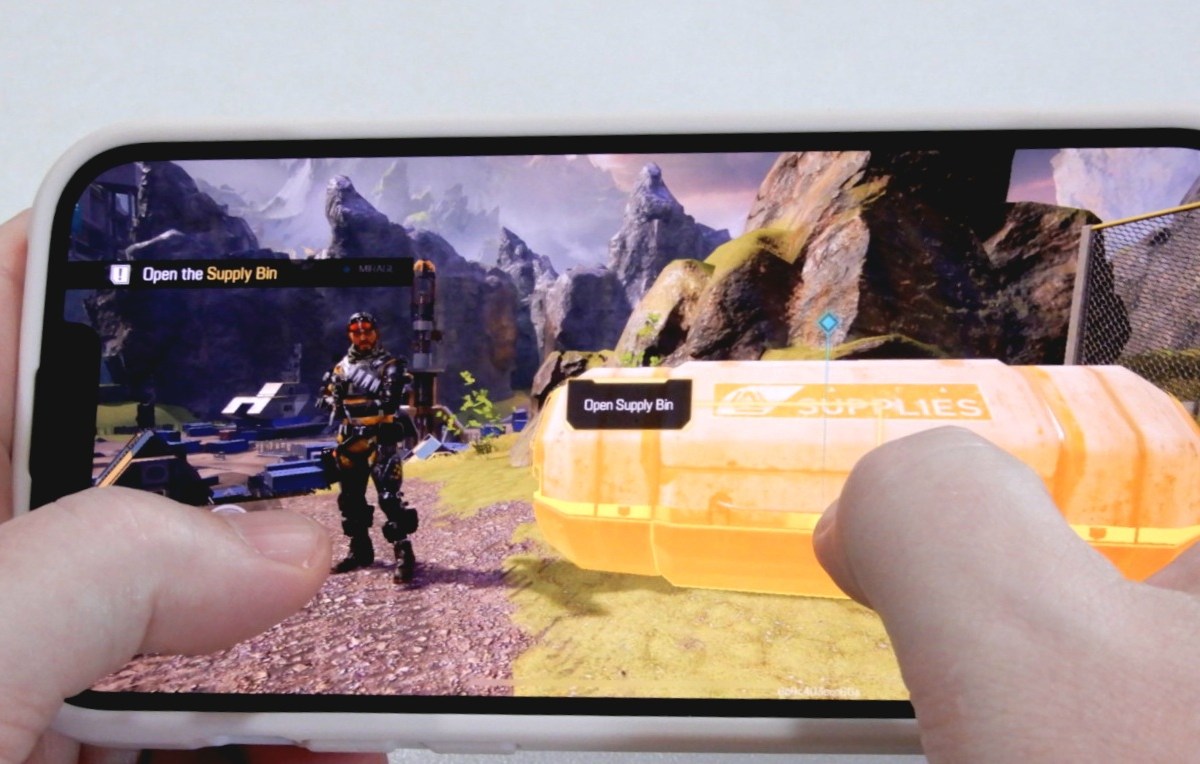
The original APEX Legends game features fantastic performance on the PC, Xbox, and Playstation. It’s free to play. Good luck trying not to drop cash to unlock characters, skins, and the like. The mobile edition is much the same in regards to cost. Free to play, but you’ll be pushed to purchase a Battle Pass and other unlocks. You can earn in-game curencey just from playing, but it is pretty slow going.
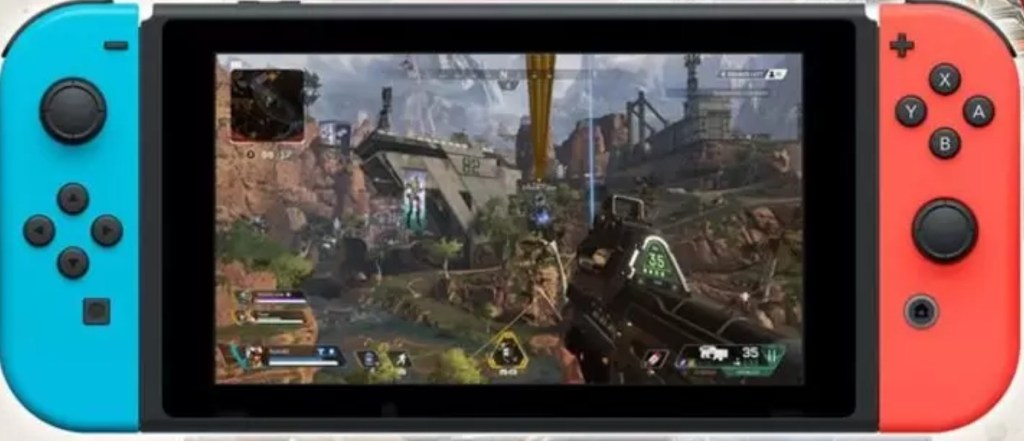
The Switch version of the game plays well with some stipulations. To make the full port of the original game work on the handheld’s hardware required sacrifices. To start with, the frame rate is capped at 30. In addition the resolution, processing effects, and textures are all low enough to look noticeably degraded.
The Nintendo Switch Plays the original game.
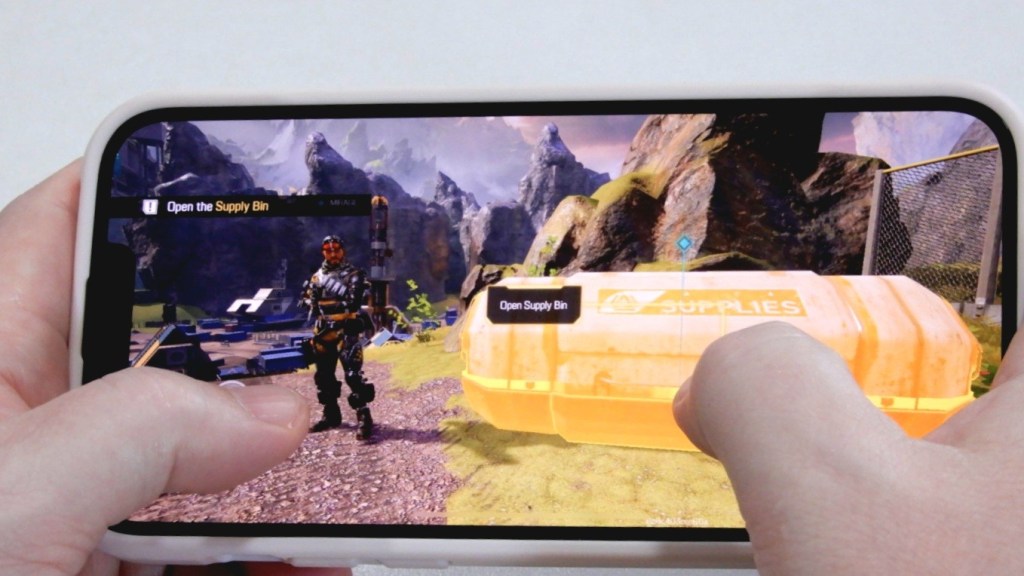
APEX Legends Mobile was built for mobile devices from the ground up. It features graphics that are some of the best I have seen in any AAA mobile title. The developers have included options to allow players to tune the game to favor looks, or performance.
On Android devices of any kind, the frame rate is capped at 60 FPS. Rumor has it this is a temporary situation and that an update will raise the limit to match the 90 FPS enjoyed by some Apple devices. Other than that, the Apple and Android versions are the same.
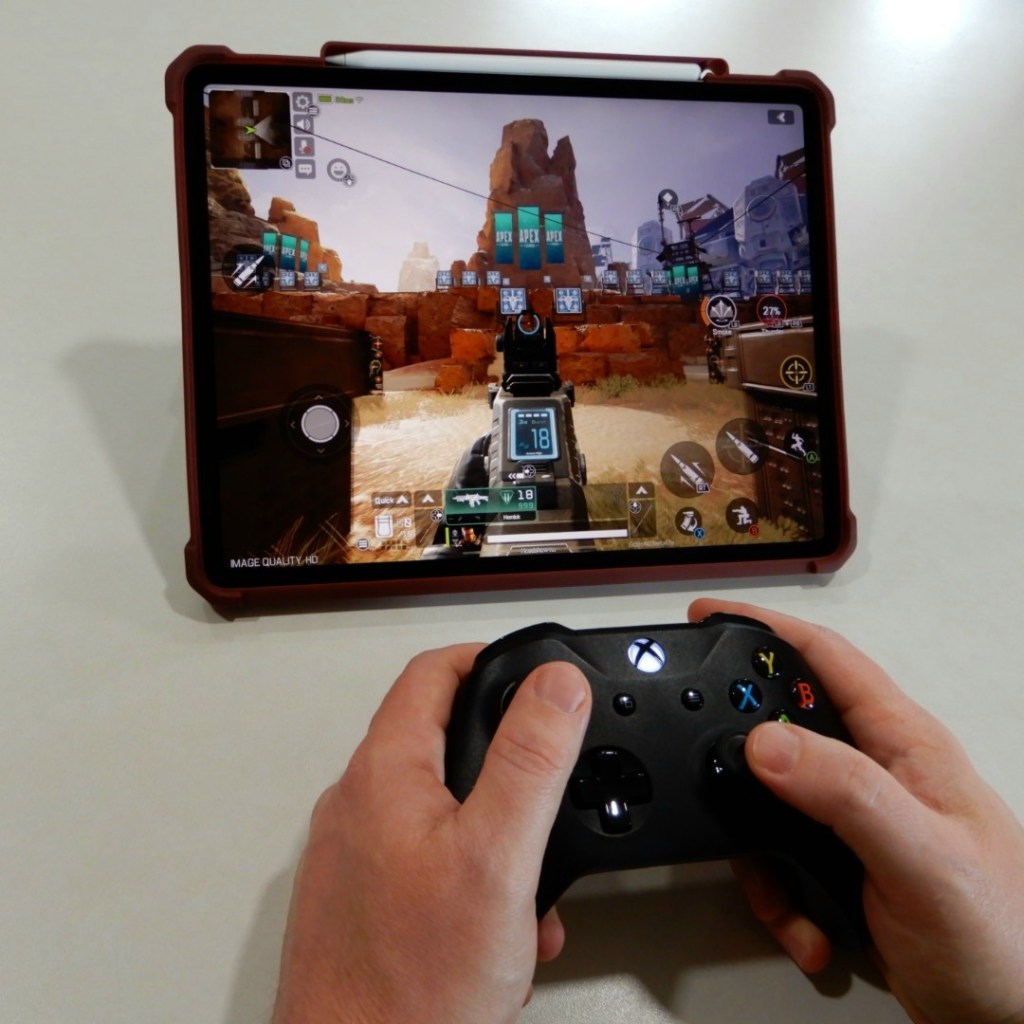
Speaking of Apple devices, playing on the 12.9″ iPad Pro with the graphics cranked to their max is an epic experience. On the big screen with an Xbox controller in my hand and my noise cancelling earbuds in, the immersion was comparable to a home system.
The 12.9″ iPad Pro experience could replace a console.
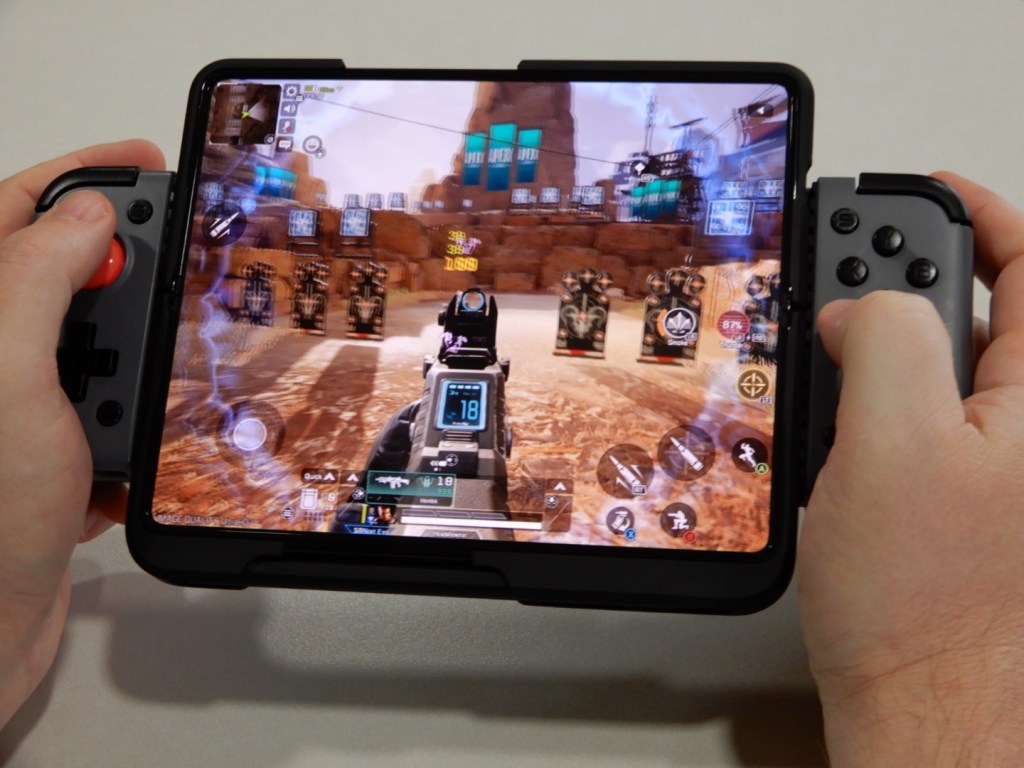
APEX Legends Mobile on the Galaxy Fold 3 combined with the Gamesir X2 Bluetooth controller, and ANC earbuds is flat-out the best mobile gaming experience I’ve had to-date. The game and controller are also fantastic when paired with the iPhone 13 Pro Max. For me, the Fold’s screen size edges out the iPhone’s faster refresh rate.
APEX Legends Mobile is Phenominal on Android and Apple.
In the Battle Royal mode called “Prime Time” Teams of three Legends choose a landing spot on the classic World’s Edge map and scavenge for the all important first weapon. The trios continue killing and looting everything in sight until the map’s force feild contracts and drives the groups closer together. Each turn of the screw ratchets up the frequency and ferocity of the skirmishes until only one team is left standing.
The mobile edition also features a Team Death Match mode that is not available on the consoles or PC. You can choose between base spawn or a random spawn point. TDM
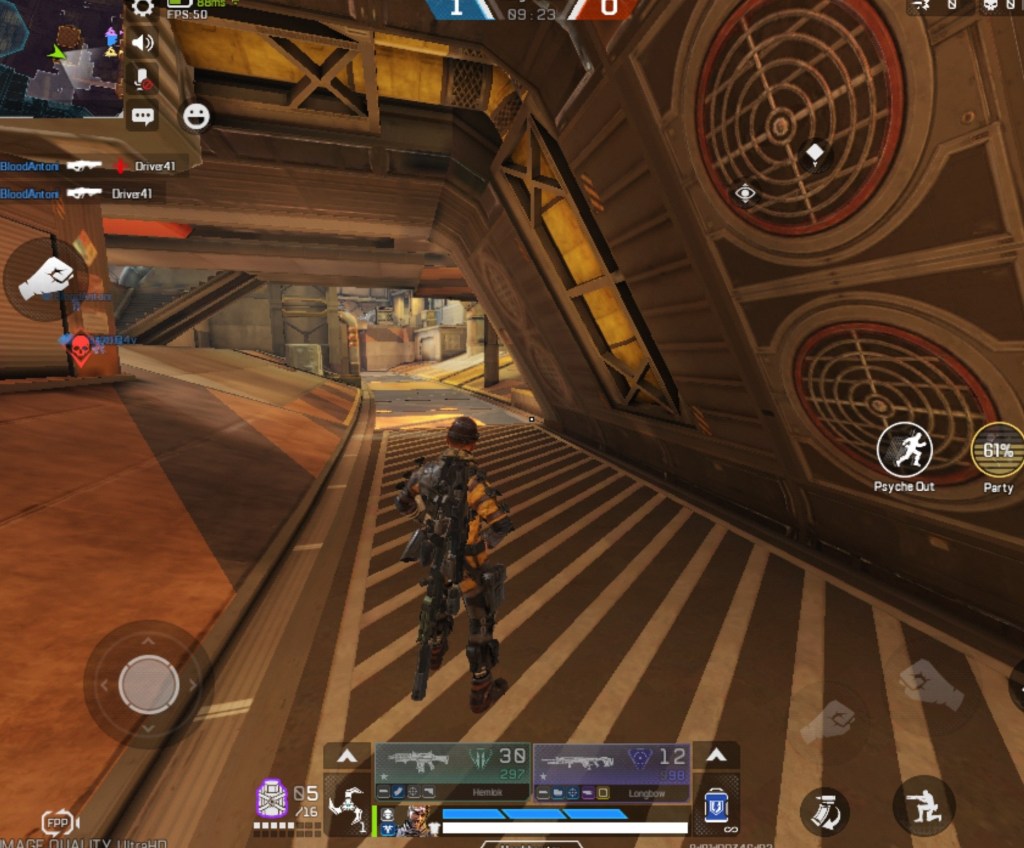
Third person views are new.
In a move I haven’t seen since the original CoD MW, a third person view is supported in all modes. Matchmaking is based on the view. Selecting TPP (third person player) puts you in a TPP queue, likewise for FPP.
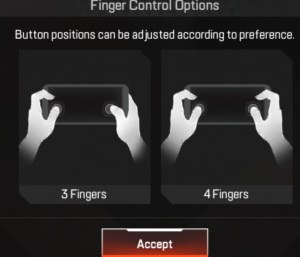
I assumed that the touch-screen controls would be atrocious, but was happily surprised to find they are serviceable. Like other popular mobile shooters, the numerous control icons are confusing at first. I suggest taking advantage of the customization option to maximize your screen realestate.
The game really shines when you use a controller. Not all controllers are supported at this point. I was able to play with my Xbox and Gamesir X2 Bluetooth controller. I’ve read that the Razer Kishi also works. The controller only functions in-game. You still need to use the touchscreen for menus.
 techbloggingfool.com