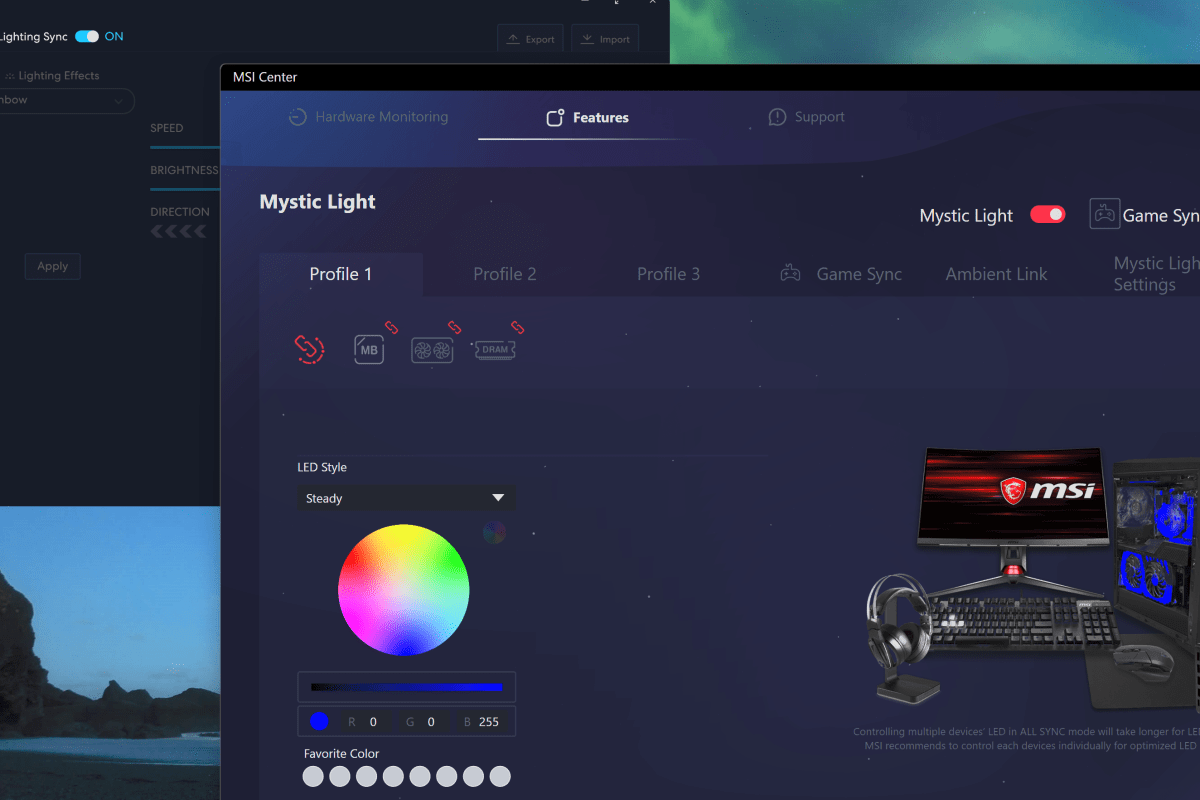
I became aware that something was wrong with my system while playing Project Cars 2 in VR. I noticed that the framerate fell off and didn’t recover. This is unusual for my setup, so I demasked and extracted myself from my driving setup. I checked my gaming PC’s dashboard and saw that temps were high across the board.
I was hitting 80c – 84c on all components, and my GPU was throttling itself to prevent overheating. I could tell by listening that the 140mm rear-case, 120mm front-case, and upper 120mm AIO CPU cooler fans weren’t spinning at full speed. They should have been given the temps being shown on the dashboard. The GPU’s built-in three fan cooler was a max-speed, air was moving in the system, but the volume wasn’t there.
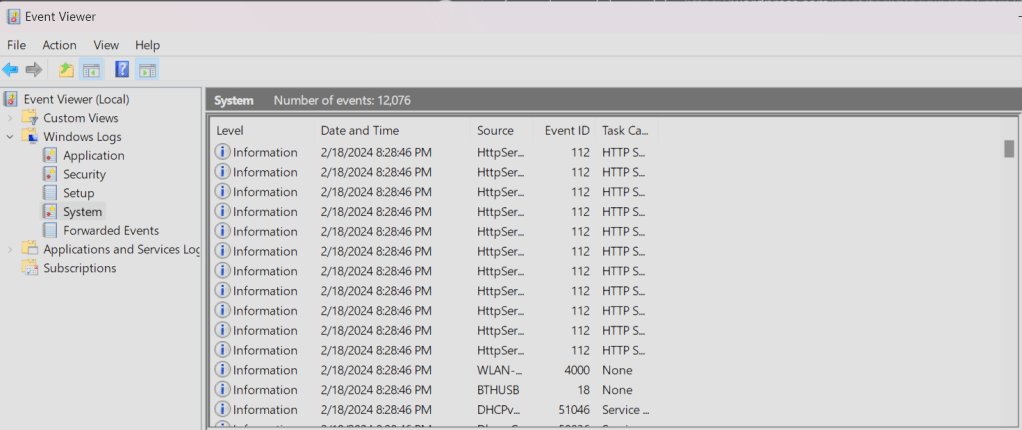
I shutdown the game and opened the case doors, then pointed my room fan at my PC and cranked it up to high. Everything needed to cool down. Once I got the temps down to normal, I rebooted. Then I checked my services, auto-start software, and looked through the event logs.
I glanced through device manager then checked for updates in every conceivable place, and finally rebooted again. Nada, the lights and fans still all turned on. Anything connected to the Lian Li controller was stuck in Rainbow glow mode with the fans spinning at what sounded like approximately about one-fourth of their maximum speed.
The Lian Li L-Connect software auto-launched in the tray at start-up just as it normally does. I could see the controller’s driver loaded in the Windows device manager. The L-Connect software would also open from the tray shortcut or the Start Menu shortcut without issue. You could click on and choose the settings in the various menus. The light and speed changes were ignored.
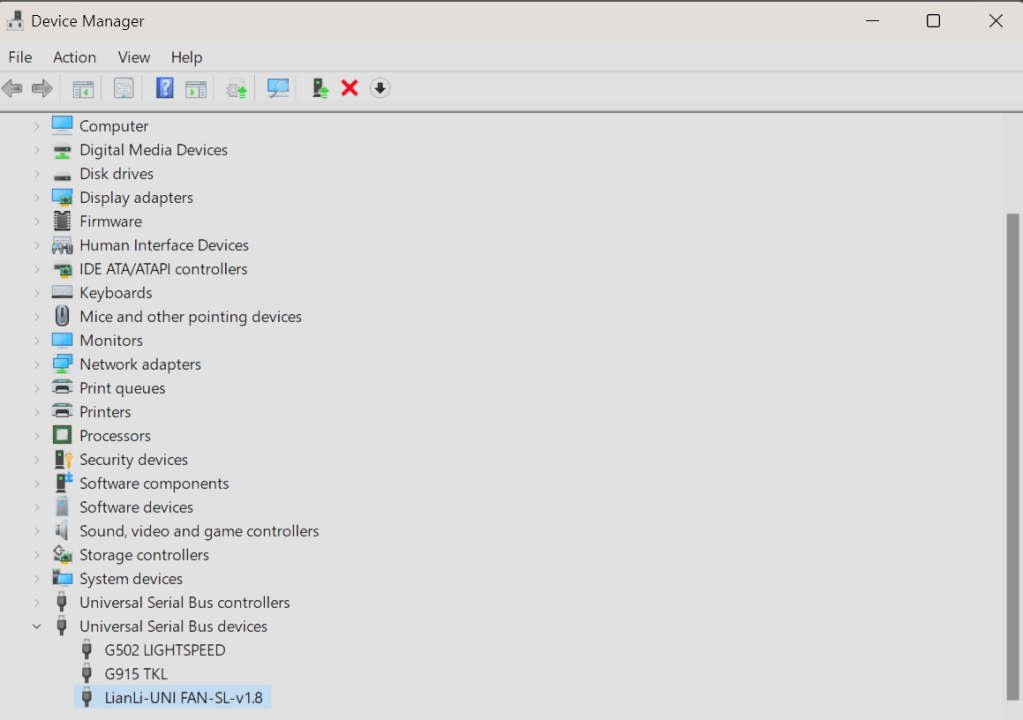
The L-Connect dashboard showed all the fans at 0 RPM and the lighting options would not respond to either Mystic Light or L-Connect settings. The controller was connected, and at least power was being distributed through it because the lights were on, and the fans were spinning.
The controller’s driver was loaded in the OS and could successfully restart without errors. MSI Center could control the fans and lights that were not connected to the Lian Li controller, which seemed to indicate the MSI software was working.
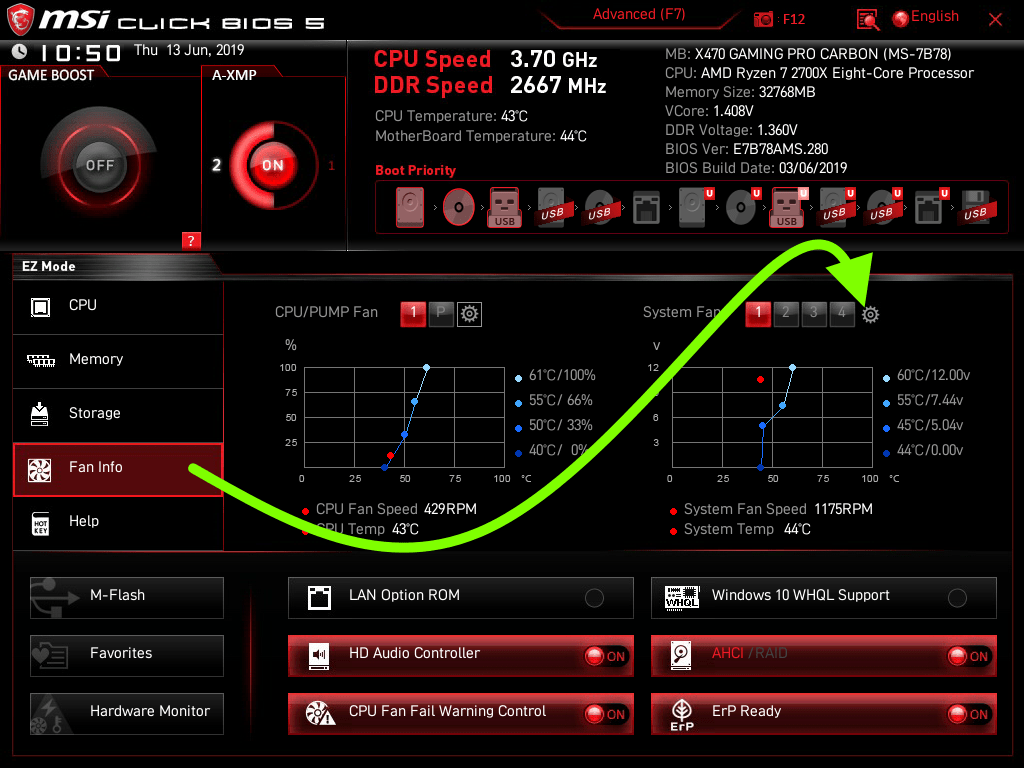
I booted into the BIOS and set it to control the fans directly. Then I connected the Lian L controller fans to a motherboard fan port. This worked. I could control the fan speeds, so I knew the fan hardware was probably functioning properly. I reconnected it back the way it had been.
Next, I uninstalled the Lian-L Connect 3 software. Then I rebooted and re-downloaded the newest version from their website at https://lian-li.com/l-connect3/ . I installed it with all options selected and opened it as soon as it finished. All the lights immediately turned to their correct color scheme as set in Mystic Light and the fans kicked down to almost idle.
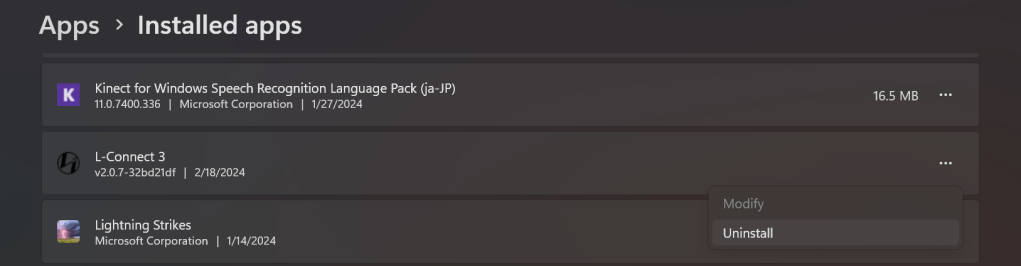
I rebooted and tested everything cooling related. Opening any game caused the fans to kick up in their programmed curve. The lights and fans were both fully controllable from L-Connect and MSI Center consoles, depending on how the toggles were flipped. The L-Connect console showed the actual running RPM of each of the 7 SL fans.
I can only make an educated guess that something in the recent lighting related updates interfered with the L-Connect software’s ability to communicate with the L-Connect controller. After I got everything working, I spent a good half hour looking through logs for the root cause but came up empty. If you find yourself having similar issues, you might try uninstalling/re-installing the Lian Li software.
 techbloggingfool.com