Have you ever noticed that some of the people and companies that email you have different icons? Somehow rather than initials, they are represented by a custom avatar in your message list. Usually, it is their corporate logo.
BIMI which is an acronym for Brand Indicators for Message Identification is the protocol being used to achieve the effect. In a nutshell, the protocol requires that you make your email environment fully DMARC compliant. Once you’ve implemented SPF, DKIM, and DMARC you can setup BIMI by following the instructions on the group’s website https://bimigroup.org.
The BIMI group’s implementation guide will walk you through creating the appropriately sized logo image. That image has to be hosted on a publicly available website accessible via an HTTPS URL. You will eventually create a special DNS record that points to the image’s URL. It is this record that the email client applications use to download and display the custom sender icon.
Indeed, is using BIMI and their logo appears in my message list as a result.
Chances are that you have researched the topic and are already aware of this basic information. You’ve also probably discovered that Microsoft does not support BIMI at this time. It turns out there are a couple of workarounds Microsoft customers can use to send BIMI messages. They’re not free, or easy. However, if you really need the branding before MS fully supports BIMI there aren’t any other options.
Microsoft’s Dynamics 365 does support BIMI messages in certain situations. Dynamics 365 is the only way to send BIMI enabled email messages from a Microsoft environment right now. More information about the process is available @ https://learn.microsoft.com/en-us/dynamics365/customer-insights/journeys/bimi-support. Dynamics 365 is a subscription-based solution. There are demo licenses available, work with your CSP or VAR to obtain one.
Here’s the rub. Even if you send Dynamics 365 journey messages with a BIMI logo to Outlook users, the icons won’t be displayed. Outlook itself only supports sender images from Exchange/Outlook contacts at the moment. That leaves us with creating contacts that include the images we want to display for our Outlook users.
It is possible to use a combination of MS Graph and PowerShell to create 365 contacts. There are several scripts already out there that would serve as baseline code. Unfortunately, none of the ones I’ve examined include a procedure to manipulate the contact photos. Displaying branded logos in Outlook is a big undertaking. The effect would only work on Outlook accounts in your organization. So, consider the outcome beforehand.
According to Microsoft Learn, contact’s photos are a code accessible attribute. See this link for more information: https://learn.microsoft.com/en-us/graph/api/resources/profilephoto?view=graph-rest-1.0. We would need to bulk import or create Exchange Online contacts. The method is described (with examples) on Microsoft’s site see: https://learn.microsoft.com/en-us/purview/bulk-import-external-contacts. An import script would need to include a line to download and apply the photo using the “Update profilePhoto” method. I haven’t personally undertaken this task, but I’m confident that it should work. If you’ve already banged out a working solution, feel free to post a link in the comments. If I create a working script in the future, I’ll update this post.
When the Legion Go launched, I was really interested in it. On paper, it fixed the minor annoyances I had with my ASUS ROG Ally. It wasn’t quite enough of an upgrade to justify purchasing one.
Lucky me, my partner got me one for Christmas, and I’ve been playing it ever since. I’ve played Call of Duty Black Ops 6, Halo Infinite, and Project Cars 2&3. I’ve also played Microsoft Flight Simulator, SIMS 4, Marvel Rivals, and various emulators on the handheld.
The built-in kickstand is something I use a lot.
I can’t say enough about the AMD Ryzen Z1 Extreme APU. The powerhouse chip runs games from this generation at 1900×1200 and nearly 100 FPS. You’ll need to enable AMD FSR on the device and configure your game to use it to get that performance.
An AMD APU shares RAM between the GPU and CPU. You can adjust the amount of DDR memory that each function is assigned from the available pool. Most games will work on 4GB of Video RAM and 4GB of System RAM as other similar handhelds have proven time and again.
The Go has 16GB, so you can assign 8GB to the CPU and 8GB to GPU. This lets you run more graphical processes. This means higher textures, more shadows, and better post processing without losing frame speed.
In addition to the memory advantage it has over similar systems, the Go has a small built-in touch-pad. It’s located on the lower portion of the right controller. The little pad is not unlike those found on Valve’s Steam Deck, but it lacks the advanced pressure sensing.
I use the mouse function constantly when navigating game menus. It’s a bar setting kind of feature. I think manufacturers should include one on all handheld game systems released in the future.
Speaking of controllers, the Go’s are removable a la’ the Nintendo Switch. I can not overstate how much of an advantage in ergonomics this design is. I have a “gooseneck mount” that I put the display in. It holds my screen in the perfect position, even in bed. Then, I remove the controllers and am able to keep my arms and hands in natural positions instead of crossing my body.
Removable controllers are a big ergonomic advantage.
You might think that I’ve run out of upgraded features to describe, but the Lenovo engineers were working overtime on this thing. Pop the right controller off and flip the FPS switch on the bottom. Set it in the included slider stand, and it becomes a pistol grip mouse. This function takes some getting used to, but is quite effective once you master it.
In addition to the gaming prowess, the Legion Go is a surprisingly capable laptop replacement. Remove the controllers, open the built-in stand, and pair a Bluetooth mouse and keyboard. The experience is similar to other 2-N-1 tablets. All beit on a slightly smaller screen than most. I’ve written docs, worked on spreadsheets, and remoted into all kinds of systems this way.
The Go makes a great portable computer if you add a keyboard and mouse.
The Legion Go can play most modern AAA titles like Starfield, Black Ops 6, Halo Infinite, and Forza Horizons 5 in 1900×1200 at around on one hundred frames per second. After you tune the game for the device. I frequently win online matches on my lunch break at work using it.
Beyond the normal future device wishes of better battery, lighter, and more powerful, there’s nothing to complain about. My Legion Go is the perfect form factor for this type of device, given the available technology. I’ve been extremely happy with it. Does anybody want to buy a used Ally Z1 Extreme?
When Starfield first launched, it received more negative press than anyone expected. The game was difficult to run even on powerful gaming PC hardware. There were glitches galore. Worse, thanks in part to out of balance weapons and armor, Bethesda’s version of a space adventure seemed mundane. Reviews at the time said other titles in the genre did it better. Obsidian’s Outer Worlds was often named as an example of one.
Another top-tier space based adventure RPG.
Bethesda has long since released multiple fixes and enhancements for Starfield along with its first DLC. There have also been multiple driver updates for NVIDIA and AMD graphics cards since the game’s launch. The Xbox has also had several major updates.
I find that this is the ideal time to start a campaign in long play games like this. The developers usually have most of the bugs ironed out by the time the first DLC drops. Starfield has finally matured to that sweet spot. So, I fired it up and built a new character a few months ago.
Bethesda put a lot into the “space” part of this adventure.
The game looks great, and play has been much smoother this time around. I play on almost every type of device out there. I have my Xbox/X connected to an 82-inch 4K, QLED Samsung TV. At that size, the graphics hold up well. From a normal viewing distance of about eight feet, everything looks great. The edges of objects become fuzzy when you get within three or four feet. The graphics fidelity continues to get worse the closer you get. It’s not bad for a console. Especially considering how huge and graphically detailed Starfield is.
I’ve also been playing on a handheld (Z1 Extreme), my desktop (i9/4090), and via streaming to all kinds of devices. No matter how you choose to play, the game performs. The frame rate stays stable for the most part. Only during intense combat on under-powered hardware like the Go do I notice a lot of lag. The dynamic settings are your best bet when starting out. If you have a monster gaming card and are able to run 4K Ultra, Starfield is breathtaking. The textures are so good, especially on OLED monitors.
Sitting on the couch and playing Starfield while hanging out with my family is a perfect afternoon.
Speaking of monitors, I’ve got the 82 inch TV mentioned above. Then my gaming PC has both a 49-inch 32:10 OLED ultrawide curved screen and a 48-inch OLED flat panel. My tablet has an 11 inch OLED , and the Lenovo Go is an 8 inch LCD. I’ve seen this title on lots of screens. For this game, up close to the curved ultrawide offers the best experience, in my opinion. Something about the landscape filling most of your field of view really adds to Starfield’s aurora.
The game plays like living in a space opera adventure movie in the most detailed ways. Everyone talks in this game, everyone. There are more than a quarter of a million lines of voiced dialog. Some of it occurs in NPC conversations that are surprisingly deep and complex if you stop to listen. A few of those deep conversations launch side-quests.
Starfield is good at slow rolling you into playing all night. You start out intending to do something quick. Next thing you know, it is two in the morning. You can tell it’s from the same group that gave us the Elder Scrolls. It has the same brilliant pacing and variety of play types.
Some reviews I’ve read see the similarity with other titles from the publisher as a negative factor. I think the “New IP” marketing message distorted people’s expectations. Early advertising implied that Starfield would be a completely different experience from the Bethesda titles that came before it. Many were disappointed when it turned out to be “Skyrim in space”, but I think that’s the point.
Of course, the “Old-West” is in space too.
Once of my favorite aspects of Starfield is its ability to be both massive and intricate at the same time. Pull up the map, and you can zoom in and out of multiple solar systems that are light years apart. All that vastness of galaxies and yet, you will eventually know your way around New Atlantis is like your real-life neighborhood. I know Ryujin Tower as well as my real-life employer’s corporate building at this point.
Some of the cities are large and take a long time to fully explore. New Atlantis is one of those.
The Bethesda formula works well in the space adventure genre. The game’s quests and side quests cover the whole field of mission types and dungeon crawls. Everything from raiding bases and hunting monsters, to dogfights in space are covered. I’ve run into assassination jobs, military attack missions, detective puzzle stories, and more. Just when I think I’ve encountered every possible type of mission, something new and clever happens.
Some encounters with a random NPC can end up leading to complex story-based missions that take hours to complete. Other missions are one and done quick XP boosts that are over before your fingers are fully warmed up. There’s a good balance of action and idle life moments. Once you get into a session it’s easy to stay in for a few hours. You’ll barely realize how much time has passed in the real world.
There are some fantastic locations to explore, and the story is engaging enough to keep you following the mission list.
My favorite thing about Bethesda games still rings true in Starfield. You don’t have to fully participate in every aspect of the game to live a life in their worlds. The game requires you to use the tools, but you can focus on the things you enjoy most. Progress through the missions and quests isn’t directly tied to a specific solution.
For example, I don’t always get a lot out of the building, crafting, and collecting often featured in role-playing games. Starfield doesn’t force building or crafting as much as other RPGs do. Bethesda lets you choose how to acquire the ships, weaponry, and other goods you’ll need. I prefer to grind for credits and buy my gear. My character is a merc, to be sure.
I’ve chosen a life of combat and conquest. I spend my rank points on gun skills and put my money into my ship’s firepower.
I’m about forty hours into this Starfield run. In that time, I’ve mastered the game’s combat mechanics for the character and ship. Fights in space or on the ground don’t make me sweat anymore. I have completed a little more than half of the main story. I’ve finished most of the Ryujin corporate faction missions. I’ve also turned in a lot of bounties and finished whole side-story arcs. I’m a level 20, with an upgraded ship and enough guns to blast my way out of anything.
The missions and quests are just fantastic. Some have numerous characters and locations; others are quick and ferocious.
This far in and the game still feels like it will take a year to finish. I haven’t even completed the main story line yet. There are whole categories of skills that I haven’t spent a single point on. Multiple quest lines that I thought were almost over are still going. Some players and publications have critiqued the amount of content, but as a relative newbie it seems almost overwhelming.
The combat is spectacular both in space and on the ground. There are numerous weapon types for you to master. Your character has a thruster-pack to jump-jet away, or hover and rain death from above with. You can upgrade your companion’s firepower and armor, and they’ll do real damage on your behalf. If you invest money and time into your weapons load out, you can build a character capable of extreme violence.
I not very effective at talking my way out of situations.
Space battles vary from single ship encounters to multi-planet hopping chases. You can hail, disable and board, or fully destroy the opposition. Ship building is great in this title. Your options are limited by the resources you can get your hands on, and that’s about it. The flight controls are fairly simple. Much like Star Trek’s Enterprise, you can focus your ships’ energy where you need it during engagements. Boosting weapons over sheilds, or put everything into the engines and run. The choice is yours to make most of the time.
Space battles can be intense. Unlock the targeting skill to make them easier to win.
Then there’s your ground transportation. The addition of the REV-8 ground vehicle is most welcome. The off-road machine features jet pack hover/jumping of its own. It also has a turbo boost and a canon. The canon requires accuracy to be effective, but once you get it dialed in, watch out baddies. I’ve devastated entire enemy strongholds with my REV-8. It reminds me of the Mako from Mass-Effect in a lot of ways. The jumping feature is extremely useful and can be cheesed to great effect if you like to play that way.
The ground vehicle wasn’t available at launch. Many feel that it should have been there from the start.
Besides the new car, there have been a lot of other “quality of life” upgrades since the original launch version. Decorating your ship’s interior and vastly improved city maps were huge. You can visit Bethesda’s site and read the patch notes if you want to puruse the full list. Even though the DLC has launched, there have still been patches and updates. The game is still being actively invested in by Microsoft and Bethesda.
I don’t have anything overly negative to report on when it comes to Starfield. It’s a fun way to pass a few hours while staying at home. The story isn’t the best sci-fi story I’ve ever encountered, but it is good. It’s more than good enough to anchor a game like this. The character development is over the top. There are so many NPCs to interact with that it’s easy to lose track.
Another epic game that had a bad launch.
In my opinion, Starfield got a bum rap at launch in much the same way that Cyberpunk 2077 did. The hype machine was setting the bar for success way up high. I think both titles were launched prematurely by business leaders who were money blinded. Lucky for us, both games also ultimately got wrangled into something many of us consider to be masterpieces.
There are lots of methods available to server administrators for checking the last reboot time of Windows machines. One of the quickest and most useful continues to be provided via Microsoft’s super CLI, PowerShell.
Those few lines will scan the Active Directory database for computer accounts with the word “server” in their names. Once located, the DNS name property of each matching record is stored in the variable $Servers.
The function named CheckReboot processes each DNS name stored in $Servers by sending it through a logic loop. The for each loop uses WMI to subtract the boot up time from the current time. Then, it displays a table showing the computer’s name, along with how many days, hours, and minutes each system has been running for.
You will need to run the script from an administrative terminal session. If it doesn’t work for you, try adding a lime to import the Active Directory Powershell module and check your execution policy. The machine and account running the script also need remote access to WMI.
French Toast’s delicate mix of mild flavors makes it extremely sensitive to changes in texture. Some recipes I have tried over the years sacrifice the almost fried egg exterior and nearly bread pudding interior in an attempt to boost the flavor, but I’m not a fan of those.
The trick for nailing the batter is the ratio of eggs to milk. It has to be perfect. My partner and I landed on the recipe below as our favorite. We found it on page 754 of our first cookbook, “How to Cook Everything” by Mark Bittman.
Besides the batter, the temp of the gridle has to be spot on. Three hundred and ten degrees is the sweet spot for my cheap plug-in countertop model.
Griddle or some other large flat cooking surface
Spatula or other utensil suitable for flipping and manipulating bread on chosen cooktop
Whisk (fork will work in a pinch)
Measuring Cups
Measuring Spoons
2 Whole Eggs
1 Cup of Milk
1 Pinch of Salt (1/8 tsp)
1 Tablespoon of Sugar (heaping if you have a sweet tooth)
1 Teaspoon of Ground Cinnamon (heaping if you are a cinnamon sugar fan)
1 Teaspoon of Vanilla Extract (don’t waste real vanilla, it doesn’t make a difference here)
8-12 slices of most any bread
bread type and dipping preferences affect the number of pieces drastically
Dry stale bread actually works best
Butter, Powdered Sugar, and Maple syrup or other toppings to taste.
Preheat your griddle to 300 – 320 and lubricate it with your favorite cooking fat (butter, oil, cooking spray, or etc.) Crack the eggs into a medium sized mixing bowl, poor in the milk, add all the other measured ingredients (-not the bread or toppings lol). Whisk the ingredients vigorously.
Seriously, put some effort into the whisking. Stop when the mixture looks like pale, frothy, thick, chocolate milk, and any evidence of un-mixed egg yolk is gone. The cinnamon takes a while to blend in, but it will eventually stop clumping up and disappear.
Now, dip each slice of bread into the batter. Coat both sides. I recommend being quick to prevent over saturating the dough. If you get the bread too wet, it will tear. Place each piece on the griddle after coating the second side. Be careful to avoid splashing the hot oil.
Cook until golden brown, which usually takes a few minutes. Then flip and cook the other side. Serve while hot. You can keep leftover slices in the fridge and warm them up in the toaster to prevent them from getting soggy in the microwave.
There are more IT shops using Microsoft’s Hyper-V than ever before. Thanks in part to Broadcom’s shenanigans with the licensing after they purchased VMware, more are considering making the change every day. One challenge that causes organizations to pause when considering Hyper-V is the apparent lack of centralized host management.
It’s true, Hyper-V doesn’t include a direct vCenter equivalent without purchasing System Center’s Virtual Machine Manager module. vSphere isn’t free either, but that’s a different subject. The Hyper-V Manager MMC works well enough. Most of us have figured out how to connect the console to any host. One host at a time, is slow and ineffective when the pressure is on.
At first glance, there does not seem to be a way to save the connections you make to those remote hosts. There’s no save option in the MMC itself. However, unbeknownst to most there is a file that you can manipulate to pre-configure the remote hosts that you manage. Follow the instructions below to setup your Hyper-V Manager console to manage all the servers in your environment at once.
Preconfiguring all of your hosts in the Hyper-V MMC makes managing them much easier.
Add the Hyper-V role to your computer or logon to the server you are going to manage Hyper-V from (Hyper-V Management Tools are the minimum requirements).
Open the Hyper-V console and connect to a Hyper-V server at least once (builds the profile paths).
Close the Hyper-V console (can’t make changes to the file with it open).
Search for Notepad or use the start menu to locate it. Right click on it and choose to “Run as Administrator” enter your admin level credentials.
In Notepad’s menu go to File, then Open, browse to: C:\Users\adminaccountname\AppData\Roaming\Microsoft\Windows\Hyper-V\Client\1.0\ (where adminaccountname = the admin level account you use to access Hyper-V systems)
Open the file named virtmgmt.VMBrowser.txt
Under the tag for “BrowserComputerNames” enter the names of the Hyper-V servers that you connect to between <value> and </value>. Each name should be separated by a semi-colon.
Example: <setting name = “BrowserComputerNames” type=”System.String”> <value>ServerName1.domain.com; ServerName2.domain.com; ServerName3.domain.com</value>
Save the virtmgmt.VMBrowser.txt file (you will not be able to save the changes if Notepad isn’t running with admin credentials).
Important TIPs: Each time that you open the Hyper-V management console, it tests the connection to all the servers stored in the file via WMI. This connectivity test can take a while, especially if the device isn’t responding for some reason. If you interrupt the test before it completes, or if anything goes wrong it will stop. The console will remove any of the servers past the point of failure. Keep a copy of the file after you get it all configured or keep these instructions handy.
The instructions above assume that your Hyper-V hosts are member servers in Active Directory. If they are not, the process requires extra steps to handle authentication from the remote Hyper-V Manager console. See this post for those instructions.
For the last several months I’ve noticed that my Ethernet (wired) network connection will drop unexpectedly. Of course, it does this at the most inconvenient times. It dropped in one of the best Halo matches I’ve had in a while. One minute I was slaying with the Ghost on my way to a Killtrocity, and a Steaktacular team win. Next thing I know, I was staring at the “You’ve been disconnected” banner.
I’ve been meaning to dig in and see what could be done about the issue for a while now. Unfortunately, I’ve been distracted due to dealing with my CPU issues. You can read about that saga in Intel i-9 CPU Issues: From Failures to Fixes , good times. Getting booted out of that Halo match was the last straw though.
The first diagnostics tool I looked at was the Windows System Event Log. If you are having similar issues and are trying to follow along type “Event” into your Windows search bar. Open the app it finds and look under Windows Logs, then System to see the section I am referring to.
The Windows System Event Log is a great place to start when you think hardware might be causing your problem.
After I found the event 27 and read its description, “Network link is disconnected” I considered the situation. I had not unplugged my network cable, and I know my network is pretty solid. So rather than go down the network troubleshooting route, I decided to try a clean install of the driver.
Once the zip file downloads, extract its contents (right click and choose extract). Then open the extracted folder and double click SetupBD.exe (image above) to start the new driver installation. Make sure that you have followed the Intel instructions to remove the old driver first. Click yes if you are prompted for administrator rights. Then click the OK button to start the installation.
The drivers only take a second to install. I suggest that you reboot your computer even though the installation doesn’t require it. I noticed that my original driver from 10/08/2023 stayed loaded in the device manager until I rebooted. The date changes to 2/20/24.
What I find most interesting is that I run the Intel Driver Support Assistant agent on my machine. It checks for Intel updates continuously. I also run MSI Center at startup and have it configured to install all updates. Windows Update is set to check for and install driver updates too. At no time did any of these tools recommend or install an updated driver for the wired network card.
Anyway, this probably isn’t a universal fix for all the network problems people have with this particular card. The Intel support document in the link above has several more “workarounds” for other various issues. So far, the clean install of the new driver seems to have fixed my issue. I haven’t randomly dropped since I completed the procedure and rebooted. It’s too early to call it 100%, I’ll update the post if it happens again.
For me, no matter how good a simulator is, the real thing is always better. Graphics in current games do not quite meet the threshold of “realistic”. They’ve come a long way. However, many compromises are still required to keep the frame rate in an acceptable range.
In addition to lackluster visuals, simulations of the real world lack real risk. There are no real consequences for making mistakes and crashing your virtual car. So, like a lot of sim-driving enthusiasts, I have a real sports car too. A 2021 Mazda Miata MX-5, soft top, Grand Touring to be exact.
The car is epic for those of you wondering what the little roadsters are like. If you get the chance to drive one of the 4th generation cars, I recommend taking it. I’m on track to put twenty-thousand miles on mine this year even though its ostensibly not my daily driver.
There’s no storage space. Other than that, the interior features attractive black leather. It also has large circular metal trimmed gauges and dials. The steering wheel feels fantastic with its buffed leather covering.
I’ve owned muscle cars like Mustangs, Chargers, and Camaros. I’ve had smaller performance cars before to. I once owned a Fiat X19 targa top that I loved. My brother had a Conquest TSI that I enjoyed borrowing once in a while. I’ve also driven several other performance vehicles over the years. The MX-5 offers a better overall driving experience than any of them in my opinion.
Its not just me, the Miata scores high in driver satisfaction for many enthusiasts. You can use all of its potential all the time. When you drive seven hundred horsepower hellcats on public roads, you can’t push them to their performance edge. Well, I guess you can, but eventually you’ll have to pay society back for putting citizens at risk like that.
By comparison, you can launch the MX-5 into a corner at max G, tires barely holding the curve. It will be wrapped out in second gear. You’ll feel like you are about to hit warp speed and slide off the road. If you look down to the speedo, you will see that you are still under the speed limit.
At around twenty-four hundred pounds, it is one of the lightest cars on the road. The weight is distributed fifty-fifty front-to-back. The mid-front engine rear-wheel drive configuration is a classic driver’s setup. Mine is a six-speed manual. Both the clutch and shifting are superb.
There are plenty of safety and creature comfort features in the Grand Touring package. Heated leather seats, heated auto darkening mirrors, headlights that follow the steering and automatically control their brightness are a few. There are also automatic windshield wipers, lane departure detection and warning, and air bags everywhere. The car even holds itself in place while you work the controls to launch on steep hills. No clutch slipping needed.
The light car is super easy to maneuver in almost any situation. There’s load of grip and an active anti-body roll that keeps everything in shape during high mass maneuvers. The traction control algorithm is helpful in tricky situations. Both can be turned off by pressing a button to get a “rawer” driving feel.
The stock suspension is meant for a balance between comfortable road tripping and enthusiastic public road driving. Once you master the vehicle, you will be able to bottom it out on a track. Especially when braking hard into tilted corners. However, the car was designed to be easily modified for track use. Just a few suspension stiffing parts and some safety components are all that is required.
Cruising down I-70 in an MX-5 through Glenwood canyon in Colorado. Filmed on an S24 Ultra by the passenger.
The two-liter inline four-cylinder SkyActiv motor wraps out at 7200 RPM and produces one-hundred-eighty-one horsepower. It isn’t a fast car, but neither is it slow. Zero to sixty takes five point seven seconds, and the top speed is around one-forty. The car feels stable all the way to up to about one twenty. It can start to feel loose after that on some roads with the stock suspension.
Not long after acquiring the Miata, my spouse and I were itching to take it on a road trip. We looked at a lot of places that are known to be excellent driving adventures. Places like “The Tail of the Dragon” in Arkansas, or “The Talimena Scenic Drive” in Oklahoma were on the list. I’m sure we will do both at some point. Neither seemed like a great option during the worst of the mid-west summer heat.
We decided that the mountains would probably offer a reprieve from the consecutive one hundred degree days at home. We thought the cooler mountain climate would boost our enjoyment of the trip. After some research and debate we settled on Glenwood Springs, Colorado as our destination.
We had been there once on a family vacation years ago. I had vowed then to return to the magnificent mountain roads in something other than a minivan. I had the perfect car for it, this was my chance. Let’s go!
Google Earth provides a bird’s eye view of the freeway’s path through the canyon.
Finished in 1992, the twelve and a half mile stretch of mountain tarmac winds through the majestic river-cut Glenwood canyon. At sixty-one million dollars per mile, it is the most expensive section of the United States’ Interstate Highway System (IHS).
The I-70 corridor runs east and west across most of the middle of the continental United States. I say most because it was never completely finished. Not long after completing the Glenwood canyon stretch, they called it quits. So, I-70 ends in the middle of nowhere Utah instead of at the ocean somewhere in California.
I-70 just kind of just ends in the middle of nowhere. It’s not near any major cities the road dumps on to I-15 and that’s it.
I, for one, am grateful the crews finished the canyon stretch. It offers one of the best public-road driving experiences I’ve ever had. The canyon itself features walls almost one thousand feet high in sections. It also includes sweeping views of mountain vistas. Not to mention beautiful mountain towns, lakes, rivers, waterfalls, hot springs, and tunnels. All of which are features of this marvelous stretch of four lane, split highway.
I-70 Glenwood Canyon tunnel with nobody else in it. The view at the end is amazing. Filmed on an i-Phone 13 Pro Max by the passenger.
The road surface is well kept. Still, it is a challenging drive with numerous hazards that can catch you off guard. During the rainy and snow melt seasons, some of the bigger curves will feature waterfalls. They form where the tarmac hugs up against the sides of the mountains, and rock ledges create overhangs. The runoff streams that flow across the lanes are not only wet, but they can also be incredibly slippery. Algae and moss grow on them in the shady spots. Follow the locals and avoid the dark patches.
Some of the sweeping mountain curves are elevated and thus contain bridge joints. These joints are made of metal that can also cause sudden traction loss. At speed, some of the connection bumps are large. They can cause a light car like mine to bounce off the road’s surface. Speaking of sweeping, some curves tighten as they wrap around mountains. This tightening puts the apex in unexpected places.
Elevated I-70 follows the river’s path through the canyon.
In addition to the driving experience, the city of Glenwood Springs offers a lot of entertainment options. We stayed at the Maxwell Anderson Hotel. The room featured twelve-foot-tall ceilings and arched windows along one wall. They had the most spectacular mountain views. We spent a fair amount of time just hanging out in the room watching the views. The hotel’s restaurant offered great food. It also features a brewery that made some tasty beer. I had one every day after we had finished driving up and down the canyon roads.
Some of the Maxwell Anderson’s rooms feature spectacular mountain views.
The city is famous for large naturally warm hot springs pools. There are three different commercial enterprises that cater to three different hot springs experiences. One is a water park with a hot, lazy river, slides, and giant heated pool. Another is a series of gravel bottomed hot tubs along the side of the river with bars sprinkled throughout. The third is underground, literally in a cave.
There’s an adventure park on top of the mountain that has roller coasters and thrill rides galore. Riding the gondola to get up to the theme park is a ride all on its own. Restaurants and bars of every kind line the streets in the tourist sections of town. There is plenty to do and see while taking a break from driving. My spouse and I really enjoyed walking around the area. The ice cream and candy shop was a frequent destination of our evening strolls.
From the groundFull zoom to top.View from the snack shop at the top.
Famous Colorado mountain towns like Aspen, Vale, and Steamboat Springs are just a couple of hours driving away. We had a great time on this trip. If you are lucky enough to have a sports car. I highly recommend considering the Glenwood canyon area as something to do with it. I also suggest making a least one round trip through it at night.
Where to start this months long saga? Initially, my i-9 and MSI MAG z790 Tomahawk WiFi motherboard seemed to be a big upgrade. Unfortunately, it wasn’t long until some games and apps would completely crash my system to a powered off state. There was a fairly low occurrence rate when the issue started, but it happened more over time.
I checked everything multiple times. I disassembled and rebuilt my entire PC and completely reinstalled everything. I reset and updated my motherboard’s firmware. Nothing helped. The games still crashed. I decided that my AIO cooler’s internals must have failed. I replaced it with an Arctic Liquid Freezer III. Sadly, the crashes continued, and they were getting worse by the day.
Rumors started in the MSI forums. They said that the 13th and 14th Gen i-7 and i-9 CPUs were susceptible to flaws in their original microcode. Microcode is logic software that directs traffic inside the processor. The flaw caused the processor to draw too much power during heavy loads. That overdraw causes the shutdown.
It took Intel a long time to publicly acknowledged the flaw. They also said that the situation could permanently damage the chips. By the time they had made the announcement, my system wouldn’t even boot anymore. It just flashed the CPU error light after powering up. I worked with Intel Tech support. They determined that my Raptor Lake i-9 was damaged. It needed to be replaced. So, I RMA’d it (Return to Manufacturing) for a refund.
I chose the refund option because Intel was already out of stock on replacement CPUs. The process of getting the RMA was time consuming. I had to provide a full tech support ticket on their site at: https://supporttickets.intel.com/ then I worked with the assigned tech to troubleshoot. We finished the diagnostics. I removed the CPU from my system. I then boxed it up and sent it to Intel.
I submitted my warranty request to Intel on 8/17/2024 and shipped the CPU to them via UPS the next morning. I received my refund via Western Union on 10/8/2024. They are extremely backlogged to say the least. Intel needs to examine each CPU. To issue a refund, they must find it faulty due to the microcode problem, not some other issue. That is where the time went, waiting for a diagnostics technician to examine the chip. Intel support was extremely professional and kept me updated with regular emails.
I used the refund to purchase another i-9 from Microcenter.com after Intel thought they had fixed the issue with a microcode update. I downloaded the 0x129 microcode update on my laptop. I also downloaded the newest firmware for my motherboard from MSI’s site. Then, I transferred them to a thumb drive. I used the thumb drive to flash the motherboard and install the new microcode, again.
By this time, I have lost count of how many times I’ve performed a firmware flash on my system. It has to be more than ten. The 0x129 update corrected the issue in some games but not in others. The games that most reliably caused me a crash were Battlefield 2042, Doom Eternal, and Starfield. The system also suffered frame drops and fuzz outs in Halo, CoD MWIII, and Assetto Corsa. These issues seemed to also be caused by the P-cores thermally throttling themselves.
I wanted to continue playing the games that were triggering the shutdown. To protect the system from damage, I detuned the CPU via the motherboard’s overclocking options. My goal was to keep the power draw as low as possible and still maintain decent performance.
Many of the options in UEFI for an Intel processor make only a slight difference in actual game performance. The trick is knowing which ones to adjust and which to leave alone. Refer to your motherboard manufacturer’s documentation for information on the settings.
I ran an analysis with the classic tuner’s app HwInfo. I deduced that CPU temps were still spiking past the threshold in certain games. This was initiating the Emergency Shutdown function. This was a disappointing discovery, to say the least. At least the shutdown was kicking in right at 100c (Intel’s suggested limits) so it shouldn’t be damaging.
To get this type of information in HwInfo, you need to open sensor mode and start logging. When your system crashes, open the file it was writing. You will be able to see the status of all your components at the time of the shutdown.
To Start an HwInfo log file, click the Sensors button and then click the Start Logging button in the Sensors window.The red box highlights the microcode version of the CPU. 12B is the newest update available at the time of this writing.
After reading various posts in the MSI and Intel forums, I decided to turn off the “Intel® Turbo Boost Max Technology 3.0” function. I also manually set my P-Core ratios to 56 to slow the physical cores down to 5.6 gigahertz. These two changed fixed the remaining problems, but I wasn’t getting the performance I had paid for this running way. I tested each game for about an hour while running full monitoring, which itself causes a CPU load. The cores stayed well under the 100c threshold.
Two weeks later, Intel announced another microcode issue in the Raptor Lake processor. This new issue was causing a Vmin Shift Instability in certain situations. Later that same day, Intel and MSI released microcode update 0x12B. Which was supposed to be the final fix.
Once again, I ran through the flash process. I noticed that the Motherboard’s UEFI BIOS now prompts me with options on its boot screen. I can choose either Intel Defaults, MSI Safe, or MSI Performance profiles. I chose Intel defaults and verified that it undid the P-core and Turbo customizations that I had made earlier.
Thankfully 0x12B seems to have done the trick. I’m able to run my system at its maximum performance for up to two hours. I’m sure it can go indefinitely; the temperatures never get much above 85c now. I don’t’ really notice any performance degradation in the games I play after the update. The system performs better than it did while it was detuned, that’s for sure. It’s been quite the PC gamer adventure dealing with this mess. I’m glad it worked out in the end.
I’ve had my eye on a new tablet for quite a while. I’ve been using my wife’s old 5th generation iPad mini and a Surface Go 2, but both of those devices are getting a little old, and their batteries are shot. So, when I learned that Best Buy was having tablet sale to compete with Prime Day, I headed over to see what they had.
I didn’t want to spend more than five hundred dollars, needed something that worked with a stylus, and it had to have at least a ten inch screen. These parameters still left a lot of choices on the table. The options were further narrowed by my work. The device would need to support multiple profiles so I could use it in the office and at home while keeping the data and apps for each separate. This last requirement effectively removed all of the iPads from consideration.
Microsoft Intune is a common MDM solution.
For those who aren’t aware, businesses tend to use what is commonly known as mobile device management software. MDM apps monitor and control your tablets and phones if you use them to get access to your employer’s network services. These MDM apps make you agree to give your IT team full control over your gear, and that can be a recipe for disaster. Samsung and some other Android devices sandbox your work and private data and apps. It means you don’t need to carry two separate sets of mobiles.
I have a lot of Samsung branded equipment in my home. I was always likely to end up with a tablet made by them because SmartThings means it would seamlessly work with everything else. Even my appliances can talk to a Samsung tablet to tell me when the laundry is done or that I left my refrigerator door open. I seriously considered models made by LG that had similar specs, met my requirements, and had the same price point. In the end, the ecosystem’s pull won out.
Samsung’s SmartThings is embedded in almost everything they make.
The S9FE model is a member of Samsung’s flagship S9 series of tablets. It has a little less RAM, slightly slower processor, and a little less capable screen than a full–power S9 Tab Ultra. However, it still out performs the last gen S8 Tab. The S9FE was just shy of half the cost of a full S9 unit with about 75% of the power and features. Samsung’s FE (Fan Edition) versions of devices usually come out about halfway through the generation’s lifespan. They fill the sweet spot of new and powerful, but not the most expensive. They often have some confusing options. This year, the FE comes with either six or eight gigabytes of ram for some reason. If you are considering this tablet for yourself, look for one with eight.
I’ve had the S9FE for several months now. It’s been fantastic. I tend to use my tablet in place of a laptop. Writing blog posts, email, surfing socials, editing media, note-taking, Teams and Zoom meetings, and remoting into the servers that I support are all things I prefer to be on a tablet for. Laptops are still too heavy and too hot to be comfortable on your lap for long. Phone screens are too small for complicated or extended tasks. That’s where tablets live in my world. The in-between.
The tablet version of the S-Pen is larger than the phone’s and made of a soft plastic that is more comfortable to hold.
The tablet version of the S-Pen is one of the best screenwriting utensils available. The cameras work great for meetings and quick snaps or posts. The speakers and screen are epic. While on vacation, a hotel we stayed at had a horrible TV. I just put my tablet on the dresser, and we watched Netflix. I was shocked that the volume was easily loud enough to fill the room.
An often underutilized feature is front and center on the Samsung tablets from this generation. Dex mode can be enabled from the quick menu right on the tablet’s screen. Every app launches in its own customizable window. Dex move offers one of the best multi-tasking tablet experiences out there.
Dex Mode runs apps in windows that can be tiled, stacked, pinned, and made transparent. Samsung tablets rival a laptop’s productivity because of it.
When I’m home for the weekend, I generally carry the tablet around by itself. I appreciate how light it is when it’s naked and it is tough enough to survive the house. I’ve dropped it on the carpet without damaging it. The screen has just enough of a bezel to hang onto while you browse or write. Samsung offers a fill replacement warranty for a reasonable cost, so I’m not too nervous about it.
During the week, when I’m dragging it back and forth to work, I put the S9FE in a case. I get the tablet in and out of my bag, toss it on my desk, and use it as a TV at the office. I found a leather folio case that doubles as a stand. Check it out here: Nanruil Samsung S9FE Leather Case.
Usually, I try to point out the negative attributes of the hardware that I write reviews of, but in this case, there just aren’t any. Sure, there are always future state wishes like lighter, faster, and cheaper. You can also argue the intracasies of operating systems and overlays until the end of time. However, when compared to its contemporaries, the S9FE is exactly what it should be. A light, fast, capable system with a battery that lasts all day that I didn’t have to max out my card to buy.
I’ve been a Halo player since the beginning of the game. Like a lot of entertainment franchises, some of the titles stand out more than the others. The current version “Halo Infinite” was initially well received When it launched at the end of 2021. It added unique power ups like a grapple that proved to be very popular.
After the popular launch, there was an extended period where very little content was released. The game fell out of favor, and the player pool contracted. That all changed when the winter update dropped in November of 2022. 343 has steadily released stellar updates ever since.
The Ghost can turn a losing team’s fortune around or extend a winning team’s lead when acquired by a skilled pilot.
The addition of retro Halo 3 maps and game types was especially well received by the player community. There’s nothing like a shot of nostalgia from a game that you strived to conquer long ago. The old maps have been remastered, and they’re never looked better. Another nice touch is that the modern versions of power weapons appear exactly where the originals did.
The 343-dev team also released the long-awaited Firefight mode in December of 2023. Waves of ever more powerful AI enemies attack your squad. Firefight encourages teamwork over competitiveness. Winning without working together is almost impossible.
In Firefight, the enemies get stronger, faster, and use better tactics in each wave.
In what’s reported to be the final major update for Halo Infinite, the game’s creators added yet another new feature in June of 2024. The Match Composer lets players choose the game types they want to cycle through during their session. There are more than eighty game types in the Quickplay list alone. Once you find your favorites, the custom lists you create are saved to your profile.
The match composer lets you build custom play lists for each category of multiplayer games.
Halo’s famous built-in editor and creativity tool is called the Forge. This mode allows everything from mild modifications on existing maps to full custom game creation. Publish your design to the community or share it just with your friends. Think Mario Maker with guns, tanks, and aircraft.
The Forge is a powerful game editing tool.
At ten dollars per cycle, the base Halo Infinite Battle Pass is one of the least expensive options around. Used for unlocking character, weapon, and vehicle customizations, the Battle Pass isn’t required, the unlocked items are cosmetic only. Plus, you can earn some unlocks in the free-to play edition. It takes a lot longer to be sure though.
There’s a lot of customizations to unlock.
The multi-player part of the game is free to play, so anyone with an Xbox or PC can join the lists and test their metal. Expecting to dominate based on your skills in other FPS titles is a mistake in my personal opinion.
Halo hits a little different than CoD and Battlefield. Multi-kills are rare, and one-shot kills even more so in Halo. Protracted up close battles are frequent thanks to a lower ammo capacity in the weapons. Two kills per clip is rare in most of the guns. Power weapons spawn with very limited ammo capacities.
Shields, power slides, jumping, and dashing combine to make evasive maneuvers effective. Your target has a good chance of escaping if you don’t land every shot and have to reload. Perhaps the biggest difference from the more popular CoD style games is that all players have the same loadouts. There’s no strategic choice advantage when it comes to weapons and maps. You can’t choose your auto shotgun with the drum mag and laser sight because you know the next map in the rotation is tight.
You usually have a chance at counter attacking your assailant. Pulling off a reversal earns you a medal.
If you haven’t played Halo Infinite lately, there is almost certainly something new going on since the last time you queued up. If you have never tried the game, there’s a lot of content available and plenty of players in the lobby. There’s even an AI training mode to help teach you the ropes and let you practice with the weapons. The game features Easy Anti-Cheat to help keep things fair. Most multi-player games start in two – five minutes.
The major updates for this iteration of Halo are over, but 343 has committed to multi-player enhancements for the time being. 343 is remaining tight lipped on what “enhancements” means in this context.
Manually reviewing the membership roster for each of the dozens of RBAC roles in a Microsft 365 tenant is quite the undertaking. Since this is something I need to keep an eye on, I decided to automate a report. Run the script, then look in your documents folder for the report.
It can be difficult for couples to find a video game that both parties can really enjoy. People like different things when it comes to digital entertainment. My spouse really enjoys cozy games and titles like Zelda, Pokémon, Animal Crossing, and Star Dew Valley. I tend to prefer FPS and racing titles with some overlap on the adventure stuff.
When a co-worker mentioned that he and his wife were really enjoying Palword, my spouse and I decided to try it as well. I followed this guide provided by Pocketpair and set up a private multiplayer server using the free SteamCMD server software.
The Palword SteamCMD dedicated server runs in an CMD Terminal after you get it going on Windows.
Having your own server means not needing to worry about competition. We could also make our own backups, and it meant we had full control over the game world’s settings. We find that it encourages us to play more since it is always available. As a tech, I like that server performance is guaranteed by my own network and hardware #1mspings.
The official Palworld server guide is thoughtfully laid out and easy to follow. There are also several videos on YouTube that show the setup.
During the server setup, I followed the instructions linked to in the picture above. I also used this post in the Steam forums as a reference because it provided some more detailed information and tips regarding a shortcut to easily start and stop the server.
I opted not to fill in the public IP address in my setup. I will use a VPN if I want to play when not on my home network. I made this decision in-part because requiring a password on the server has a sort of bug, or this beta game lacks a necessary feature. Depending on how you look at it. You need a keyboard to enter the password in the server connect menu and there’s no on-screen keyboard available in-game yet.
The keyboard situation gets annoying on consoles such as the Steam Deck or ROG Ally. It is possible to enter the password on the handhelds, as they both have methods to force an on-screen keyboard to open. The process is clunky due to input window focus challenges, keep trying the overlay’s OSK it eventually works. There are apparently more places where a keyboard is required, but I have not personally encountered any yet.
The terrain and scenery vary greatly throughout the game world.
To play the game on the same system that you host it on use 127.0.0.1 as the IP address of the server to join. Speaking of clients, if you want to setup an Xbox private server using this same method you can. The change to make the server Xbox compatible is covered in both of the guides linked to above. Each server can host PC players, or Xbox players but not both together (yet). It is possible to host more than one game server on a single computer if it has enough physical resources (CPU, MEM Storage). You’ll need to change the port for each server that you run in the .ini files (instructions in linked the guides above).
The SteamCMD server and the game world you play in are controlled via a series of text files with obvious names like Start.bat and Palworldsettings.ini.
I had to increase the server’s tick-rate to 60 to help cut down on the rubber banding that seemed to occur really badly during pal fights. There’s still some of the snapback stuff happening when my spouse and I both fight lots of enemies and their pals in the same area. I may increase the tick-rate to 80 in the near future. See this GitHub readme for instructions on how to adjust the parameter. This change increases the computer resources used by the game world server.
Our gaming pc is using an AMD Ryzen 7 CPU, A 3080 TI GPU, and has 32 GB of DDR4 Ram. It’s able to simultaneously host the server and stream a copy of the game via Steam Link to the Apple TV in our living room (where my partner plays) in 4K at 40-60FPS over a professionally managed 1Gbps cabled network.
The task list to ride a flying Pal is long. I was a level 15 when I accomplished the entire chain of resource gathering, unlocking, ranking up, and building. It’s worth the trouble IMO.
I’ve seen Palworld described as Pokémon with guns, but that isn’t a very fair description in my opinion. The game is really a mashup of all your favorite adventures. Don’t get me wrong, there are Pokémon-like creatures called pals and guns galore, eventually. I’m pretty salty about being almost 20 hours in, having ammo, but still no GUNS.
There are also towers to unlock regions, a hang glider, chests that take keys, cooking, and climbing ala Breath of the Wild and Tears of the Kingdom. The typical survival RPG hallmarks of gathering, building, upgrading, repairing, farming, potion making, and inventory management are cornerstones of the Palworld experience, too.
You get a hang glider early game. It takes stamina to glide, consider spending skill points on increasing yours if you like to travel fast.
The game starts you out in a pretty lush environment. I recommend collecting wood and stone as soon as you can. Follow the yellow text prompts in the upper right corner of your screen. It’s a good idea to build a campfire and or shelter as quickly as possible. You can freeze to death on your first night without something to keep you warm.
During the beginning, focus on establishing your first base. Capturing and learning to use your Pals is normal for Pokémon players like my wife but was a new experience for me. I still struggle with which one to call for a strategic advantage over any given enemy in a dual, or fight.
We built our first base close the starting point. A campfire and cabin with beds should be at the top your build list. You need them to survive the night.
Acquiring technology points and otherwise ranking up is the goal. In classic RPG fashion you start hemmed into a particular geographical area by the strength of enemies in adjacent zones. If you want to explore, you are forced to evolve.
Technology Points and Ancient Technology points unlock plans and recipes for ever more powerful gear, better building selections, food, and industrious machinery (aka GUNS!).
We defeated the first tower-boss on our second try at level 14 with two players. Each of us with 5 pals that could do 100 damage or above, bows, spears, and axes. We each went through more than 100 arrows each, in both attempts.
This map gives you an idea of enemy ranks in the various zones.
We have the difficulty set on normal and have left the “lose your stuff on death” penalty turned on. I won’t go into details past that on strategy. The information was provided to give newbies an idea of how high they should rank up before venturing out into the expansive world at large.
Exploring the vast open game world reveals all kinds of interesting things.
The combat is a combination of 3rd person melee and ranged weapons like bows, crossbows, spears, and axes for a very long time. I’m a level 15 player at about 19 hours in and have only encountered guns in NPC raider’s hands. Apparently, they aren’t an option for players until Level 20, after which you are able to unlock the ability to craft a weapons workbench.
The combat is smooth and interactive as far as character control is concerned. Jumping, dodging, running, sliding, and ducking are combined with throwing, shooting, swinging and stabbing in fast paced action when there are multiple combatants.
You can build a bow early game. The aiming controls are smooth and accurate. TIP: Hold your draw until you hear the “full power ding” and shoot for the head to inflict maximum damage to your prey.
There are shields, armor, health potions, firepower, food, damage to your gear, damage to your pal team, with stamina and health for everyone to manage durring battle. Your fingers will get a workout and so will your brain. The game supports both keyboard and mouse or controllers. Though you should have a keyboard handy for the buggy spots.
Your Pals fight with and for you. Choosing your Pal team loadout is as important as choosing the weapons your character is wielding. Each category of Pal will have attributes that make it a better or worse fighter against other types of Pals. Each individual Pal on your team can be ranked up, accessorized with weapons, trained with new combat techniques, and more. Some can be ridden, or flown, and others will act as your personal bodyguard. Mastering all their abilities will take some time.
Each member of your Pal team is a fully rankable character with all its own stats.
Murdering and harvesting the cute little pals for their organs, meat, and bodily fluids is required. You also end up enslaving the creatures to work on your bases building your empire. I only mention it because this type of play almost certainly bothers some people. If you have an aversion to these types of actions you should steer clear of Palworld. There’s not really anyway to progress in the game without slaughtering the Pals by the hundreds, possibly thousands.
There are areas where the game shows that it is still a pre-release title. The afore mentioned rubber banding issue, quite a few graphical glitches, and the possibility of your data getting wiped out (see the warning at the start of the game) to name but a few. There are also several spots you get trapped in which will force you to reset a ‘la Sackboy.
Another example, you can tell they don’t quite have enemy strength dialed in. The displayed rank doesn’t always match the experience. You may encounter a level 23 zone guardian that is easy to defeat then lose your next battle to a random level 11 Pal. It is by no means a game breaking issue, just something to be aware of.
“We’re heading to the snowcapped mountains in the distance next babe!”
The open world is large and there are many types of environments to explore. Each new zone is unlocked by defeating the boss in that area’s tower. The tower bosses are what drives the need to rank your character and team up. In addition, your bases will l be randomly raided by the other factions of NPCs that inhabit the game.
We’ve had a great time playing this title. There’s plenty of farming, organizing, building, and the like for her. I enjoy the combat and strategizing. We both really enjoy the exploration and Pal collecting. The game has a good combination of activities that players can accomplish alone and those that require teamwork. If you’re looking for something to play with your significant other, or a group of your friends, Palworld might be a good option for you.
I’ve been racing with wheel and pedal sets on PC, Xbox, and Playstation systems for as long as I can remember. I started out with simple spring based wheel and pedal sets from the likes of Mad Catz. Eventually, I worked my way up to advanced force feedback based wheels that use embedded motors to simulate some of the physical experiences of driving.
During my early years with the hobby, I had not devoted much attention to the pedals. I was always more focused on the graphics, wheel, and display. I used the basic gas and brake set that came with the wheel and decided that was good enough.
Spring-loaded wheels were all the rage in the PS2/360 era.
A few years back, the gas pedal snapped on the Logitech setup I had been using at the time. I purchased a set of Thrustmaster T3PA pedals because they used the same connecter. Also, the addition of a clutch pedal would be a big upgrade. I’ve preferred them up over those included with my various wheels ever since. Until recently, that is.
The T3PA was a significant upgrade.
My lovely wife had decided the best Father’s Day gift would be a trip to our local computer and electronics store to pick out a new toy for my inner child. While we were wandering around the store, we eventually found ourselves in the sim-racing section. It was there that I discovered the T-LCM pedal set. It was the first time I had run into loadcell based pedals in a brick-and-mortar store. It was also the first time I had seen the tech offered for less than three hundred dollars.
Loadcell sensors measure the amount of pressure being applied at any given time in near real time. They’re far more accurate and faster than the more common potentiometer sensors. The older tech measures the distance the pedal’s shaft travels, and the software translates that to pedal pressure.
The upgraded censor allows engineers to design pedals that are focused on replicating the real-car experience. Potentiometer based pedal designs are forced to consider shaft travel over other attributes. On the Thrustmaster T-LCM model, the loadcell is utilized by the brake. Combined with some adjustable spring sets, the feeling of braking is closer to meat-space vehicles.
It took me about two hours to get the T3PAs removed and the new set installed and ready to drive. In that time, I updated the firmware on my TS-300 wheel because it was required. The installation steps also included downloading the tuning software to adjust the sensor’s sensitivity . Then, it was on to the hard part mapping the new pedals to the controls of my various driving games.
In each of the driving games I play, there is a particular car and track that I use to test new setups of my computer hardware and software. I loaded one of these benchmarks, Project Cars 2’s Azure Coast in the 2004 Porsche Carrera GT and hit the road.
I could tell by the time I had turned into the first corner that the new load cell technology was worth the cost and time. I won’t go as far as saying that braking feels exactly as it would in any particular car. I will say that it feels like a realistically generic brake system.
The improvement in car control due to the more nuanced feel of the braking was immediate for me. I beat my personal best lap time for the track and car in my first test run. The brake engages and applies stopping power in a manner that is more like the real thing. The adjustable resistance provided by the various spring sets lets you adjust the feeling to match your expectations.
The Microcenter store we had purchased the new set from had them priced at a reasonable $249.00. I happen to know that the store will price-match Amazon, so I checked. Sure enough, Amazon had them for $201.00. At that price I think these make sense as an upgrade to my sim-racing setup. If you’re looking to inch closer to a more realistic driving experience, you might want to check them out too.
If you are a Halo Infinite PC player, you may have noticed that you are unable to launch the game after recent updates. The game crashes during the shader complication. When the progress bar gets to about 45% it hangs and then exits. I tried all the classic tricks to get the game working. I cleared the shader cache, repaired and even reinstalled the game, nothing worked.
The fix that eventually worked for me was to roll back the driver to the previous 555.85 version. Download the file (link: https://www.nvidia.com/download/driverResults.aspx/224750/en-us/) and run it. It will remove 555.99 on its own. I assume that rolling back the driver via Windows device manager would also work.
Comments on Steam, Reddit, and Microsoft’s sites indicate that both the 343-dev team and Nvidia are aware of the issue and working toward a permanent fix.
I traded in my Galaxy Fold 3 for the S24 Ultra five months ago. I did it for the cameras and I’m still happy with my decision. They’re fantastic. The whole phone is.
None of the pictures in this article are using filters or editing. The camera was in my hand and on full auto mode.
The cameras take stunning photos. There’s nothing to nitpick. If you become adept at using Samsung’s camera applications and understand some photography basics about framing and lighting, the results are masterful.
Notice how clear the reflection in the side mirror is.
Photogs love to dig into the metrics and compare numbers. I’m more into the astatic value of the pictures than I am the camera’s technical performance. To my eye, Samsung is the best for this generation of mobiles. The images are crisp, focus is fast, and auto mode is ready for those fleeting moments no matter the situation. Samsung has been perfecting mobile photography for decades and their experience shows in the results.
Like a lot of people, I’ve completely transitioned to taking all pictures on my phone. One trick I’ve learned is to set up the voice trigger. No matter how careful you are, moving your hand to tap the screen can mess up your shots. Even the most careful tap can cause the lenses to jitter.
Use the gear icon in the camera app to access settings. Show palm is an interesting option but it doesn’t work as well as Voice commands.
There’s a lot to like besides the camera system. The battery and power management algorithms are equally impressive. I’ve been able to limit charging to eighty percent of the battery’s available capacity and still make it through an average office worker’s day. Limiting lithium batteries from reaching their full charge capacity increases their useful lifespan.
Try adaptive if you can’t live on eighty percent.
Samsung’s stylus is still great. I’ve written, sketched, and scribbled pages and pages with mine already. Including this entire article. Coming from the Fold 3, I had forgotten how convenient pop out pens and the ability to write on the powered off screen truly are.
One review that I had read before purchasing the S24U said the speakers were of poor quality and down firing only. I’m not sure that person actually had access to the phone when they reviewed it. It gets ridiculously loud and sounds great in my opinion. It has both top and bottom speakers.
Dolby Atmos, a custom EQ, and adaptive sound let you tune your audio experience to fit your ears.
The Snapdragon 8 Gen 3 processor is blazing! In fact, the phone can get physically hot if you push it hard. Mine hasn’t overheated, but it would be uncomfortable to hold sometimes if not for my case. The performance is worth a few scorched fingertips if you ask me.
Speaking of performance, this thing is a gaming phenomenon. AAA titles like Call of Duty Mobile and Grid feel like the full console versions. Some mobile games support ray tracing and super smooth 120 FPS, and the S24U is all about it. Game Pass Ultimate streaming works well.
Don’t forget to use the built-in gaming options to tune your experience.
Business apps like OneNote, Outlook, and Excel are quicker to get into than they are on my high-performance laptop. There’s plenty of RAM for browser tabs and multiple background apps. I find that I rarely need to take my laptop to meetings with me. I’m just as productive from the Ultra at notes, plans, sketches, and even light presentations.
I ended up with a case that I found on Amazon. It has a built-in camera cover that slides open and shut. It also features a wallet that easily holds my ID, bank card, and some cash. The back of the wallet makes a perfect stand for watching streams and playing games with a controller.
The side-effect of this style of case (wallet on back) is that it doesn’t work with wireless charging. It does however work fine with Tap to Pay, and it fits in my car’s phone holder.
The TONGATE case is available in multiple colors and costs $25.99 on Amazon.
I’ve been caught by an automatic service not starting after system reboots from things like patching. I’ve written several versions of the script below over the years. This is my most recent edition. You’ll need the Active Directory module installed on the system that executes the script.
The code will scan your entire AD for member systems with a Windows Server operating system. It will present you with a list to choose from. It will then test RPC (135) connectivity and scan the automatic services on those that are reachable. The script will report any servers that do not have a status of “running” along with any that were not reachable.
   <#
        .SYNOPSIS
        Checks Acitive Directory Memeber Servers for Automatic Serices that are not currently running.
        .DESCRIPTION
        Dynamically generates list of Active Directory Servers.
        Uses WMI to examine the status of all services set to automatically start on selected servers.
        Filters common automatic services that do not stay started by default: mapsbroker, cdpsvc, gupdate, remoteregistry, sppsvc, wbiosrvc,
        iphlpsvc, tiledatamodelsvc, clr_optimization, and Microsoft Edge Update are currently excluded from the report.
        .INPUTS
        Get-ServerAutoSerivcesStatus displays a gridview of selectable Active Directory memeber servers.
        Shift+ and CTRL+ select are enabled.
        CTRL+A to select all.
        Criteria to filter.
        .OUTPUTS
        System.String. / Gridview Get-ServerAutoSerivcesStatus returns a string showing all status on selected servers running,
        or a gridview of the servers and services that are not.
        Get-ServerAutoSerivcesStatus also displays a string listing servers that did not respond on TCP 135 (RPC).
        .EXAMPLE
        PS> Get-ServerAutoSerivcesStatus.ps1
    #>
$ErrorActionPreference = "SilentlyContinue"
$Servers = Get-ADComputer -Filter 'Operatingsystem -Like "*server*"' -Properties dnshostname|
    Select-Object dnshostname -ExpandProperty dnshostname|
    Out-GridView -Title "Select Servers To Enumerate AutoServices. CTRL+A to Select All" -PassThru
$Report = @()
$ErrorLog = @()
$ServersOnline = @()
Write-Host -ForegroundColor Yellow "Please wait, testing connectivity to selected servers....."
Foreach ($Server in $Servers) {
    If ((Test-NetConnection -WarningAction SilentlyContinue -ComputerName $Server -Port 135).tcptestsucceeded){$Serversonline += $Server}
    Else {$Errorlog += $Server}
    }
ForEach ($Server in $ServersOnline) {
    $Wmi = Get-WMIObject win32_service -ComputerName $Server -Filter 'State != "Running" AND StartMode = "Auto"'|
        Select-Object @{n="ServerName"; e={$server}}, @{n="ServiceName";e={$_.name}},@{n="Status";e={$_.state}},@{n="Start Account";e={$_.startname}}
    $Report += $Wmi | Write-Host
    }
$Report | Where-Object {($_.ServiceName -notlike "mapsbroker") -and ($_.ServiceName -notlike "cdpsvc") -and ($_.ServiceName -notlike "gupdate") -and
    ($_.ServiceName -notlike "remoteregistry") -and ($_.ServiceName -notlike "sppsvc") -and ($_.ServiceName -notlike "wbiosrvc") -and ($_.ServiceName -notlike "iphlpsvc") -and
    ($_.ServiceName -notlike "tiledatamodelsvc") -and ($_.ServiceName -notlike "*clr_optimization*") -and ($_.ServiceName -notlike "Microsoft Edge Update") |
    Select-Object @{n="Server";e={$server}}, @{n="Stopped Service";e={$_.displayname}
        }
    }
If ($Rerport -ne $null) {$Report | Out-GridView -Title "These automatic serivces are not running"}
    Else {Write-Host -ForegroundColor Green "All Automatic Services on $($Serversonline.count) reachable servers are started."}
If ($ErrorLog -ne $null) {Write-Host -ForegroundColor Red "These $($ErrorLog.count) servers were not reachable via RPC (port 135)`n `n" ($ErrorLog -join ",`n")}
    Else {Write-Host "No connection issues to selected servers detected."}
Pause
Exit
I got lucky and obtained a 4090 GPU in the second wave, just before their prices skyrocketed. The purchase was expensive for me. My entire entertainment budget was blown for several winter months.
I went with an MSI 4090 Gaming TRIO 24G. It was the most affordable, and in-stock option that included 3 decent fans and had some mild factory overclocking. I was running an MSI DDR4 motherboard at the time and assumed that the MSI Center software should be able to control its lighting and cooling systems natively.
MSI 4090 Gaming TRIO 24G
The software adapted to the new card like I thought it would. I ran it that way for almost a year. It had an i-7 Kaby Lake CPU, 270Z Chipset, 32 GB of DDR4 PCRAM, and a Samsung 980 Pro SSD. The components were being powered by a Corsair 1000-Watt power-supply and housed in a Thermaltake View 71 Full Tower case. A Lian-Li Galahad 360 AIO CPU cooler, and 6 SL case fans connected to Lian Li v 3 controllers and synced to the motherboard kept everything cool.
For the most part, the PCIe 4 platform and PCIe 5 card hybrid performed well. However, there were telltale signs of mismatched hardware generations showing up in odd places. For example, I could play Halo Infinite in 4K with everything on Ultra but if I didn’t enable V-Sync I heard a mild coil whine and suffered pretty serious screen tearing even though my monitor and cables are G-Sync rated and G-Sync is enabled.
I couldn’t get anywhere near the performance I had expected from my VR driving titles. In several other games like Hogwarts Legacy, I had to leave specific functions such as Volumetric Fog disabled, or the frame rate would tank. These signs combined with benchmarks and some good old-fashioned troubleshooting led me to understand that the previous PCIe-4 gen components were bottlenecking my super-expensive GPU.
Recently, I’ve finally saved up enough to upgrade the rest of my components to match the new GPU. I decided to stick with MSI when it came time to choose the new motherboard. I appreciate not having to run more software to control the GPU lighting and cooling features. I had also been impressed with the frequency and quality of their updates for the MSI Center software.
I ended up going with an MSI Tomahawk Z790 motherboard. I paired it with sixty-four gigs of GSKILL DDR5-6000 RAM. For storage, I opted for a Samsung 990 Pro. When it came to the CPU, I chose an i-9 14900K. Last, I installed a Thermaltake PCIe-5 1650 PSU just to be sure everything could run hard.
I spent four or five hours updating firmware for everything, installing Windows, all the drivers, all the control software (MSI Center, NVidia GeForce Experience, Lian-Li Connect, Samsung Magic Disk, etc.), and all the game launchers. Then I started on getting the games going. I couldn’t help myself and launched the first one, Halo Infinite, as soon as it finished installing.
Halo Infinite runs at 4K, 120, Ultra with ease.
Even with other games still in the process of downloading and installing I could visually tell that Halo was running better. I cranked up all the settings to Ultra and jumped into a Team Slayer match. There were no tears on the team presentation that plays just before a match starts and my system always suffered during that sequence, pre-upgrade. Best of all, no V-Sync was required. Yes, I know it is still checked in the screenshot above, but when I got around to unchecking the box, the coil whine was gone.
The entire game played smoother than I’ve ever seen it. Even at 4K with raytracing, HDR, and the post effects turned up to max, the game was pretty much flawless as far as graphical performance goes. My performance on the other hand, had some flaws. I lost several matches in a row. In my defense, I was distracted by trying to judge the outcome of all my efforts and expense.
Halo Infinite plays like a dream on this setup.
It didn’t just look better and play smoother. It was better in every way. The iconic soundtrack had more depth and richness coming out of the same speakers that were connected prior to the upgrade. Even the controls seemed more responsive.
I’ve been up and running on the new build for about three months. In that time, MSI has released several features and updates for MSI Center. A BIOS upgrade, new drivers, an updated Xbox game bar widget, and more.
MSI’s Companion Game Bar Widget is an easy way to check performance while playing.
This is the fourth motherboard from MSI that I’ve installed into one of my personal systems. I’ve been impressed each time. The connections are well labeled, and everything plugs in securely. The metal re-enforced GPU slot on their gaming-class boards holds up to the beefy 4090’s weight.
The UEFI BI0S is simple to use but powerful. The Z790 automatically detected all of the components and booted on the first attempt. The EZ user interface makes basic. overclocking and tuning a snap. Windows 11 detected the MSI motherboard and offered to install MSI Center automatically.
MSI Tomahawk Z790
The MSI Center software allows for integration better than its predecessor, MSI Dragon Center, did. By supporting numerous plug-ins, the software is able to become the single-pane-of-glass dashboard and control center usually found on more mainstream manufactured PCs. A series of toggles is used to control which piece of software is in charge of a particular component.
Everything you need to know in one window.
For the most part, the plug-in solution works well. However, it is fairly easy to misconfigure the toggles and end up in a situation where something isn’t working properly. I’ve accidentally disabled my case fans by having both MSI Center and Lian-Li Connect toggled on to control them.
The toggles can be tricky.
In the picture above you can see that both toggles must be on to allow Mystic Light control over the Lian-Li cooling gear’s lights. There’s no checking or error control, so if you don’t get them set correctly across the board, something doesn’t work. This is not an issue inherent to MSI software. It’s an industry wide issue as far as I can tell.
Toggles aside, the MSI components and software I’ve used over the last few years have been top-notch in quality and performance. I haven’t had to RMA a single MSI product yet (knock-on-wood). That’s saying something considering that I’ve got an eight-year-old MSI RX-480 graphics card that’s still going strong in an active gaming PC.
I’ve had a DJI Mavic Air for years. I still get the little craft out from time to time. It’s fun to fly, and the AI keeps my rusty piloting skills from reeking too much havoc when I do.
The Mavic Air is an older drone but is still viable with a 4k camera and its 3-axis gimble.
I also have the first generation of XREAL’S AIR glasses. Another gadget I’ve gotten a lot of use out of. I started working on using them as first-person pilot goggles the day I unboxed them. The challenge has been that both my drone’s remote and the XREAL Air glasses need to connect to my phone via USB-C. Like most phones, mine only has one port.
I prefer AR glasses over external monitors for getting extra screen real-estate when I need it.
There are such things as USB-C splitters. Apparently, it should be technically possible to split the USB-C port with the correct cables and adapters. All of the adapters I found online were for power on one side and signal on the other. Or they were true splitters like the one below in which only one connection could be active at a time. The goggles idea would need both power and signal on both channels to work simeltaneously. If you know of something that works, please tell us in the comment section.
I tried several USB-C “Splitters” but was unable to get any of them to work.
Enter the XREAL BEAM. Just when I was about to give up and order an official pair of DJI goggles, XREAL releases an affordable option. The Beam is a small device that acts as a wireless bridge between the AIR glasses and other devices that can cast their screens.
You just cast your screen to the Beam in the same way you might cast to a Chromecast from Android or to your Apple TV from your iPhone. The screen or app is then displayed in the glasses. It has a battery that can power the glasses and the Beam itself for a couple of hours. The Beam device is doing quite a bit of the heavy lifting when it comes to processing the wireless video.
The Xreal Beam is a Wi-Fi screen mirroring companion device for the AIR/2 glasses.
It was all I needed to realize the first-person drone pilot experience. I connected my phone to the drone’s remote as normal. Then, I put on the AIR glasses and connected them to the Beam with their USB-C cable. I opened the DJI 4 Go software and logged in to the drone from my phone after I mounted it in the remote’s clamp, then used Smart View on my Samsung phone to cast its screen to the Beam.
The resulting experience was fantastic. The DJI app is rendered in near life-size on the AIR’s OLED display. The screen inside the glasses looks like a giant monitor because of the proximity to your eyeballs. The app shows the drone’s first-person view that is overlaid with pilot info. The heading, speed, altitude, GPS location, and object detection are all visible and easy to read because they are huge.
Casting the app to the Beam is almost perfect.
Flying in FPS is so much easier for my video game trained brain than ground piloting is. The thing is, though, when I remove the AIR’s sunshields, they become transparent. This allows me to see both the FPS view and the drone in reality simultaneously. As far as I know, this feature is unique to a setup like mine.
I was at a farm when I tested using the AIR and Beam in combination with my drone and phone. The signals involved are the 2.4 and 5 Ghz Wi-Fi bands for the most part. I was able to pilot the drone about one hundred meters away before the video signal dropped.
The video in the glasses was fast, clear, and smooth enough that I felt comfortable going into Sport mode and pushing the little tone to its max speed (40/64). I don’t think any DRL pilots are going to be ditching their goggle setups for this one anytime soon, but these things are awesome for an amature. Especially if you already have most of the equipment on hand.
I recently noticed that my smart watch was not notifying me for messages. I know from experience that Android’s work profile function has contributed to challenges with work apps being able to notify personal companion devices like smartwatches and car infotainment systems.
If you are missing work notifications on your watch, try this. Open the Wear app on your phone and tap Watch Settings. Then go to Notifications and tap App Notifications. Scroll down the list to find the app you wish to receive notifications from, for example, Teams or Outlook.
You should see a toggle to enable the work profile version’s notifications. Flip the toggle to on, that’s it. Assuming that your company isn’t blocking them, you should start receiving notifications immediately. I found this setting to be available for every work profile app installed on my device, and they were all off by default, except Outlook. I hope it works for you as well as it did for me.




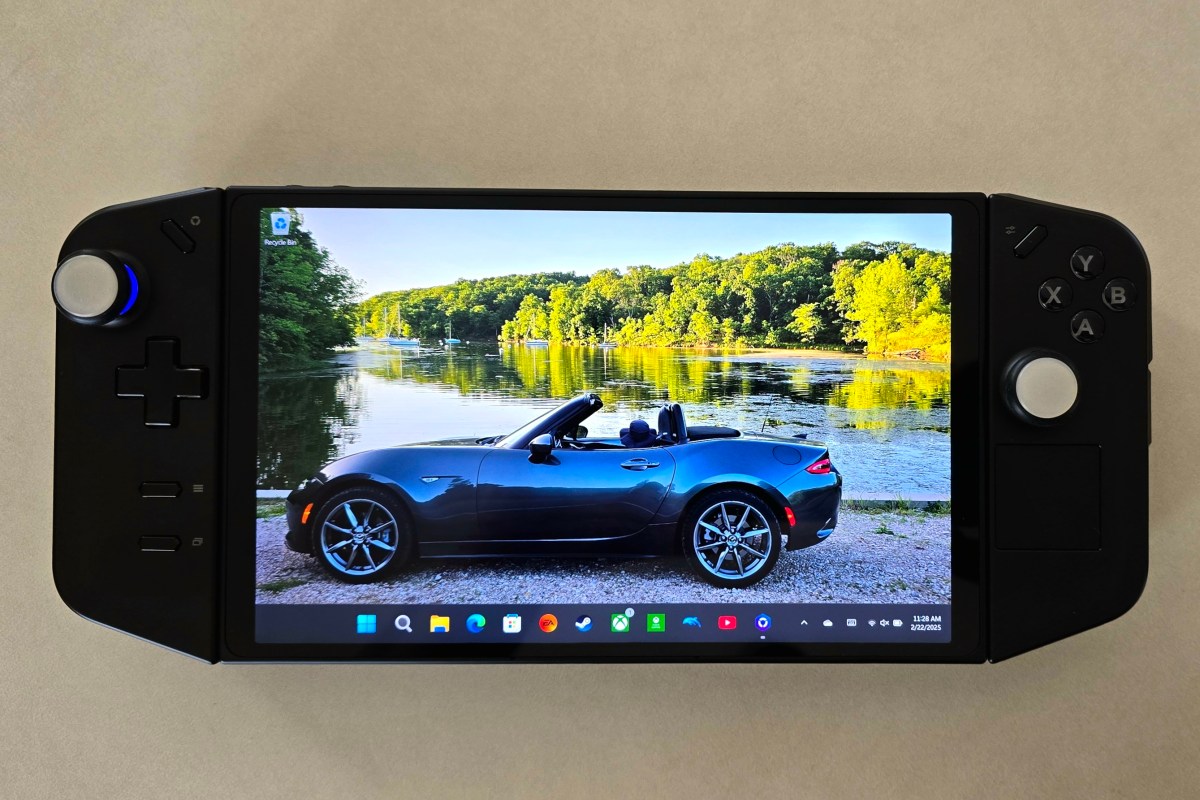
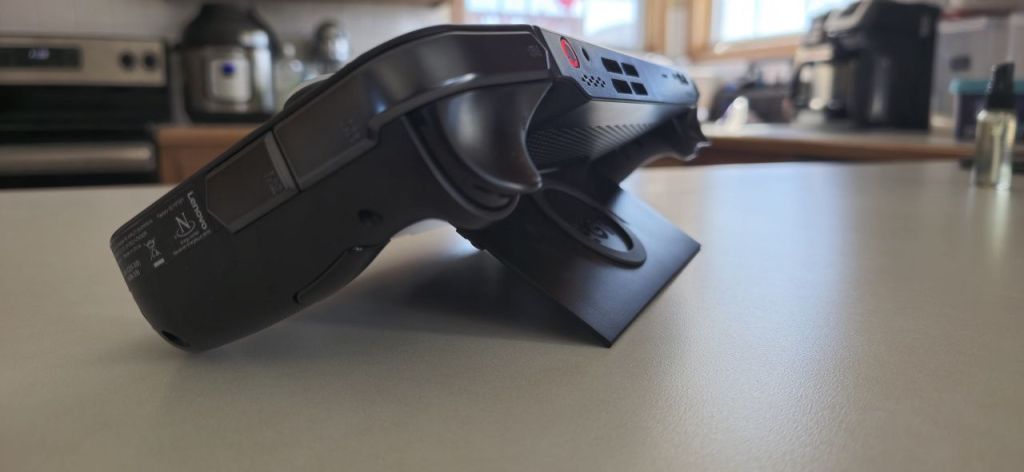
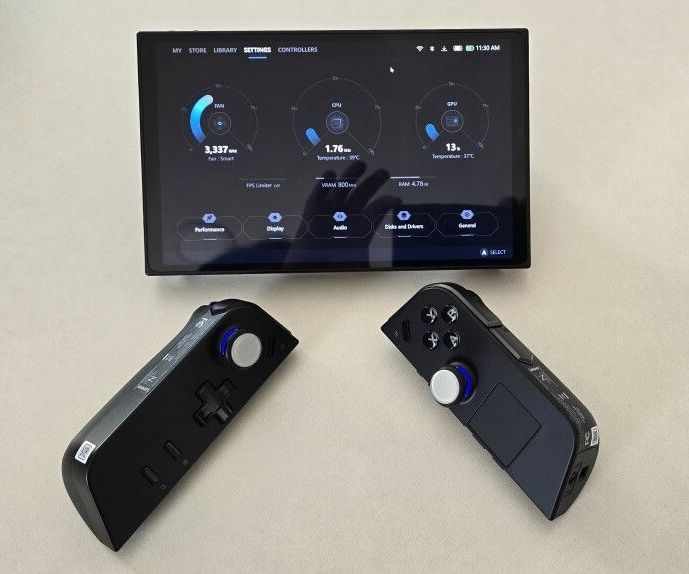
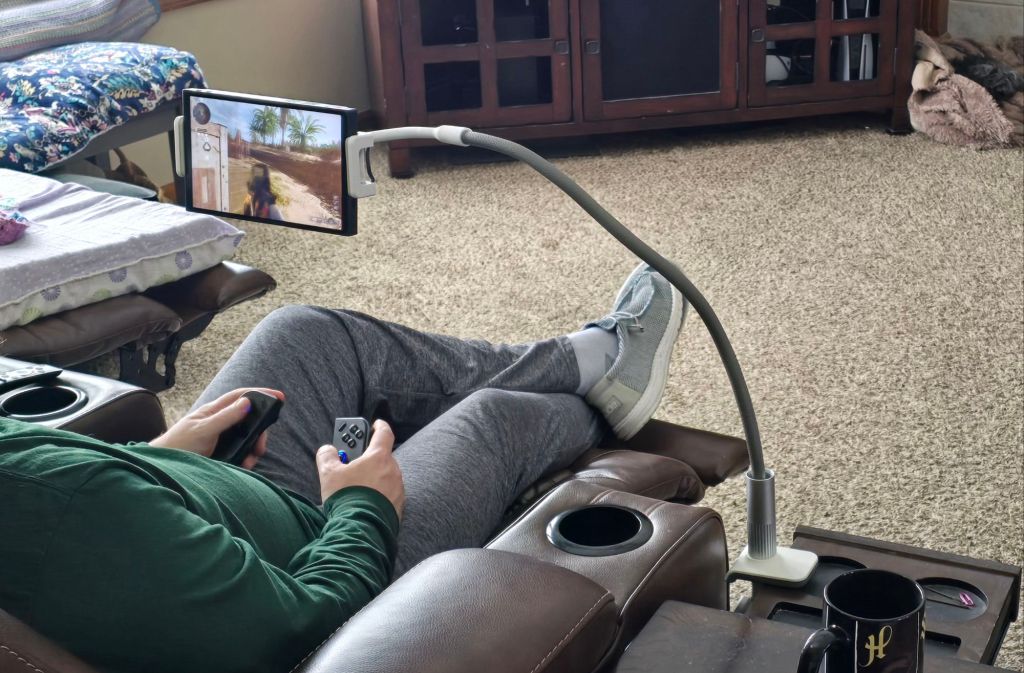
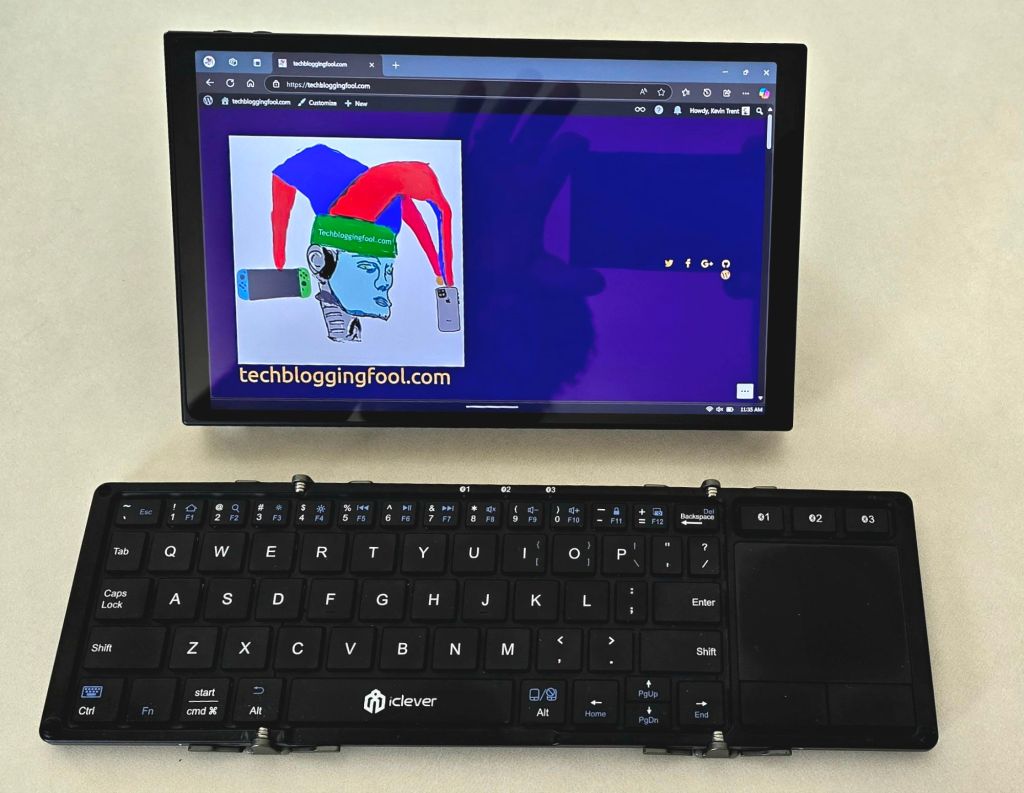
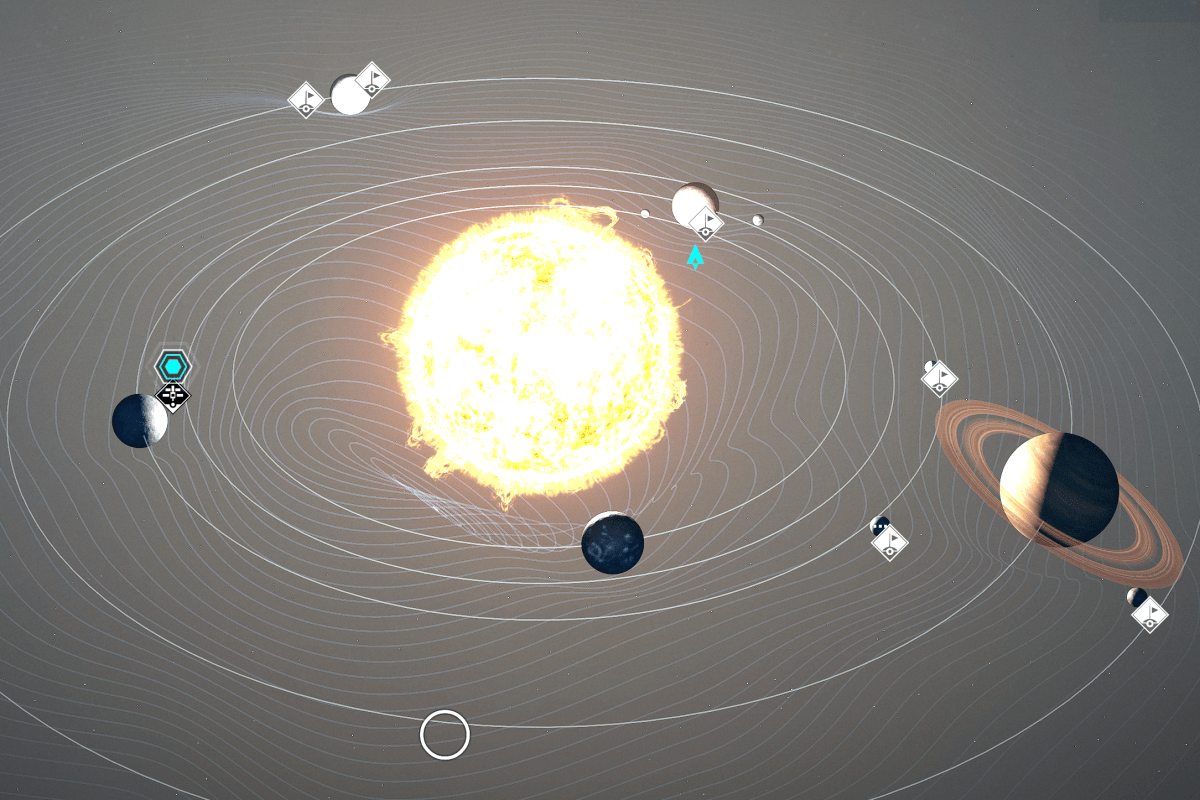

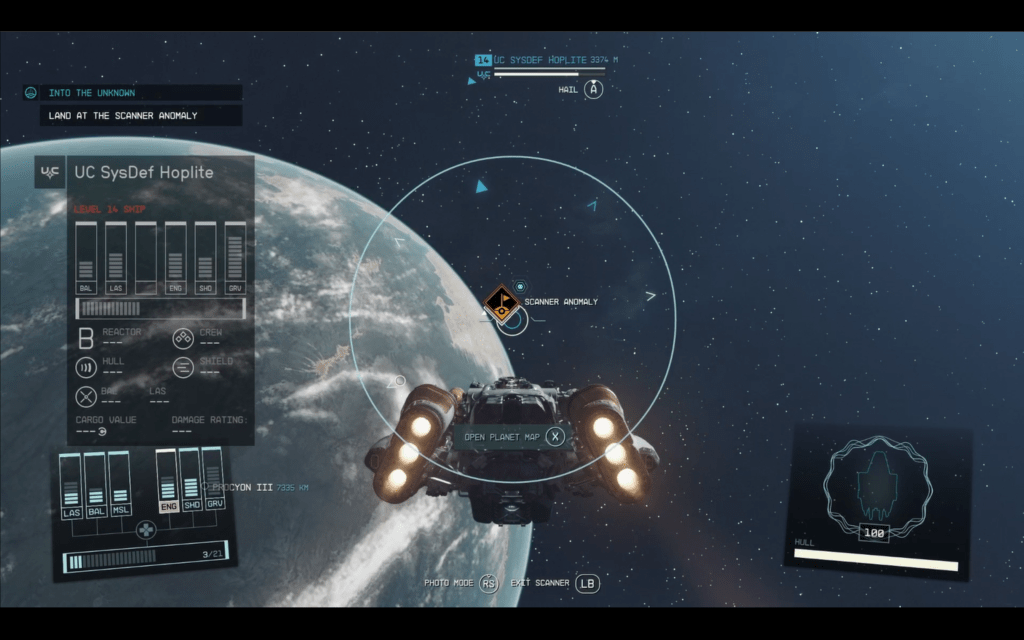
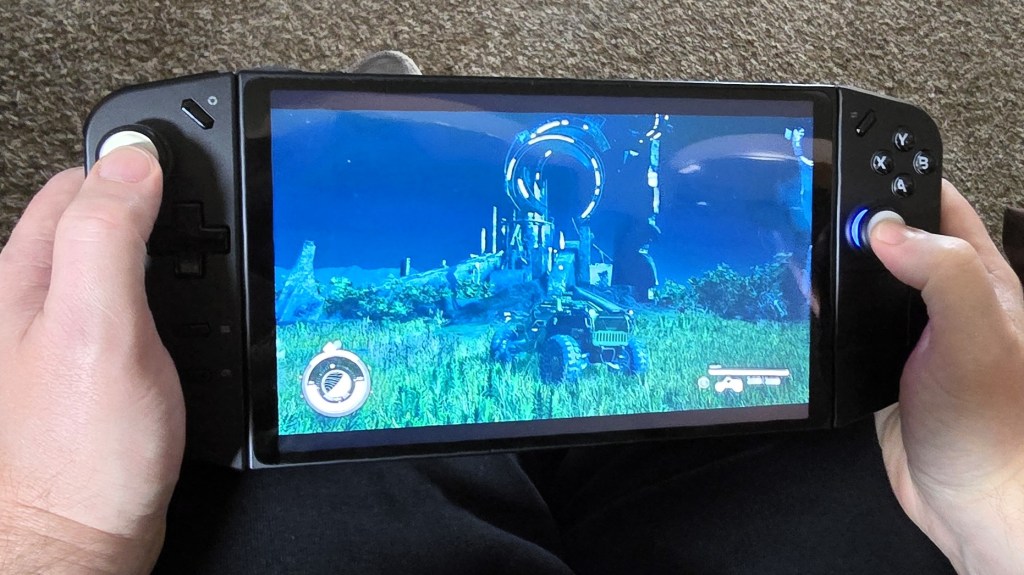
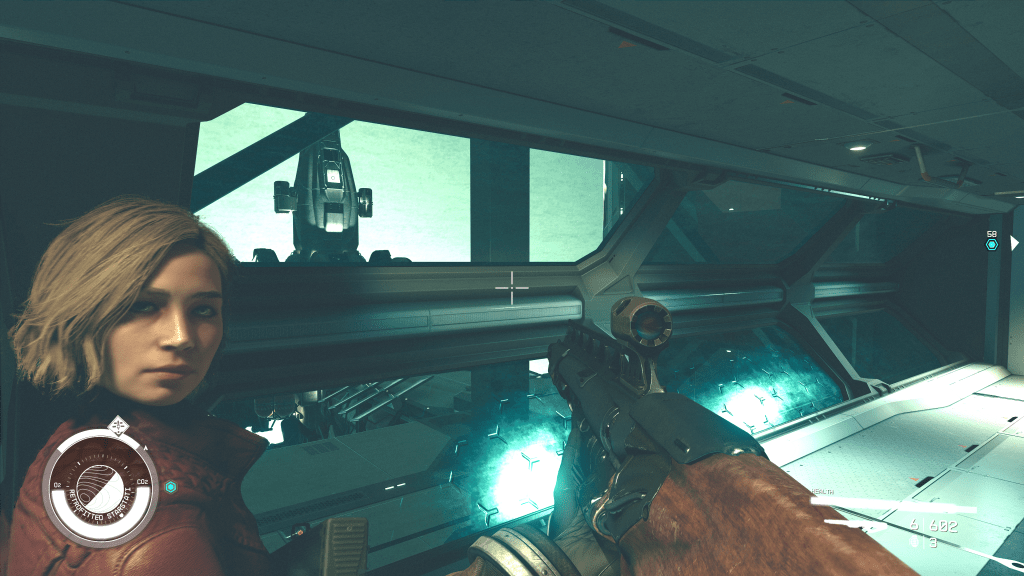
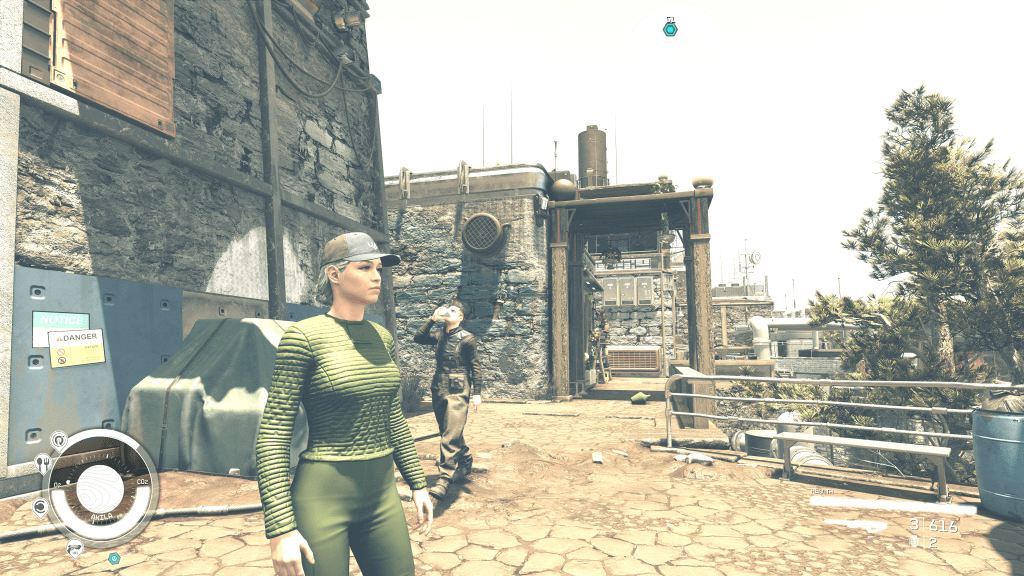
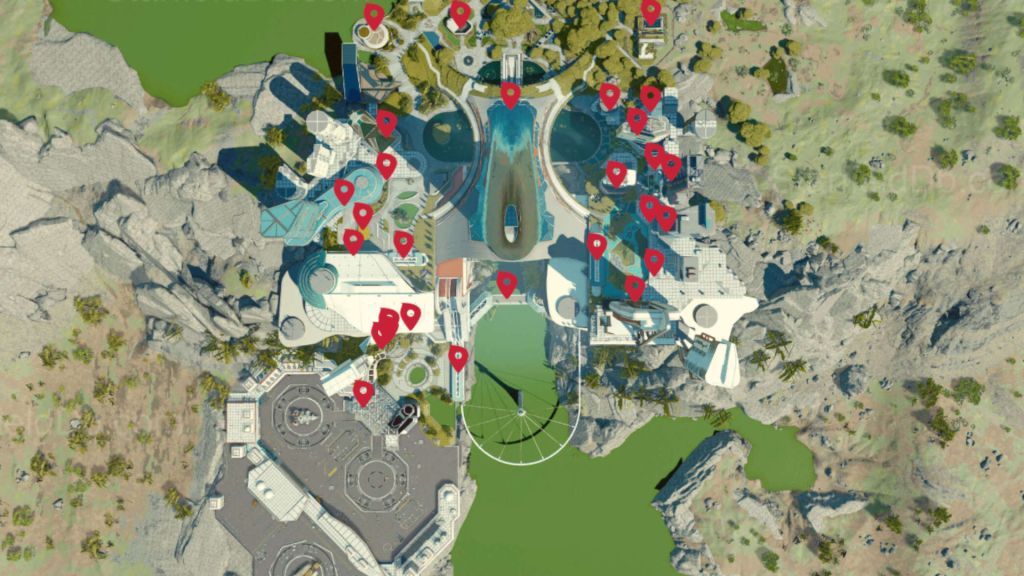
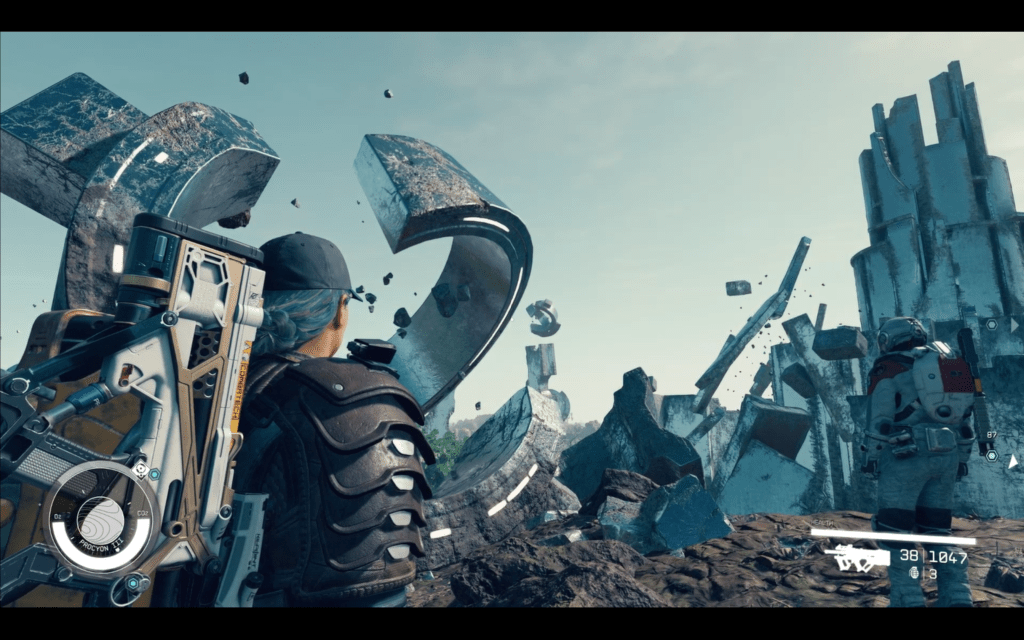
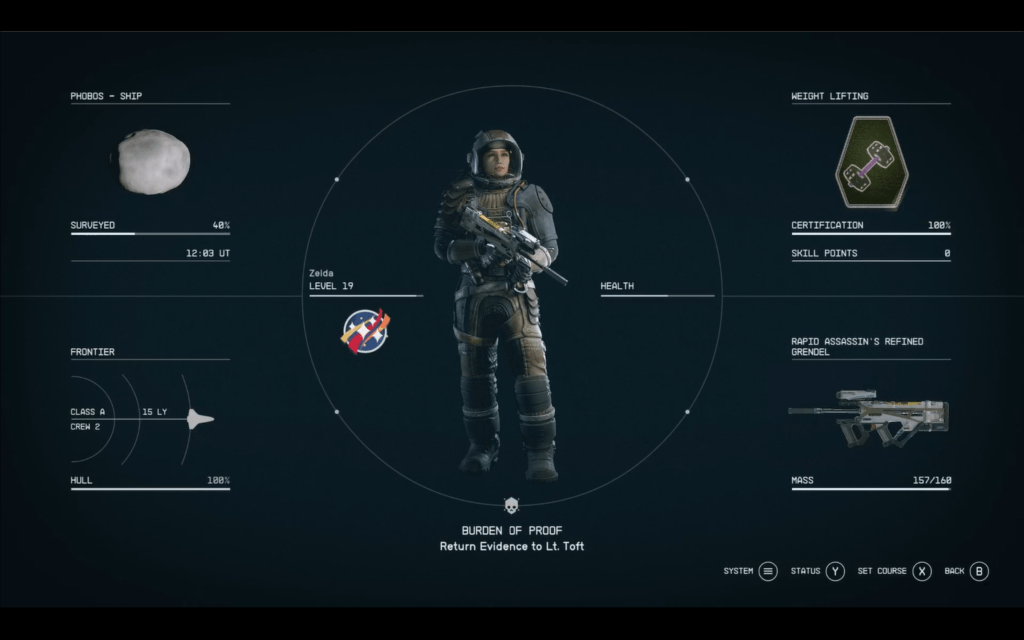
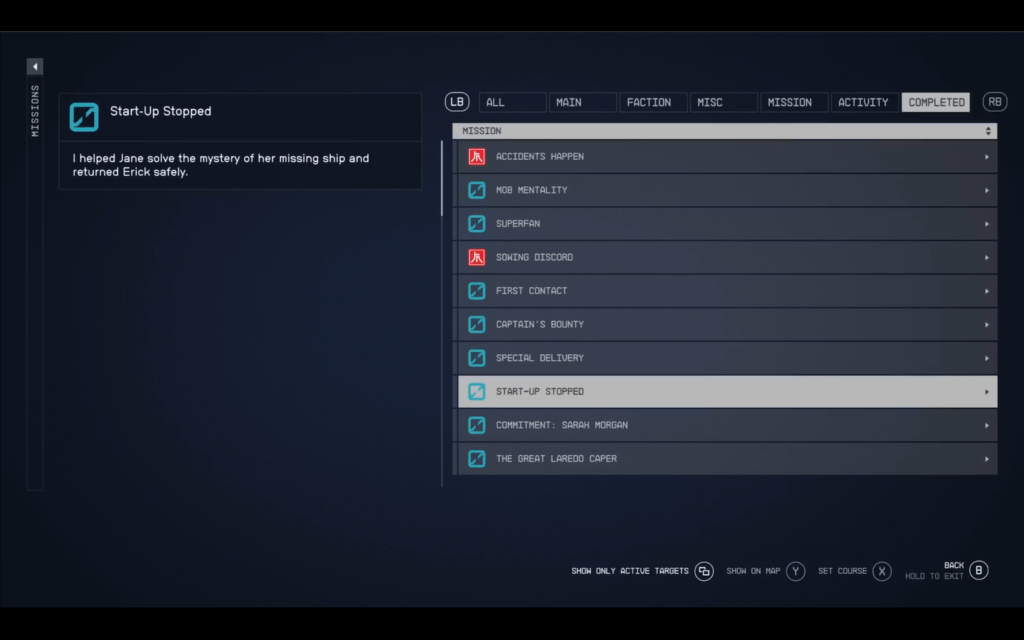
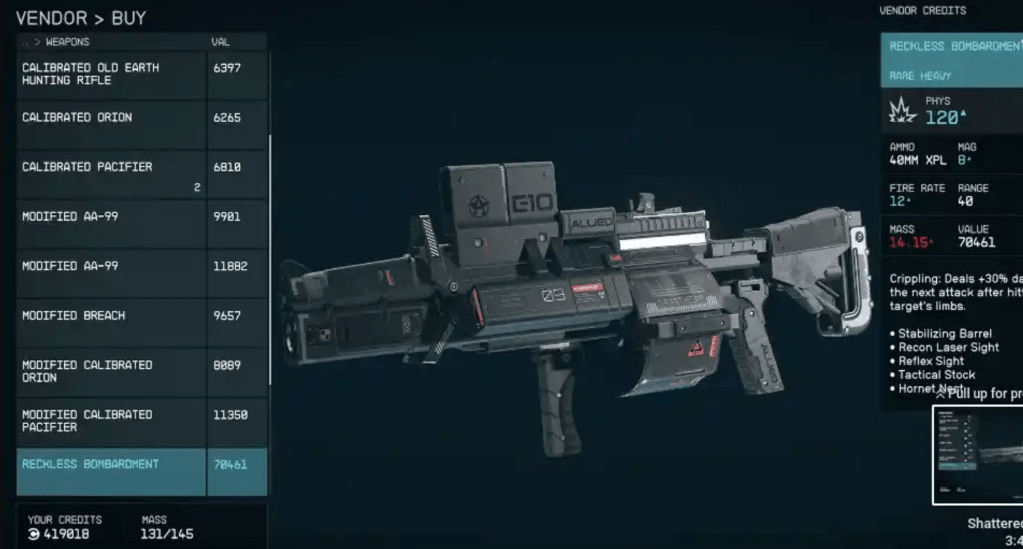
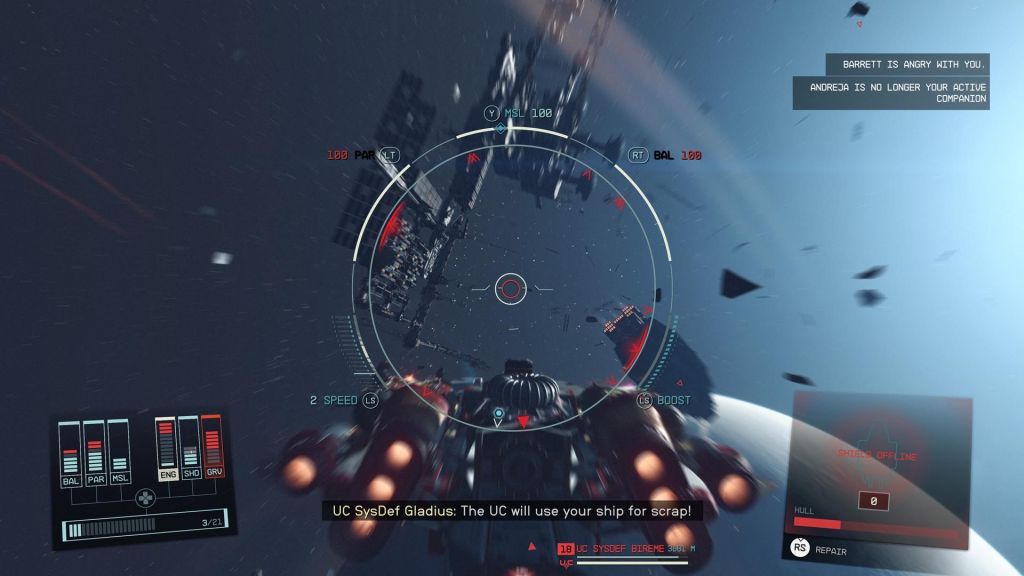
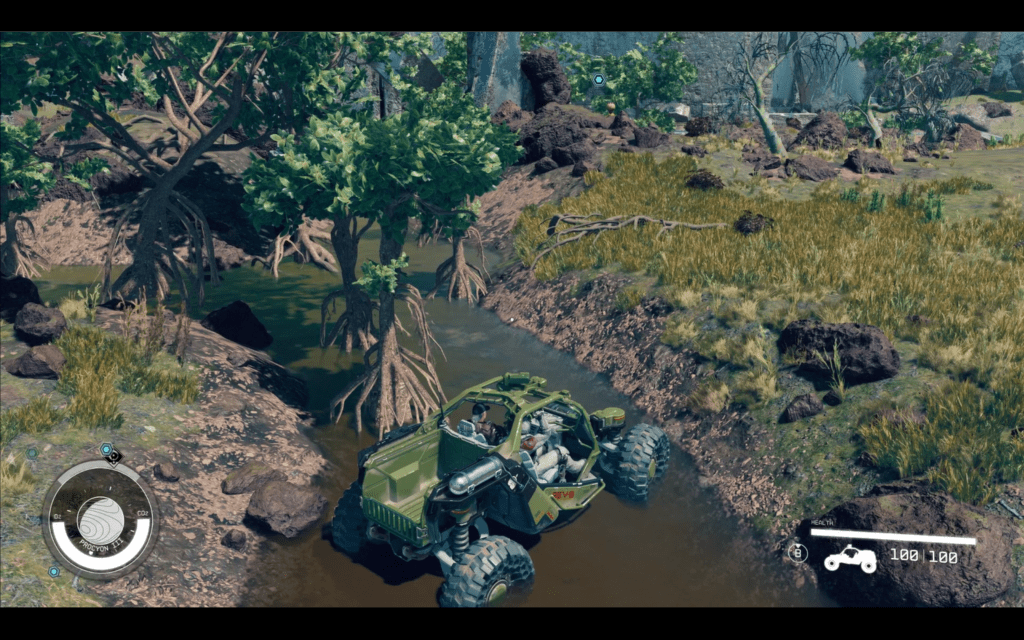

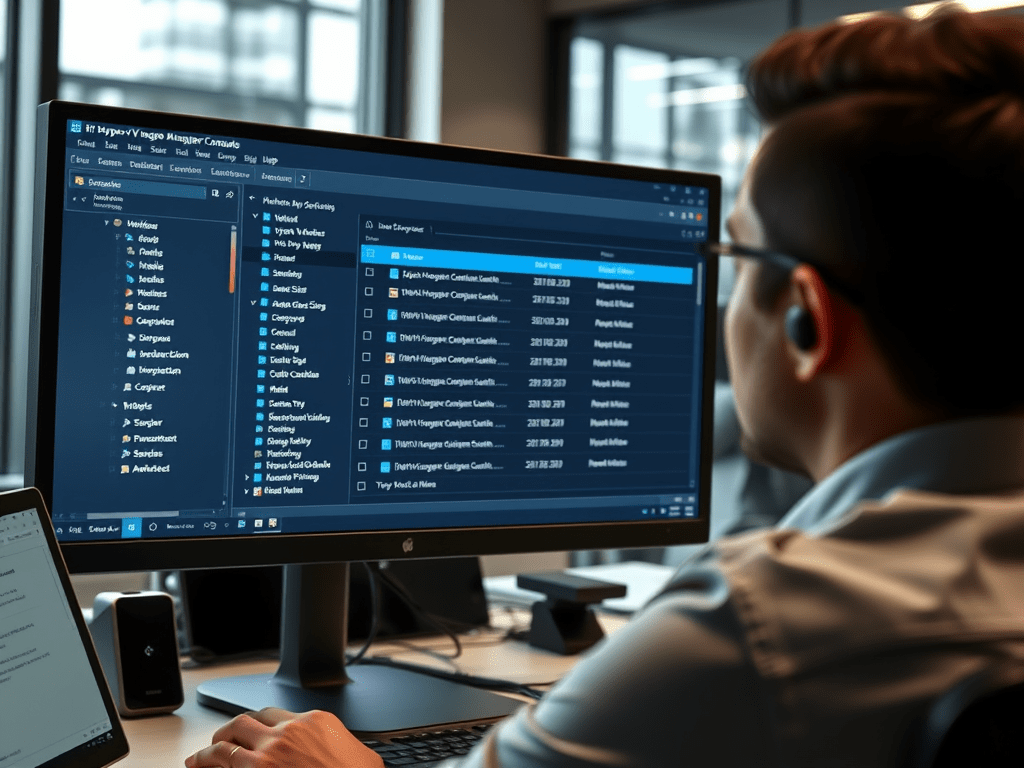
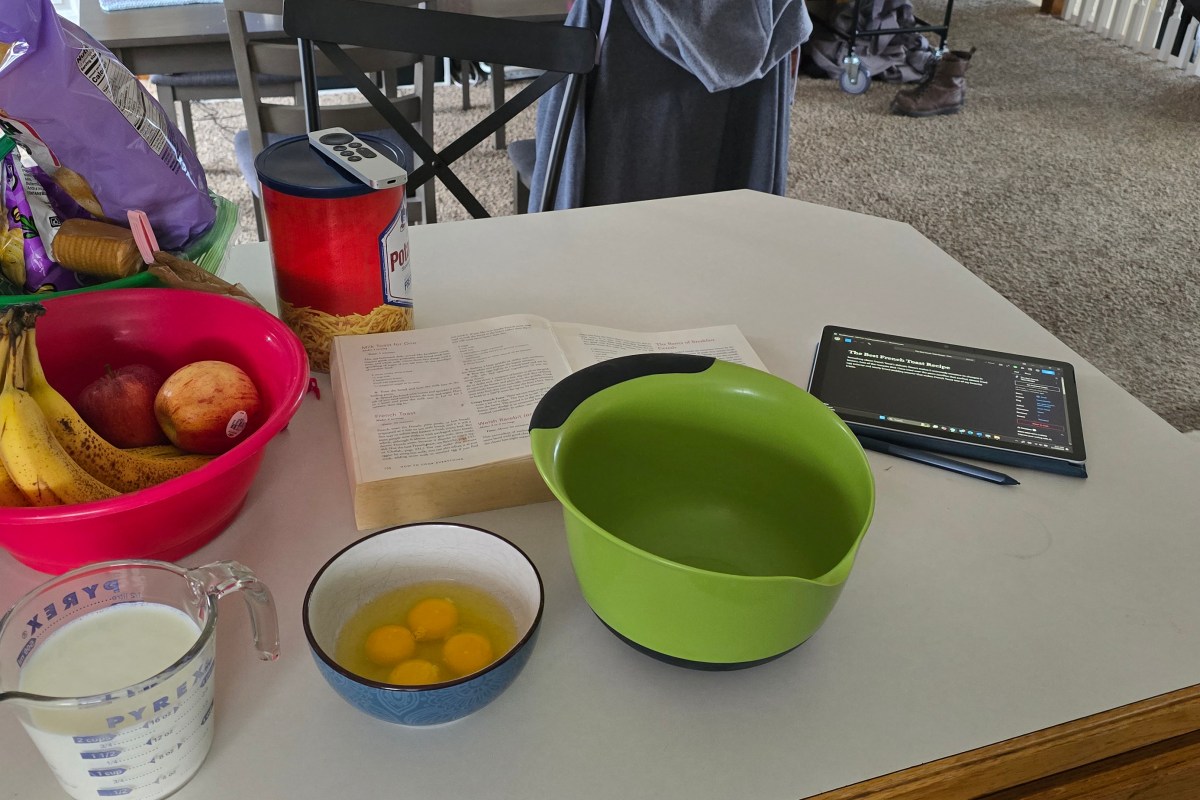
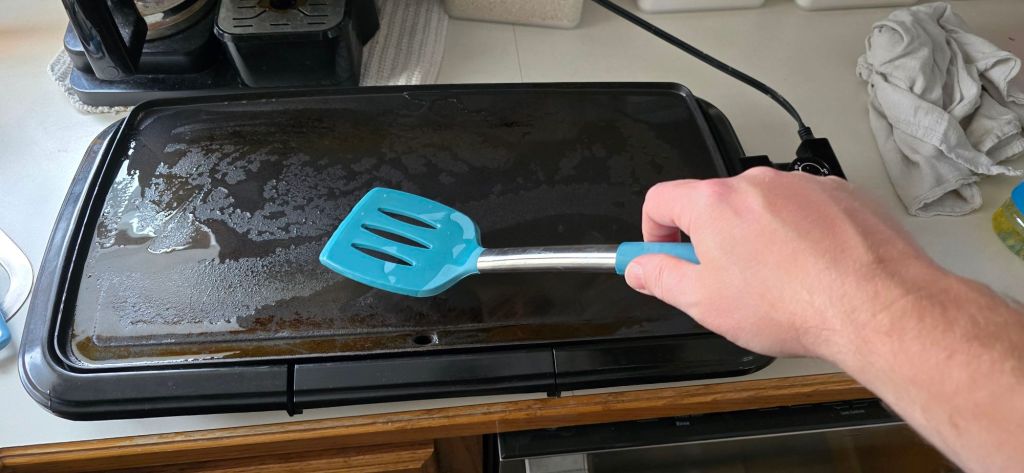

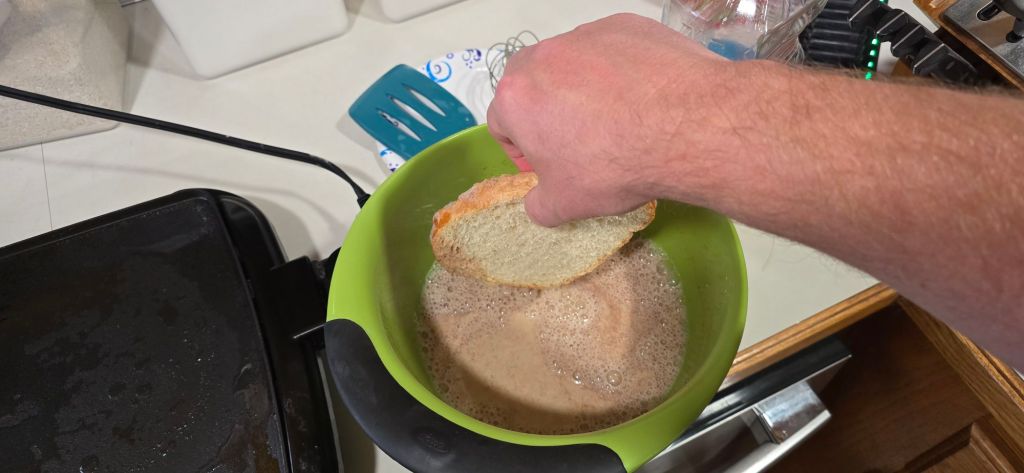
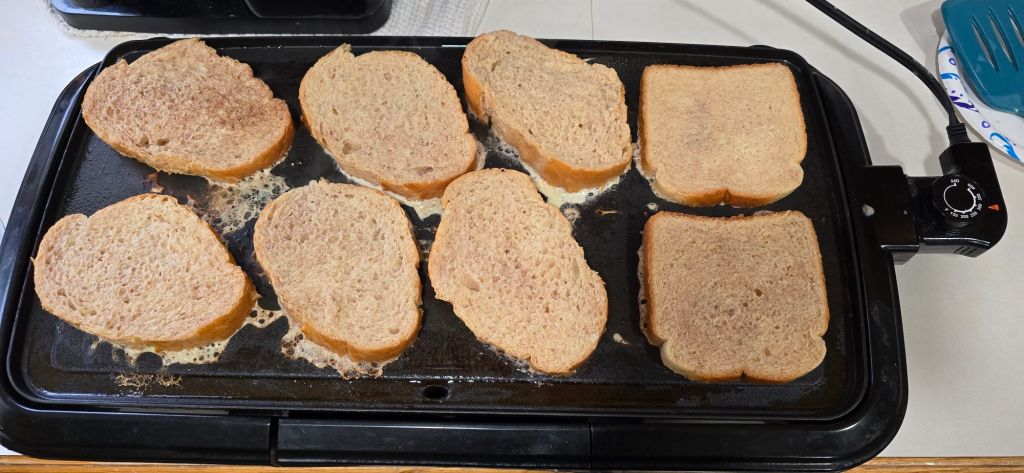
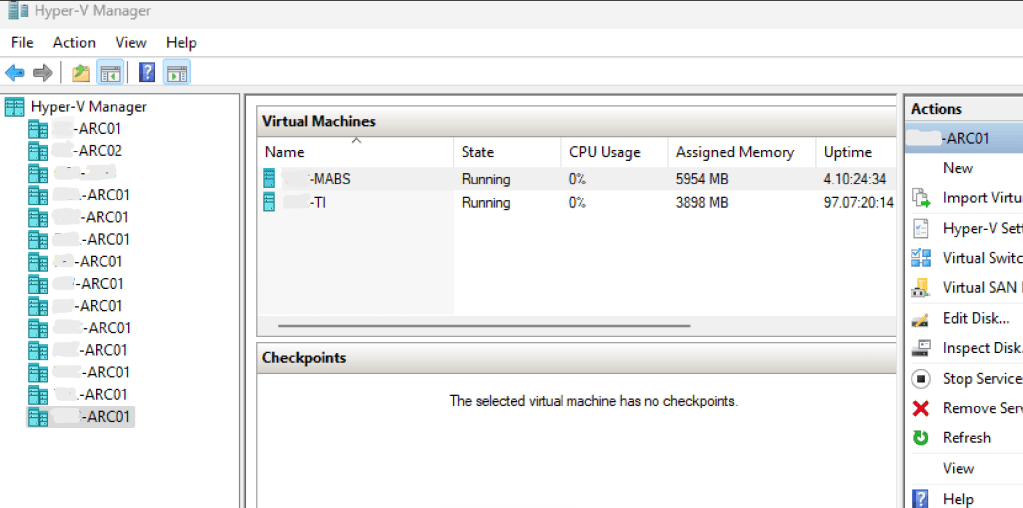
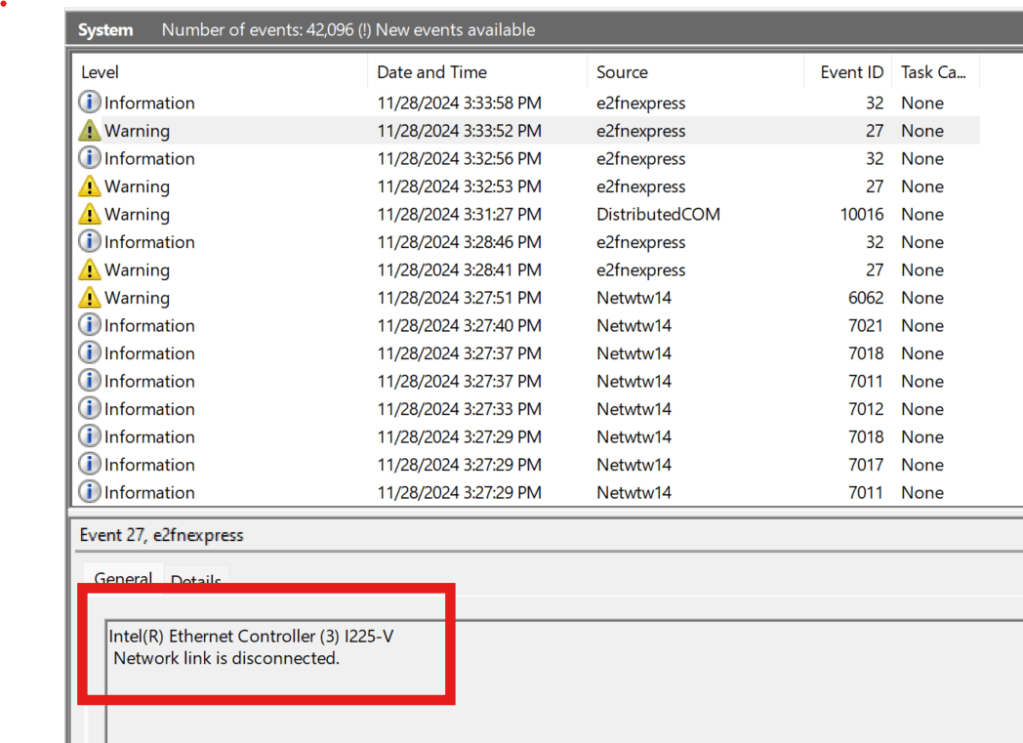
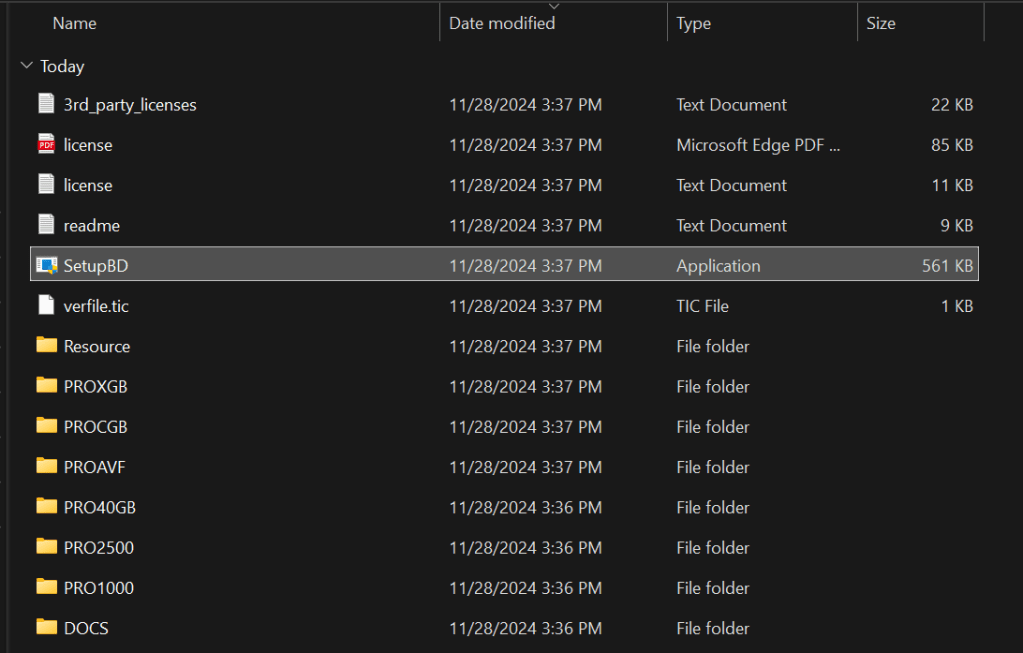

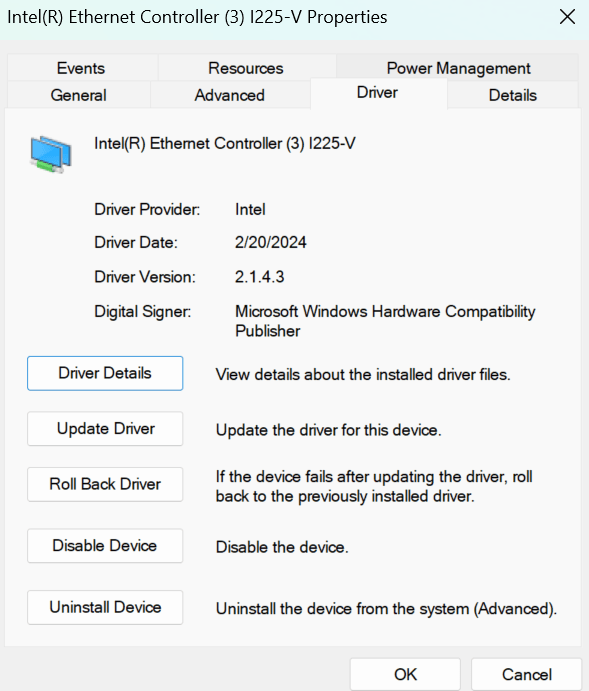
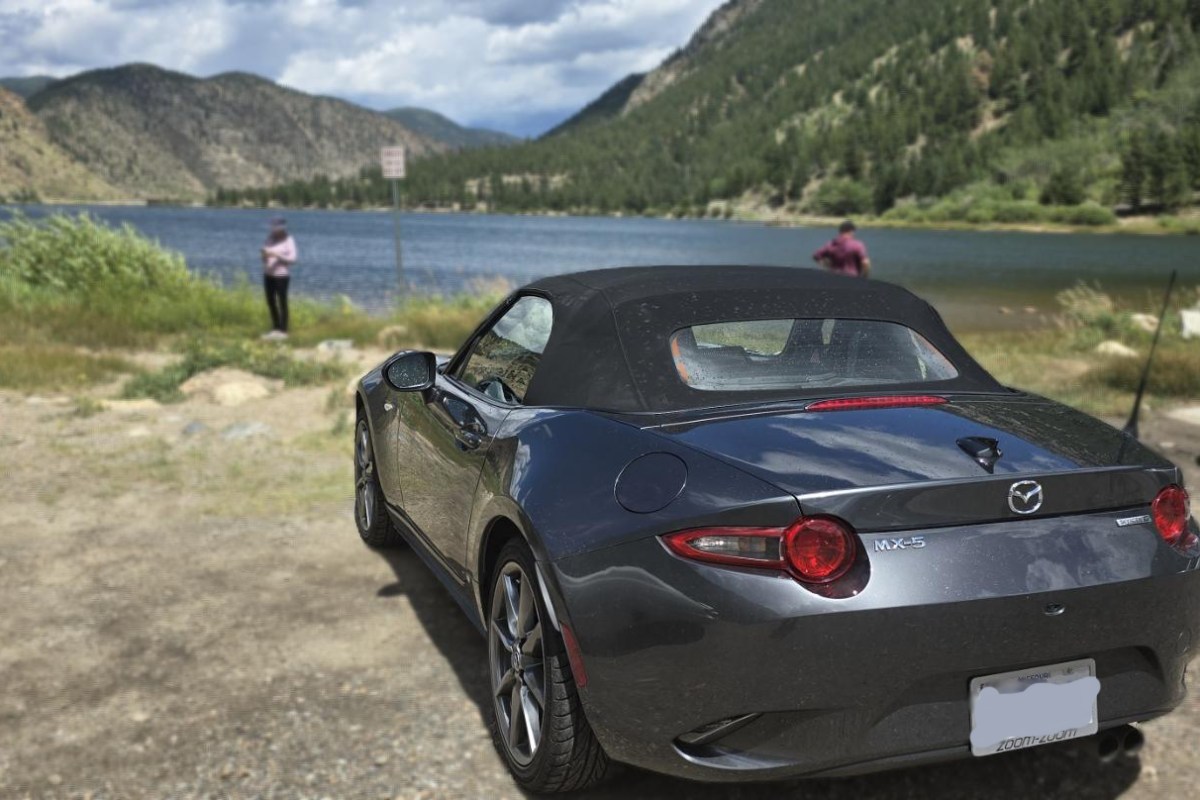
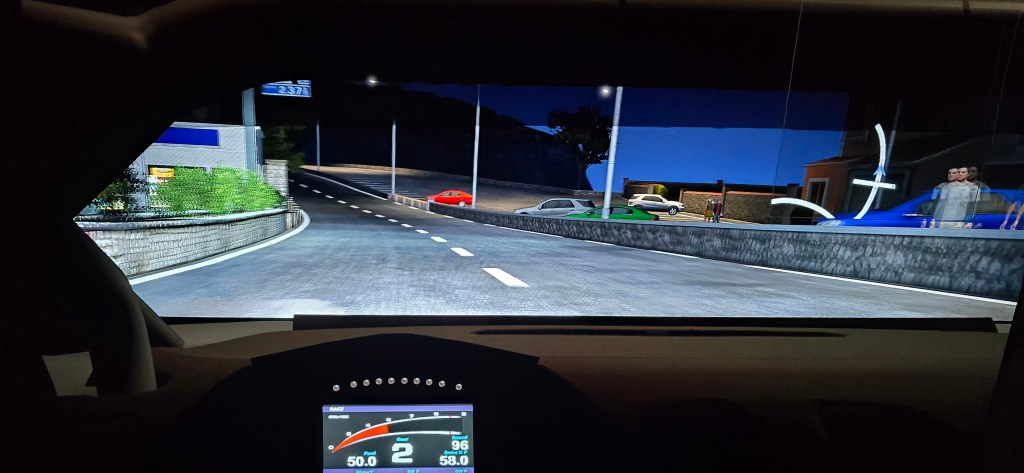
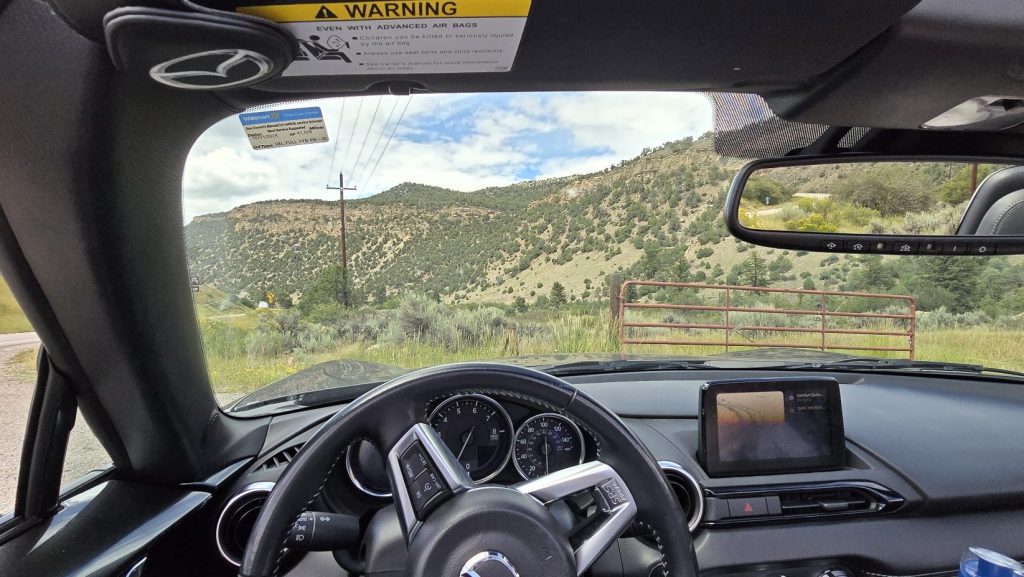

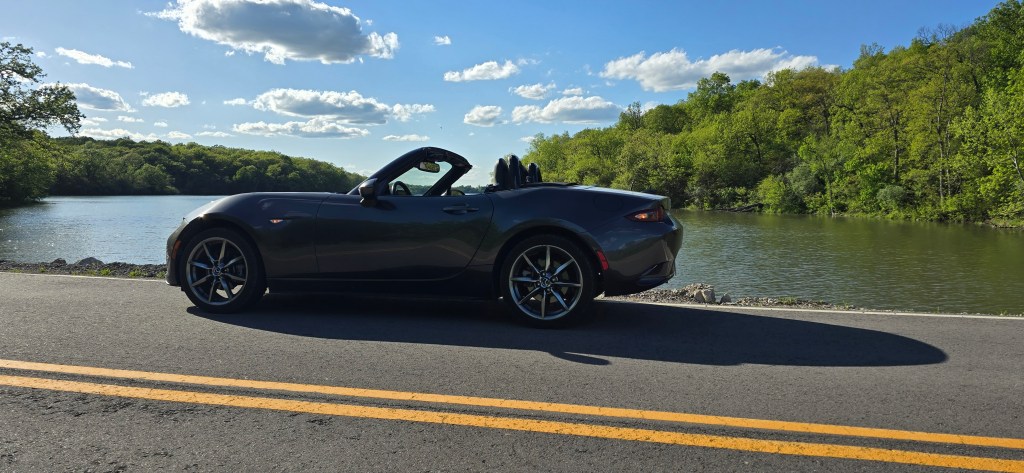
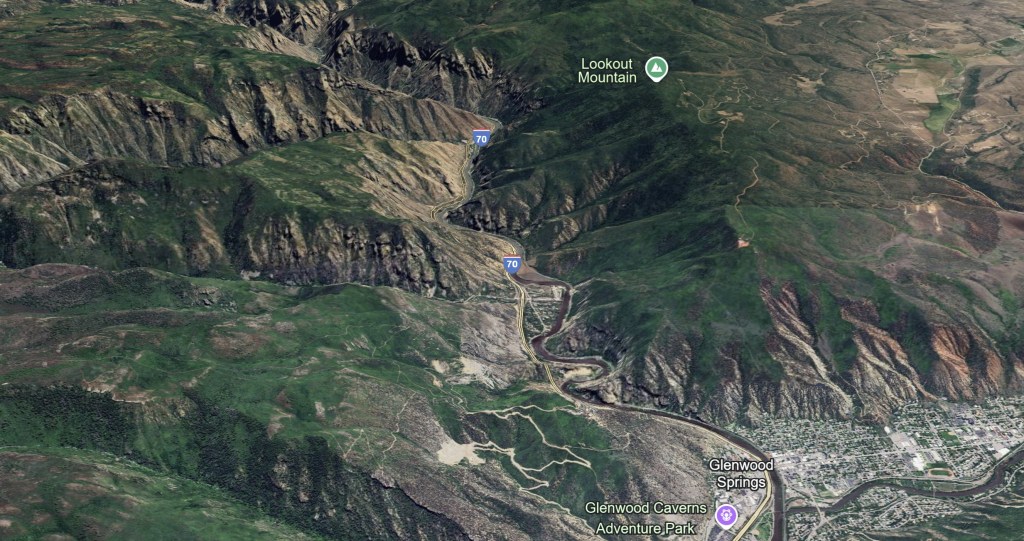
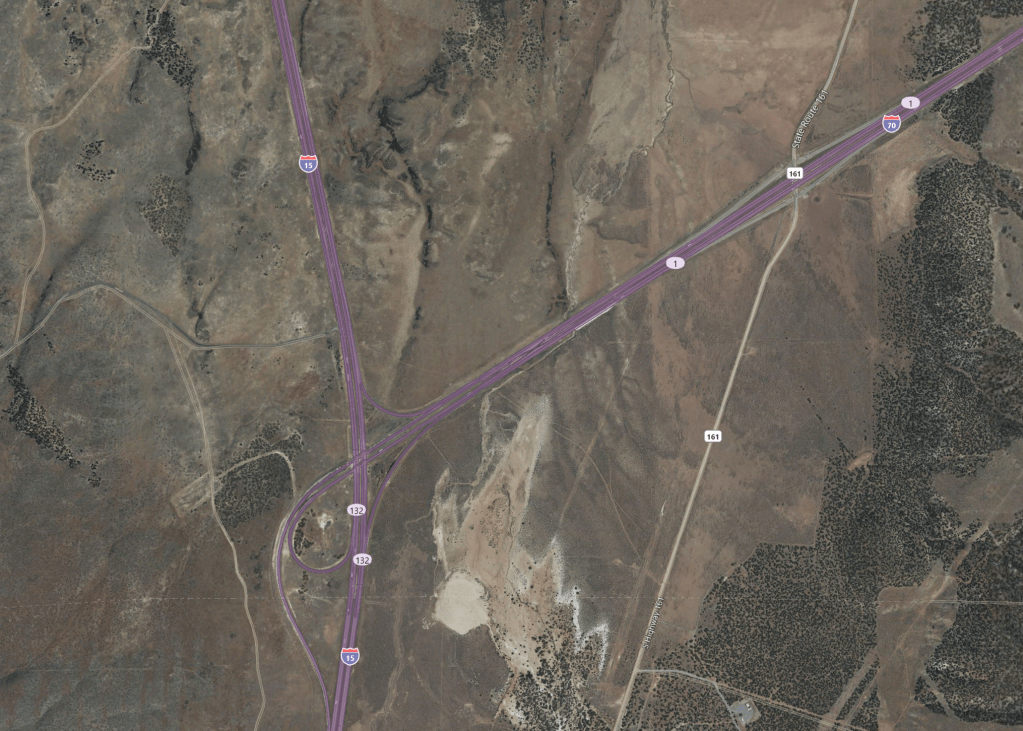

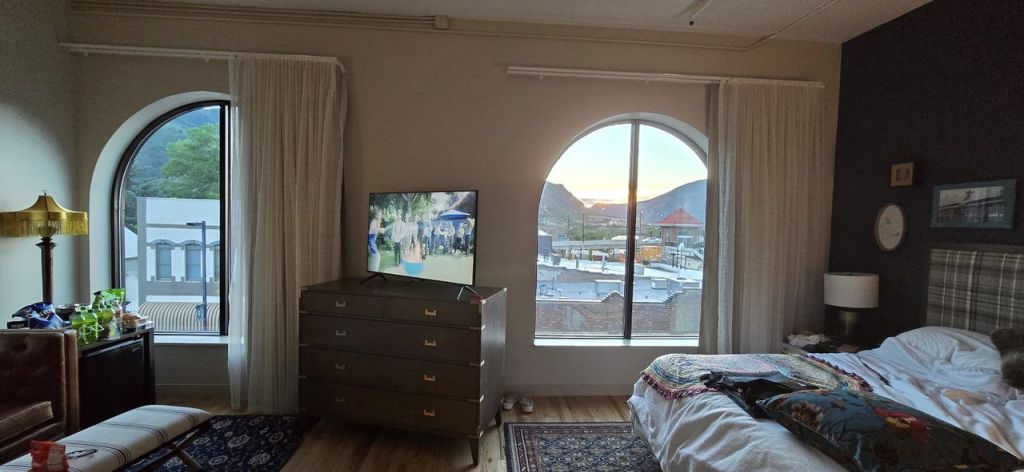
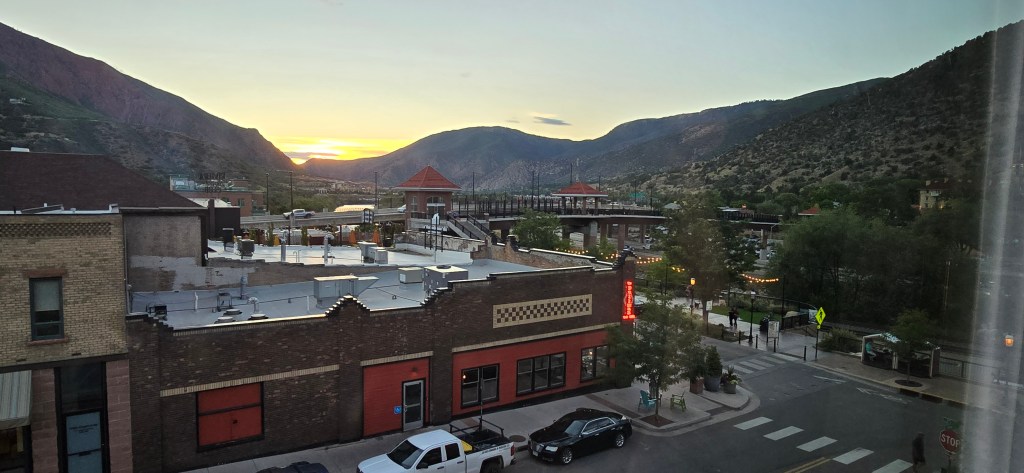
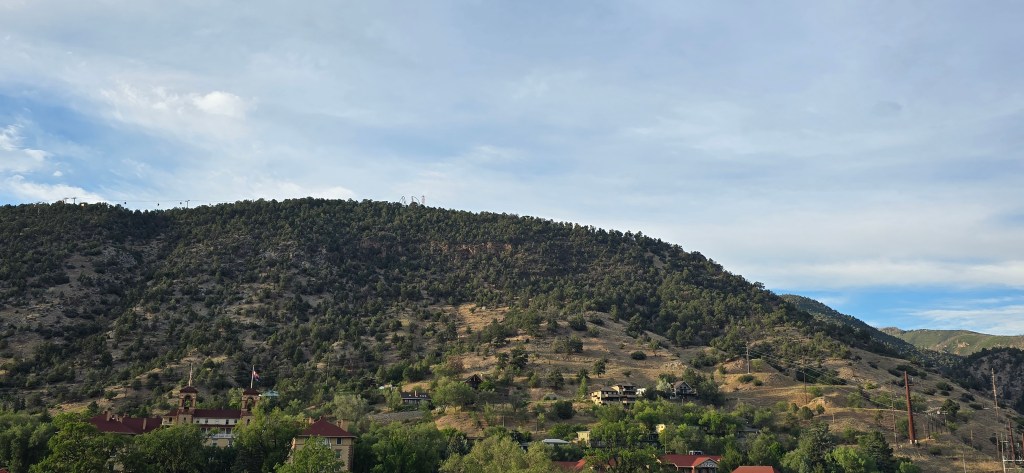


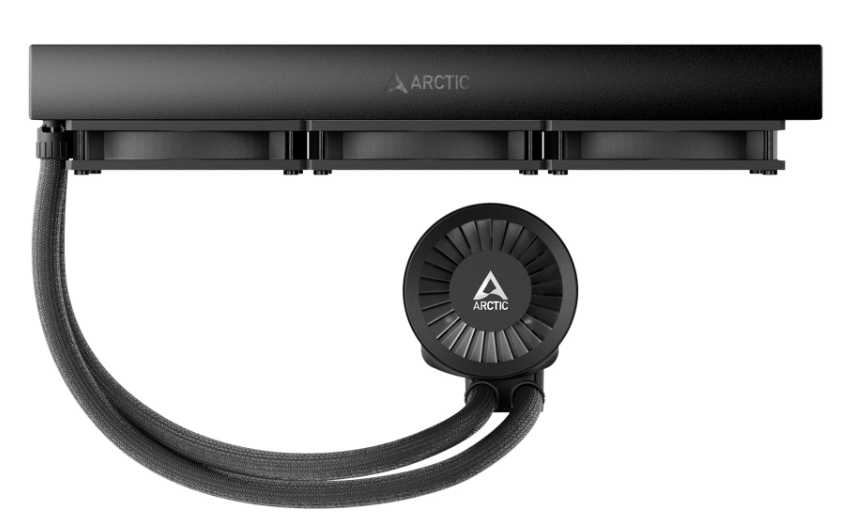


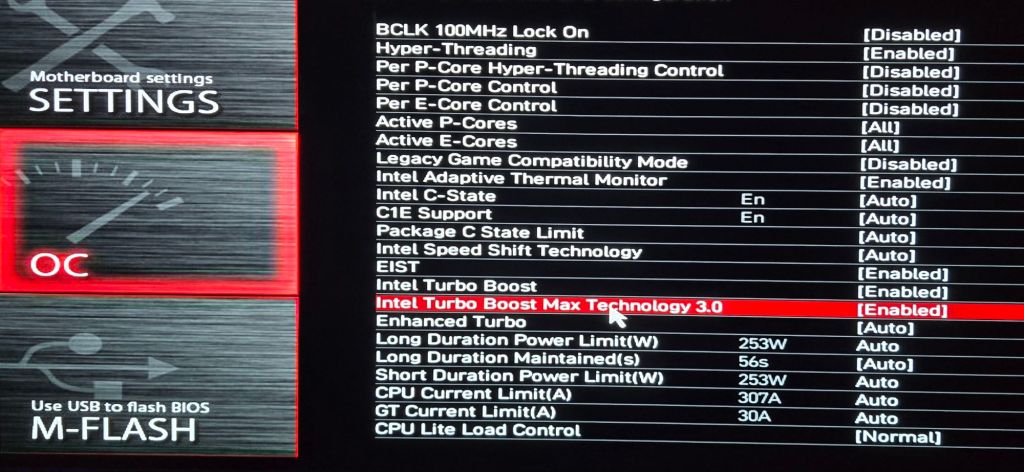
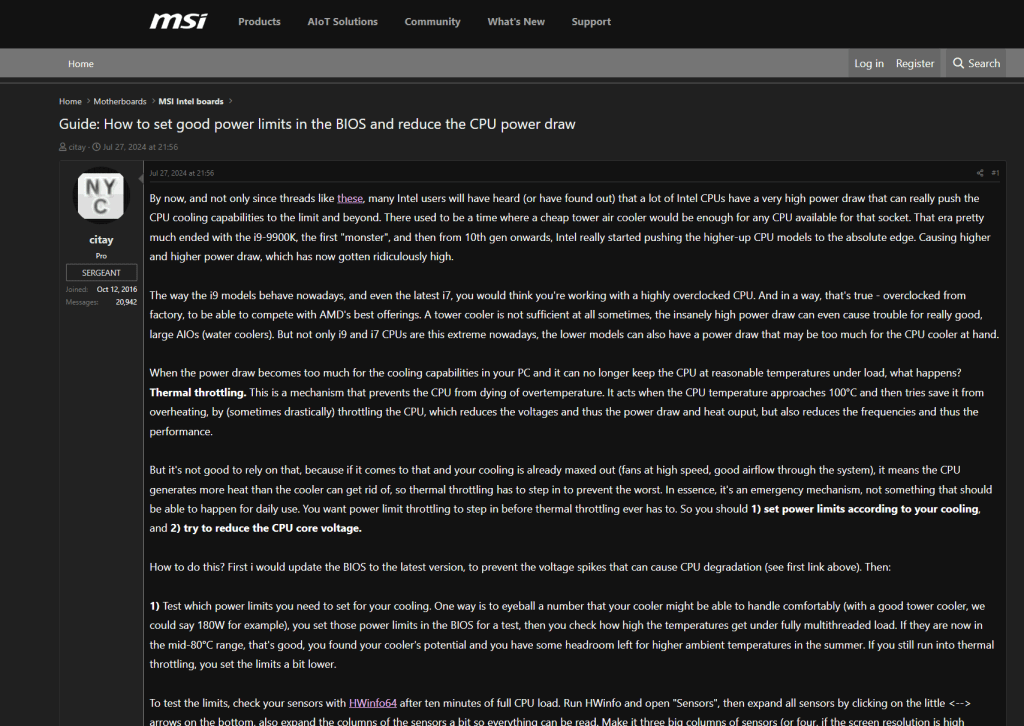
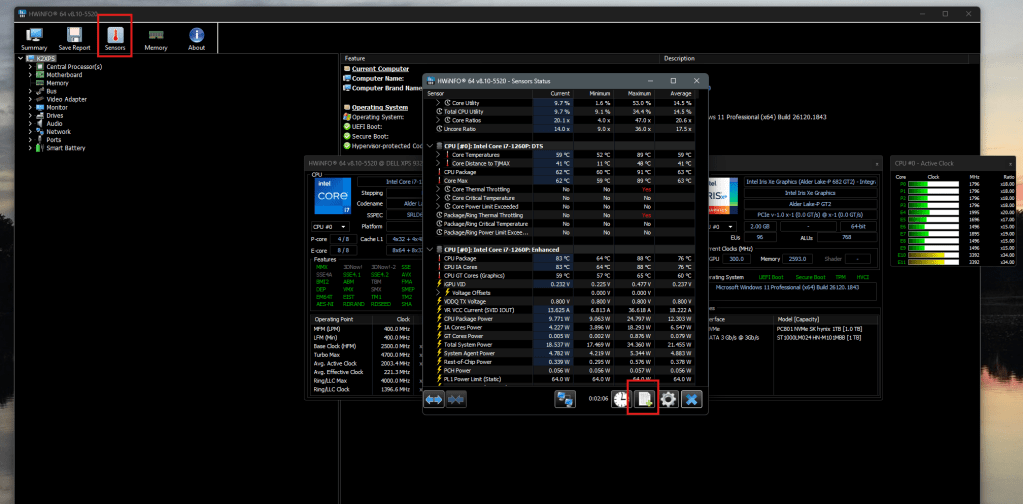
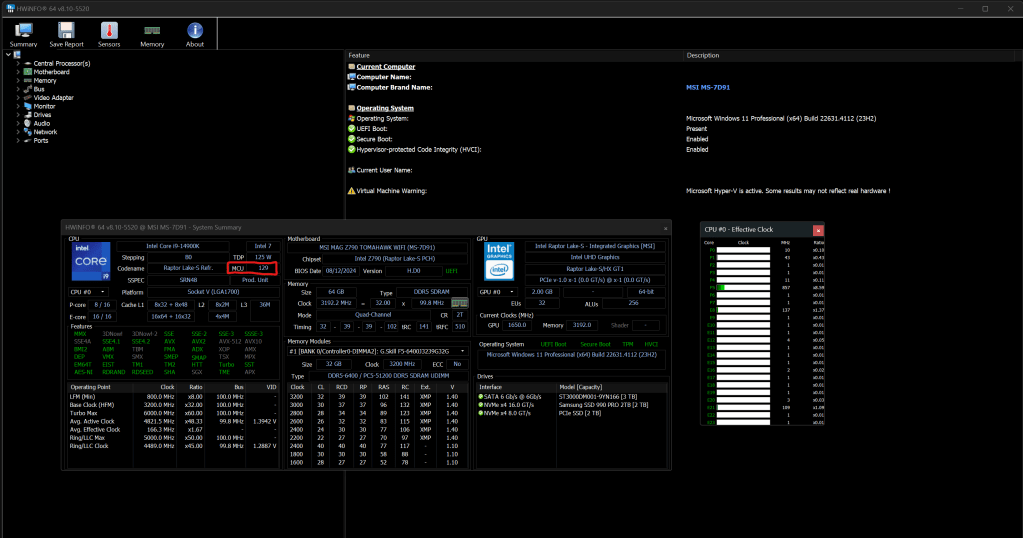
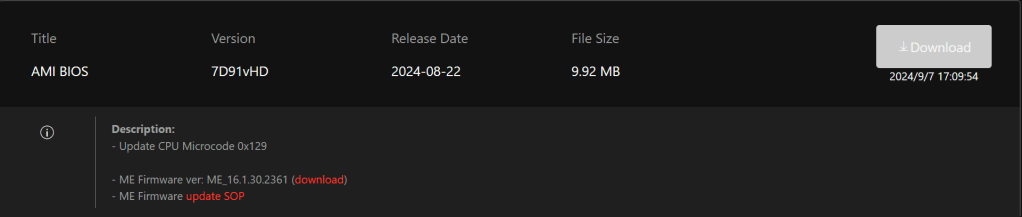
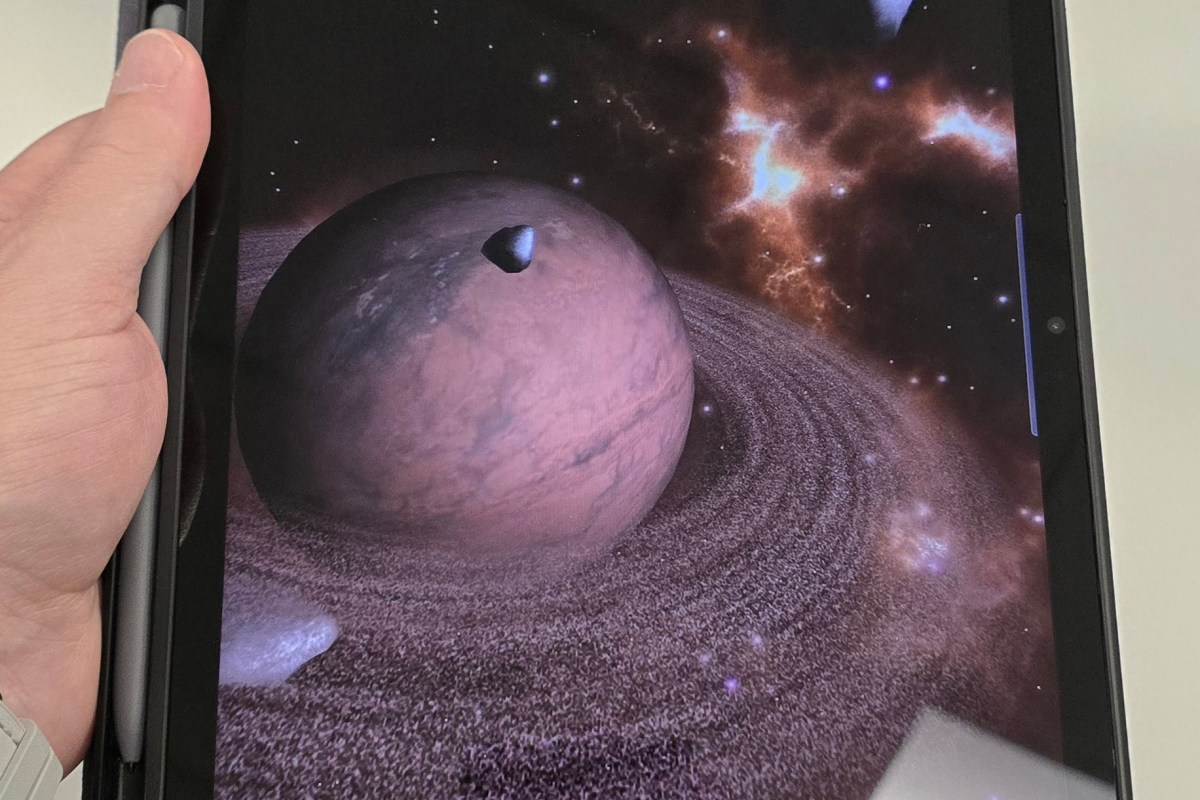
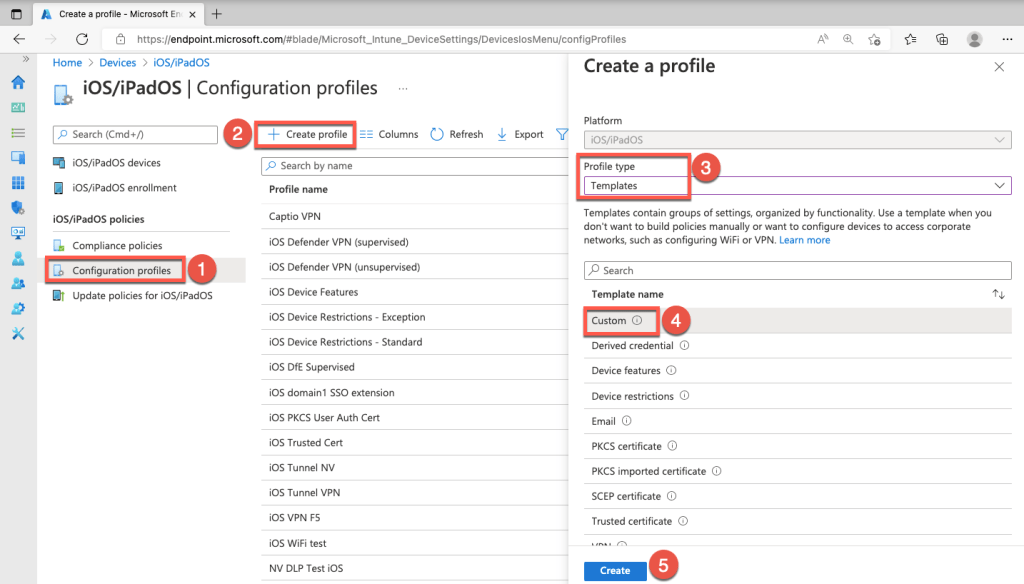
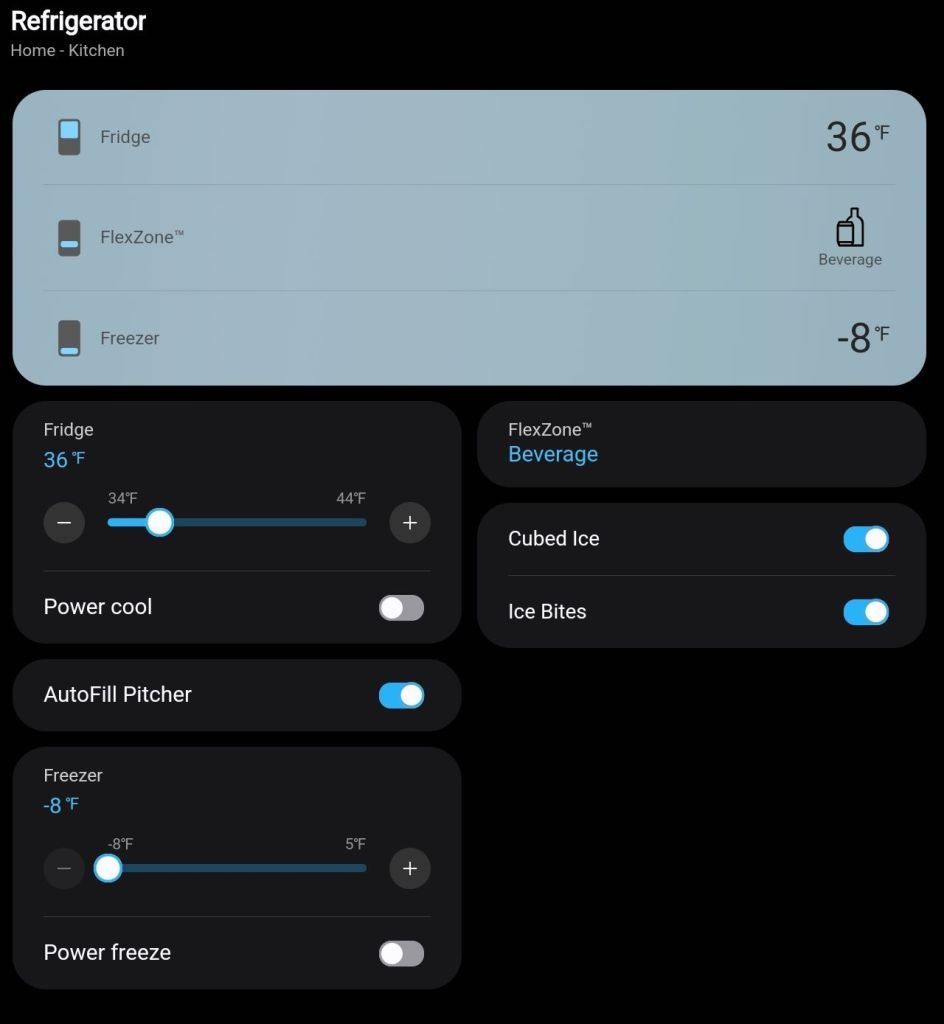
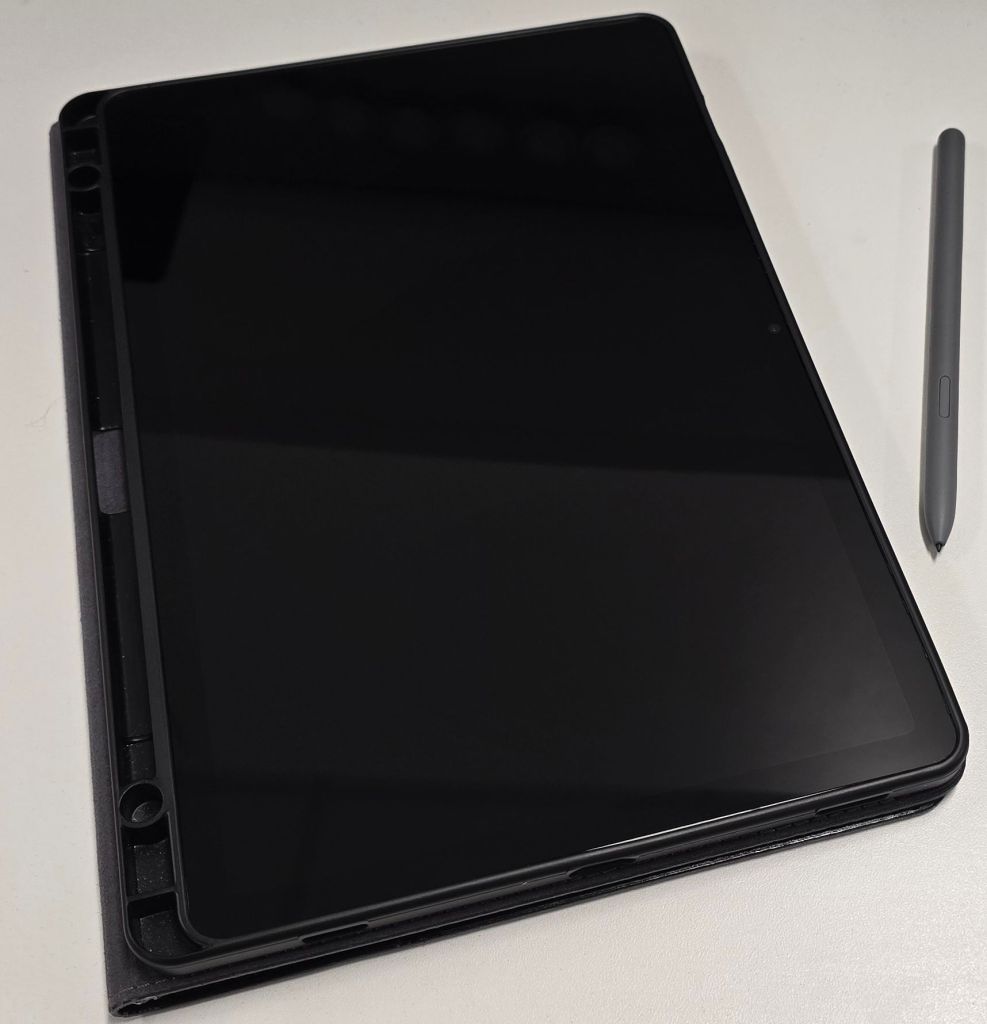
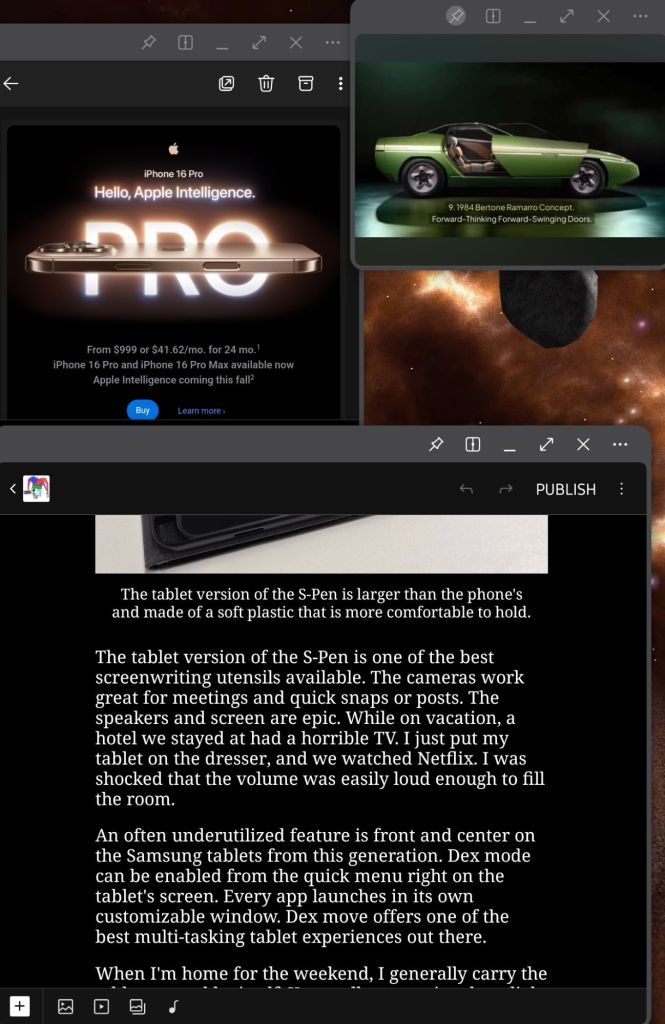
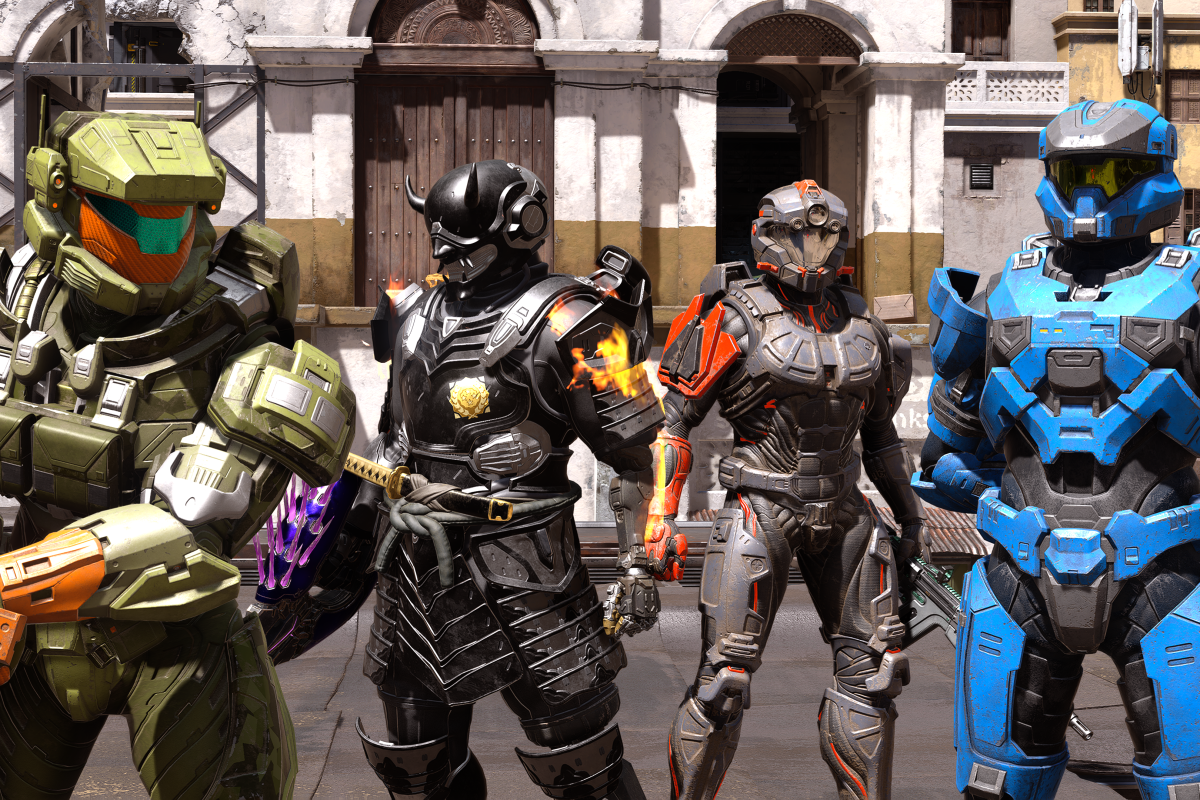
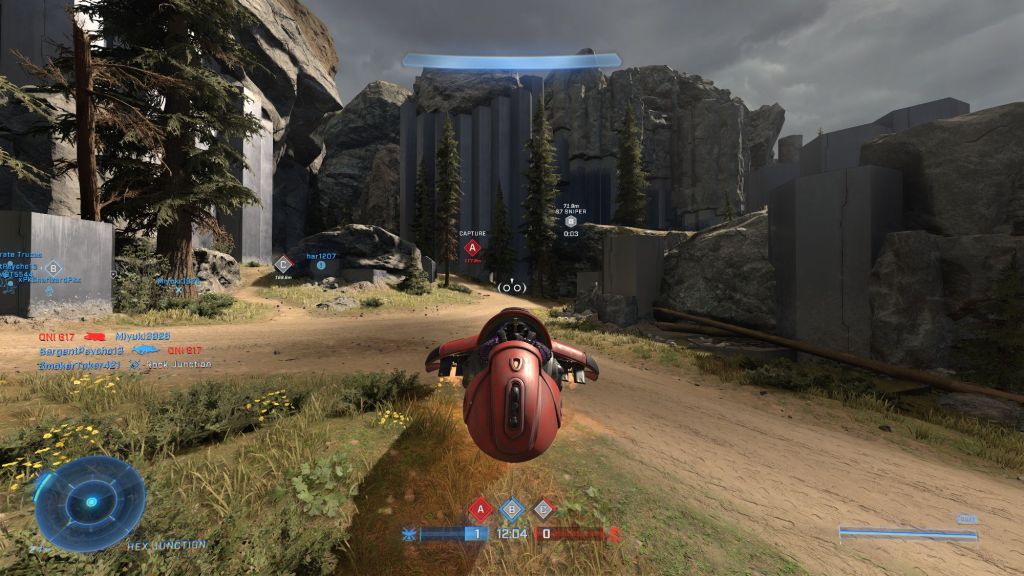
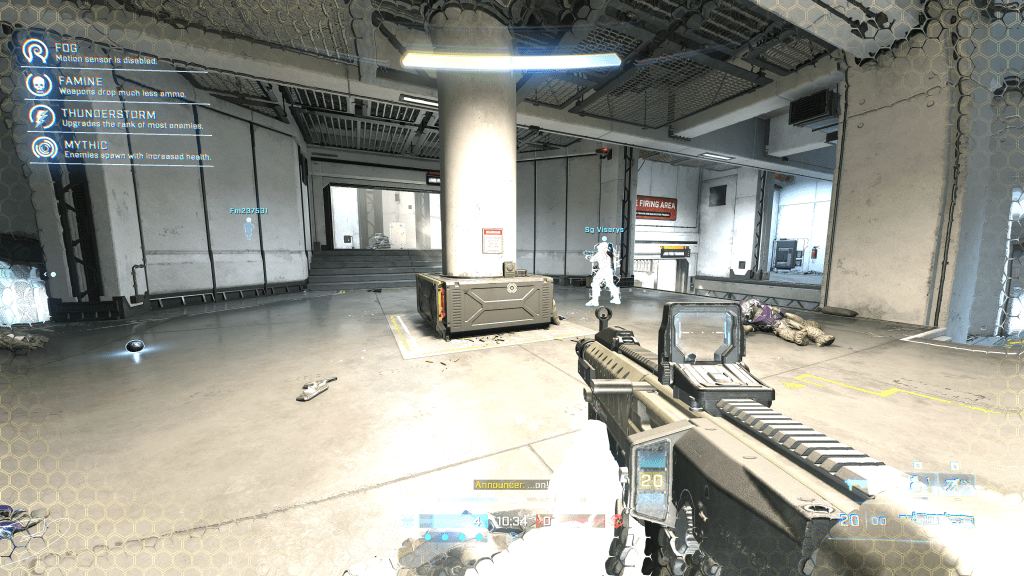
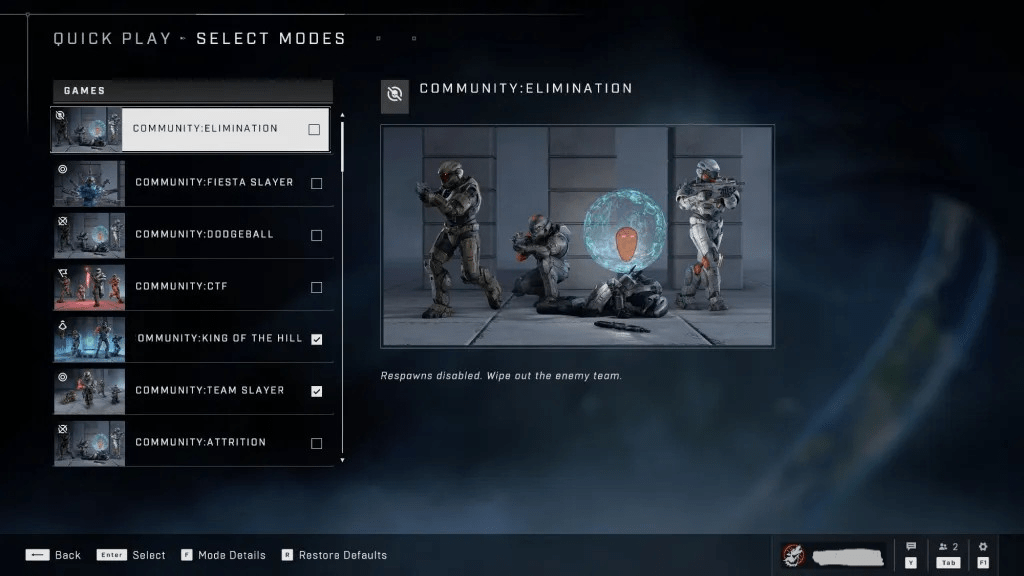
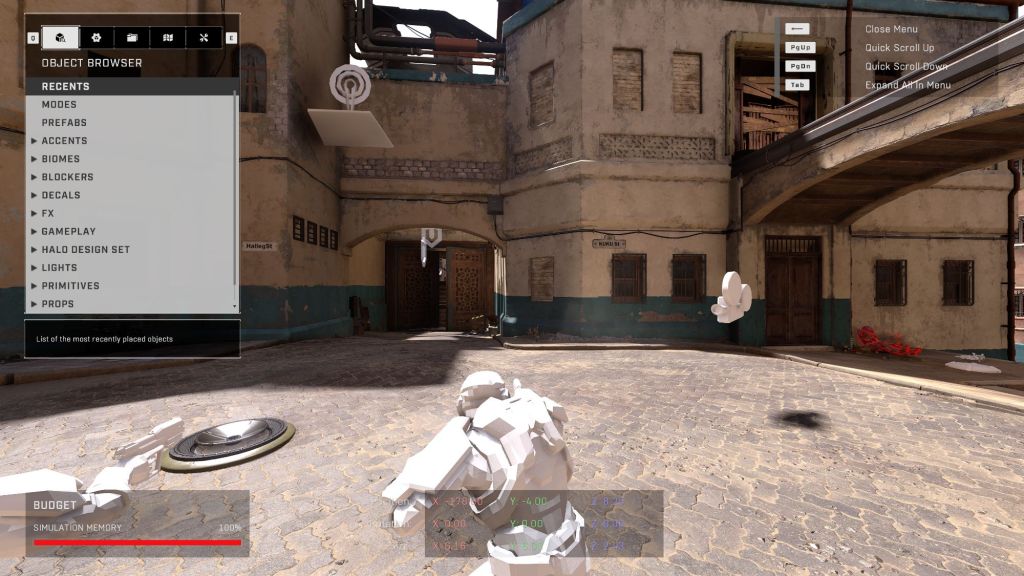
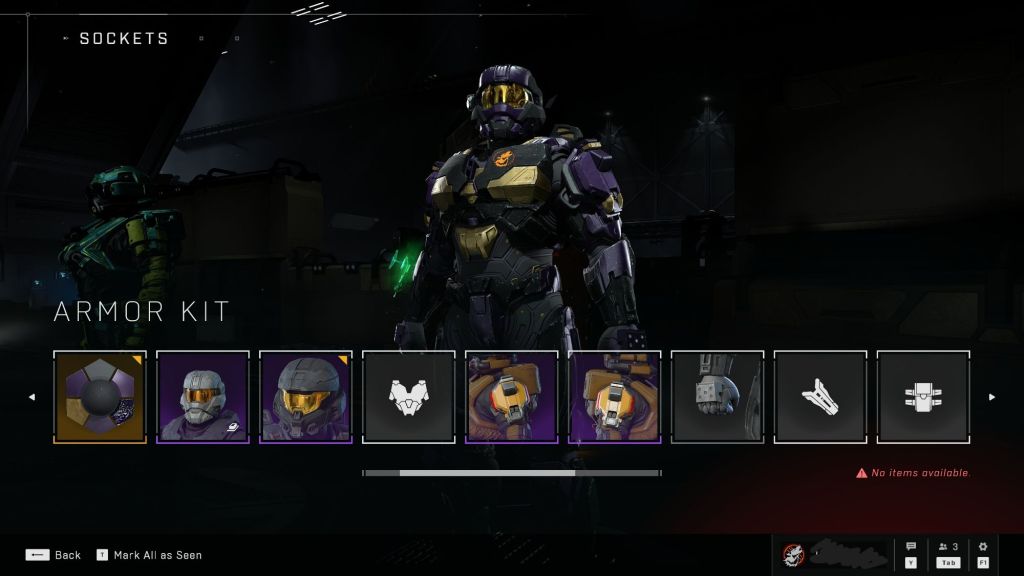
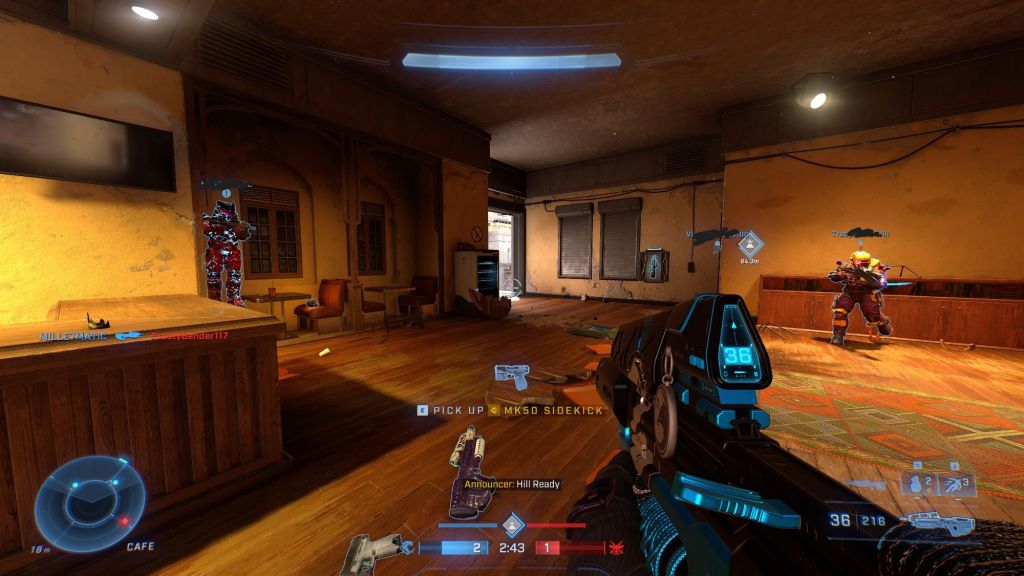
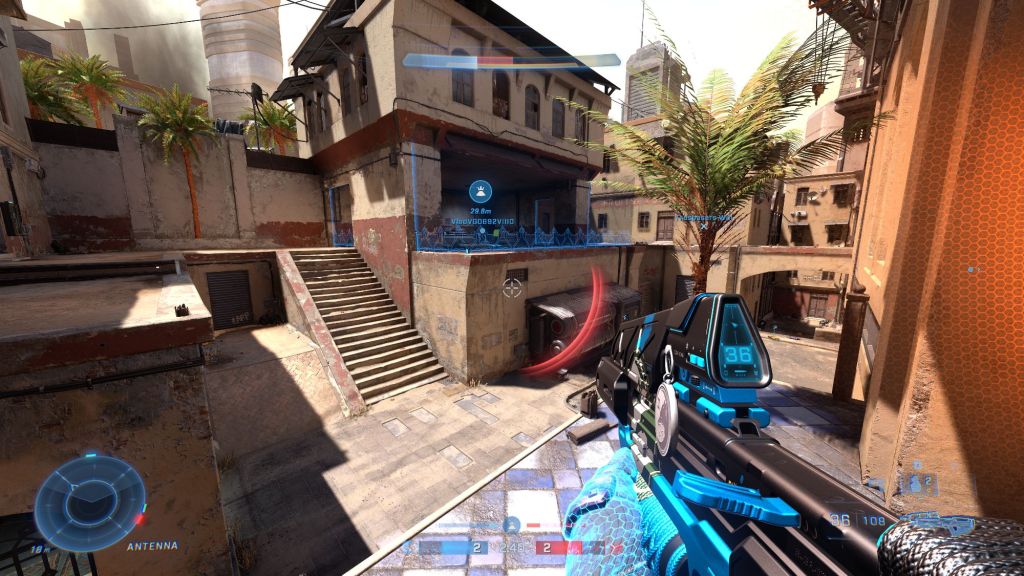
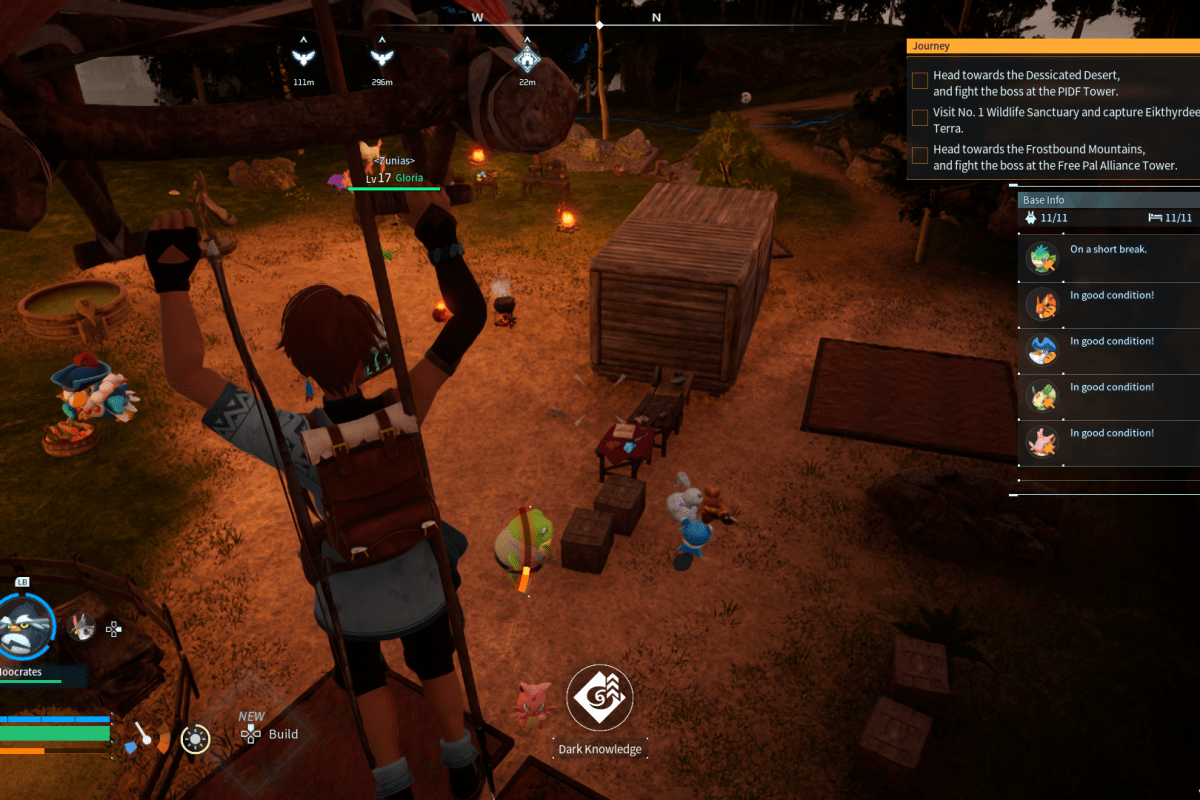
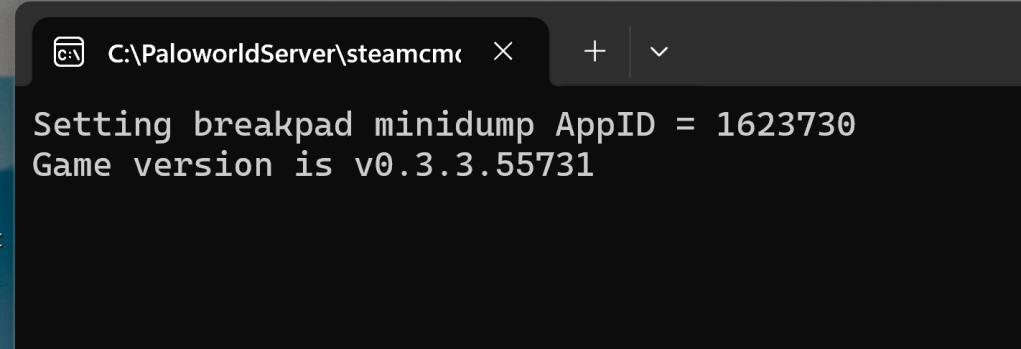
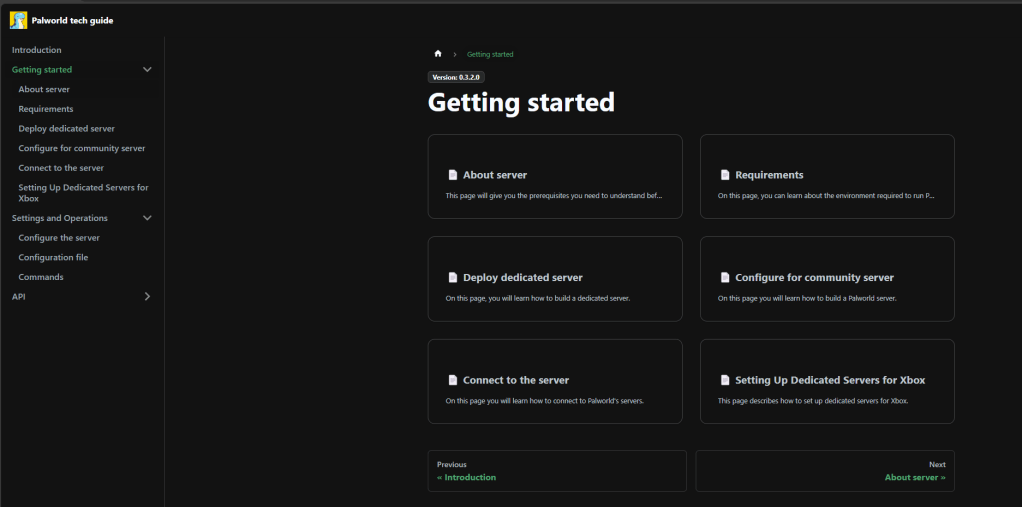
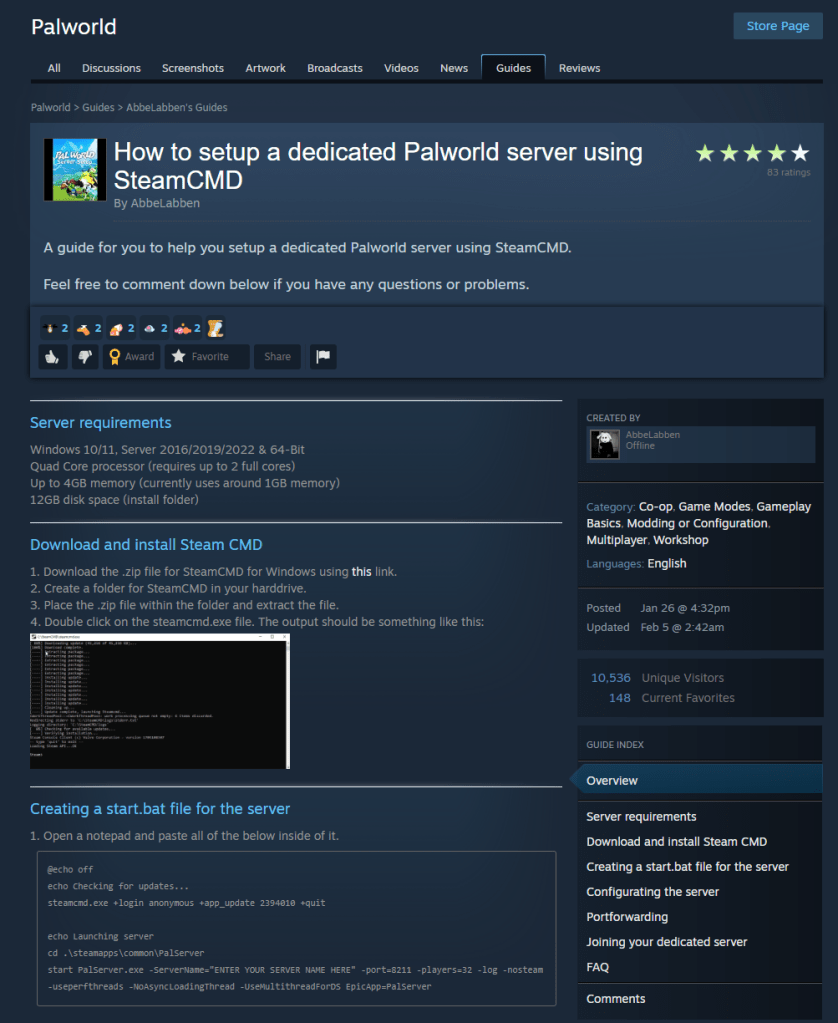
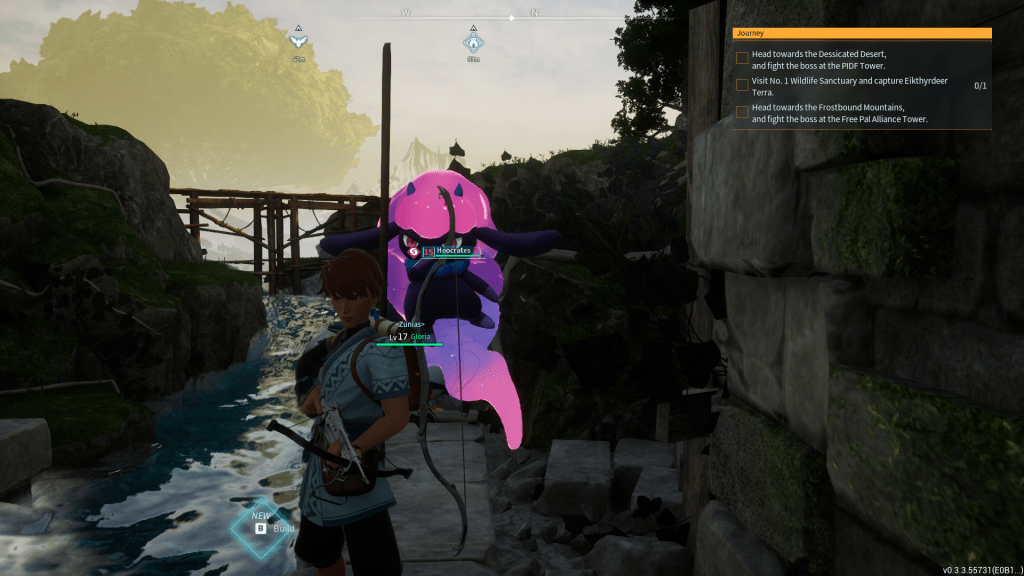
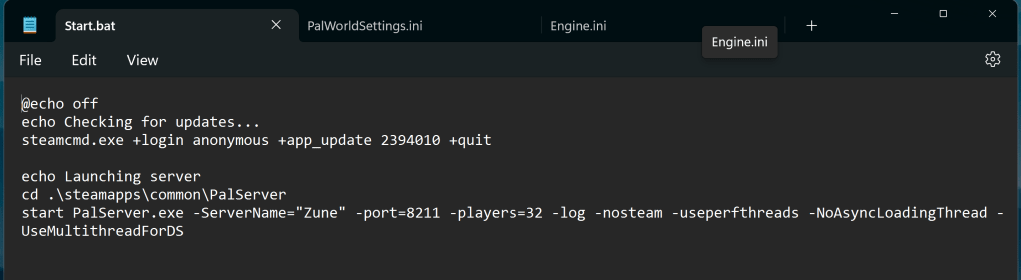
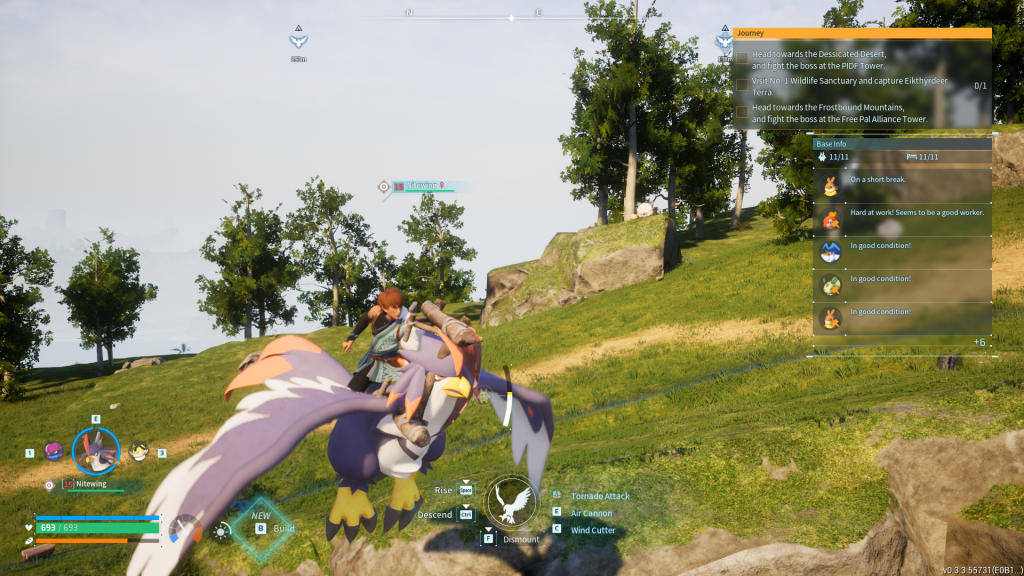
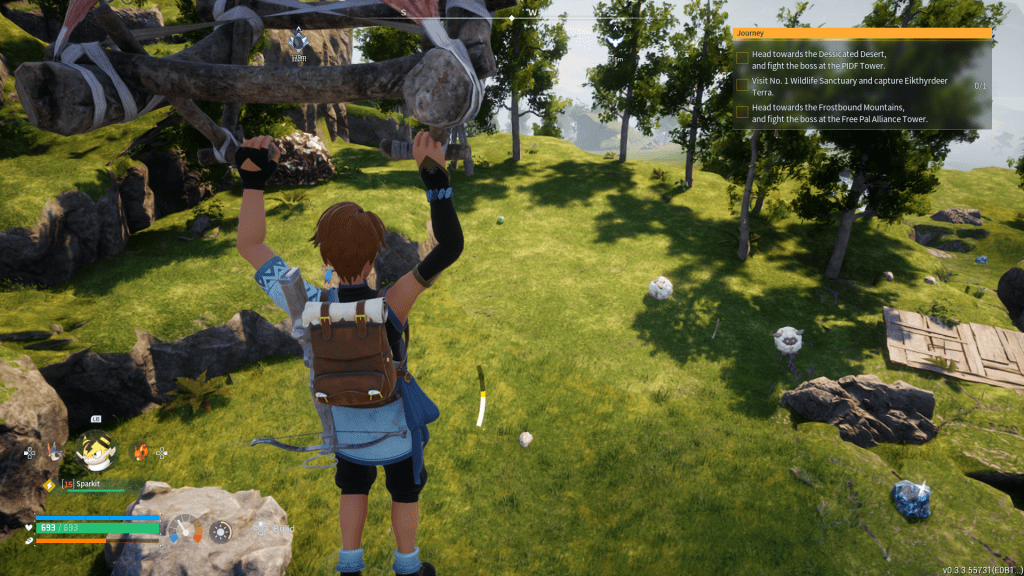
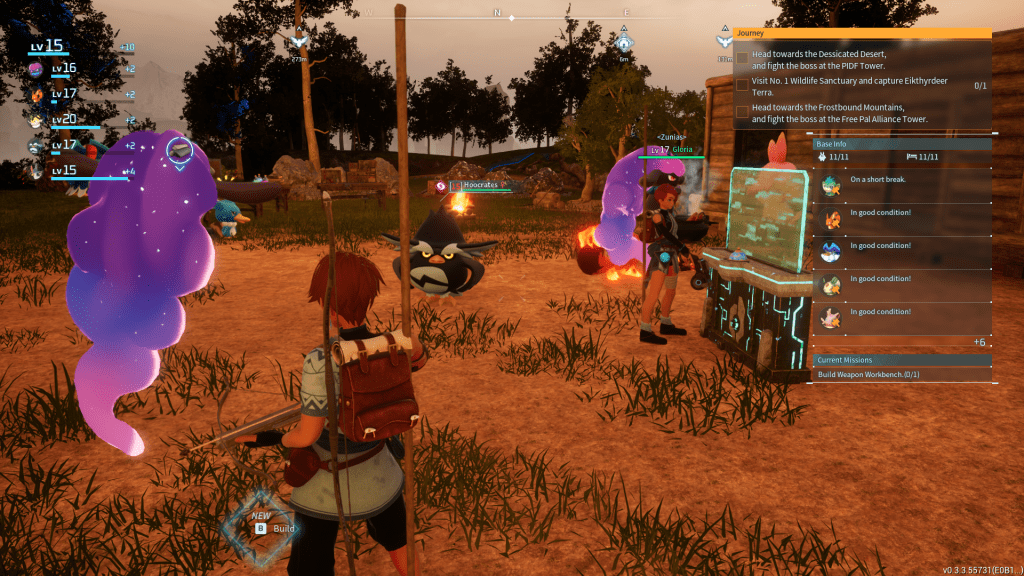
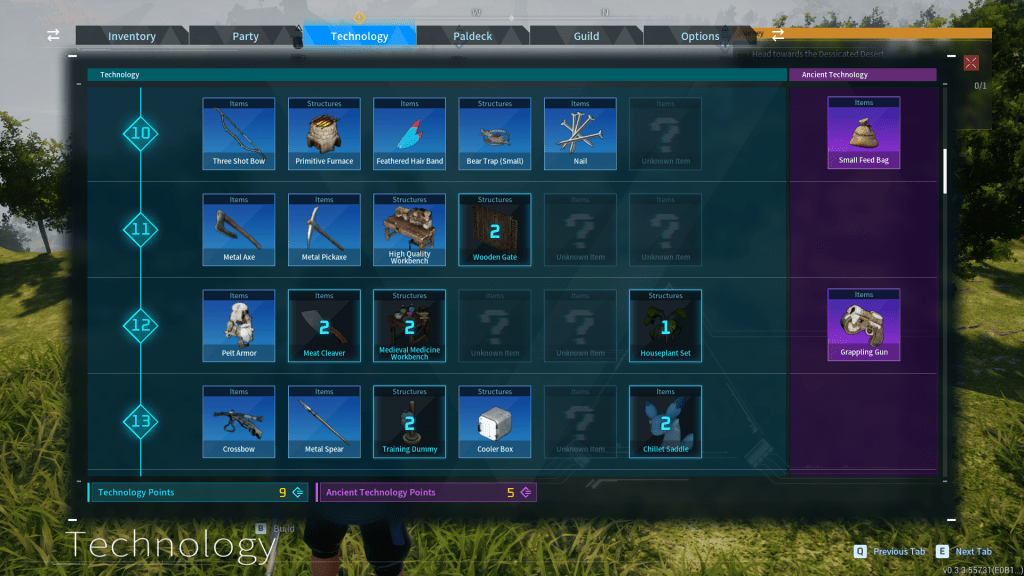
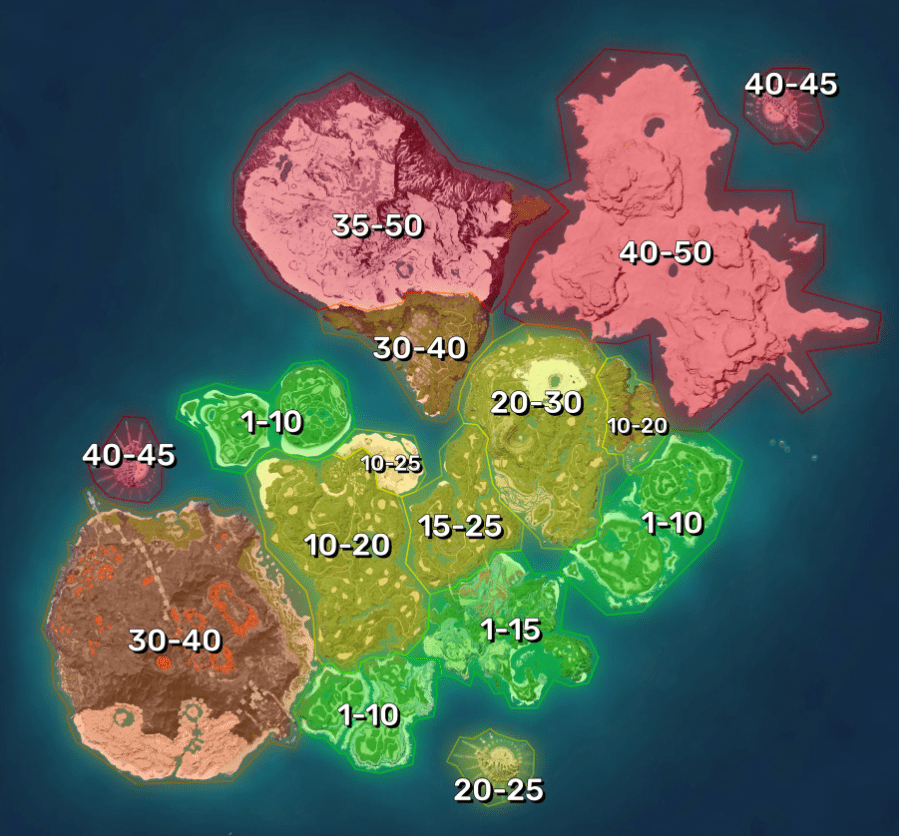
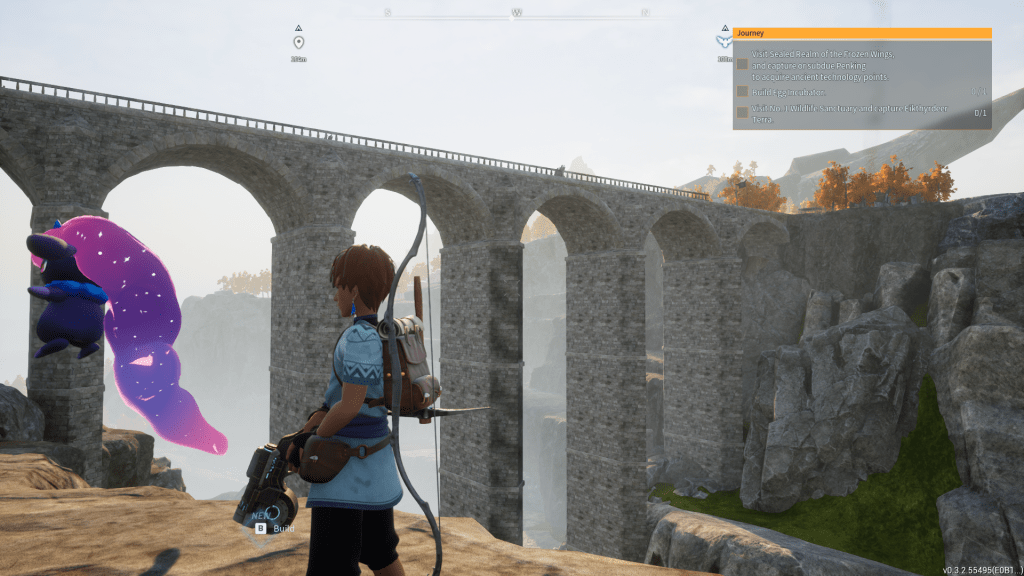
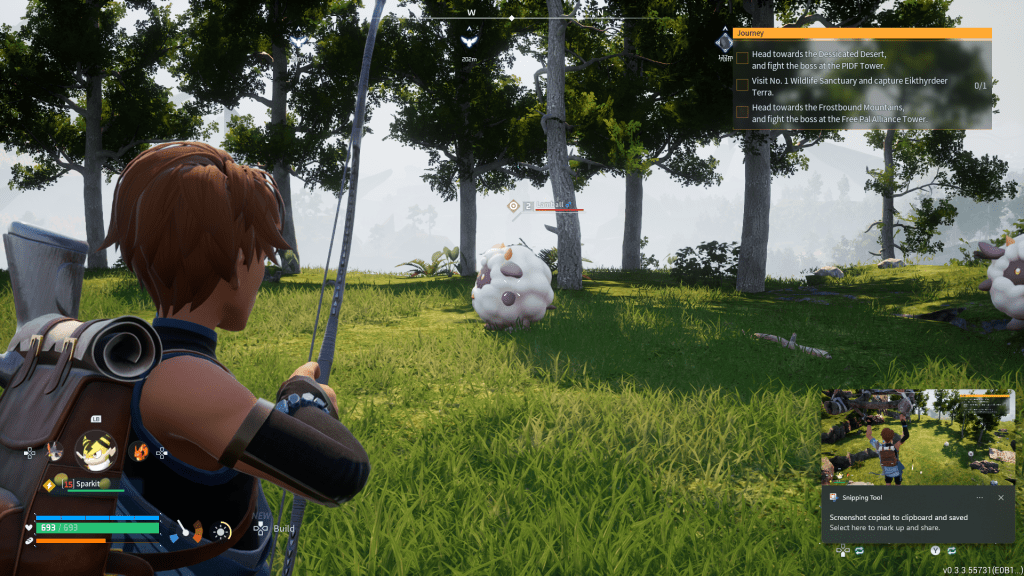
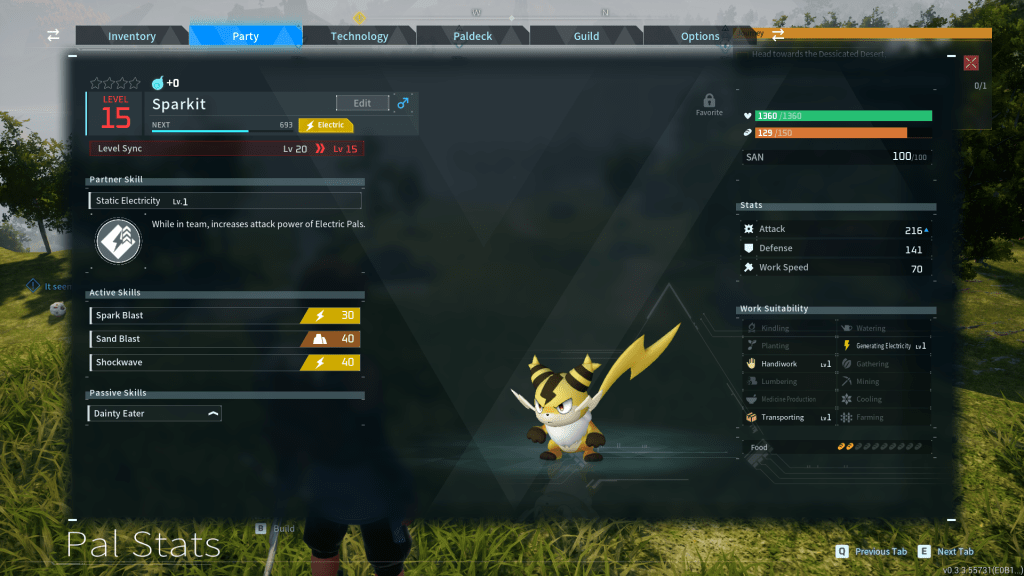
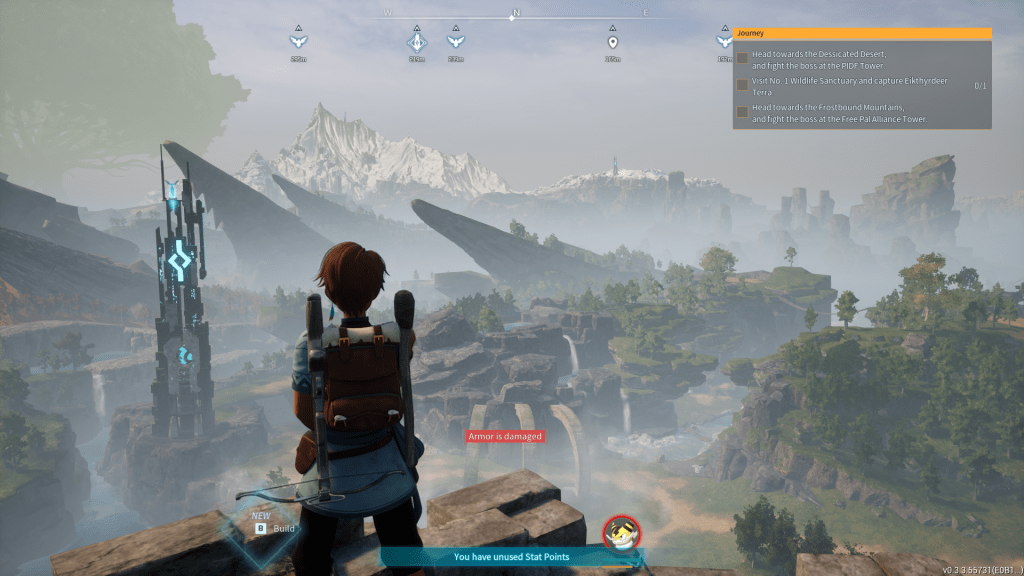
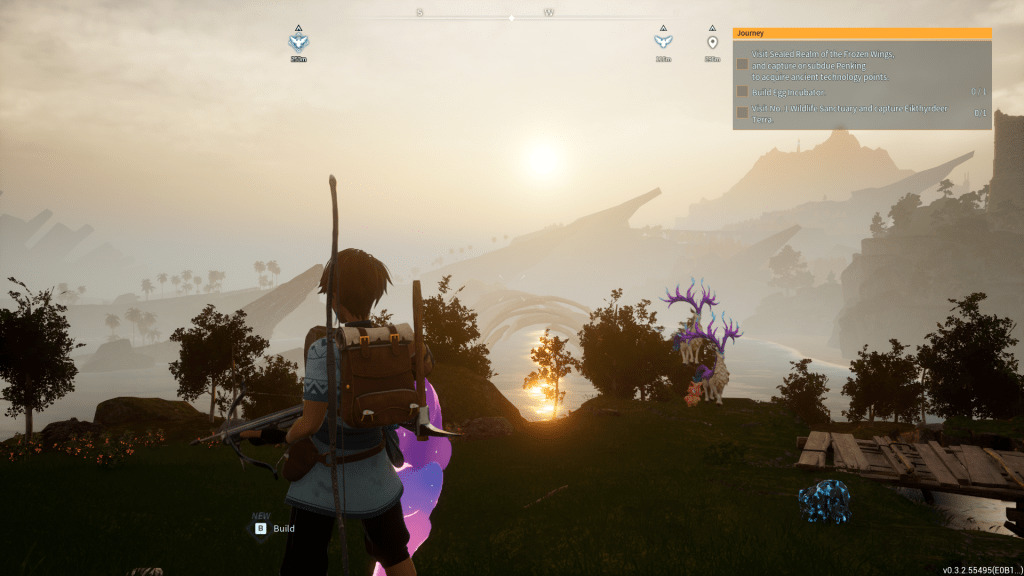
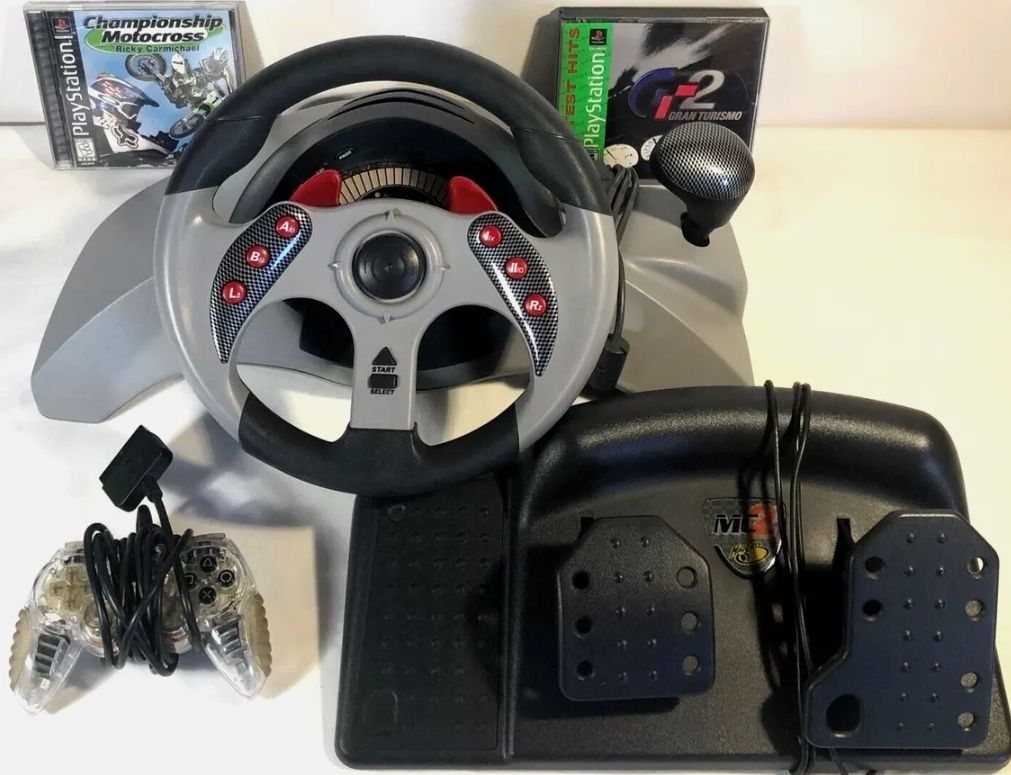
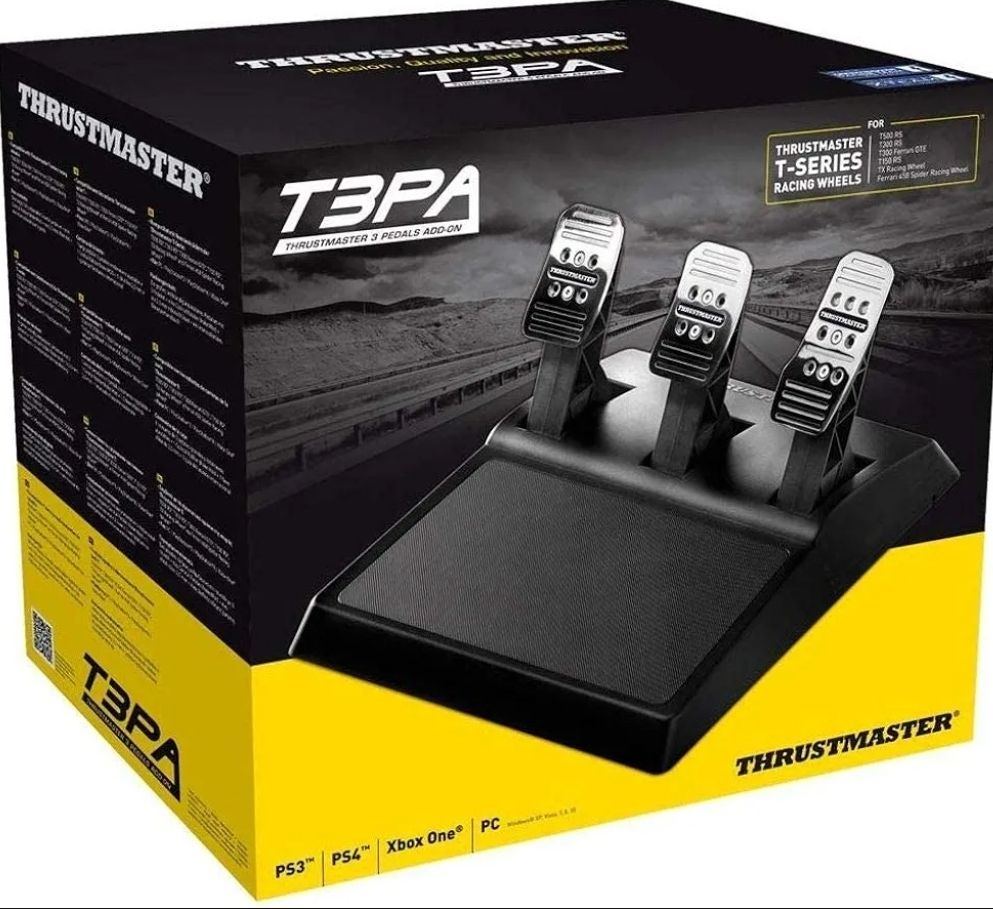
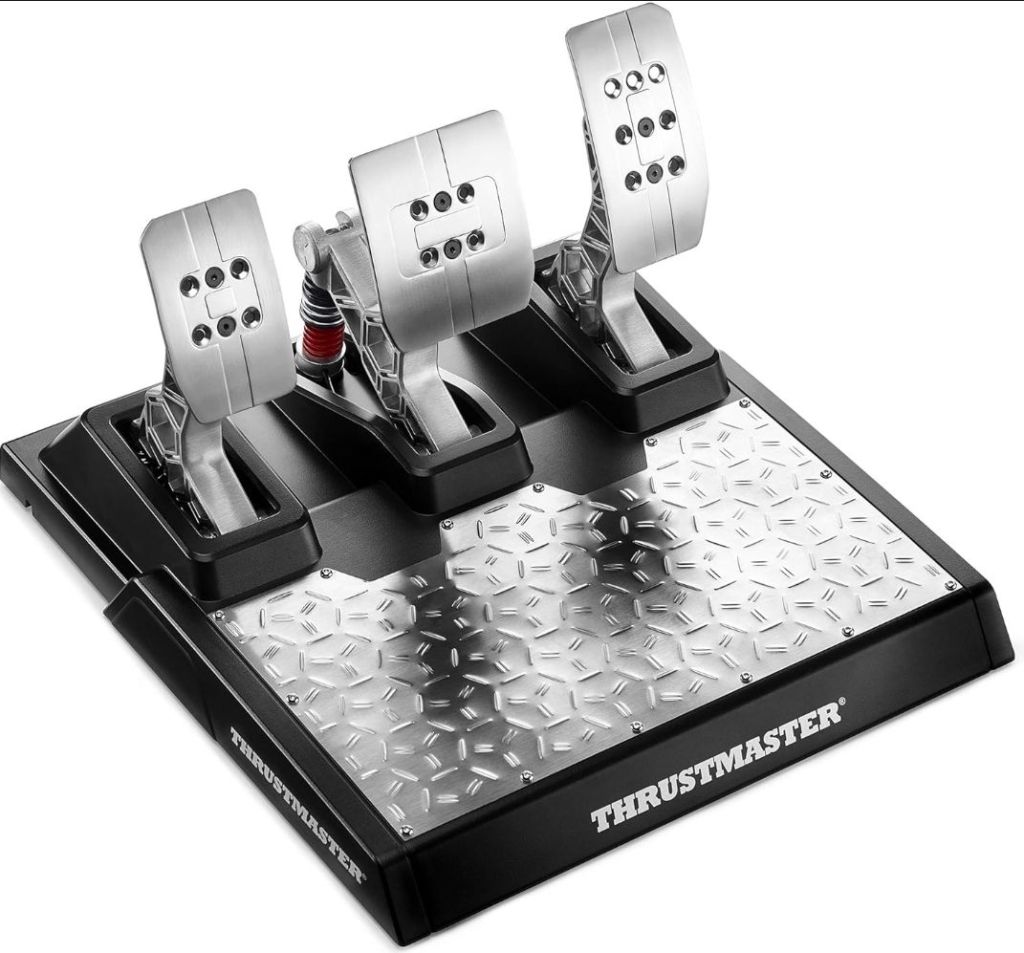



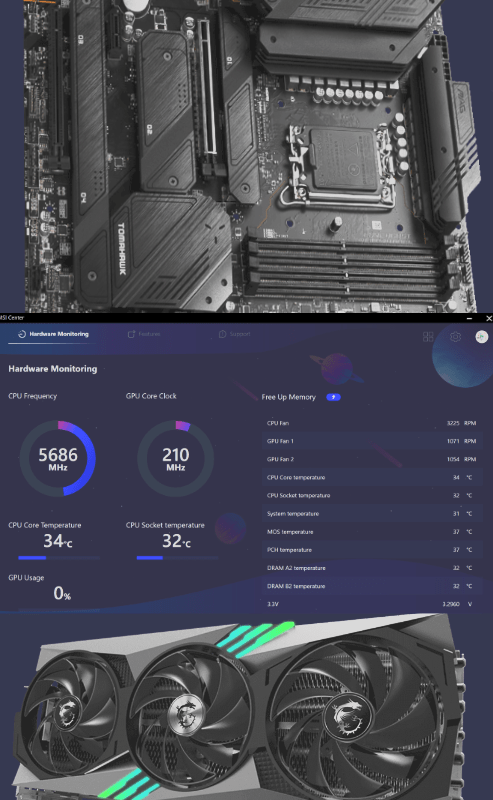
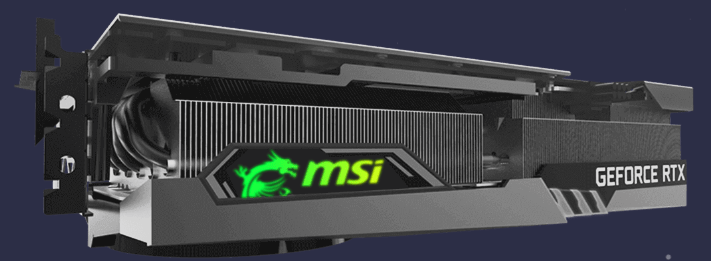


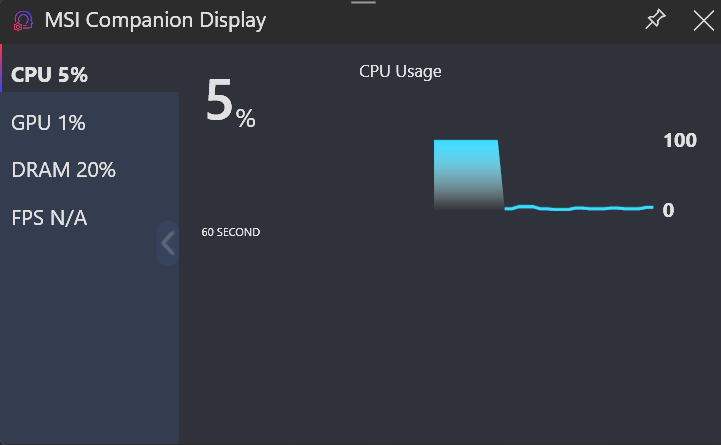
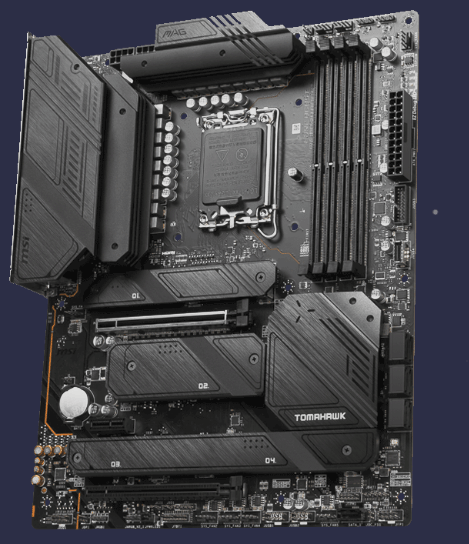

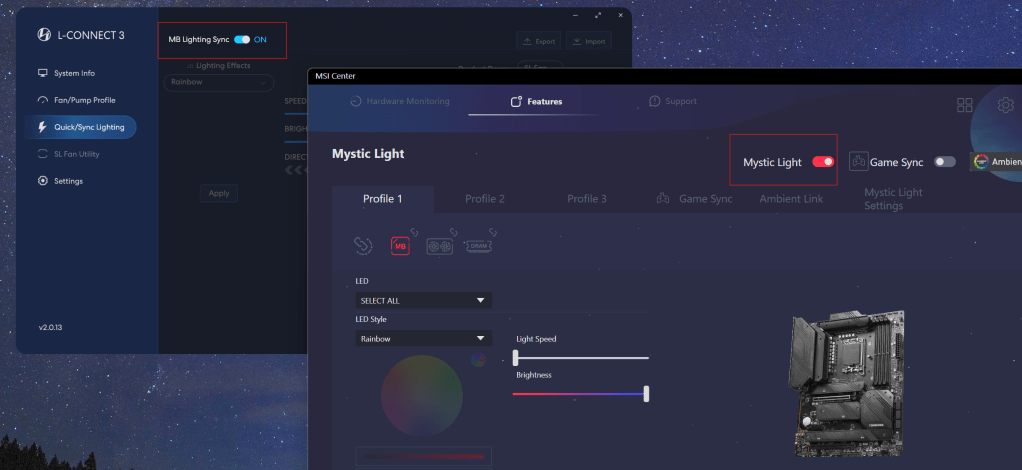
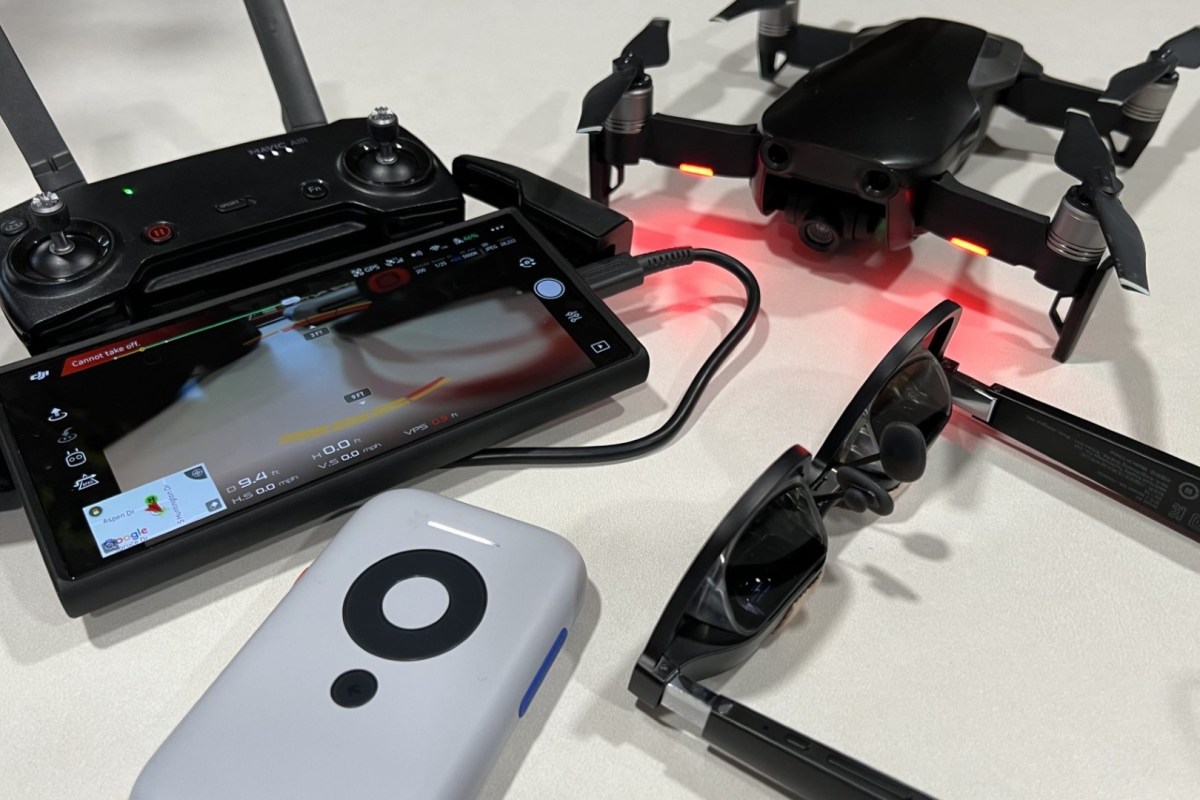

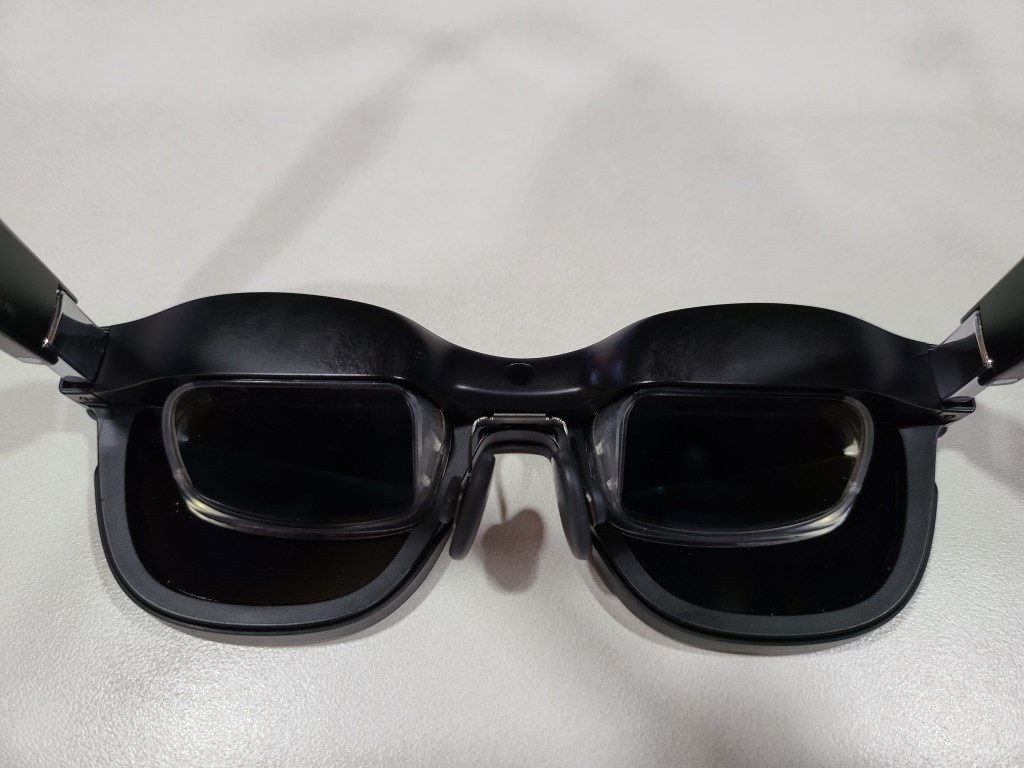
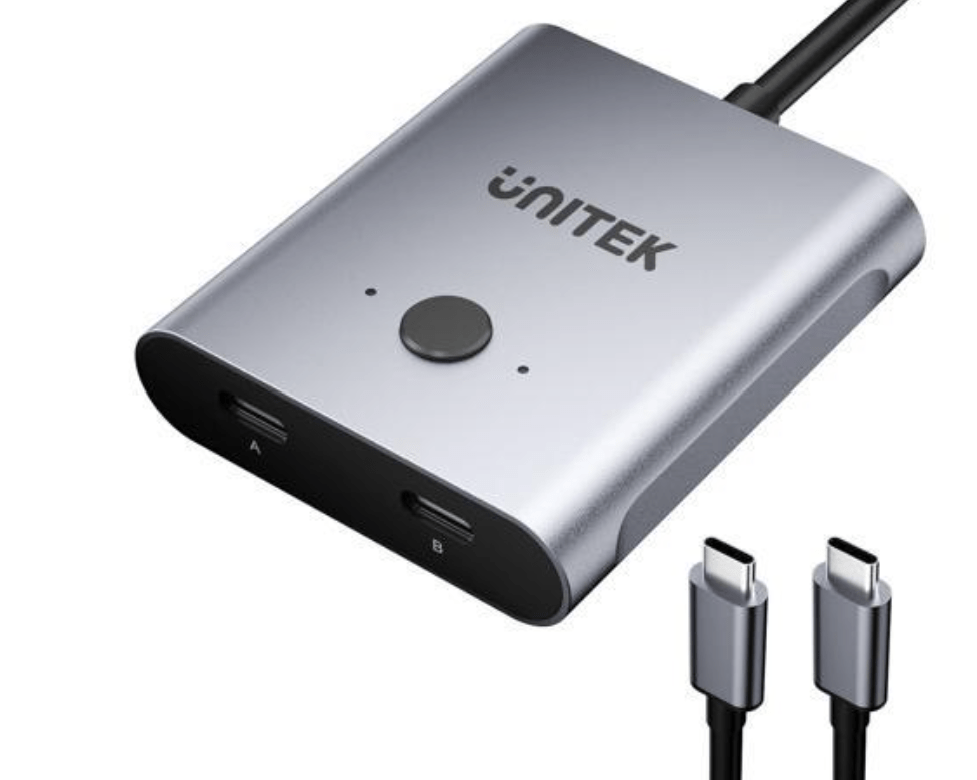
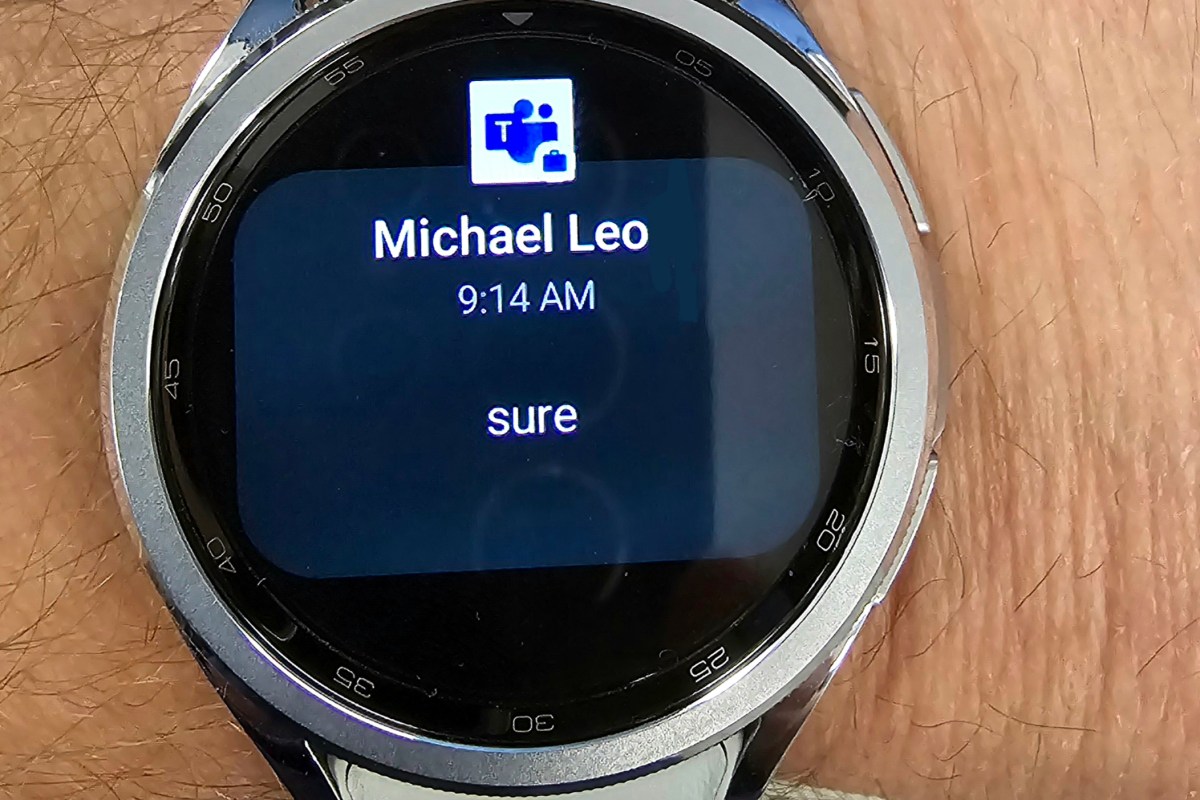
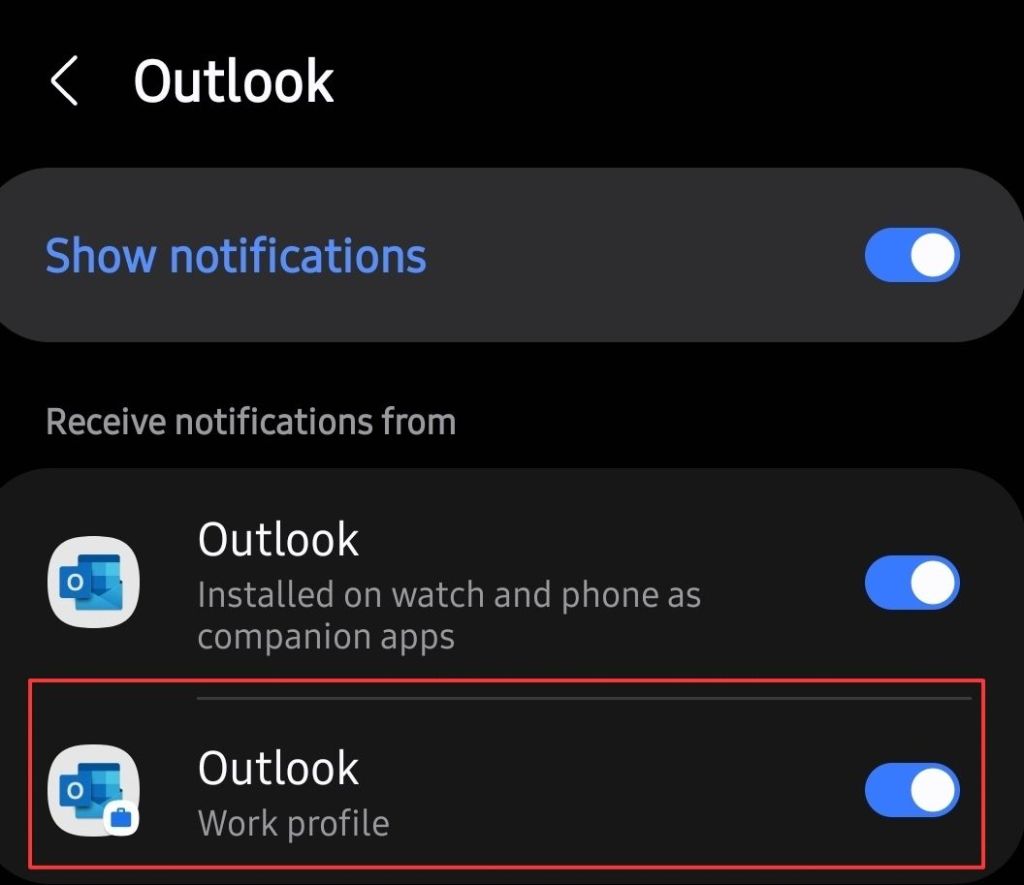
 techbloggingfool.com