A while back, I got my wife a twelve inch iPad Pro. She adores it. I have a difficult time writing about it because she rarely leaves it where I can get my hands on it.
I could go on and on about the machine’s positive attributes. It is unbelievably thin and lite weight. The battery lasts seemingly forever. In fact, the iPad’s biggest flaw only becomes evident when somebody pulls out a Microsoft Surface Pro next to you.
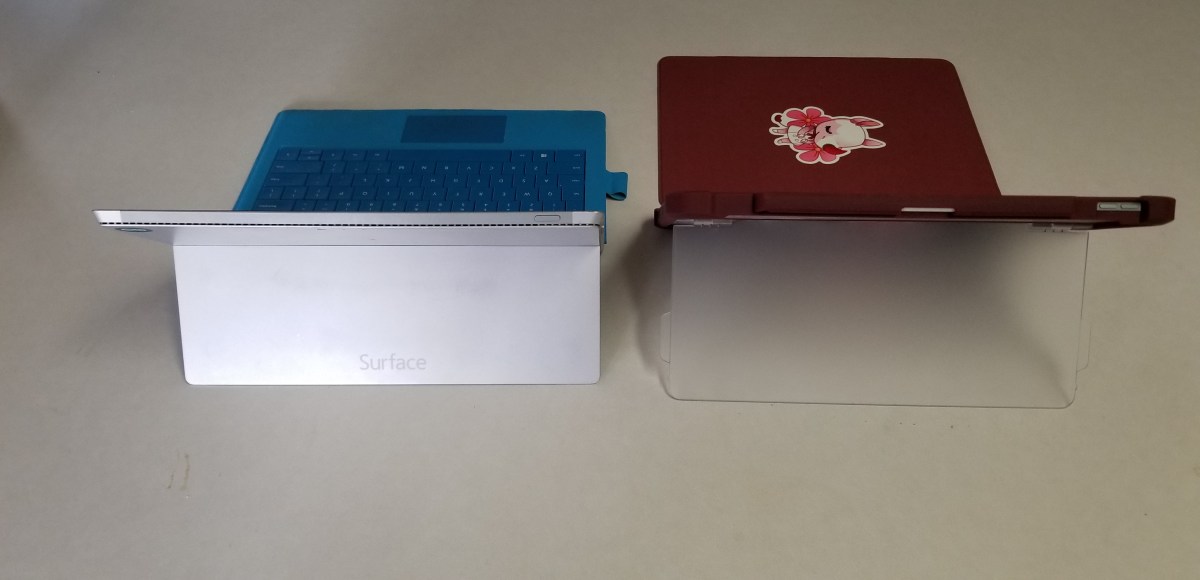
The Surface Pro’s kickstand creates instant feelings of jealousy for anyone that has spent much time drawing or writing on the iPad. It allows for the perfect angle in any situation. Why didn’t Apple include such a glorious feature on their premiere device?
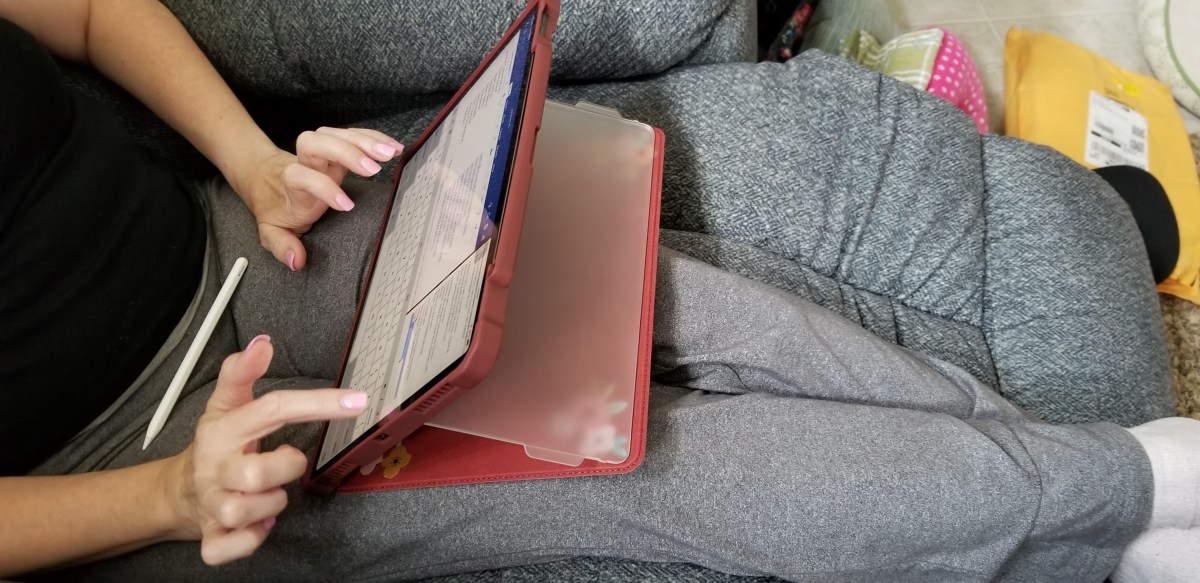
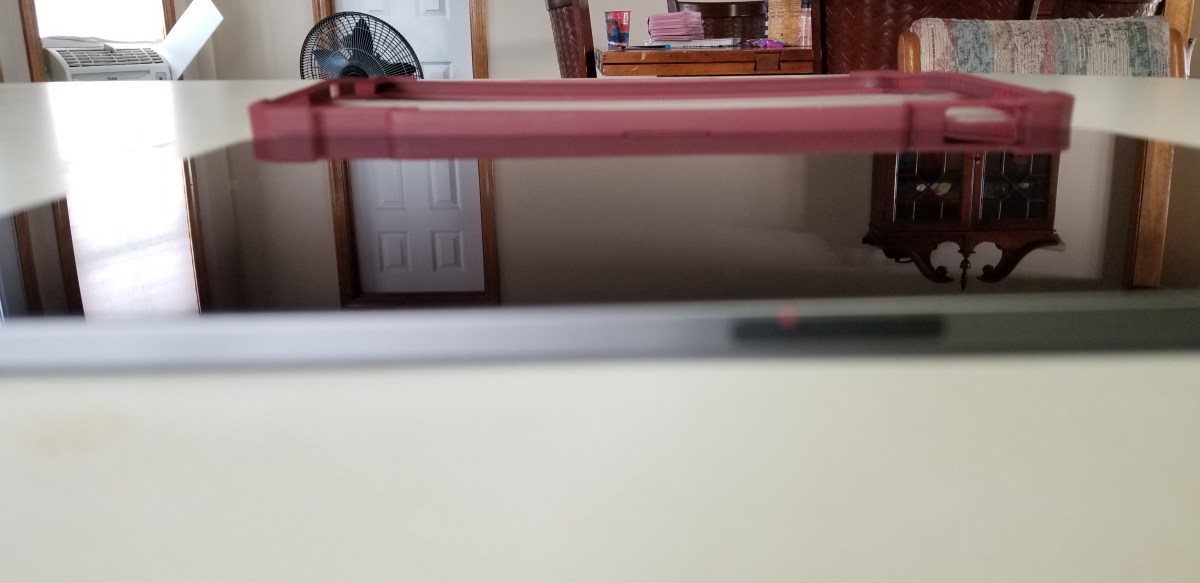
Maxjoy’s iPAD pro case adds the infinitely adjustable kickstand that you’ve been missing. It hold the tablet in any angle you choose and is not dependant on slots, gears, or other clunky mechanisms to do so.
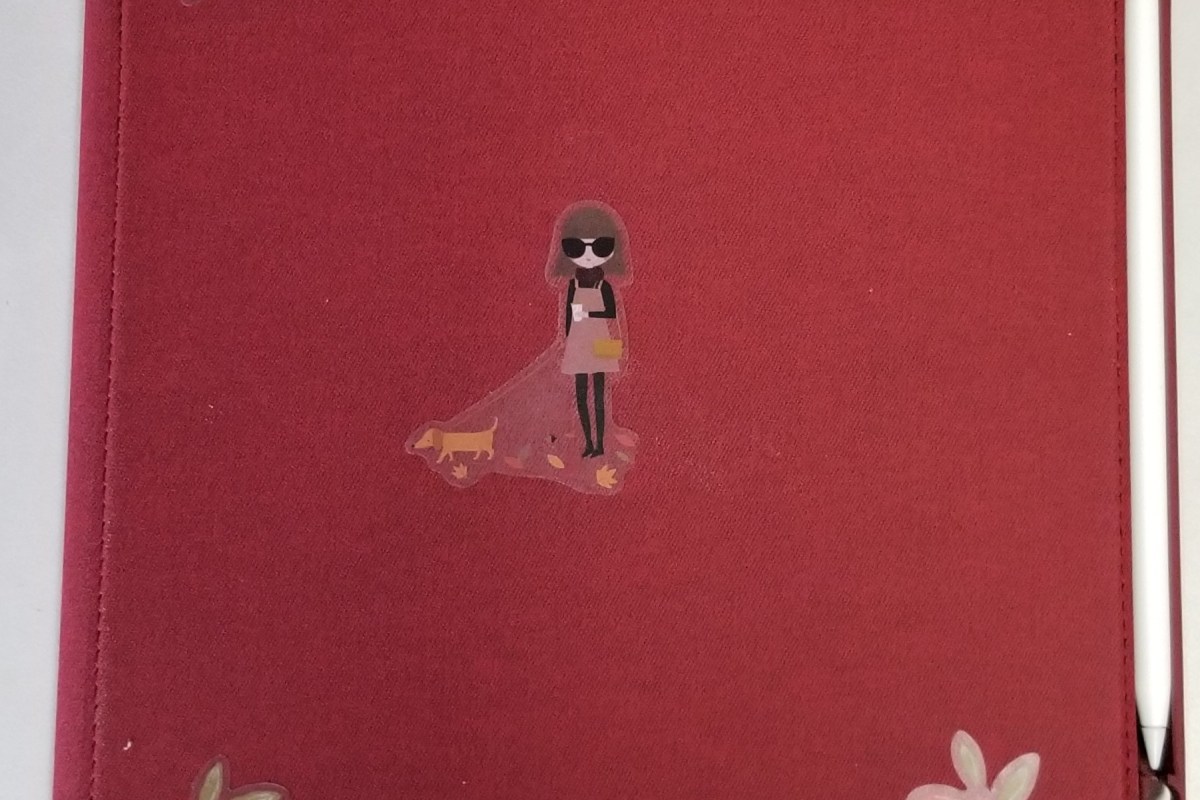
In addition the case offers corner protection, an optional screen cover, and a place for your iPad pencil to live. The case is thick enough to be protective but not bulky. I like that that cover can be removed when not needed or folded back under the kickstand to keep it from digging into your legs while typing or drawing on the screen.
It comes in multiple colors and sizes for the 11″ or 12.9″ 3rd Gen iPad Pro. We got ours on Amazon. If you’ve been looking for a great case for your iPad Pro, I highly recommend this one. Especially for the 12.9″ model, there aren’t very many choices out there for the larger tablet.
We recently acquired the new iPad Pro 12.9 and it’s updated stylus. Right off the bat, I’ll say the new system is a massive upgrade, even from the relatively new 2018 iPad 9.7. The new premiere iPad is faster, slimmer, its battery lasts longer, obviously it has more screen space, not to mention the improvements in the Apple pencil. These advances come with a hefty price tag, is it worth the cost?
Lisa was coming from the afore-mentioned iPad 9.7 and we decided that she would be best served by the smaller eleven inch model of the Pro. She wanted something that would fit in a bag and be with her throughout her day. We headed to our local Apple store to pick it up.
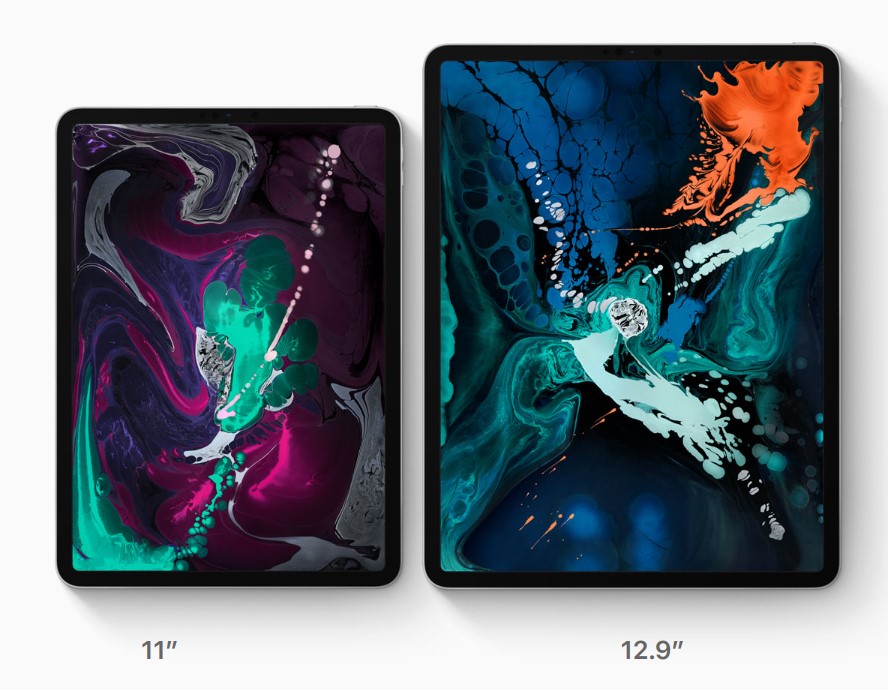
Once we got to the store we found the iPad table and immediately began questioning our predetermined choice. The the twelve point nine-inch screen on the bigger model draws your line of sight to it like a magnet when you see it in person. We found ourselves on the struggle bus to decision town, again.
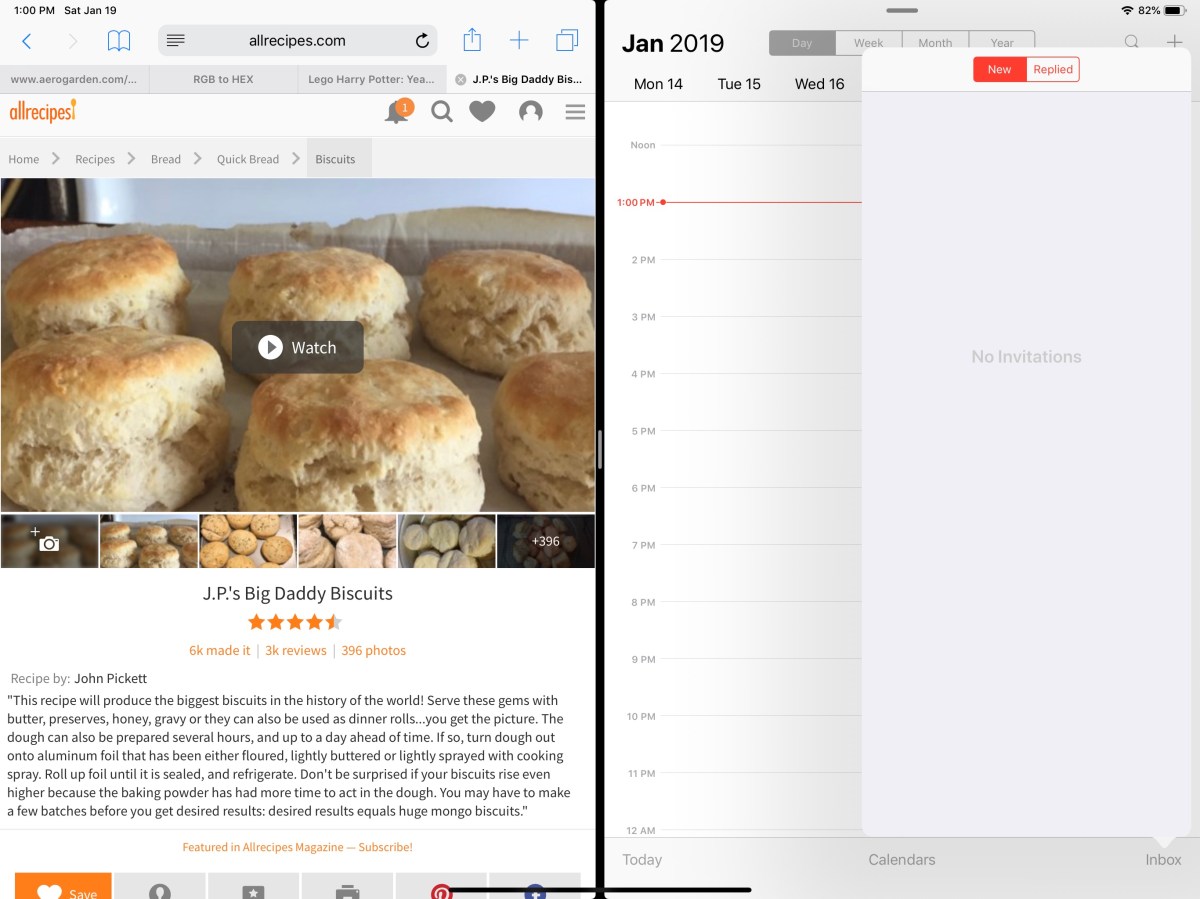
In the end, we reasoned that the twelve point nine-inch model still weighed less than a pound and a half (1.3 lbs) and thanks to the smaller bezel, its physical dimensions were manageable. What really sealed the deal was splitting the screen and realizing that each of the two halves was the size of an iPad mini.
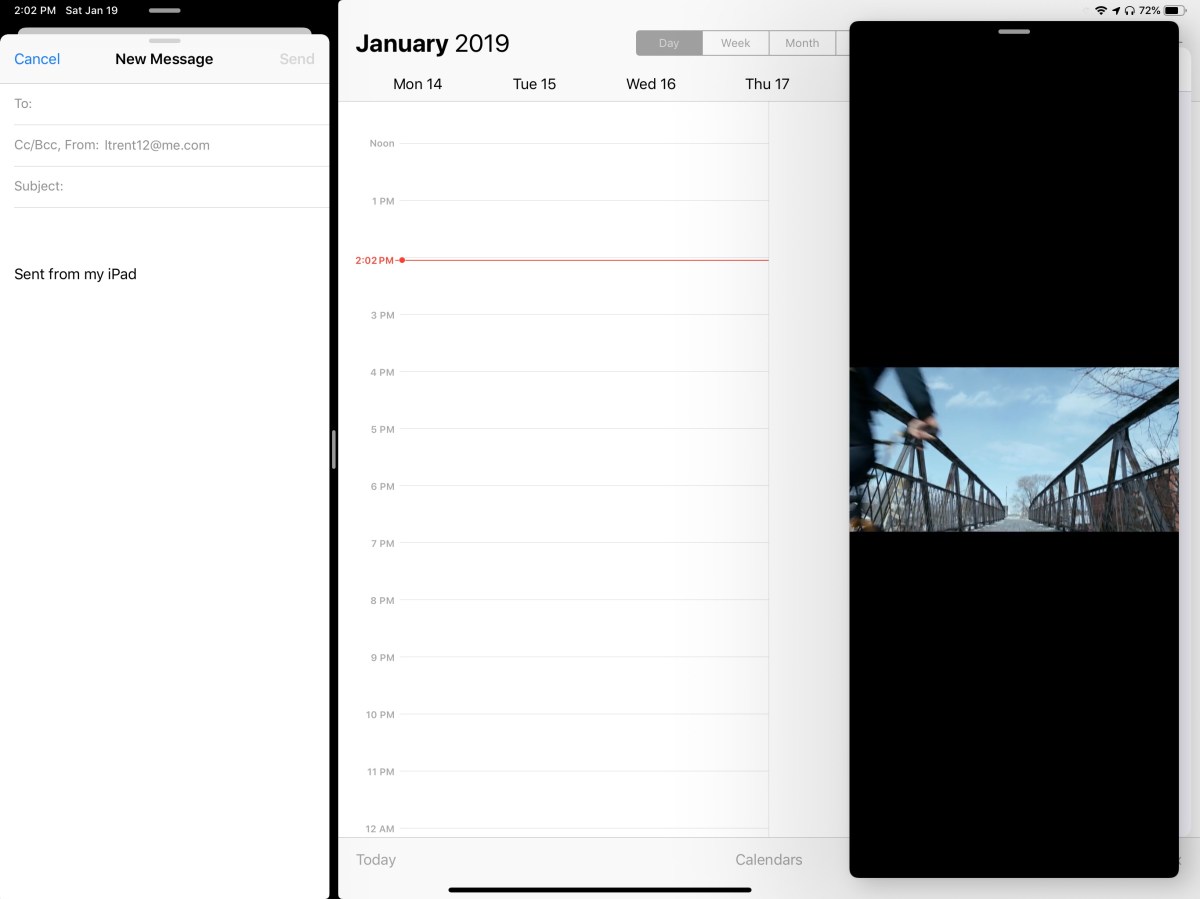
Two iPad mini sized windows make screen splitting truly useful.
We’ve traveled all over the place with it and I can honestly say that you probably won’t notice the difference when it comes to holding it on your lap or carrying it. The only place there has been a slight issue was fitting it on an airplane’s seat table when the person in front was reclined, but even that was doable with minimal effort. Your eyes will be much happier and that outweighs any slight inconvenience you may encounter, in my opinion.
The performance of the third generation devices is spectacular. It’s hard to believe that something this thin and light can be so powerful. Apps open instantly, games run stutter free, even running two apps and streaming a video doesn’t slow it down. The iPad 9.7 suffered from lag when using the pencil to lasso objects in various artistic software, but there isn’t a hint of hesitation here.
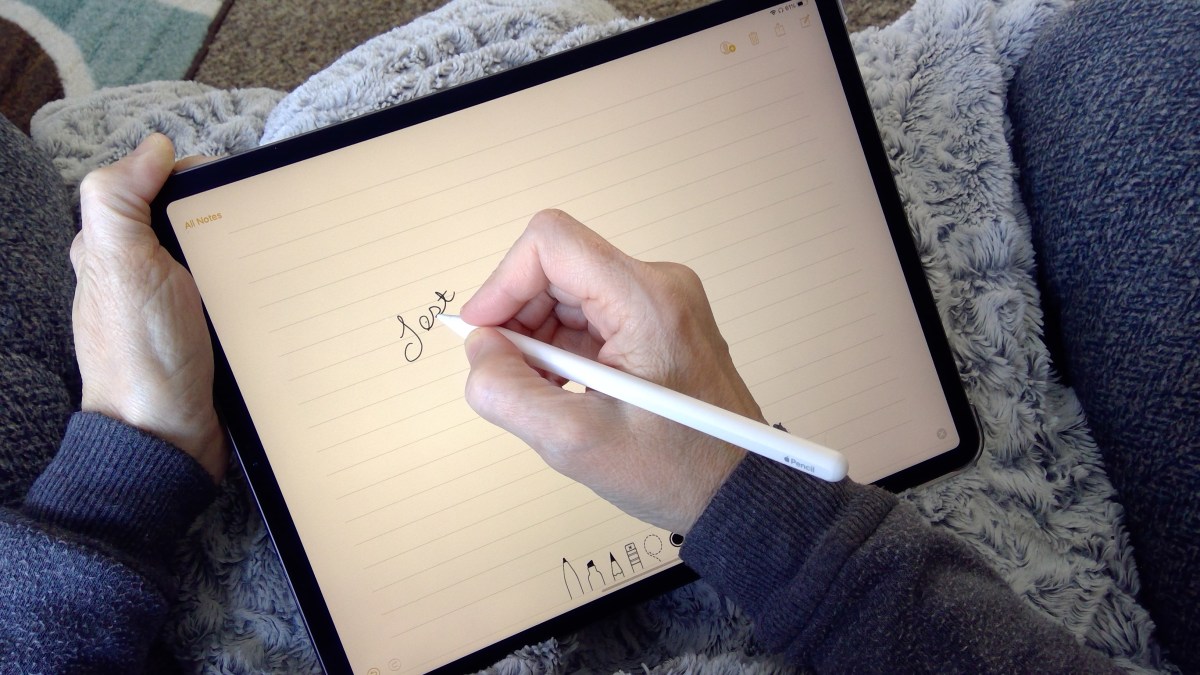
Speaking of the pencil, it’s been re-engineered as well. The most talked about benefit is the magnetic charging. I can’t overstate what a huge deal this is. Not only is it convenient, but the chances of a broken stylus are drastically reduced. For me, the shape and material changes are nearly as important. The second generation instrument feels better in your hand and the flat edge gives your thumb a natural place to rest. They haven’t gone so far as to add buttons, but the double tap feature is a good start. It lets you switch tools without having to click on a toolbar first and is a real time saver.
The Surface Pen is still my favorite digital stylus. Apple’s lack of native handwriting recognition is just embarrassing at this point. A few developers have taken it upon themselves to add the feature into their individual applications, but this is no substitute for the operating system level version found in Windows and certain Android devices.
Add the keyboard folio case and the iPad Pro becomes something you could replace your laptop with. Microsoft’s Office apps have nearly reached parity with their desktop counterparts and Adobe has announced it will publish the full version of Photoshop to the App Store in 2019. If your business software is iOS friendly, or if your company provides access to some type of VDI environment, you should be all set to ditch the boat anchor you’ve been lugging around all of these years.
To answer the question we started with, the upgrade from the standard to pro iPad is worth the cost if you use your device as a productivity tool. It’s power combined with the new accessories make it something you can easily work from. If you mostly shop on Amazon and watch Netflix, save the almost one-thousand dollars and stick with the original.

 techbloggingfool.com