Why the Gigabyte Aorus F048U is My Favorite Screen in the House

I’m always going after an improved experience with any technology, but that espeically applys to displays. My current favorite is from Gigabyte. A company known for their PC gaming equipment.

The Aorus F048U is a 48 inch, 4K, HDR, 120 FPS, OLED computer monitor based around LG’s fantastic panel. It’s enclosed in a uber thin case with bezels so small they almost disappear. The panel is being backed up by some smart software and useful connection options. 
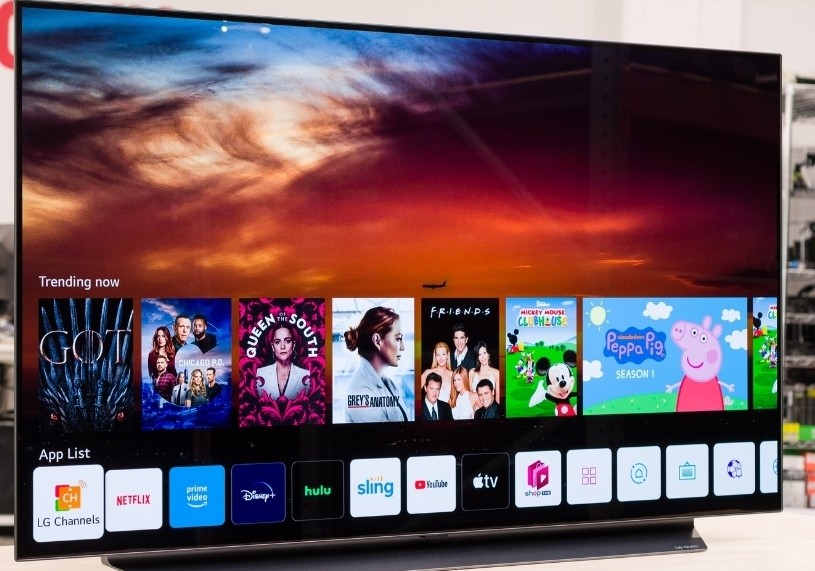
LG’s 48″ OLED TV is missing a Displayport connection.

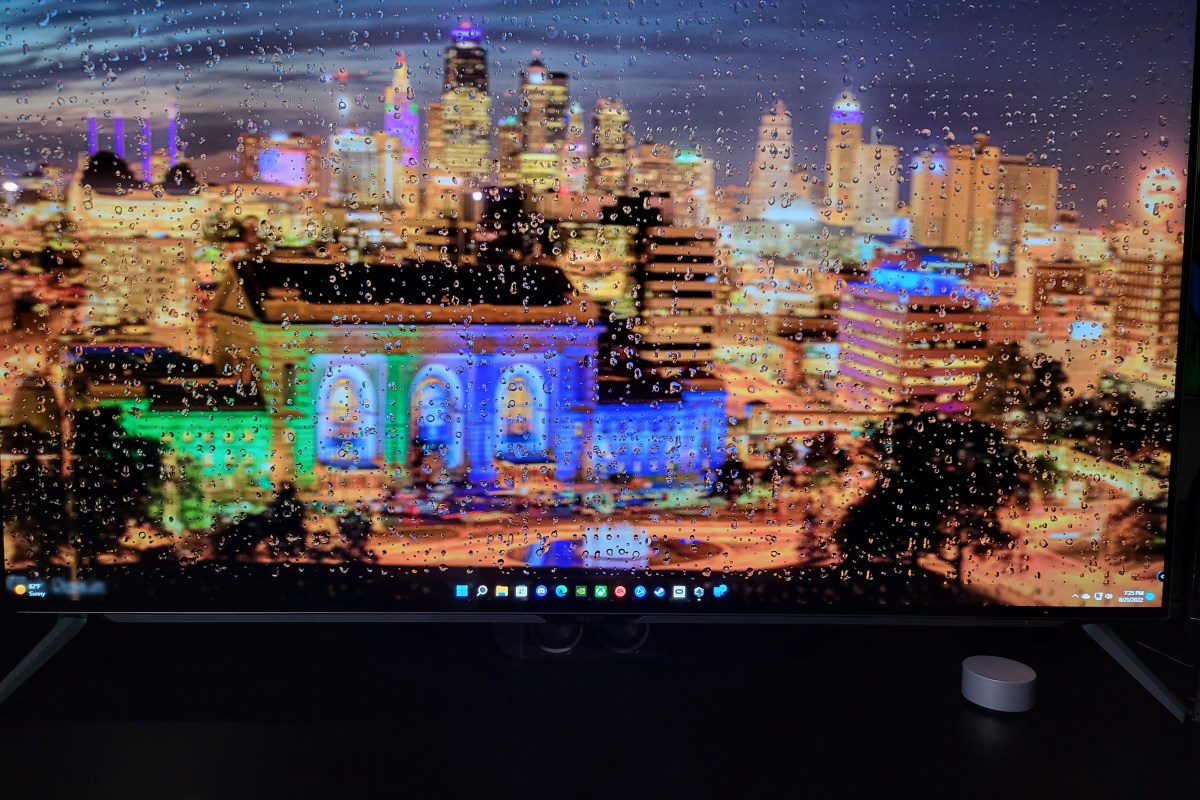
In it’s out of the box auto mode, the screen is breath taking. Think about the best Samsung or Apple mobile phone screen, streched to fill your full field of view.The pixel density is lower, but the colors and infinite contrast remain. If you put some time into mastering Gigabyte’s software, the results are even more impressive. Download the optional Window’s agent from their website at: https://www.gigabyte.com/Monitor/AORUS-FO48U/support#support-dl.

You can use the software to create profiles for any senario. For example, I noticed that Destiny 2 sufferers FPS lag on 180 snap turns. It turns out that Destiny 2 doesn’t like the monitor’s Black Stabilizer feature.  I was easily able to configure a profile with that feature disabled.
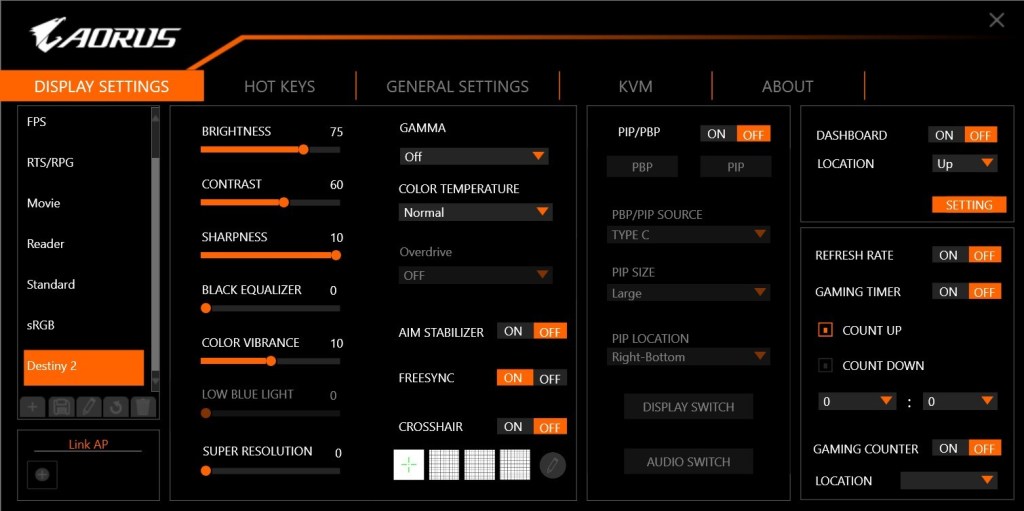
Customize dozens of settings into profiles that match your activities.

People ask why I got the monitor when a 48 inch LG OLED TV is the same display panel, but also a Smart TV? LG’s OLED TV line is awesome, I have one. It can take input via HDMI 2.1.

The monitor can display HDMI 2.1, Displayport 1.4, and USB C. What makes it’s input options unique even among monitors, is the integrated KVM. I hook my business laptop up to the USB C port, and my gaming PC up via Displayport. My keyboard and mouse are also connected to the monitor (USB) rather than either of the computers.
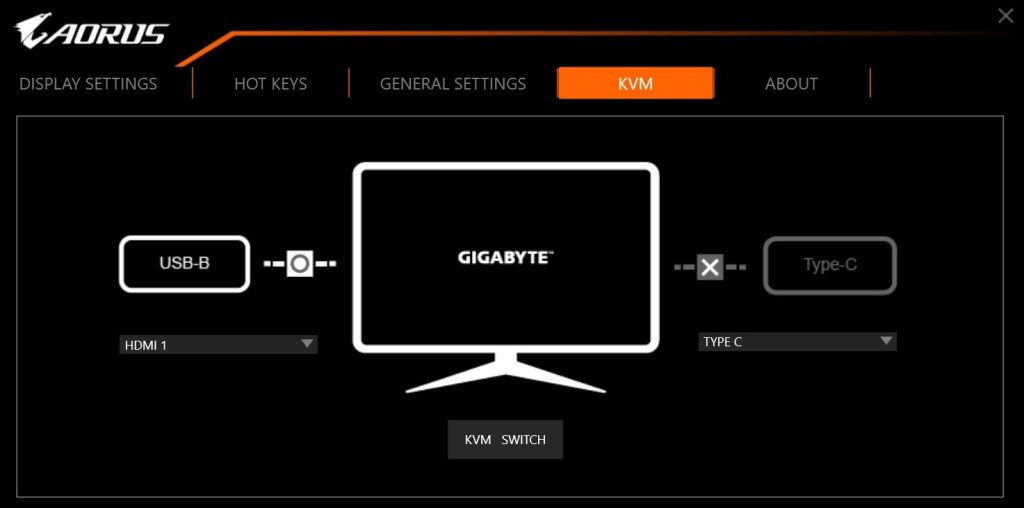
The built in KVM and USB C dock powers my laptop and connects to my accessories with a single cable.

With a button on the remote, or on the monitor itself, I switch my controls and display between the two systems. I can operate each independently in full screen mode, or split the screen and use both computers at the same time.  There’s also a picture in picture option for keeping an eye on the secondary system.
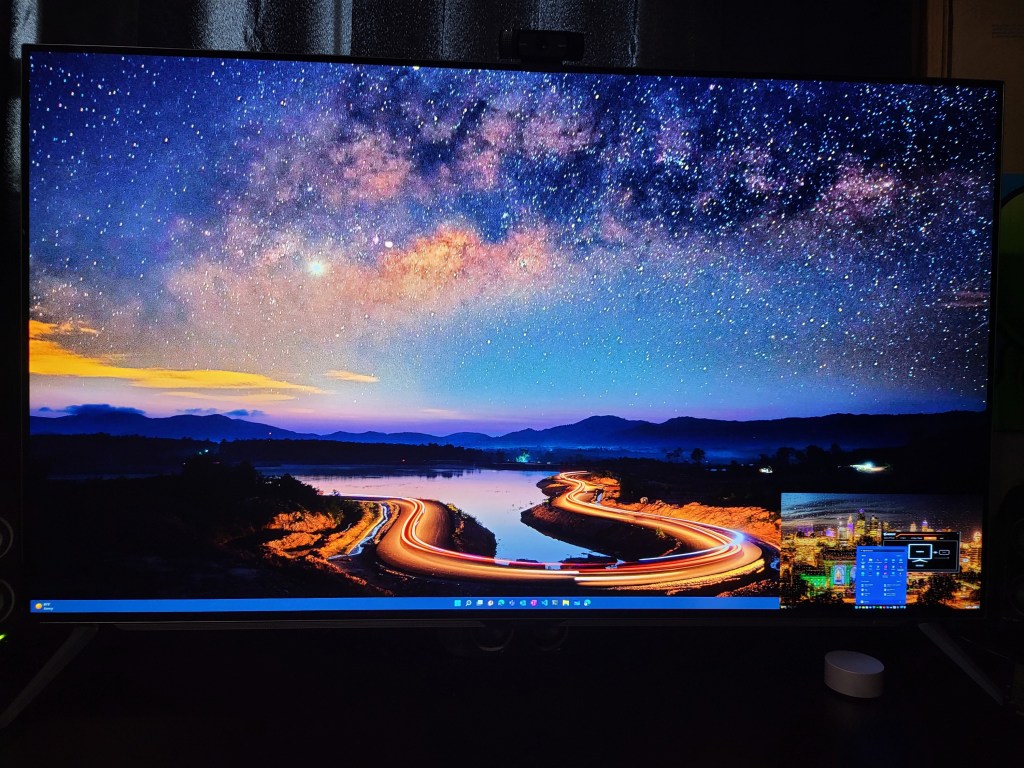
The main screen is my desktop, my laptop is in the PiP window in the lower right. The size and position can be adjusted.

If you are considering using an OLED panel of any kind as a monitor, there are some challenges to be aware of. The technology is suceptable to screen burn-in. The built-in management system adjusts attributes of the image output to automatically protect the screen. Don’t fight it, even if you don’t like the adjustments it decides on.  Don’t unplug, crank up settings, or reboot it to “fix it”. The system will shift back to full awesome when it’s safe.

I’ve been using mine as both a gaming screen and business montior for several months. I work from home frequently and sometimes follow those eight hours with gaming sessions for hours more. I let the management system do what it needs to. I also use a live (moving) wallpaper with a screen saver set for five minutes and have had zero issues with burn-in so far.

There are monitors with far faster refresh rates, higher resolutions, and more inputs. For me, Gigabyte’s Aorus F048U superb KVM function combined with LG’s OLED panel performance make it the best overall and my favorite screen in the house.
Manage personal finances across all of your devices. HomeBudget accounting software.

Who remembers Microsoft Money? It was fantastic software for home accounting. Easy, powerful, and cheap. It worked so well, I know several people who keep a Windows 7 laptop around just to keep running it. Microsoft doesn’t support MS Money anymore but you can still download it for free. A few people have even figured out how to make it run on Windows 10.

One of the reasons Microsoft quit making MS Money was the proliferation of smartphones. People stopped using their computers in favor of phones and tablets. For my family this introduced a problem. My wife uses Apple’s products but I use Android. Actually, I use everything LOL. We both need to track our expenses and bills and we share accounts so separate ledgers didn’t make sense.

There are a few agnostic home accounting apps, many of them are actually websites in disguise. I tried a some of them but decided that my chosen solution would need to work off-line. Neither my spouse or I were keen to share our financial data with a third-party which many of the so-called free solutions require. They promise to protect it and never publish your personal information but so does Facebook. How many times has the old FB been hacked or had a bug that shared your life with the entire Internet? Sometimes free isn’t worth it.

After trying enough demo software that I had to factory reset both of our phones, we picked a winner. Anishu’s Homebudget app runs on Apple (iOS and Mac OS), Android, Kindle, and Windows. It can track your accounts, bills, budget, expenses, and income across all of those devices with ease.

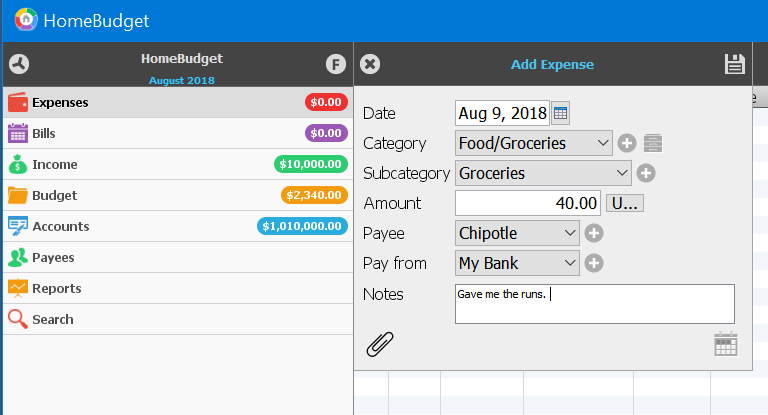
Adding accounts and expenses is easy. All though I do wish they’d add a widget to quickly create an expense. There is a handy feature that allows you to take a photograph of your receipt and this has gotten me out of trouble more than once.

Add Expense
Add Expenses

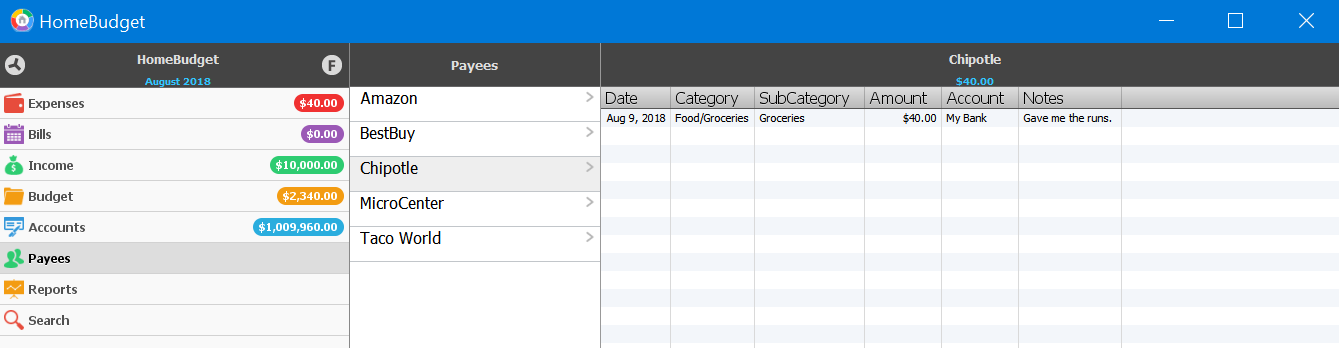
You can run reports that show your financial status over time, or quickly glance at a Payee to see how much you’ve spent with that vendor.

Payees
See where the money goes

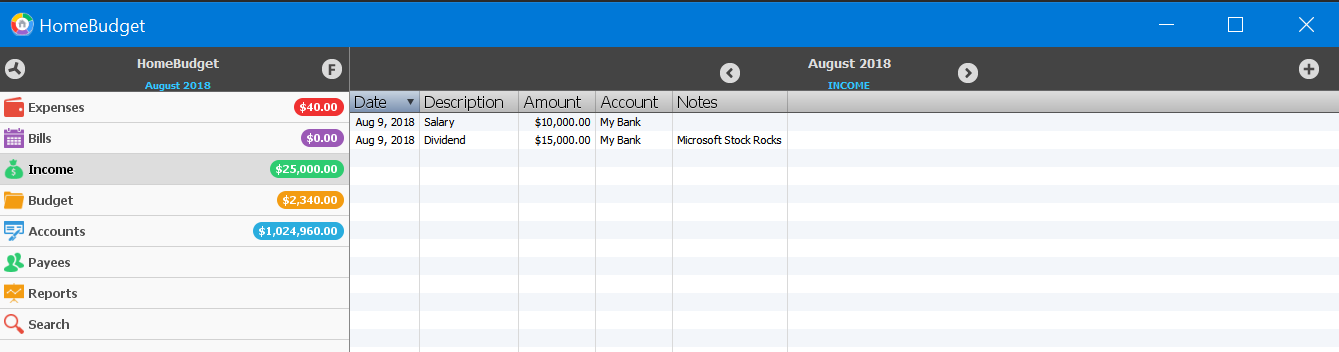
Tracking multiple sources of income and distributing it across multiple accounts is easy. I’ve set up my 401k, stocks, and other income in just a couple of minutes. I distribute the payments across multiple checking and savings accounts and a quick glance at the summary screen when I open the app shows me how much I have, what is spoken for, and forecasts where I’ll be in the next few months.

Income
Track your income

I can’t stress enough how important having a budget and sticking to it is for you financial future. I used to be one of those people who paid zero attention to their finances. Whatever my ATM receipt said I had in the bank, was what I had to spend. After a long time of not getting anywhere, I decided to start tracking everything in detail.

I was shocked to see how much I was spending on trivial things like fast food and movie rentals. I was keeping my local McDonald’s and Subway in the green all by myself. Seriously, if I would have spent that much on the stock instead of chicken nuggets and foot long BMTs, I could have retired by now. I had spent $3600.00 on just lunch in one year!!! Guess who takes their lunch almost everyday now? Lunch out was costing $10 – $15 per day. Taking my lunch costs $2 – $3 per day and it’s better for me to boot. I still get away from work for my break, I just do it in the lunch room with my Switch or a good book.

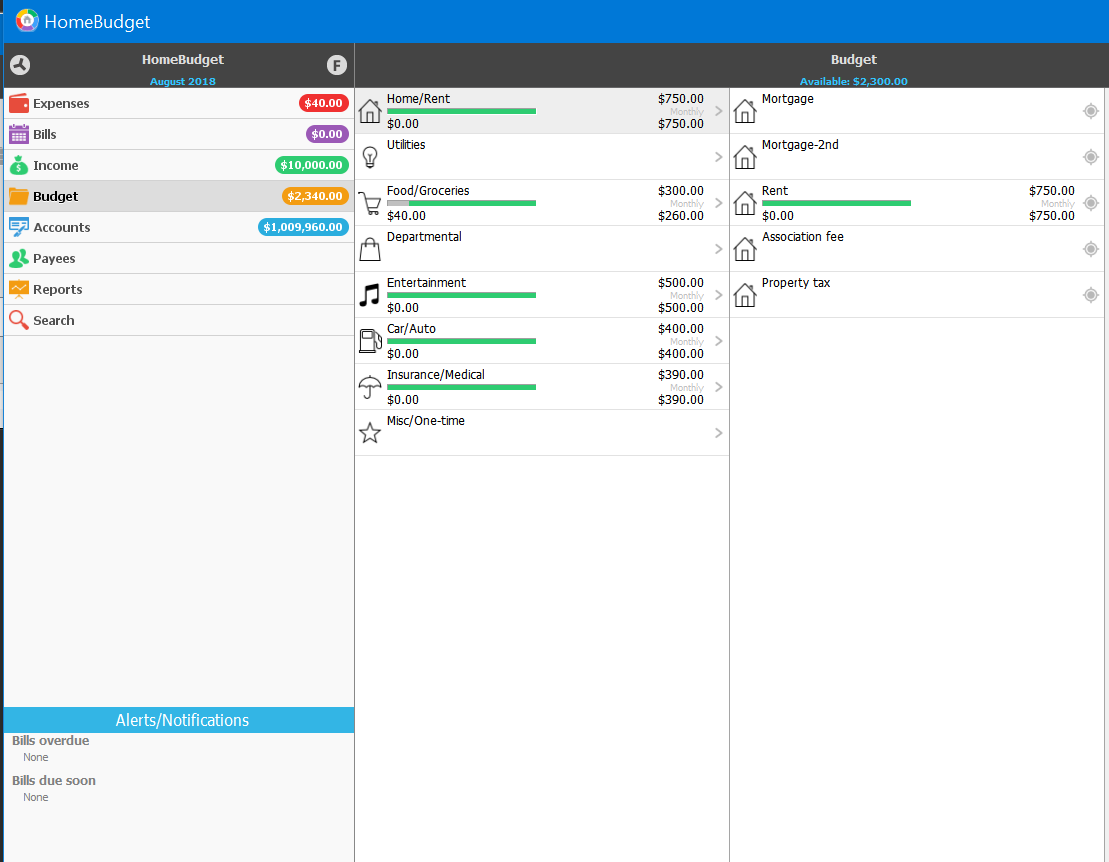
Budget
Build a budget

Weather you use Homebudget or some other application that suits you better, use something. You won’t know where your money is going until you start tracking it. Don’t be like my younger self and fall for the voice in your head that says you know what you spend. You don’t. Just like you don’t know how much you eat without tracking it. For most of us, our built-in gratification mechanisms keep us from seeing the full truth about things we like or want to do and that little voice that says you don’t need to worry about it, is just part of your ego’s cover-up.