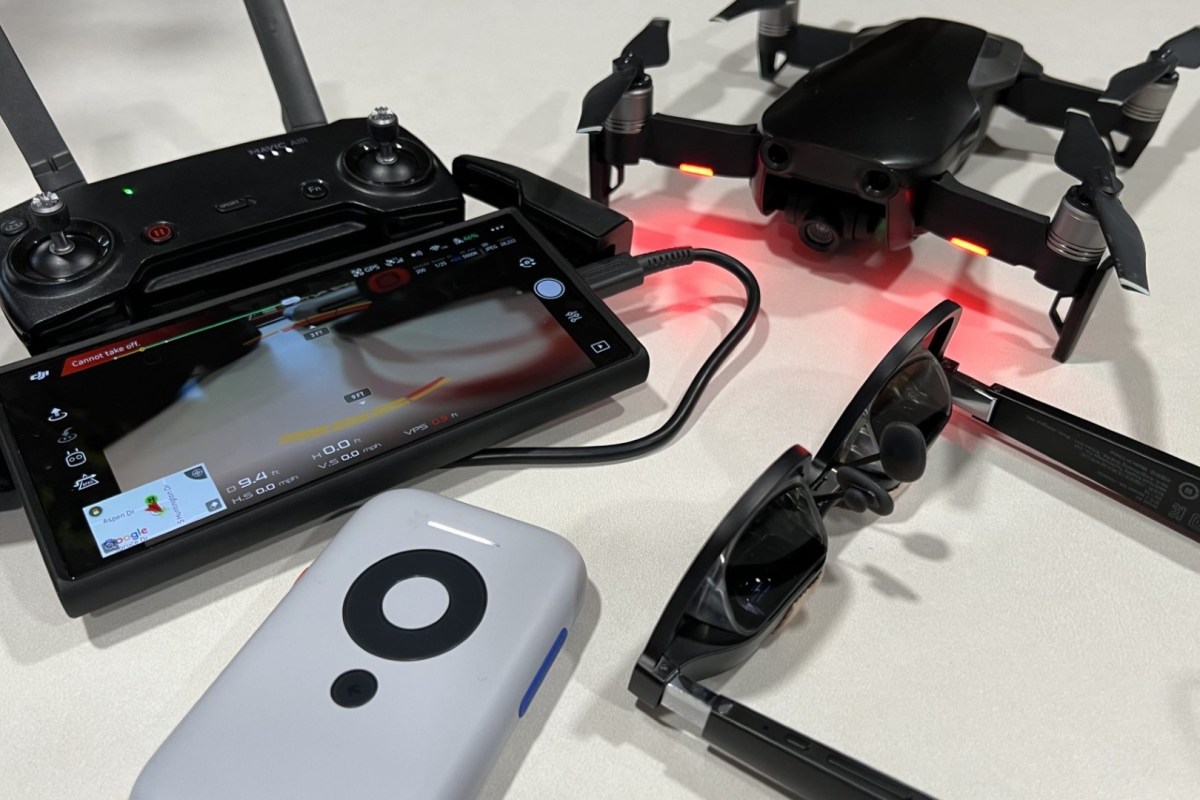
I’ve had a DJI Mavic Air for years. I still get the little craft out from time to time. It’s fun to fly, and the AI keeps my rusty piloting skills from reeking too much havoc when I do.

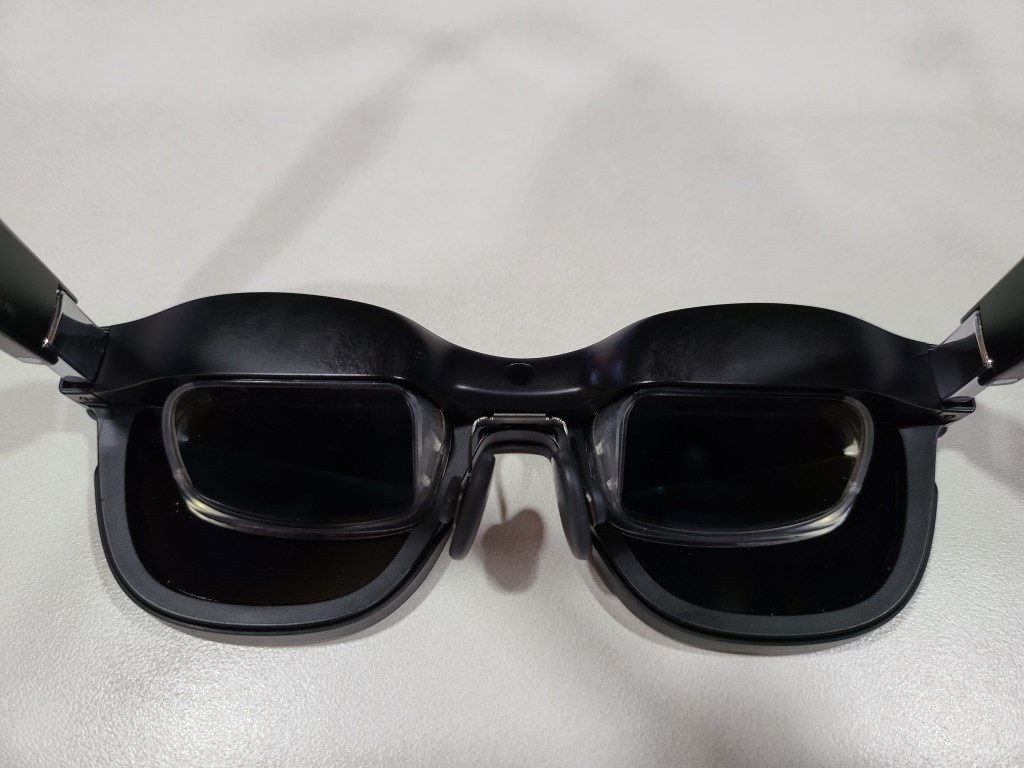
I also have the first generation of XREAL’S AIR glasses. Another gadget I’ve gotten a lot of use out of. I started working on using them as first-person pilot goggles the day I unboxed them. The challenge has been that both my drone’s remote and the XREAL Air glasses need to connect to my phone via USB-C. Like most phones, mine only has one port.
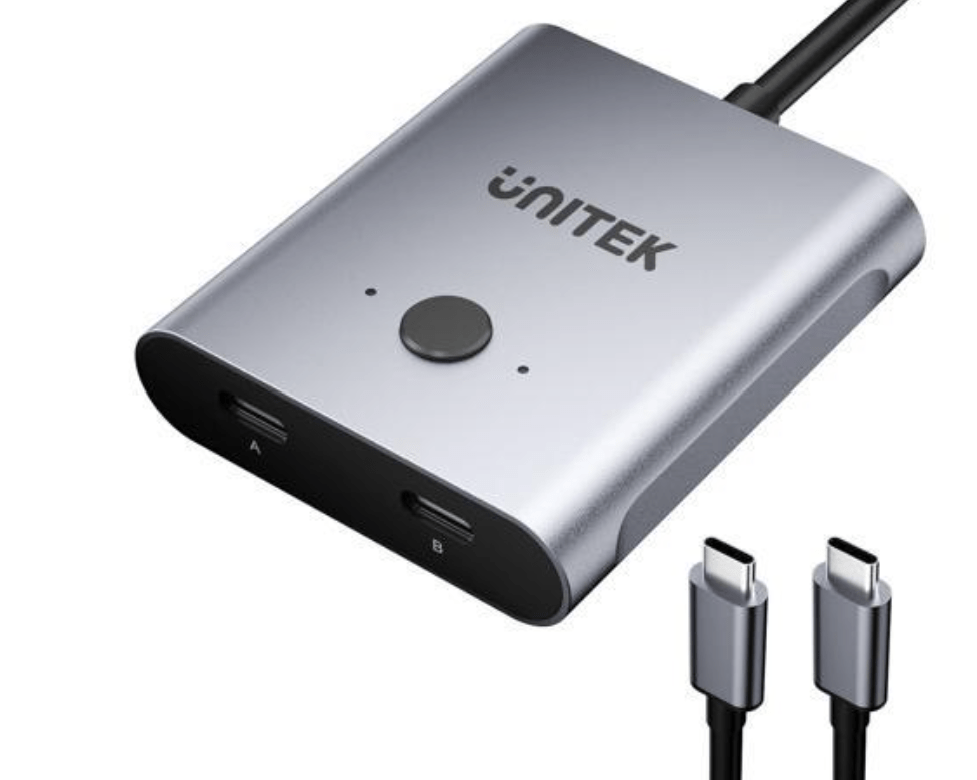
There are such things as USB-C splitters. Apparently, it should be technically possible to split the USB-C port with the correct cables and adapters. All of the adapters I found online were for power on one side and signal on the other. Or they were true splitters like the one below in which only one connection could be active at a time. The goggles idea would need both power and signal on both channels to work simeltaneously. If you know of something that works, please tell us in the comment section.
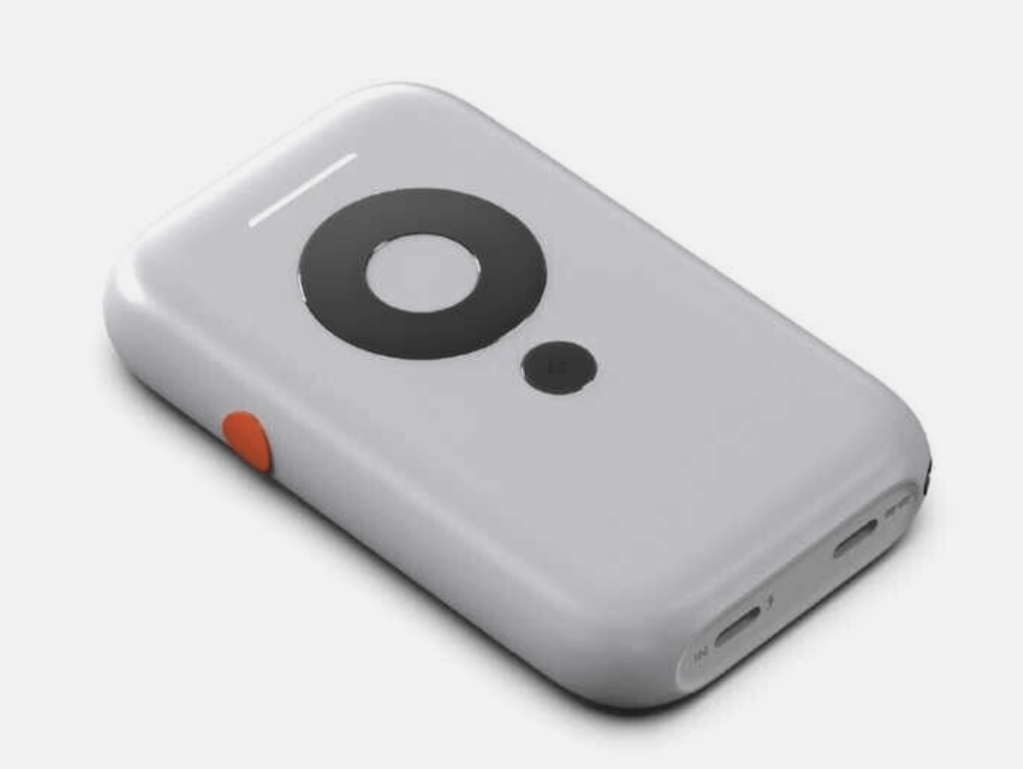
Enter the XREAL BEAM. Just when I was about to give up and order an official pair of DJI goggles, XREAL releases an affordable option. The Beam is a small device that acts as a wireless bridge between the AIR glasses and other devices that can cast their screens.
You just cast your screen to the Beam in the same way you might cast to a Chromecast from Android or to your Apple TV from your iPhone. The screen or app is then displayed in the glasses. It has a battery that can power the glasses and the Beam itself for a couple of hours. The Beam device is doing quite a bit of the heavy lifting when it comes to processing the wireless video.
It was all I needed to realize the first-person drone pilot experience. I connected my phone to the drone’s remote as normal. Then, I put on the AIR glasses and connected them to the Beam with their USB-C cable. I opened the DJI 4 Go software and logged in to the drone from my phone after I mounted it in the remote’s clamp, then used Smart View on my Samsung phone to cast its screen to the Beam.
The resulting experience was fantastic. The DJI app is rendered in near life-size on the AIR’s OLED display. The screen inside the glasses looks like a giant monitor because of the proximity to your eyeballs. The app shows the drone’s first-person view that is overlaid with pilot info. The heading, speed, altitude, GPS location, and object detection are all visible and easy to read because they are huge.
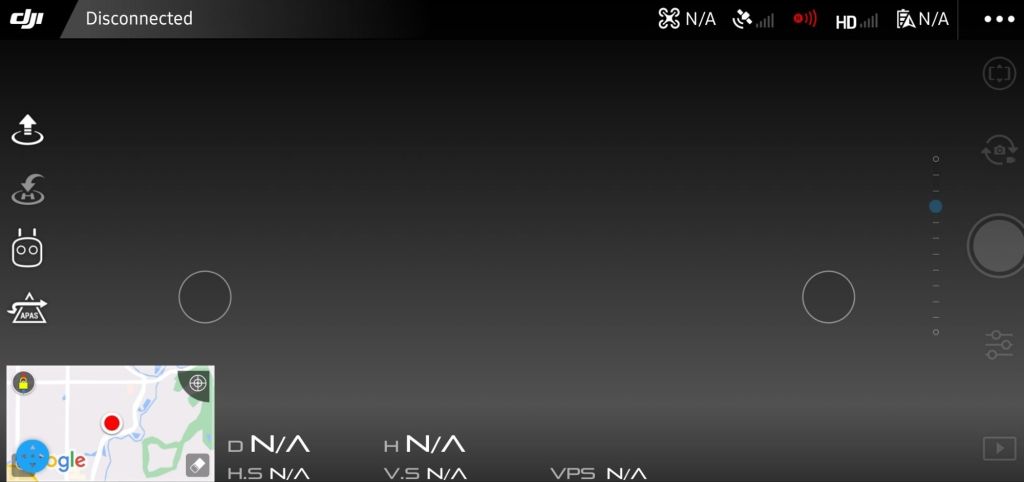
Flying in FPS is so much easier for my video game trained brain than ground piloting is. The thing is, though, when I remove the AIR’s sunshields, they become transparent. This allows me to see both the FPS view and the drone in reality simultaneously. As far as I know, this feature is unique to a setup like mine.
I was at a farm when I tested using the AIR and Beam in combination with my drone and phone. The signals involved are the 2.4 and 5 Ghz Wi-Fi bands for the most part. I was able to pilot the drone about one hundred meters away before the video signal dropped.
The video in the glasses was fast, clear, and smooth enough that I felt comfortable going into Sport mode and pushing the little tone to its max speed (40/64). I don’t think any DRL pilots are going to be ditching their goggle setups for this one anytime soon, but these things are awesome for an amature. Especially if you already have most of the equipment on hand.
 techbloggingfool.com