Games to Play During the Coronavirus Pandemic

Are you stuck at home with no work, no classes, and no basketball, fretting about the end of the world? The best medicine is to distract yourself. Video Games are my go to escape, below you’ll find some great titles to get lost in.

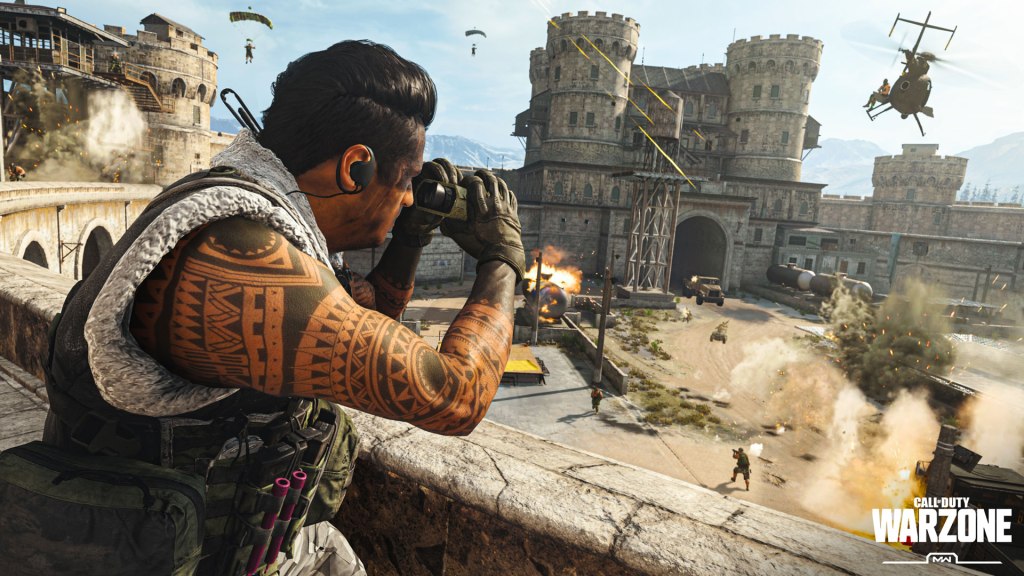
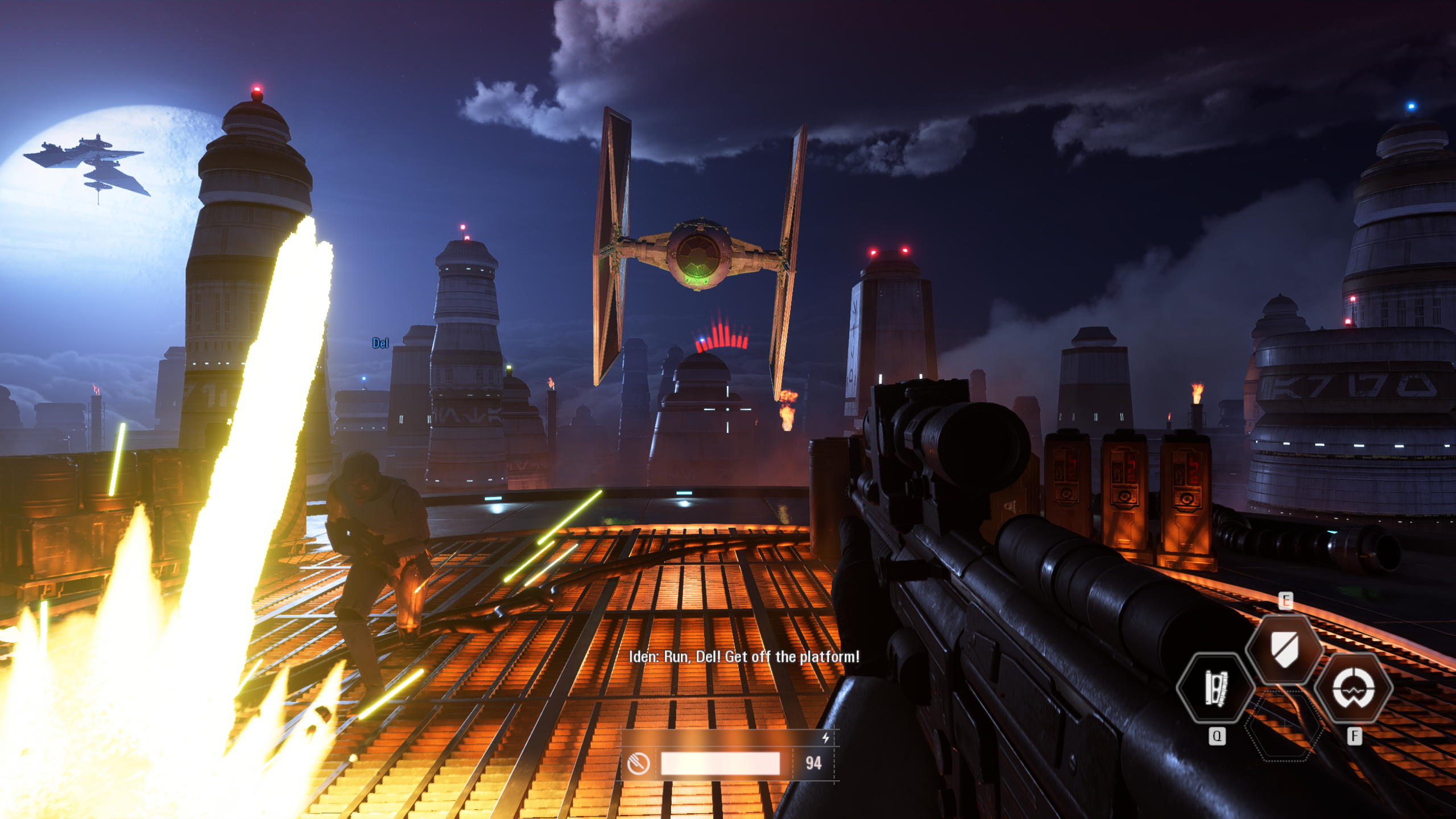
Call of Duty Warzone is the franchise’s latest attempt at a battle royal style shooter. It launched a few days ago on Xbox, PlayStation, and PC for free. When you get taken out, you are placed into a one-on-one battle, the winner is returned to the main fight. With one-hundred and fifty cross-platform players in a match, the action is intense. The shooting is classic COD Modern Warfare, whether you play with a keyboard and mouse, or a controller, the action is satisfyingly precise.

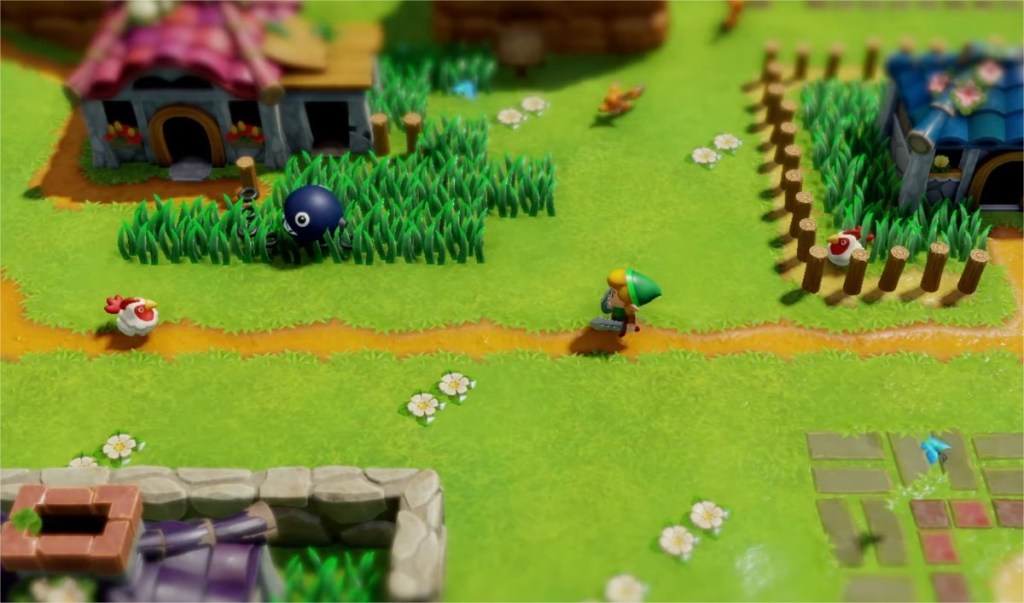
If you have a Nintendo Switch, Link’s Awakening is a fantastic remake of a classic adventure. Remade in a unique 3D top-down graphical style, the whimsical world, bright cheery colors, and cute characters will make you smile. Puzzles and enemies are challenging at times and will force you to focus. You’ll soon forget all about how much toilet paper is left in your cupboard.
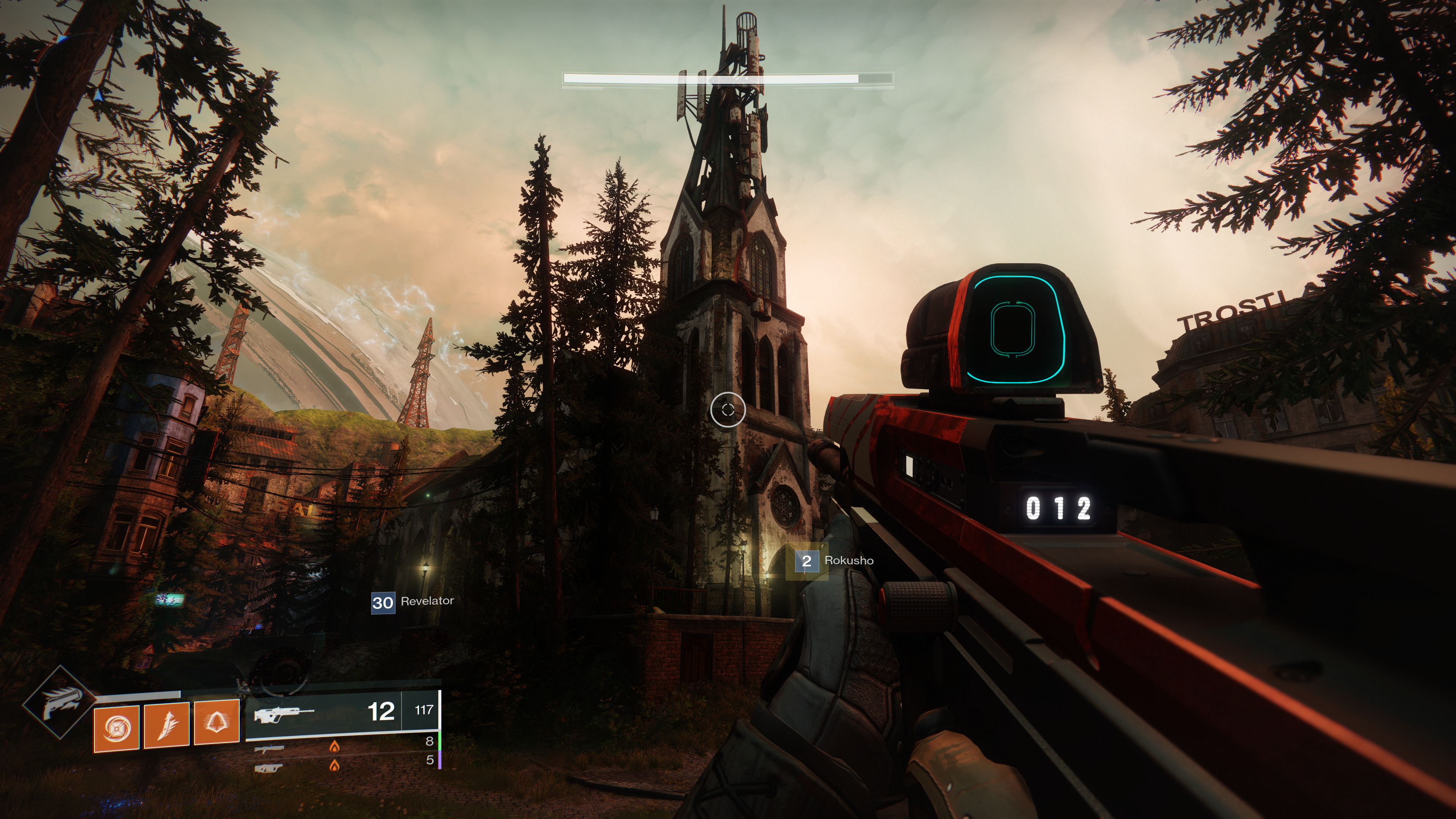
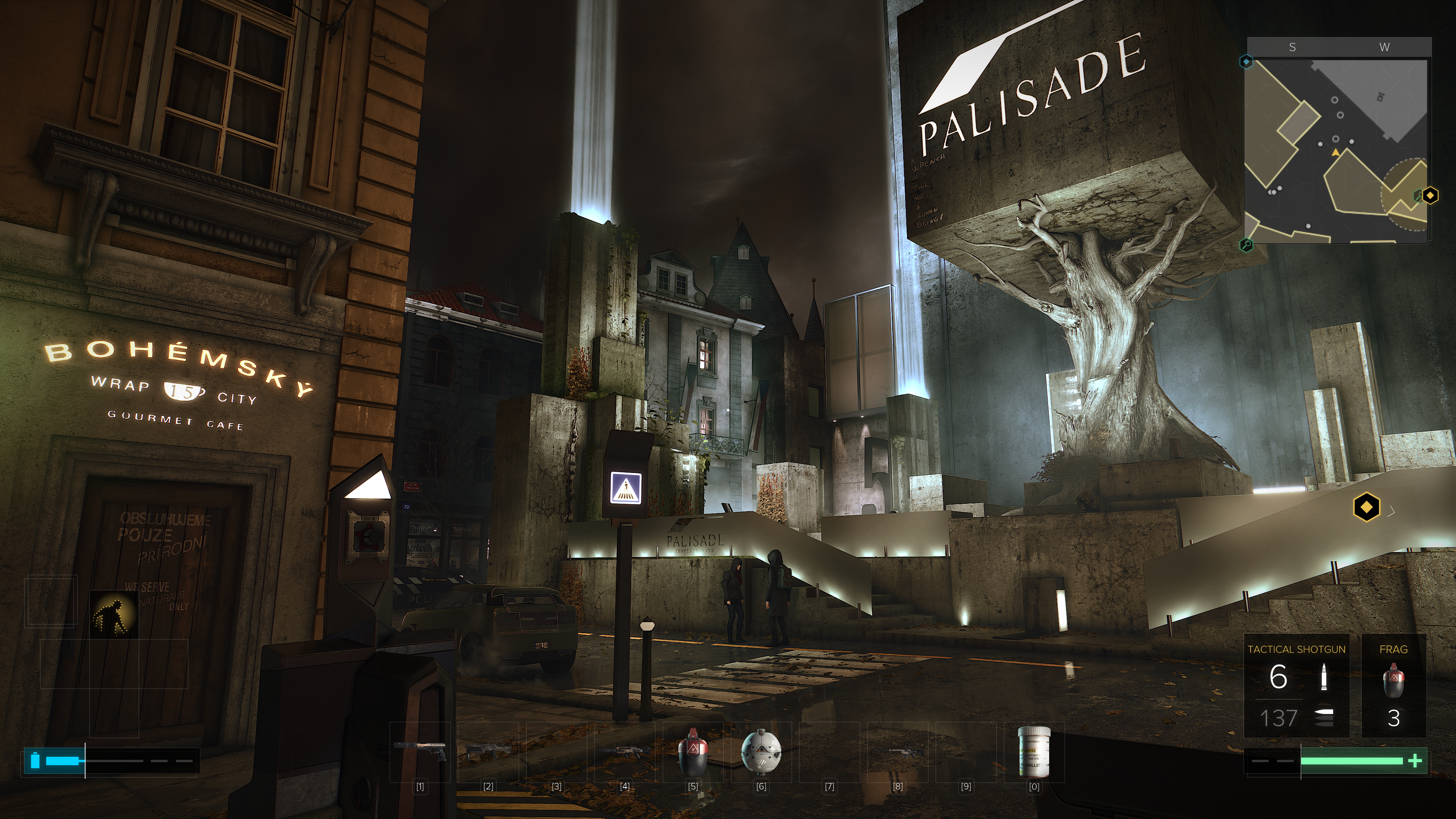
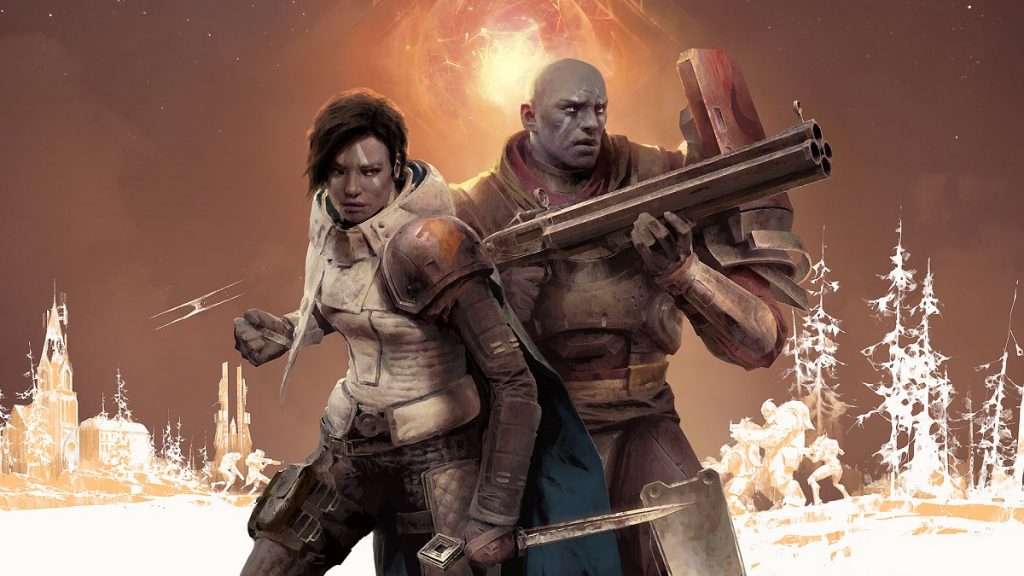
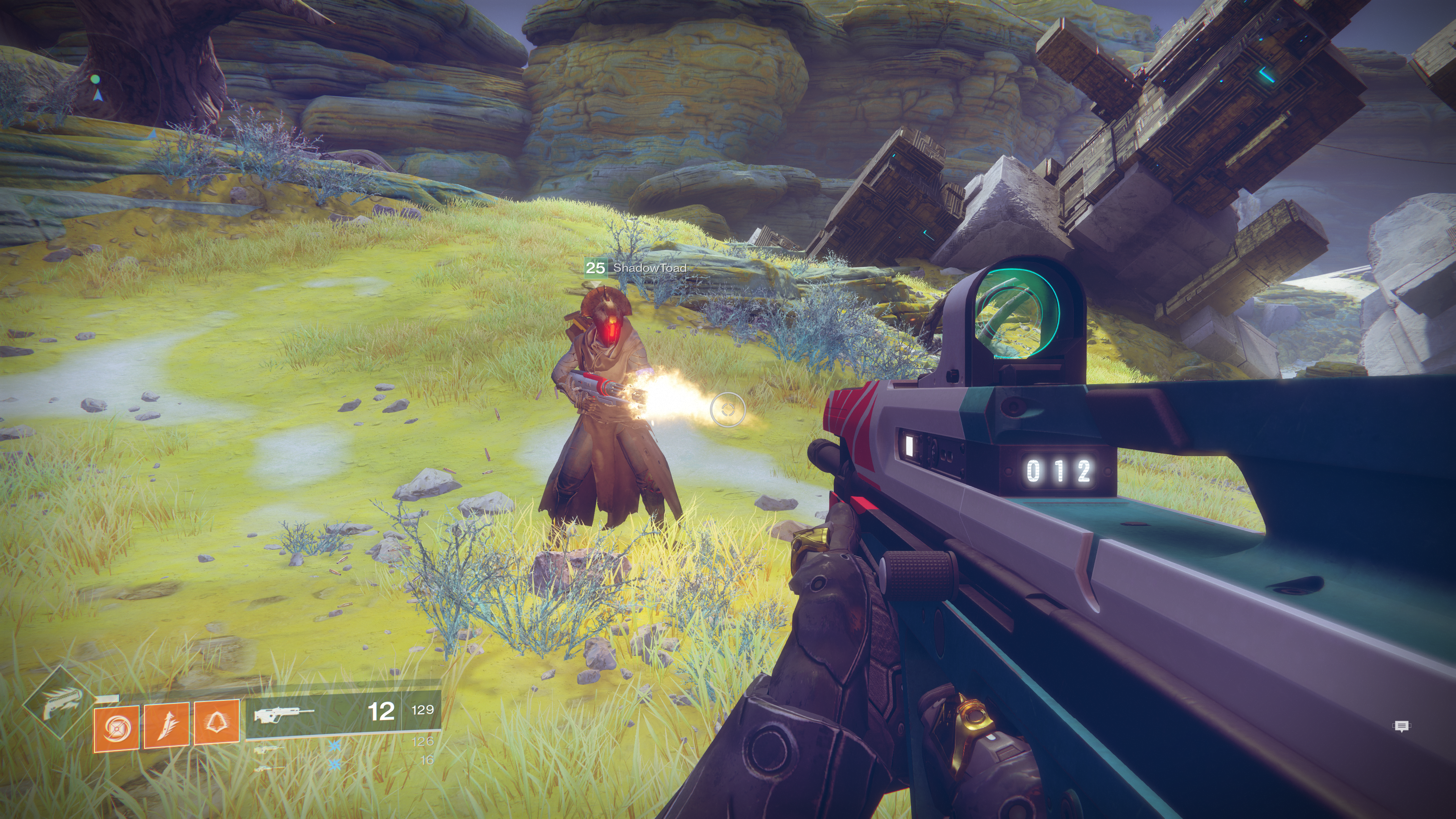
Destiny 2 is available on the Xbox and PlayStation, but it really shines on the PC. The graphics are stunning and the game world is expansive. The free to play edition will keep you busy annihilating various alien races while you zoom around the solar system with your buddies. The game has the perfect mix of player versus player and player versus environment activities. Tweak your character to get the right look and balance your powers, go on epic adventures to find the perfect weapons, then dominate your peers in the crucible. Season 10 has just begun, so there are plenty of people playing to keep you from feeling socially isolated.
Are you missing sports? FIFA, NBA2K, Madden NFL, NASCAR, and The Show are some of the franchises that may help scratch your itch. They run on almost every platform and many include “Watch” modes that let you pick the teams and the stadium and then let the games unfold their own. I once visited a bar where the patrons where watching a soccer game that turned out to be FIFA. Based on the cheering, I’m not sure that everybody in the place realized they were watching a computer game. That’s how far the sports genre has come in the last couple of years.

If playing isn’t your thing watch the action instead. Mixer, Twitch, Steam, Xbox, and PlayStation streaming services are packed with people playing and talking about almost every game you’ve every heard of. Don’t sit home eating lonely stew. Get on-line and enjoy the same things you always have in the digital world.

Virtual Reality For Everyone with the Oculus Quest

Almost everyone agrees that virtual reality represents the future of entertainment and education. Many predict it will serve as the primary interface between the world we were given and those we create displacing monitors, phones, and televisions. Before V/R can assume this role, there are several hurdles it must overcome.

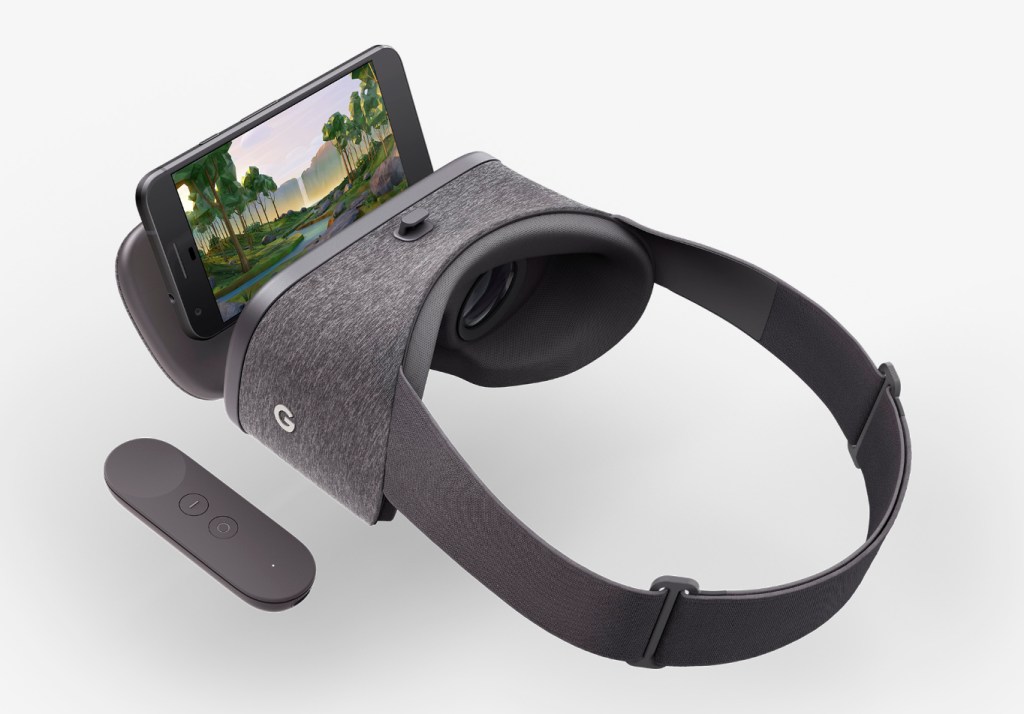
Chief among the obstacles of virtual reality’s wide-scale adoption are the cord and high-end PC that are required to experience it. Google Cardboard and the many phone based V/R sets like it, attempted to bring tether free immersion to fruition and were successful in many regards. They gave us a taste of what could be and sold in numbers sufficient to warrant the capital investment required for innovation.

In my opinion, Facebook’s marketing of the Quest as, “just like the Rift, without the cord” has hurt initial sales. I think they’ve made the same mistake that Nintendo made with the Wii U. I personally looked at the Quest multiple times and decided it didn’t offer enough difference from the Rift to justify purchasing it. My lovely wife got me one for Christmas. Now I understand how wrong I was.

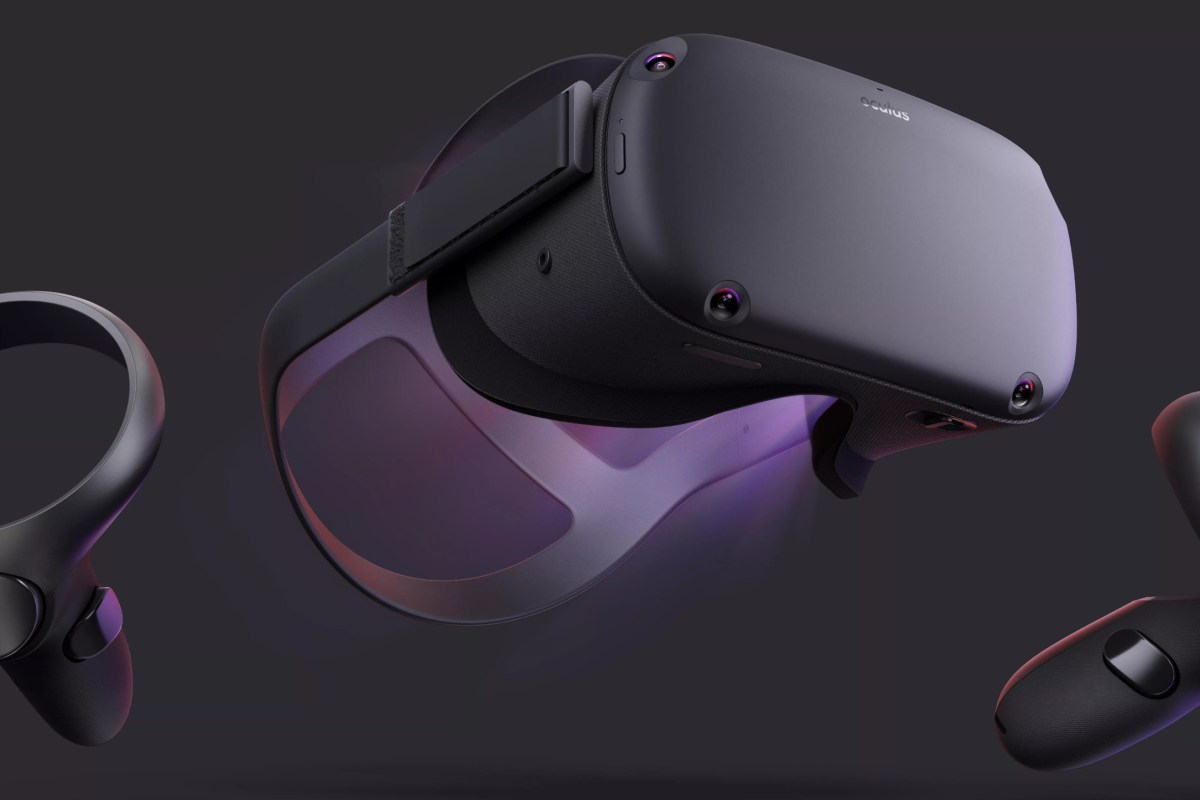
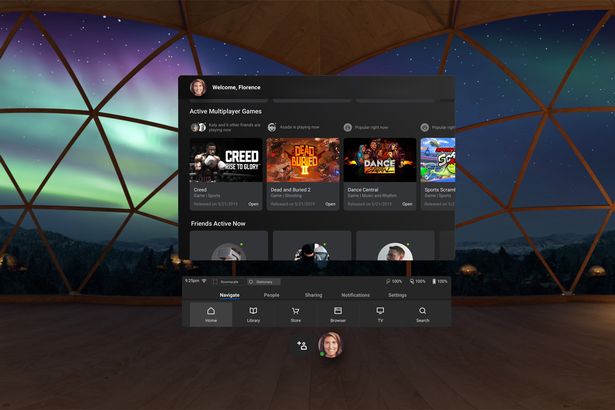
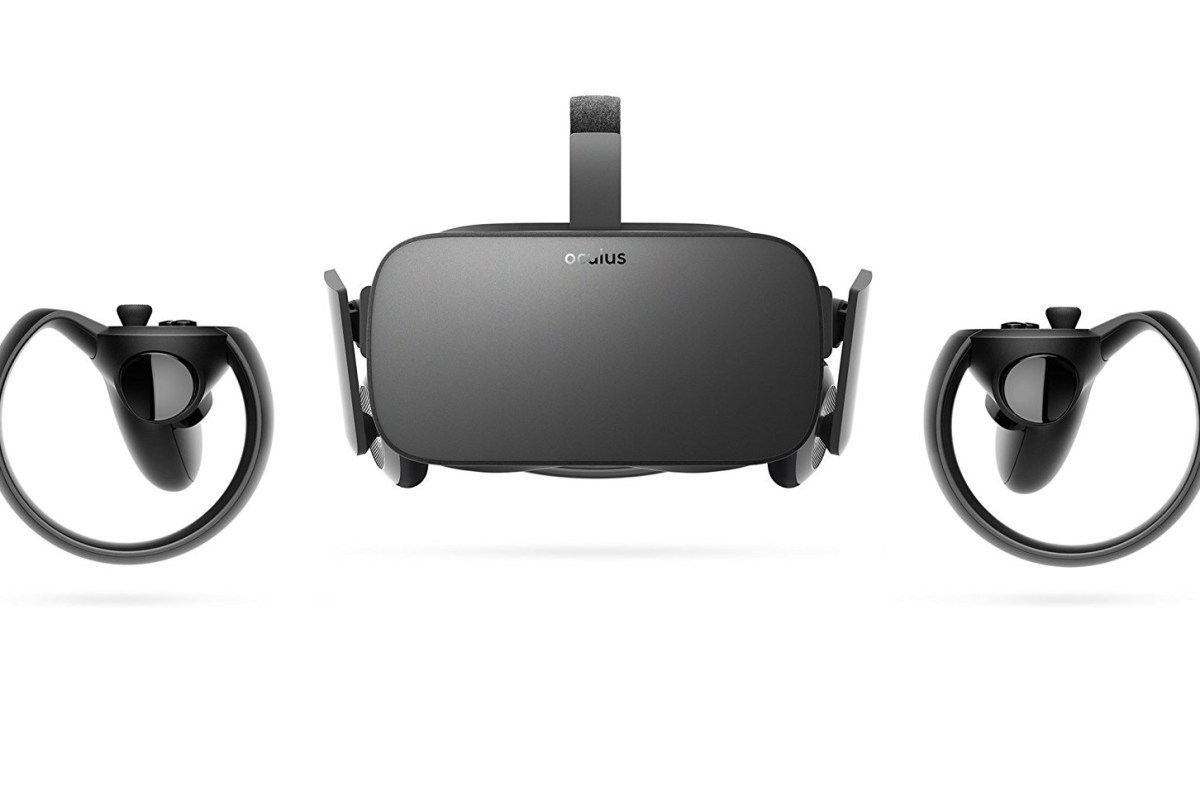
Facebook’s Oculus Quest hit the streets in May of 2019. The headset is physically similar to the other Oculus offerings, but is fully self contained. No computer and no cord. Just slide the goggles down over your eyes, pick up the controllers, and you’re in. The Quest does for V/R what the Wii did for gaming consoles. Within a few minutes of gearing up, anyone, including your grandparents, can easily navigate their way to an untold number of adventures, entertainment options, and venues.

The experiences that are available cover almost every conceivable genre. I’ve hung out in Adam Savage’s (Mythbusters) workshop and watched him build a sheath for his priceless sword. I took a guided tour of the British Museum and went shark diving off the coast of South Africa. I watch Netflix in my own personal theater with a view of snow capped mountains. I attended a basketball game and chatted with my fellow fans. Virtual Reality is so much more than games.

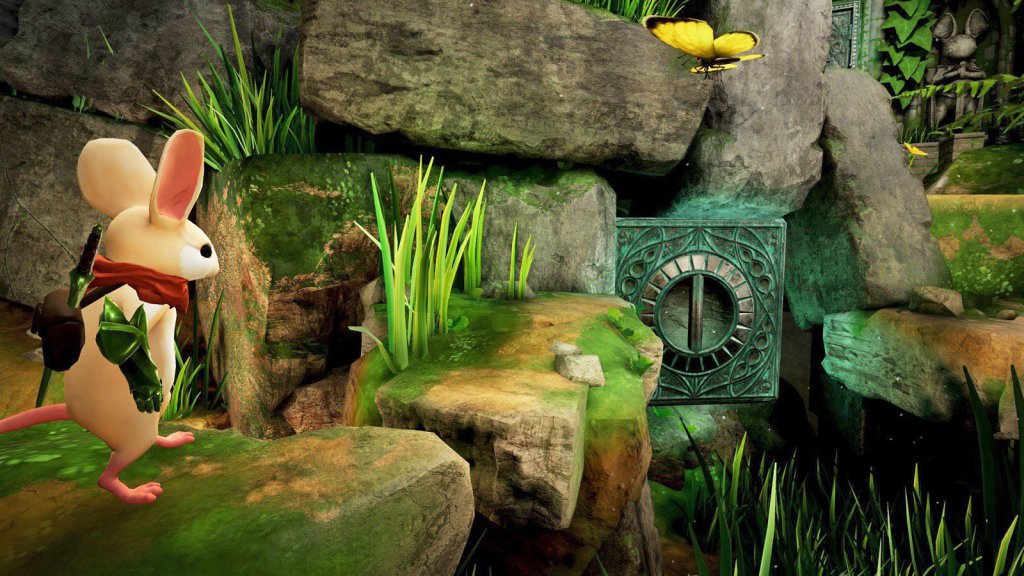
Don’t get me wrong, there are plenty of games to play. Adventure, Shooters, RPG, Cards, Strategy, and more are represented. Some are of poor quality, some are nothing short of amazing. Nothing quite compares to being in your game. Developers are really starting to understand how to deliver V/R experiences that blow meat-space options away.

One major difference of the Quest is that like an iPhone, it is locked to the Oculus App Store. This makes it easier to use, but limits choice. With a little tech know-how you can enable the option to side-load software and there is an underground app store for those that choose take the chance. Checkout SideQuest if you’re interested in that sort of thing.

Besides SideQuest, you can also gain access to more games through a Quest Link compatible cable. If you have a strong gaming PC, use it to access the full V/R experience including Steam V/R and Oculus games that don’t nativity support the Quest. For a list of supported cables and GPU’s see https://support.oculus.com/444256562873335/.

Directly comparing the Quest to the Rift or Hive is a misnomer. It wasn’t created to compete with, or replace them, yet. Sit in a chair and watch a movie on your Rift and you’ll soon be annoyed by the cable draped across your lap and sitting in your computer chair instead of your recliner. How would you provide an entire classroom of students with full gaming PCs and all that goes with them, so their teacher could take them on a tour of the International Space Station? The Quest was made to simplify V/R and make it portable, it does both of those things well. I look forward to seeing what the world does with this technology now that it is here.

Universal Shoulder Buttons Improve Your Phone Gaming Experience

Playing a shooter like Fortnite or Call of Duty on your phone can be frustrating. Without physical “triggers” I find myself having to look at the screen to find the touch spots for aiming down the sites and firing. Each time that I do, I end up the one bleeding out on the ground.

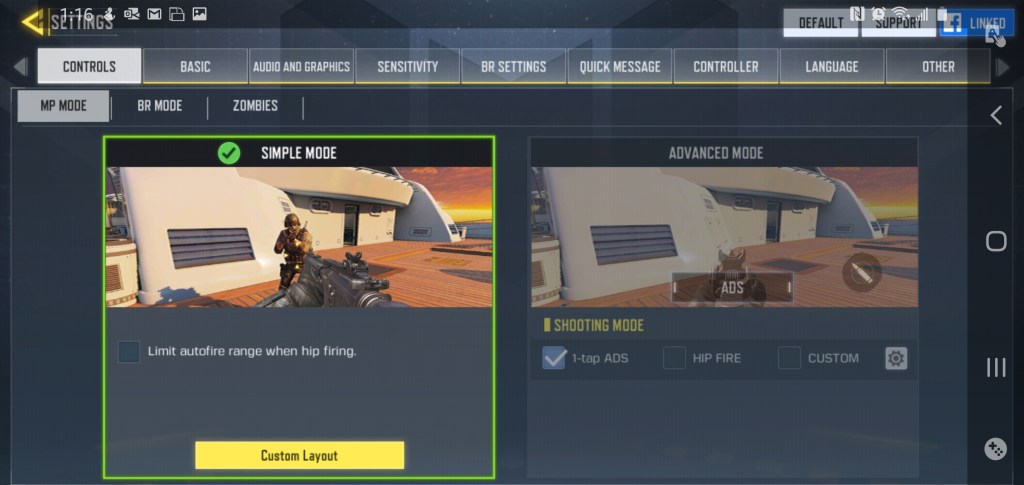
Some games have attempted to rectify this situation. Call of Duty Mobile for example, has an “auto-fire” mode in which your weapon fires at any target that lines up with the sights. Auto-fire does its job, some of the people that I play with prefer it. It makes the game feel less like a shooter and more like an arcade game, but that could be my years of Xbox showing through.

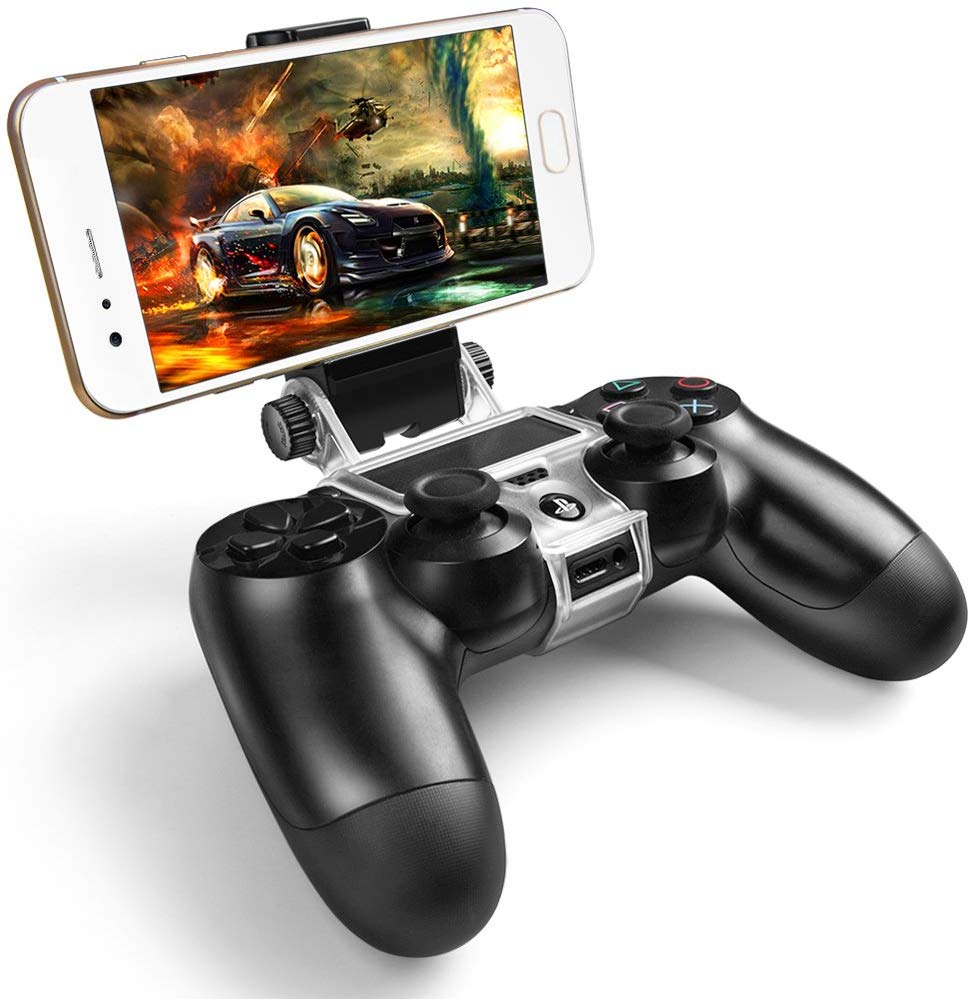
There are also many types of external controllers for your mobile phone. You can even pair a Bluetooth Xbox or PlayStation controller. Competitive shooters tend to force you play with other controller enabled players when you opt for physical controls. You can end up in a much smaller pool of players which makes finding games more difficult. You may also lose the ability to play with friends who don’t have controllers of their own.

There are a few phones on the market that have built-in shoulder buttons. They sound like a good idea and the one made by ASUS works well in the handful of games that support it. There’s no way I’m giving up my Galaxy Note and its pen though. How would I finish writing this article? It’s too bad that I can’t add a couple of buttons to my precious.

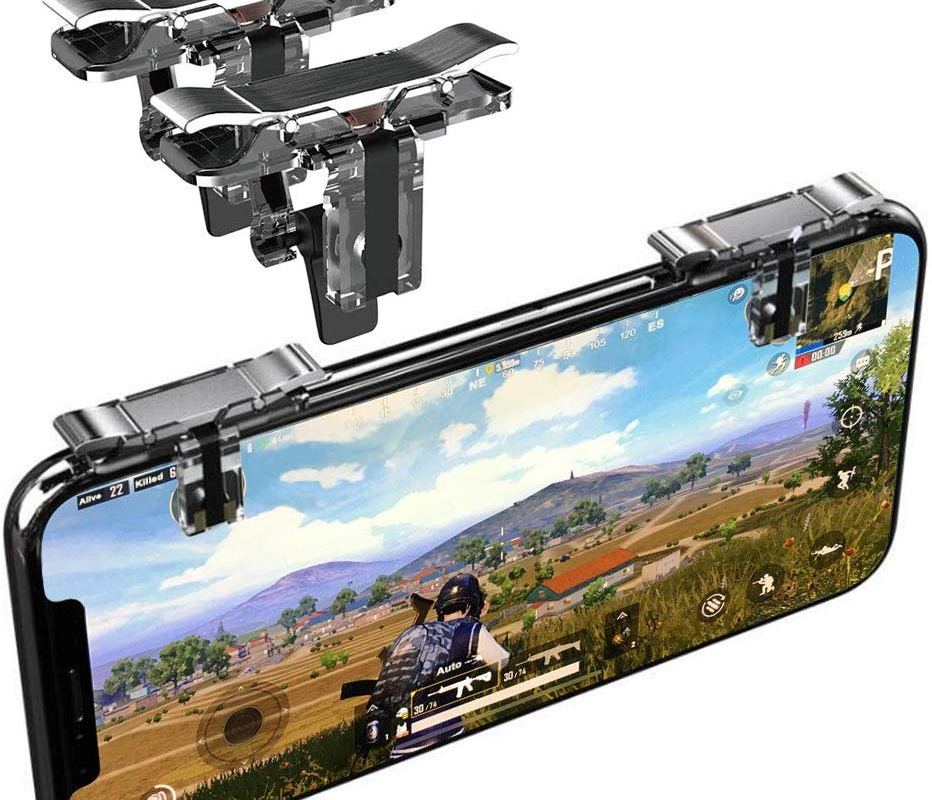
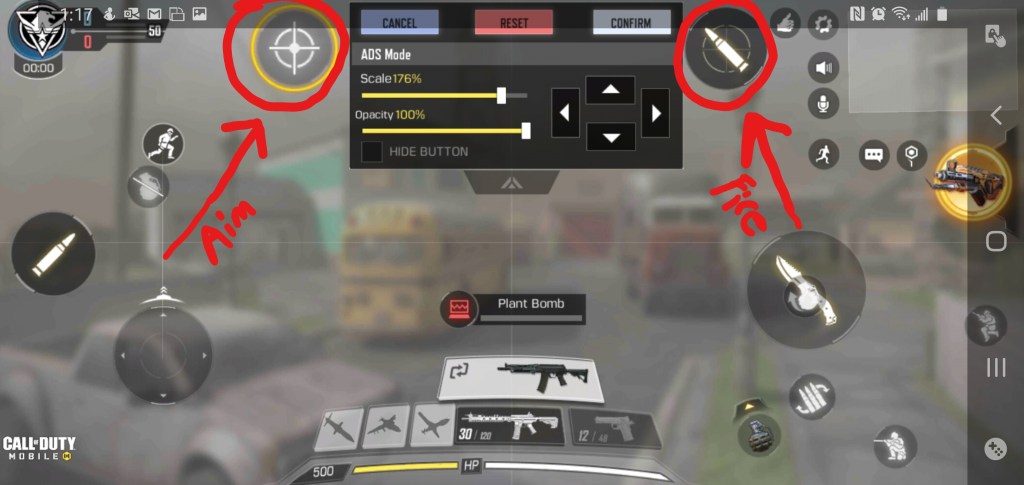
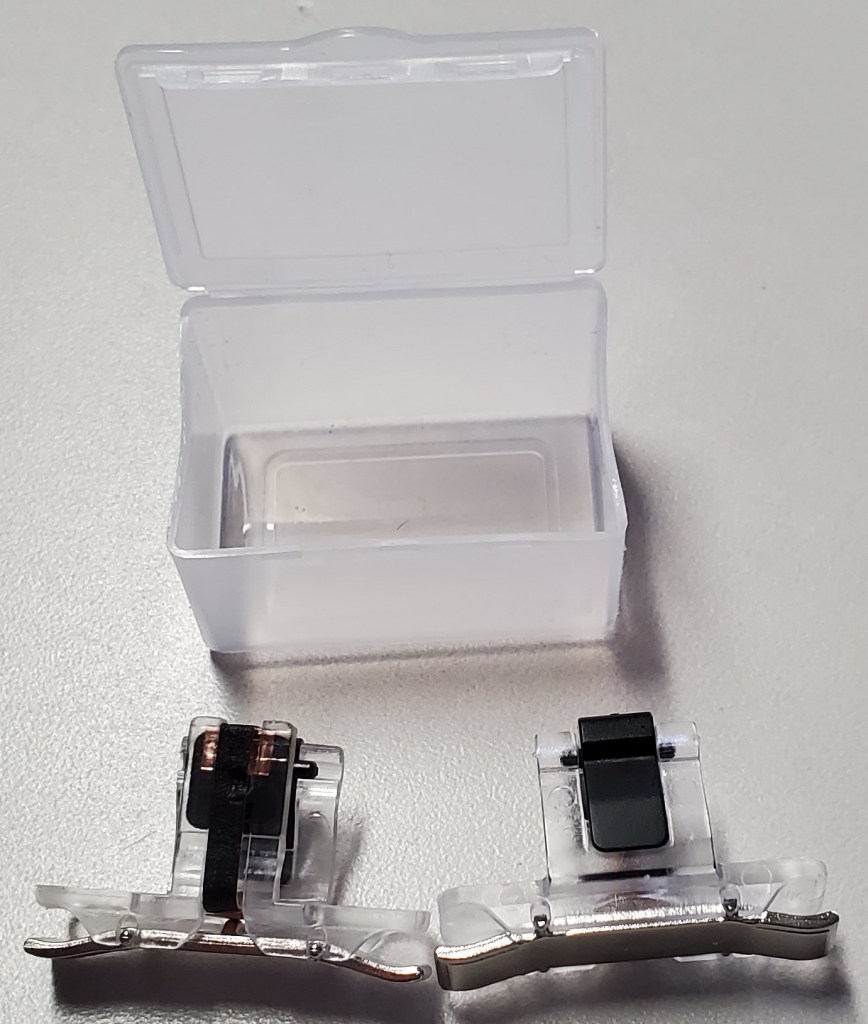
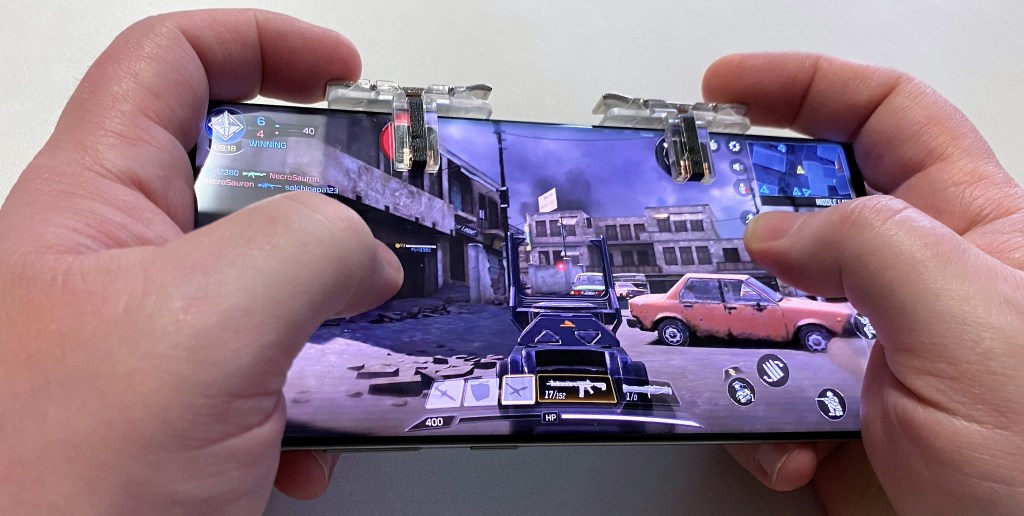
Apparently, some enterprising people had the same thought. There are several manufactures that are making universal shoulder buttons that you can slide onto any mobile. They function by tapping the screen with a small mesh pad when the trigger is depressed. Your game will need to allow a customized layout. The aim and fire controls need to be moved under the button’s pads.

I was skeptical, but you can get a set on Amazon for less than ten bucks and I like trying new stuff. They showed up the same day I ordered them (same day shipping rules) and I have been pleasantly surprised. These things are great. They fit in a tiny case that easily slips into a pocket when you’re not playing. The button press feels great on the set I got. They do block the screen a little. Each pad is a .5 centimeter square, but the trade off is well worth it from my point of view.

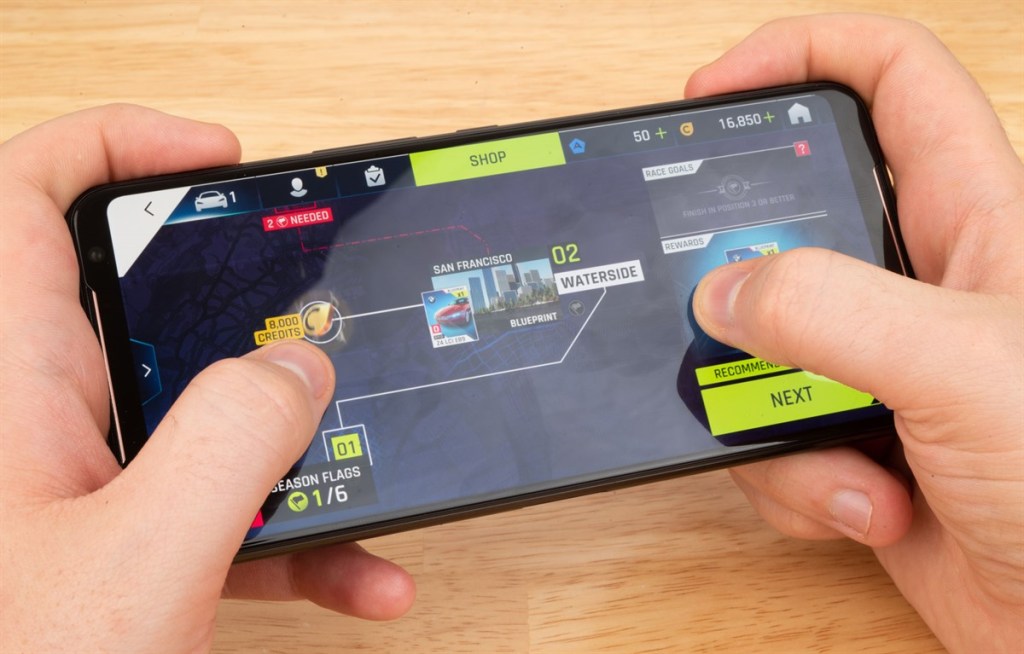
Since they are tapping the screen, you won’t be isolated in a controller only game queue. The advantage for me is in gripping my phone, I can hold it more like a PlayStation or Xbox controller. I also don’t have to constantly look at the screen to find the touch spots and can use the ADS and Fire functions simultaneously.

Some may consider these types of devices “cheating”, but they don’t have that big of an impact. On average, I got the same kills per game when using them versus not. As a developer, I must warn you, detecting and disabling these shoulder buttons would be simple. If they do start being counted as a cheat they may be outlawed in a future update for your game.

Ring Fit Adventure Exercise for Fun

I’ve been a fan of interactive workouts for quite some time. I have an elliptical machine and stationary bike, both of which will hold my tablet or phone. I play YouTube videos of people running and biking in exotic places to keep myself motivated. Treadmill TV is one of my favorite channels.

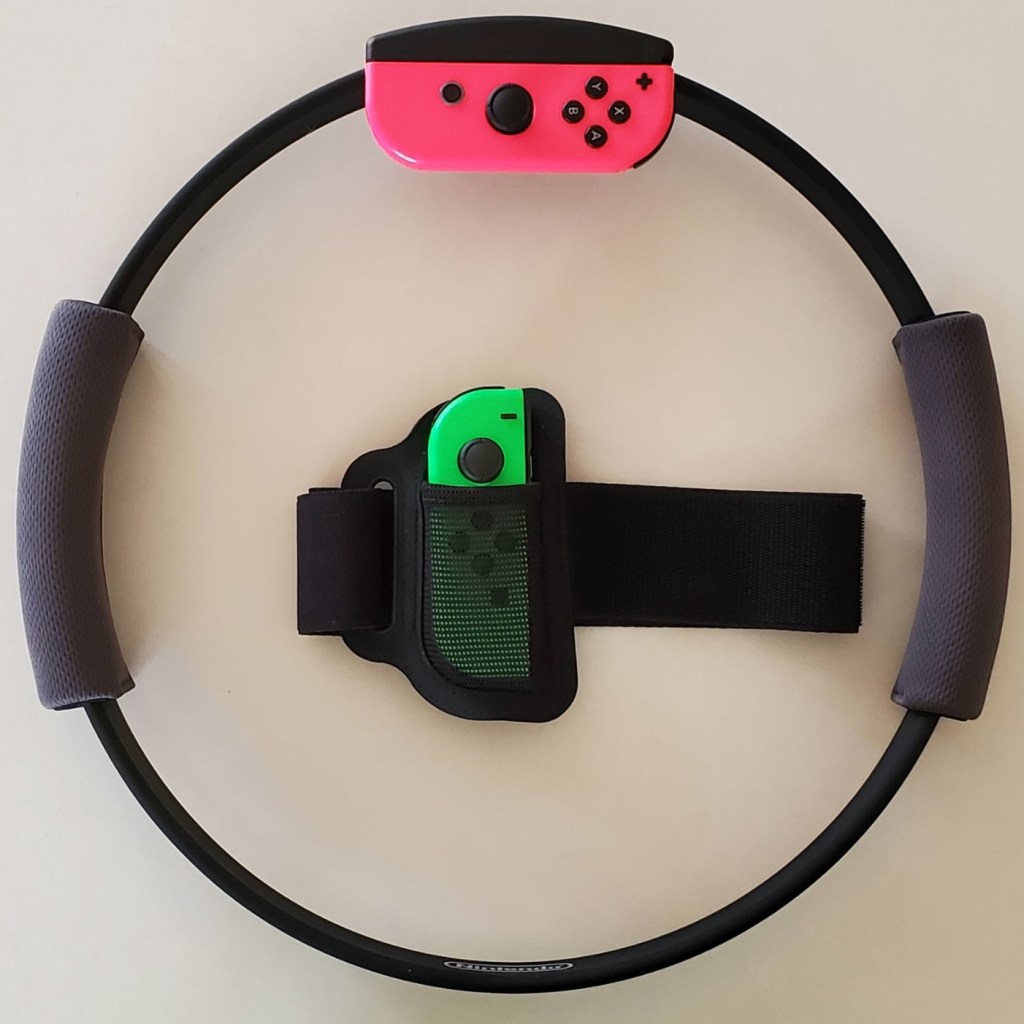
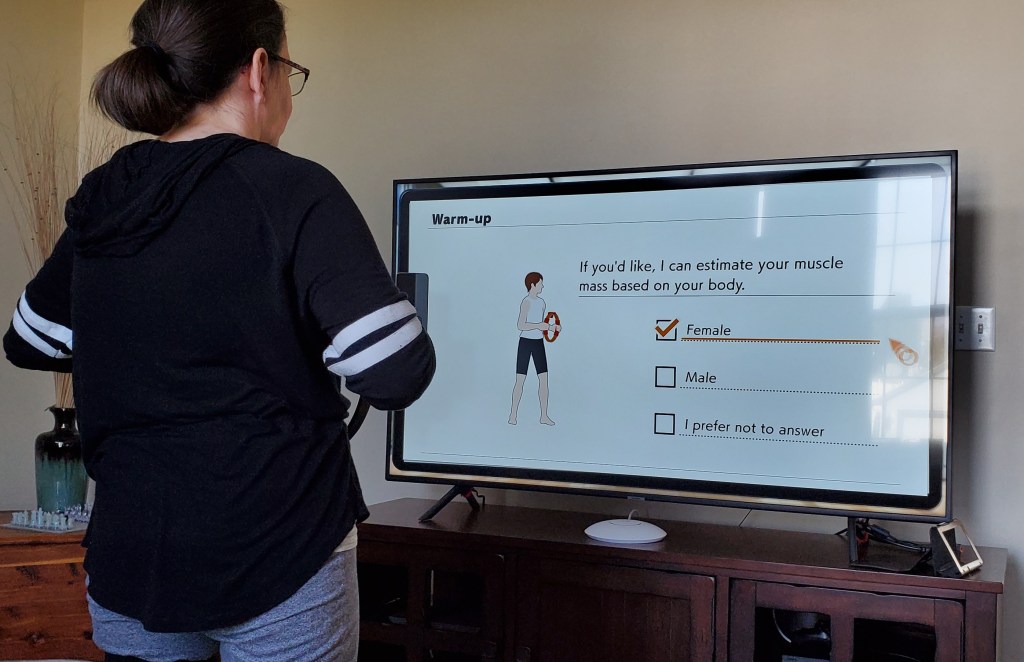
The Ring Fit was $69.00 at our local Walmart. If you have ever used a resistance ring in Pilates class, you will instantly recognize the Ring Fit hardware. You attach a Joycon to the ring and insert the other one into the included leg strap.

As the ring is stretched, pulled, rotated, raised and lowered, the changes in its shape and location are detected by the motion sensors. The same is true for the leg strap. The pitch, position, and angle of the controller strapped to your thigh is translated into movement. The design is pure genius, but it isn’t the hardware that makes the Ring Fit special.

The Adventure Ring Fit game is fantastic. The fitness aspect is dynamically tuned for each player. Calibration includes a strength test, accounts for age, and asks for workout preferences all of which are used to calculate difficulty. You can also manually select a difficulty level in the game’s menu.

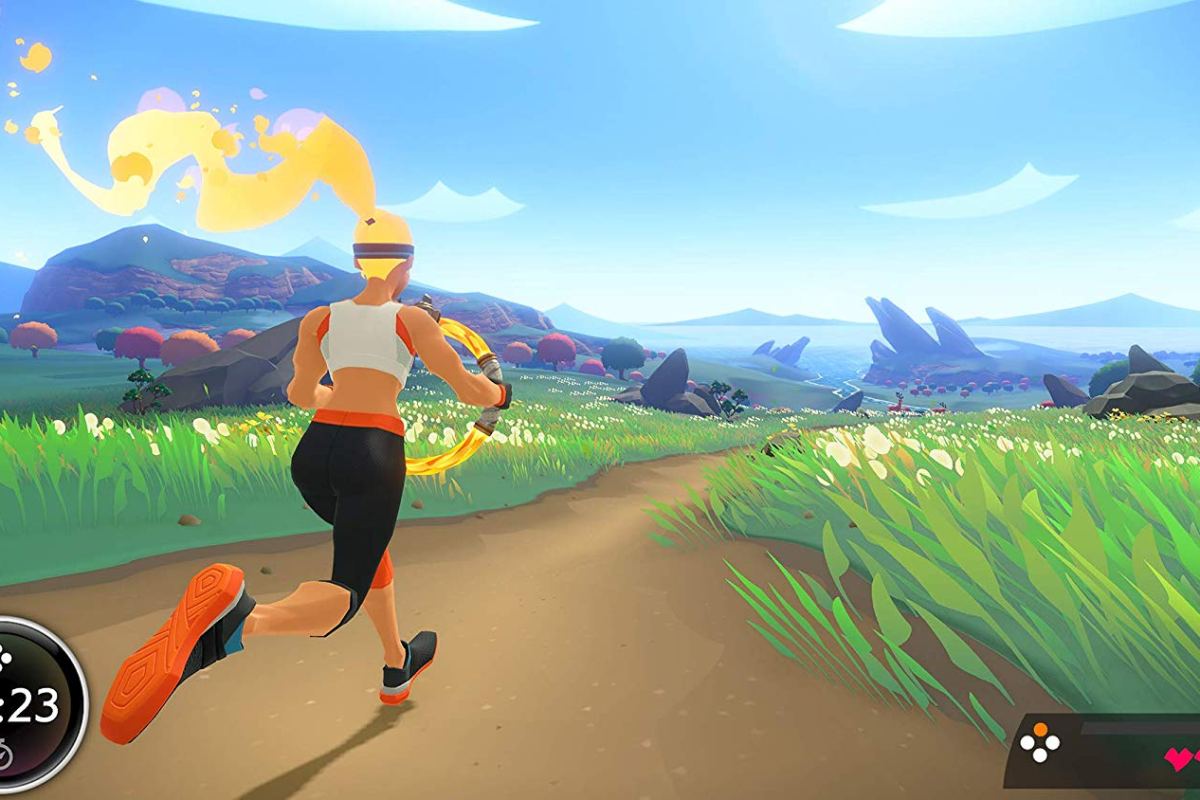
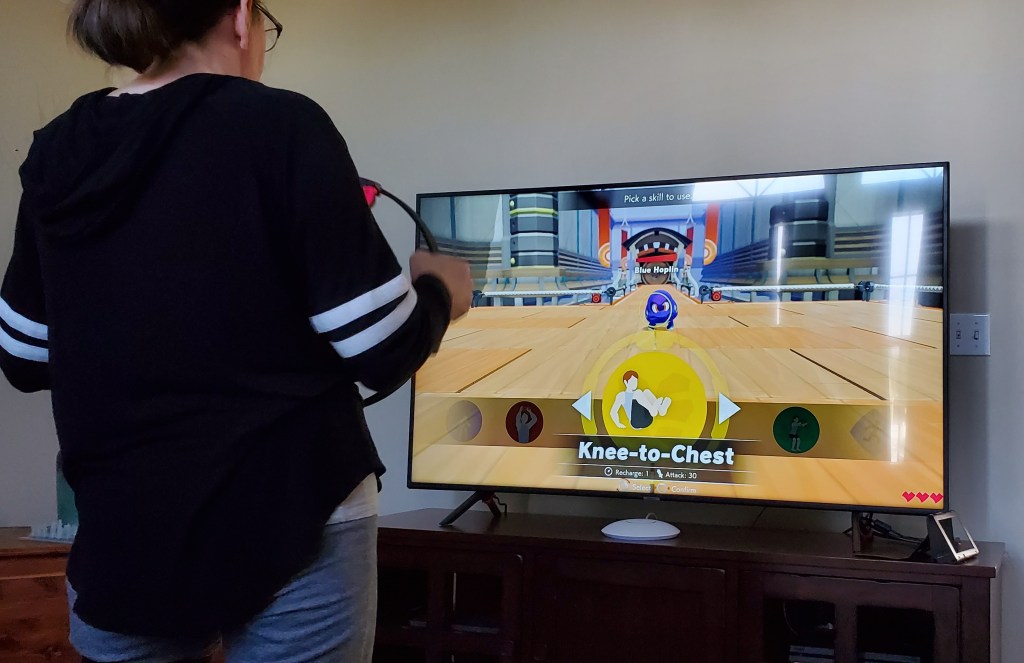
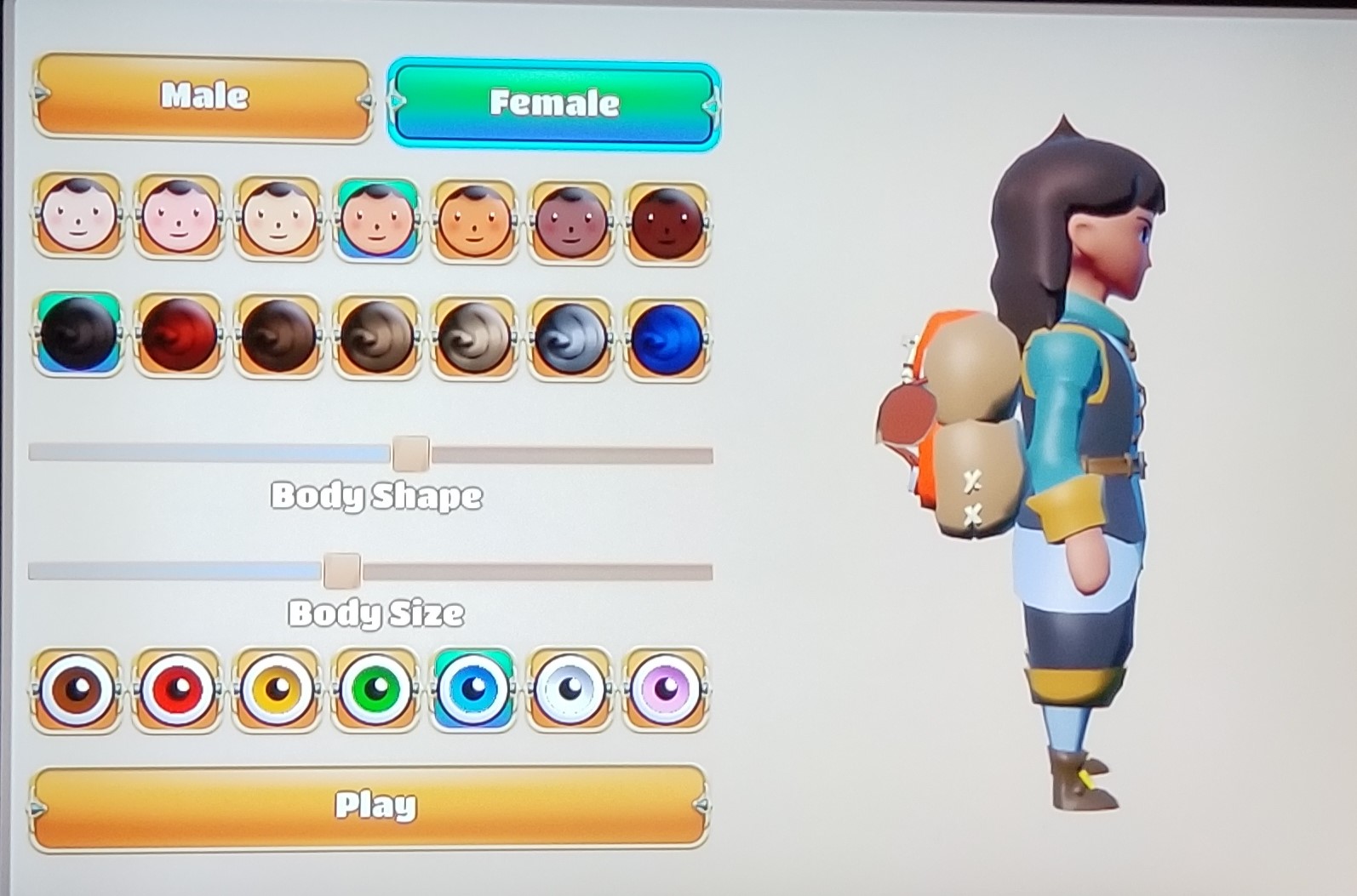
Once calibration is complete you select a character, choose its eye color then you’re off on an adventure. The ring is used as a weapon, or a shield with the game requiring specific exercise moves to accomplish various in-game tasks. You jog in place or high step to move your character through the world and over obstacles.

Boss battles are workouts that will have you doing squats, ab crunches, chair lifts, arm crunches, knee lifts, and more. The ring provides resistance and the haptic vibration marks the beginning and end of moves. The leg sensor detects if you are squatting low enough, holding a position long enough, or generally using the correct motion.

As you progress through the game you collect tokens and XP points that unlock new exercises and customization options for your character. I won’t spoil the game, except to say that it is fun. My entire family has been playing it everyday. My wife got up early to play this morning and she usually doesn’t like indoor exercise. We seem to be engaging in a friendly competition, trying to reach new levels and unlocks first.

On the first day, I set the difficulty to intense and played through the first boss fight. It took twenty minutes during which my heart reached one-hundred and thirty five beats per minute. I broke out in a pretty good sweat by the end. My muscles were feeling it the day after but it didn’t stop me from playing again.

One Week In with the Nintendo Switch Lite; A Great Second System

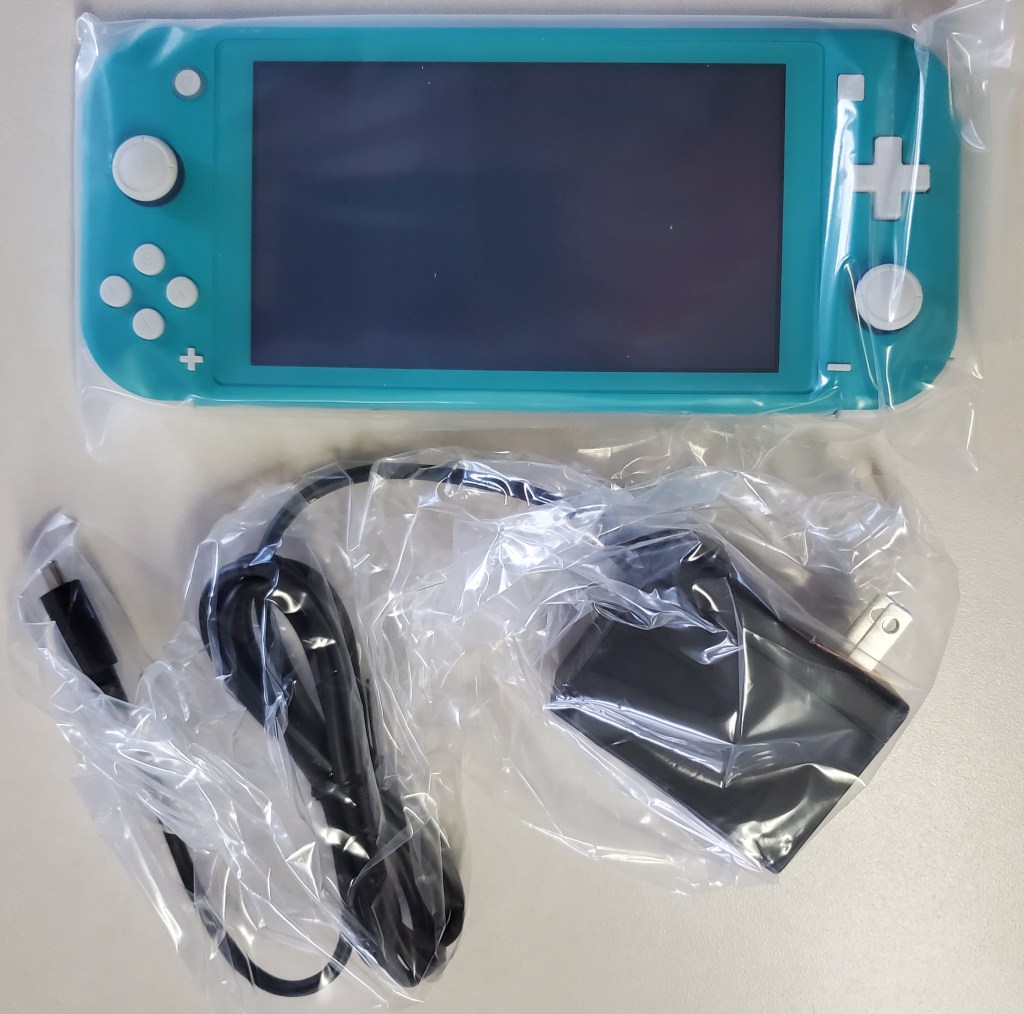
Somebody please tell me why they didn’t call it the Lite Switch. It seems like such a lost opportunity. I’ve had my Switch Lite since launch day. It is smaller, lighter, and tougher than the original. It’s controllers do not detach and it cannot hook up to an external display in any way.

Why would I get one when I already own a Switch? I carry my console everyday. My bag is pretty full of gear these days, so saving space and weight is a big plus for me. If you don’t need your original, you can almost break even by trading it for a Lite at Vintage Stock or Gamestop. My spouse took this route, she only plays in handheld mode.

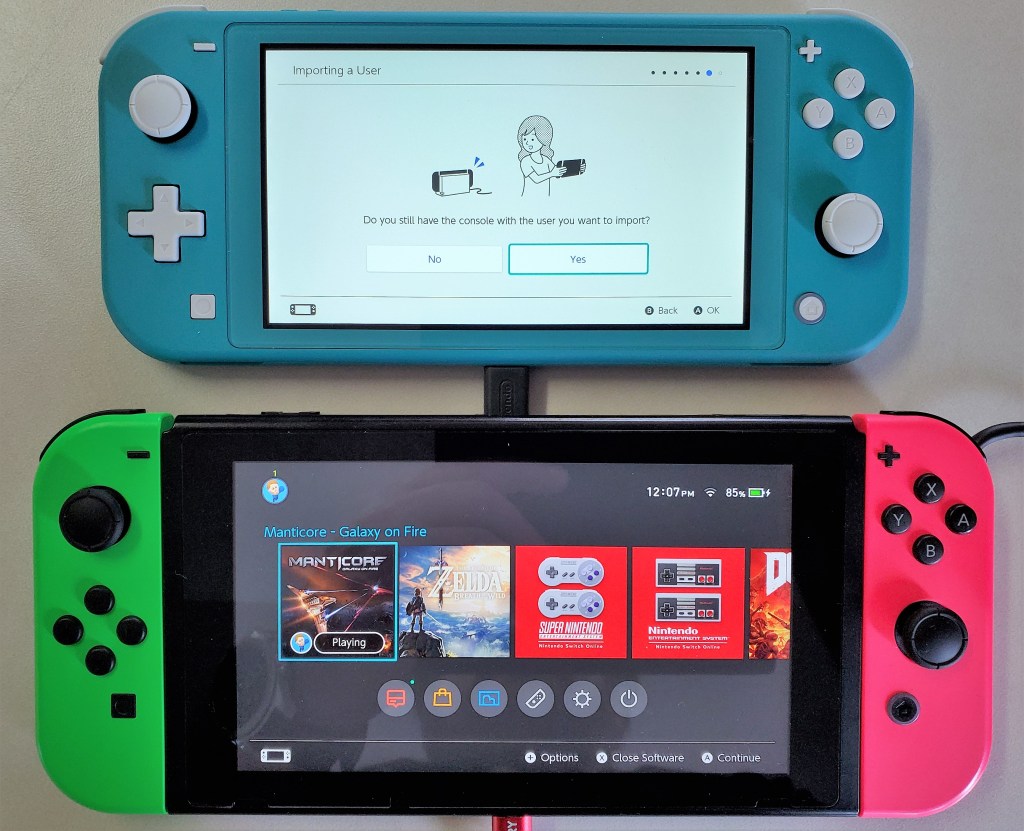
Personally, I purchased the Lite with the intent of keeping it in my bag and leaving the original system at home. If you plan to do the same, review Nintendo’s documentation on linking multiple systems to a single account. There are specific requirements and limitations that may change your mind. You will need a Nintendo On-line subscription.

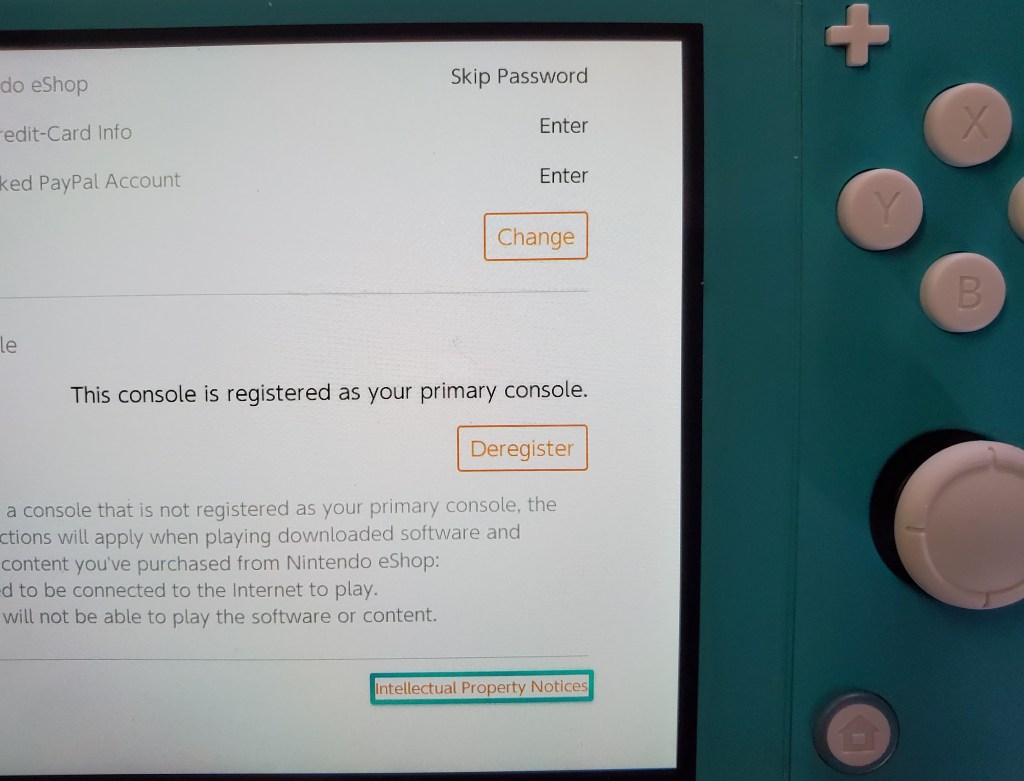
Essentially, you will want to make the Switch-Lite your primary device to ensure that it will work anywhere. Your original switch will be a secondary device linked to your account and will only allow downloaded content to play when there is an Internet connection available.

I’ve played games on my Switch Lite while out and about and then resumed playing on my original, hooked up to the TV, without issue. The only catch is that you need to exit the game on the Lite so that its saved games will upload to the cloud. There’s a slight delay before the cloud saves download to your secondary device but you can speed it up by going into the Data Management menu.

If you’re going on vacation or need your original unit to travel with you for some reason, chaining which unit is primary is easy. Open the eShop app, click on your avatar in the upper right hand corner and scroll down, you’ll see a deregister device button. Click it, then which ever device you sign in with first will be registered as the primary.

The Switch Lite is more comfortable to play on than the original is in handheld mode. The reduction in weight and the location of the thumb sticks reduces fatigue on my wrists and fingers. The case’s texture makes the device less likely to slip. With the controls being part of the chassis, the Lite feels sturdier than having the Joycons attached to the original did.

Overall I am very happy with the Switch Lite. It is an improvement in portability without compromising the performance of the games. Deciding between the two will be a tough choice for new players.

Xbox One X vs. Xbox One S vs. Xbox One

I play almost as many console games, as I do PC titles. I had been playing my original Xbox One and ruled out an upgrade. My logic being that I’d use the PC for 4K and HDR. It turns out that plan was a little short sighted.

I play console games with a lot of friends and family. To be honest, the friends and family thing is the reason I still have consoles at all (except for the Switch). I kept finding myself missing the higher end graphics during these sessions, especially after I got my new HDR screen. Lucky for me, Microsoft discounted the Xbox One X to $399.00 for the Fallout 76 bundle.

At this point, I’ve played hundreds of hours of games: Titan Fall 2, Halo 5, Apex, Battlefield 5, Gears of War 4, and more on all three models of the Xbox One. I’ve even hooked them up side by side just to eyeball the differences.

The differences are both less and more than you might think. Allow me to explain. The Xbox One has great graphics especially when running games that were created specifically for it. I could get all technical about resolutions and frames per second, but specs don’t really matter, experiences do. The Xbox One provides a much better gaming experience than its predecessor was able to.

The Xbox One S introduces HDR (high dynamic range) and slightly higher resolution and FPS. If your screen and the game you are playing supports HDR, the change is dramatic. Colors are richer, shadows deeper, and everything is generally more defined. The improved controller supports Bluetooth connectivity which makes hooking it up to your PC easier and the One S is physically smaller than the original.

The Xbox One X allows for full 4k HDR 60 FPS gaming on the titles that support it. Several games have been updated, just look for Xbox One X Enhanced in their descriptions on the store. The differences between 1080P and 2160P are realized in the texture of materials and objects more than anywhere else. Skin looks almost real, the line between leather and cloth in clothing is clearly defined, wood looks like it would give you a splinter.

The differences in game play are the greatest between HDR and NON-HDR. With HDR capabilities, spotting a sniper hiding in the distance is easier because the character is more clearly defined. Nailing the corner at eighty miles per hour feels safer because the road’s surface and transitions are more obvious.

With the addition of 4K, games are more photo-realistic than ever before. However, beyond pure ascetics, the high resolution doesn’t add anything to the game play. In-fact, you might be able to argue that it causes more mistakes. More than once I was fragged in a game of CoD or Titan Fall 2 because I was busy admiring the scenery instead of watching where I was going. Granted, I got used to the new looks after a while.

I really enjoy my Xbox One X and highly recommend it to anyone looking to get their first unit or to those who are upgrading from the original. If you already have the Xbox One S, I can’t say the upgrade to the X is entirely worth the expense. If you already have an S and aren’t dying to play 4K games right now, holding off for Project Scarlet may be a wiser financial decision. Of course games are rarely about smart money choices.

Shooter Shooter On the Wall, Which is the Fairest of Them All?

Nothing beats booting up your favorite system and jumping into a shooter to kill, kill, kill. For me and tens of millions of others, challenging yourself in a battle of speed, wits, and control is the ultimate form of competition.

Talk to any gamer that enjoys the genre and you’ll find there are some fierce loyalties to particular titles. As with any category of things, there are sub-categories of shooting games. There’s your Run -n Gun, Shoot -n Loot, Battle Royal, War Sim, RPG, and more. I play them all and can attest to their extreme differences.

2018-10-06

Right now, I’m actively playing Apex, Battlefield 5, COD BlackOps 4, Destiny 2, Deus Ex Mankind Divided, Doom (Switch version), Splatoon 2, Shadow of the Tomb Raider, and Overwatch. Occasionally I fire up Titan Fall 2, Gears of War 4, Halo, Borderlands 2, Battlefront, and Uncharted, just because I like playing them.

I often get asked which game is the best.  The truth is that the games are so different from each other, the answer depends entirely on your personal definition of “best”. So here are my personal thoughts on the current generation of games that involve shooting at something.

2018-07-01

Graphics

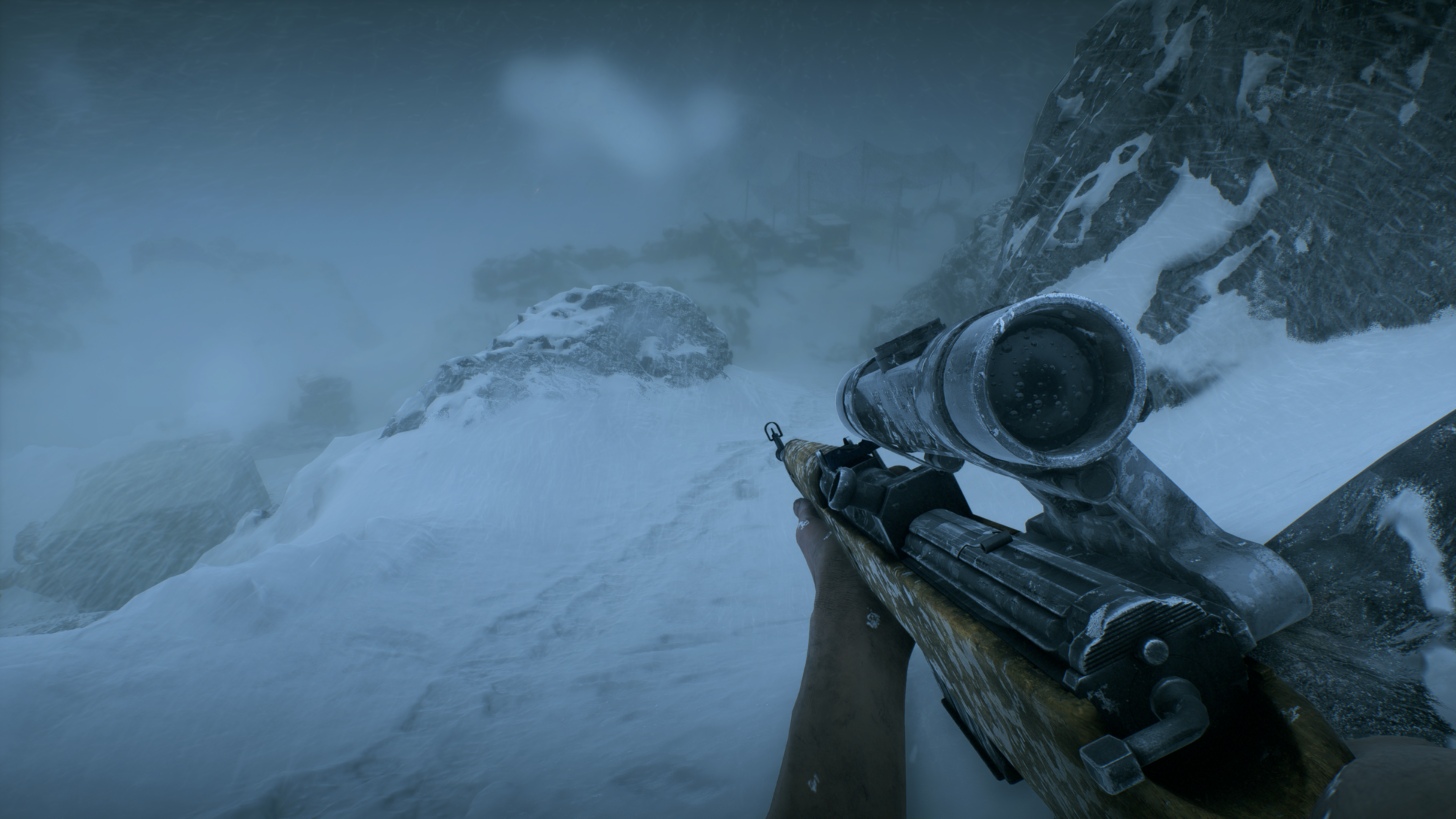
If by best you mean which game looks the most photo-realistic, the answer is Battlefield 5. Running at 4K, 60Hz+, HDR, on a 2080 Ti with ray tracing, DLSS, and everything cranked up to full, the entire game looks like a CGI generated movie. Not only is it the best looking shooter, it’s the best looking game you can play right now period.

You might be tempted to think I’m stating an opinion. Generally I agree that beauty is in the eye of the beholder, but there are no other games that support the visual fidelity achieved by Battlefield 5 on the market right now. My friends and family that experience it for the first time are taken by surprise when a cut-sence ends and the game starts. They literally cannot tell the difference. The opening sequence of the game takes advantage of this situation by purposefully slipping in and out of cut-sences in rapid succession.

2019-02-24

If you have the GPU, screen, and sound-system  to experience Battlefield 5’s media onslaught at the peak settings, you are in for a treat. I find myself surprised at how good it looks and sounds nearly every time that I play it. It’s also just a really good game. Sixty-four player multi-squad battles with air and ground vehicles, infantry, mounted weaponry, and varying real-world environments will keep you engaged for hours.

Control

Game Feel is the term used by developers to describe how the combination of input, response, context, and aesthetics translates the virtual actions and sensations of a game to the physical world. Publishers invest an extraordinary amount of resources into getting their game feel just right.

Having played countless games over the years, I’ve learned to ignore my initial reaction to the controls of any new game. A new title is usually off-putting at first. Ever pick up what you thought was a Coke only to taste Dr. Pepper? New games cause a similar, “this isn’t right” feeling due to the control interface being the same as what you used to play the last game, but the input and response being different.

xboxcontroller

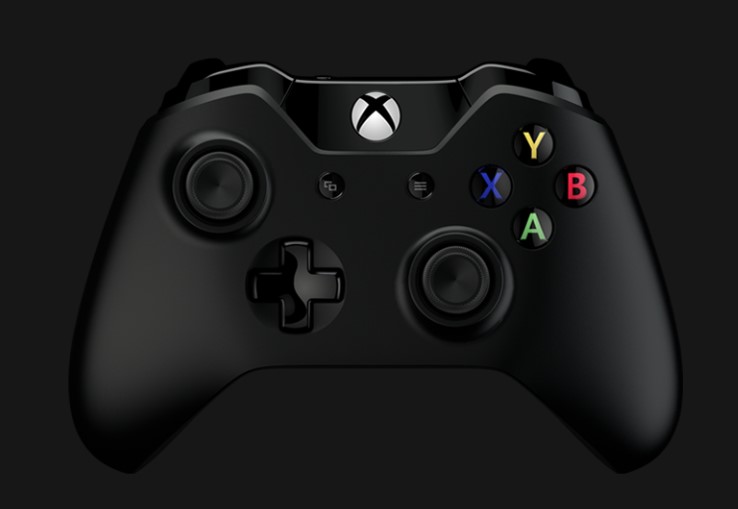
That being said, I have favorites like anybody else. The COD and Titanfall (including Apex) franchises have great game feel when played with a controller.  I prefer Battlefield and BattleFront when playing with a keyboard and mouse, although I switch to a controller when operating the vehicles.

If I had to put my money on which shooter has the best controls, I would have to say the Destiny franchise has it in the bag. Whether you play with a controller or mouse and keyboard, there’s just something about Bungie’s game feel that is quintessential. Perhaps it is because I came into my own playing Halo on-line or maybe it is just the right balance of input and response timing versus speed of the game play. For whatever reason, every time I play Destiny 2, I marvel at how good the controls feel.

2018-05-05 (8)

Story

For some, the story is the most important aspect of a game. It’s what keeps them interested in playing to the end. For others, it has little value and the campaign levels aren’t even looked at. I happen to be in the former camp. I can enjoy games that don’t have a compelling story to go along with the shooting, but I won’t be as emotionally engaged.

The Uncharted series has one of the most epic story lines in modern gaming history. It typically isn’t considered a current generation game though. The reboot of the Tomb Raider series is almost as compelling. Lara Croft and friends have never seemed as real.

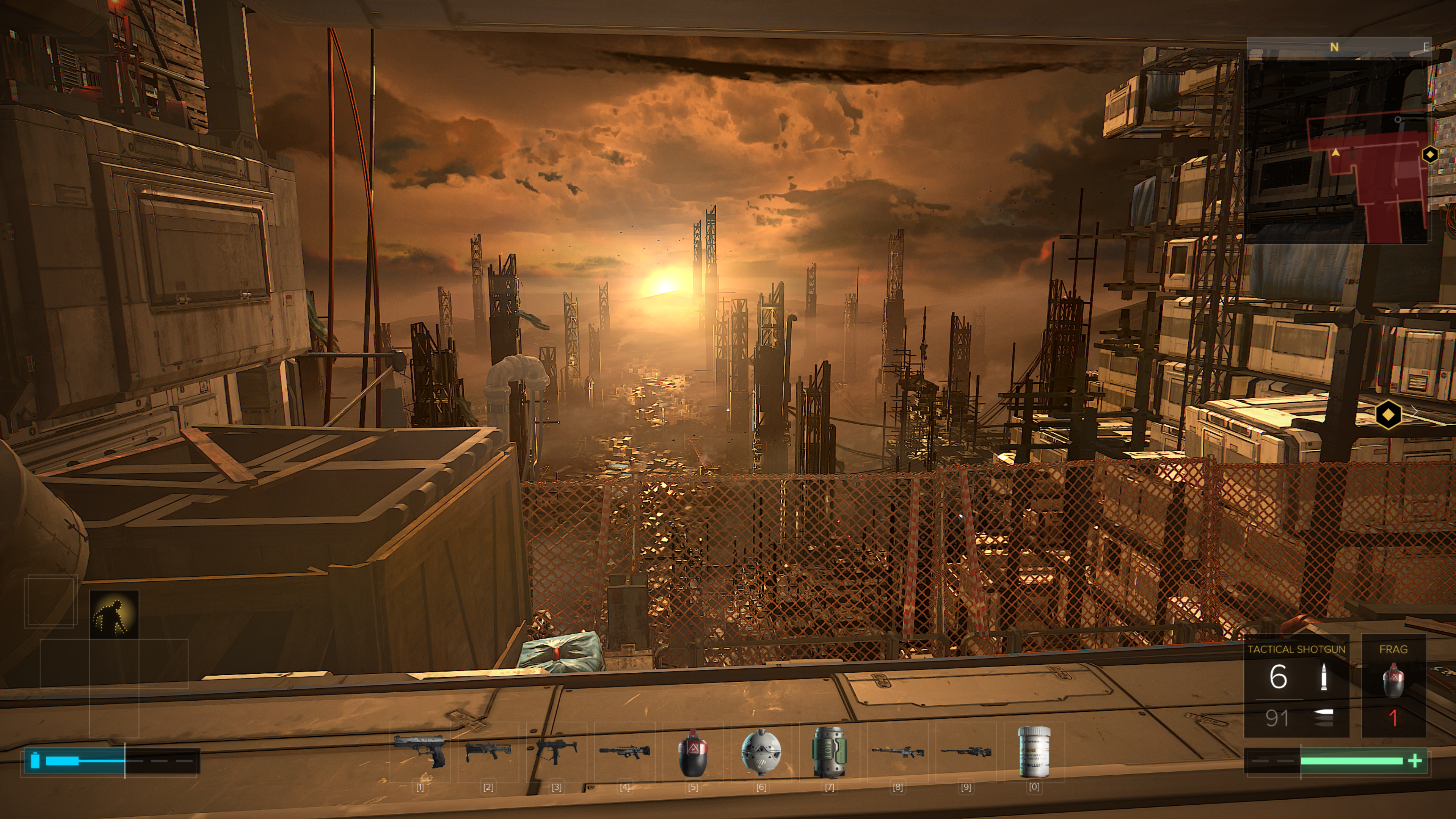
Personally, I am forever a Sci-Fi fan and the Deus Ex franchise really resonates with me. The concept isn’t unique. There have been countless games that featured an android, but the combination of its city sets and the tension between augmented and non-augmented people set Deus Ex apart. In my mind this seems like a possible future state for humanity that may be realized sooner than we expect.

2018-10-15

Playability

For me, playability means how many hours do I stay engaged with a game before I move on to something else. In other words, how much bang for my buck am I getting? For example, I’ve been playing Deus Ex Mankind Divided for forty-six hours and I’m about two-thirds of the way through. I’ve completed every main story and side mission along with most of the points of interest. More than likely I will also play all the DLC missions. I paid $19.99 for the game and will end up spending around eighty hours in the fictitious world.

By comparison, I’ve already spent more than seventy hours playing Battlefield 5. The game has an excellent balance of modes that lend themselves to my availability. Team Death Matches last between ten and fifteen minutes, Conquests can last up to an hour, and Grand Conquests stretch across multiple days of play. This ability to fit in to my schedule makes BF5 one of my go to time wasters.

My Favorite

It’s difficult for me to say that any one game is my favorite. I like them all for different reasons and will always be the kind of gamer that switches between playing multiple titles. However, the point of this article was to name the “Fairest of Them All”. Battlefield 5 is the winner in my book.

When left to my own devices, it’s the game I play the most. In Battlefield, single shots can kill when they hit the right spot, taking cover is not optional, the building you’re hiding in can be destroyed, and there are no perks or ultimates to make up for a lack of experience. Ranking up weapons and player categories are slow and methodical until the pay-to-play packs are released. Above all else, I enjoy being challenged.

2019-01-05 (7)


Nvidia’s 2080 Ti, The New Hottness

Gaming PCs have been part of my life for as long as I can remember. I like to build them myself and through the years I’ve learned that getting the best quality components is less expensive in the long run. Much like buying your kid a pair of sneakers that is one size too big, high-end equipment has a longer useable life because it is overpowered for the current generation of games and applications.

At well over a thousand dollars for the least expensive iteration, does Nvidia’s new flagship chipset provide enough bang for the buck? Will it offer enough future-proofing at this price point? I’ve read tons of benchmark results, perused many articles both for as well as against, and watched countless review videos. I’ve decided that it is time to find out first-hand. This one component will cost more than everything else in my system put together. It better be worth it!

DSCN1185

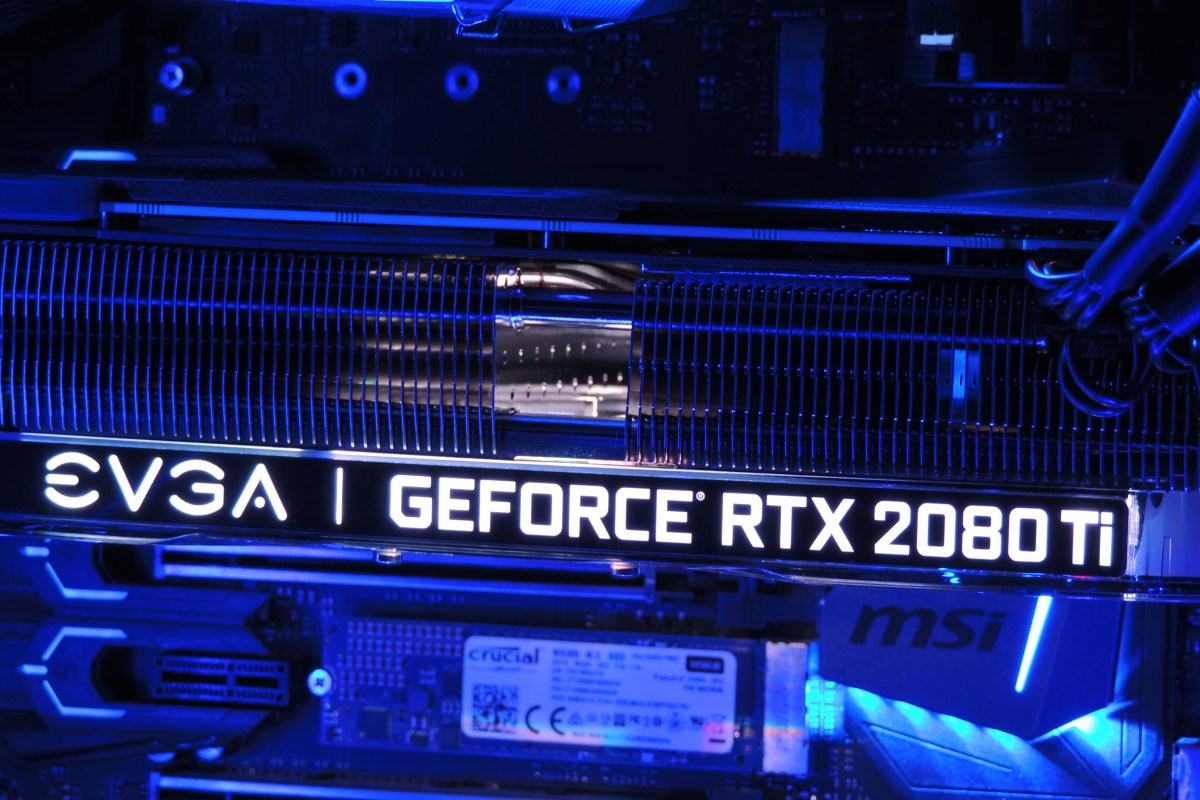
Just deciding which manufacture’s card and which of their ten or more models to get was a project unto itself. The decision was made more difficult by many options being unavailable. Some of my top contenders were back-ordered for as long as six weeks. The various cards differ from each other in a couple of ways. First is whether they have a factory overclock applied or not. Second is how many fans their chassis have attached. Generally speaking, the higher the overclock, the more fans you need to keep it cool. The current generation of these cards come in one, two, or three fan configurations. I ended up with an EVGA Gefroce RTX 2080 Ti XC Ultra Gaming card. It has a slight overclock and two high-speed fans.

Nvidia’s new monster requires dual eight pin power connectors and a minimum of six-hundred and fifty watts. The PSU in Elder-Wand that ran my previous RX-480 had the dual connectors but was rated for only six-hundred watts. I decided to try it with the 2080ti anyway, just to see what would happen. At first I thought everything was going to be ok. The system booted, the Nvidia drivers loaded, and my desktop screen looked great. My web browser and Visual Studio worked well. Everything went sideways when I tried to launch Destiny 2. The fans on the GPU went nuts and my system froze completely. Luckily this was just an experiment and I had a Corsair RM 1000x on deck.

After installing the new PSU, I fired up the same game (Destiny 2) and set all the graphics options to their maximum modes. I went to Earth in the game because the Trostland (EDZ) has a variety of environments and lighting situations in a small area. I was floored. Staring at my 40 inch 4K screen was like looking through a window at an actual church. Albeit one in which odd purple aliens are running around shooting at each other.

2018-12-22 (3)

I systematically set all of the games I am currently playing to 4K ultra and they all preformed flawlessly. The card wasn’t struggling to keep up and 60 FPS (max for my screen) was a breeze. The fans were in cruising mode and it was obvious there’s a lot of head room between what current games are consuming and the power this chipset can bring to bear. I don’t think future proofing is going to be an issue, but the price per year is going to end up on the high side. If the card lasts the typical three years I’m looking at four-hundred per year which is the equivalent of buying a new top-tier console every birthday.

2018-12-23

Besides being the most powerful consumer card on the market, Nvidia’s other claim to fame for the new chipset is being the first to enable real-time ray-tracing. The technique allows the GPU to simulate the path that rays of light would follow in nature, providing a realistic photo like picture. Especially where reflective surfaces like water, clouds, or ice are concerned. Until now ray-tracing required server farms to render and was only used in CG for movies and TV.

2018-12-23 (10)

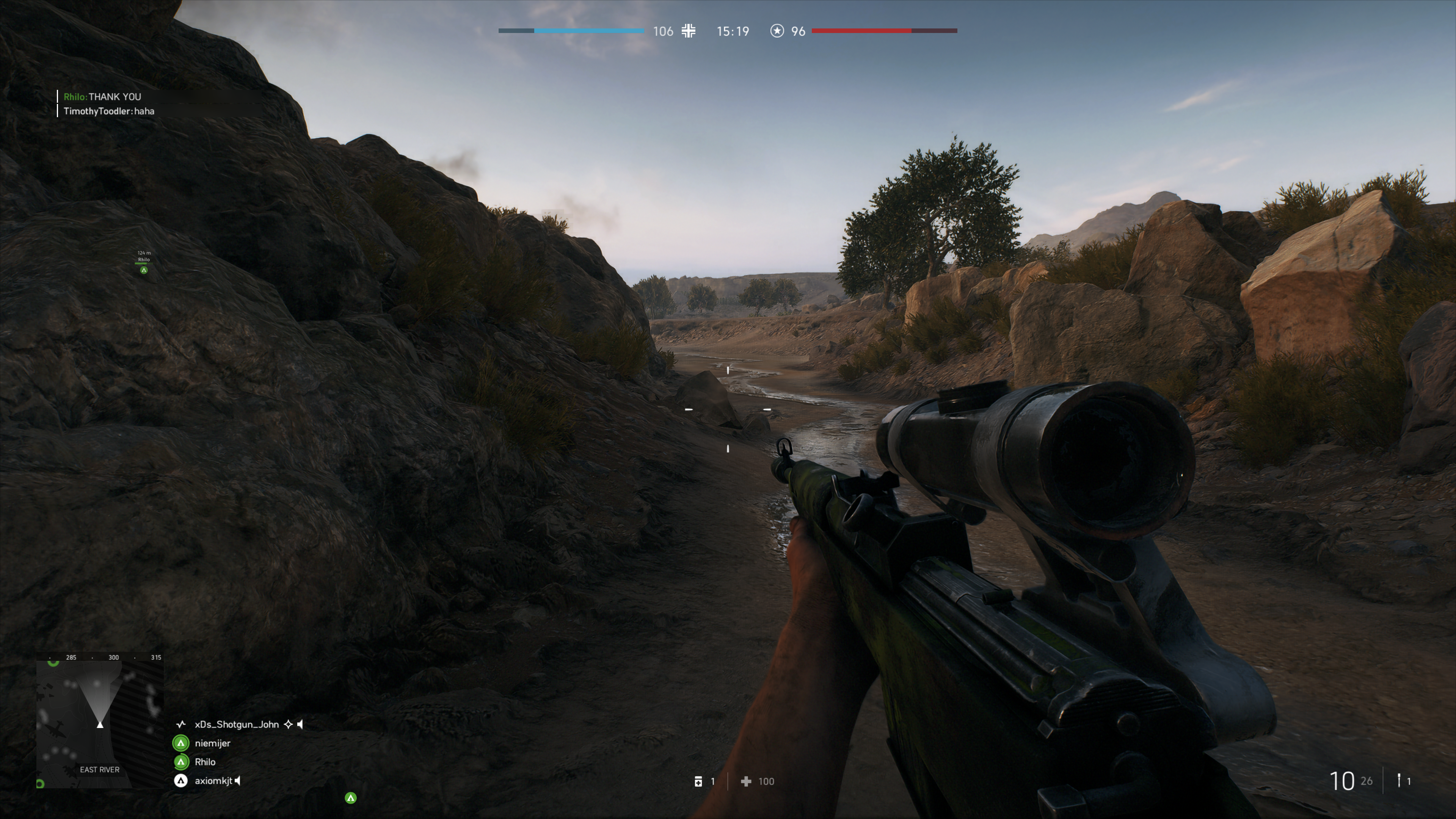
There are only a handful of games that can utilize ray-tracing right now and it remains to be seen whether the tech will catch on in the main stream. Lucky for me, my purchase came with one of the DRX enabled titles, Battelfield V.  I was impressed with results. You do take a hit to FPS when enabling the feature, but I was still able to stay close to sixty most of the time.

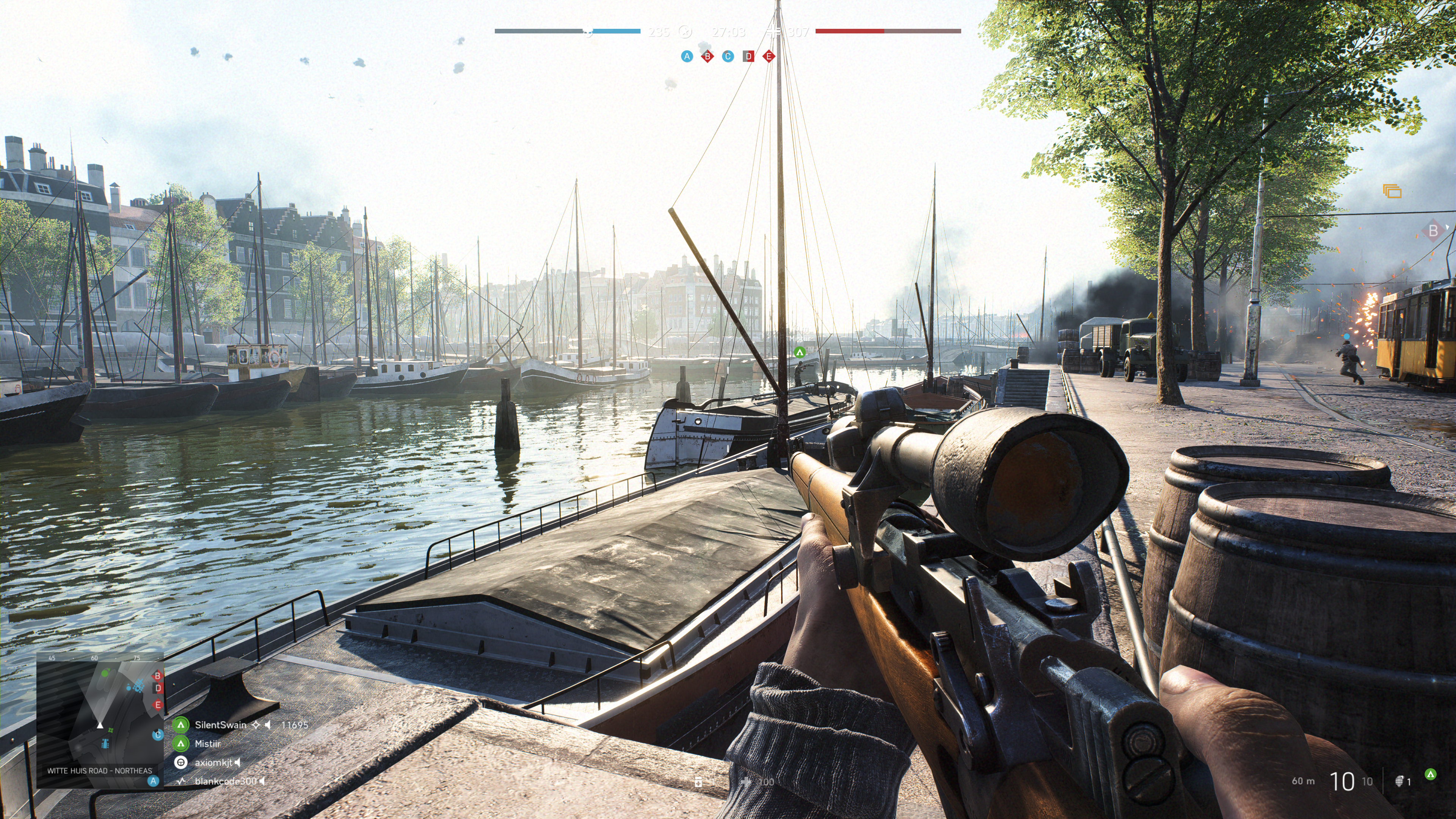
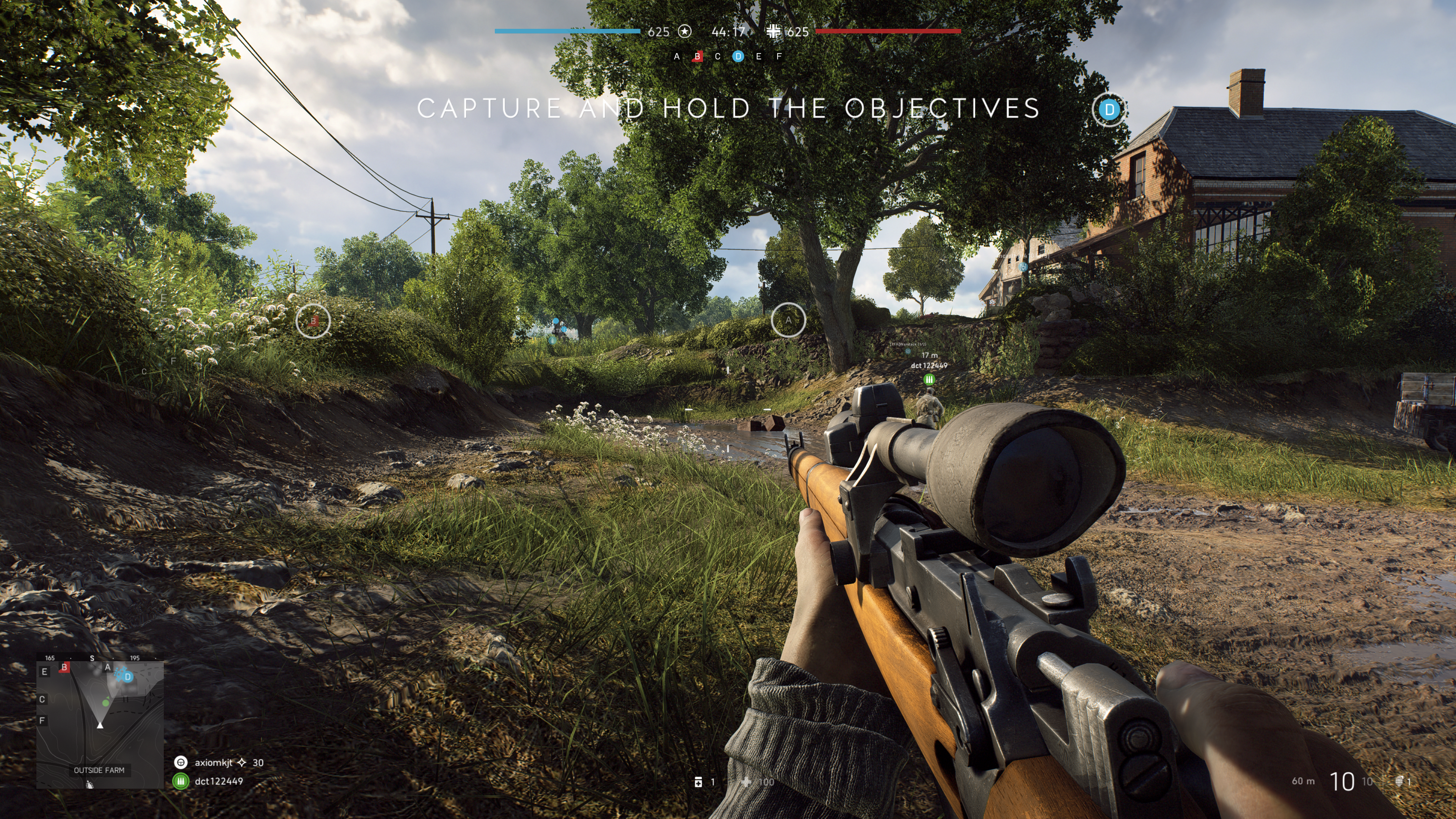
The net result is that surfaces look almost real. I imagine that if I removed the text and in-game overlays from the screen grabs above and below, you would be hard-pressed to identify them as a computer generated images. These were taken in the middle of an on-line multiplayer battle. Notice the superb reflections from the slight dampness in the ditch on the right and the gleam off the weapon’s surfaces and the shooter’s skin in the picture below. The water in the picture above is the best I’ve seen in a game, period.

2018-12-22 (4)

The other gaming function that the 2080ti excels at is Virtual Reality. Current VR goggles are somewhat lacking in resolution and this causes items that are “far away” to appear grainy or digitized. One technique to help minimize the degradation is to enable supersampling. Essentially supersampling tells the system to use multiple copies of every image to fill in the detail; it’s a type of anti-aliasing. This operation takes a lot of horsepower from your GPU especially when you consider that you need to run two displays at 90 frames per second while doing it. The 2080ti was easily able to support 5.0 (highest setting in SteamVR) supersampling for all of my games.

The price of this chipset puts it out of reach for a lot of gamers and that is a shame. The power to run all games at 2160P with ultra everything is intoxicating. The 2080ti lives up to the hype in my opinion. I doubt if it will last long enough to be considered a wise financial decision, but don’t most hobbies end up costing you a lot of money in the the end?

Photographs appearing in this article are courtesy of Tyler Trent.

Family Fun with Super Mario Party on the Nintendo Switch

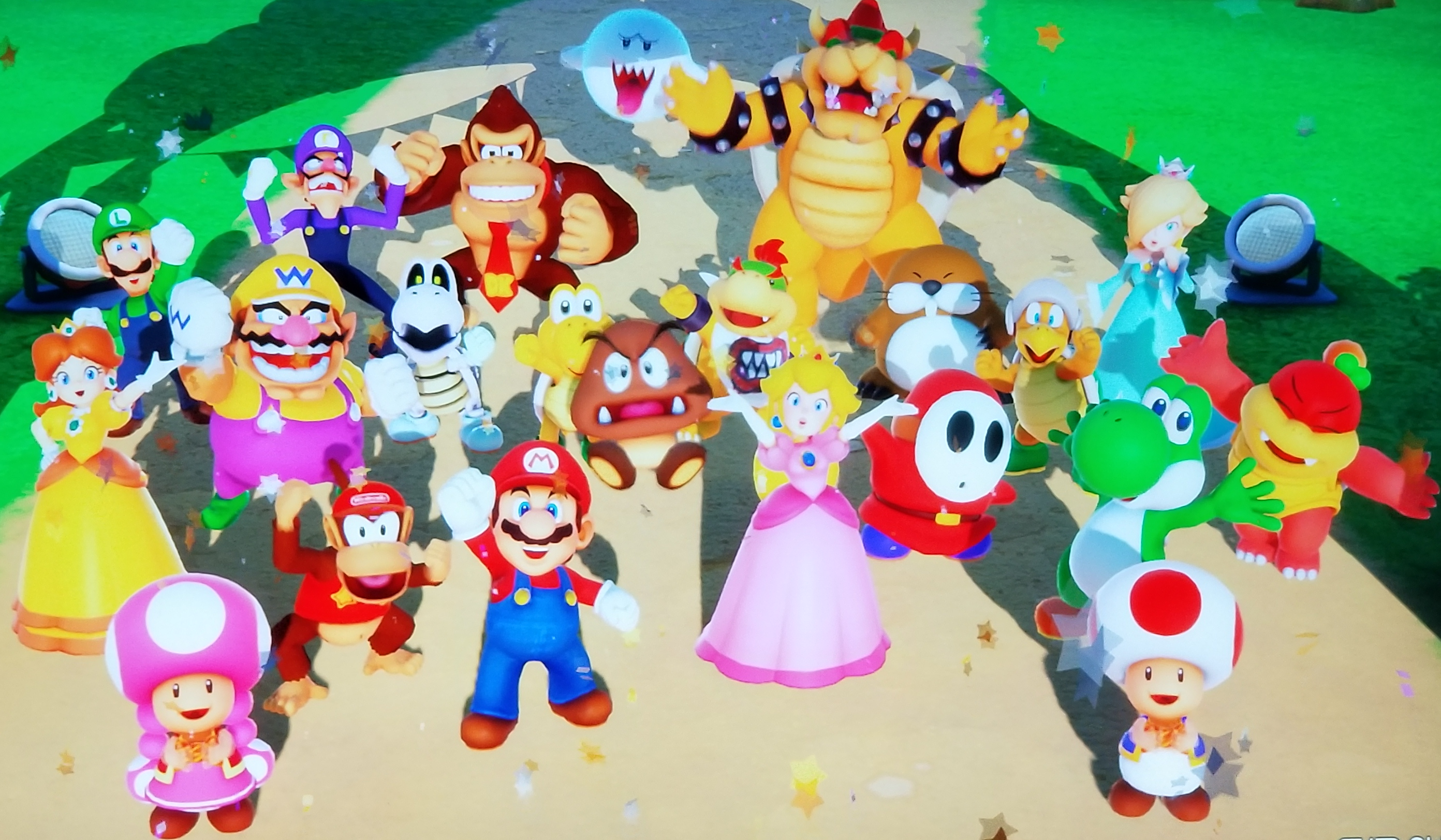
My family has been playing Mario Party together since our children were big enough to hold a controller. I firmly believe that families who play together, stay together; some of our favorite memories are centered around this title. We’ve been playing the newest edition all weekend, (yeah for cold rain) read-on to find out how it holds up now that the kids are in their teens and accomplished gamers in their own right.

Choose_your_game

If you’ve never played a Mario Party game before you should watch a round on YouTube or Twitch they can be very entertaining. The game is a melding of traditional “roll the dice and pick your space” board games combined with multi-player mini-games as events that are triggered when you land on certain spots. You make your way around the game board to collect coins and stars, the player with the most wins. There is of course far more to it than that, but a fuller description would be boring to read.

Many a gamer disliked the car in Mario Party 10 on the Wii U. It forced the players to move together and removed the strategic element that most board games thrive on. Neither the mini-games nor the board game is strong enough on their own. Thankfully Nintendo has realized that and added path choice on a multi-directional board back to the title. In this version your decisions regarding the route your character takes are more important than ever.

GarmePlay

You’ll need a Joy-Con for each player, your Switch came with two, but if you want to play with four players, you’ll need an extra set. At sixty to eighty dollars for a pair, this can be expensive. Especially if you have no other reason to own an extra pair. The controllers work really well as long as you stay in bluetooth range. Keep in mind the signal runs on the same 2.5 Ghz wave length that Wi-Fi does, so the range can be shorter than the listed 33 feet due to interference. Look in your router’s settings for an option to get along better with bluetooth, some wireless systems have the setting and some don’t.

The mini games are easy in practice or when playing on your own against the AI, but challenging when playing against human opponents. They can make for some spirited play if you are with a competitive group like ours. The bad luck and good luck spaces on the board along with special abilities and random rewards keep the board play fun as well. I expect our family will get lots of entertainment hours out of the game this winter. I liked playing with the kids when they were younger better, I could win that way. Now they are able to beat me seemingly at will, I’m not sure how those tables turned. Apparently this makes the game even more fun for them. Shouts of “Yes, I destroyed dad” were ringing through my living room only moments ago.

If you liked previous Mario Party titles but didn’t care too much for 10 or, if you’re from a board game generation and looking to do something with your video game playing children/grand-children, I think you’ll enjoy Super Mario Party. Happy gaming and remember it’s not the motion controls, it’s just you!

Mario_Gang

Yonder The Cloud Catcher Chronicles. The best Switch game you’ve never heard of.

While wondering around one of our local game stores (Vintage Stock) with my family, I saw a game that hadn’t heard of before. I picked it up to read the summary on the case and was given a vague description of an island rather than an idea of the game play. I pulled out my phone and spent a few minutes researching on-line but didn’t find a lot of information.

The single review that I did find said the game was a cross between Zelda Breath of the Wild, Animal Crossing, and Harvest moon. So I took a chance that my wife and daughter would enjoy it and picked it up; they both love all three of those games. It turns out that description is accurate but I would add Stardew Valley to the list. The game takes place in on a whimsically cute island that is divided into 8 environments. There are story based missions, farming, collecting, mining, fishing, and crafting but no actual combat. There are people to talk to, a fairy sidekick, animals to herd and more.

20180908_213513

The graphics are good, the music and sound effects are great and the controls are well thought out. The game is text-based with voiced emotions like the older Zelda games. To be honest I haven’t even had a chance to play it myself. I’ve been watching my wife play and she won’t share. Needless to say they like it. I might even give it a try and I don’t usually like farming/collecting games.

You can fully customise your character at the beginning of the game. As you play you’ll find dye kits, accessories like glasses, and more to enhance your avatar with your own personal flair.

20180908_213116

The game also has seasons and a full day/night cycle.

20180908_214410

I expect to be seeing this on my TV screen and hearing it comming from various Switches in my househould for months to come. If you like farming and mining, social interactivity, and open adventure but don’t care for combat, this is the game for you. At the time of this writing you could get the game for $39.99 on cartridge or as a $30.00 download from the Nintendo store.

Modern Virtual Reality; 2.5 years in and better than ever

Way back in 1991, I played an RPG game called Legend Quest at an arcade in Kansas City. I had long been a gamer and spent many an hour trying to own the top scores for games like Pac-Man, Asteroids, 1942, Double-Dragon, and Out-Run, but this game was very different from those.

You stood on an elevated platform with a giant helmet that contained a screen and held a single controller in your hand. I felt like a dweeb getting all of the gear on in the middle of the mall. It was the Christmas shopping season and I was a teenager in the “big” city on a trip with some friends and no parents. I was hoping to meet some girls, but wearing this get-up was absolutely ruining any chances of romance.

1000seriesVR
Not Me I promise!!!!

The game that I was playing was a fantasy adventure, not unlike some of the more modern 3D Zelda games. The graphics were atrocious by today’s standards, but they were more or less 3D and in full color, which was more than some games of the time could say. The graphics weren’t what enticed me spend every dollar I had on this thing.

Legeng Quest

This was one of the first publicly accessible Virtual Reality experiences you could have. At the time, most people had never even heard the term Virtual Reality. Wherever I looked, the view in the game followed. I could move my hand and the sword, bow, or spell I was using moved with it. The thing made me sick and gave me a massive headache, but I didn’t care. I played until I was broke and then borrowed ten bucks from my BFF and played some more. In my head, the potential for this tech was world-changing.

I followed VR like a hawk through the 90’s and 00’s. It seemed like we were on the verge of something great. The Lawnmower Man movie introduced the concept of VR to the masses and several newer versions of the machine that I had played on made tours of the malls, arcades, and amusement parks.

Then it happened. Sega announced at E3 that they were going to make a VR console attachment for home use. They even had several games ready to go. I already had a Genesis console and started saving every penny I made. Eventually they canceled the project because they couldn’t make it cheap enough or good enough.

All was not lost though. Nintendo launched the Virtual Boy in 1995. I didn’t have a Nintendo, but one of my buddies did. He bought the VB and I headed over as soon as he had it hooked up. Unfortunately, it kind of sucked (I didn’t tell him that). The graphics were only in red and black and you had to set the thing on a table and lean into it.

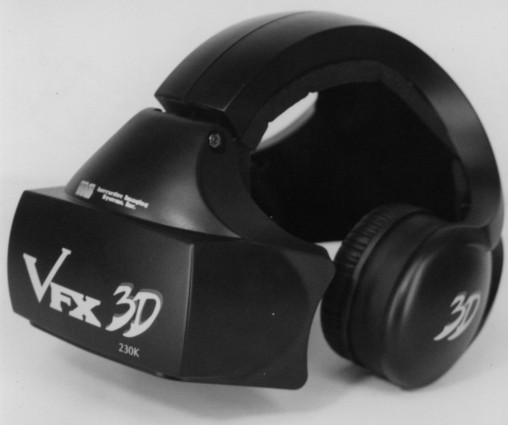
Through the early 2000’s several companies tried various VR headset devices like the VFX 3D but none of them stuck. They were too expensive, too heavy, too low resolution, and too hard to use for any kind of mass appeal. Then in 2012 there was a Kickstarter campaign by a little known company named Oculus. The videos they were showing off of their dev unit looked amazing.

vfx3d

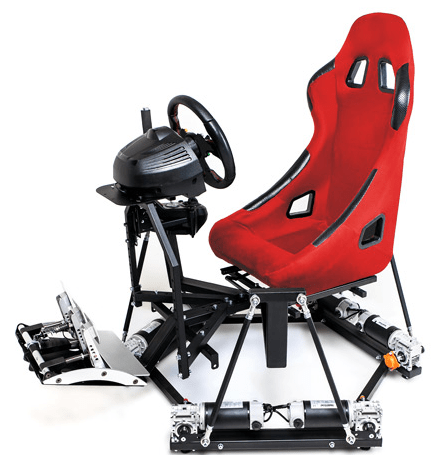
Fast forward to the present day. I’ve had my Oculus Rift for quite a while now. I’ve got the current retail edition and have 3 sensors, the touch controllers and a Xbox remote. I’ve also got a good force feedback steering wheel and pedal set that I use for driving games. It’s all hooked up to a dedicated gaming rig running an I-7, 270 chipset, 32GB of 3000 SDRAM, 1TB M2 SSD, 10 120mm fans, 1000 watt PS, and an 8GB RX480 with Windows 10 Professional as the OS. Everything in the system is overclocked to within an inch of its life. It’s name is the Elder-Wand and you’ve seen it featured in several of my other posts.

20180728_014902.jpg

What’s in the machine matters. If you’ve used an Oculus or Hive and come away feeling motion sick there’s a good chance it was caused by an underpowered box. To skip calling Ralph on the big white phone after a VR session, the system has to be able to play the game at 90 frames per second with no lag outs. It’s the “no lag” area where some rigs fall short. During high action scenes, systems that are on the edge of performance requirements will often drop down into the high seventies. Don’t get me wrong; if you do a barrel role in a fighter jet, you’re going to feel it, but that kind of reaction is normal and in some cases can be lessened with exposure over time.

Besides not getting sick, a beefy box will also allow you to SuperSample. SuperSampling is a technique employed to sharpen an image. A scene with a much higher resolution than the one being displayed is generated and its extra pixels are used by an algorithm to calculate smoother transitions between shapes and colors in the picture that your eyes are actually shown. The effect can be dramatic in some games and goes a long way toward making the VR world less blocky looking. SuperSampling is especially effective in VR because the screens are so close to your eyes. Many newer games have an option in their graphics menu to enable this feature (aka Pixel Density) but if not, your VR Visor (SteamVR or Oculus Home) can be used to turn it on.

Enable SuperSampling in the Oculus app:

  • Close all Oculus programs on your PC
  • Download the Oculus for Windows SDK from here
  • Unzip the download and find the Tools folder
  • Open the Oculus Debug Tool
  • Adjust the Pixels Per Display Override field to your desired multiplier
  • Launch the Oculus app you want to experience
  • Close the Oculus Debug Tool

Enable SuperSampling in SteamVR:

There are several ways to get super sampling working in SteamVR games, you can edit some JSON files or use one of several free utilities out there. Personally, I use this tool because it allows per game profiles and access to several other hidden settings. Be aware that downloading and installing software from the Internet can always be risky and you are doing so at your own discretion.

What’s the Verdict?

Chances are that you’ve read or watched some reviews of VR that were less than flattering. All tech has its detractors and negativity sells, but don’t believe the BS. Once you get the software and hardware sorted out, today’s VR experience is flat-out amazing. The family and friends I’ve shared my setup with have been shocked. Playing Skyrim in VR feels like traveling to another place and time. Driving in Assetto Corsa with a FFB wheel is good enough to make you fear crashing. Launching out of the tube in a Valkyrie space fighter is more exciting than any movie I’ve ever watched.

Is VR perfect? Nope, but name something that is. Does it have annoyances? You bet, the cable can be a problem. The headset can get hot after wearing it for a while; so does my baseball hat. You need a lot of room (8 – 10 square feet) if you want to move around much because the physical movement of a human body takes space.

As with all new gaming platforms, there was a content problem when modern VR first got started. I say was, because we’re a couple of years in and now there are tons of games, simulators and VR worlds to visit and more are being released at a rapid pace. You can visit anywhere like you’re standing there in Google Earth VR, see the inside of the International Space Station, scuba dive, sky dive, watch movies on an 80 ft screen, see the olympics like you bought a ticket, have a chat, paint, sculpt, build, go on an epic adventure, hit the shooting range, play a real-world sport, join a firefight, fly a space fighter, drive that exotic car you’ve always wanted, and get the crap scared out of you without leaving your home. Seriously, the horror games are just freaky.

Right now most of the experiences are focused on entertainment, but I think that in the near future we’ll start to see more educational productions. The ability to teach someone about a historic battle while participating in it, or to study the pyramids while walking through them will be epic. New doctors can practice operations, pilots can learn to fly, the possibilities are endless. Already my children are using VR to learn to drive.

The cost of getting into PC VR has never been lower. You can pick up a basic kit with headset, sensors, controllers, and starter games, for around the same price as a good gaming monitor and now that bitcoin mining has dropped off, you can find VR capable graphics cards for less than $300.00. It’s still not cheap but I’ve spent more than my whole setup costs taking my family to an amusement park for a single day.  #disneyisexpensive

It already lives up to what I imagined it could be like after that first expereince with the idea all those years ago. I can’t wait to see what VR evolves into in the not so distant future.

Digging for Overwatch Gold. An adult’s guide to playing or watching the game.

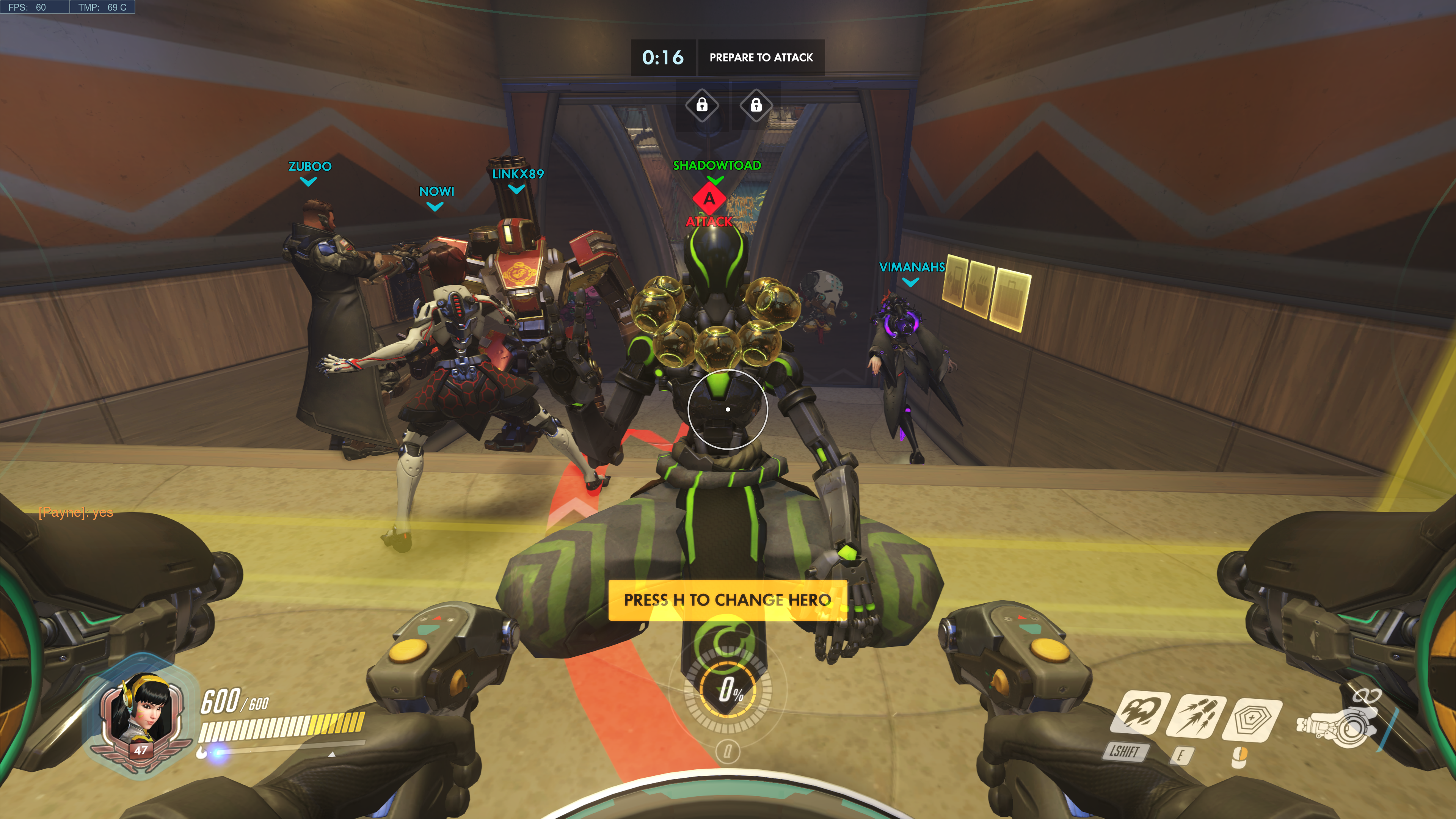
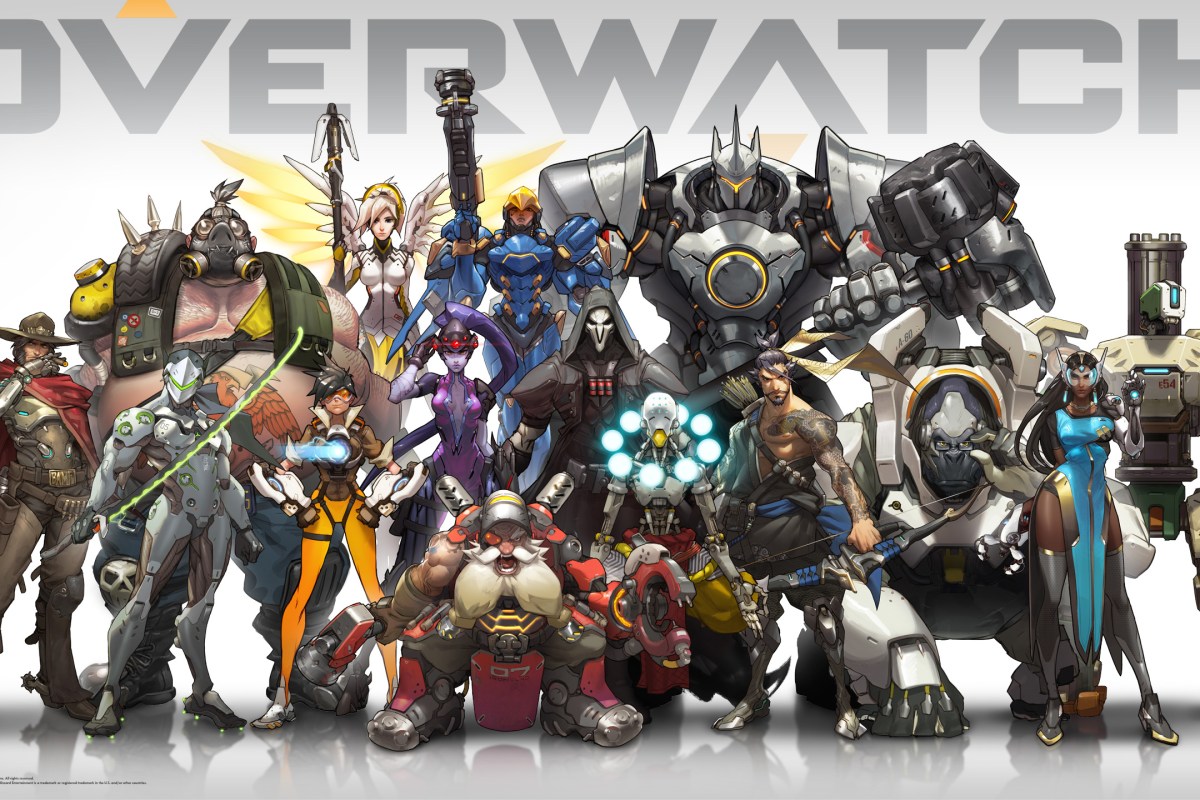
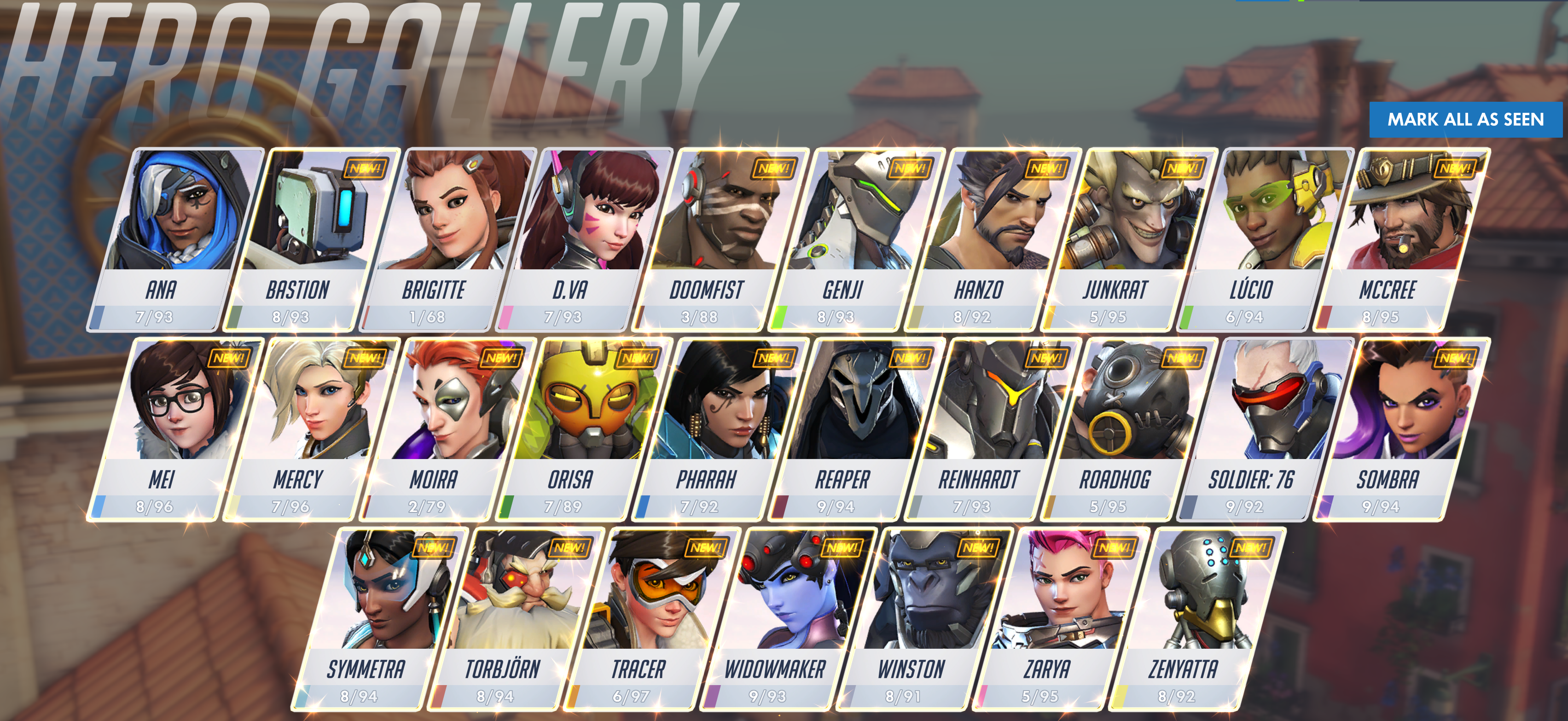
For those who don’t know (where have you been hiding), Overwatch is a shooter that is oriented around team play. Two teams of six on-line players choose from a roster of 27 characters spread across four roles: attack, defense, tank, and support. The team must work together to accomplish group goals in one of several game modes: Payload (move the item to points on the map), Point Capture (capture the flag), Point Capture and Payload Hybrid, or Control (king of the hill). The game modes ensure that the only way to win is to function as a unit. Lone wolf play results in a loss nearly every time.

Overwatch hero gallery

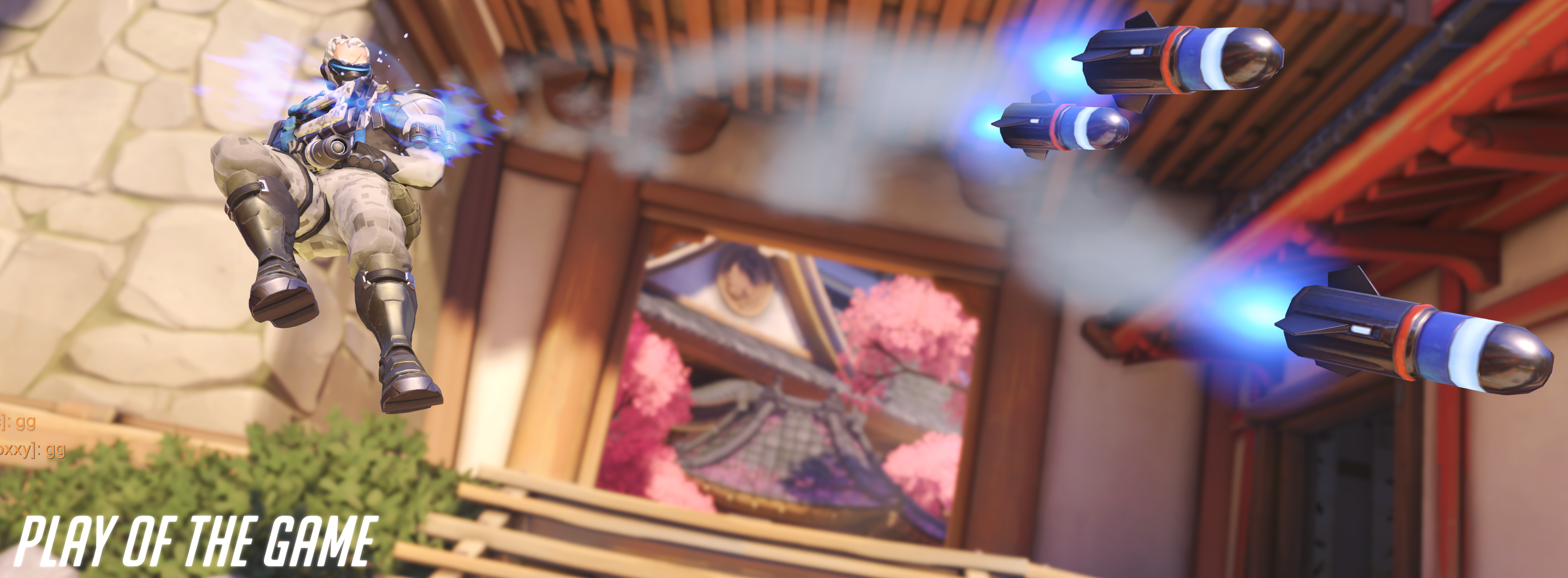
Like most team sports, there are plenty of occasions for individual glory. The game highlights those moments with “Play of the Game” recaps, individual performance medals, and an MVP vote at the end of every match. In Call of Duty, Doom, or Halo a single talented player can rack up enough kills in a team death-match round to virtually win by themselves. In Overwatch, you can’t win without the support of your teammates, period. Sure you can get oodles of eliminations, but you can’t make progress on the match’s goal. This group effort introduces all sorts of complex strategies and forces relationships between the players that are more akin to American Football than they are to most on-line shooters.

Overwatch play of the game

For example, several of the Battlefield games feature support roles in which the player can toss out health packs to heal injured team members. Call of Duty sometimes features a perk in which you can heal an injured player and these roles make a difference in the game’s outcome, but in Overwatch the support or “healer” class is critical. The match goals ensure that all of the characters, or heroes as they are called in-game, focus their firepower in a small area. Without a support person constantly bolstering everyone’s health points, players are zapped out faster than they can make it back into the battle. It is possible to win without a support member, but it’s a rare occurrence. When a group thinks they can go without a support player, it is fairly amusing to be on the opposing team in an overpowered, “bow before my might” sort of way. Guess what happens when the better armed players don’t protect the support players? When a character is killed in the game it is often quite a long trek to make it back to the goal. Loosing a healer can mean an entire team gets wiped.

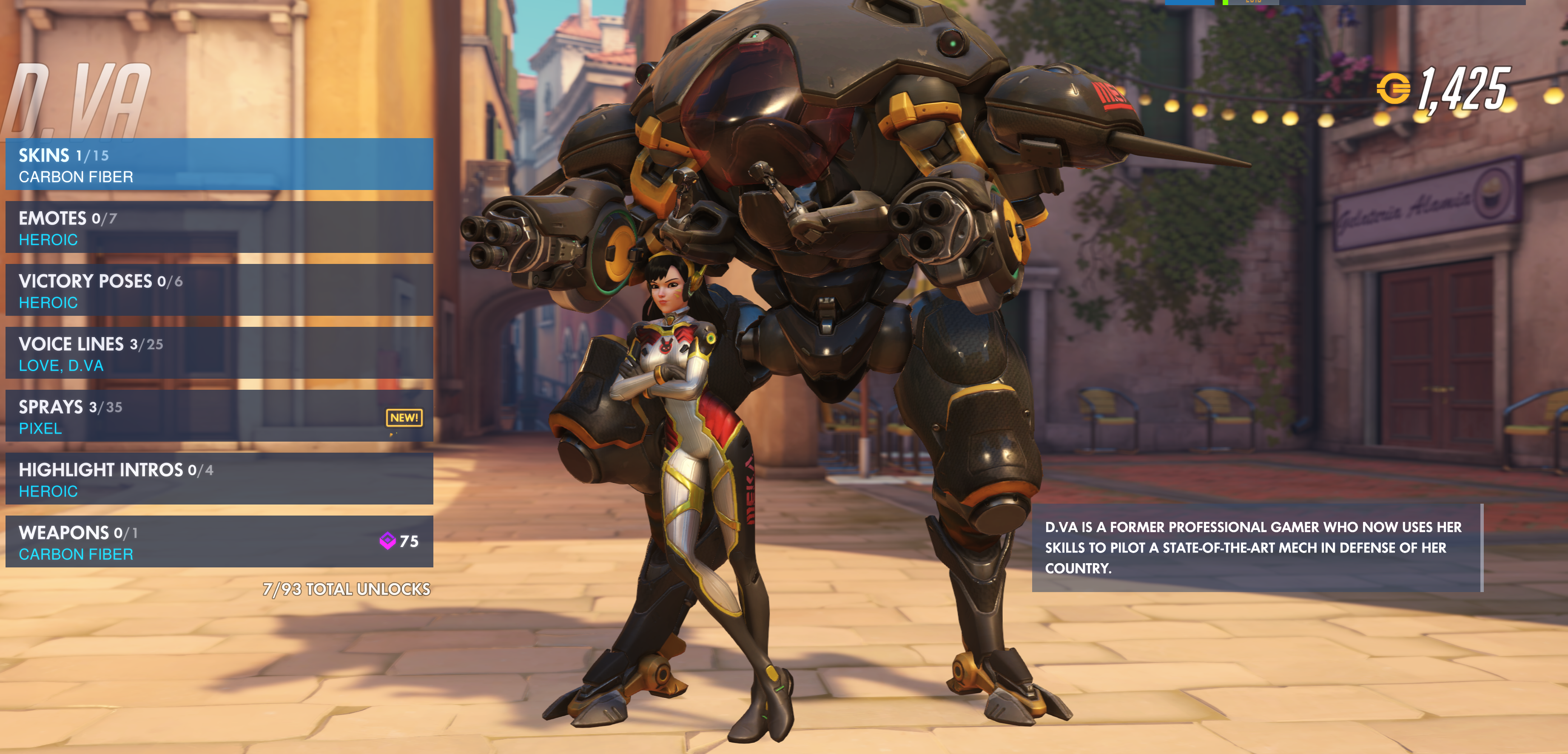
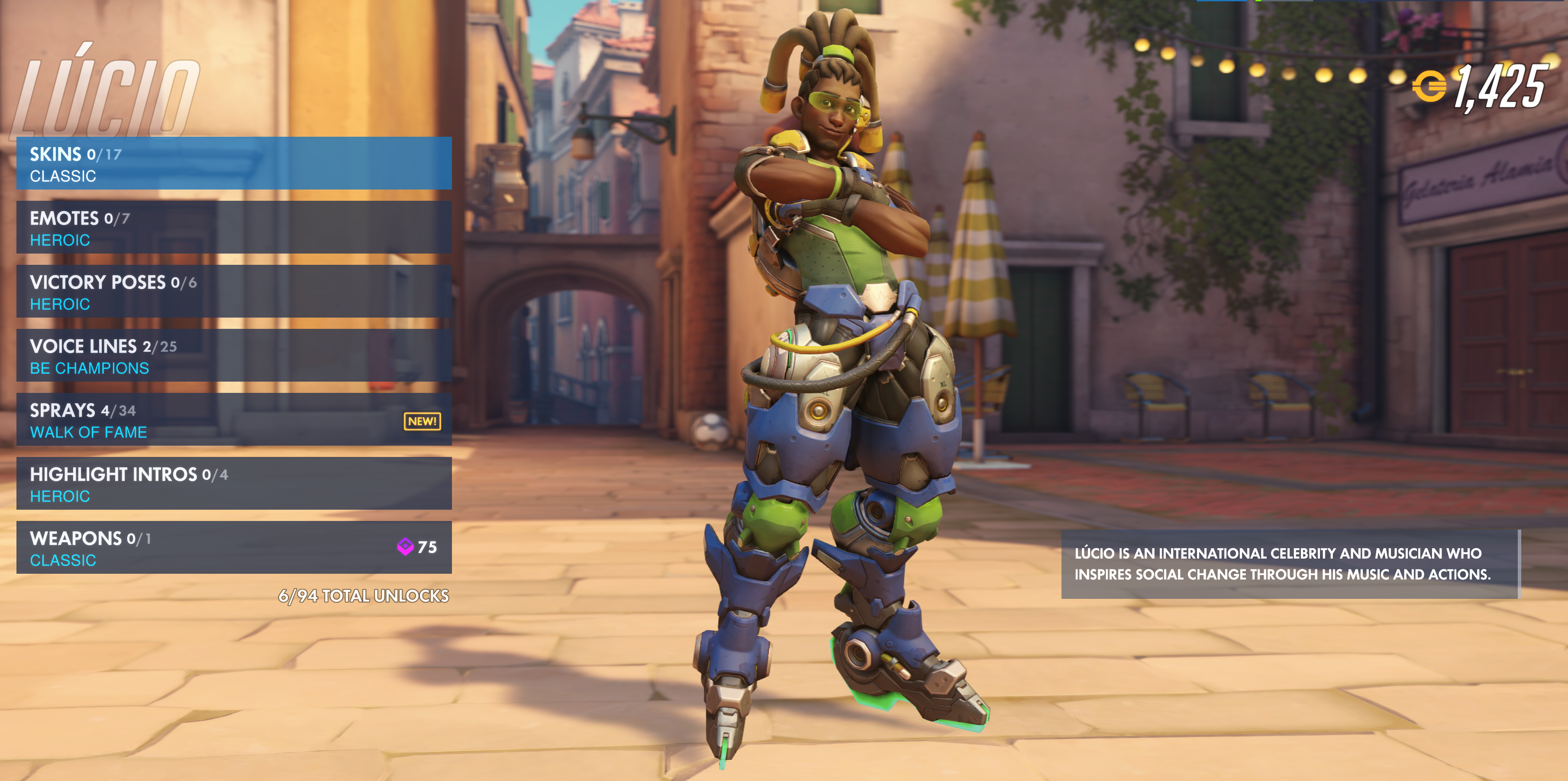
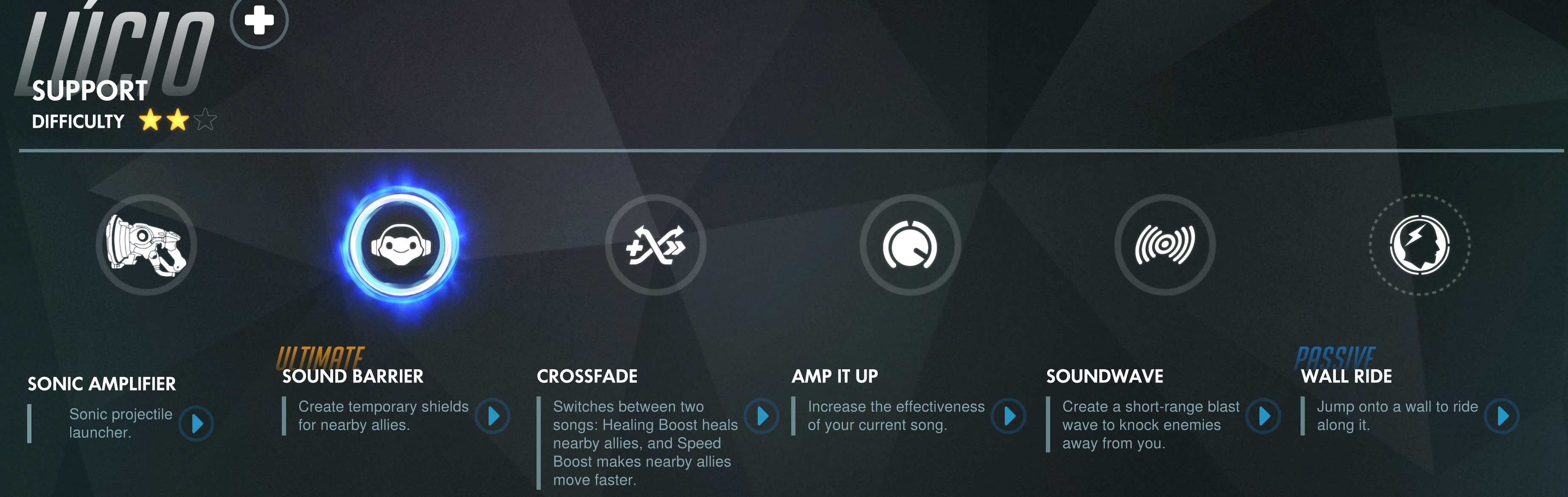
As you can tell from the paragraph above, a team’s hero composition matters almost as much as the skill of human pilots. Some pairs of heroes can form an almost unstoppable combination, a good Reinhardt and Diva with a decent Lucio backing them up can move a payload almost on their own; leaving the attack and defense players free to do damage behind the line of scrimmage. The high value placed on proper team selection can cause some interesting interactions due to human nature.

2018-06-15 (11)

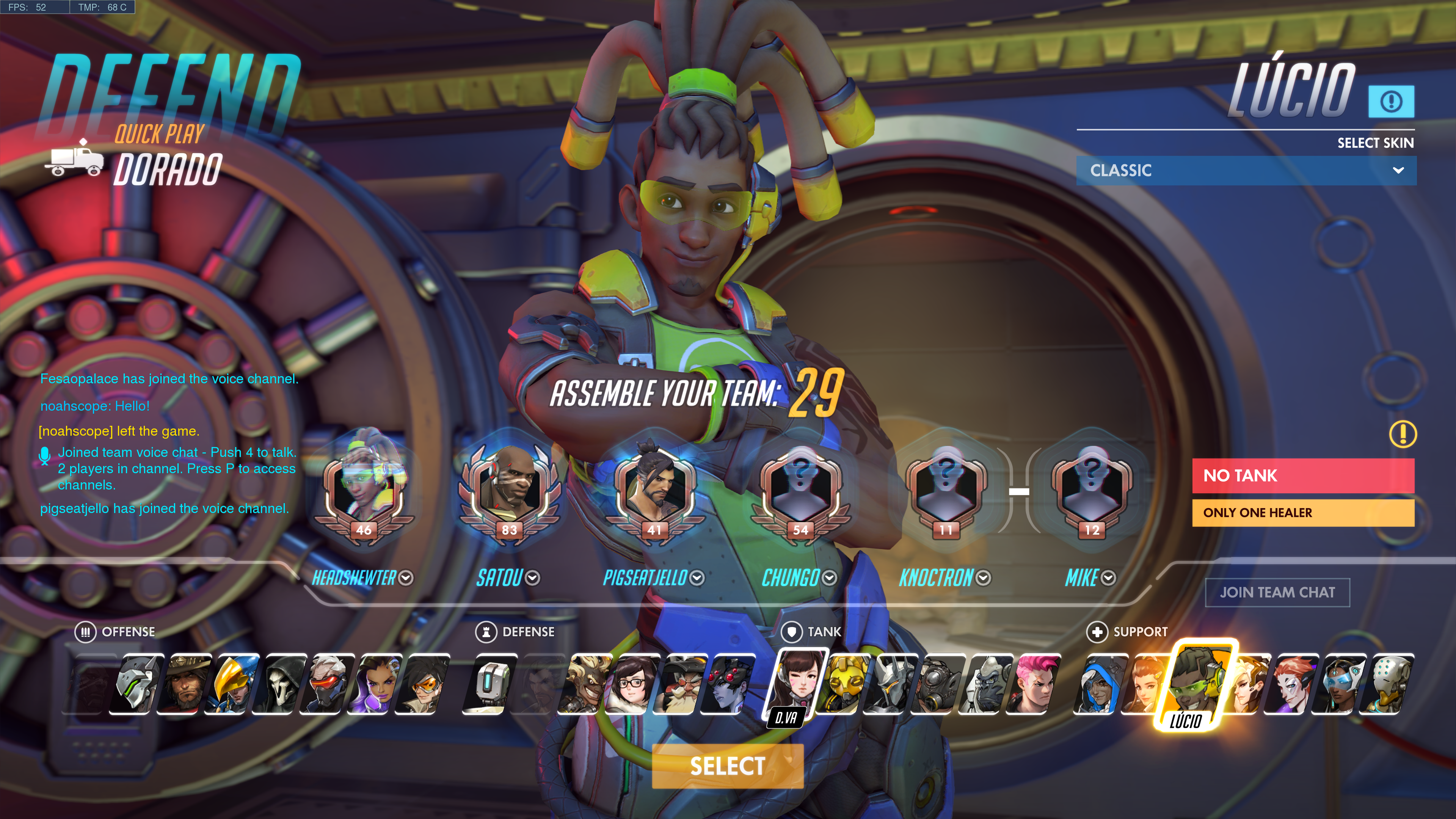
Many gamers like to master a single character or weapon system in any given game. I know people who started Call of Duty with the first assault rifle and have literally never tried anything else. Veterans of Overwatch know this mentality results in team weakness. You need to be flexible; if your team is getting wiped (all members killed) too fast to be effective, an attack player may need to switch to a healer to bolster the tanks for a while. Inflexibility in character choice can often lead to a loss. To make matters even more obvious, the game itself tells the group where it is week before a match begins. It prompts with messages like “No Healer, Only One Tank. and Low Team damage” in an attempt to help, but if the players don’t adapt a team can be doomed before the game even starts.

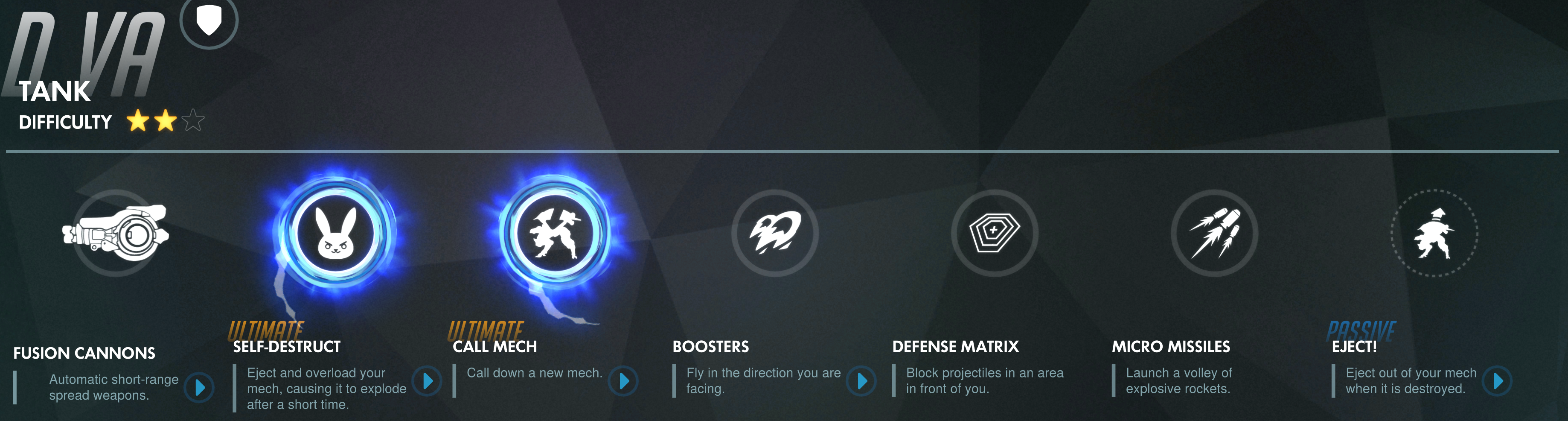
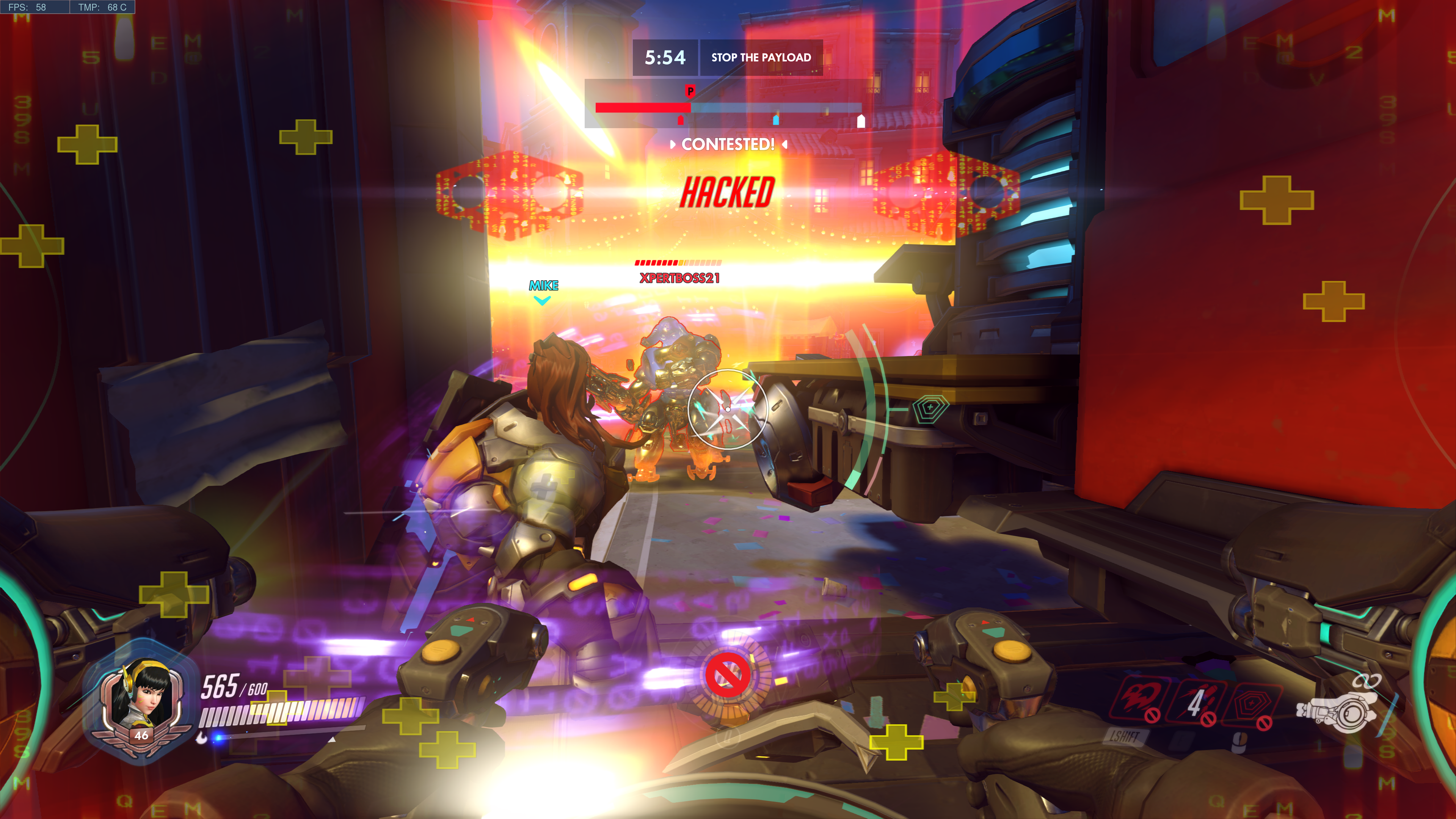
Each hero has a unique set of abilities, weapons, modes of locomotion, and a special power called an ultimate. Many of the weapons and special abilities operate on timers and the ultimate is charged by doing damage or healing team members. Team strategy and player success revolves around knowing when and where to activate these functions. For example, Diva’s ultimate makes her mech explode taking out any one in the vicinity. Everyone knows this which makes her a prime target; holding on to a charged ultimate is a waste if the player is eliminated, but so is deploying it to little or no effect. It’s also important to consider strategy; should the ultimate be deployed offensively or to clear an area? Characters with shields can set up pick plays with attack class players.

Each hero has a natural counter but that doesn’t mean the opposing team will select them at the start. That human nature I mentioned, to want to play your favorite (main) character gets in the way. Phara can fly which makes her a hard target to hit. Soldier 76’s automatic rifle is ideal for shooting her down but if your team doesn’t have one you’re not out of luck. Part of the game is the ability to change to a different character each time you are fragged. It’s actually a critical part of play and if players are not willing to swap to a more effective character, their team and therefore their rank, will suffer.

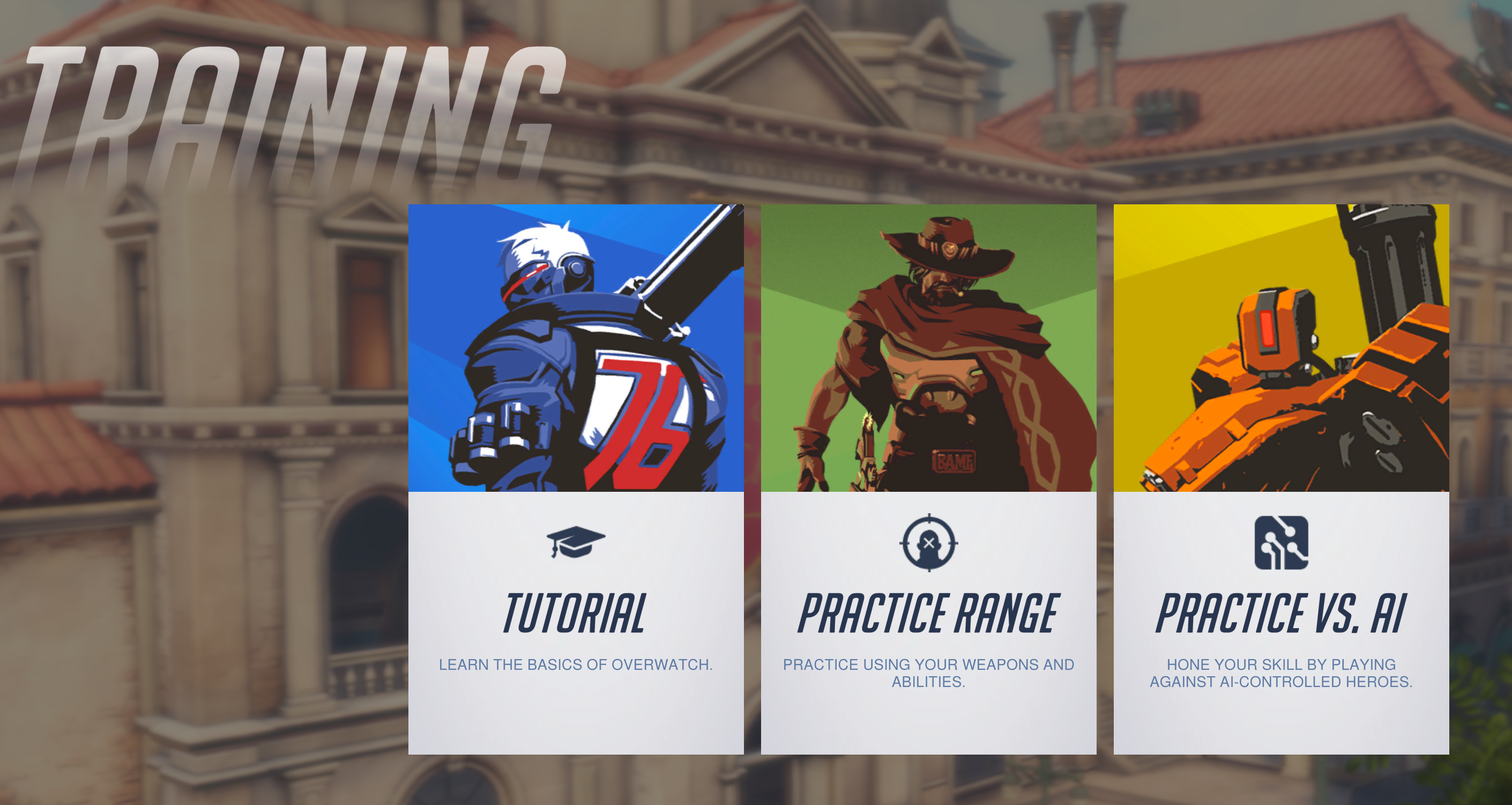
In addition to play aimed at teams, Overwatch has a tiered play path that lines up with real-world sports more than traditional video-games. New players start out in the training levels where teams of humans are pitted against teams of AI controlled heroes. There are 3 levels of difficulty in the AI modes and it is suggested that newbies remain in training until they can best the hardest most of the time.

Training

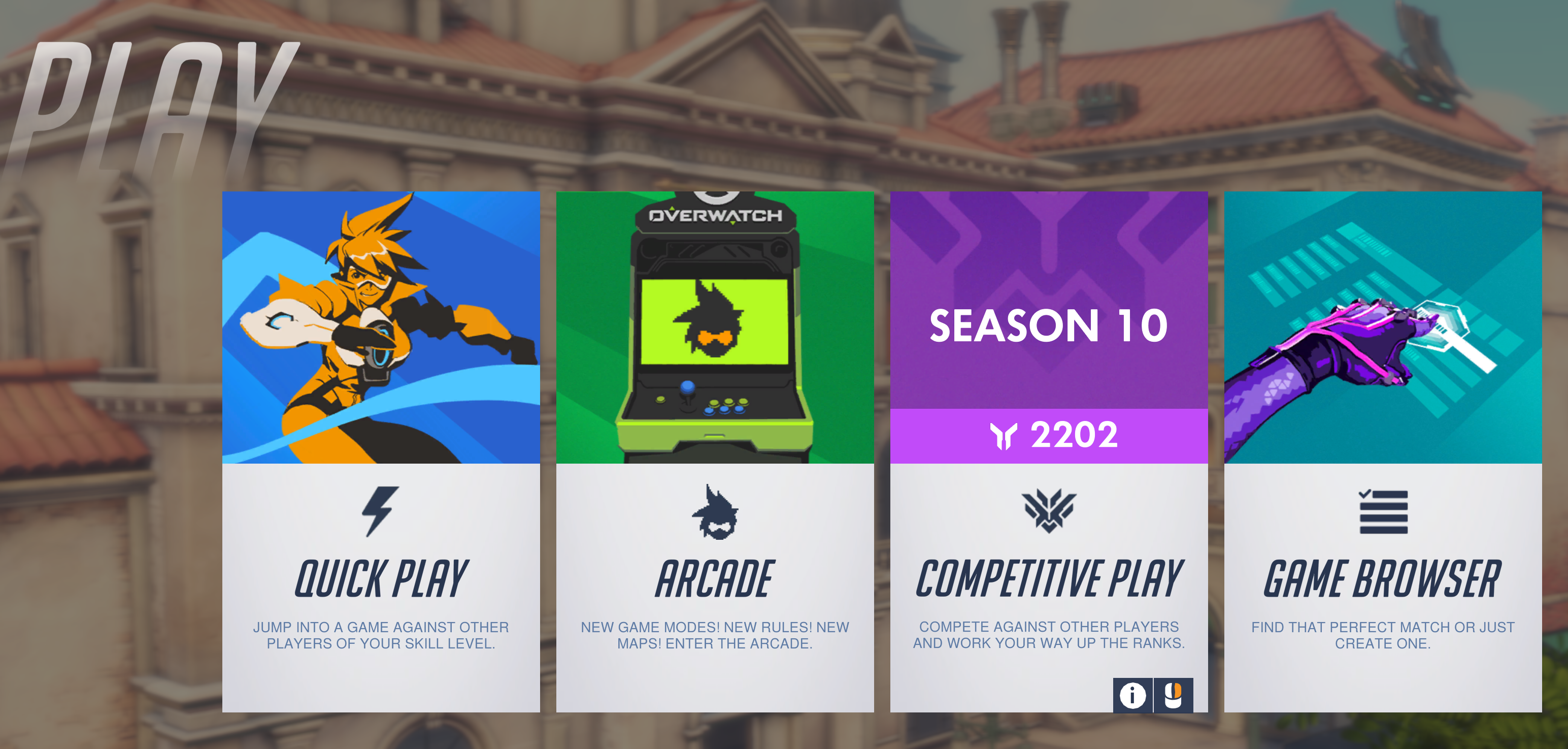
Once a player has mastered playing against AI, the next step is Quickplay. Their team will be matched against another group of human controlled characters to battle for the win. Quickplay is largely for fun and players occasionally get put on teams where the composition makes no sence (6 Hanzo’s). In this mode nothing is supposed to be on the line everyone is supposed to be here to have a good time; like recreational softball teams.

play

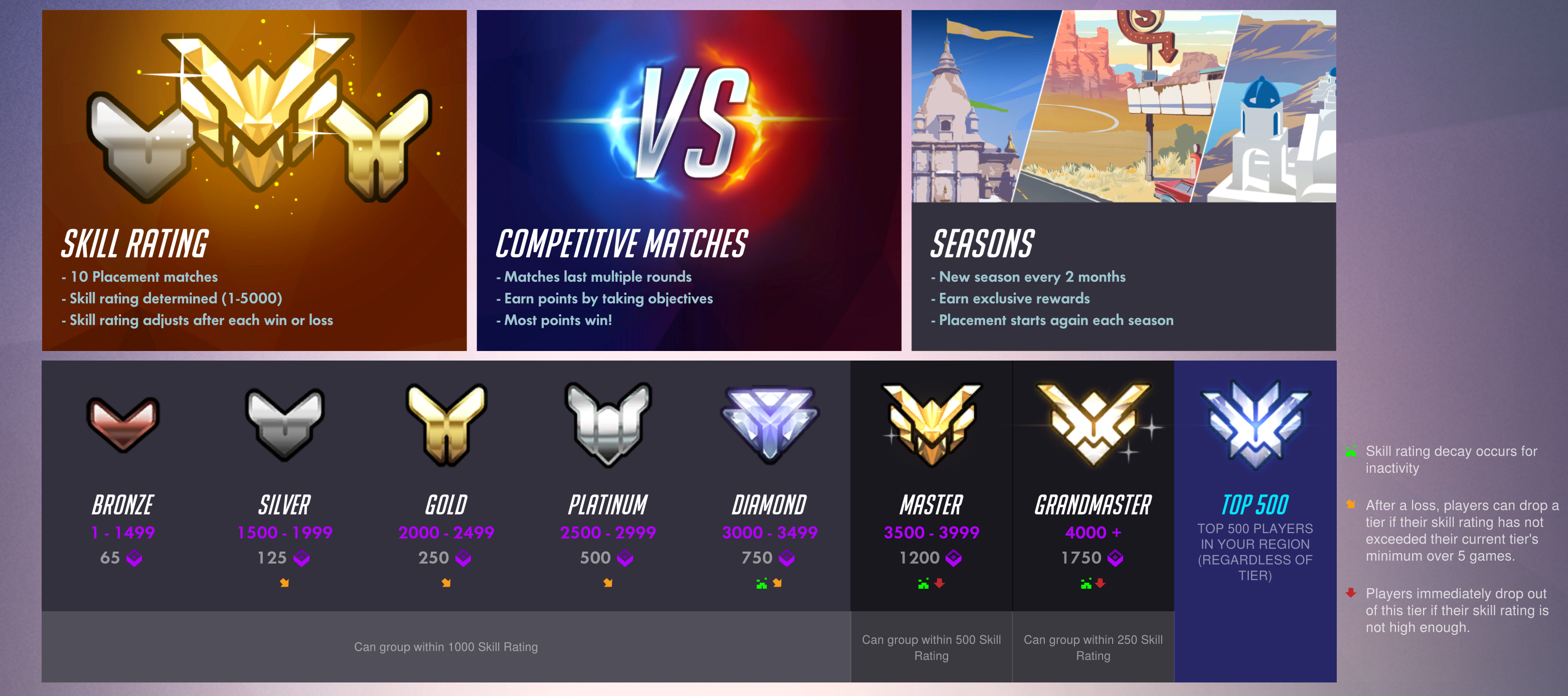
After cutting their teeth playing against humans in quickplay and the need to step up the challenge arises; many will jump in to competitive mode. In competitive mode, it’s play to win, stats are tracked and skill is ranked. The mode starts with 10 placement matches which will determine the starting skill rank: Bronze, Silver, Gold, Platinum, Diamond, Masters, Grandmasters, and top 500 are the levels to be placed into. The rank received is based both individual play and the number of matches won or lost. After ranking, the system will attempt to make teams of evenly matched players for future competative matches. When it can’t, an underdog bonus kicks in if the weaker team pulls off a win. In competative mode players are expected to communicate with each other and be willing to choose heroes that fit the team rather than just personal favorites.

Overwatch_Ranks

To place Gold in competitive mode I spent 35 hours in AI and Quickplay and reached a level of 41 before I attempted the placement matches. I mastered a character from each class (Soldier 76 , Bastion, Diva, and Lucieo) and was familiar with at least one extra hero in each category (Phara, Widomaker, Reinhardt,  and Anna) so that I could fill a spot on any given team with confidence. I also set my audio options to automatically join teamchat and enabled push to talk which I mapped to a button on my mouse. This setup works much like a walkie-talkie ensuring my teammates don’t have to listen to my frustration and only useful call-outs like enemy locations, weapons status, strategic plays, and requests for backup.

Gold isn’t what it used to be LOL but I’m pretty happy with my first attempt. To place above bronze you will need to be a “team player”. If you choose a support character, you need to fulfill that role. Playing Zenyatta and running on side paths to ambush, while satisfying, is not helping your raise team’s health points and will therefore result in a lower skill rank. Likewise, choosing an attack hero such as Soldier 76 and then hiding out behind your tank’s shield for most of the match will not meet the expectations of “Attack”. If your team’s support players are being taken out too fast your rank will suffer; you should be protecting them. Again, play your role.

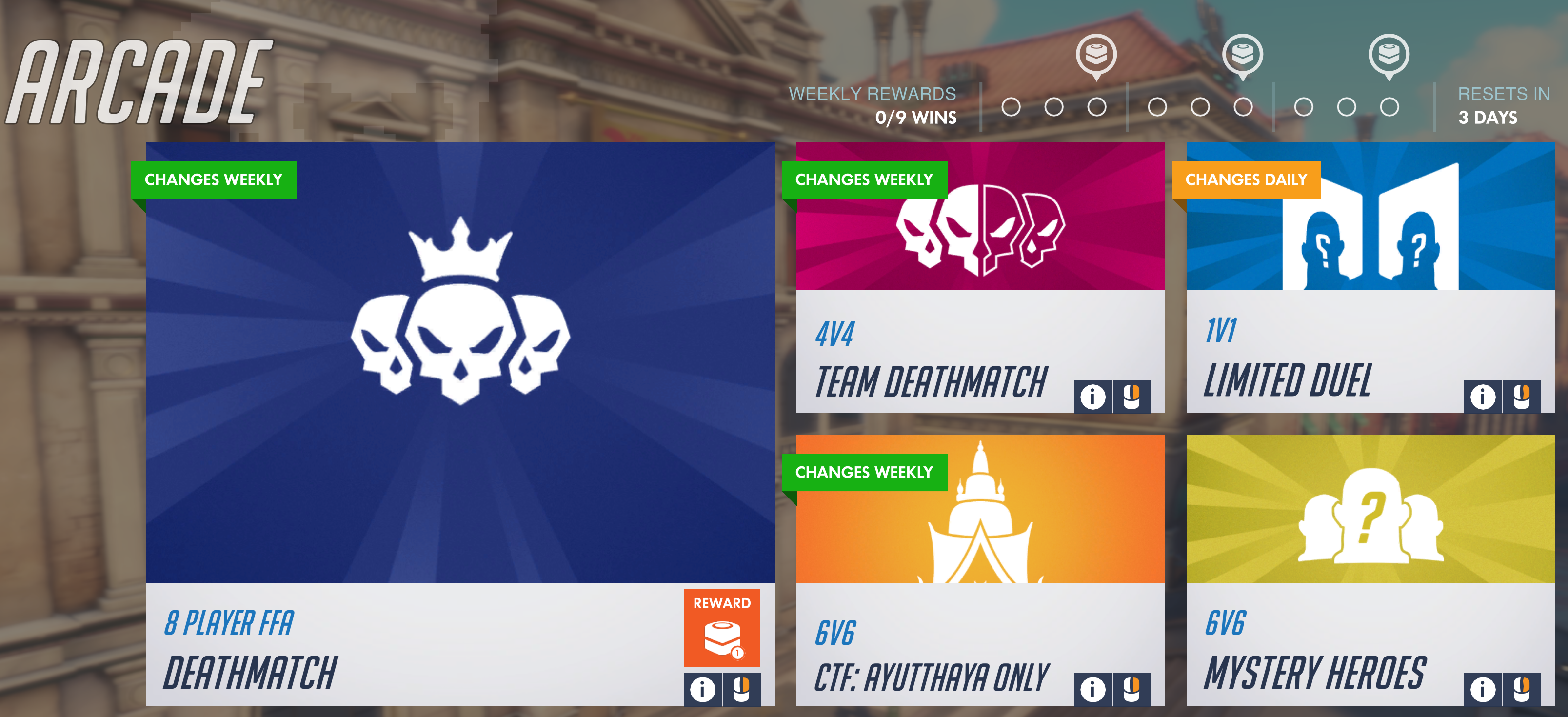
Players coming from traditional shooters where the K/D ratio is rewarded above all else often struggle with the team dynamics at first (I did). If you prefer Free-for-all and Team-Death-Match play, those modes are available under the arcade menu as are several others, some arcade types support competitive ranking and some do not. Competitive Free-For-All is interesting to say the least. Tanks like Diva with shields, missiles, dual shotguns and 600 health points are facing off against snipers with 150 health points and grappling hooks.

Arcade_Mode

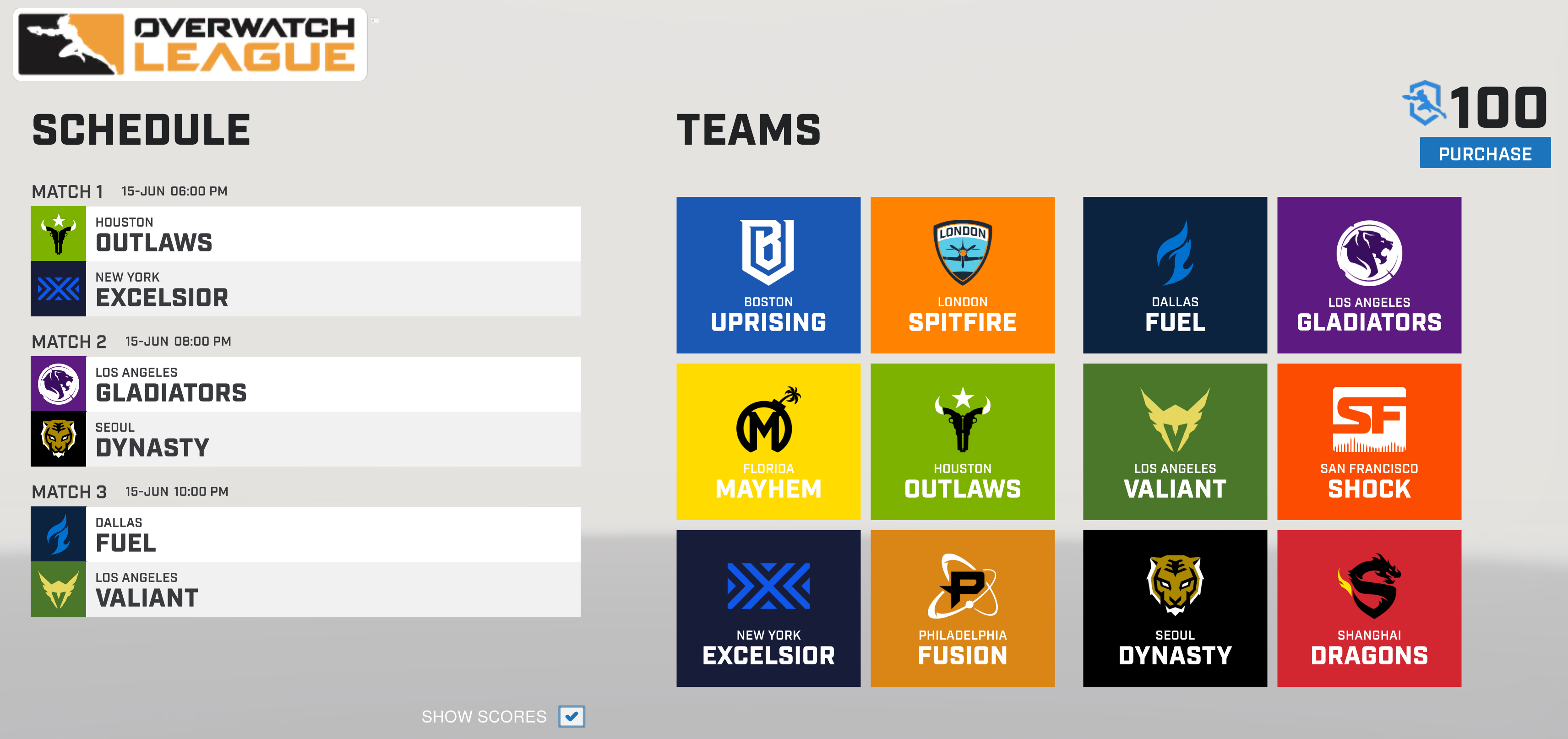
Besides the competitive game modes, Overwatch also offers a full E-Sports league in which city based teams of professional players, each of which earns a minimum of $50,000.00 per year, battle it out all they way to grand finals championship. The games take place in physical venues (you can purchase tickets), are televised and broadcasted on Twitch and in the Blizzard and Overwatch apps, have full announcer support and more. Visit https://overwatchleague.com/en-us/ for more information.

Each year there’s also a World Cup championship in which teams from around the world compete for fame and glory in the BlizCon stadium. There are also various other tournaments at conventions like PAX that are exciting to watch or participate in. To go with all the pro game-play is swag out the wazoo. Shirts, hoodies, art-work, cups, mugs, hats, pins, purses, jackets, and everything else you can think of are available both on-line and in many stores.

Teams

Wether you want to be a player or a fan or both, there’s a lot more going on in Overwatch than just shooting. If you’re a traditional sports fan wondering what all the hub-bub around e-sports is about, Overwatch is a great place to start. If you’re a gamer that’s played one too many deathmatches, this game might provide some new challenges. I’ve enjoyed playing and look forward to aiming for a platinum rank in the next season.

2018-06-15 (13)

Skyrim VR on the Oculus Rift; Its AWESOME!!!

Bethesda graced all of the PC virtual reality adopters with one of the best RPG games every created. Skyrim arrived on the PC in all its VR glory on April 2nd. I had pre-ordered it and took the day off from my day job for the occasion. We patiently checked Steam every 5 minutes after the estimated launch time of 5:00 PM waiting for the game to unlock. I don’t think I’ve ever seen my son so excited. In true Steam fashion, it was late; the game unlocked at or around 6:00PM.

We have Skyrim for the Xbox 360, the Xbox One, the Switch, and the HD Edition for the PC. My wife, oldest daughter and son have more than 500 hours of play time in the world each. We’re a family of experienced players to say the least. We all agreed to let the youngest go first. He signed on to his profile and fired it up.

Before we get too far into discussing the game let’s talk a little about what I’m running it on. This title takes some serious power to run clean. I’ve got an i-7, 32 GB of 3000 SDRAM, a TB M2 disk, an MSI Gaming OC Edition RX-480 8GB, and a 1000 watt PS. The system and GPU are both overclocked (ask in the comments if you want the settings). I am able to run the game on high graphics with supersampling turned all the way up and still hit the 90 FPS all VR players are looking for.

When you first pop into the game world it looks pretty blurry. You need to go into the settings and turn up the supersampling if your system can handle it. This will drastically clear up the blurry textures and text. Besides the game’s supersampling, your video card drivers, as well as, the Oculus and Steam VR software also have settings for this function that might help you get the best picture possible. At some point I intend to write an advanced guide on configuring the Rift but for now: Google “Increase Oculus Pixel Density”, your ability to use supersampling is entirely dependant on your GPU. Cooling is going to be very important, I don’t recommend attempting this on a gaming laptop.

Once you’ve gotten the settings all sorted you’ll have to restart the game so I recommend getting them all squared away before you start the actual campaign.  The intro will have you set your mode of locomotion. You can choose between teleportation, ala Robo-Recall and Doom, or you can use smooth motion via the analog sticks. If you pick the analog option, a blinder effect will restrict your field of view when you move. This is to help prevent motion sickness. It works; I turned it off and was almost instantly dizzy but I’ve trained my brain to let it pass and after a few minutes I was fine. The setting is under the VR menu look for FOV limiter down near the bottom of the list. While you’re in there you might also want to turn off the cross-hairs and dialog captions because they ruin the immersion.

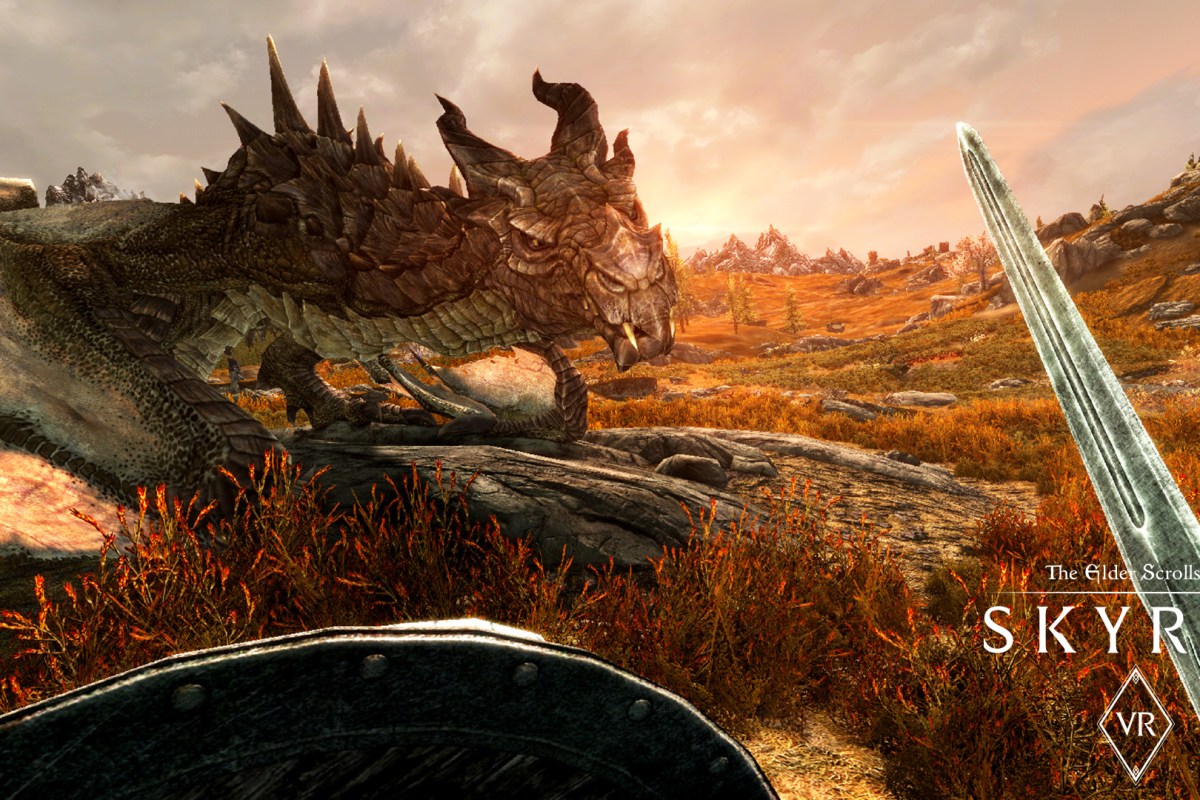
Back to the game; my son fired it up went through the settings and started the story. Wagon ride with the prisoners begin! Holy crap the people look real. Jeez, the scenery is amazing. Is that guys mouth taped shut? It was a non-stop love fest. The execution is exactly that; we all cringed during our respective turns. The dragon; I won’t ruin it for you but a full-scale fire-breathing 3D creature………

Talking to the NPC’s feels almost like a conversation with a real person. The blacksmith’s wife is actually pretty hot. If they can patch voice recognition into this thing I know several people who will probably live in Skyrim more than here. The world feels like somewhere you are going to rather than a game you are playing. Of all my family and friends I’m the only one that hasn’t played very much Skyrim. That is about to change.

Is the game perfect? Nope. Not even close. You can fight just by wagging your hand back and forth, the float bugs are still present, and the controls are tricky to master. Is this best VR adventure I’ve seen so far? Absolutely. Does it suck that they expect you pony up another $60.00 for a game you’ve probably already purchased more than once? Yes, but after having spent some time with it I would have paid double. Don’t nitpick it; just live it. Go for a swim (enable realistic swimming and sneaking), climb a mountain. try not to freak out the first time a frost spider charges you. Its one of the best entertainment experiences I’ve ever had and I’ve only spent a few hours with it. If you’re not on the VR train already you should think about jumping on. Its going to be a wild ride from here on out.

Nintendo Switch; One year old and still the bomb!

When I last wrote about the Nintendo Switch my family had two of them. Now we have five! Clearly we need to work on sharing in my tribe. We’re not in the habit of purchasing each family member their own console but the portability of the system demands it. How are we supposed to share a system that each person wants to take with them? We have Switch docks attached to the TV’s in our living room, basement, and bedroom so big screen gaming is an option for every one too.

Even when we’re all at home, having our own screen is great. You can find us chillin’ on the couch, each playing our own favorite several nights a week. We also play some games together, Splatoon 2 and Mario Kart are our favorite group games.  I’m still taking my system to work so I can play it at lunch almost every day and a few of my co-workers have them now as well.

The system is not without its issues; to me the biggest problem is that Nintendo still hasn’t provided a way to back up your save data. The fact that you can move your profile shows that a backup solution is possible; come on Nintendo get with the program. None of your customers want to lose their 200+ hour BoTW saved game data. Also, the kickstand just sucks.

Saved data issues aside, the Switch is still the most played system in our home and we have all the platforms. Our current favorites are the afore-mentioned Breath of the Wild, and Splatoon 2 along with Doom, Skyrim, Mario Oddessy, and Star Dew Valley. Games and updates are released for the console in an ever quickening pace and more developers are jumping on the platform every day.

There have been several firmware updates since my last post about the system and I’ve spent a lot of time playing. Below are a few tips and tricks that you may not have discovered.

  • USB Wireless headsets are supported – If your USB headset uses a wireless dongle there’s a good chance it will work with your switch now. Plug the dongle into the port on the front of your dock.
  • There are several cheap, small, USB-C port replicators that work as Switch docks. I have this one and it works great.
  • If you hold down the home button you’ll get a mini pop-up that lets you adjust your volume and screen brightness in-game.
  • If you have multiple switches in your home, consider buying games on cartridges. You’ll save money by being able to trade the games back and forth.


Can a game help teach your teen to drive? City Car Driving Review & Case Study

Simulations have long been a part of driver education. Back in my day we sat in a classroom equipped with a movie screen that played video of a road course while each student manipulated a set of car like controls to react to situations presented on-screen, such as having a kid run out in front of you or a vehicle blowing through a 4-way stop. I’m not sure the exercise imparted any useful information about how to handle a car IRL, but it absolutely helped prepare me for unexpected events while driving. The simulation helped me conclude that these types of surprises probably happened a lot if they went to all this trouble. It showed me that driving was more about being mentally prepared to react in a controlled manner than it was about going fast, which, until this class, was all my teen boy brain was concerned with.

OldSchoolDrivingSimulator
Old-School Driving Simulator, drivers education was literally taught at school in those days.

Fast forward 20 years and I now have two teens of my own who are ready to prepare for entering the highways and city streets. The thought scares the crap out of me. Roads are much more congested than they were even 10 years ago. I see and interact with so many incompetent drivers on the way to and from work each day that it boggles my mind. How did the lady putting on her makeup doing 60 in a 45 get her license? Why is the guy behind me intent on being less than a foot from my rear bumper? Doesn’t he have even a rudimentary understanding of physics? What makes that girl think she can read her phone and pilot a two and half ton vehicle moving at 88 feet every second at the same time? We all know she can’t walk and chew gum without running into the door.

I love driving, it’s one of my favorite activities in life. That being said, I cannot wait until cars drive themselves and humans are forbidden from touching the wheel. Too many of us do not give driving the respect it deserves and it costs others their lives. Just a few months ago I was hit on the freeway by someone changing lanes without looking because they were texting instead of paying attention to their driving. They pulled right into me at 60 mph. If I hadn’t been a well-trained driver, we’d both be dead. I was able to recover from the skid caused by the impact and come to a stop before going off a 30 foot high embankment that ended in a dry creek bed. My manuevers also stopped the other vehicle from taking the plunge, my car formed a guard rail for it, LOL.

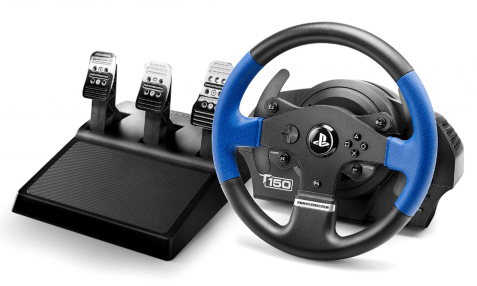
I happen to have a decent gaming rig and I’ve long been a fan of racing games, so I also have a Thurstmaster T150 Force Feedback Wheel and pedal set.  I play a lot of Assetto Corsa with it. The game is a fantastic race simulator. I know that playing it has made me a better driver. The military, air line pilots, boat captains, and F-1 race drivers all use simulators to hone their skills. I want my children to be ready for anything and have the skills it takes to handle a vehicle in any situation. Could a driving sim help teach my kids? Research time!

I knew that tossing my daughter in Ferrari 458 at the ring wasn’t going to help her understand how to drive around our city. It may help her understand the physics of handling a car but there are no 4 way stops on Laguna Seca. As it turns out there are very few road driving simulators that concern themselves with the actual rules of the road. The only one that matters is City Car Driving. For only $25.00, I decided to give it a go.

The game has full support for wheel input including force feedback, HD and UHD graphics and even supports VR. It downloaded from Steam in a few minutes and installed with no issues. The wheel setup was a little tricky, it doesn’t have a default set of controls mappings that match the T150. I started out with the default settings and spent around 30 minutes mapping the controls. If you get the game and have this wheel ask for the config in the comments and I’d be happy to send my setup to you.

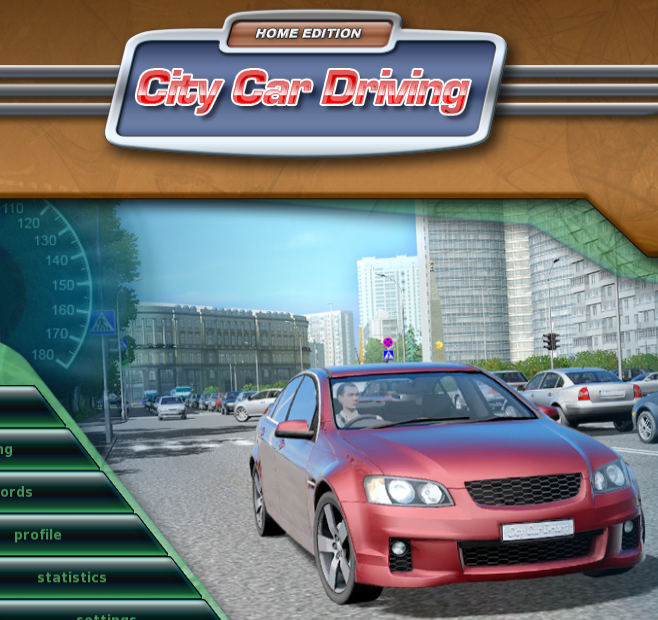
This is not a AAA title with a multimillion dollar development budget so I didn’t expect much in the way of graphics. I was pleasantly surprised, it looks decent; not on the same level as AC or Forsa 7 but more than good enough to get the job done. I’m running it at 2160p on my monitor and 1080P when we play in VR and either way the graphics are good enough to be immersive. The simulation is scary good if you have an Oculus Rift or HTC Vive combined with a force feed back wheel. You can look over your shoulder out the rear window and check out the people sitting next to you at stop lights. Also, being able to look into the corners is far more realistic than the pan view that happens on a flat monitor. Combining that with the bumps and slides the wheel emulates leads me to forget I’m not actually driving a car sometimes.


The game features a career mode in which a digital instructor leads you through a series of missions that range from buckling your seatbelt and starting the car and basic navigation through high-speed evasive maneuvers. To keep things fun you unlock more exotic vehicles as you progress through the stages. The simulator ensures you learn everything from the ground up and nags you when you do things like turning without your blinker, or pulling out without looking around a corner. It costs you points when you drive poorly and you don’t level up as quickly. You can set it to rules for countries other than the United States, I can see how this would be helpful if you need to drive in Europe on a business trip.

Career Mode Menu

Instructor.png

City Car Driving simulates every kind of weather: fog, rain, ice, and snow are all accounted for. All of the road surfaces you might encounter: cobble stone, dirt, gravel, pavement, and concrete are also available. It has you drive in the county, in a city, and even in a state park. I was shocked at the number of environments it prepares young drivers for. I personally learned to drive in the snow on the way home from my first job when it snowed 2 feet in early October. I would prefer that my kids not have that butt clenching experience if it can be avoided.

There are pedestrians, aggressive drivers, rush hour traffic, accidents, and police to deal with. Roads as small as dirt trails to 8 lane freeways are required routes in the various missions. In short, it is wholly representative of real life driving.

The answer to the question posed in the title is a resounding yes. A game can absolutely help teach your teen, or even yourself, be a better driver. I will require mine to complete the entire career mode before they are allowed to get behind the wheel of the real thing on a public road. They’ve already learned much from the application, my oldest who is studying for her permit just told me how much the game helps the meanings of the signs stick in her memory. Seeing them in action is better than memorizing them from a book in the same way that singing a song is easier than memorizing the same text on a page.

State of the Switch Address. What to play after the Christmas boom.

My Nintendo Switch is by far the most played console in my collection. The longer I have it the more I like it. The system is so popular with my family that I purchased 4 of them for Christmas this year. Now everyone has their own and they can stop taking mine!

Along with the additional consoles we also picked up a bunch of new games. Mario Odyssey has been a hit in my tribe. Everyone enjoys playing it. The graphics are great, the art style is fantastic, and the play is just challenging enough to keep your interest without serious frustrations. It’s reminiscent of Mario 64 but more advanced.

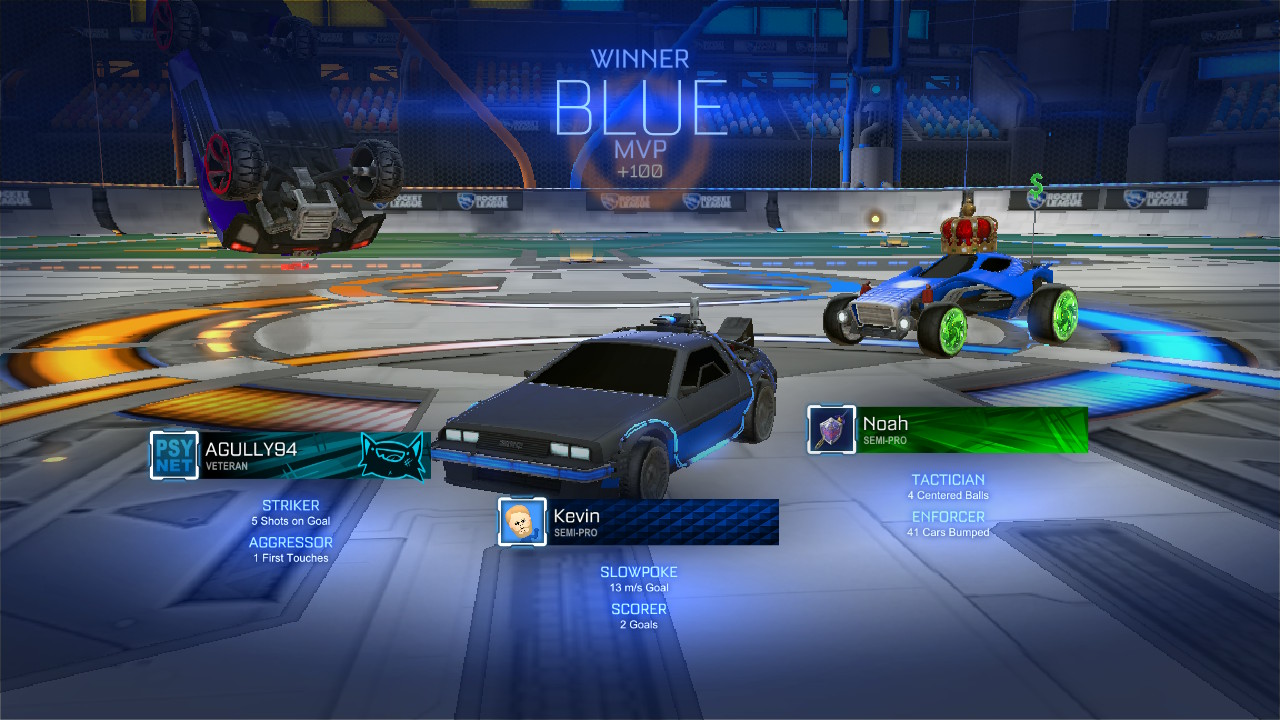
Rocket League, a game in which you play soccer with cars is both a lot more challenging and more fun than you imagine. I was shocked at how long I had to play before I could score my first goal in a match. Rumble mode adds various weapons and abilities to the vehicles and turns everything into an all out war. Custom cars like the DeLorean from Back to the Future add to the fun. It’s also one of the few online games that is cross platform. People on Xbox, PC, Playstation, and the Switch are all in the same player pool.

2018010920024600-6F4D679ED7D2A016B654B265B956C5F0

DOOM has been my go to game during lunch breaks since Christmas. I played the game when it launched on the PS4 and it was awesome. I was skeptical that it would carry over to the graphically weaker Switch but there’s something infinitely satisfying about being able to play this type of game on the go. Nothing gets my mind off of work like mowing through hell spawn or vanquishing foes in Team Deathmatch for a half hour. As an added bonus, it keeps me from needing to eat out just to escape the office which is great for my budget and staying in shape. The graphics don’t look quite as good as the PS4 or PC versions but on the Switch’s small screen you’ll hardly notice.

2017122515392800-CF035A1DEF1D6DADE285B7ACA9873642

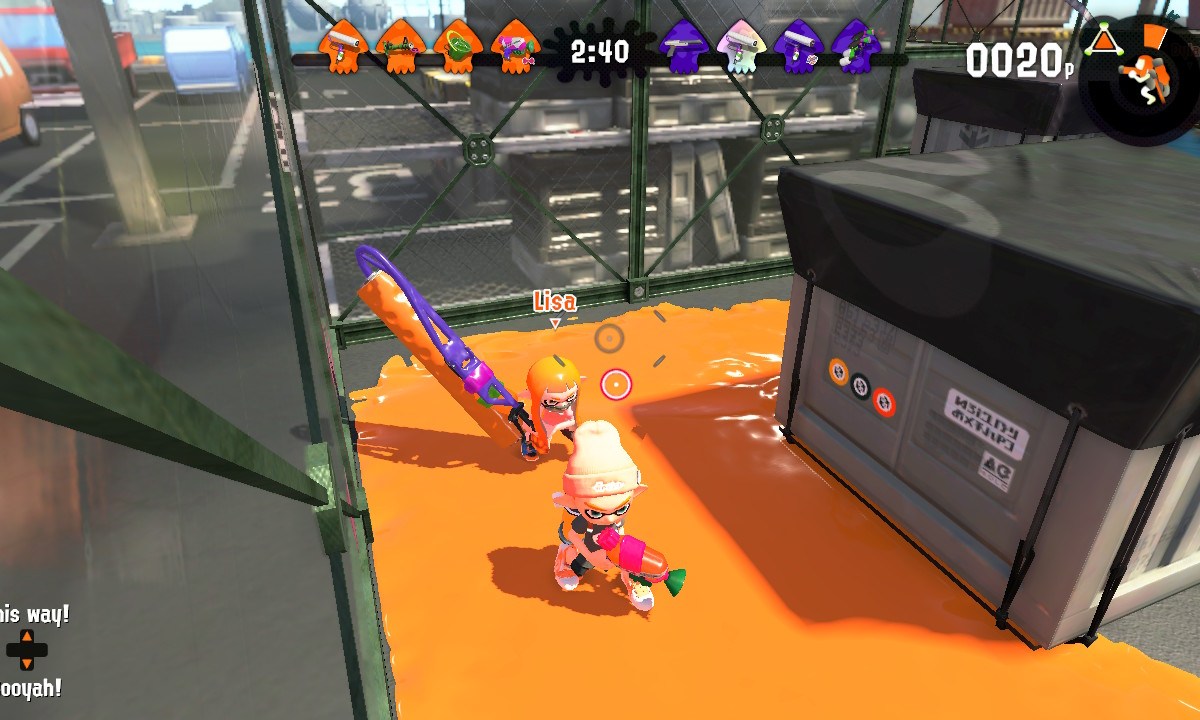
Everyone in my family has a copy of Splatoon 2 now and you can find us battling it out at least one weekend night on the living room couch. Several of our friends have joined us and the game keeps getting better, adding new weapons and maps at a steady clip. Recently we started playing the Salmon Run wave battles as a team. Its good family fun.

2017122517123600-CBA841B50A92A904E313AE06DF4EF71A

I’m still playing Breath of the Wild. I’m around 70 hours in and love the game even more than when I first started. Just when you think you’ve seen it all, something new pops up and blows you away all over again. It really is one of the best video games of all time on any system. Watch out for Eventide Island!

2018011420454600-F1C11A22FAEE3B82F21B330E1B786A39

Skyrim is just as epic on the Switch as it was on the Xbox 360 and PS3. The load screens aren’t too bad, the graphics look better than the 360 / PS3 Gen but not as good as the PC HD version. I haven’t spent a lot of time with this title yet, but overall I’m impressed. Both my wife and son have hundreds of hours in Skyrim in its various forms and they give the seal of approval.

If you’re considering more than one Switch in your circle you might want to consider purchasing most of your games on cartridges that way they can easily be shared. If you started out with a single Switch and need to move user profiles to new devices; its relatively easy to do. Just follow these instructions on Nintendo’s site. You might also want to read through my document about getting multiple Switches to play online with a single Internet connection.


Multiple Nintendo Switches play Splatoon 2 on the same ISP/Network and fix NAT Type D; Pfsense Firewall

In my house there are two Nintendo Switches and we have two copies of Splatoon 2. We like to play the game together but of course we only have one Internet connection. At first it seemed like this wasn’t going to work. We could start two games separately and play just fine but if one tried to join the other’s game (through the friend option in the game menu) then both would get kicked out of the game. I was able to use advanced logging and network captures to see where the problem occurred and come up with a solution.

I use Pfsense for my router/firewall and a Ubiquiti Unifi mesh wireless network. The principal configuration in my solution should be possible on most modern networks but the terms and menu options will be different on other manufacture’s equipment. We’re going to create static IP addresses for each device and then make virtual wireless networks for them as well. This fools Nintendo’s network into treating each device as connecting from a separate network (allows UPnP to set the same ports).

Nintendo network games are notorious for having issues with multiple consoles using the same Internet connection. Some routers deal well with it right out of the box, and some don’t. The steps below outline what I did to get mine working. The same steps allow all my kid’s 3DS consoles to play Mario Kart at the same time as well.

Assign a Static IP Address

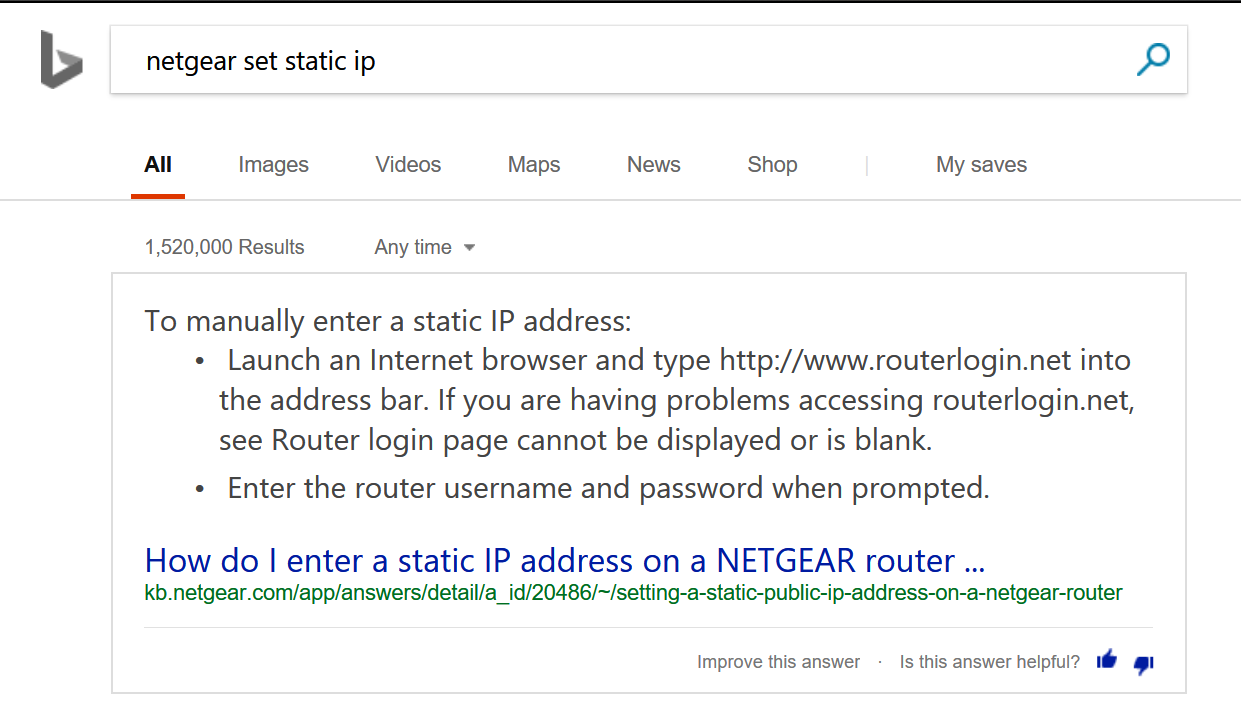
Before you can set special rules for a device on your network you need to assign it a static (never changes) IP address. This is a slighty different process in each type of router/firewall; use Google or Bing to find out how to do it in yours. Just type: “Firewall/Router Model Set Static IP”  BingSetStaticIP

  1. In Pfsense open the web console
  2. Click on Status
  3. Choose DHCP Leases from the drop down menu
  4. Find your device and click the pencil icon at the end of the row. pfsencestaticip
  5. Enter an IP address that is outside of your DHCP range in the IP address box.
  6. Click the Save button at the bottom of the form.

Allow NAT Outbound Static Port

This sounds complicated but most residential firewalls (bought at Best Buy) don’t have this setting in the first place. Advanced (enterprise class) systems randomly scramble the source port to prevent NAT hacking. This has no effect for browsing the web or basic Internet activities but network games cannot handle it. If your firewall or router scrambles the source port on NAT traffic you’ll need to create a rule to stop it for your Switches. Assuming that you have Pfsence;

  1.  Open the web console
  2. Click on Firewall -> NAT -> Outbound
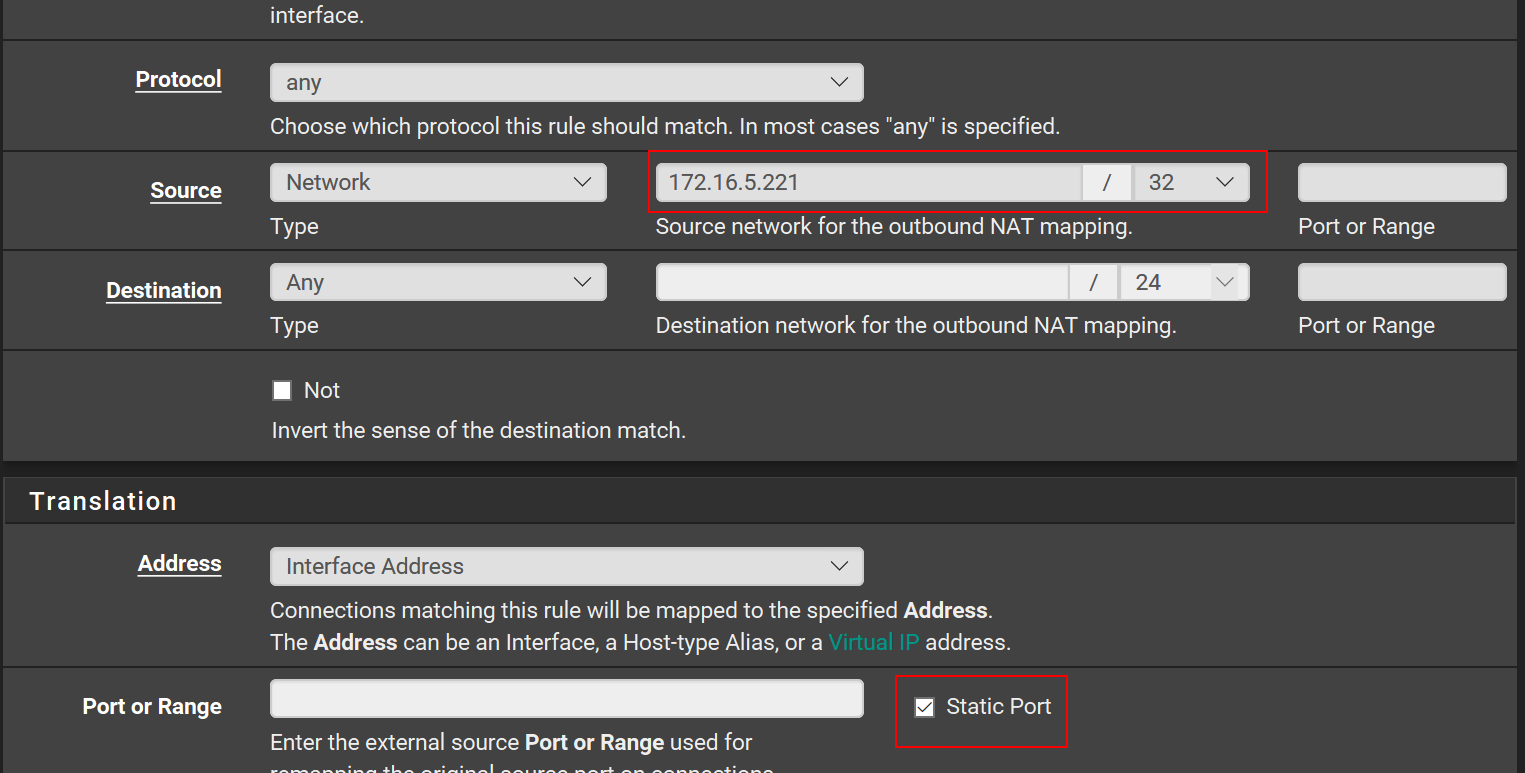
  3. Click the Add button at the bottom of the page. pfsencestaticnatport
  4. Enter the Static IP address that you created in the seciton above with a / 32 subnet mask and check the Static Port box. pfsencestaticnatportandip
  5. Click the Save button at the bottom of the form. You should not need to change any of the other boxes.

You should configure the two options above for any multi-player gaming device connected to your network. This includes consoles, smart-phones, tablets, PCs, etc. The scrambled source port will keep most devices from connecting properly. It shows in games and “Strict NAT” or “NAT type 3”.

Create Multiple Wireless Networks

UPnP is a service that is already enabled on most modern firewall / router devices. If it isn’t turned on in your edge device you’ll need to enable it; again Google/Bing “Firewall/Router Model Enable UPnP” UPnP is a service that allows your firewall to automatically open network paths from the Internet to your devices. The trouble is, the way it accomplishes its goal can fail when two similar devices are trying to create similar paths on the same network. The way to work around this issue is to create multiple SSIDs and join a Switch to each.

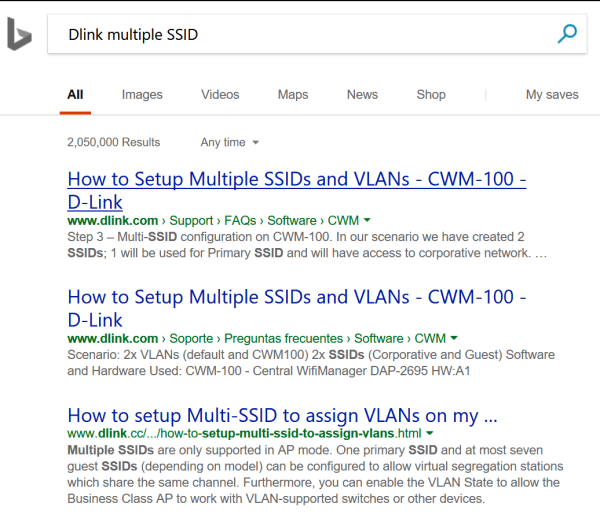
In most wireless access points you are allowed to create more than one SSID or the device will have a guest network. Some systems even have multiple radios and will let you setup one network on each radio. Once again, use Google or Bing to find instructions for your particular setup. The goal is to create and join one wireless network for each Switch that you have. BingMultipleSSID

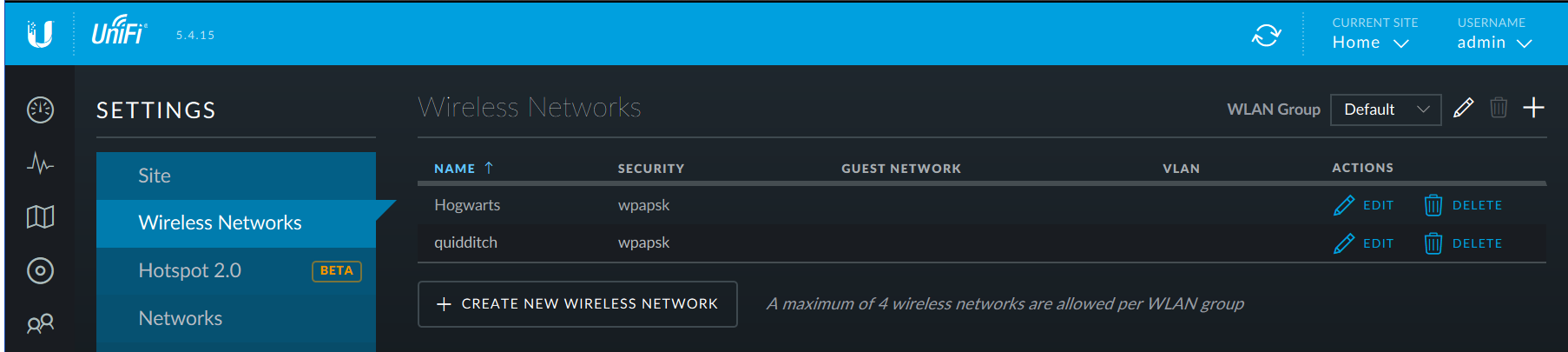
If you have a Unifi wireless network you’ll need to go to settings (the gear icon on the left) and then to Wireless Networks. Click the CREATE NEW WIRELESS NETWORK button and complete the form that opens. UnifiAddSSID

After you join each Switch to one wireless network you should be able to play Splatoon 2 multiplayer; I think you’ll find that most other multiplayer games work now as well. I’ve also adapted the same technique to resolve issues with multiple Xbox One and PS4 consoles. Games like Destiny 2 and Overwatch also use UPnP to establish their network paths and will sometimes not allow multiple consoles to play on the same network.

Splatton2LisaandKevinleaderboard
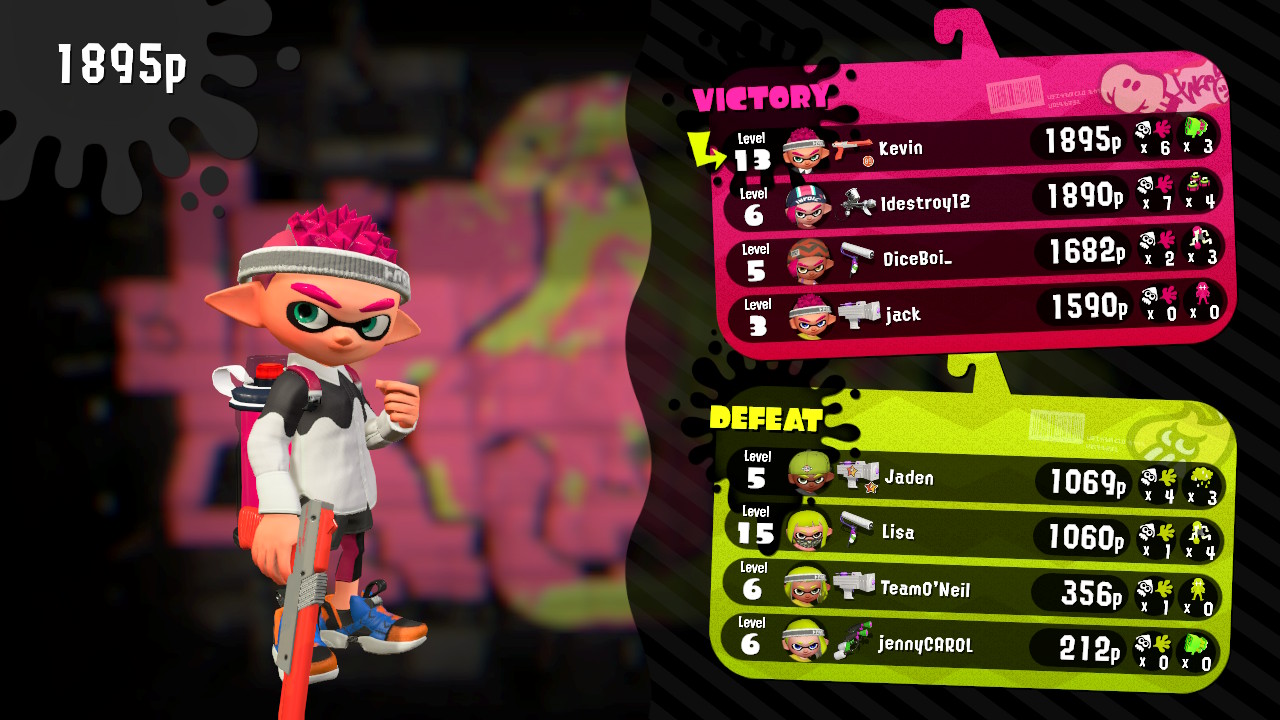
My wife and I are the top two players on the winning team! This game is a blast for couples.

Move Games and Applications without Re-installing them; Symlinks (AKA mklink, symbolic links)

SSDs are the best thing to happen to computers since Windows 95. Running your computer from an SSD will increase it’s performance where it matters most. Your computer will boot in seconds instead of minutes, large applications will start almost instantly, load screens in games will zip by, and copying the pictures and videos off your camera will seem almost instant.

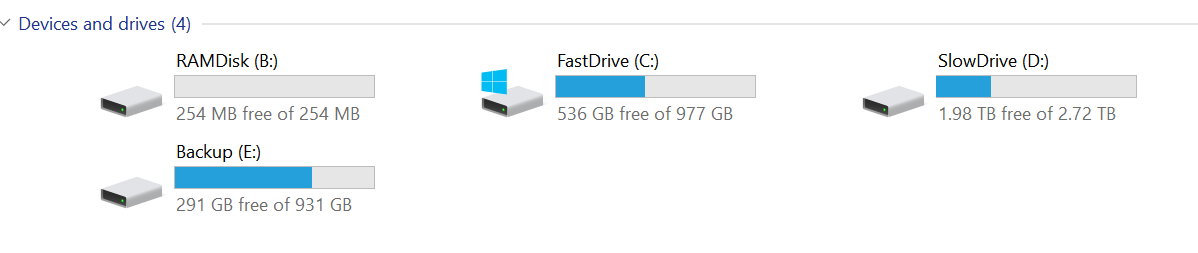
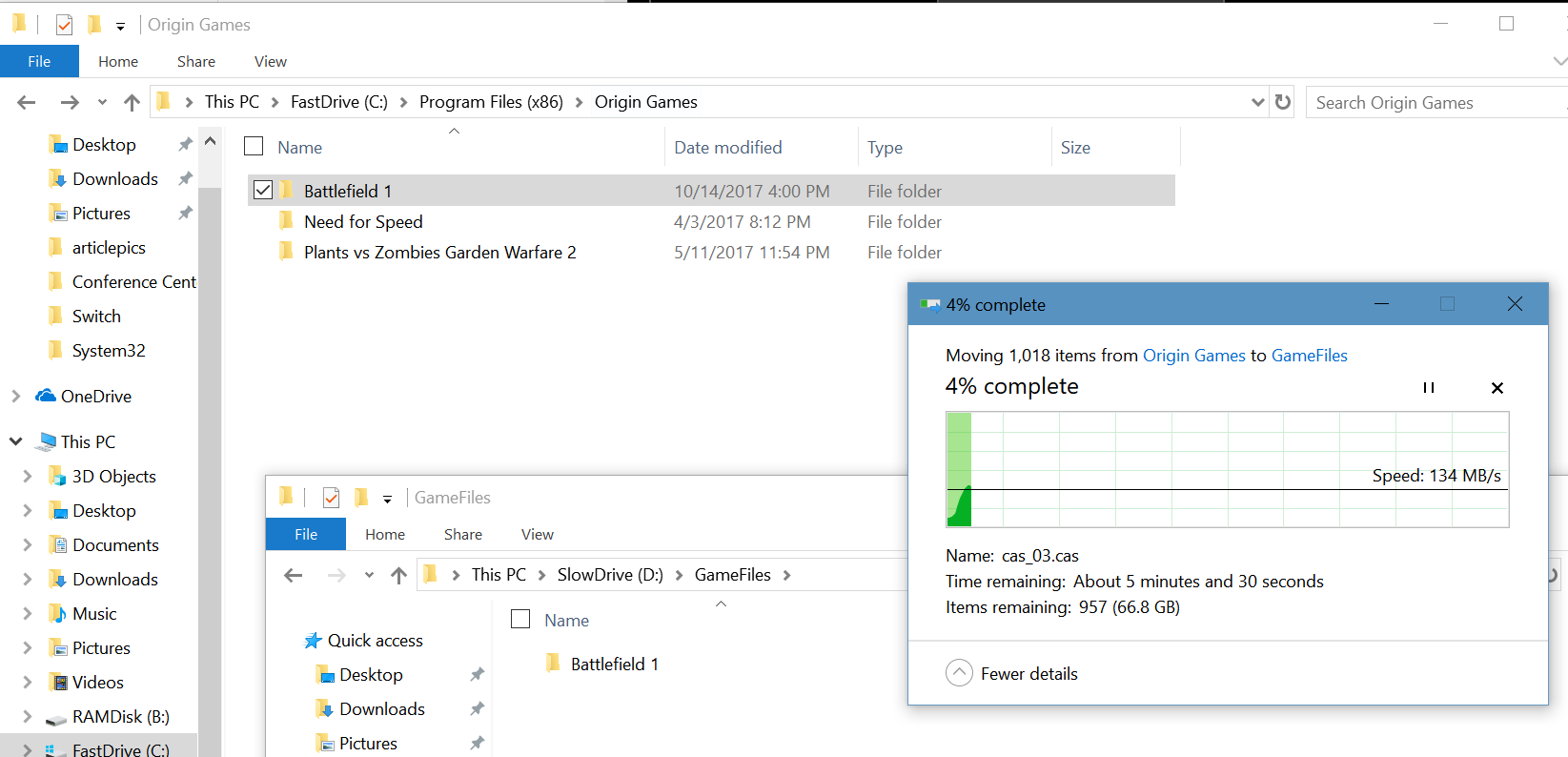
Unfortunately, most of us can’t afford an SSD drive large enough to handle all of our storage needs. Compare a 1 Terrabyte Evo 850 SSD at $350 to a 4 Terrabyte Toshiba 7200 RPM HD at $130 and you’ll see what I mean. Wouldn’t it be great if you had a fast SSD and a large capacity HD that you could easily move stuff between? The problem is that to move a program in Windows you have to re-install it, right?

Wrong! There’s a little known technique in Windows and Linux called Symlinks. A symlink or, symbolic link is a type of pointer that tells your operating system to look somewhere else for the data. A symlink will let you move the files and folders that make up a program or game to a new location and will tell the software where you moved them to. Our dream of having a small, fast SSD with our most used data and large HD to store everything else on, is in reach.

To make a symlink you’ll need to open PowerShell or a Command Prompt in administrator mode (right-click and choose Run As Administrator).

RunAsAdmin

In Windows there are a few different types of links to choose from. Soft links are a kind of redirection similar to a shortcut. Hard links are impossible for software to see and are therefore the most useful. A hard link for an entire folder (vs. a single file) is called a junction in Windows. Typing mklink in our command prompt will show us the basics.

mklink

As you can see below, my gaming rig has several storage drives, the RAMDisk is RAM memory that can store files as long as the power isn’t turned off, the FastDrive is my SSD, and the SlowDrive is a 3TB 7200 RPM HD.

mydrives

When I installed Battlefield 1, I let it go to its default location (C:\Program Files (x86)\Origin Games\Battlefield 1) because I was playing it a lot and wanted it to start fast and have short load screens. Now that I’ve switched to mostly playing Destiny 2, I want to move Battlefield to free up the space on my SSD. The instructions below will work for any software you want to move on all versions of Windows since Vista (including servers). Just change the folder names in your commands. Be careful, quote marks and spacing matter.

  • I use Windows Explorer to cut the Battlefield 1 folder from its original location and paste it onto my SlowDrive.MoveGameFiles
  • In this case we’re relocating an entire folder so our link needs to be a junction. The syntax is: mklink /j path I moved the folder to path of the original folder.  Note the quote marks, these are required if your path has spaces in any of the folder names. Also note, there is a space between the new location and original path.mklink-junction
  • When I look in the original path of the data, I will see a shortcut. This is the link; it’s what fools our software into thinking the files are in their original location. In fact, if I check the properties of the link in Windows Explorer I will see the information (size, etc.) for the new location, it even shows the original path. Checking the directory in PowerShell or a command prompt will show us the truth.mklink-shortcut-propertiesmklink-cmd-properties

You can use symbolic linking to move software to any drive you like without having to re-install it. I took less than 6 minutes for me to move this game vs. hours of downloading and re-installing. I used this same technique to map my children’s Minecraft save data to my OneDrive account so that they can access their games from any of our computers or even from their friend’s houses. It’s a very handy thing to know. Let me know in the comments if this helped you out or if you have questions about using links.

How to choose a Gaming Laptop; Lenovo Y700 Review

Anybody that has read my blog will realize that I’m a gamer.  I enjoy all types of games on all types of systems and that includes the PC. My house has two gaming PC’s in it; my pervious setup and the one I just finished building a few months ago. This allows my family to play games together. Right now my son and I are playing Destiny 2 and I must say, if you’ve never tried it on a PC, you should.

My father has played with us on the Xbox 360 and Xbox One; recently he decided to join us in Destiny 2 and Overwatch on the PC, but he didn’t already own a machine with a GPU. My parents are retired and like to travel in their RV so he wanted something that could go with him. Gaming laptops are tricky to choose. There are a lot of systems out there that claim to be able to handle AAA games, but many really can’t unless you’re willing to turn the graphics down to low and make other sacrifices.

So it comes down to specs, but as usual the marketing people who work for the manufactures know that you’re looking at specs and muddy the waters with a bunch of useless jargon. In the end you’re looking for:

  • CPU – The calculating brains of the system. You’ll want an Intel Core i-5 or higher or an AMD Ryzen processor. Celeron, Atoms, and other names are lacking the floating point co-processor, extra cache, and fast lanes that are required to play intense games.
  • Memory – You’ll need at least 8 GB of RAM, but I recommend 16 GB if you can afford it. Especially if you want to have YouTube or music streaming in the background or like to broadcast your game play.
  • Storage – Modern laptops offer choices between SSDs, Physical Hard Disks, or both. SSD drives are usually lower in capacity but much, much faster than old school hard drives. This means your games load faster and load screens between sections are quicker. Games can be very large though; Battelfield 1 is a whopping 70 GB so capacity can be an issue if you plan on installing more than one AAA title at a time. I like the systems that offer both, you can put the game you are currently playing on the fast SSD and move your others to the large capacity physical drive. To save money get a system with just an SSD and put  your own physical drive in it later (requires two hard drives slots).
  • GPU – The graphics processing unit is what determines how well your game will look and how many frames per second it can play at. Laptop GPU’s have the same or similar names to their desktop counter parts, but they do not have the same power. A laptop Nvidia 1050 cannot run Destiny 2 in 4k at 60FPS but the desktop version can. I only mention this so your expectations are realistic. You are looking for an Nvidia or AMD GPU and the higher its number the better. Intel GPUs are not suited for AAA games, you might be able to get them to play but only by turning down the level of graphics to their minimums. In addition to the type of GPU, you’ll want to pay attention to how much video RAM is dedicated to it. Aim for 4GB or more.

There are a lot of choices in the market right now. All the major manufactures like Dell, HP, and Lenovo make dedicated gaming laptops and several make business class systems that include a GPU so you can work and play on the same computer. The newly released Microsoft Surface Book 2 can be purchased with an Nvidia GPU that makes it suitable for gaming. Any of them are fine, just watch the specs I’ve mentioned above.

In the end my father settled on the Lenovo Y700; it is a dedicated gaming laptop but isn’t quite as large as some of the other systems. His has and Intel Core i-7, 16GB of RAM, a 250GB SSD, and Nvidia GeForce GTX 960 with 4GB of VRAM. This laptop also has a 15″ 4k screen so it can run some games at their highest resolution without connecting to a TV. It’s keyboard includes a dedicated number pad so if you’re wanting a system that can double as your work laptop this one will fit the bill. 20171112_121805.jpg

It can easily run Overwatch at 4K 60FPS on medium but I have to turn Destiny 2 down to 1080P to reach 60 FPS. He’s been very pleased with it and the price was exceptional. Most gaming systems with these kinds of specs end up in the $1100 – $1500 price range but he picked this one up at Costco for $800.

Razer Kraken USB vs. Razer Kraken 7.1 v2 Gaming Headsets

Over the years I have owned and used almost every type of headset out there. I started with the basic 3.5mm jack in sets that came with the Walkman. Then, when the original Xbox came out I got my first wireless set. I’ve had Bose, Apple, Samsung, Turtle Beach, Lenovo, Sony, Corsair, and everything in between since.

Recently I bought my son the Razer USB headset for $60.00 at Best Buy. We picked them because they had 7.1 surround sound, worked with both the PC and PS4, and felt pretty comfortable at the store. For the price they seemed like the best bang for my buck. 40mm drivers, a boom mike, and nice ear pads made them an upgrade over the iPhone ear buds he had been using with the PS4 and he was just starting to get into PC gaming so being able to plug into both devices was a nice feature.

20171110_221850.jpg
Razer Kraken USB

We got them home, downloaded the newest Razer Synapse software (required for the surround sound to work) and went through the simple setup process. I appreciate the way the software allows you to adjust the angle of each directional sound. It allows for some incredibly accurate sound only shots in games like TitanFall and Overwatch. Nothing lets you dodge Diva’s rocket attack like hearing where its coming from.

KrakenSurround The EQ lets you tune the sound of your game until it’s just right and you can easily create profiles (saved settings) for each game that you play. I have one for games and another for music.

The only negative thing we experienced was something my son noticed. There is a slight feedback tone when there’s no audio signal being played. It’s a common issue with USB headsets and is more related to the PC’s internal cable shielding than the headset itself, but it is annoying when you’re in between games or songs.

I liked the Krakens so much that I decided it was time for me to replace my trusty Turtle Beach XP400s. The Turtle Beach cans were just fine but I have so much wireless equipment in my house that they were occasionally dropping out from interference and I’ve worn them so much the ear pads were getting threadbare. I opted for the Kraken 7.1 v2 model, at $90.00 (on sale) they were a little more expensive but have some nice upgraded features for the extra thirty bucks.

20171110_220335.jpg
Razer Kraken 7.1 v2

The 7.1 v2 Krakens have 50 mm drivers, the base will shake your skull. Seriously, I have to turn it down on games because the explosions can hurt at high volume. The mic retracts all the way into the headset when you’re not using it and has a mute button embedded in it. When you mute the mic the tip glows red. The have the same surround sound features as the Kraken USB but add active noise cancelling for both ambient noise and your voice in the game. Most importantly they add mic monitoring; the ability to hear yourself in the headset when you talk. My wife thinks this is the most important feature in all headsets because it keeps me from talking quite so loud.

KrakenMic

The 7.1 set is also Chroma enabled which lets me match the color to my PC and other accessories. For me this is feature is important; my whole PC case, motherboard, keyboard, mouse and even my desk are all RGB LED and the ability to have my headset match the color of my mood is nice. The headband is wider, the ear pads are thicker, and they’re overall more comfortable.

The Kraken USB set sounds great, they are some of the best sounding headphones I’ve used, but the 7.1 edition takes the cake. They are flat-out the best sounding earphones I’ve owned so far. I think they sound better than my Bose Soundlink set that I use at work. The base is thumping, the highs are clear, and they filter out any feedback. You’ll be happy with whichever pair fits your budget but if you can afford them opt for the 7.1 v2, the extra $30 ($40 when they’re not on sale) is well worth it. No matter which set or brand of USB headset you buy, always check the manufactures site to see if there is related software. You don’t get the full set of features without it.